Posted in Advanced Photo Assignments, Photo 1 Assignments

1/29-2/2: Famous Photographer Presentations

This week’s agenda:

  • Presentations
  • Bingo Cards

Today we begin the presentations!  The line-up is located in the miscellaneous channel on Teams (but it’s subject to change based on volunteers who go first and absences).

Please try to not just read from your slideshow. You should familiarize yourself with your photographer and info so you can speak about them more naturally.

It’s okay to present without your photo recreation. 🙂

Audience members will be filling out a Bingo handout with photographer facts.  Fill these in the corresponding photographers. Eventually, only one photographer per square is required to win. All Bingo cards will be collected for points regardless of how many you were able to fill out.

Posted in Advanced Photo Assignments

Storytelling Through Photography: Photo Exhibit Submissions!

Below is a message from one of the workshop coordinators. If you plan to submit, please let me know. I will collect your photos, worksheet, and permission form from you to submit on your behalf.

The deadline to submit student photographs for the Storytelling Through Photography: IE Students Inspired by Jon Henry is January 31. Whether your entire class wants to submit photographs or just one interested student, please follow the steps below for submission. We look forward to seeing your students work!

How to submit:

Please gather the photographs from students, ensure that they meet the requirements for standard dimensions (on Brainstorming Worksheet) and submit the photographs electronically as a group to UCR ARTS. A google folder is preferred, if possible. Along with the photographs we will need these items from each student (found in the Google Folder):

  1. UCR ARTS Student Waivers
  2. Worksheet_Guidelines – Storytelling Through Photography (it includes a section for the artist statement)

Final deadline January 31, 2024. UCR ARTS will notify teachers of the selections by February 29. The exhibition is scheduled to be on view in March 30-June 9, 2024 with the reception on Saturday, April 13 from 3-6pm.

Posted in Advanced Photo Assignments, Photo 1 Assignments

1/22/24-FAMOUS PHOTOGRAPHER PROJECT: Pacing for this week…

Today’s Agenda:

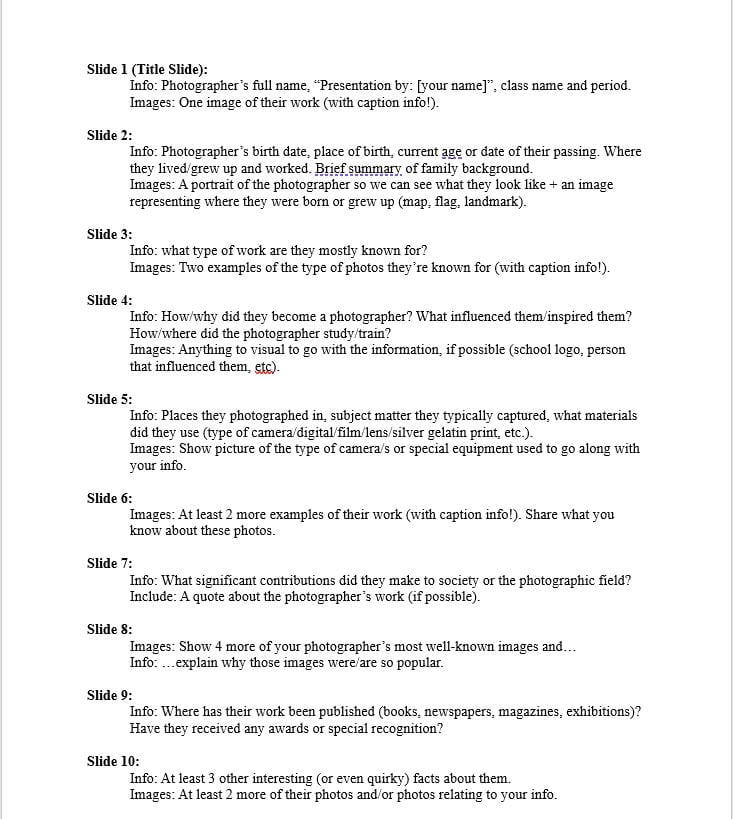
  • Continue working on your photographer research PPT and aim to get through slide 8 today. Check the pacing for the rest of the week below.
  • Choose a photo by your photographer to replicate/re-make.  Let me know which photo by tomorrow 1/23/24!
  • You can check out a DSLR camera any day after school unless you want to use your smartphone camera.

***Note: Do not simply cut & paste information into your PowerPoint presentation. Simplify your information and type it in your own words. You won’t be allowed to read from your slides during your presentation.***

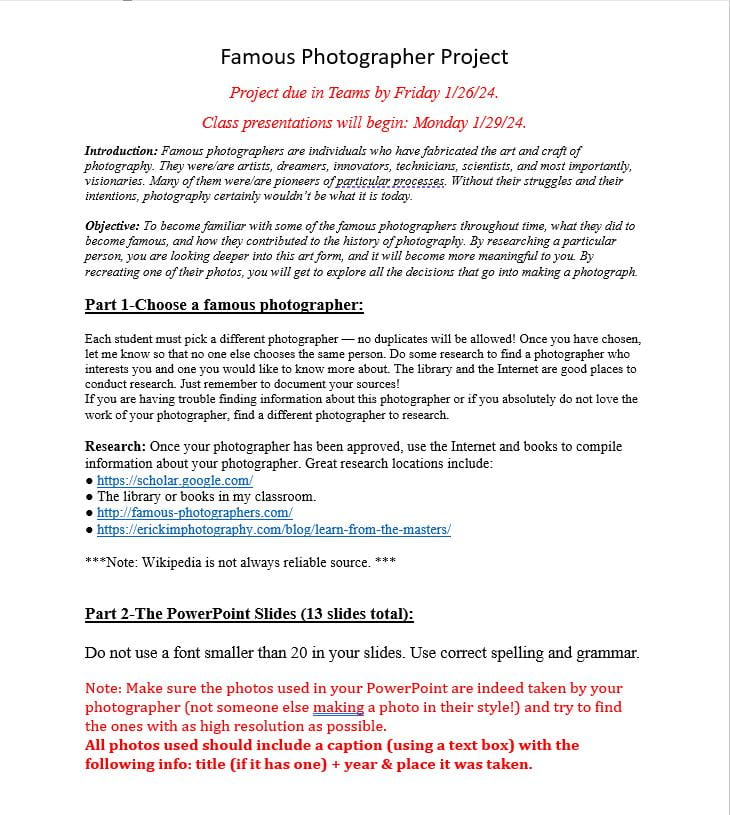
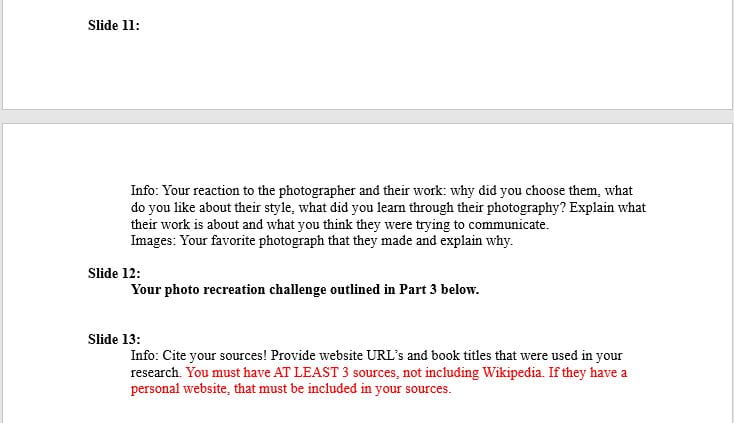
Famous Photographer Project Instructions

Pace for the rest of the week: (Take your photo recreation sometime this week!)

  • Tuesday: Slides 9 & 10, post the photo you want to re-make on the Padlet gallery wall (link in Teams!), put your name in the subject heading.
  • Wednesday: Slides 11 & 13 (I will be here after school on Wednesday if you need to use the classroom computers or camera equipment.)
  • Thursday: Edit your best photo re-make for slide 12. Include the original so we can see them side-by-side.
  • Friday: Look over all your slides and fix any mistakes. Make sure all info is in your own words!! Turn in your PowerPoint presentation on Teams.
Posted in Advanced Photo Assignments, Photo 1 Assignments

1/17/23: Famous Photographer Research Project-Part 1

Today’s Agenda

If you’re finished with your New Year Collage post and turned it in:

Open the word document link below for a list of some famous photographers.  You will need to choose one for an upcoming research project that includes not only learning about that photographer to present to the class, but also recreating one of their photos!

Take some time doing a Google search of the ones you may be interested in. Let me know when you decide on a photographer so I can reserve it for you because a photographer can only be claimed by one person in each class!

(The names with stars are just some of my faves that I hope some of you will pick) 🙂

Famous Photographers List for Research Project

In the Miscellaneous channel on Teams I provided the same list where I will highlight the photographers as they’re claimed.

Tomorrow we will go over the details of the project!

Posted in Advanced Photo Assignments, Photo 1 Assignments

Welcome to Second Semester!

Today’s Agenda:

  • Winter Break Photo Dump
  • New Year Handout
  • New Year Collage Instructions

Winter Break Photo Dump

I would love to see some of the photos you took during break!  If you’re willing to share, upload to our class Padlet Gallery! (Might be easier to upload from your phone at home.) Include your name in the subject field and you can type something about the photo if you’d like… or leave us guessing! We’ll take a look at the photos together on Friday. I’ll be adding some of mine throughout the week.


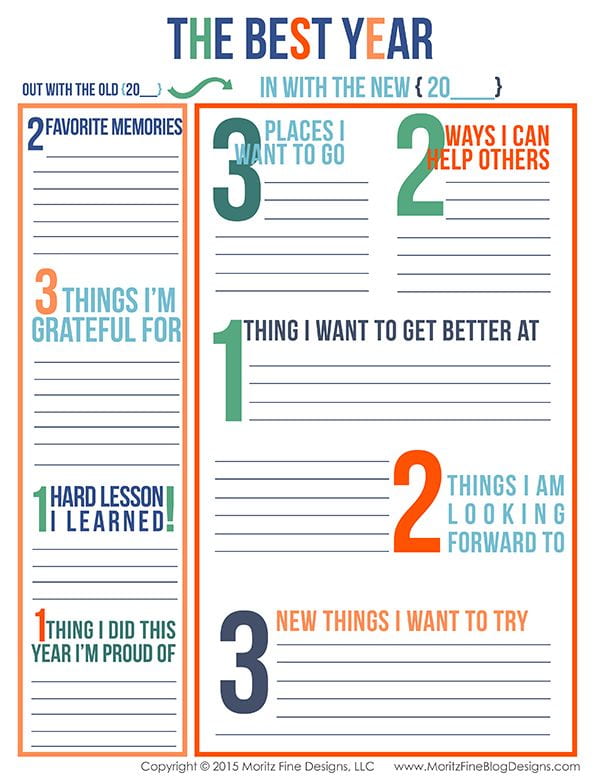
New Year Handout and Photoshop Collage

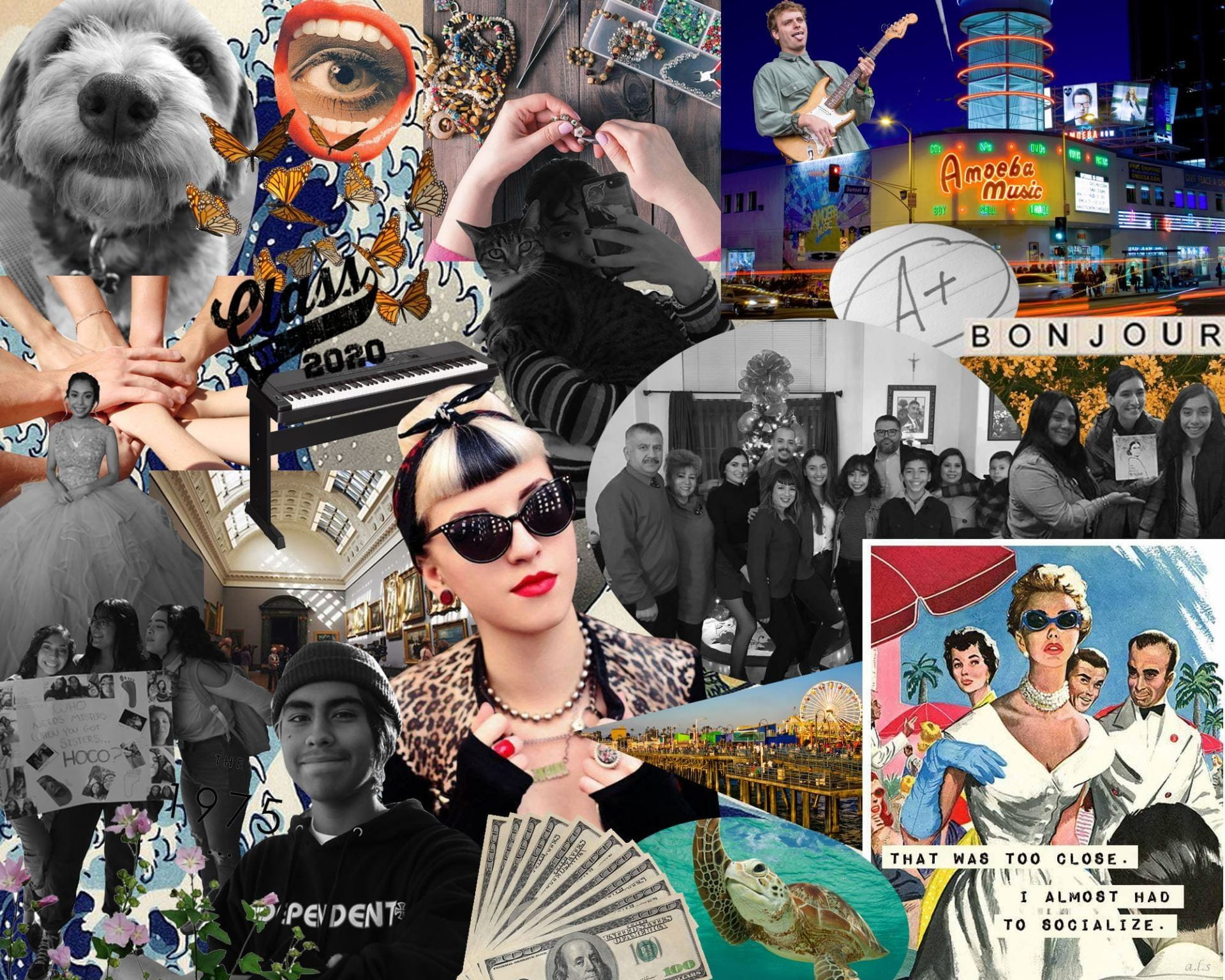
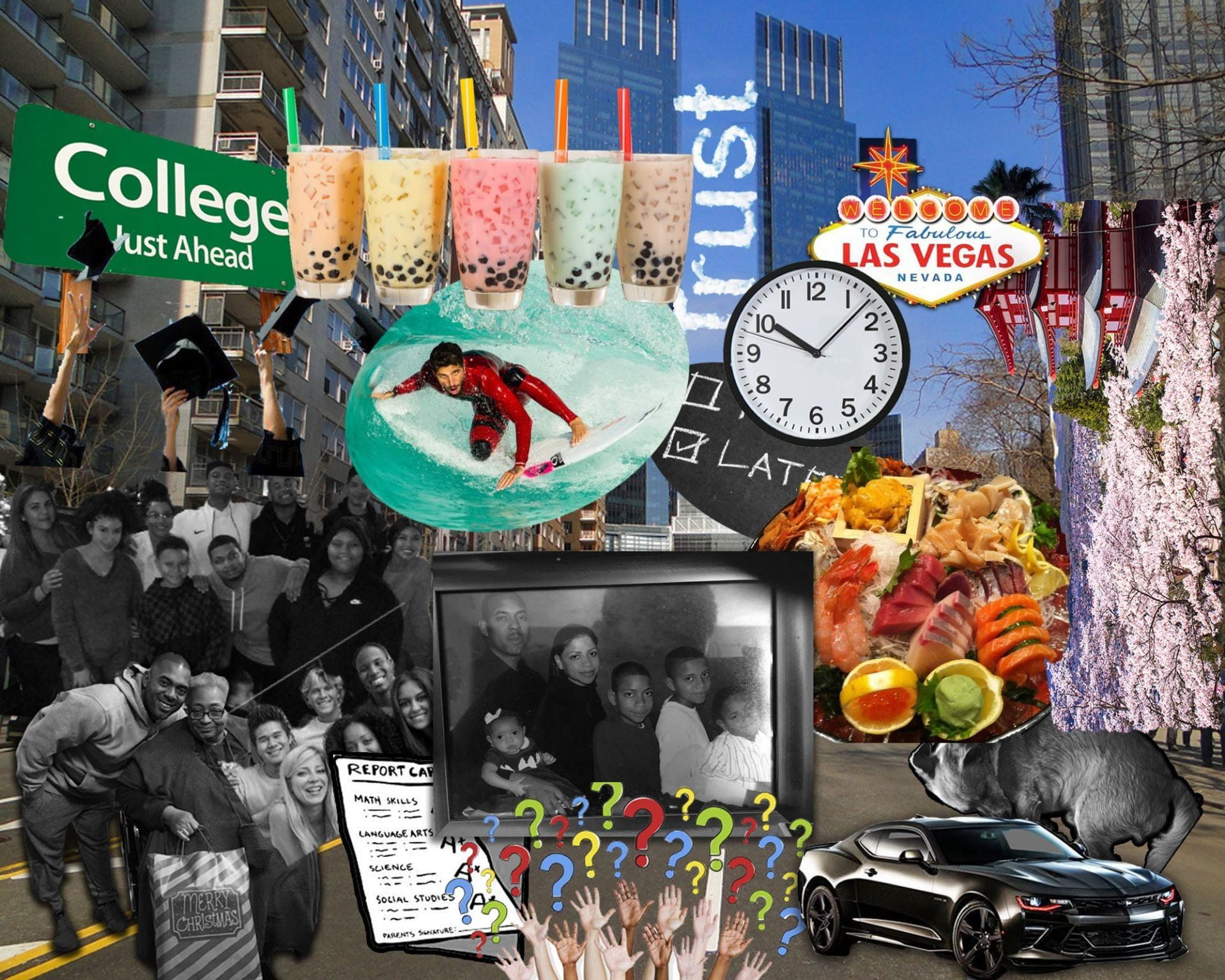
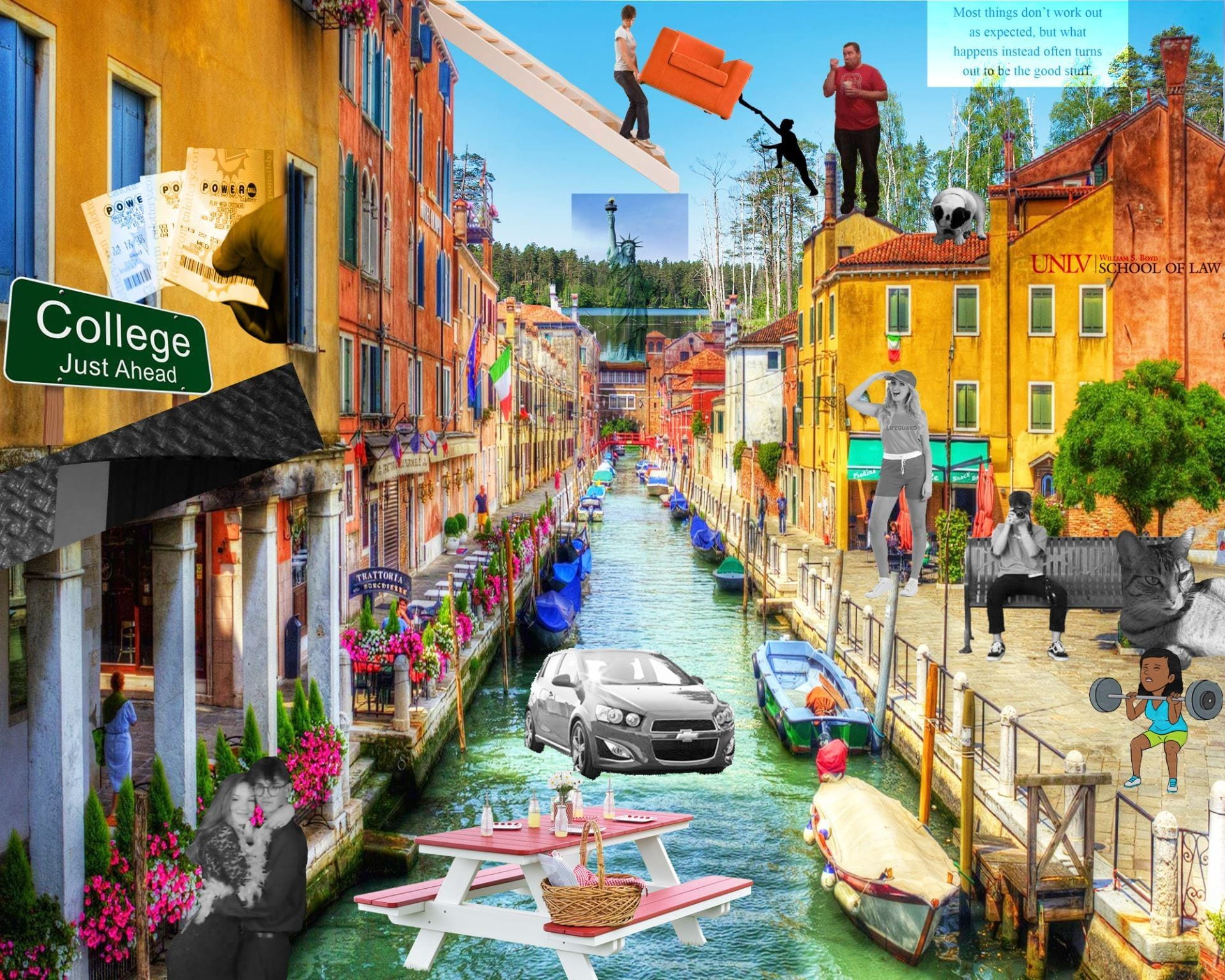
Objective: Reflecting on the year behind us and setting goals for the future are both valuable endeavors. Here is your chance to take some time to think about where you’ve been and where you’re going. With this digital collage, you will refresh your memory on some Photoshop techniques as well as learn some new ones. In addition, you’re continuing to develop your ability to communicate ideas visually.

Step 1: Complete this step today!

Fill in your responses to the prompts below. Pay attention to the number of responses required for each one. Use a Word Document to type your responses and then save to your One Drive.  Here’s one you can download: New Year Handout Responses

Step 2: Complete this step by the end of the class period on Wednesday (1/10/24).

Next, search for images online or for photos on your phone to represent EACH of your responses-THAT’S 18 IMAGES TOTAL! Save to your OneDrive as JPEG files. (If they don’t save as JPEG, take a screenshot using the Snip Tool instead.)

The images don’t have to literally illustrate your response, it can be symbolic. Ex: a red rose can represent your hopes of talking to your secret crush this year. 😉 Use images that inspire you and reflect your personality, aesthetic, or style.

Step 3: The collage should be finished by the end of the period on Friday.

Open this PowerPoint for collage instructions, criteria, and video tutorials before you begin: New Year Digital Collage PPT

Posting Instructions will be posted later this week.