Posted in Photo 1 Assignments

FriYAY 4/30/21: More on Food Photography

Today’s Agenda:

  • Food Photography Video
  • Work on Missing Assignments + make-up Quiz
  • Food Photography Research Assignment


Food Photography Research Assignment

Objective:

Create a Word document or PowerPoint Presentation that provides at least 10 food photography tips. Tips can include things regarding staging, lighting, camera settings, angles, etc. Include the URL of the 3+ websites you get your info from on the document or PPT.

Steps:

  1. Google Search: “food photography tips” and/or “smartphone food photography tips”.  Visit at least 3 websites to find some useful advice and tips.
  2. Google Image Search: “food photography” and find a professional food photo of the following and place them at the end of your document or last slides on your PPT:
  • a food photography photo that you think looks amazing
  • your favorite breakfast food
  • your favorite cuisine
  • your favorite sweet or savory snack
  • food that you HATE or don’t like

Due Monday!

https://www.dylanandjeni.com/

https://peachestopeaches.com/

Posted in Photo 1 Assignments

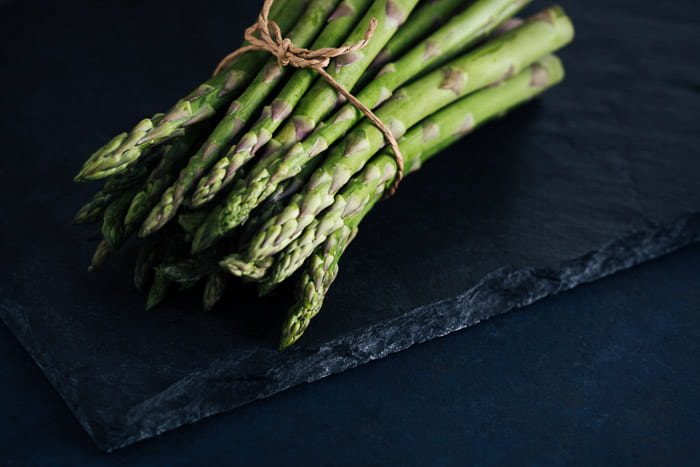
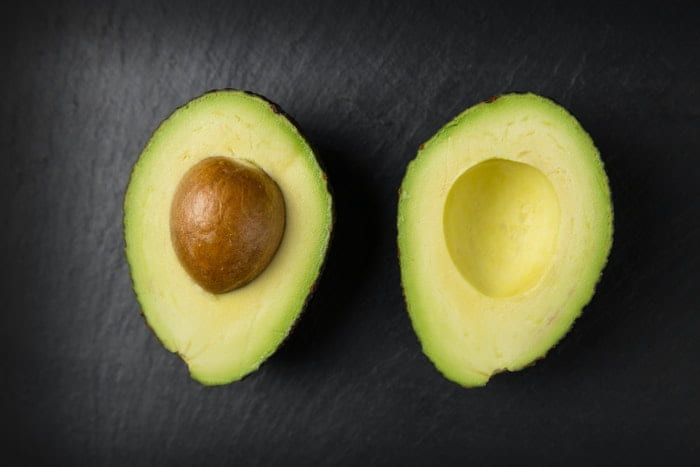
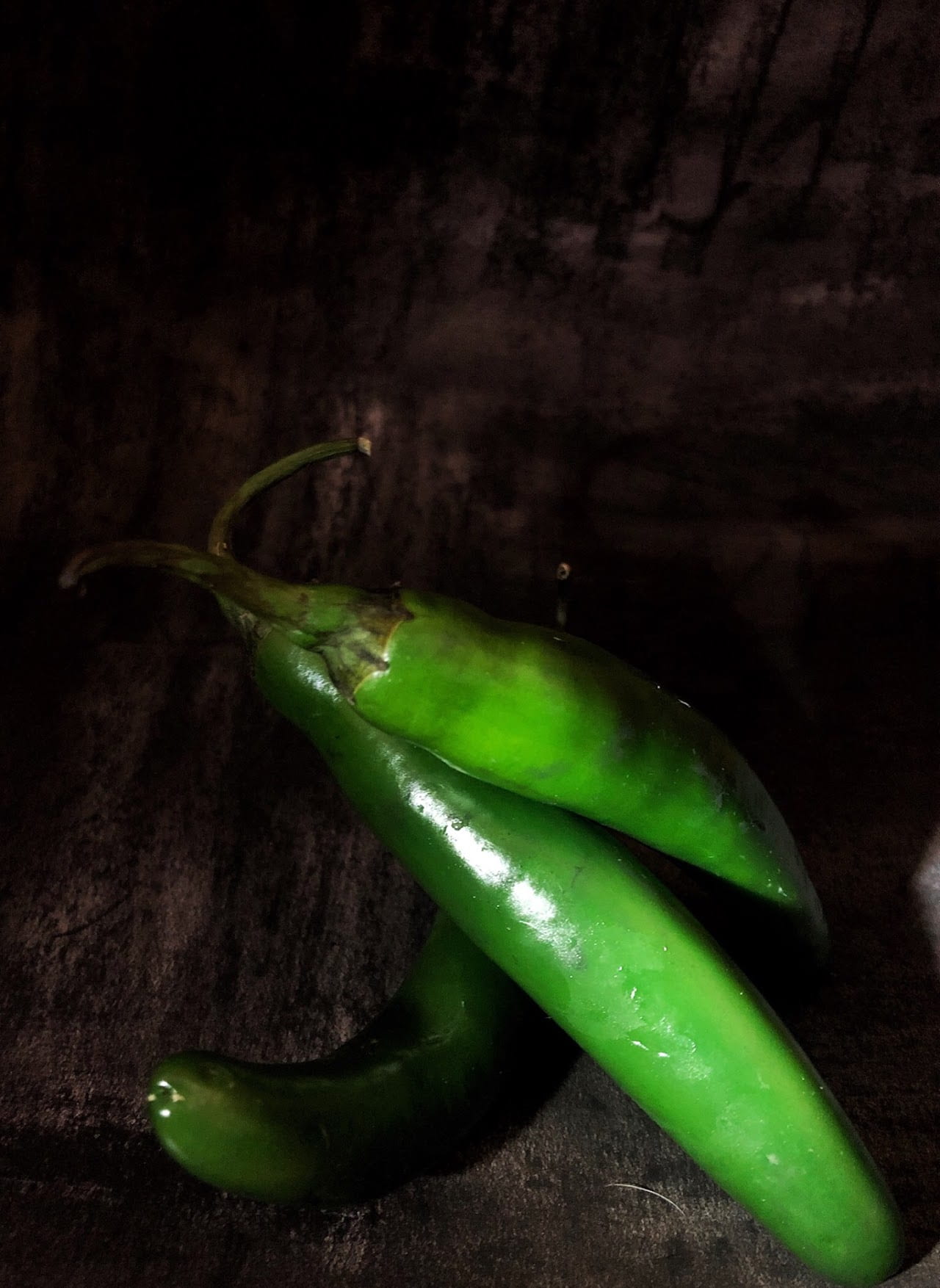
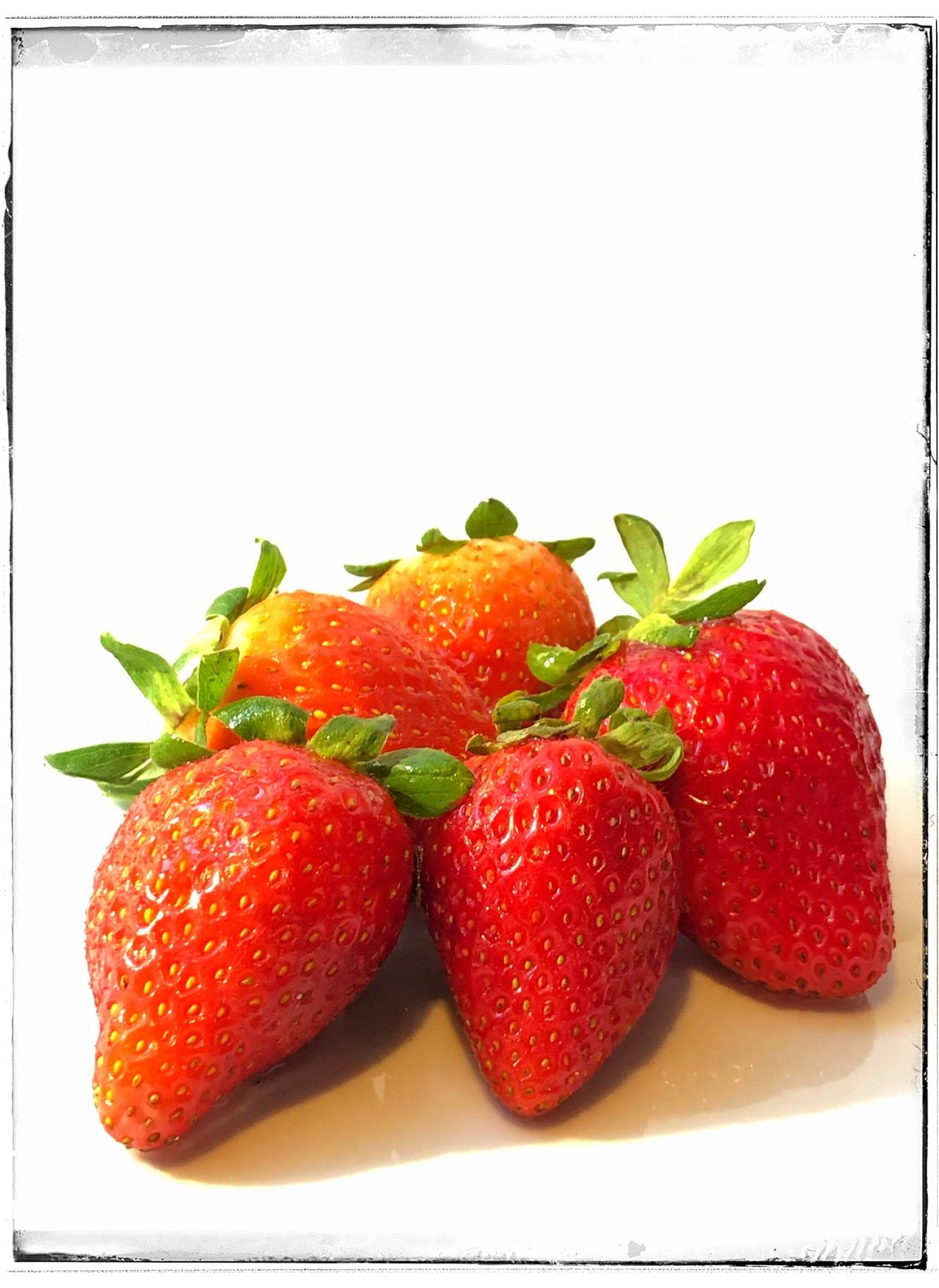
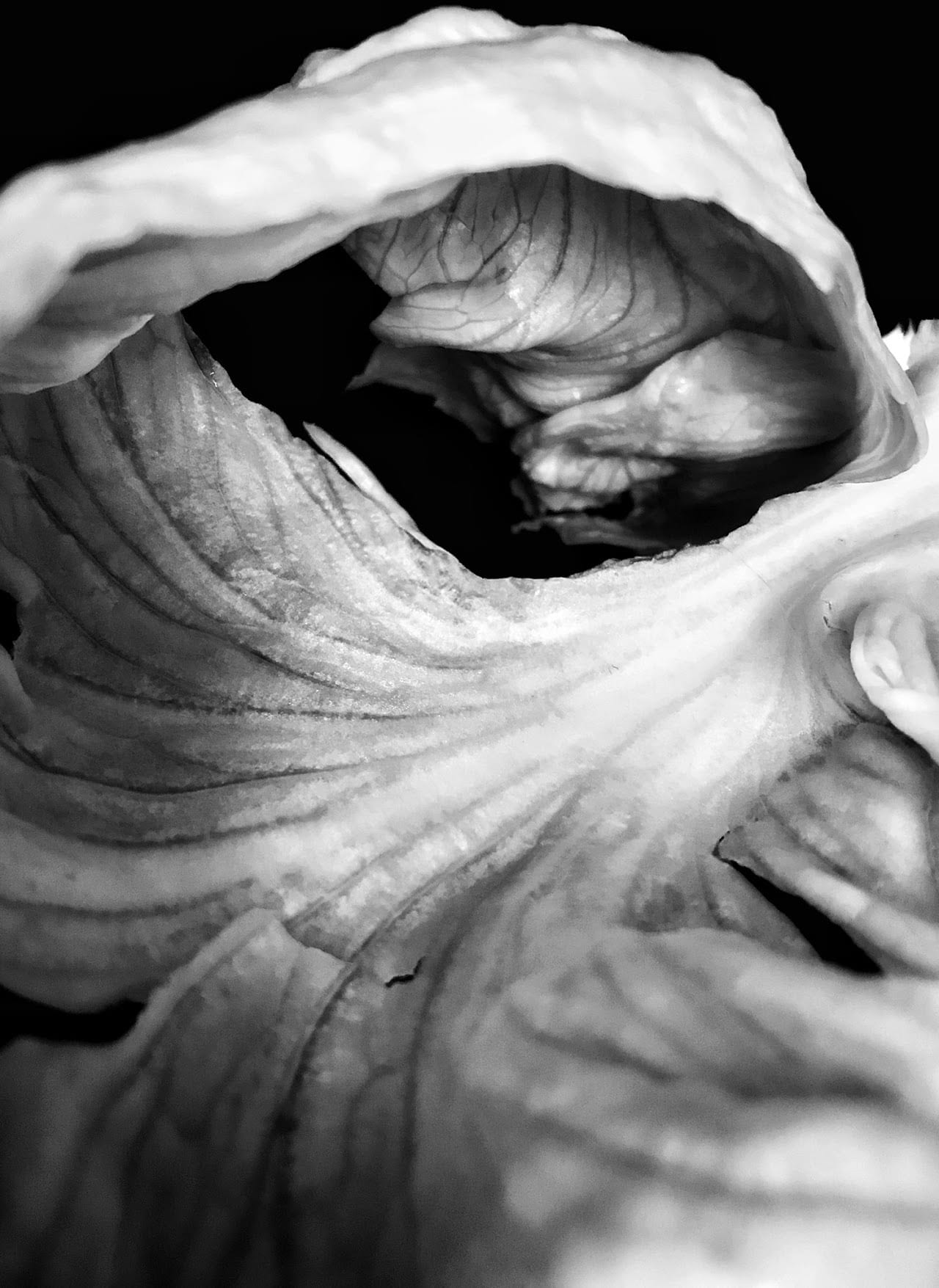
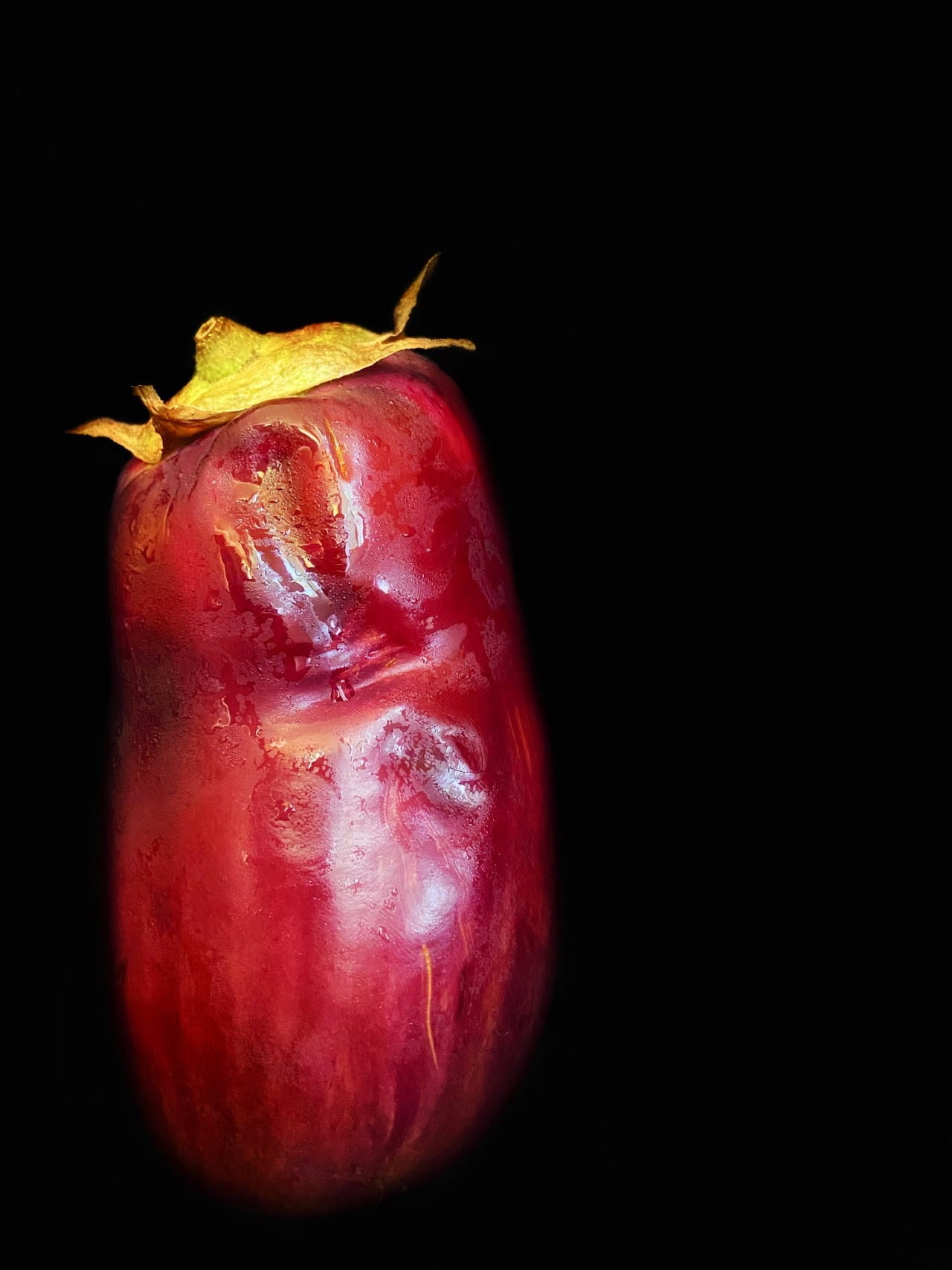
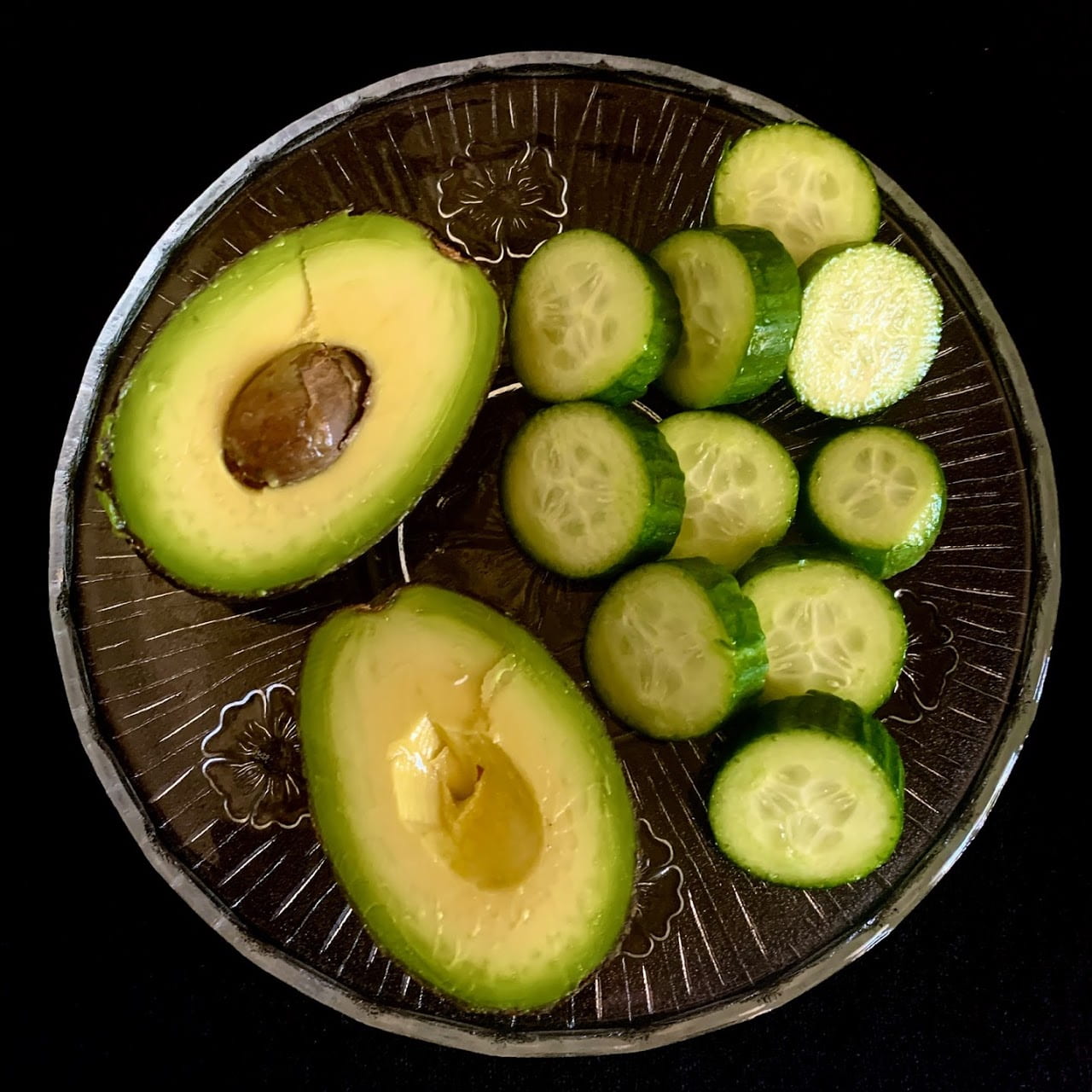
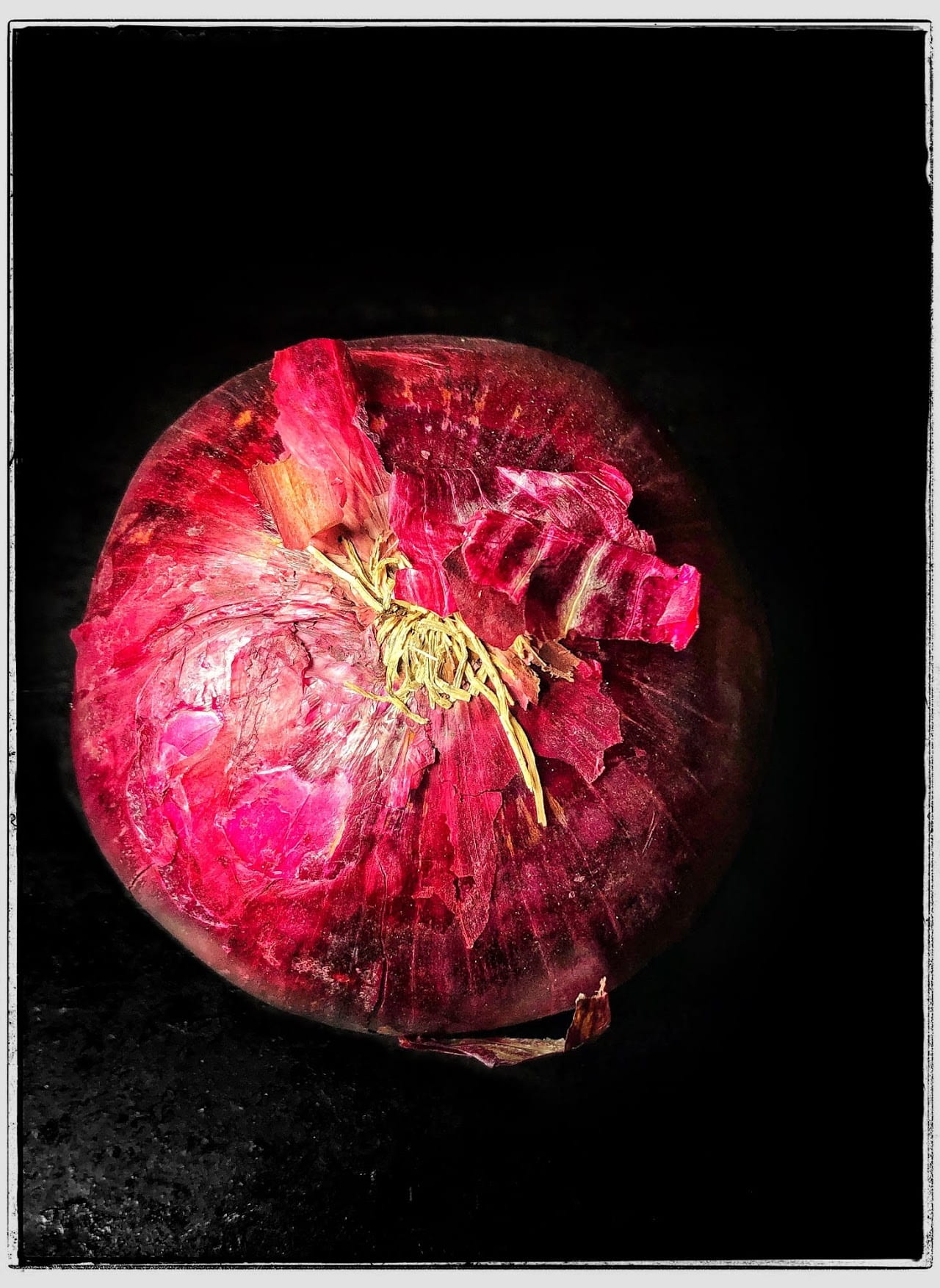
Tuesday 4/27/21: Shoot Your Fruits & Veggies!

Fruit or Veggie Still Life

In this lesson you are going to take fabulous photographs of  a fruit or veggie!

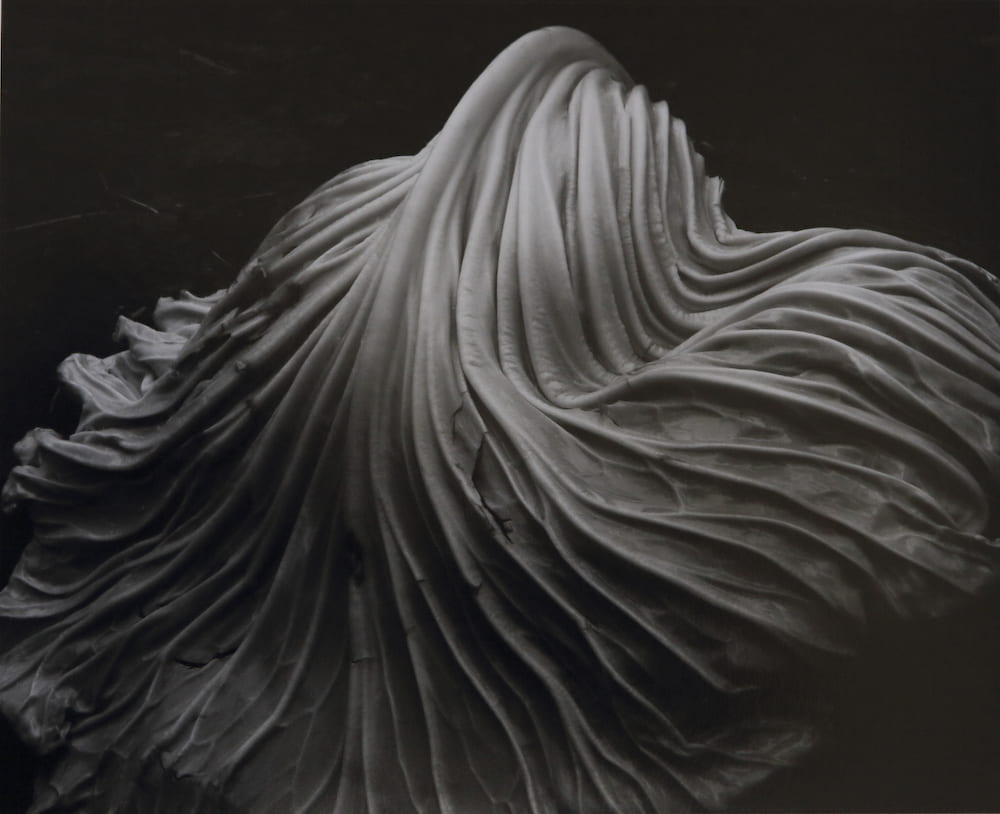
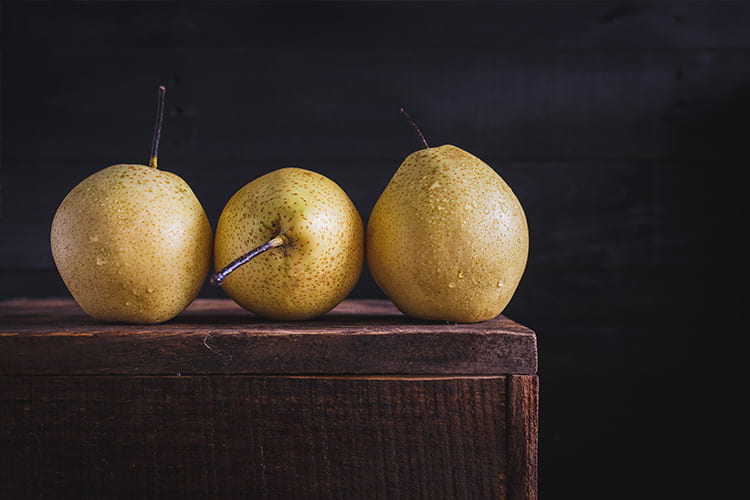
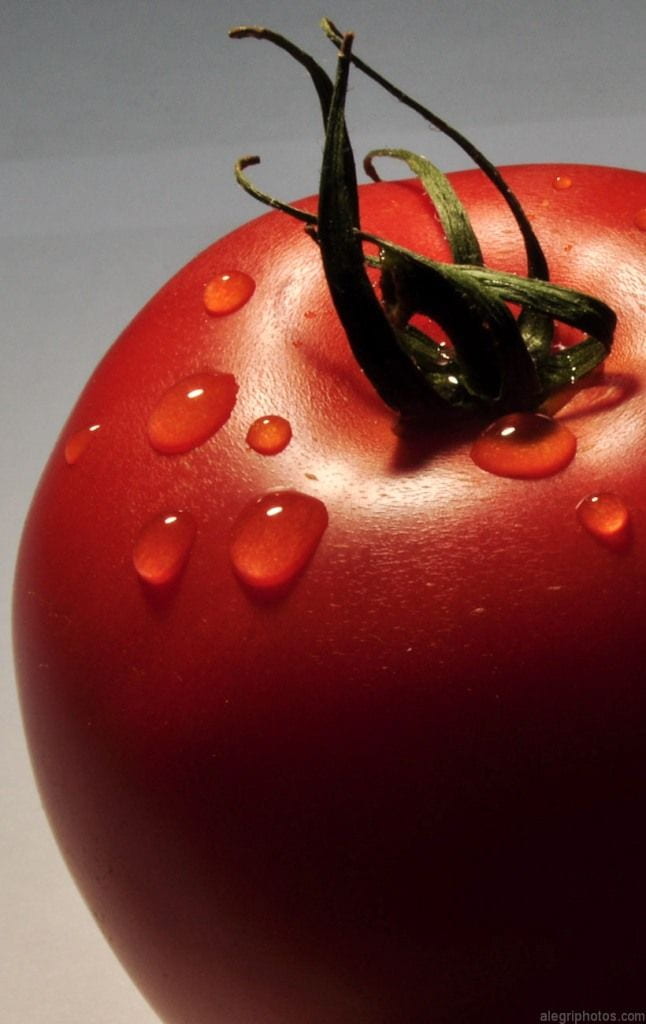
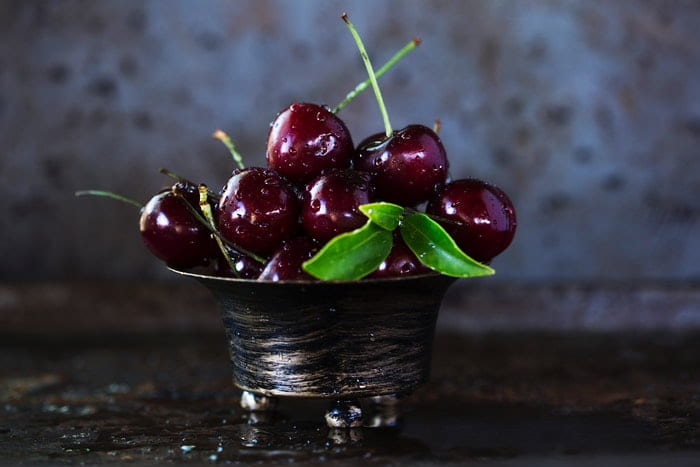
  1. Before you start do a Google image search of still life fruit photography and look at some amazing photographs. You can also check out the work of Haniyeh Nikoo for more inspiration.

  2. Then open up this presentation and READ EVERY SLIDE! You will learn how to make dramatic still life photos of fruits & veggies. This project is really easy, and can be really beautiful if you take it seriously and edit it well. I am excited to see what you come up with!

  3. Choose a fruit or veggie to photograph and set up you scene. Remember to have a simple surface and backdrop. Your surface could a table, counter, plate, or cutting board. Use a shirt, sheet, towel or set up a paper background if you want to hide details in the distance. (The PowerPoint slides provides more details on this!) Think of yourself as a fruit and veggie photographer and you are promoting this food item for a magazine.

  4. I suggest taking at least 10 shots, with different angles, lighting and compositions. Avoid front lighting, instead try side and back lighting. (The PPT slides give more details!)

  5. Crop and edit using Snapseed or your phone by making the shot black & white or make the color pop out. (The presentation gives more details!) Crop the shot to make the composition perfect.

  6. Go back to Teams and turn in your best 3 edited photos + screenshot of your 10+ photos. Due Thursday!
Inspiration Gallery below.  If you want to check out the student photos from last session, head over to the Photo 1 Gallery tab above on this website and scroll towards the bottom!

Posted in Photo 1 Assignments

Monday 4/26/21: Peer Photo Critique

Today’s Agenda:

  • Answer the warm up question in the General channel on Teams (Aperture Quiz on Thursday!)
  • Peer Photo Critique Assignment
  • Work on missing projects and assignments

Peer Photo Critique

Visit the Photo 1 Gallery tab on THIS WEBSITE (NOT the class gallery wall on Padlet) to view your peer’s work from the latest depth of field projects: Shallow DOF Scavenger Hunt + Wide DOF Project (Environmental Portrait or Forced Perspective). These photos are in the first 6 rows.

Choose one shallow DOF photo you really love and one wide DOF photo you also love.  They can’t be your own photos.

Copy and paste the photos onto a Word document and answer the following questions about each one:

  1. What is the main subject in the photo (or what is happening in the photo)?
  2. What camera angle was used?
  3. Do you see any rules of composition being used?  If so, where and how?  If not, which rule might have been easy to apply?
  4. What is the depth of field like in this photo?  Did they achieve the correct DOF for the project that it’s for?
  5. What could have been improved in the photo?  What do you love about the photo?


Posted in Photo 1 Assignments

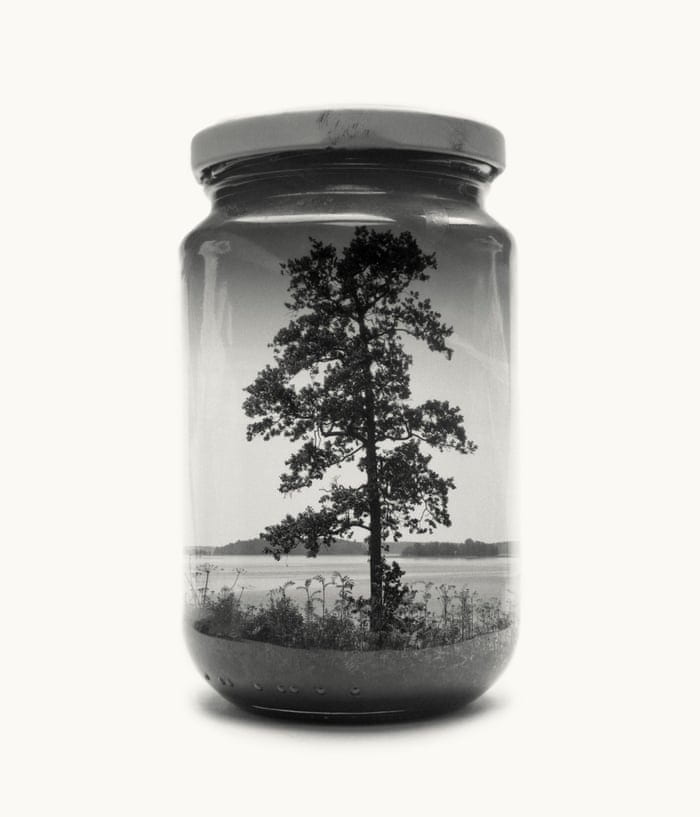
Friday 4/23/21: Photo in a Jar Trick!

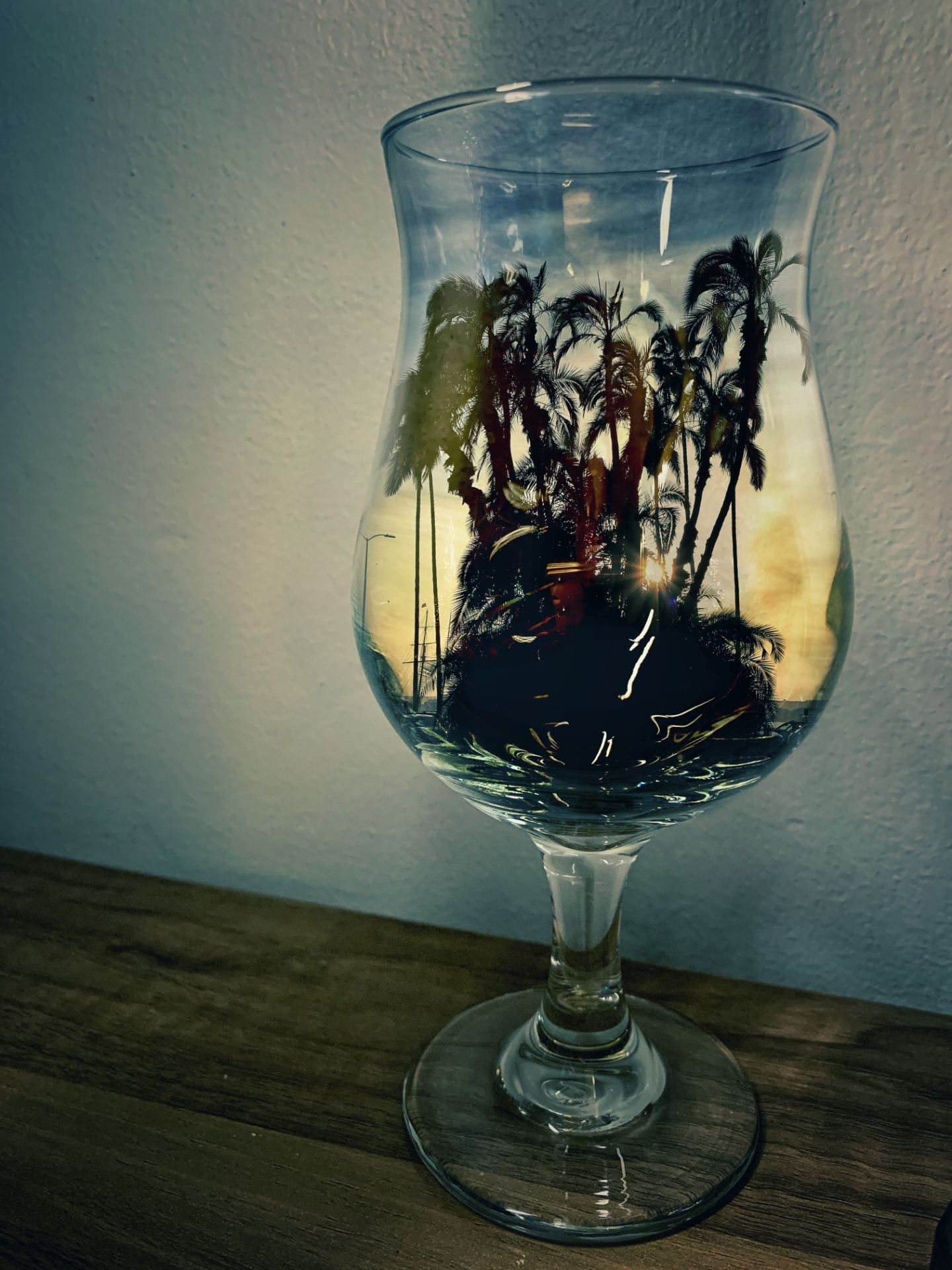
Photo In a Jar Effect Using Snapseed

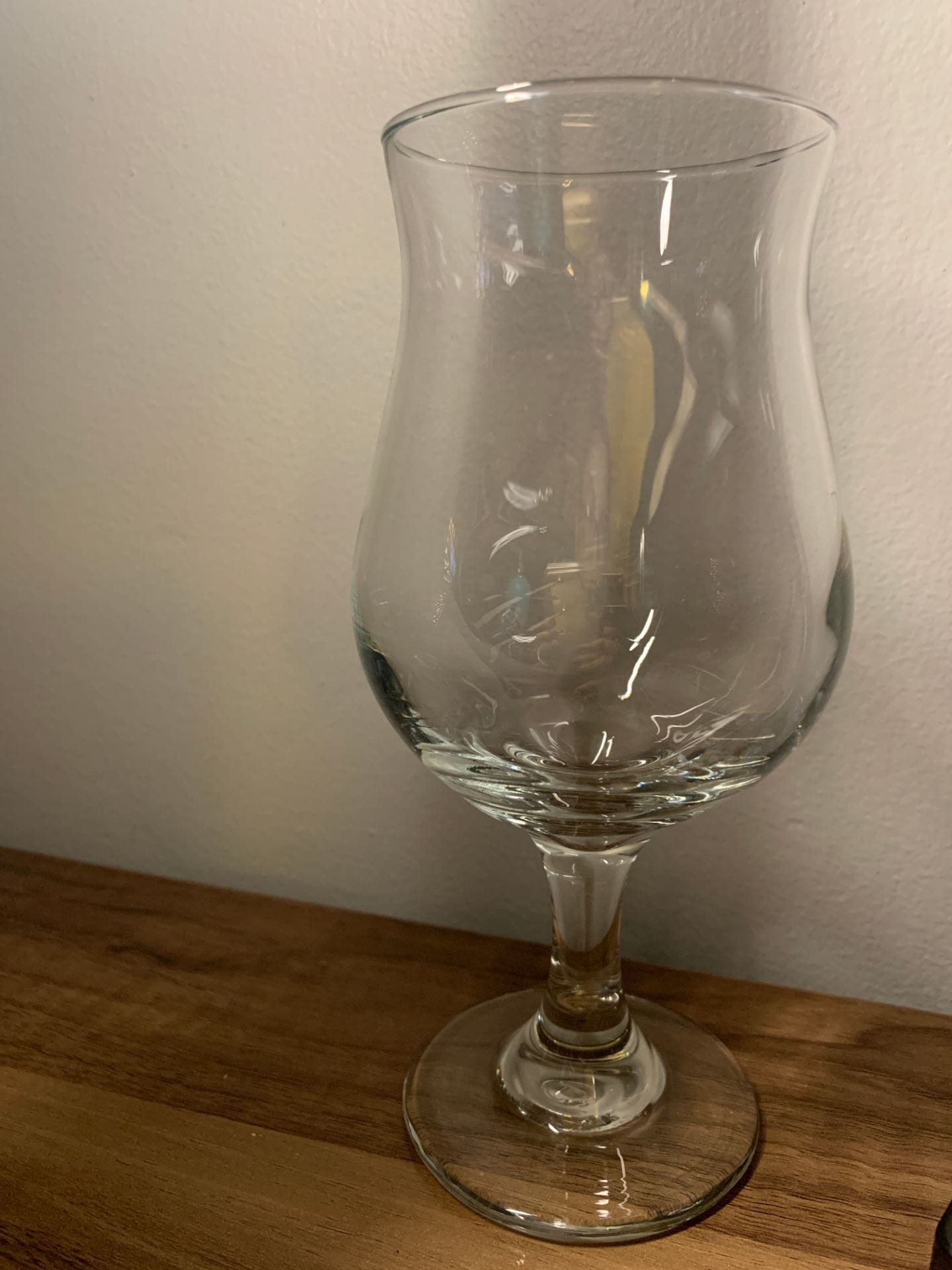
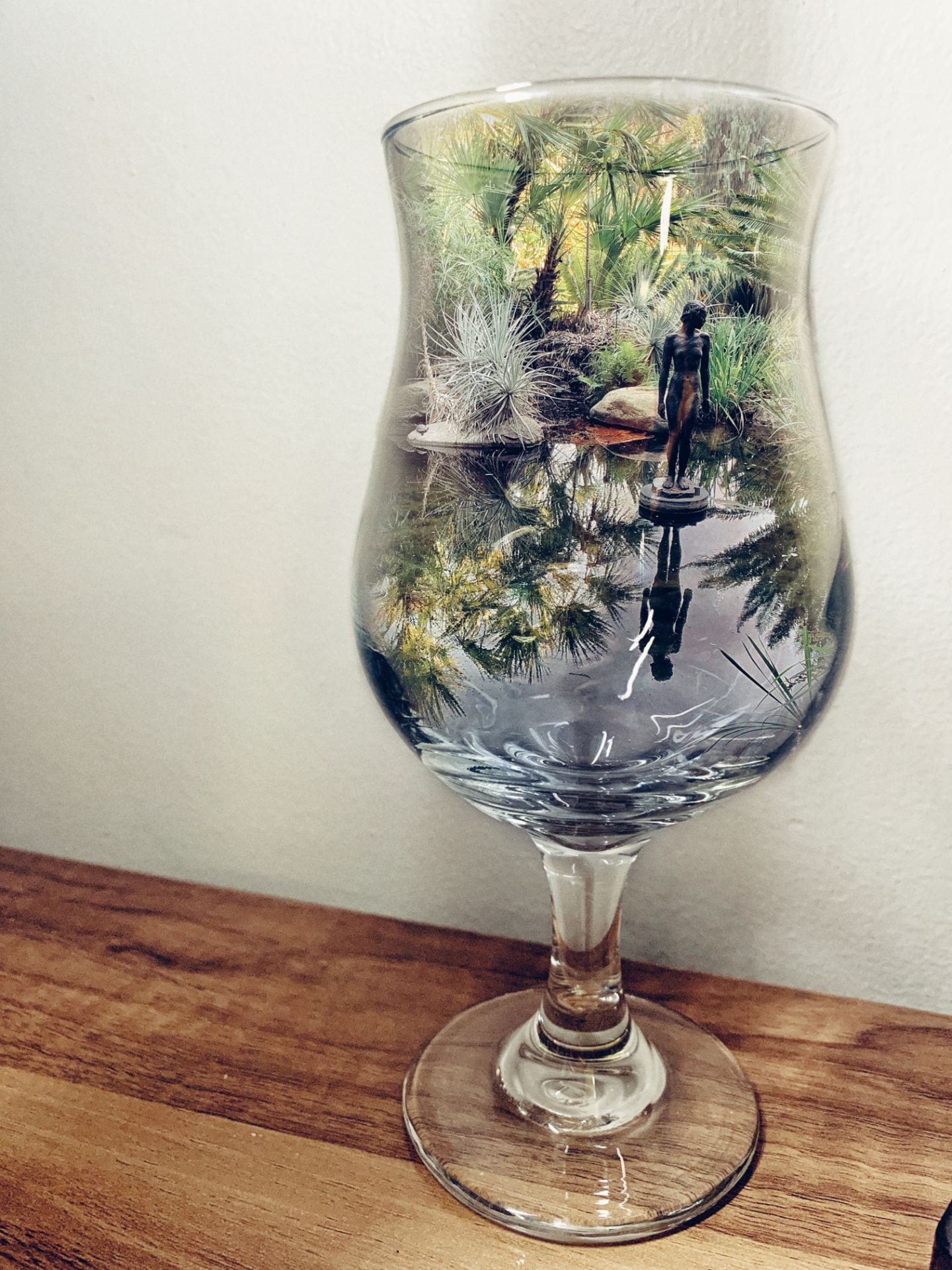
Step 1. Take a photo of a “jar”.  This could also be a glass, vase, fishbowl, or other glass vessel. Take your time to take a good quality and well exposed photo. Consider your background as well.  (Remember, creating interesting composition means you have to pay attention to your whole image.)

Step 2. Choose a photo to put in your “jar”.  This can be a photo you’ve taken or one you save from the Internet (I recommend using pexels.com from your phone).

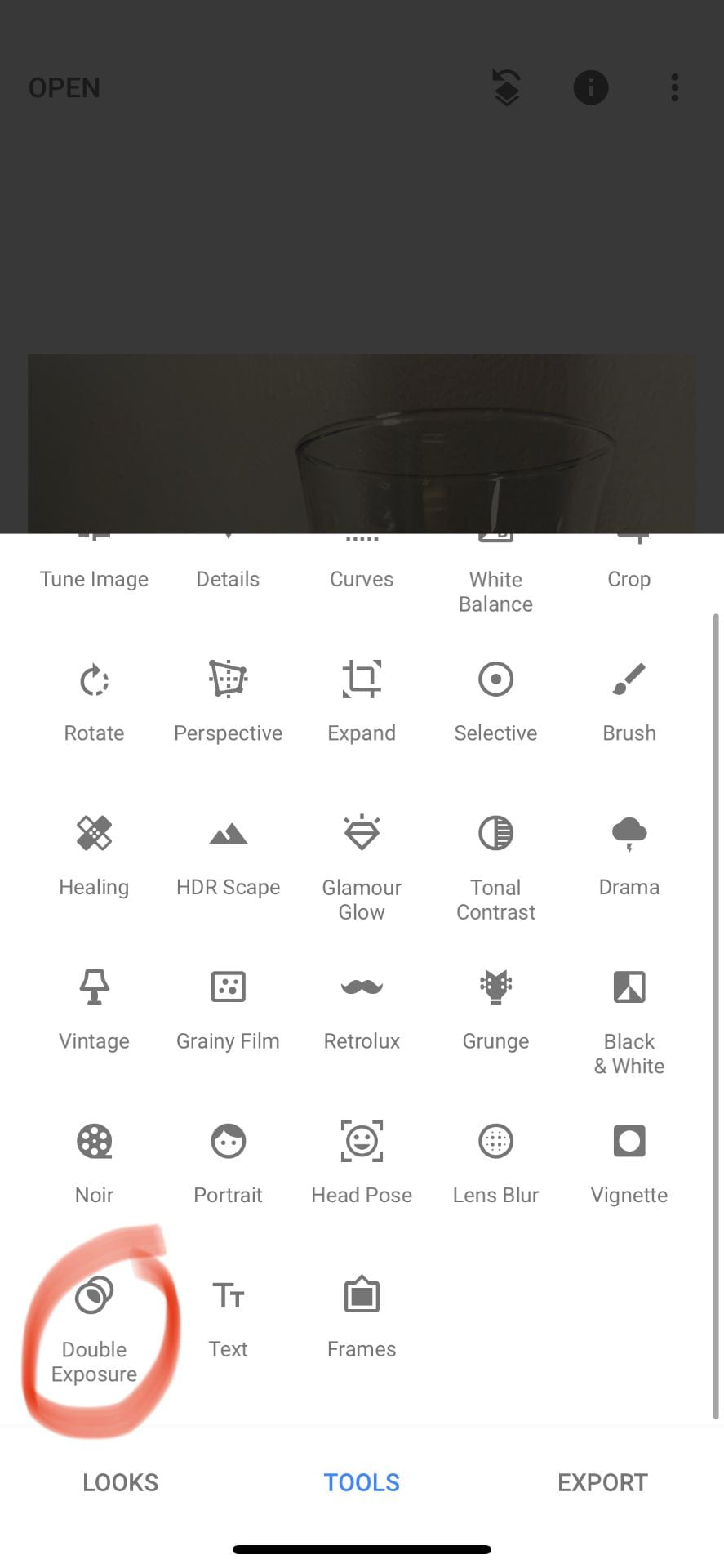
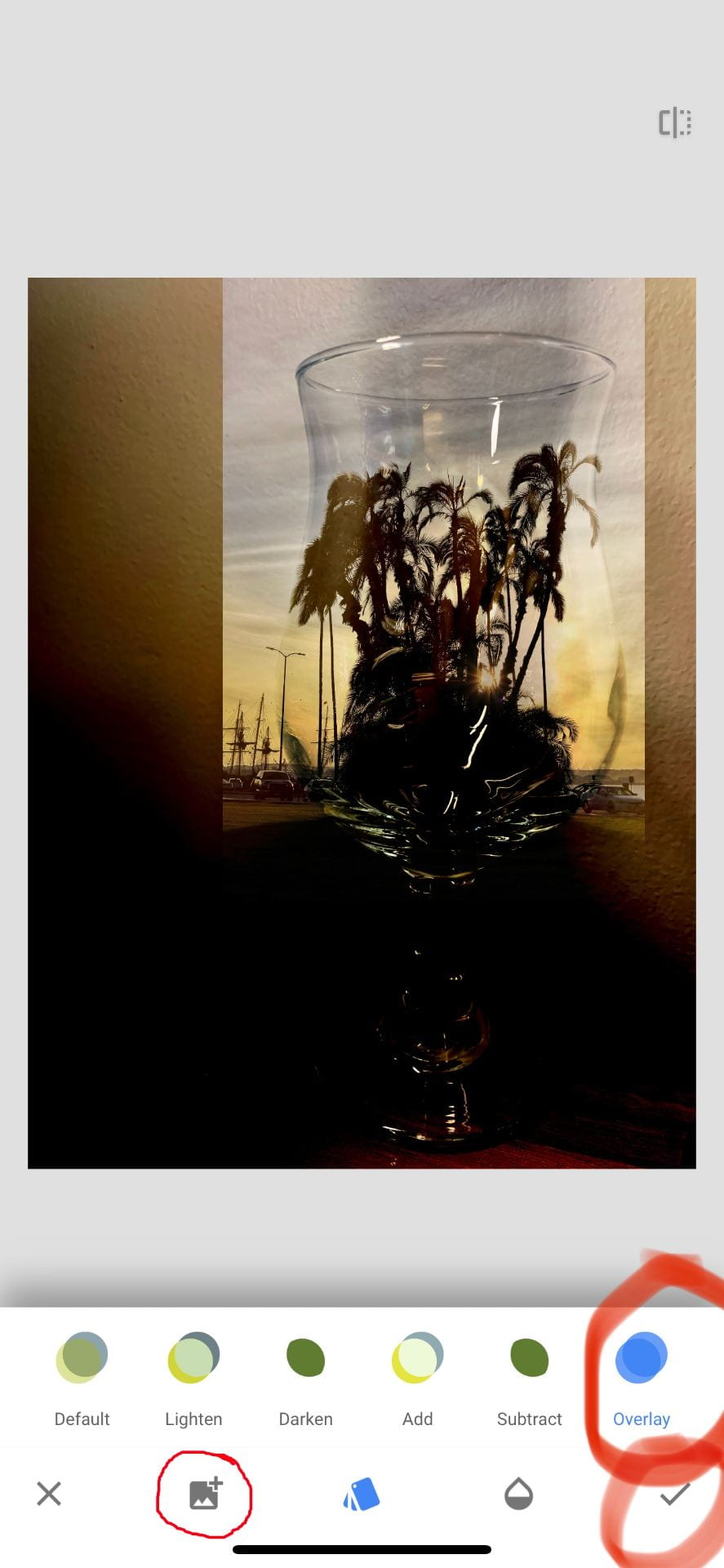
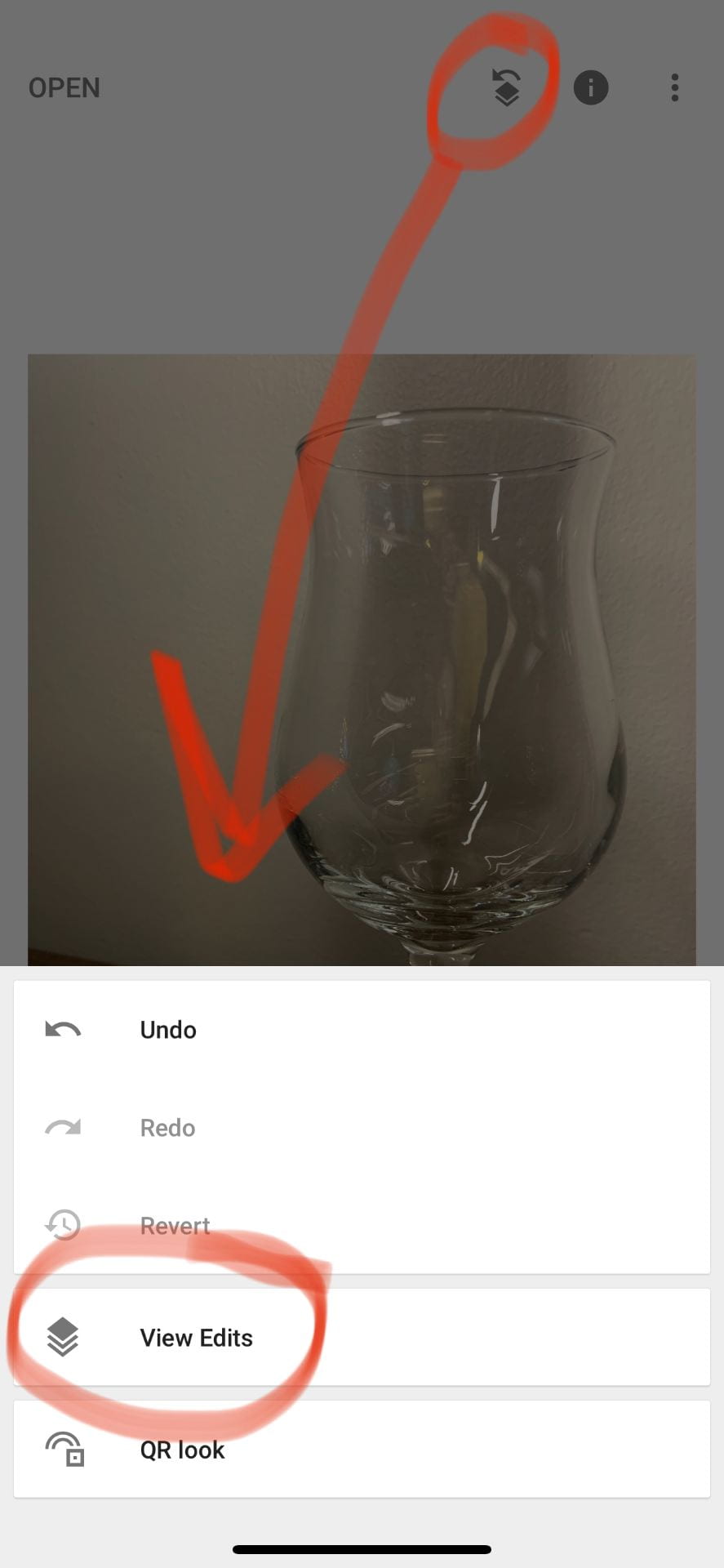
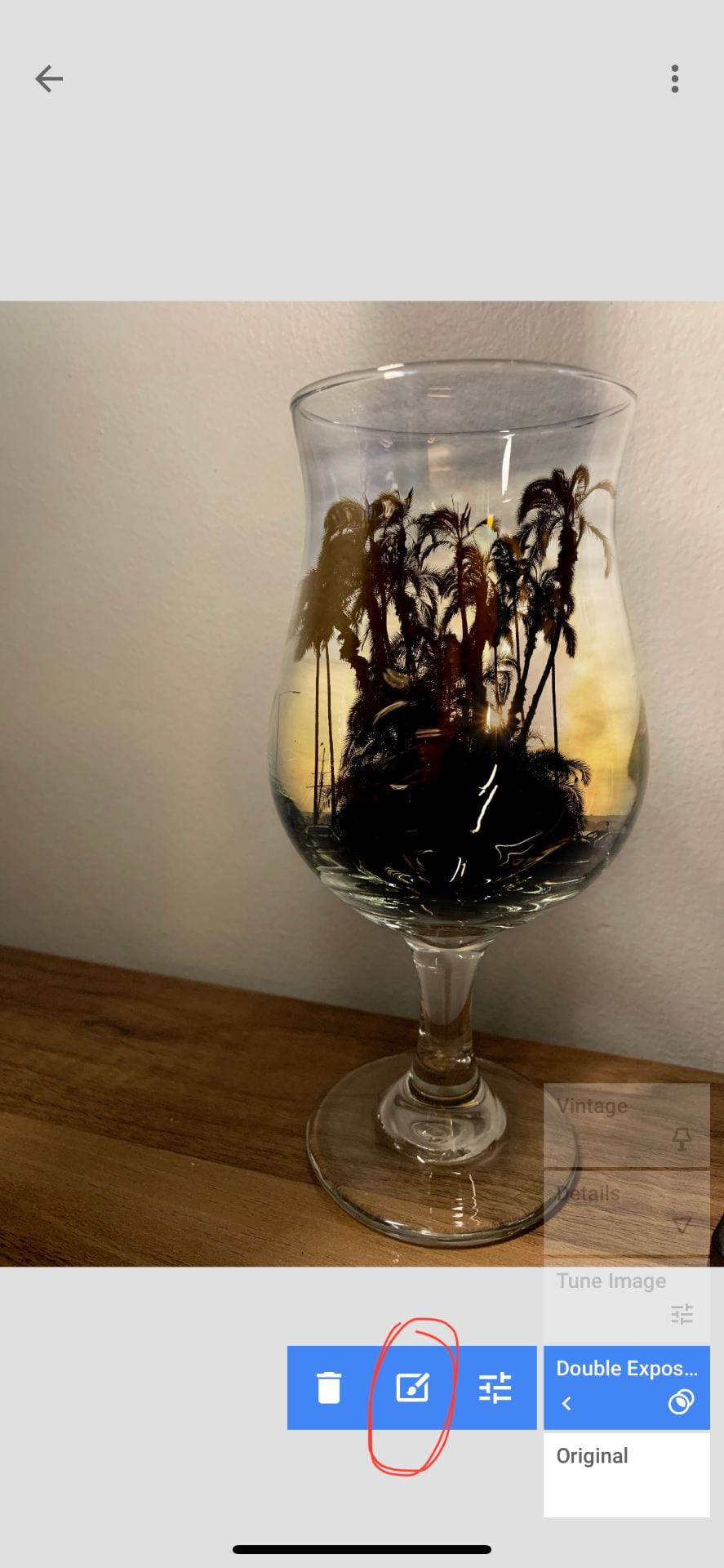
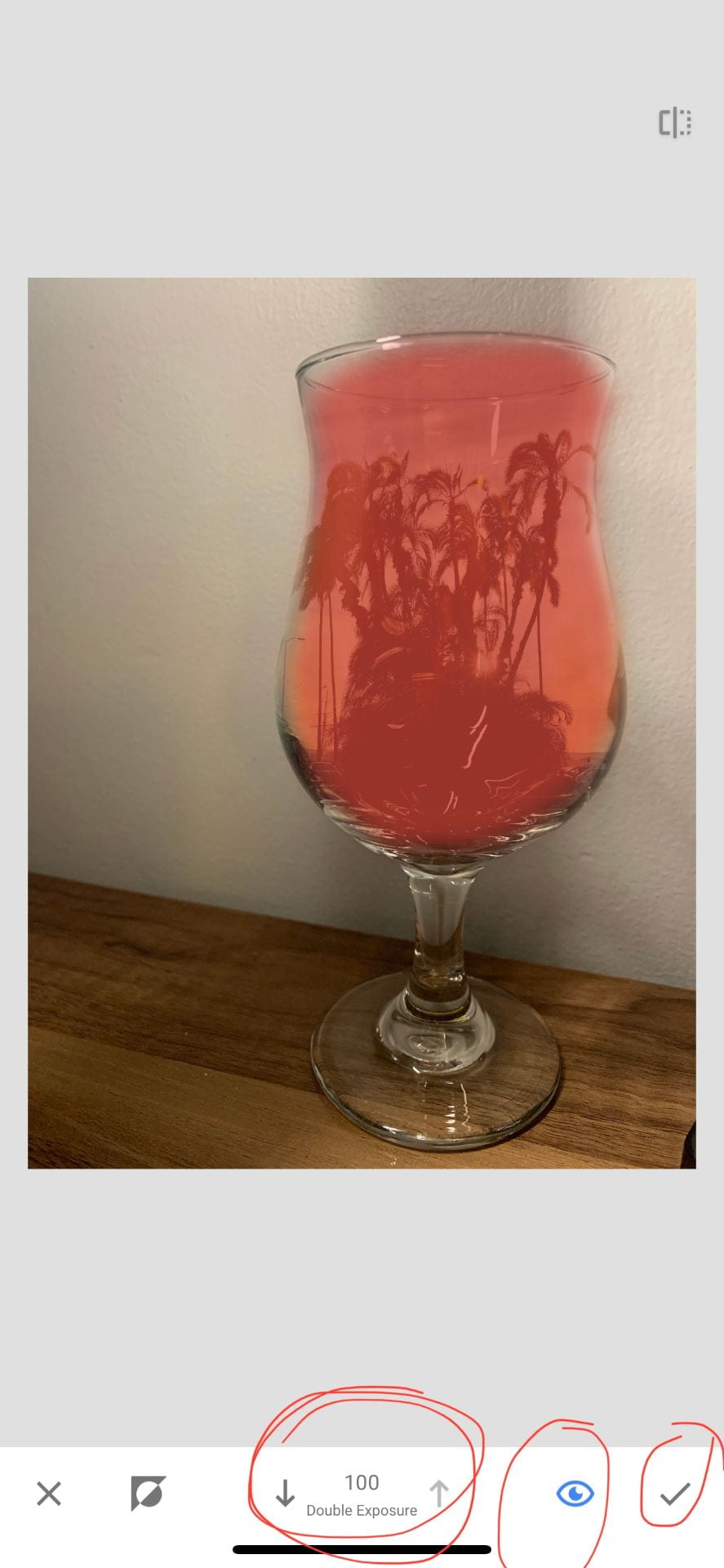
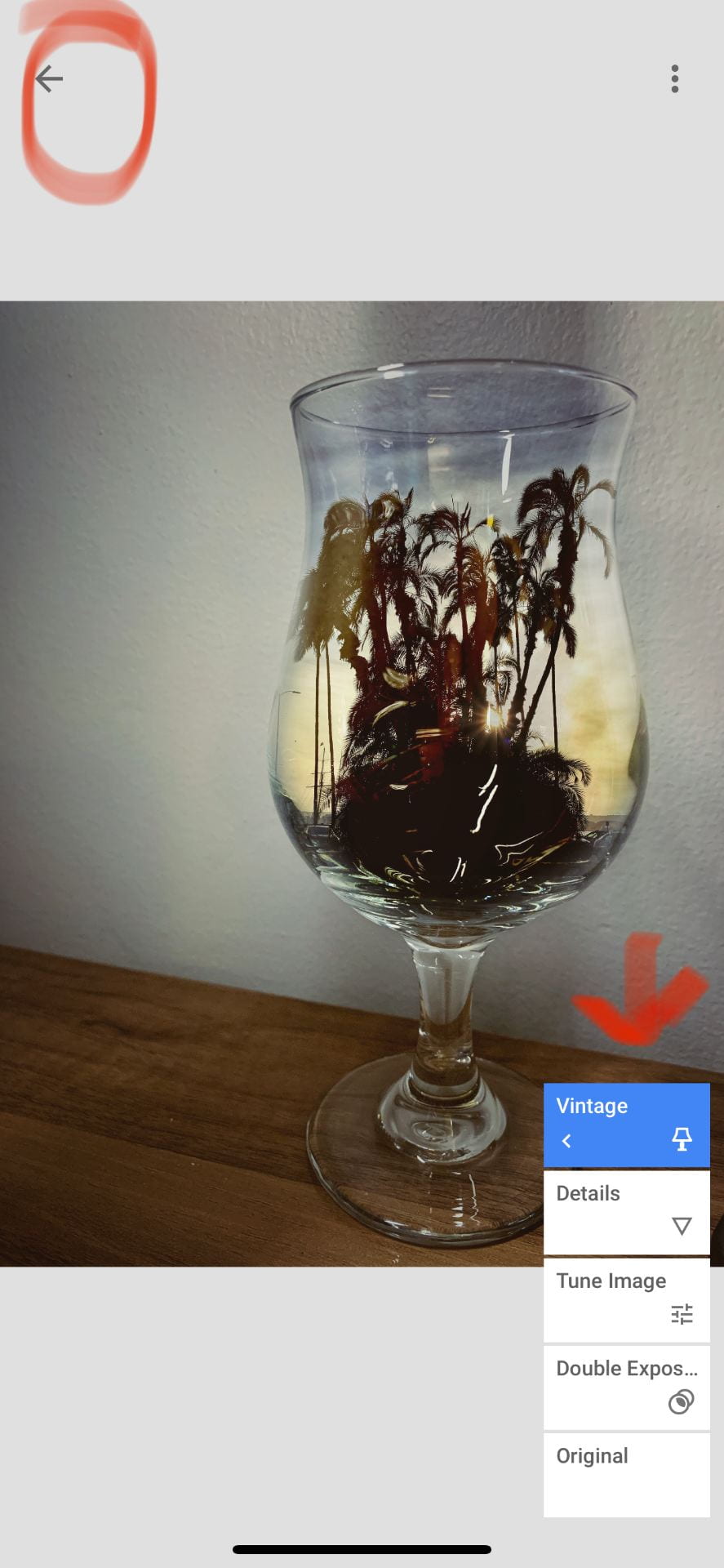
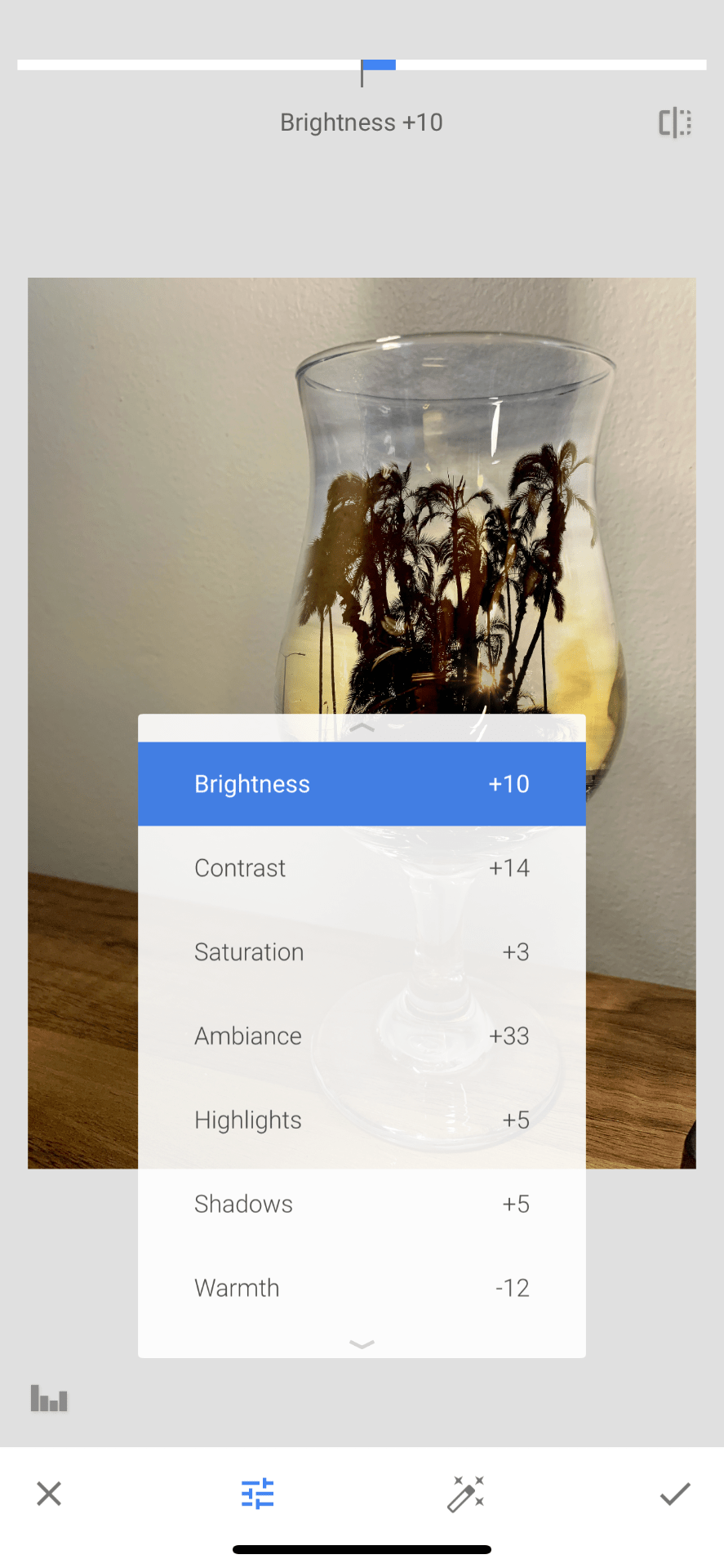
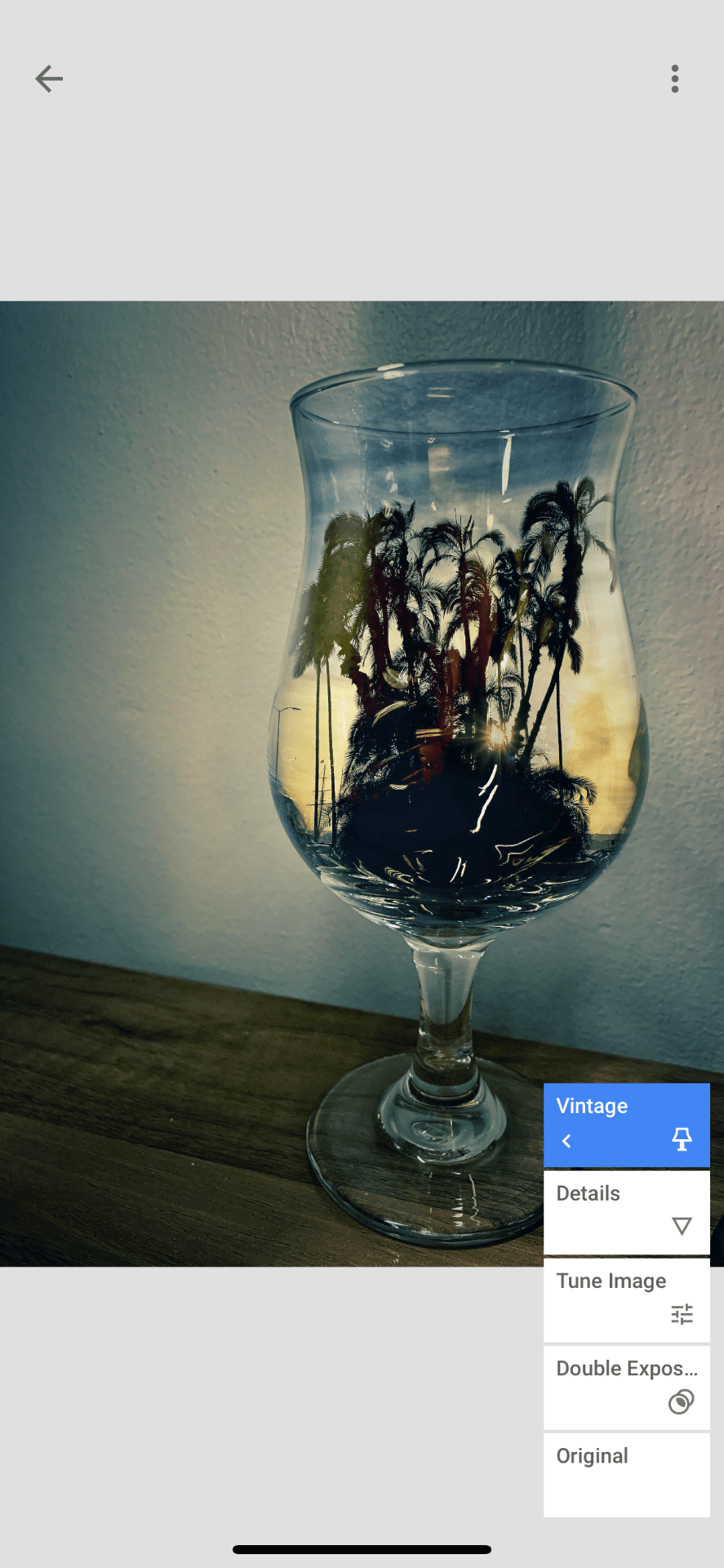
Step 3. Edit both photos together with the double exposure tool in Snapseed to create a convincing “photo in a jar” effect.  Get creative with the editing tools and filters on Snapseed.  Experiment and have fun with it! Use the video and step-by-step photo gallery below to achieve this look.

Step 4. Submit your “Photo in a Jar” PLUS your original jar/glass photo in Teams today!
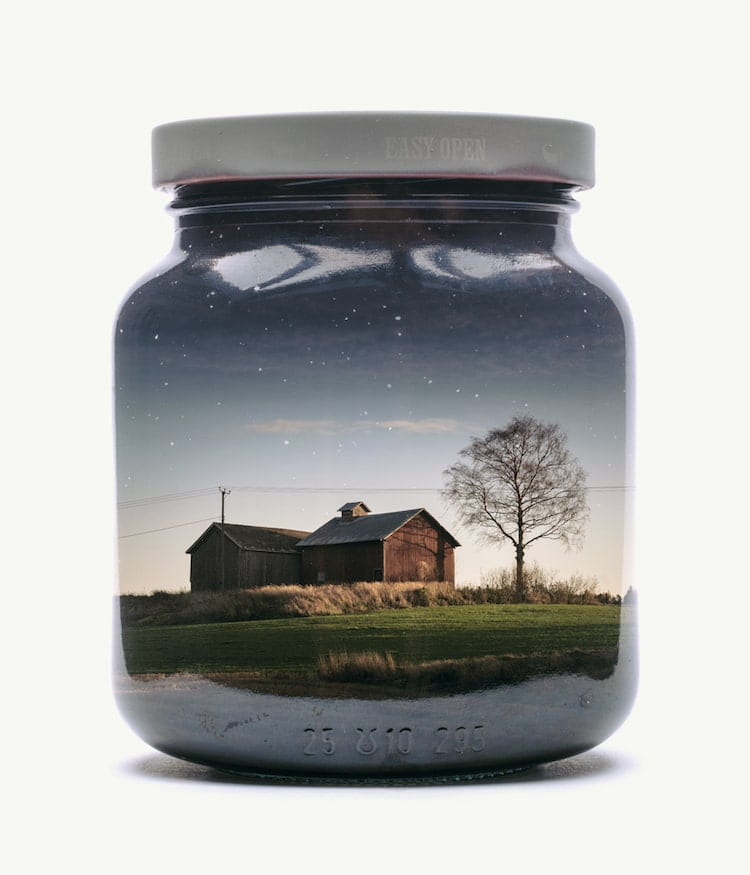
Student examples can be found in the Photo 1 Gallery tab on this site. Check them out!

Posted in Photo 1 Assignments

Thursday 4/22/21: Photography Videos and Reflection

Today’s Agenda:

  • Answer Warm Up Question on General channel in Teams
  • BioMedical Photography Video
  • War Photojournalism-Lynsey Addario Video
  • Reflection from videos

BioMedical Photography Video-YouTube link

BioMedical Photography Video-Non YouTube Link


War Photojournalism Lynsey Addario Video-YouTube Link

War Photojournalism Lynsey Addario-Non YouTube Link

Reflection:

Type your answers to the following questions on a Word document and turn into Teams.

  1. What are some ways in which photography can make an impact or difference in our world/community?
  2. What was the most memorable thing you saw or heard from the videos you watched?
  3. Did anything surprise you?  What was it and why?
Posted in Photo 1 Assignments

Tuesday 4/20/21: School Biz + Wide DOF Project Continued…

Today’s Agenda:

  • Answer the question on the General channel in Teams.
  • Upload your BEST Shallow DOF Scavenger Hunt photo to the class gallery wall.
  • Upload your favorite shallow DOF photos to your student photo portfolio.
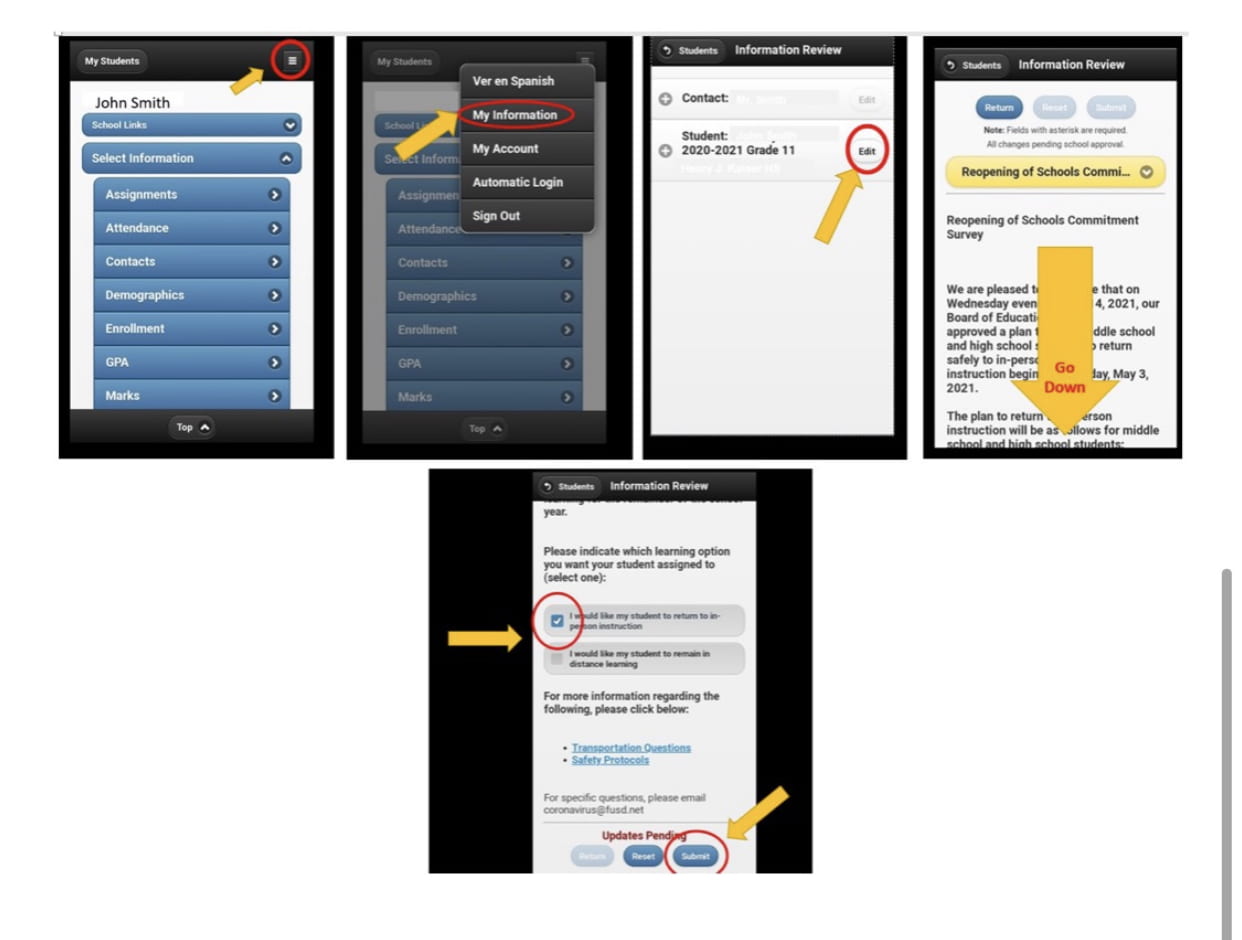
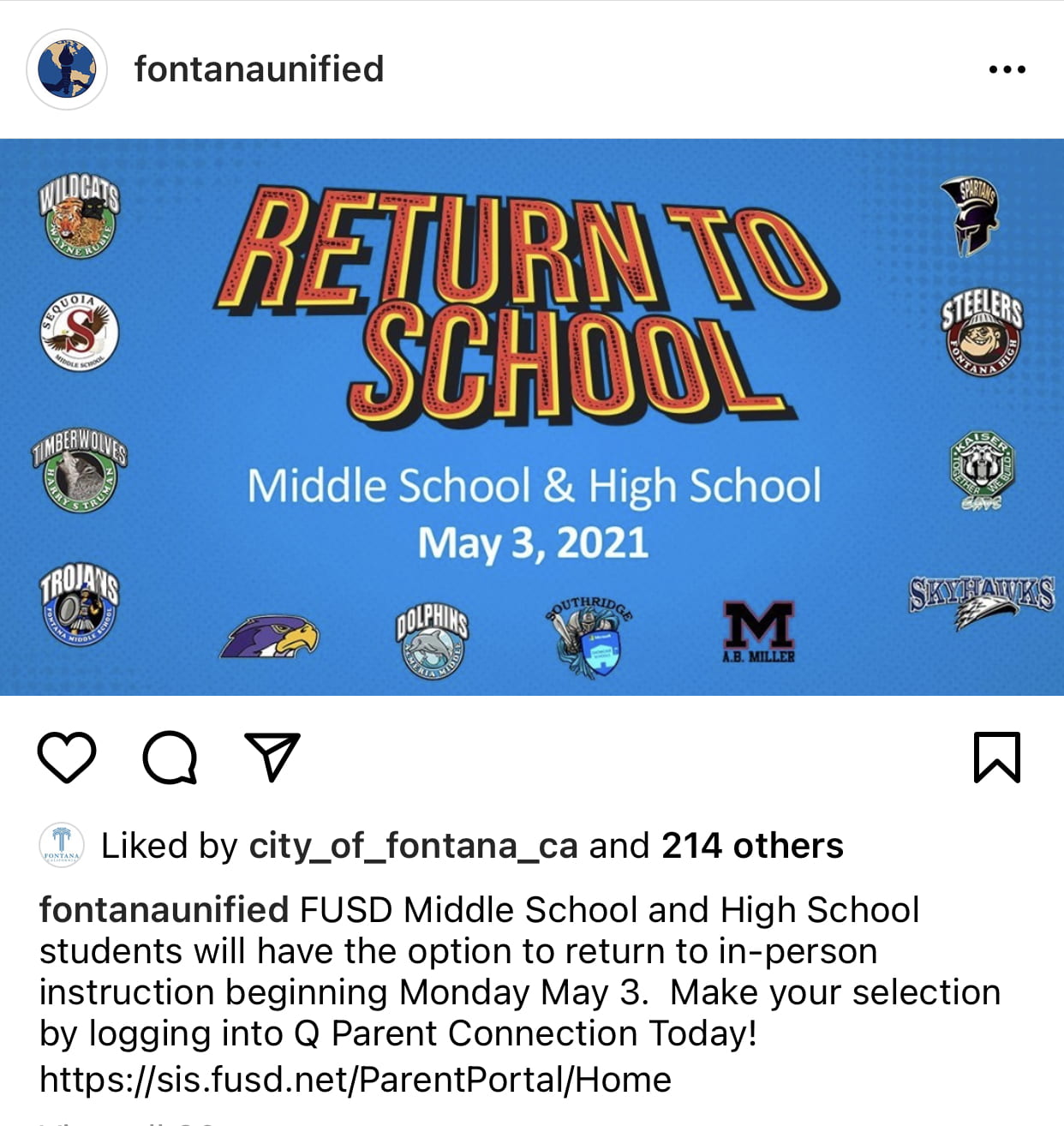
  • School Re-opening Info.
  • Continue working on Wide DOF Photo Project: due tomorrow!
  • If you have missing work, you must stay in the meeting.


Posted in Photo 1 Assignments

Monday 4/19/21: Wide Depth of Field Project Tips

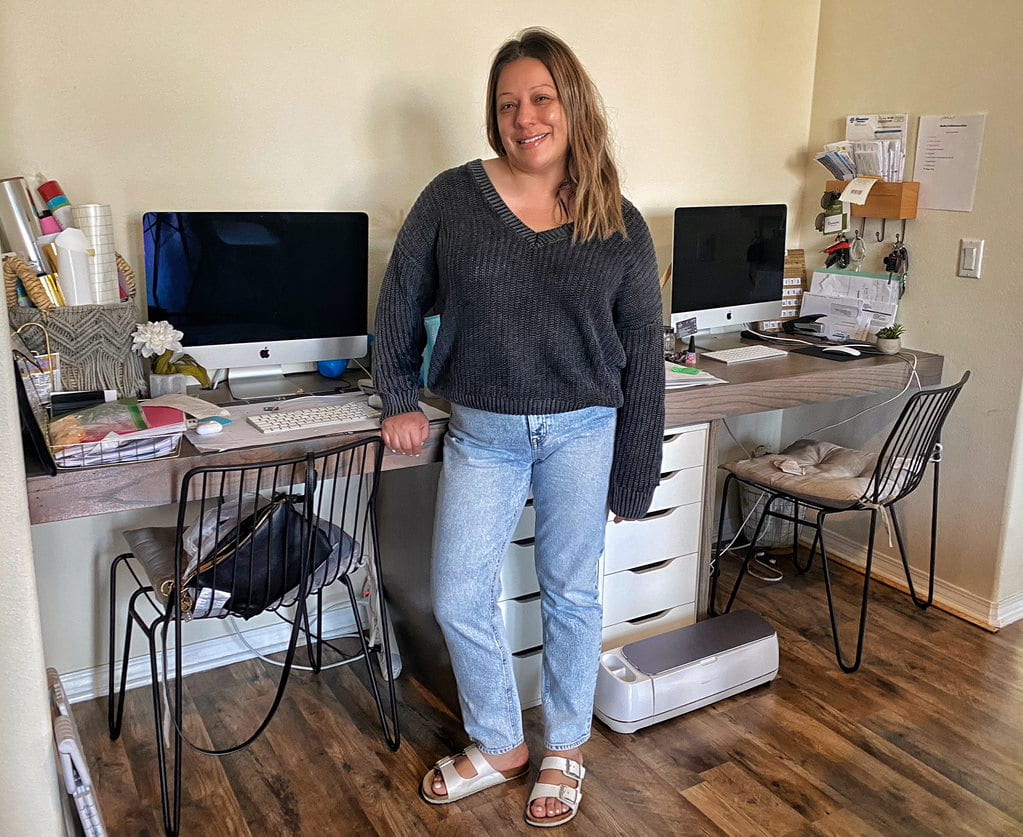
Environmental Portrait Tips:

  • Wide depth of field-deep range of focus so we can see everything in detail.
  • Background tells us something about the person-favorite place in the home or yard, at work, at a place they usually inhabit.
  • Good lighting-shooting outdoors during the day is best. If indoors, take during the day and open all windows to let in natural light.  Turn on additional lights if necessary.
  • Subject is not in action-subject should be posed naturally, but should not be in the middle of an action because it then becomes more of a documentary or lifestyle photograph.
  • Feel free to add more props or details into the scene-small details can tell us more about a person.


Forced Perspective Tips:

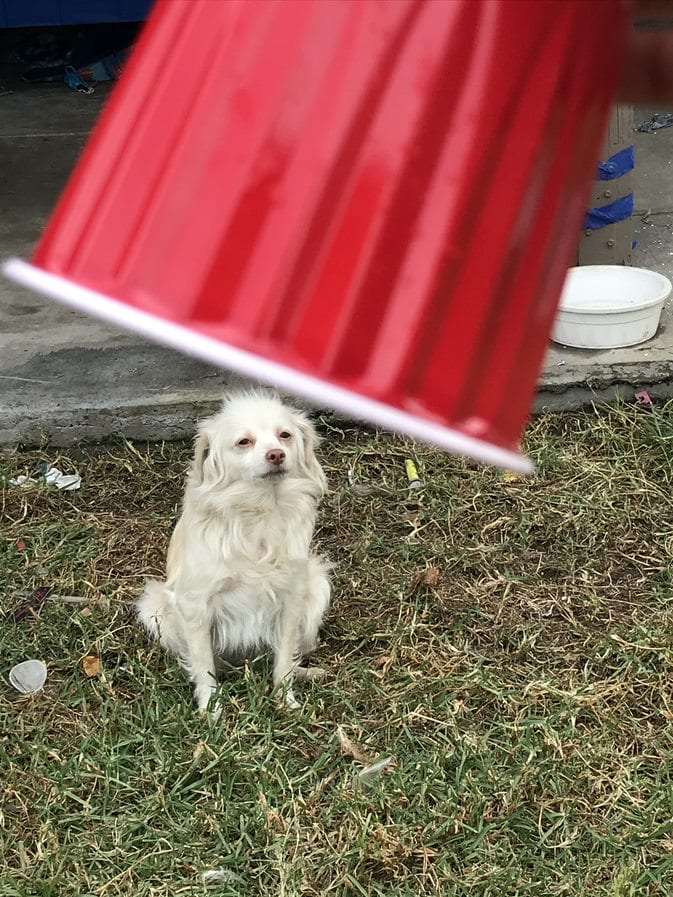
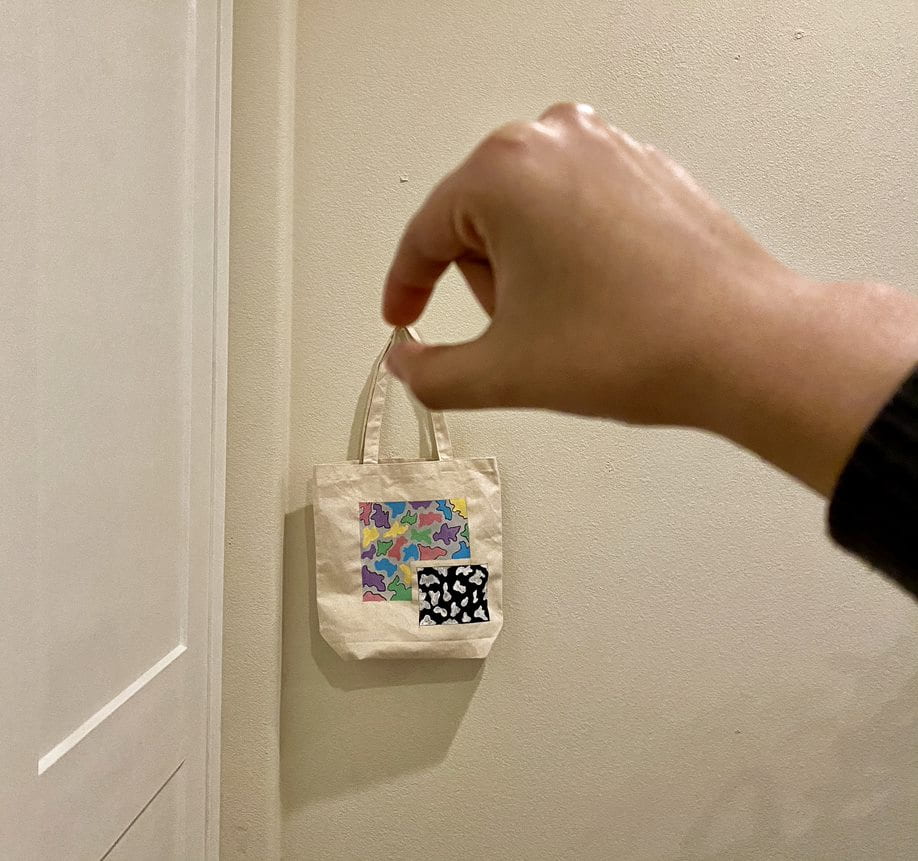
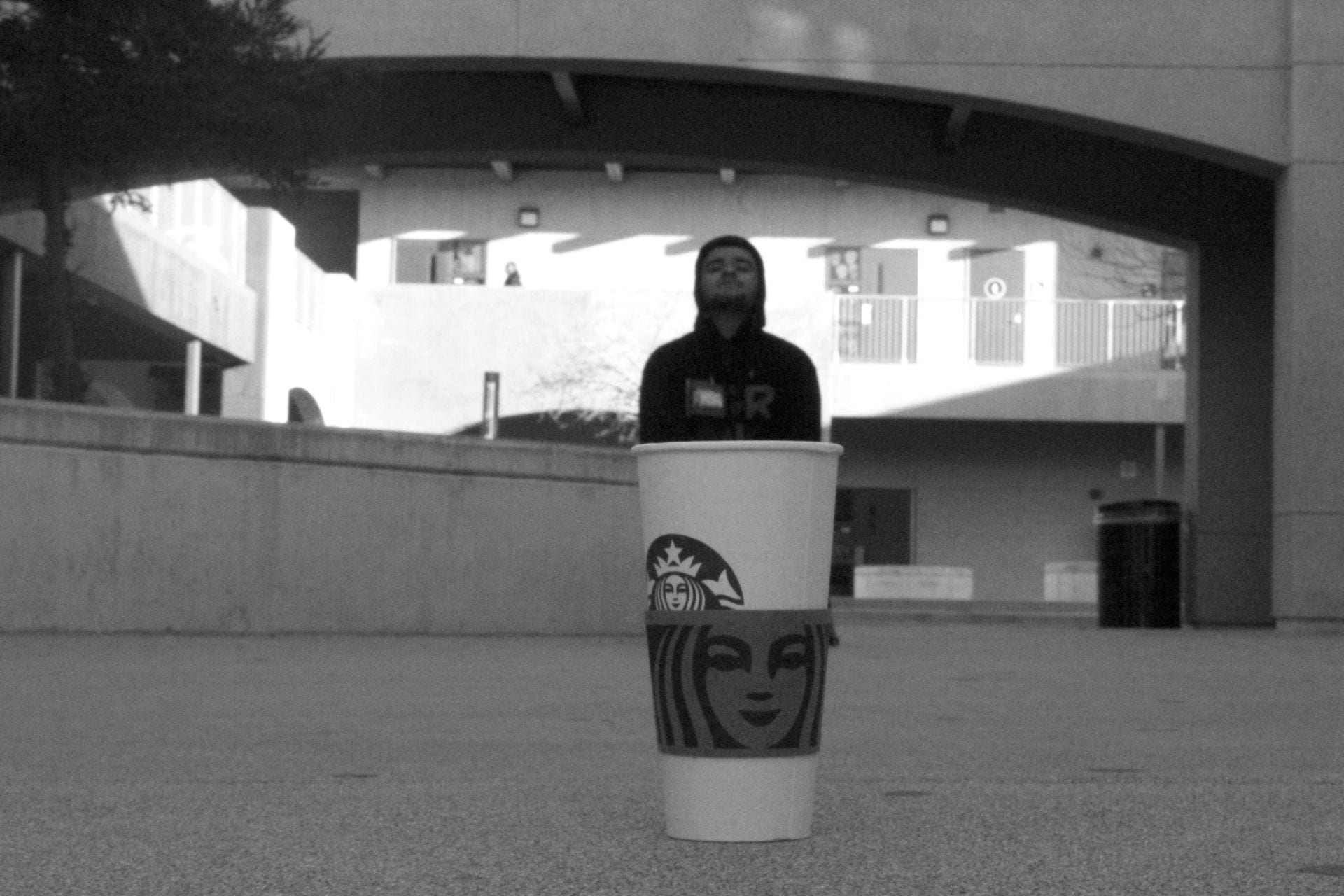
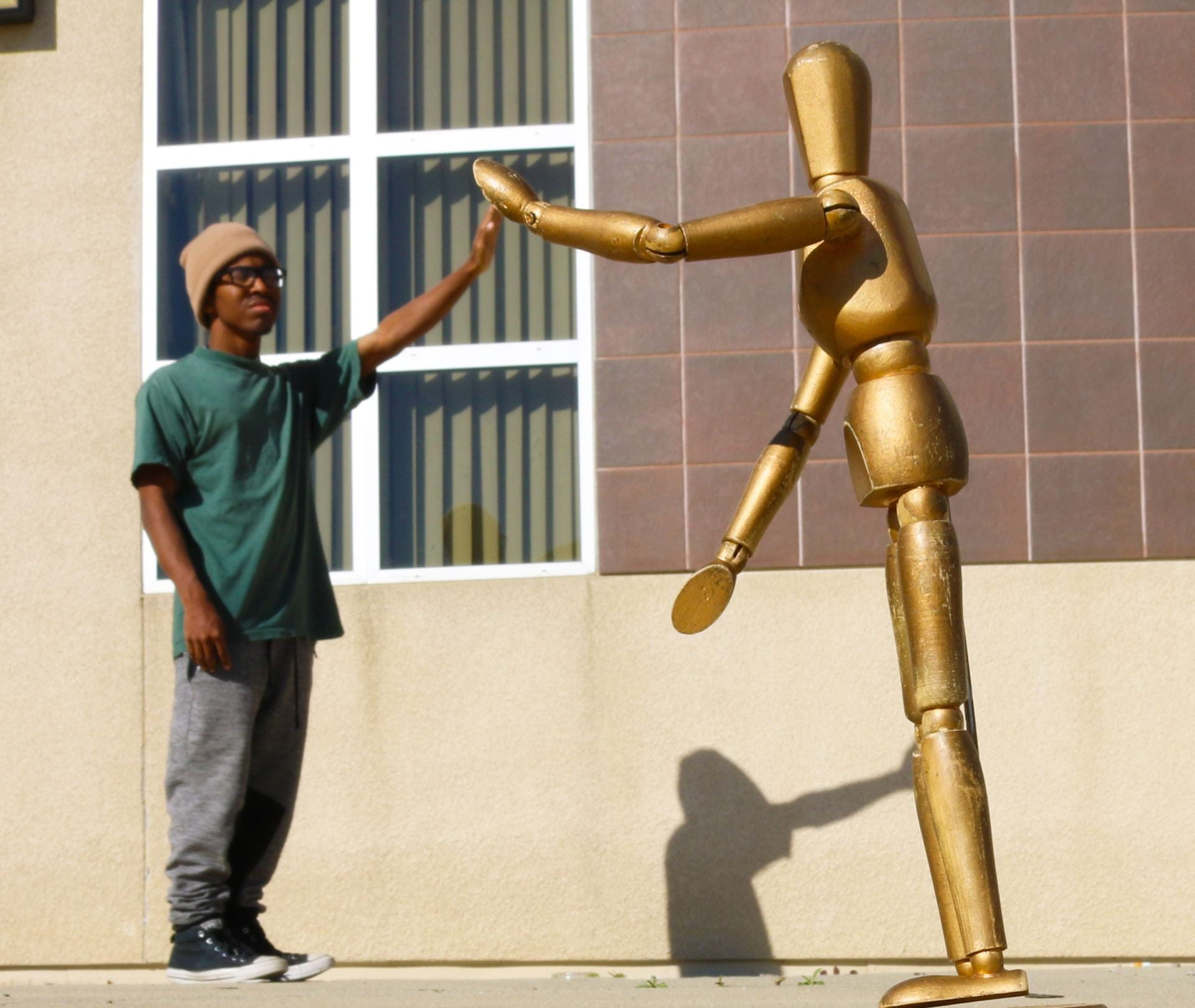
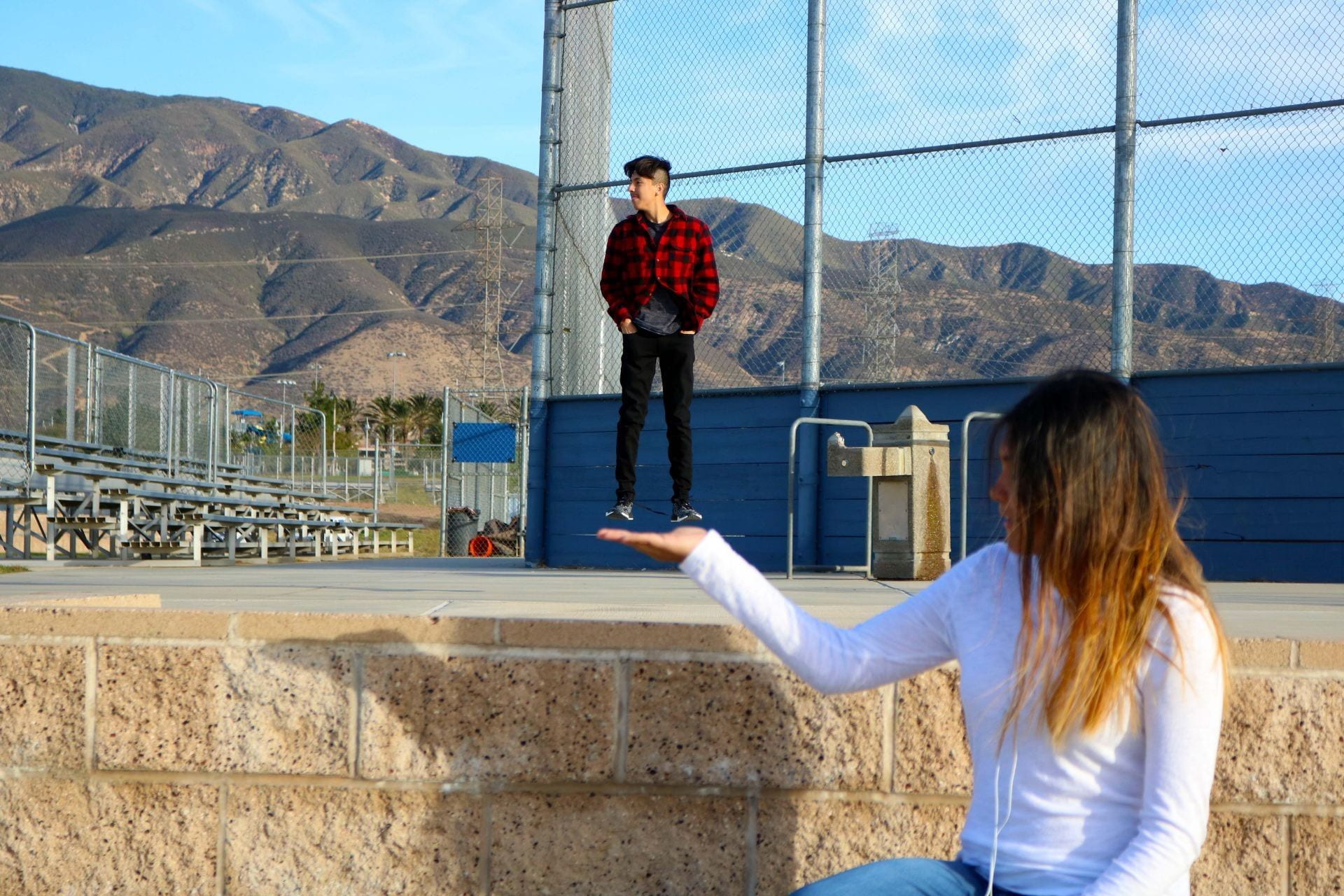
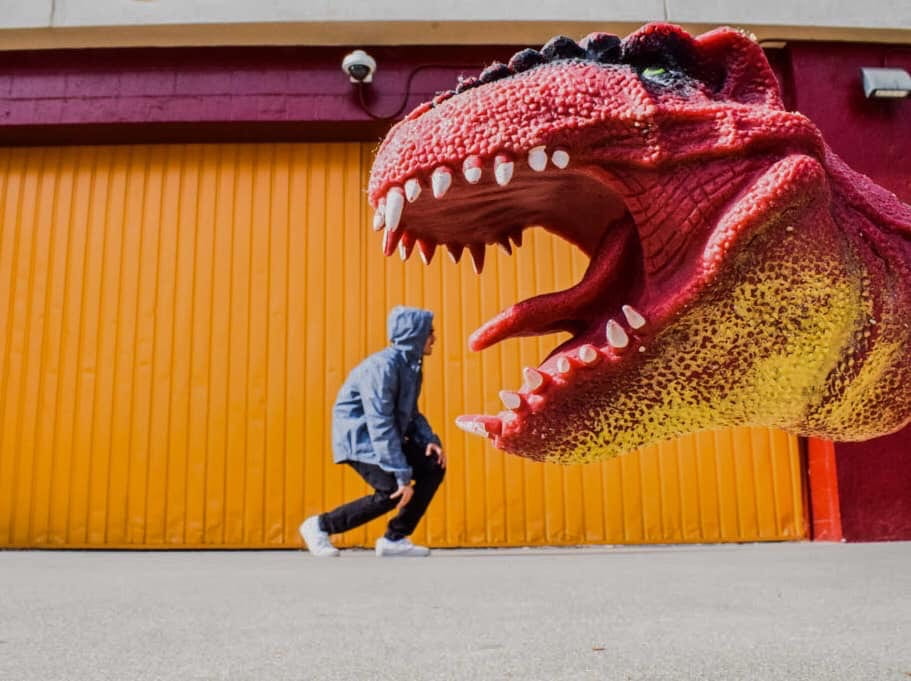
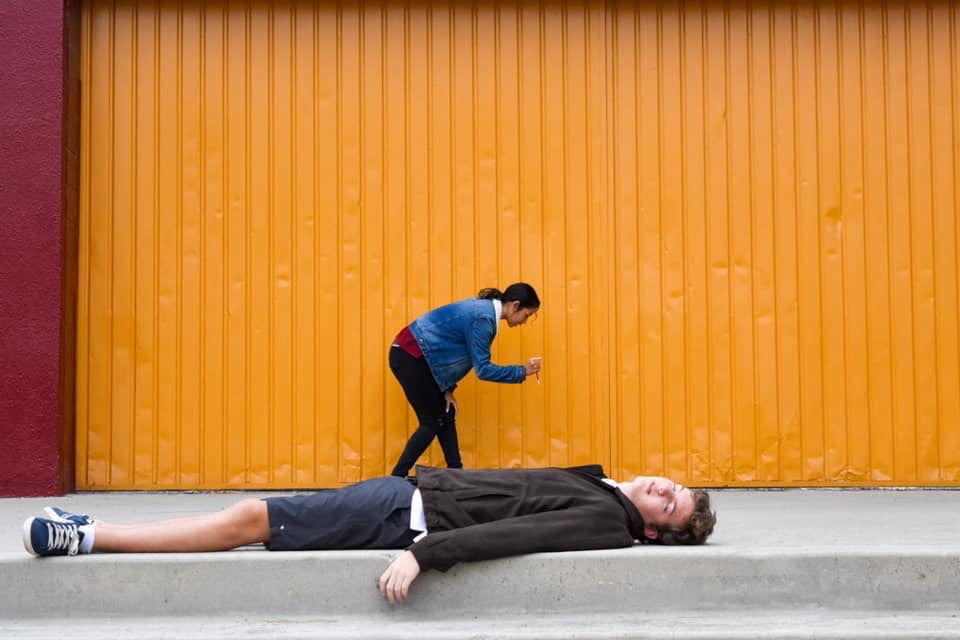
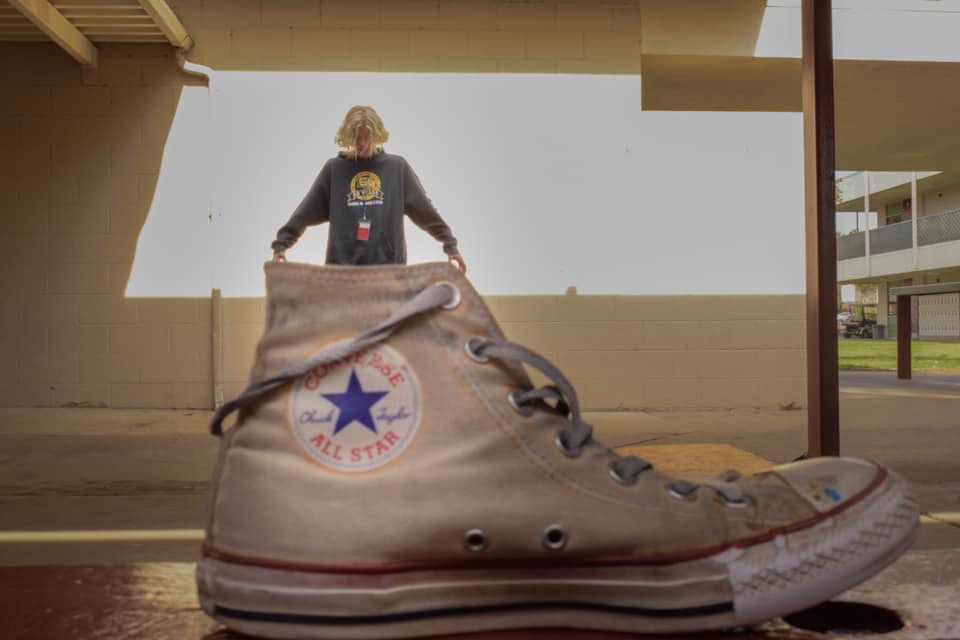
  • Wide depth of field-deep range of focus so we can see everything in detail and to make the illusion convincing. This can take several attempts to get right!
  • Good lighting-shooting outdoors during the day is best.  If indoors, take during the day and open all windows to let in natural light.  Turn on additional lights if necessary.
  • Shoot from ground or low angle- using a ground level camera angle will allow for subjects from different distances appear to be next to each other.

Take a look at the student examples provided in the last post!


Posted in Photo 1 Assignments

Friday 4/16/21: Wide Depth of Field Project

Today’s Agenda:

  • Review Environmental Portrait and Forced Perspective Notes (posted yesterday)
  • Environmental Portraits PPT
  • Forced Perspective Videos
  • Wide DOF Photo Project

Click here for Environmental Portraits PowerPoint notes


Forced Perspective Photography Tutorials:


Wide Depth of Field Photo Project!

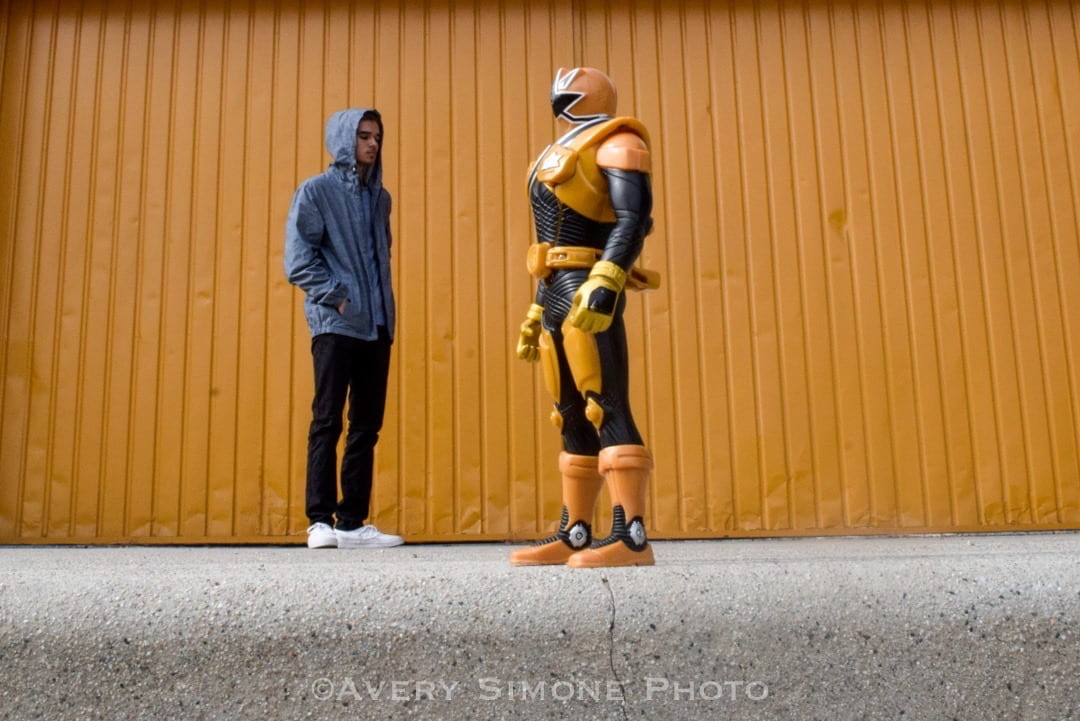
You have the choice to either create an Environmental Portrait OR a Forced Perspective photograph for this project!

Take as many photos as necessary to get some good results. Remember that wide depth of field is key for these types of photography!
Pick your best one to edit and turn in on Teams.

Turn in a screenshot of your camera roll to show all the photos you took to get the best one.

Due Wednesday April 21st.

Grading on:

  • achieving wide DOF
  • good exposure/lighting
  • demonstrates thoughtfulness/workmanship
  • appropriate editing

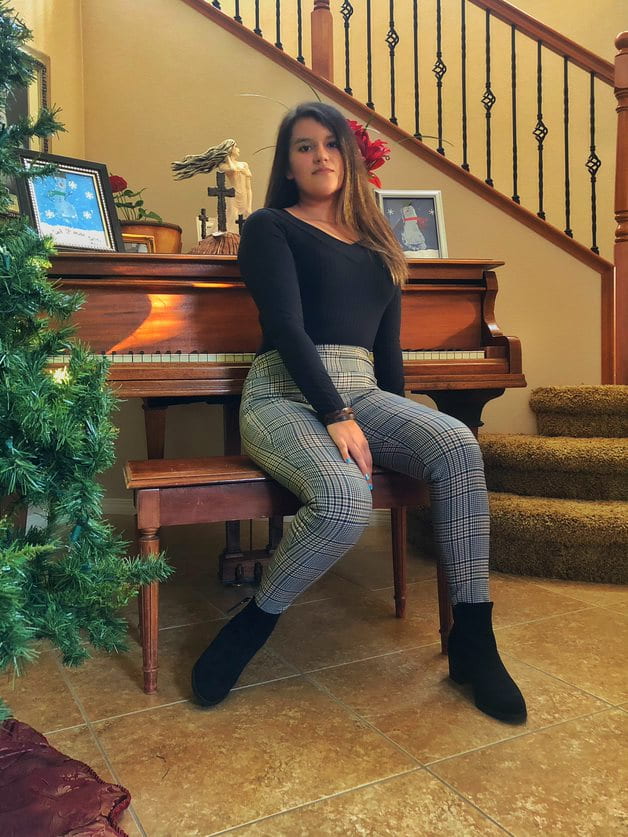
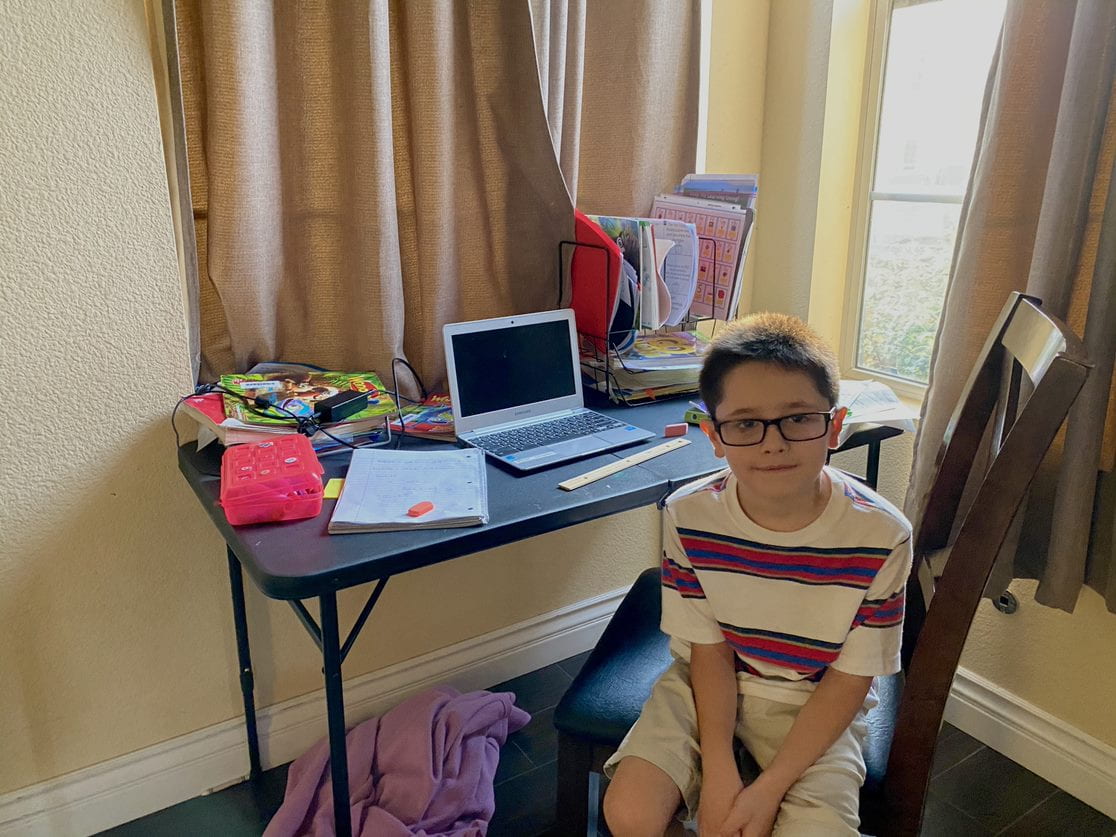
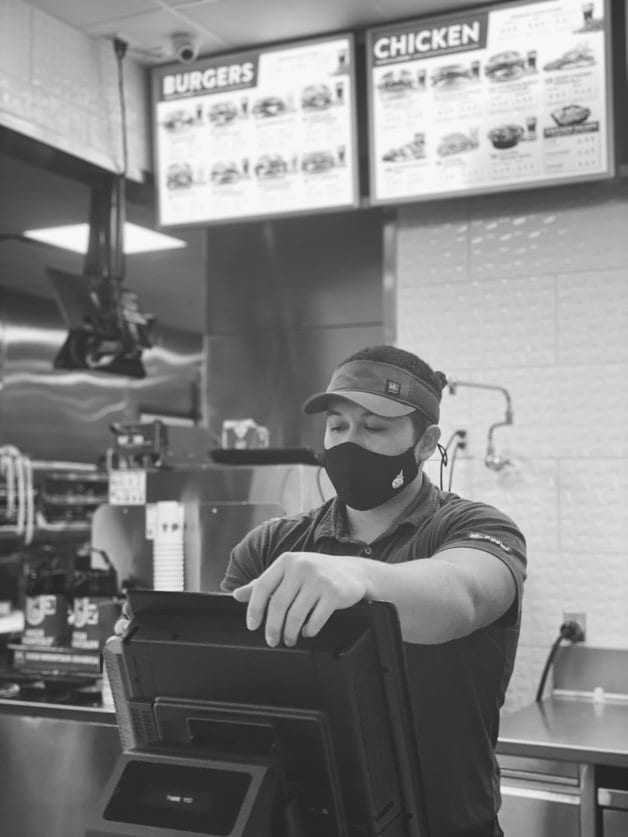
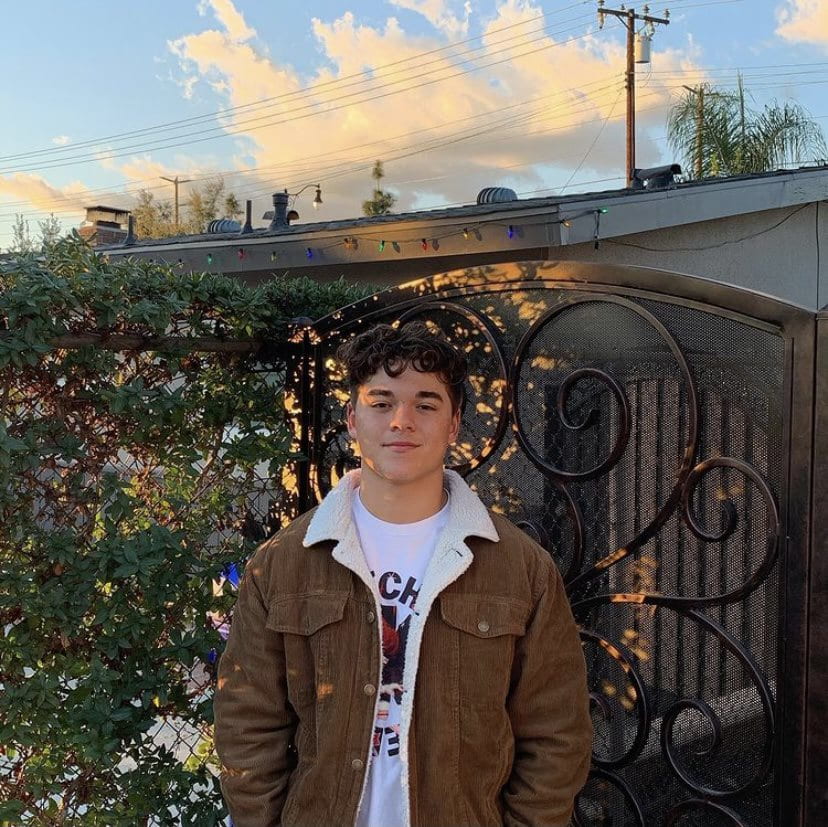
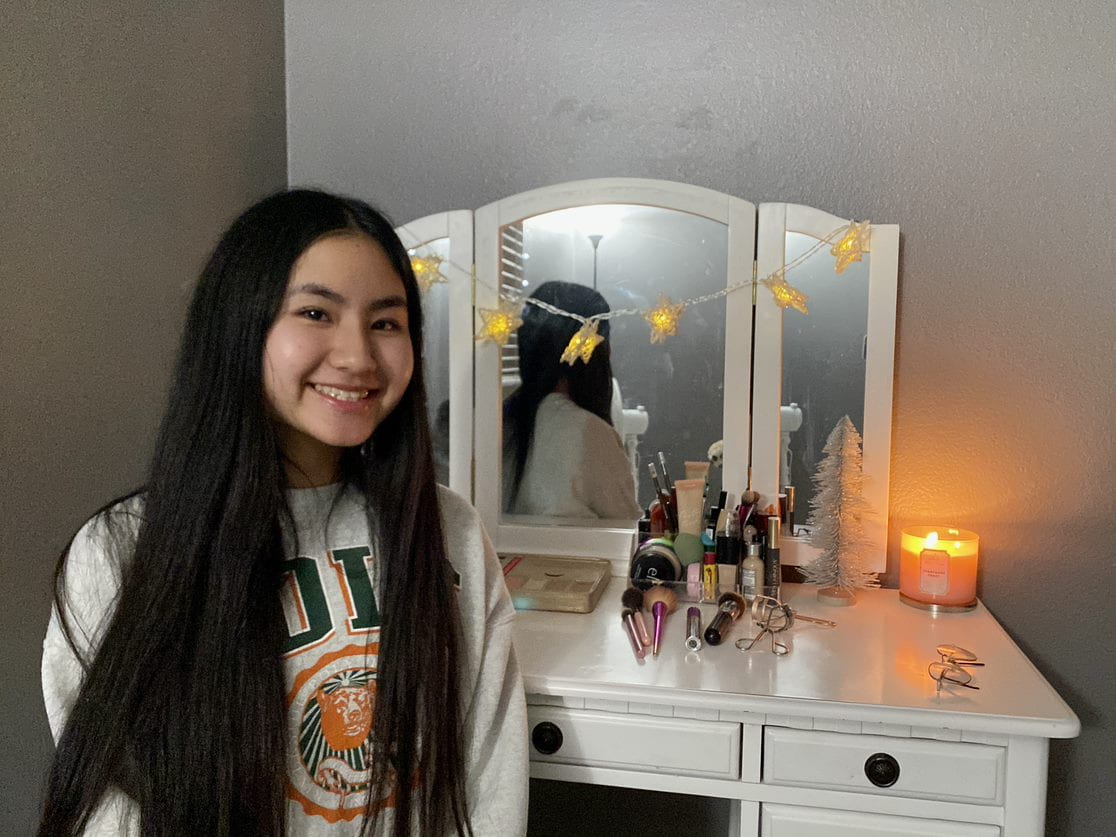
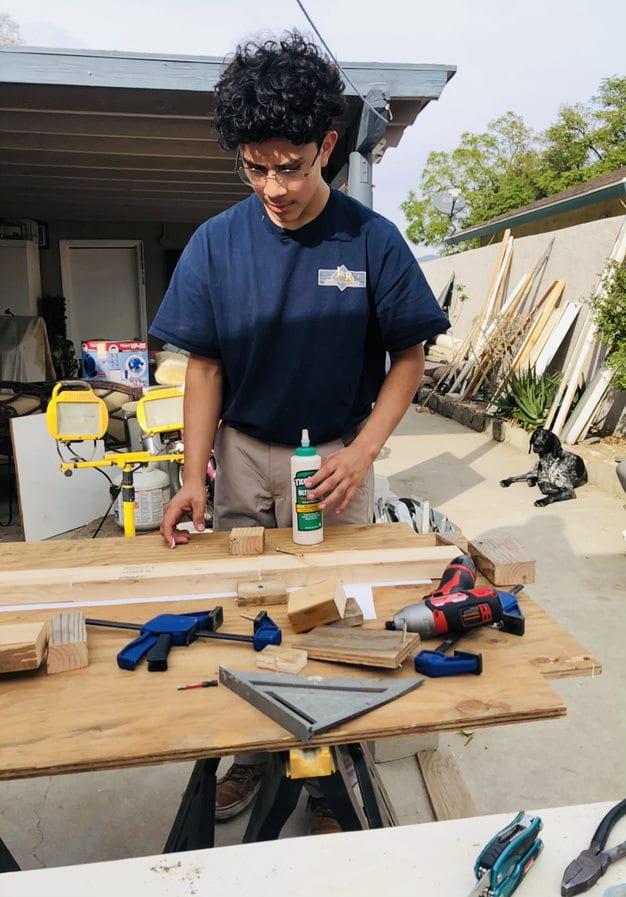
Environmental Portrait Student Examples:

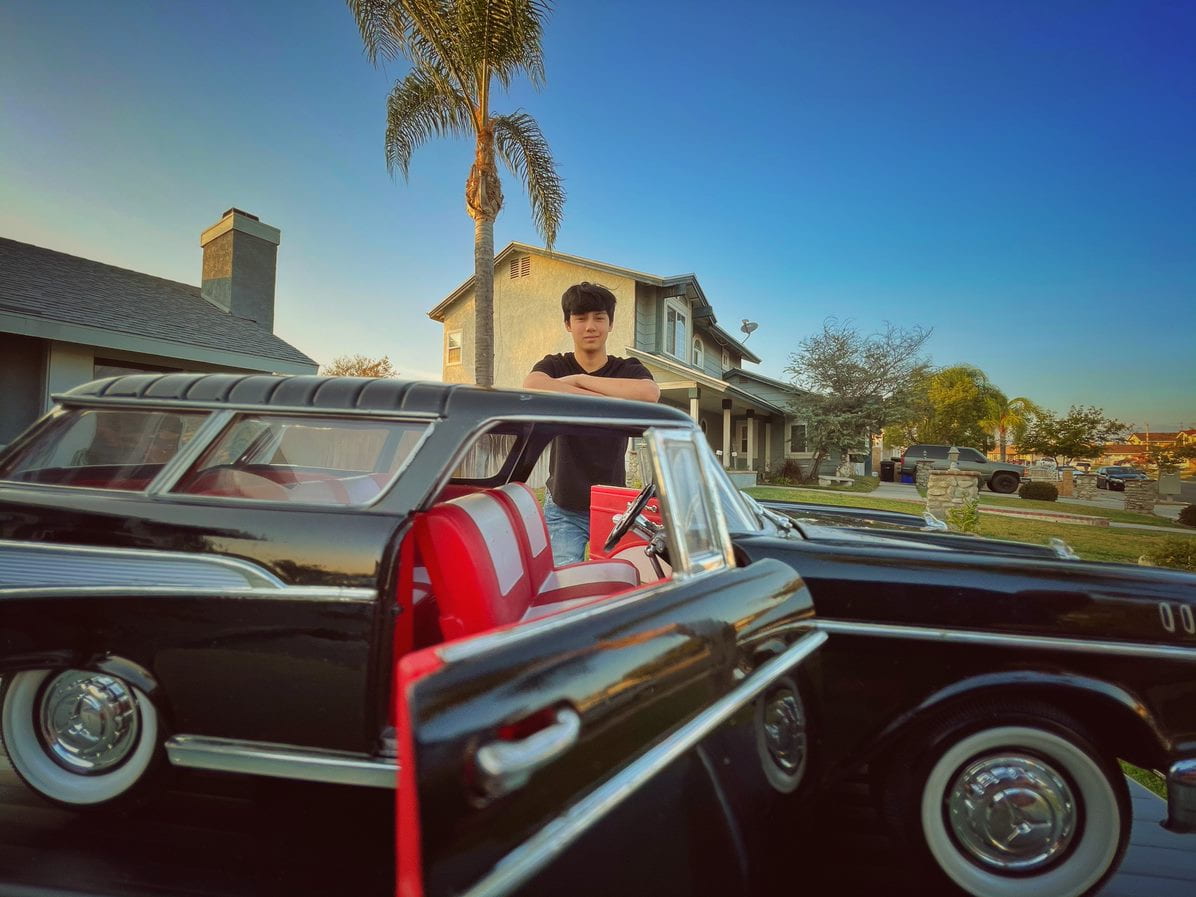
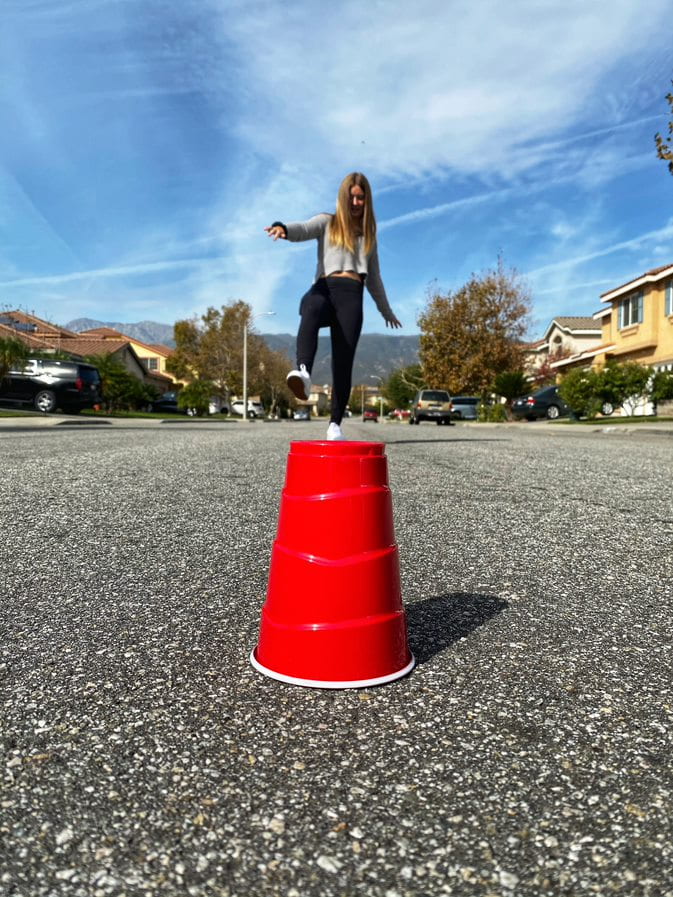
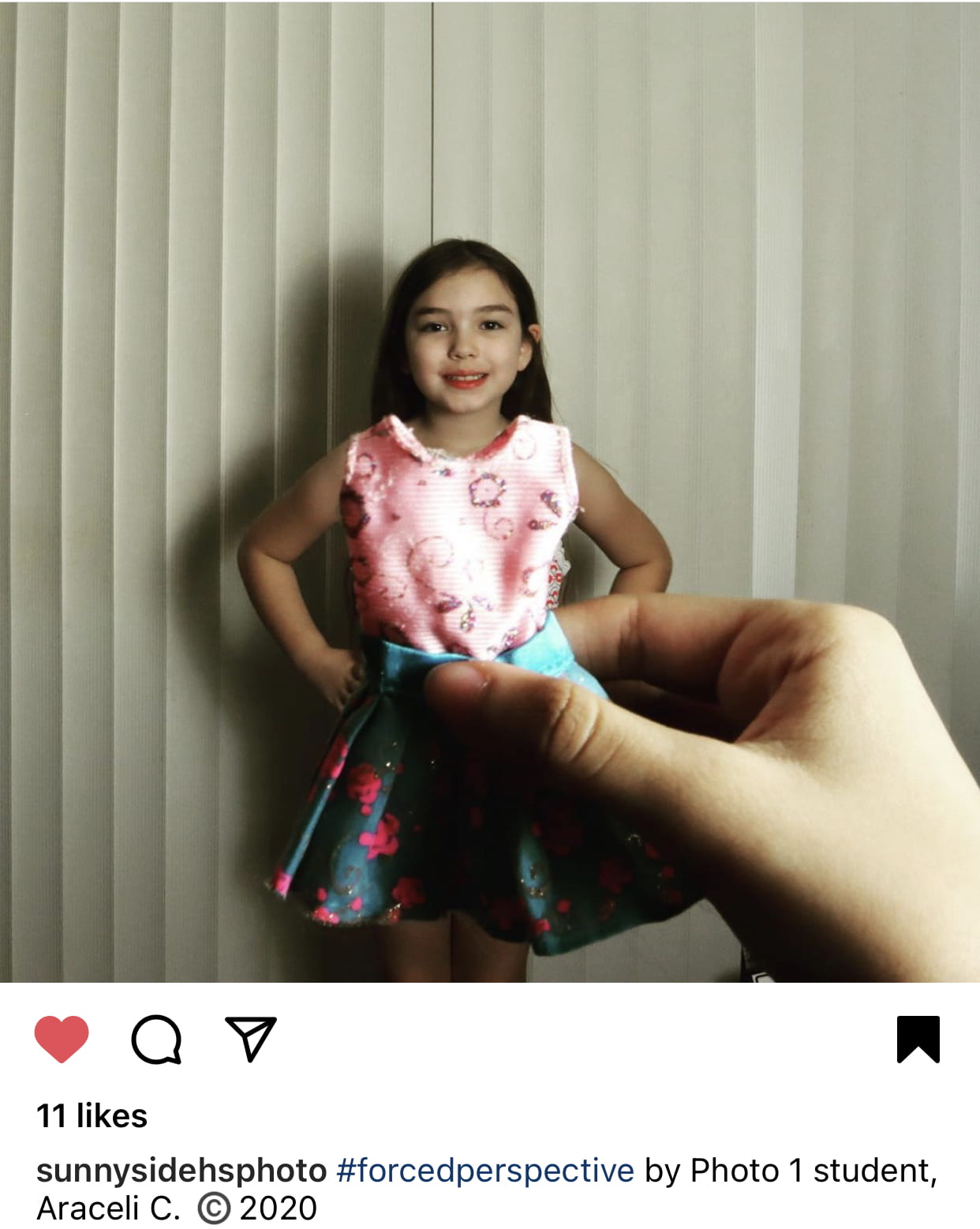
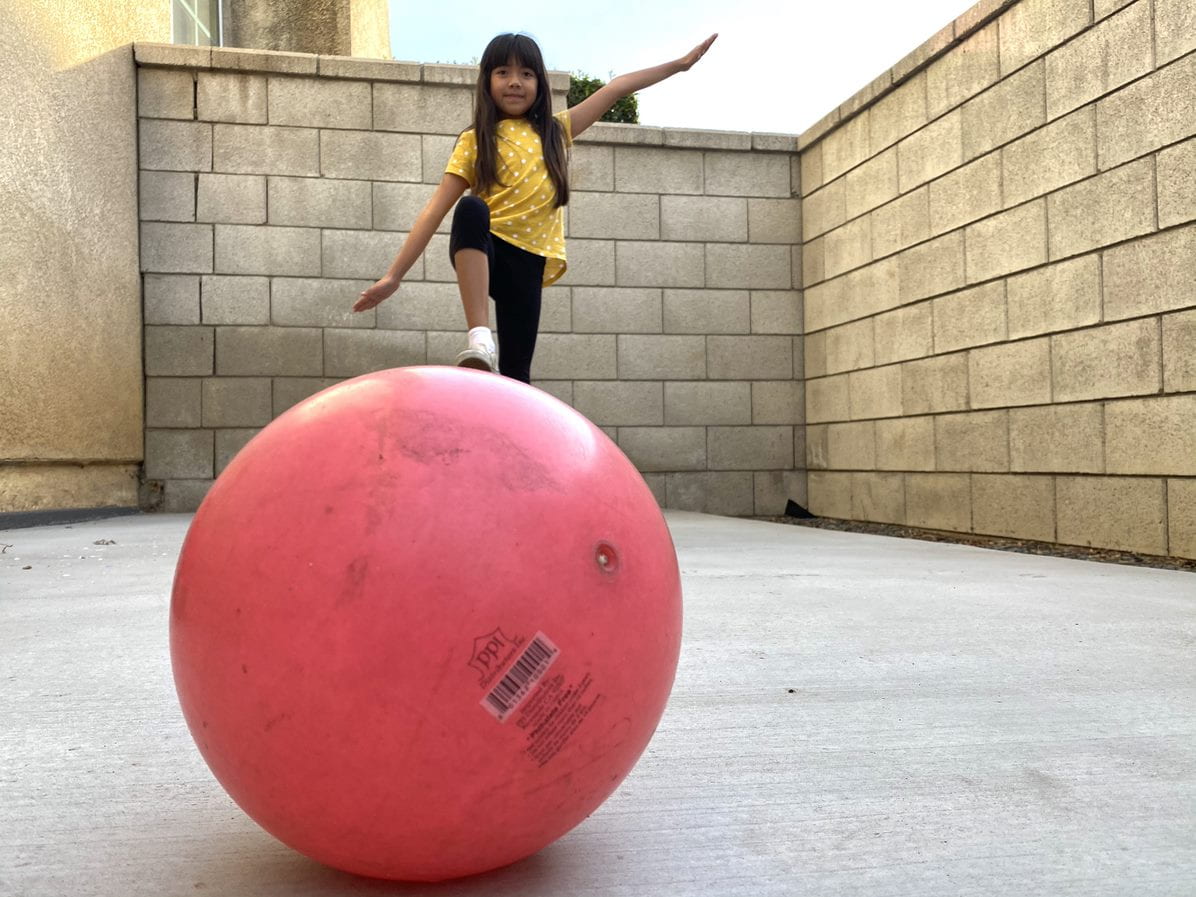
Forced Perspective Student Examples:

Posted in Photo 1 Assignments

Thursday 4/15/21: Environmental Portrait Photography + Forced Perspective

If you have missing photo projects, I need to continue working on those today (Product Photography, Depth of Field Activities #1 and #2, and Shallow DOF Scavenger Hunt)!!

If you are completely caught up start a new “notebook” entry and follow the directions below…

Environmental Portrait Photography + Forced Perspective Notes

  • In your notes, write down what you think “environmental portraits” are.  Just take a guess!
  • Now do a Google Image search for “Environmental Portrait Photography”.  Explain what the results look like. (What do the photos have in common, what do they look like in general, etc). Did it match your guess?
  • Next, do a normal Google search with: “what is environmental portrait photography”.  Write down one definition that you find.

Now do the same steps but this time for “Forced Perspective Photography”.

  • What do you think it is?  Take a guess!
  • Do a Google Image search with “Forced Perspective Photography” and explain what you find. Did it match your guess?
  • Do a general Google search to find a definition for forced perspective and add to your notes.

Keep these notes for now (don’t turn them in).  We will add to them on Friday (tomorrow).

Have a great day!