Posted in Advanced Photo Assignments

Editorial Photography Projects

Editorial Photography Projects

Complete in any order.  Turn one in on the following dates:

3/8, 3/29, 4/12, 4/26, 5/10

Projects will be graded on:

Technical Qualities-good exposure, purposeful lighting, appropriate focus, editing enhances photos, contrast, etc.

Composition-Rules of composition (or breaking them for an intentional effect), camera angles, use of space, consideration of colors, balance, etc.

Content-fulfills the criteria of the project and shows intent.

Creativity/Effort-Projects should demonstrate that you researched, brainstormed, and planned out your ideas. Thoughtfulness and problem-solving are evident.

Show off your best photographic and creative abilities!!  I want you to be proud of your own work.

I am here to help you with any step of your projects.

Editorial Photography Projects PDF

How to make a contact sheet: Click Here

Posted in Photo 1 Assignments

Tuesday 2/28/23: Portrait Light Patterns

Today’s Agenda:

  • Read about portrait lighting patterns.
  • Portrait Lighting Pattern Blog Post–>due today!
  • Turn in past due assignments.

Portrait Lighting Patterns

You will use the two sources below as reference for this assignment:

4 Common Portrait Lighting Patterns

6 Portrait Lighting Patterns

Create a new blog post titled: Portrait Lighting Patterns.

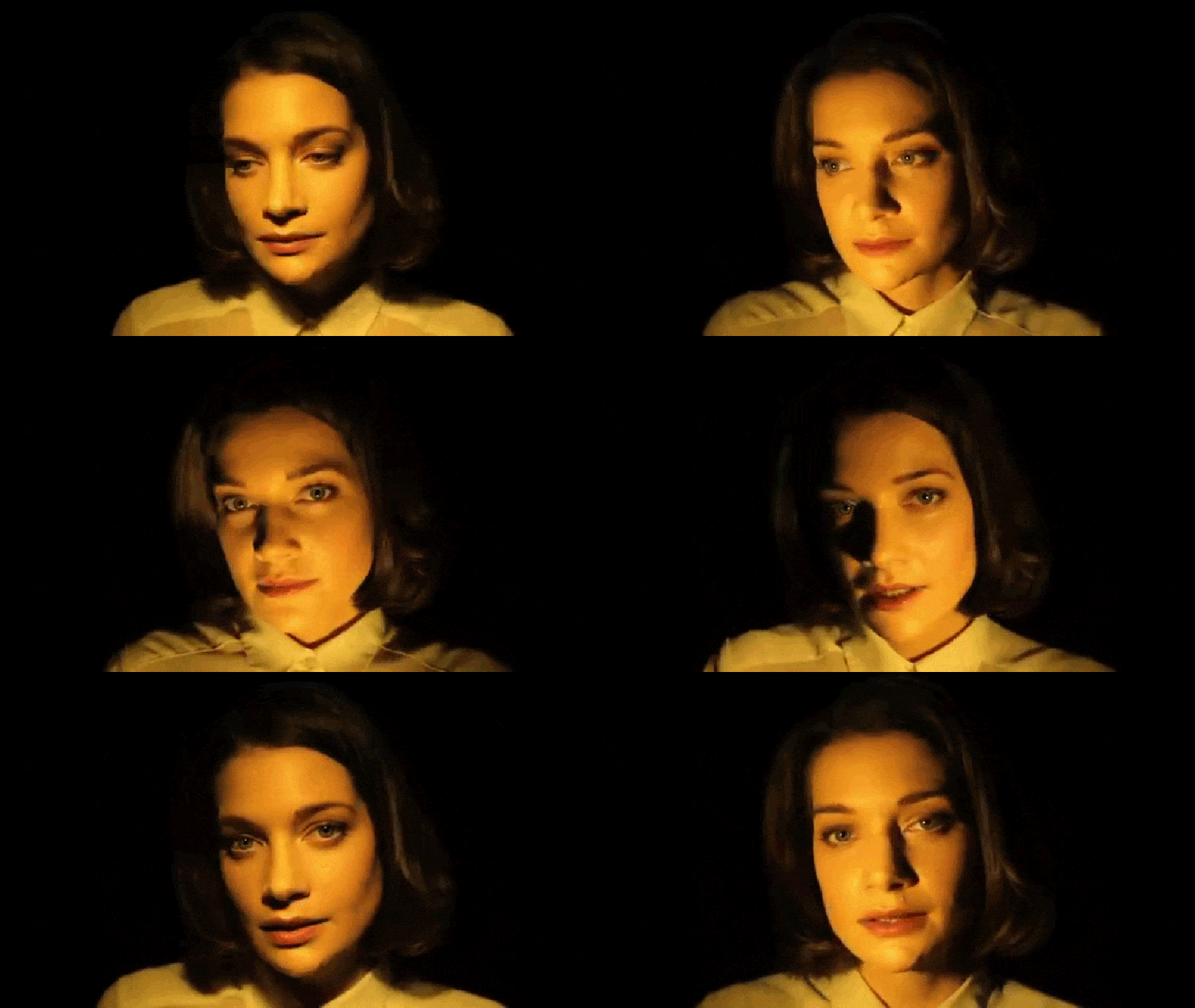
In your own words, explain to your viewers what the following portrait lighting patterns are exactly and how to achieve them:

  • Butterfly
  • Loop
  • Rembrandt
  • Split
  • Broad Lighting
  • Short Lighting

Then you need to hunt for your own portrait examples of each of the lighting techniques we covered using Google Images or other portrait websites-besides the ones we looked at! (You may have to use the Snipping Tool if the photo you saved doesn’t upload to Edublogs). Save to your OneDrive.

Upload your portrait examples to your blog post. You can choose to upload as a gallery or individually with their explanation. If you use a gallery, make sure to caption each portrait with the light pattern it demonstrates and change the link to media file.

Turn in the link to you blog post in Teams!

Posted in Photo 1 Assignments

Natural Light Portraits Parts 1&2

Today’s Agenda:

  • Videos demonstrating the use of reflectors and diffusers to fill in shadows and provide an additional light source.
  • Complete part one and two of the Natural Light Portrait Assignment
  • Photo Challenge #2 Due Wednesday 2/22/23
  • Quick Lightroom Portrait Editing Tips (video link below)

If you missed the videos in class, head over to the “Class Blog and Other Links” channel on Teams to view on Edpuzzle.  Please watch them before you try the reflector and diffuser portraits!


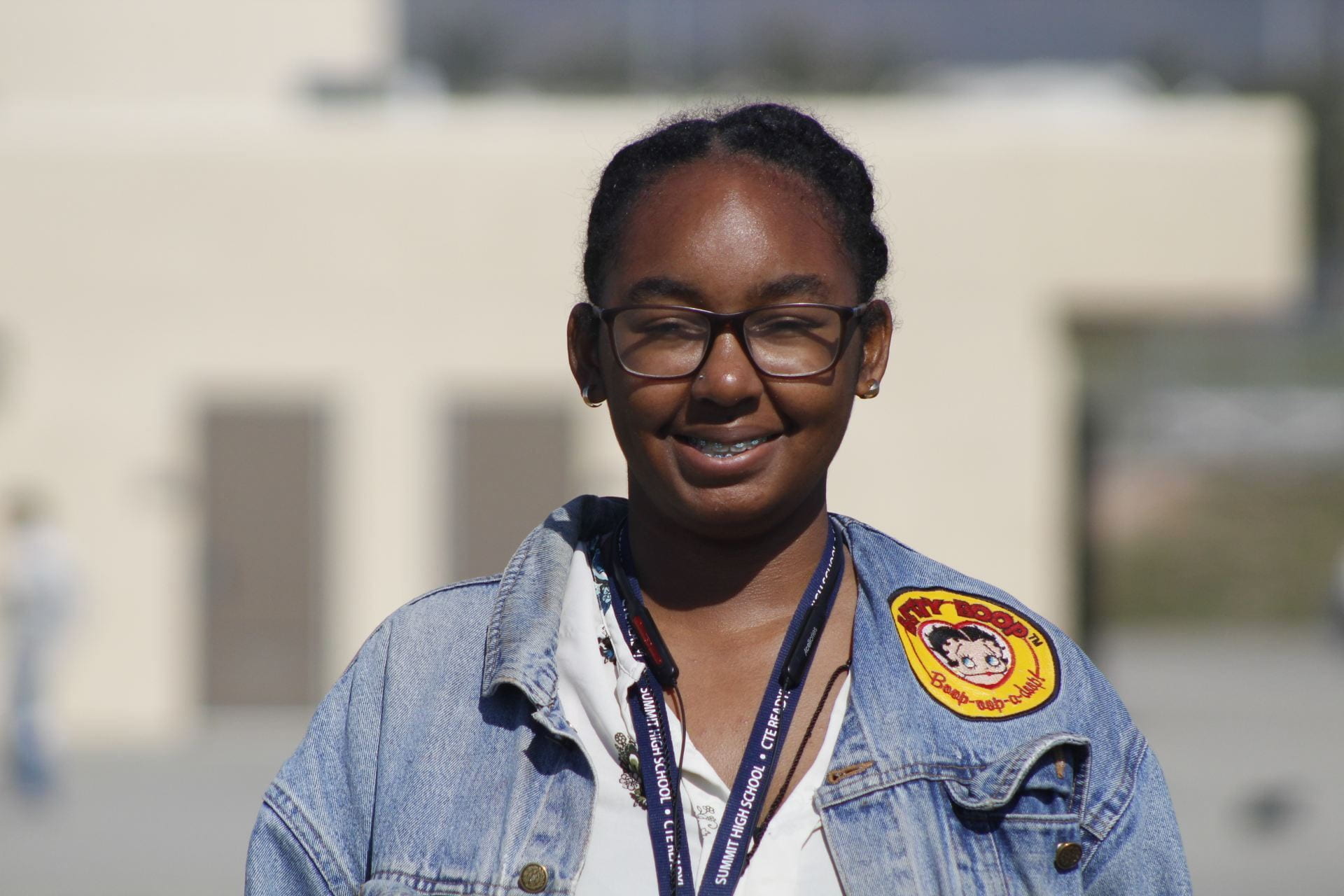
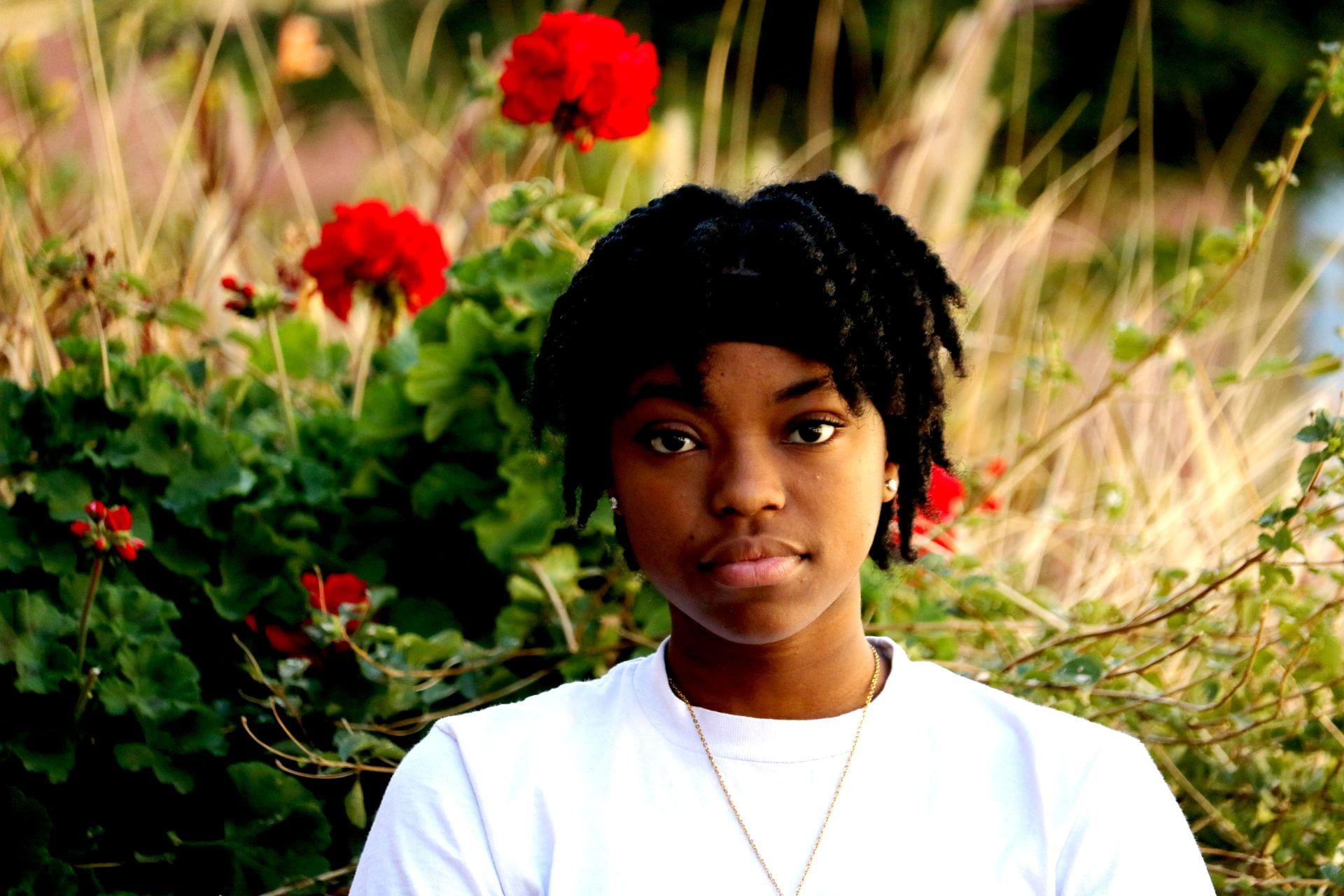
Natural Light Portrait Assignment: Due Friday by 3:30pm

 Natural Light Portraits PowerPoint

Each photo will be graded on the following: lighting type is demonstrated correctly, the subject is well focused, the photo is well exposed, and you followed caption instructions.

Natural Light Portraits Blog Post Instructions

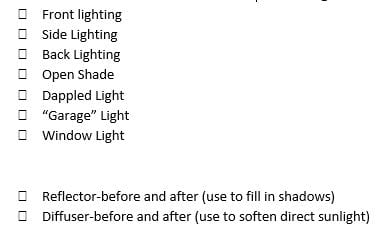
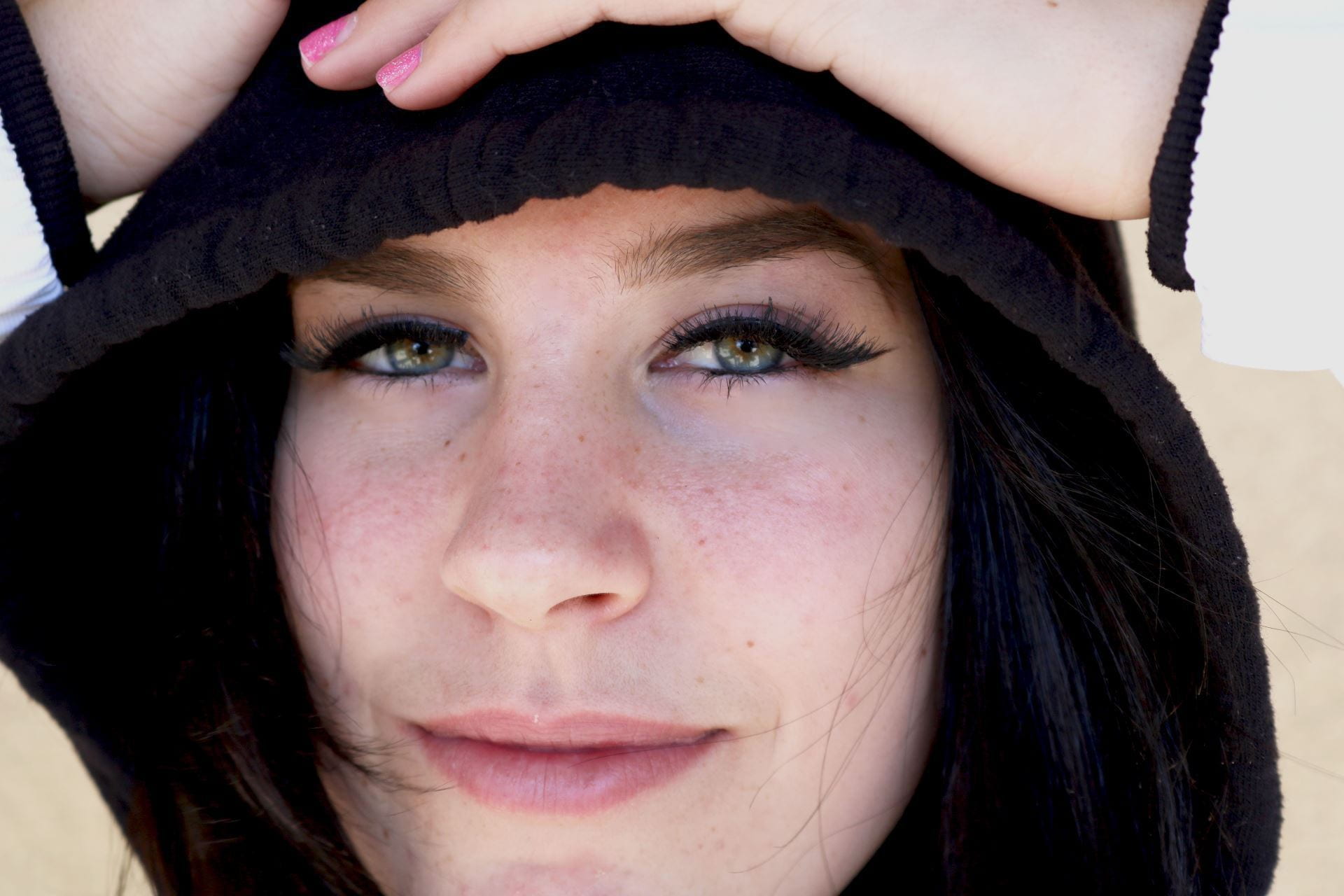
  1. Edit your best portrait for each type of lighting you were supposed to capture in PART ONE ONLY. Some adjustments you may need to make include: exposure, contrast, highlights, shadows, temp, vibrance (better than using saturation, vibrance is more forgiving with skin tones), texture, clarity, and dehaze.  Make your changes tasteful. Yes, you can make the portraits black & white if you want. Here’s a 5 minute video I made for some easy Lightroom edits to apply to your portraits: Easy Lightroom Edits for Portraits

  2. Create a new post titled, “Natural Light Portraits”.
  3. Type a short paragraph explaining why you took these portraits (explain the assignment).
  4. Add a gallery with the 7 portraits from part one. Change gallery settings link to media file, and 4 columns.
  5. Add another gallery for part two.  Change the gallery settings to link to media file and 2 columns.  This way the before and after shots are side-by-side for comparison.
  6. Caption each photo with type of lighting + camera settings (ex: Window, M, f5.6, 1/100, ISO 800, 70mm). 

(Camera modes: Manual Mode=M, Aperture Priority=Av or A, Shutter Priority= Tv or S)

Here’s a video on how to find you camera settings: How to find camera settings on saved photos

Posted in Advanced Photo Assignments

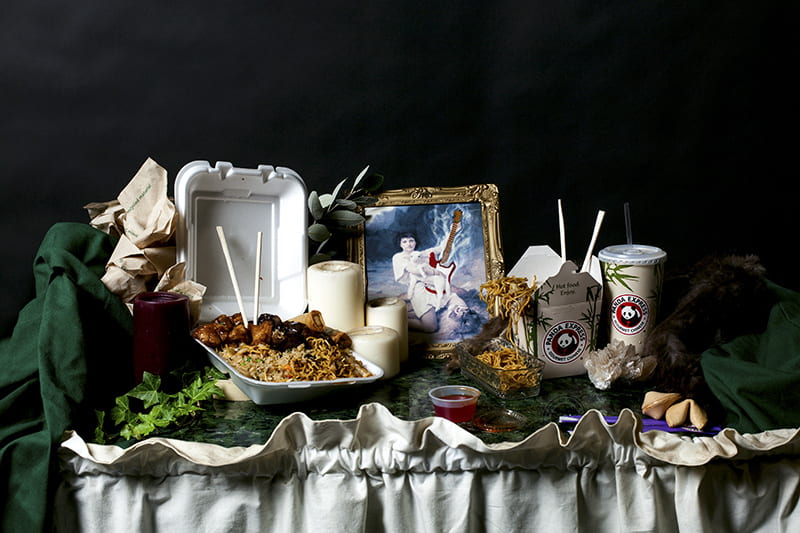
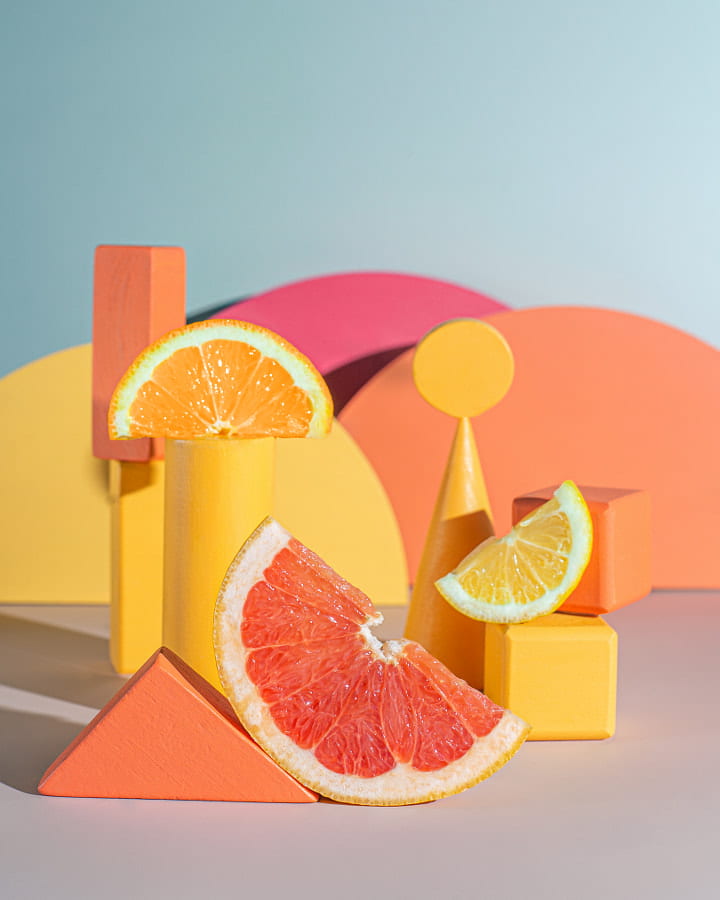
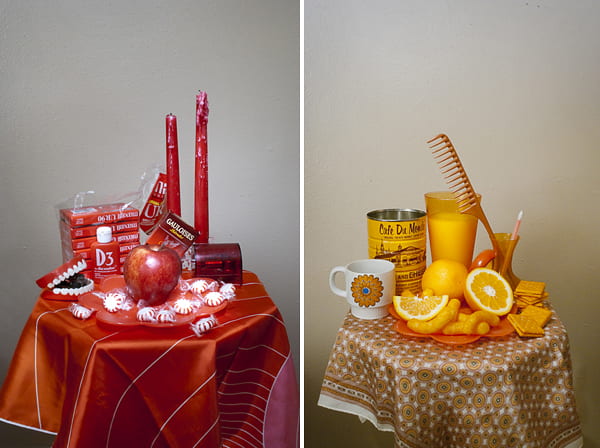
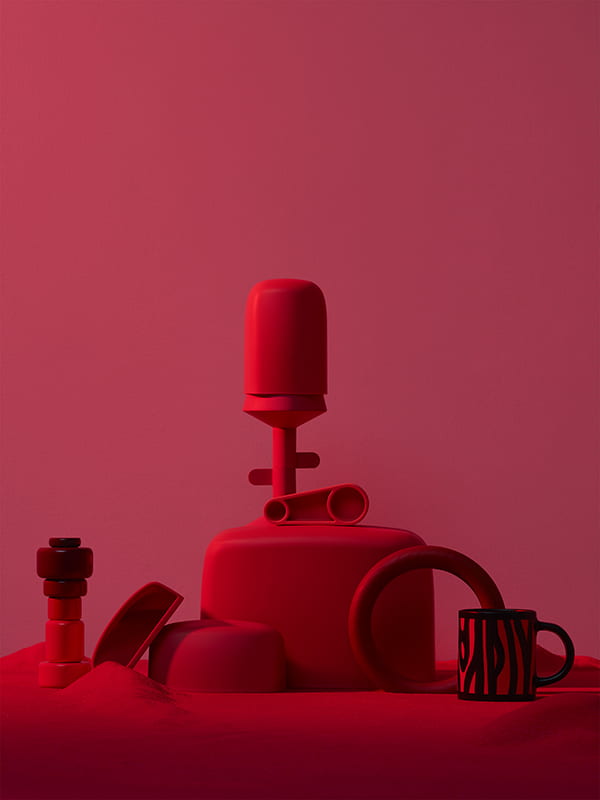
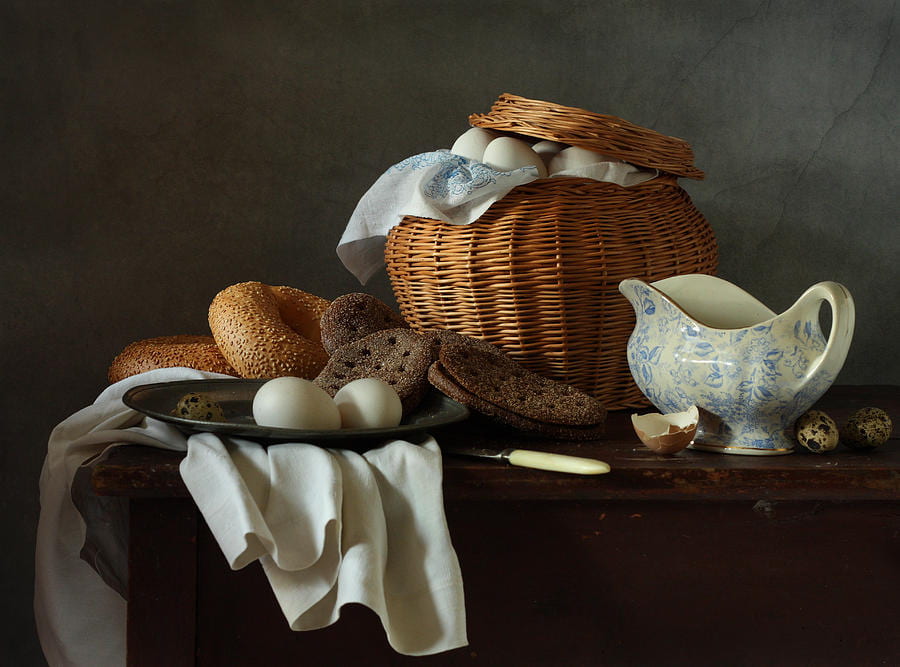
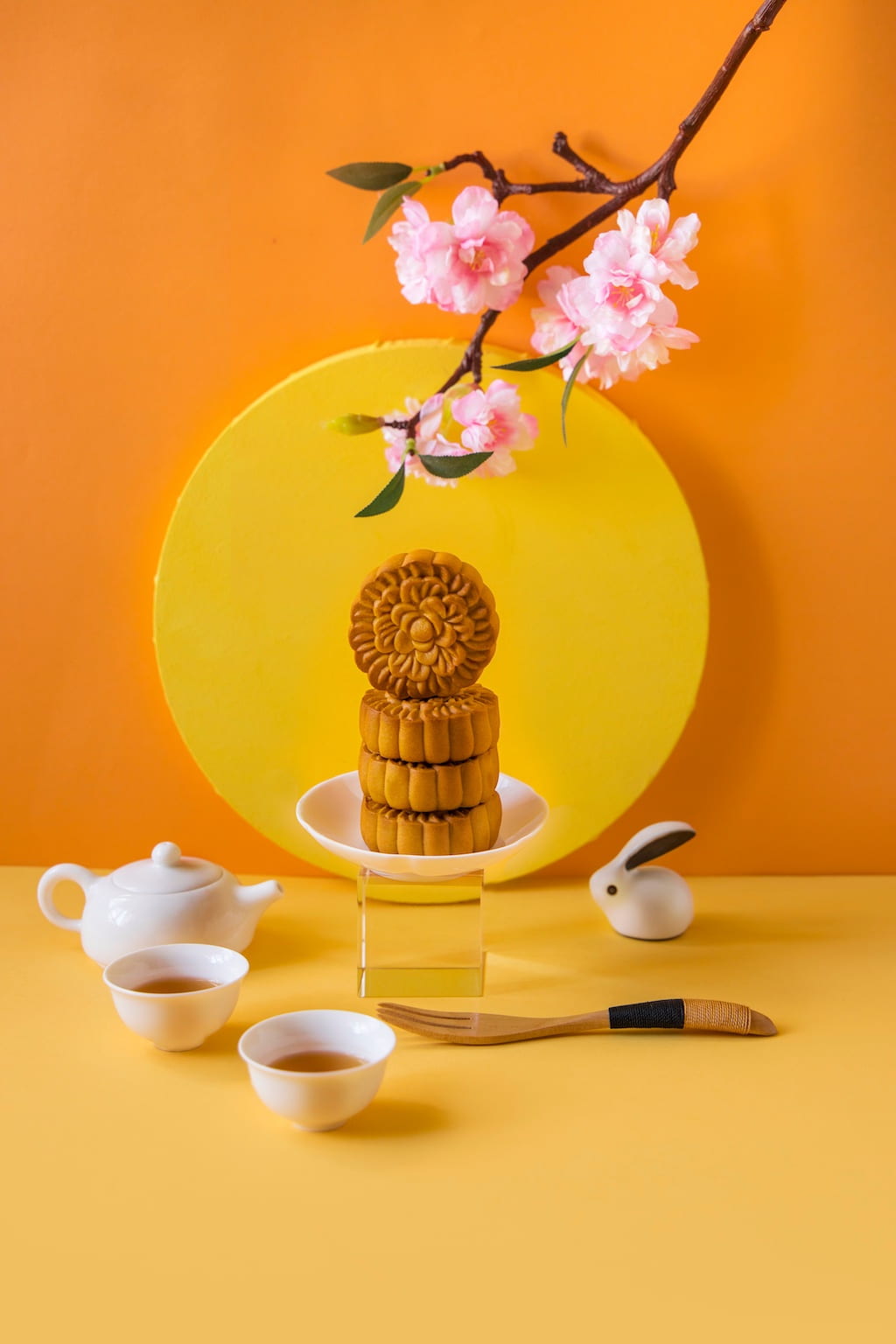
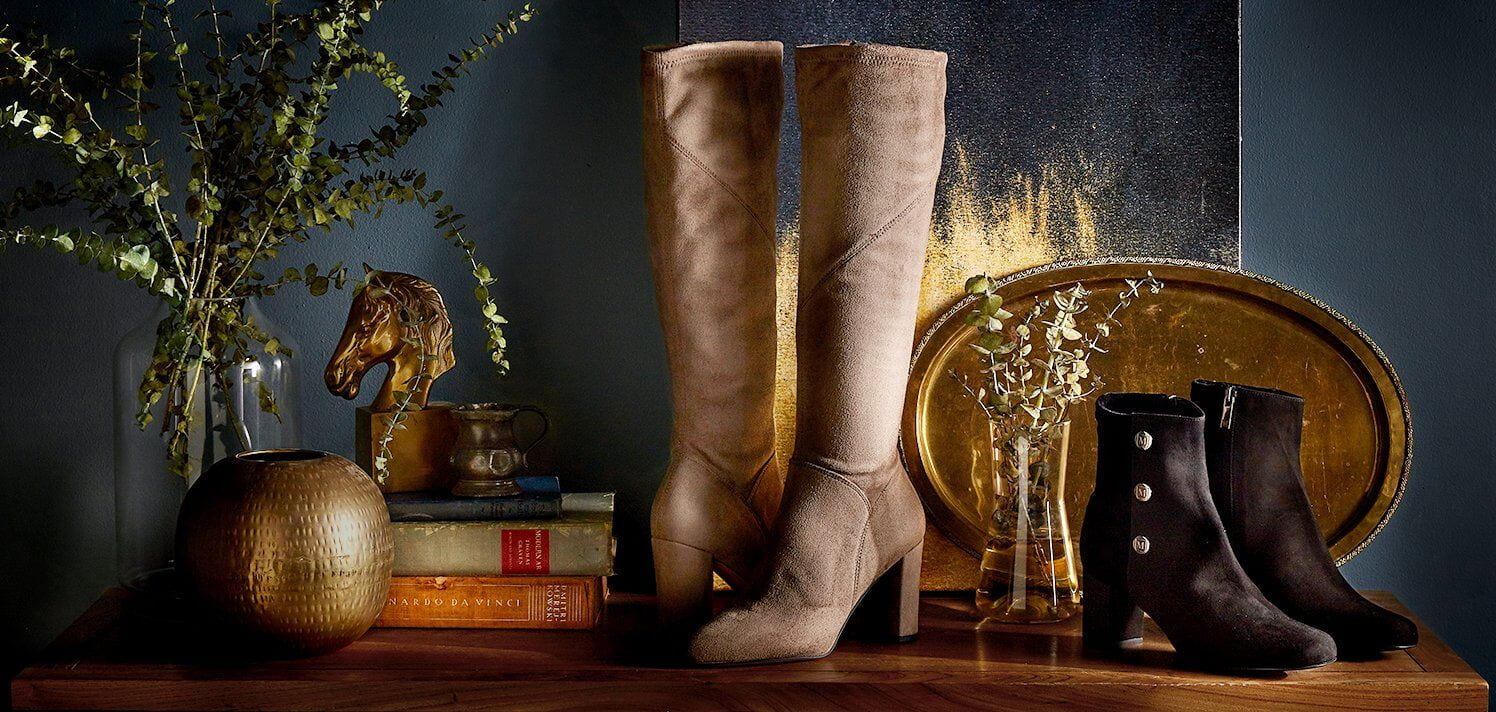
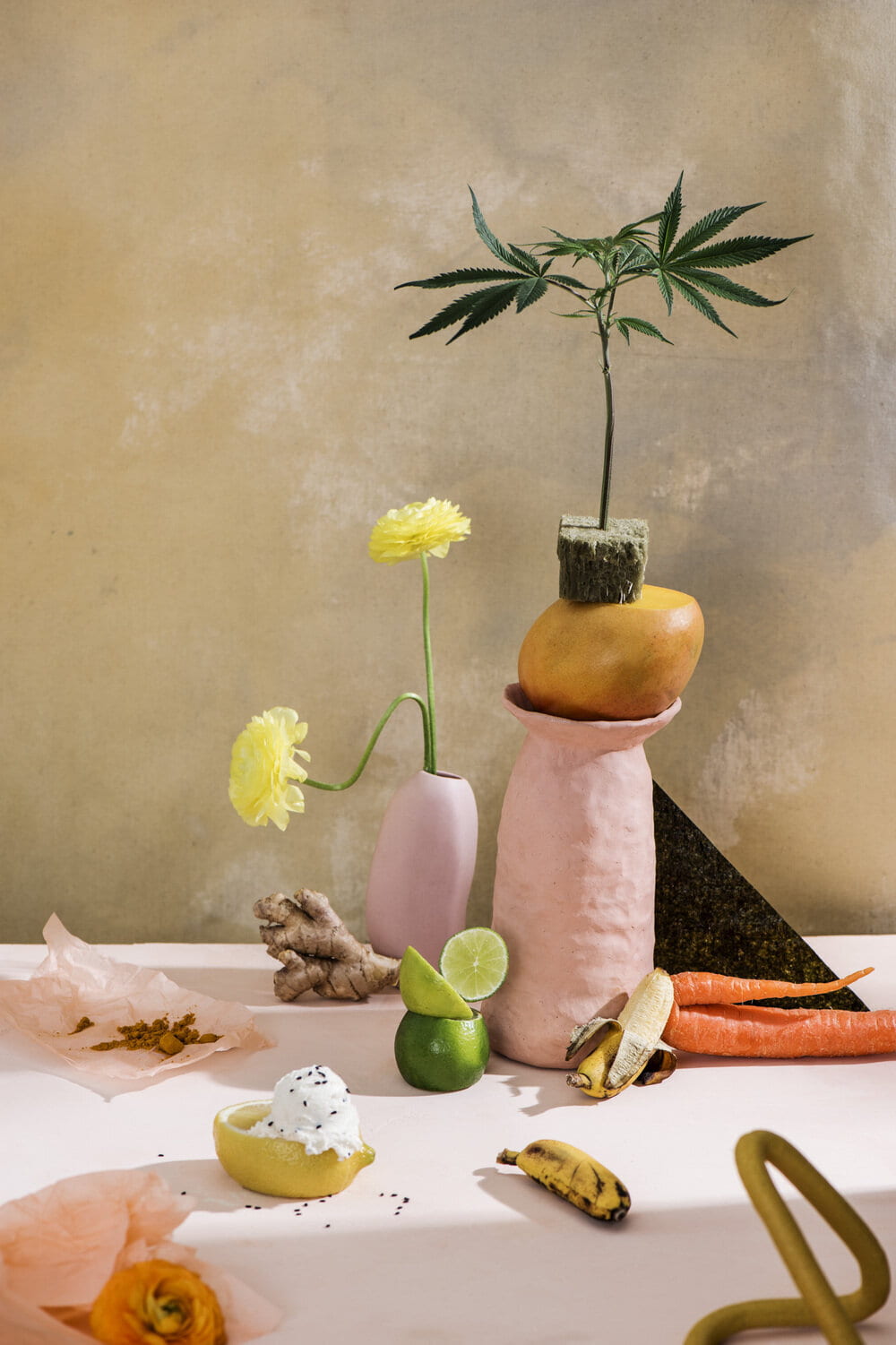
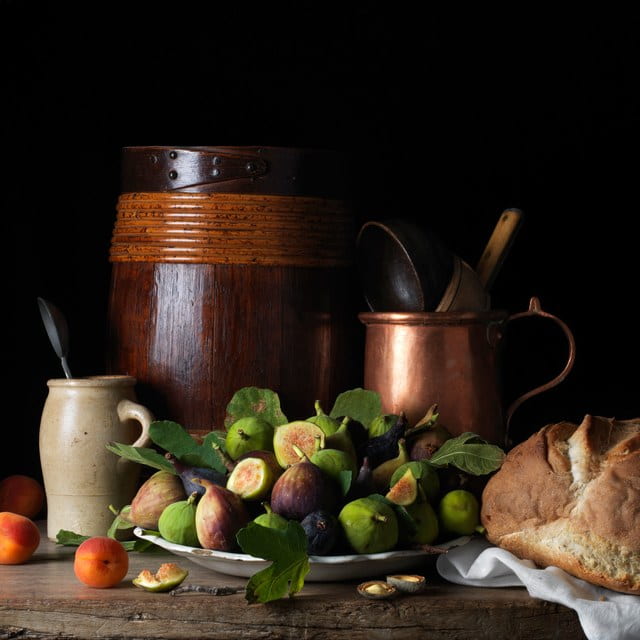
P.4 Wednesday 2/15/23: Still Life Photography

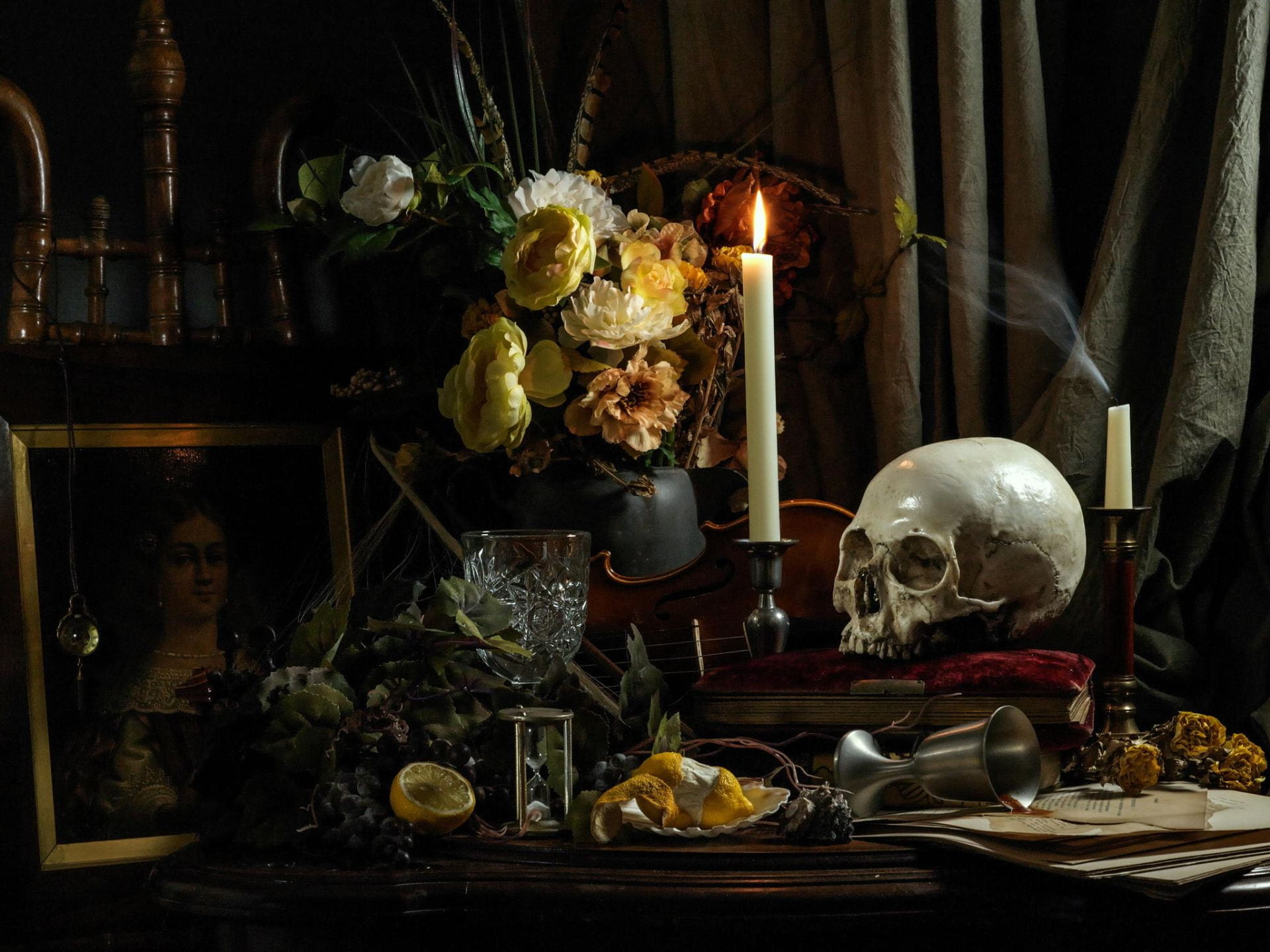
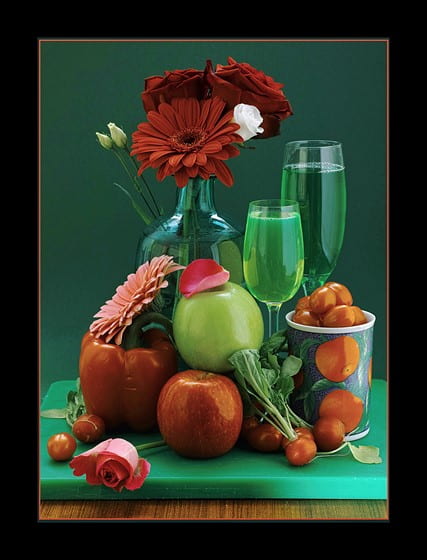
Work with a partner or a group of 3 to create a still life to photograph.

Pick a theme and/or color scheme. Color Schemes PowerPoint

Backdrop must either go with the color scheme or must be black or white.

Minimum of 7 items.

Use studio lighting from various directions and styles. Here’s a PowerPoint in creating balance: Balance in Photography

HAVE FUN!!!

https://creativecloud.adobe.com/discover/article/get-hands-on-with-photographer-ryan-figard?locale=en&trackingid=61PM7T14&mv=email

https://edpuzzle.com/assignments/63ee880c37dc7f4147fed780/watch

Posted in Photo 1 Assignments

Wednesday 2/15/23: Natural Light Portrait Photography

Today’s Agenda:

  • Introduction to Natural Light Portraiture-PowerPoint
  • Exploring Gordon Parks’s Photography

Natural Light Portrait Photography PowerPoint: Click here to open

We will talk about some simple natural light direction and situations. Today we’re only going to slide 9 of the PowerPoint.


Exploring Gordon Parks Photography-Blog Post

Gordon Parks Photography Archive

Directions:

View the various photographic works of Gordon Parks at the link above. I will demonstrate how to navigate the website.

Look through at least 3 different photo archives and select one portrait that stood out to you. Right click and Save As a JPEG or take a screen shot of it using the Snipping Tool & save as a JPEG.

Create a blog post, titled “Gordon Parks Photography”.

Upload the portrait you chose and tell me:

  1. what type of lighting you think was used
  2. what camera angle was used
  3. how was the photo composed
  4. why did you choose this portrait
  5. what was this photo taken for, what is the story behind it
Posted in Advanced Photo Assignments

P.4 Tuesday 2/14/23: Sweet Shoot Gallery Walk

Today’s Agenda:

Sweet Shoot Gallery Walk…

Display the 3 best photos you created with your group on your screen. Place a sheet of notebook paper with your name in front of your monitor (tuck in keyboard under monitor to make room).

We will take turns rotating until you each get to see every group’s work (should be 4 rotations). Take a pen or pencil with you only.

Leave the following feedback on their notebook paper:

Which photo is the best and why?  Please be specific: composition, camera angle, lighting, styling, focus, editing, color, comparison to the other options, etc.

For EACH photo: what changes could have improved this photo?  Again, be specific!

Leave your name after the feedback you leave. You will get graded on this part!

Posted in Photo 1 Assignments

Tuesday 2/14/23: Additions to Battle of the Lenses Blog Post

Today’s Agenda:

  • Catch up on Battle of the Lenses-Focal Length Portrait Experiment w/ updates
  • Catch up on photo challenge #1 or get ahead on #2

Battle of the Lenses-Focal Length Portrait Experiment UPDATES

Add 2 paragraphs!

Add an introduction paragraph to your post by explaining to your “audience” what focal length means and how it can affect photos and portraits. Then explain what you had to do for the experiment.

Add a second paragraph where you share you experience of taking the portraits. What was challenging about the experiment? What do you think of the results? What differences did you notice? Is there a focal length you liked most for portraits?

Focal Length PowerPoint