Posted in Advanced Photo Assignments

Thursday 9/29/22: Practicing Portrait Lighting Patterns

Today’s Agenda:

  • Live demonstration of lighting set up to achieve the 6 patterns
  • Practice patterns with your group
  • Portrait Light Pattern Project

Portrait Lighting Patterns Photo Assignment:

Use another subject to replicate each of the following light patterns/techniques:

  • split
  • loop
  • Rembrandt
  • butterfly
  • broad
  • short

-Use one main light source to produce them.

-Select your best shots for each pattern and edit on Lightroom.  They may be converted to black & white to emphasize the shadows and light.

-Place all 6 portraits on as a gallery on your blog and caption each photo with the pattern it demonstrates.

-Turn into the “My 6 Portrait Lighting Photographs” assignment on Teams.

Posted in Photo 1 Assignments

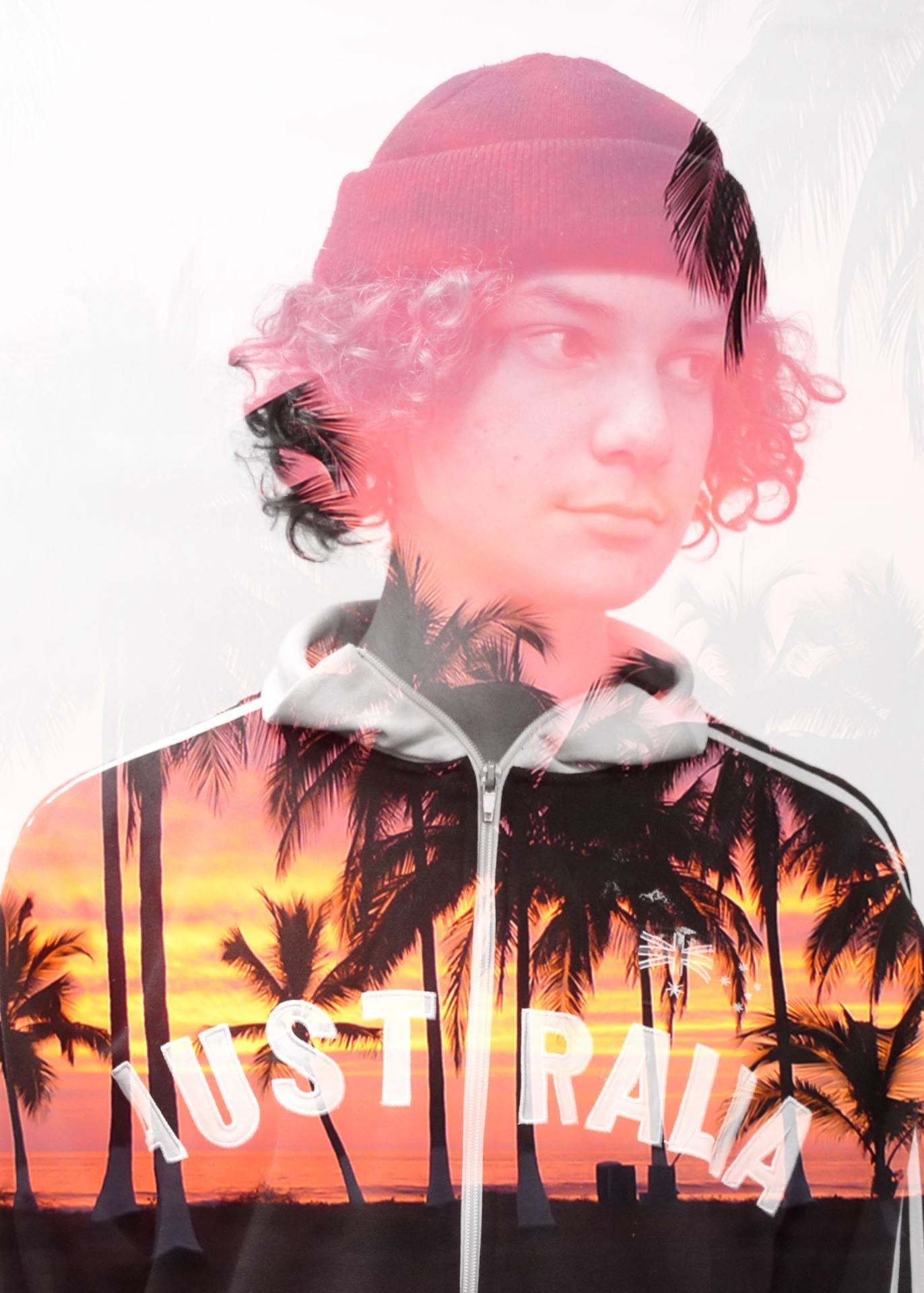
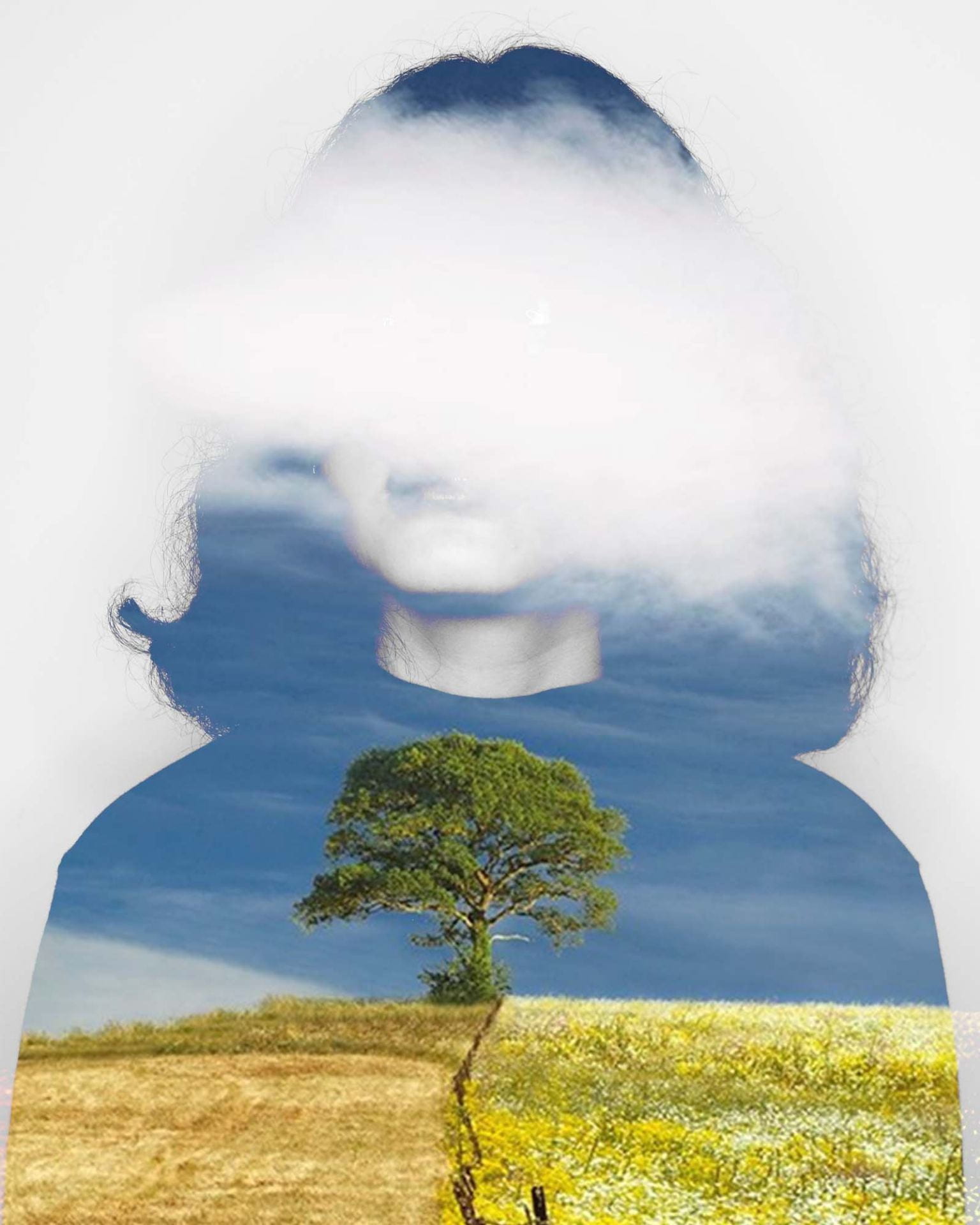
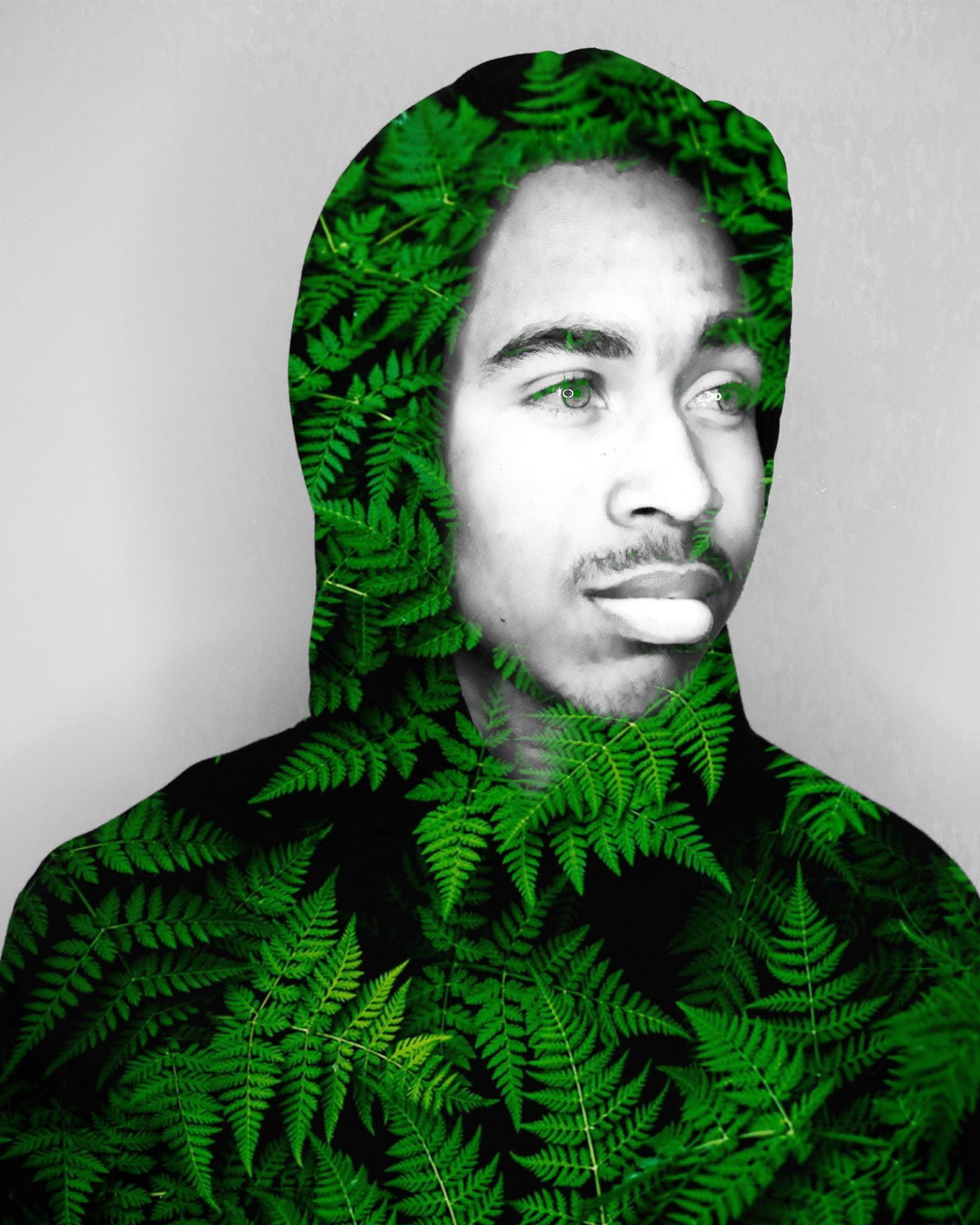
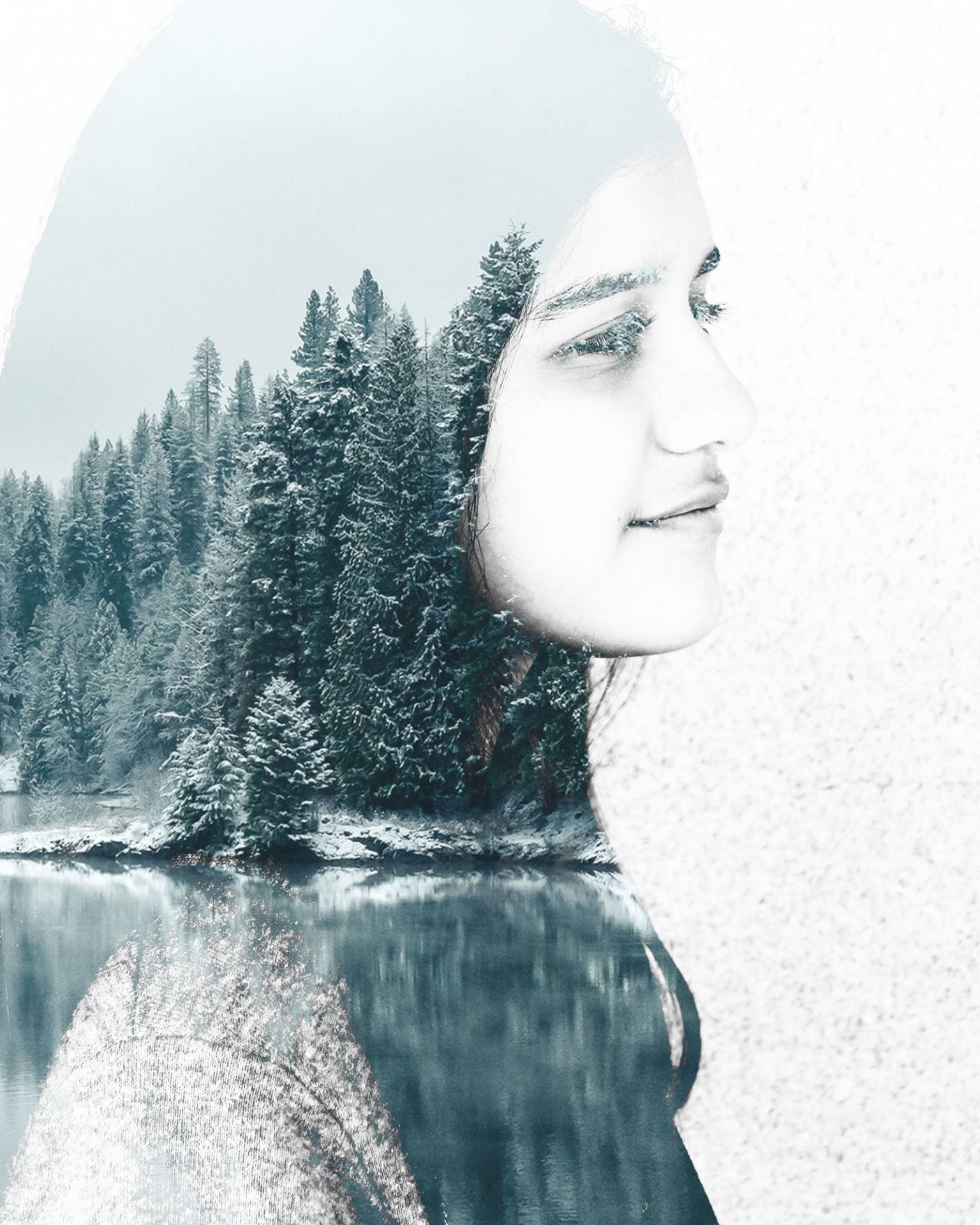
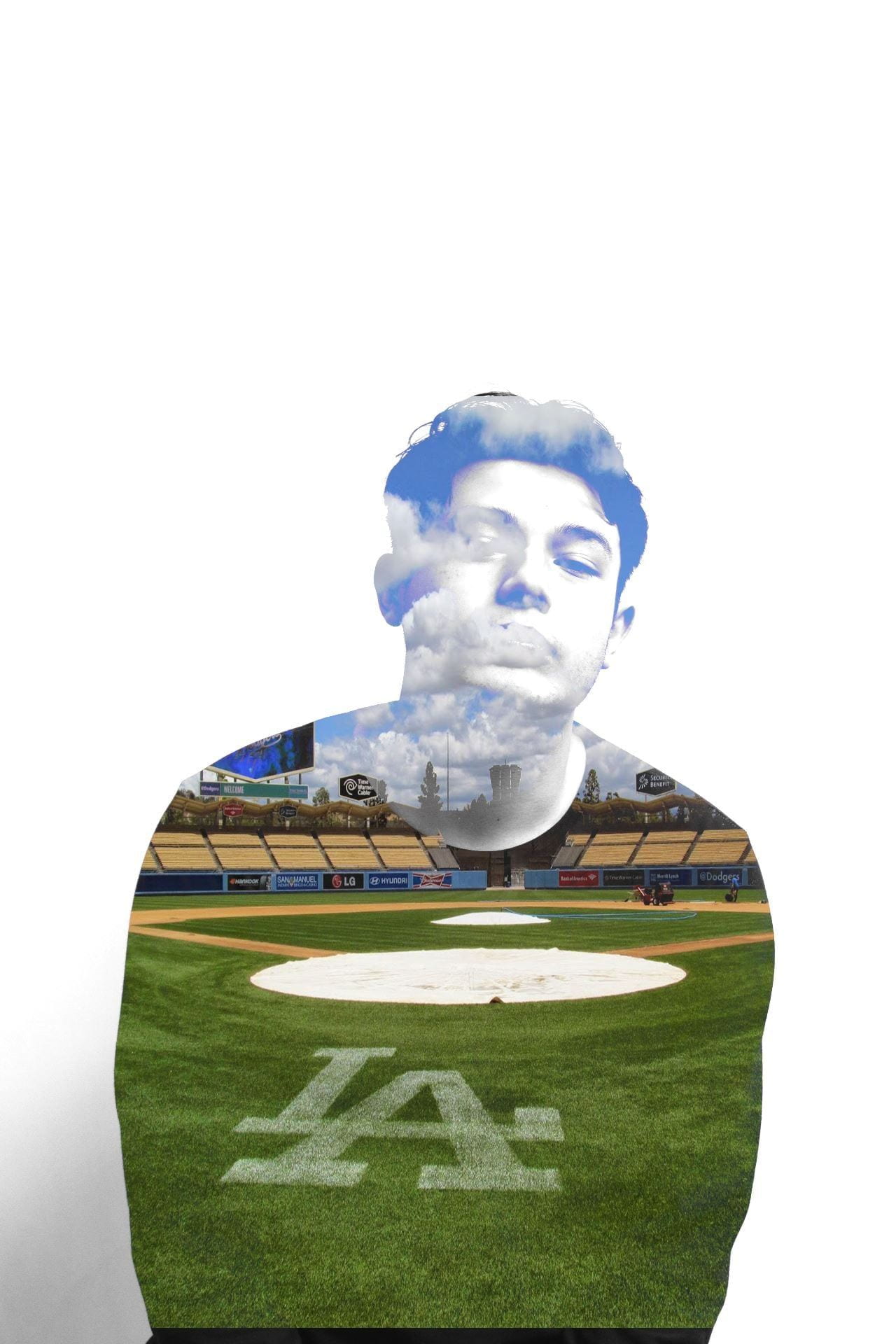
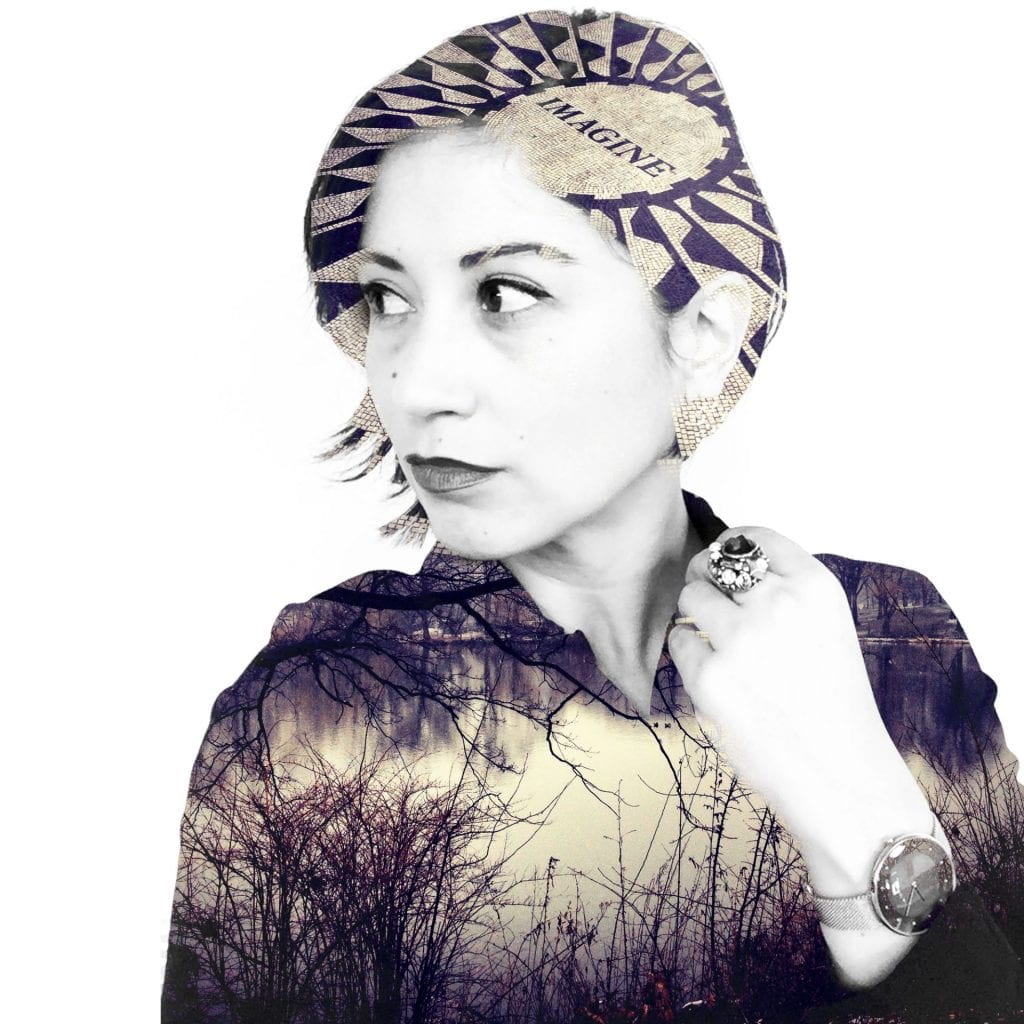
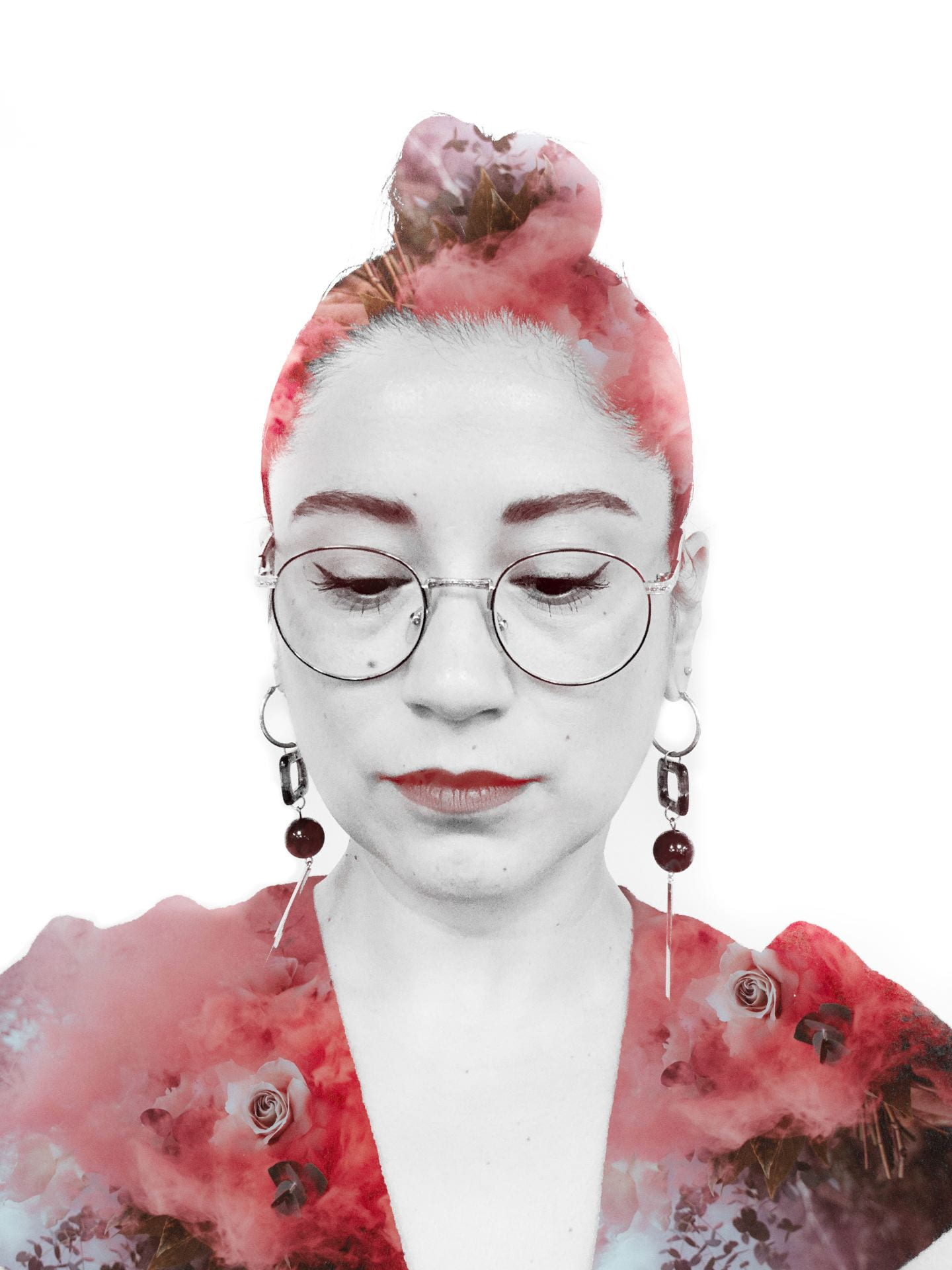
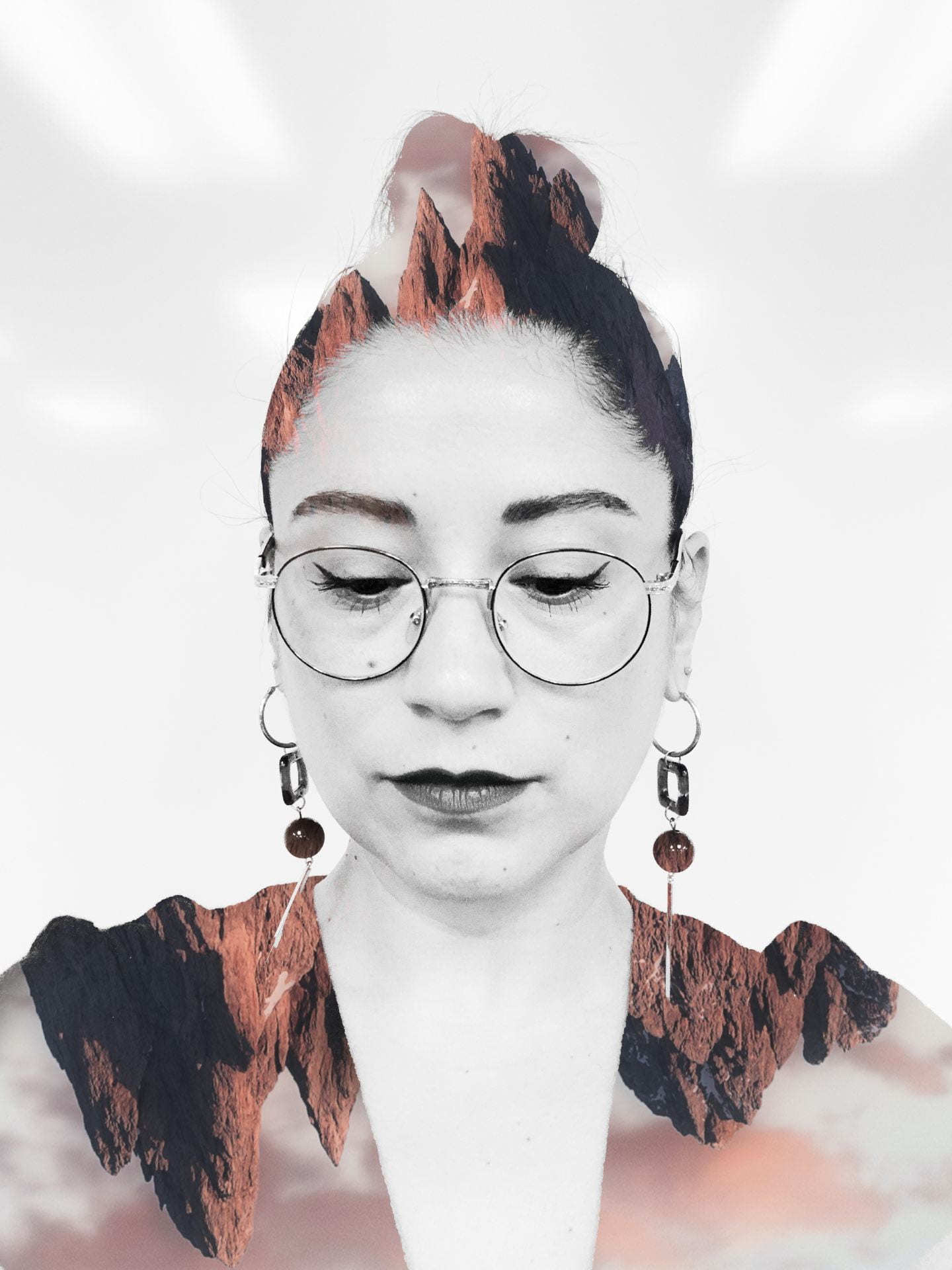
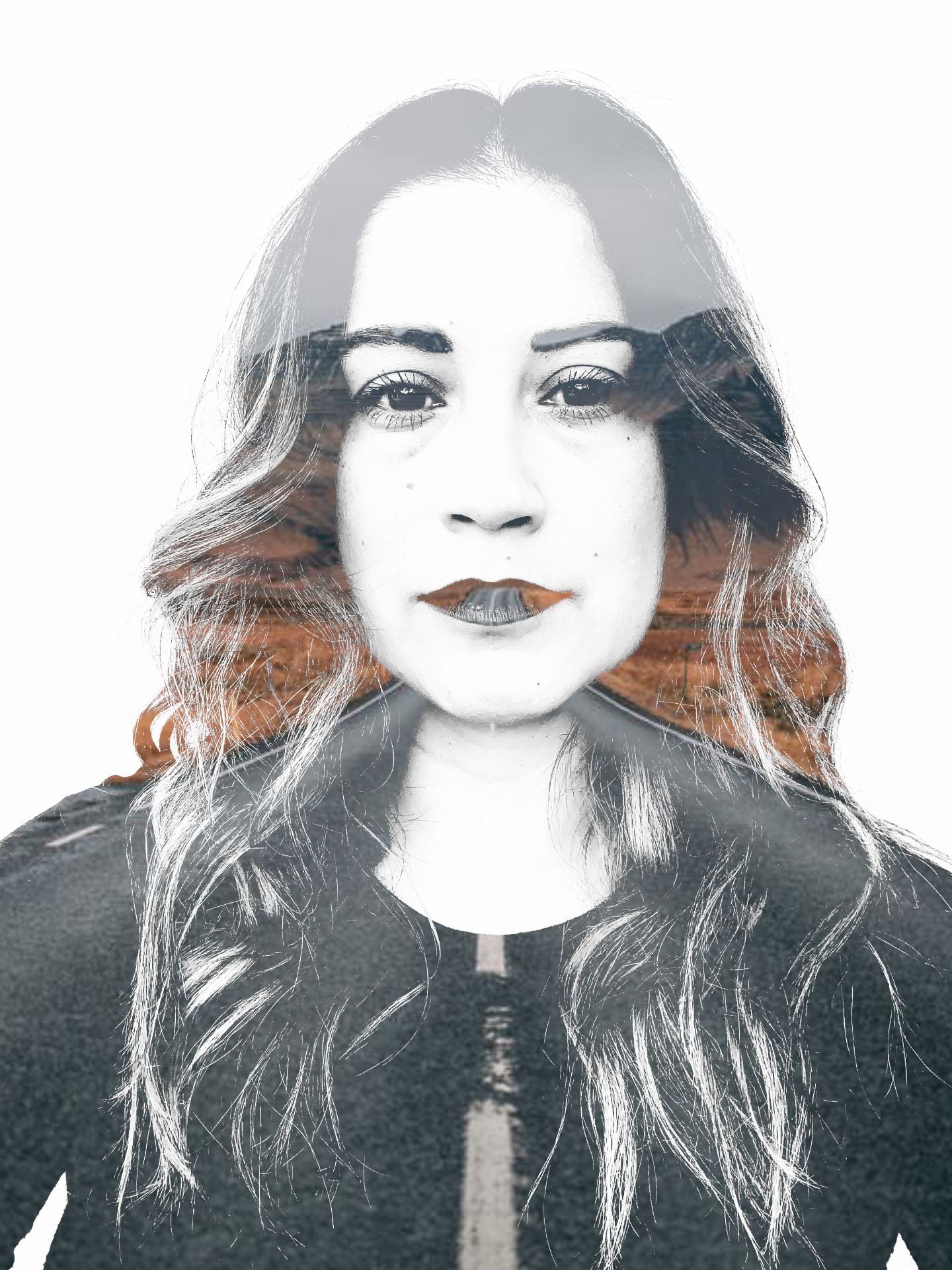
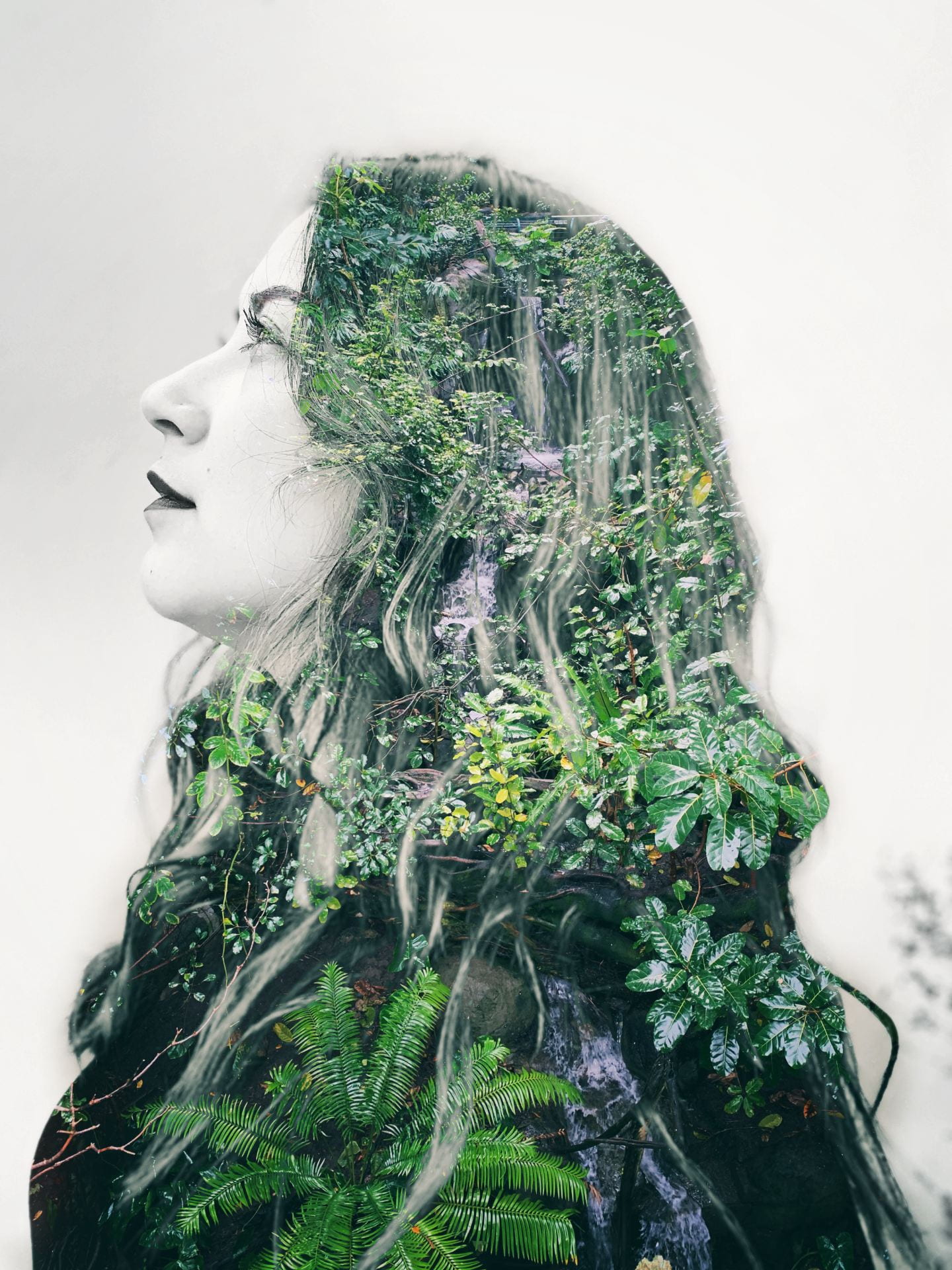
Wednesday 9/28/22: Double Exposure Portrait Project!

Today’s Agenda:


Taking Portraits:

You will work with one or two other people and one camera.  The cameras are already set to the necessary settings.  Let me know if the photos are not coming out well exposed and I’ll fix the settings. If we don’t get to everyone today, so we’ll continue tomorrow.

When getting your portrait taken here are my suggestions:

  • Get at least 3 poses, include one from the side.
  • I suggest from chest and up.
  • Use portrait orientation (tilt the camera over so the photo is vertical, not horizontal)
  • Pose in which ever way you feel comfortable. (No offensive gestures, please!)

After your group takes photos, you’ll need to take turns saving your own portraits from the SD cards to your OneDrive.  Help each other out with this. Do not format the card until the last person has saved their portraits!!

Make your portraits black and white before starting the double exposure process:

You will need to make your portrait black & white AND high contrast. Increase brightness/contrast adjustment on Photoshop after using the black and white adjustment. The less grays, the better.

(If you prefer to edit your portrait in Lightroom first, that’s cool with me!)

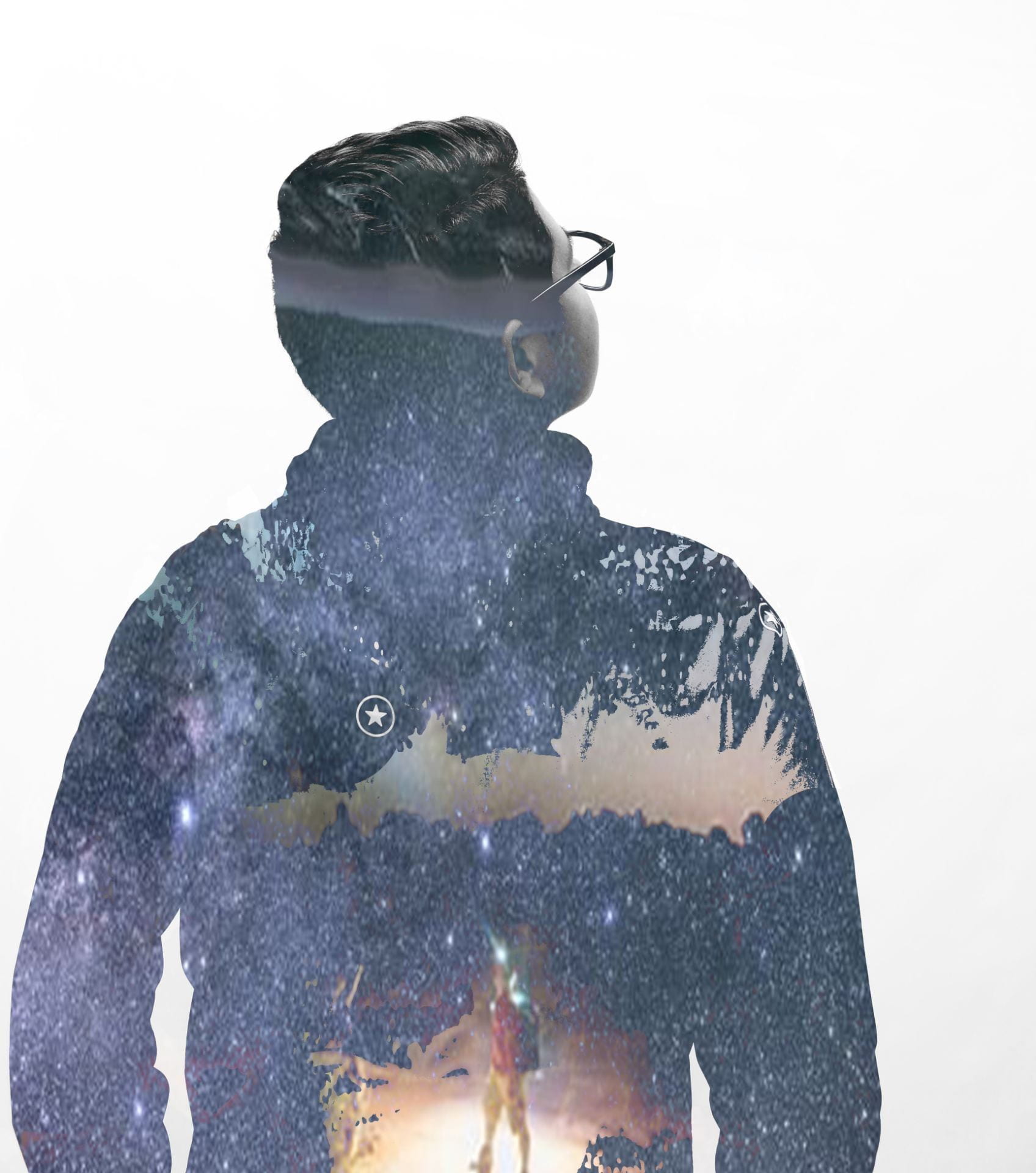
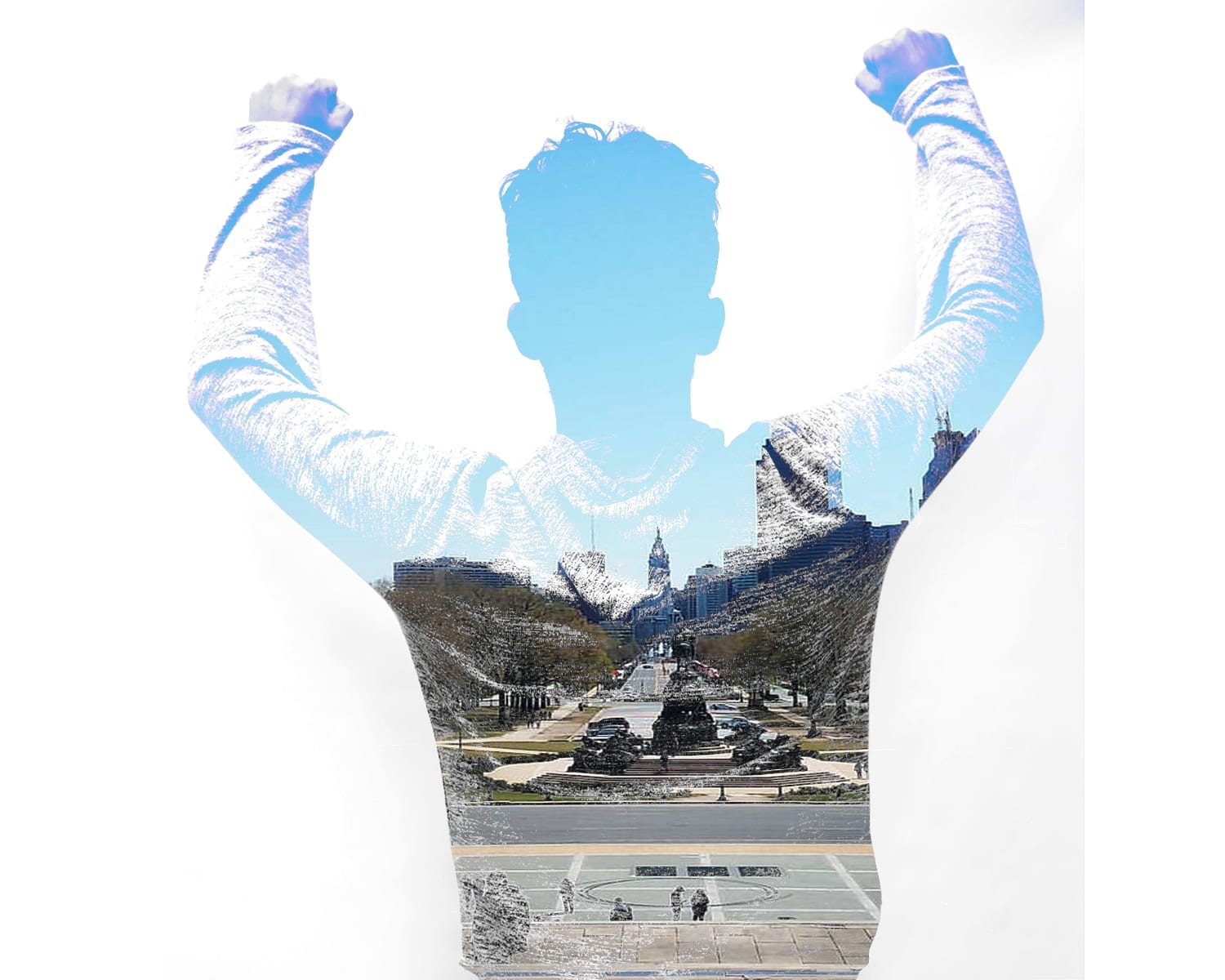
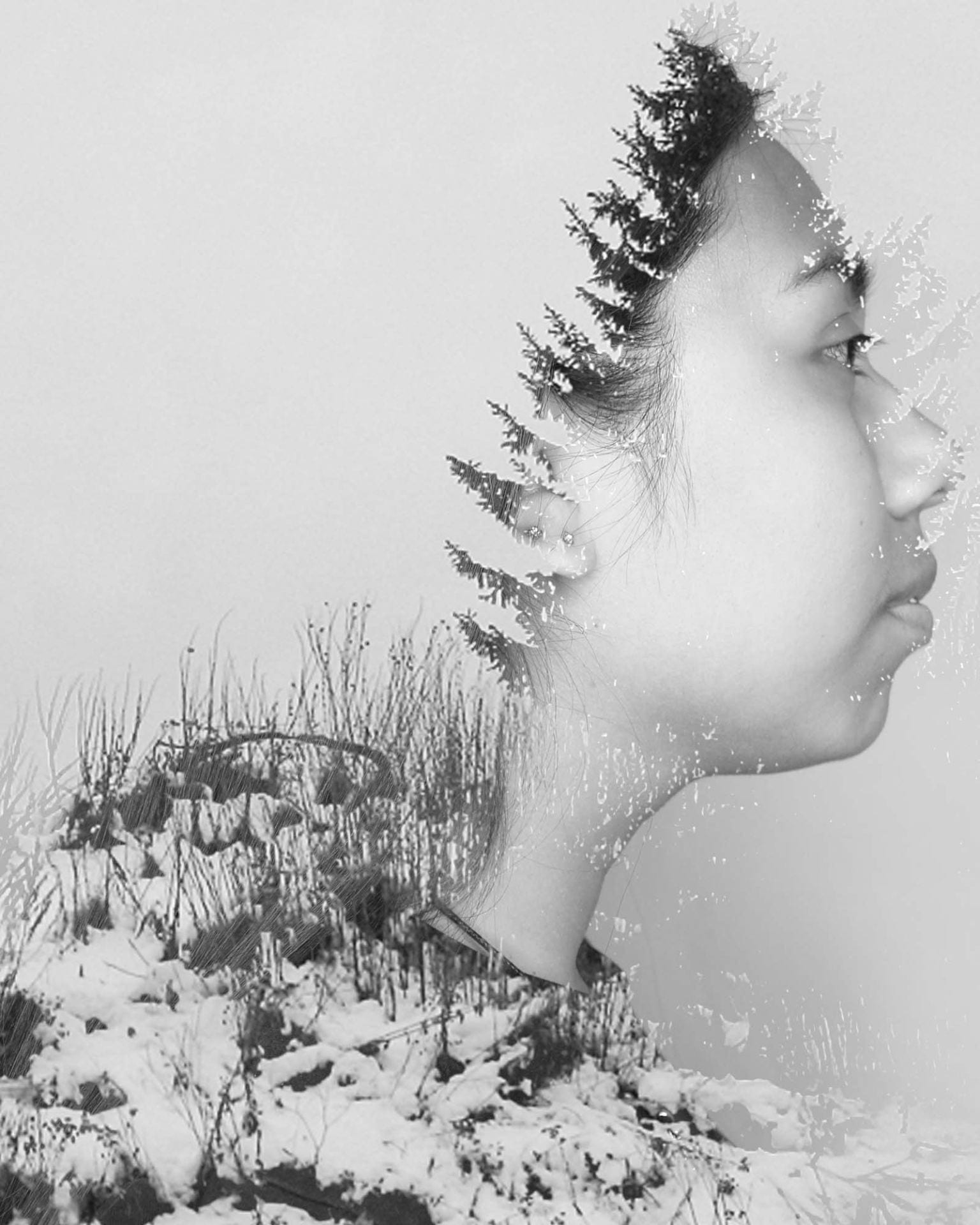
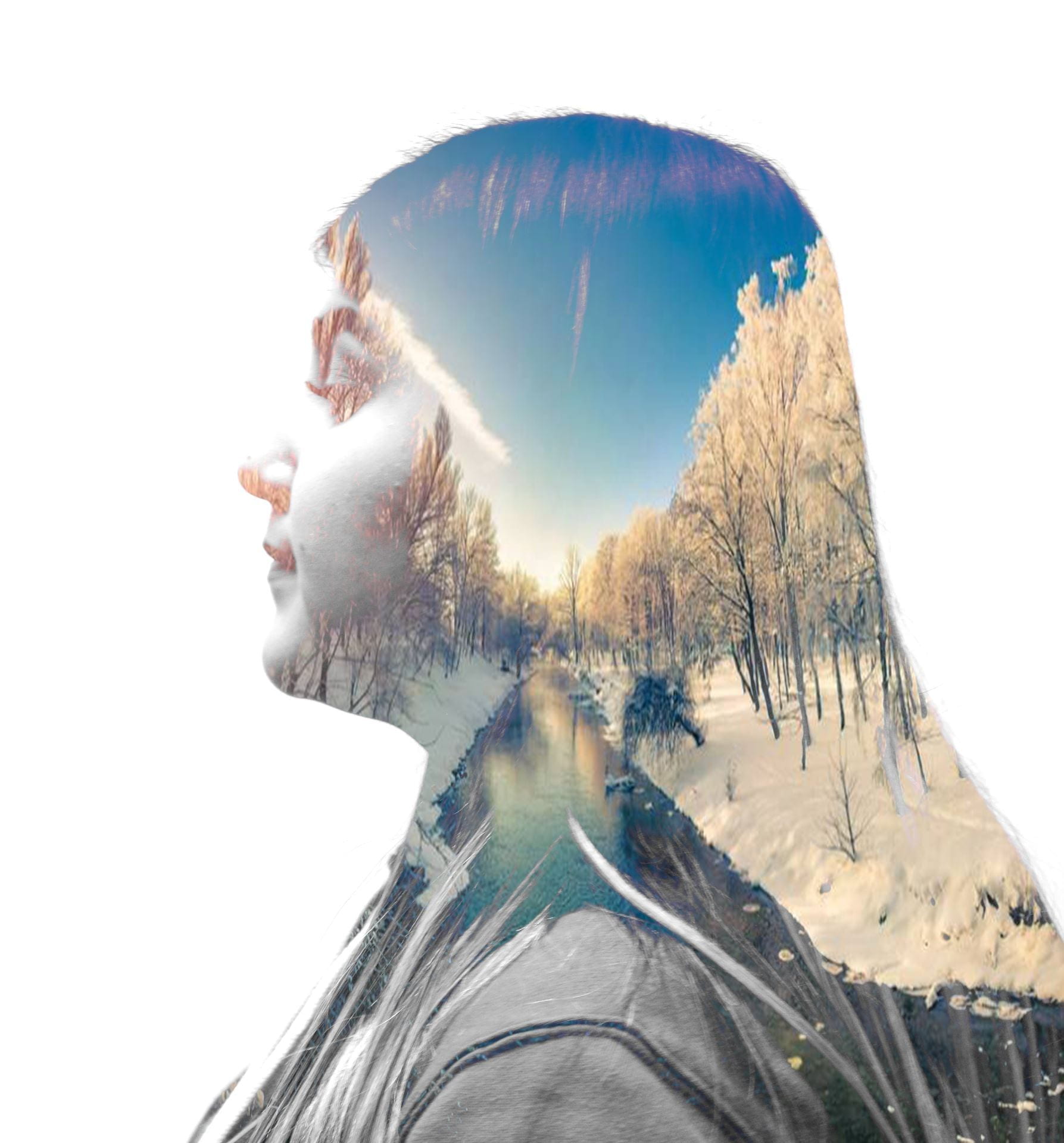
Check out some of my past creations:

Posted in Advanced Photo Assignments

Monday 9/26/22: Portrait Lighting Patterns

Today’s Agenda:

  • Portrait Lighting Patterns Notes/Blog Activity

Portrait Lighting Patterns

You will use the two sources below as reference for this assignment:

6 Portrait Lighting Patterns

4 Common Portrait Lighting Patterns

Create a new blog post titled: Portrait Lighting Patterns.

In your own words, explain what the following portrait lighting patterns are and how to achieve them (include diagrams of the set ups too if you can):

  • Split
  • Loop
  • Butterfly
  • Rembrandt
  • Broad Lighting
  • Short Lighting

Then you need to hunt for your own portrait examples of each of the lighting techniques we covered using Google Images or other portrait websites-besides the ones we looked at. (You may have to use the Snipping Tool if the photo you saved doesn’t upload to Edublogs).

Post on your blog as a gallery and caption each portrait with the lighting style it demonstrates. (You may also choose to upload each photo individually after each of your explanations, your choice!)

Turn in the link to you blog post in Teams!

Posted in Photo 1 Assignments

Monday 9/26/22: Intro Photoshop: Double Exposure Portraits

Today’s Agenda:

  • You may complete last week’s assignments if you need more time
  • Then move on to the Double Exposure tutorial I recorded for you

Grab a headset and click the link below to view the tutorial:

Double Exposure Portrait Tutorial VIDEO

Double Exposure Steps and Project Details

*Left out from the video tutorial: When dragging or moving photos, make sure your mouse is selected on the moving tool, the very top one on the tool belt thingy.*

The link below has portraits and background you can use to practice.  Download and save the ones you might want to use to your OneDrive.

Portraits and Landscapes for Double Exposure Tutorial

Save your practice double exposure result.  You will need it later (I’m not collecting it yet).  Feel free to make extra ones to experiment with!

Posted in Advanced Photo Assignments

Friday 9/23/22: Peer Critiques for Individual Challenge #1

Today’s Agenda:

  • Peer Critiques for Individual Challenge #1

If you haven’t already, please post your individual challenge to Padlet! The more projects that are up there, the better!

Peer Critiques for Individual Challenge #1

Log into Edublogs first.

Then head over to our Padlet Gallery Wall and visit ALL the blogs of your classmates to check out their photo work for the individual challenge. Remember to view other people’s blogs you’ll need the password: photo.

After viewing them all, I need you to choose THREE classmates that you will leave feedback for. This time you will leave your feedback in the comment section of their blog post!

After you answer the questions below in their comment section, I’ll need you to take a screen shot of each using the Snipping Tool so you can turn them in on Teams.

  1. Do you believe the photographer’s work adequately demonstrates the challenge they chose? Explain.
  2. Which photo do you like the most and why?
  3. What do you think of the photos they chose as their best 2-3 photos? Would you have chosen different ones? Explain why.
  4. What feedback can you give them about their photos overall?  Like, should they have used different settings, angles, props, lighting, composition, etc…
Posted in Photo 1 Assignments

Friday 9/23/22: Camera Angles Assessment and Photo Critique Assignment

Today’s Agenda:

  • Checking for understanding: Camera Angles
  • National Geographic Photo Critique

Head over to Teams to find the Camera Angles formative assessment. It is only 6 questions!  Due this class period.


National Geographic Photo Critique-Blog Post

Due by the end of today.

–Head to Photography (nationalgeographic.com) or simply do a Google Image search of “National Geographic Photography”.  (There are subcategories at the top you can check out as well “travel”, “culture”, “portraits”)

–Find a photograph you think is amazing or beautiful.  Open the image to take a screenshot of it using the Snipping Tool and save as a JPEG.

–Make a new post on your blog titled, National Geographic Photo Critique.

–Upload the photo you saved and answer the following questions about it:

  1. What is the photograph showing us?
  2. What elements of art do you see demonstrated and how?
  3. What camera angle do you think was used? If you can’t tell… how do you think the photographer took the photo?
  4. What sorts of messages can this photo communicate to viewers? Does it have a particular meaning or express a mood?
  5. In your opinion, what makes this photo great?

–Publish your post and turn in on Teams.


Posted in Photo 1 Assignments

Thursday 9/22/22: The Photographers-National Geographic Documentary

Today’s Agenda:

Watch National Geographic’s “The Photographers”


The Photographers Documentary (1995)

Answer the following questions on your index card for extra credit:

  1. Name at least one photographer from the video:
  2. List 2 or more facts described in the film that either impressed you, surprised you, or that changed your mind about any aspect of photography:
  3. Was there anything you saw or heard that seemed out of place, problematic, or that didn’t sit right with you?
  4. Can photographs be misleading or biased?
Posted in Photo 1 Assignments

Wednesday 9/21/22: Toy Stories Peer Critiques

Today’s Agenda:

  • Complete your Toy Stories Project and turn in on Teams
  • Complete missing work
  • Toy Stories Peer Critiques

Toy Stories Padlet Gallery Wall Instructions:

Choose your best toy photo to post on the Padlet gallery wall along with the link to your blog post. Then follow the instructions on the critique instructions below!

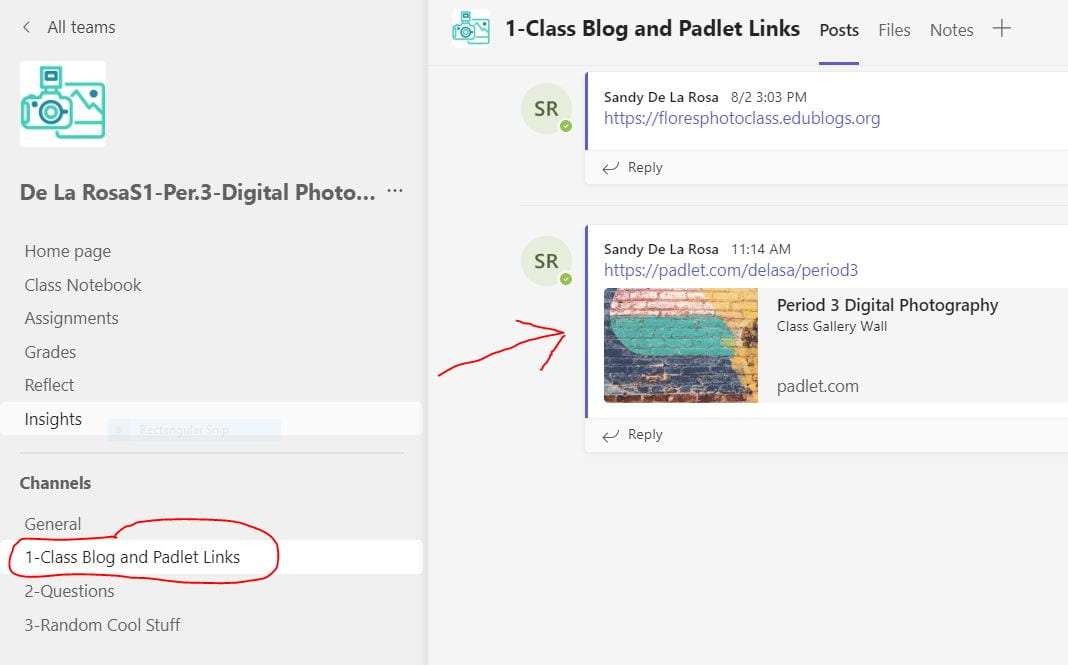
Step 1: Go to Teams & open the first channel (“Class Blog and Padlet Links”) to locate the Padlet link for your class period.
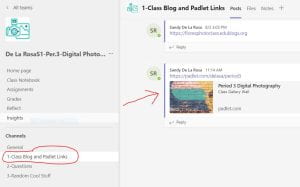
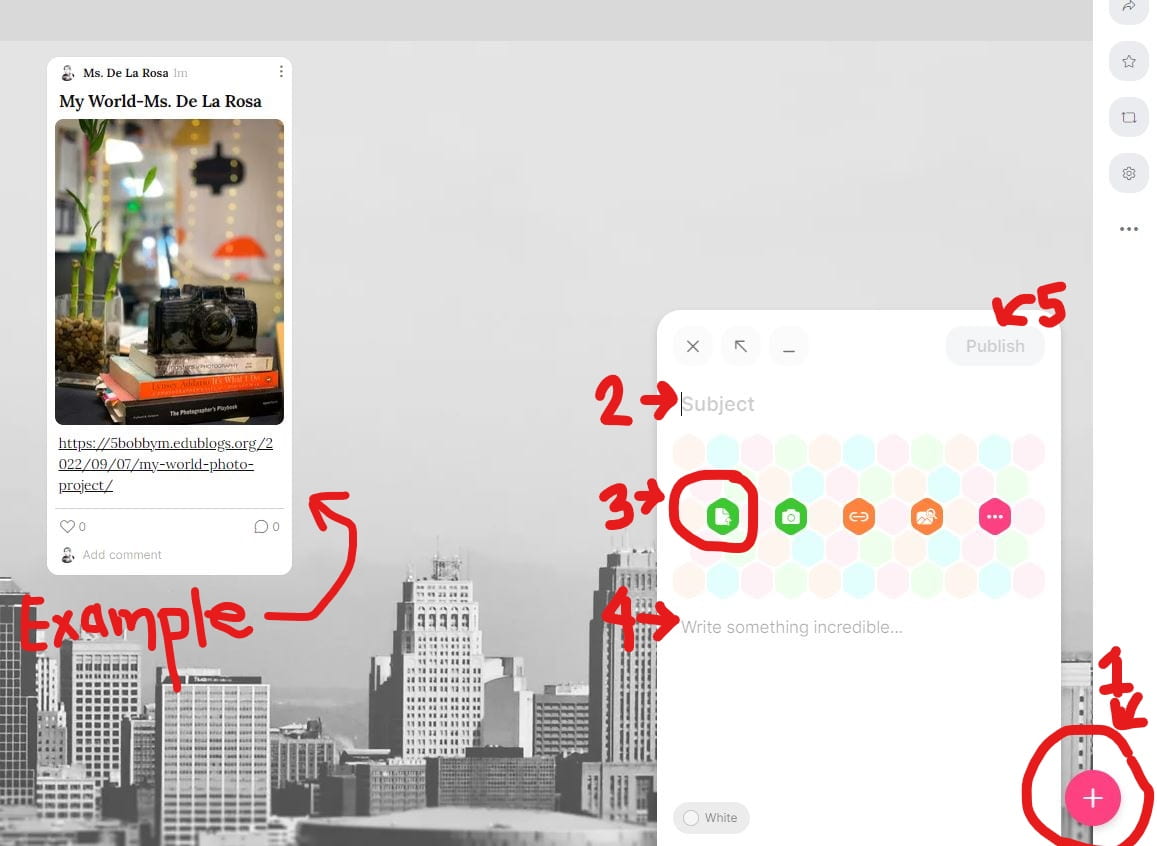
Step 2: Add your entry to the gallery wall on Padlet:

  1. To add your photo & link, locate the circle with the plus sign (+) on the bottom right.
  2. In the Subject area type your project title + your name.
  3. Use the first icon to upload your favorite of your 8 photos (one photo only!).
  4. Once it loads, copy and paste the direct link to your project blog post underneath (where it says “write something…”)…NOT in the caption of the photo!
  5. Then click Publish on the top right.

Click the screenshot below to see the steps and an example of what it should look like when published:
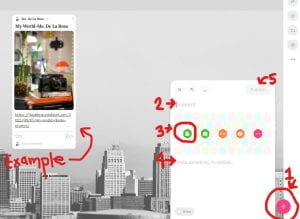
Step 3: You might need to wait a few minutes until others have also uploaded their photo & project link. Then click on the links to check out all the projects! Remember that the password to view other blogs is: photo.

Toy Stories Peer Critique Instructions:

Choose two classmate’s projects to critique.  THIS TIME, YOU WILL LEAVE YOUR CRITIQUE IN THE COMMENT SECTION OF THEIR BLOG POST!  You will need a screenshot of your two critiques to turn in on Teams. (Use the snipping tool and save as a JPEG).

Here is what your critique needs to include:

  1. Which photo caught your attention first, or which do you like the most? Why?
  2. Which photo has the best composition and why? (Composition is the arrangement of ALL visual elements and subject matter in the photo, as well as what they chose to leave out.)
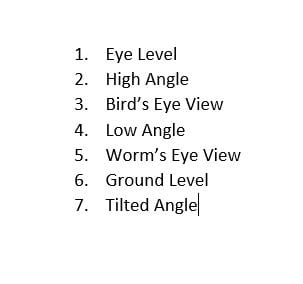
  3. Evaluate their camera angles and let them know which ones are missing or need improvement:

Take a screenshot of each of your critiques to turn in on Teams! 

Posted in Photo 1 Assignments

Monday 9/19/22: Editing and Posting “Toy Stories” Photos

Today’s Agenda:

-Editing and Posting Toy Stories Photos!

  1. Look through your saved photos and rename your files with the camera angle it demonstrates.
  2. Open the 8 photos in Lightroom to edit.  Remember to edit to enhance the image.
  3. Export as JPG (large) to your OneDrive.
  4. Upload your 8 edited photos to your blog as a gallery.
  5. Caption each image with the camera angle it represents from the required list.
  6. Change the gallery setting “Link to: Media File”.
  7. Title your post with a fun story title!
 

Posted in Advanced Photo Assignments

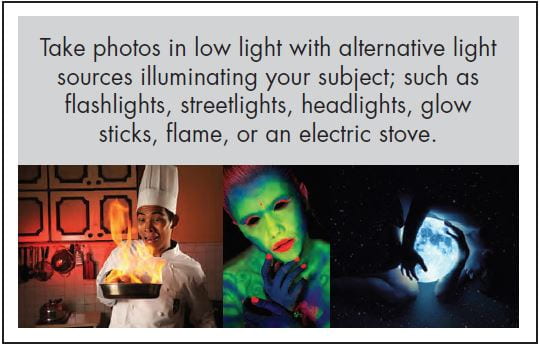
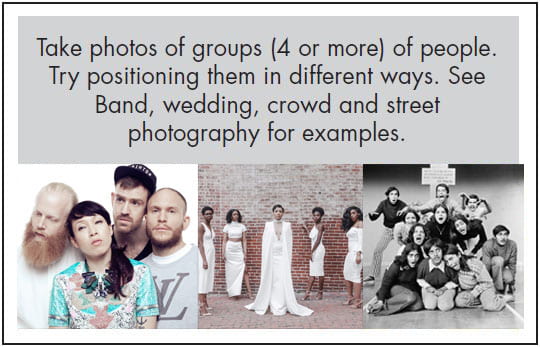
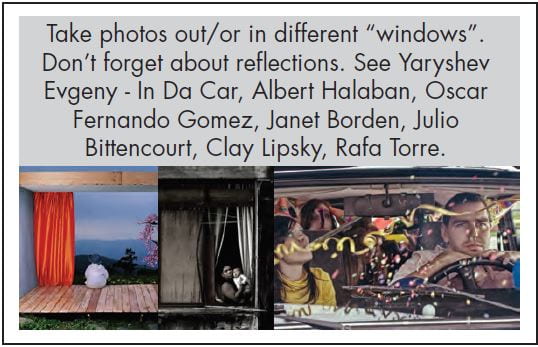
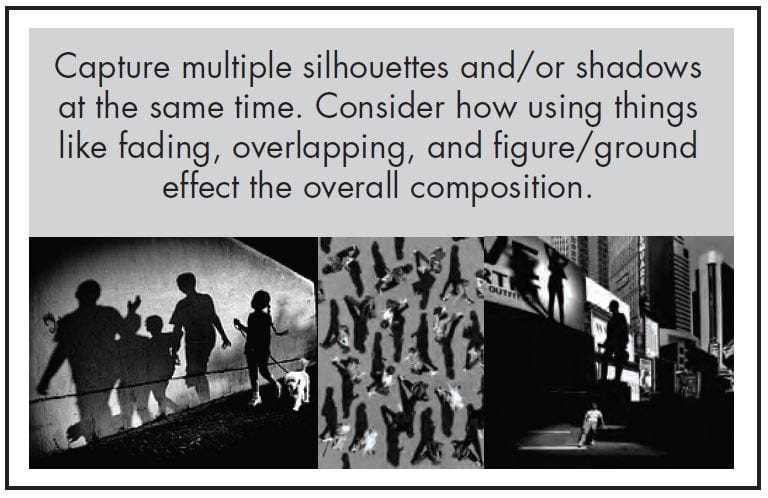
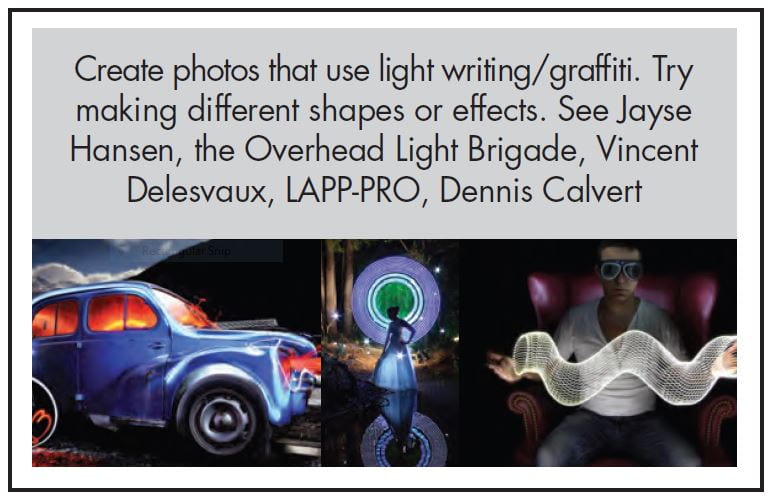
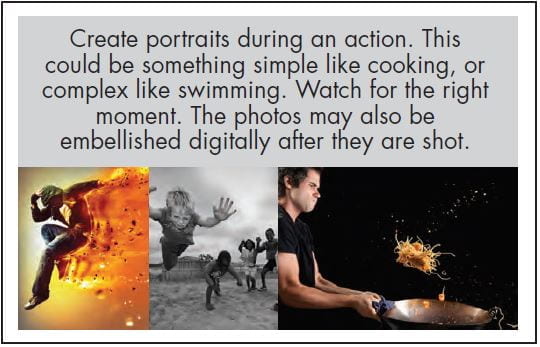
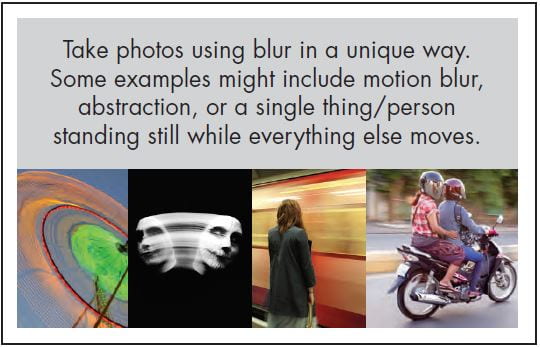
Individual Photo Challenge #1

Choose one of the photo cards below for your first individual photo challenge!

Due Wednesday 9/21/22

Criteria:

  • For each challenge, you must take at least 20 photos.
  • Then choose your best 2-3 photos to edit using Lightroom.
  • You must use a DSLR camera on aperture priority, shutter priority, or manual mode.
  • I recommend starting with a 400 ISO and only increase if necessary (but you can lower it if it’s super sunny and bright).

Posting instructions:

  • Edit your photos in Lightroom, export as JPG (large) this time.
  • Post your 2-3 edited photos individually and caption with the camera settings.
  • Then add a gallery to show the 20+ photos you took for the challenge.
  • Finally, add the card you chose so we know which challenge you did (save the card image or screenshot with snipping tool).


Student Examples: