Posted in Advanced Photo Assignments

Monday 8/30/21: Continue Action Series + Photoshop Beginner Tutorials

Today’s Agenda:

  • Continue action series photos
  • Save photos to your OneDrive
  • Photoshop Tutorials

Once you have all the shots taken and saved…

Type “Photoshop” on the bottom left search bar on your computer and open Adobe Photoshop 2021.

A window will pop up asking you to sign in, use your student email address to do so.  (You shouldn’t need to create an account.)

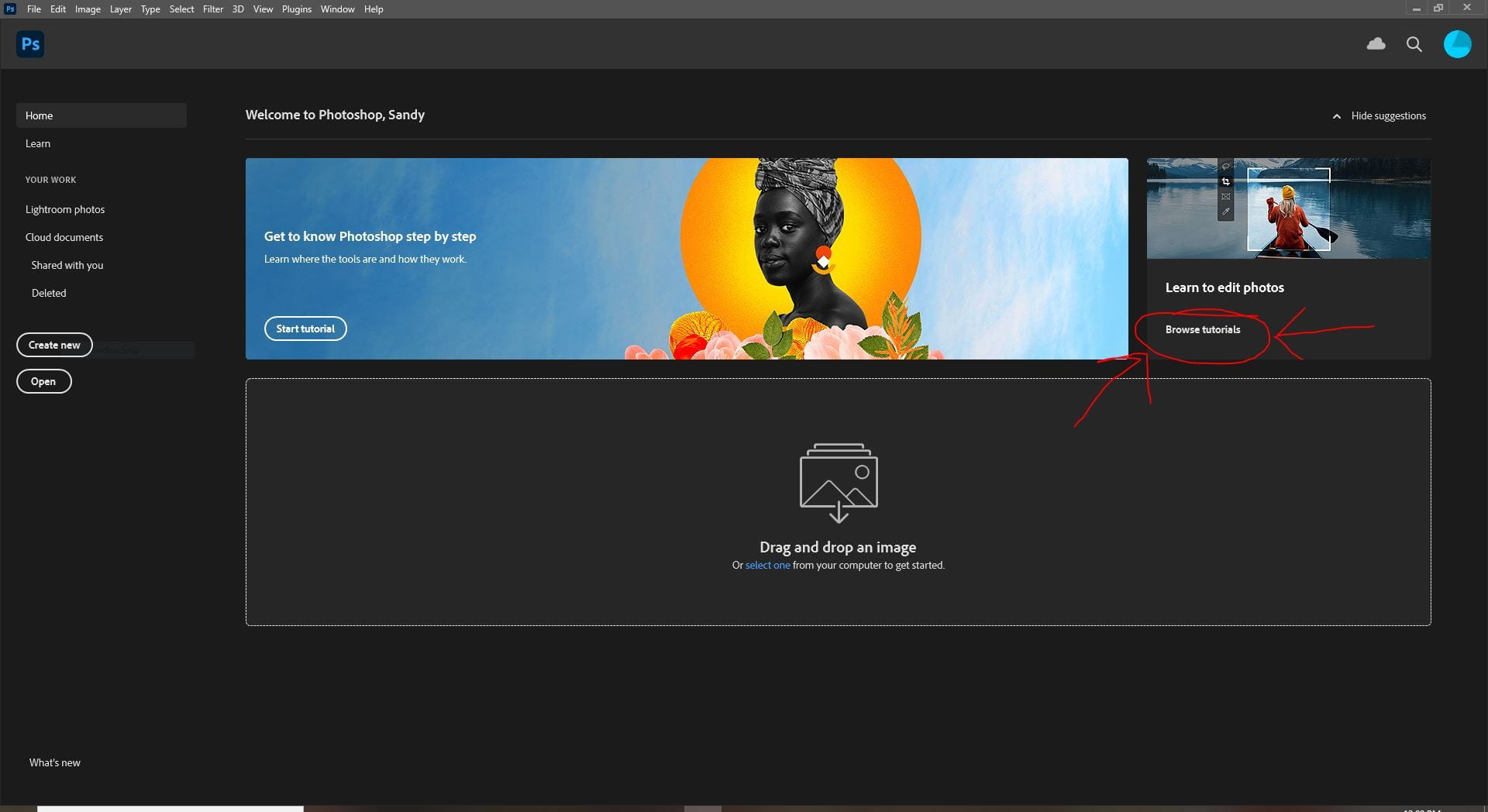
When it loads, go to the “Learn to Edit” section located towards the top right of the screen (you’ll see a pic of someone on a canoe), click on Browse Tutorials.
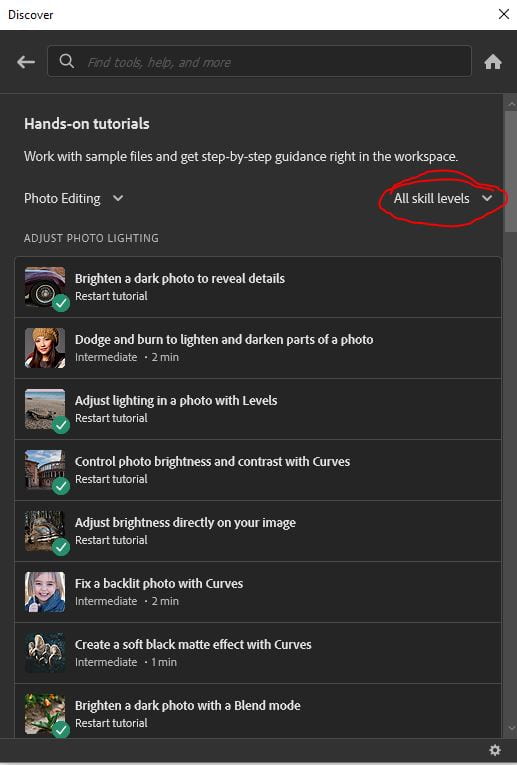
On the Skill Level drop down menu select Beginner:
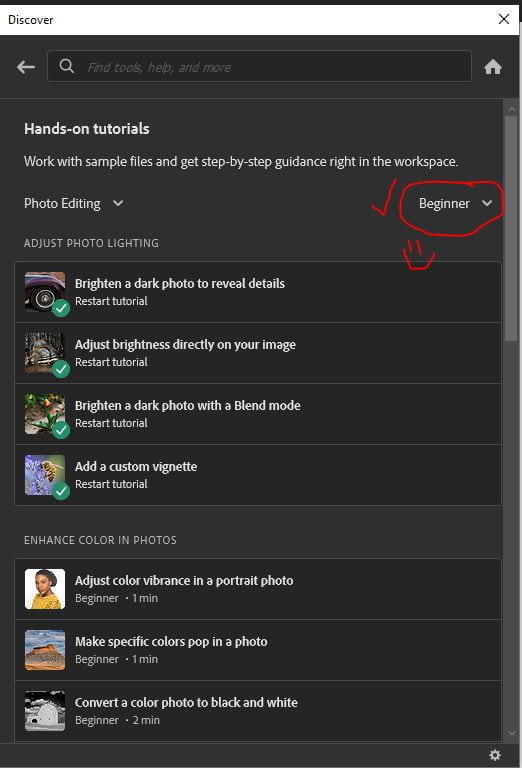
Follow, complete, and save the following tutorials:

  1. Adjust Photo Lighting– do all 4 tutorials
  2. Enhance Color in Photos– do the first 3 tutorials
  3. Resize Images- do the first 2 tutorials

Submit your saved tutorial images on Teams by Wednesday.
Posted in Photo 1 Assignments

Monday 8/30/21: Photographing for Toy Project

Today’s Agenda:

  • Working on My Toy Story project that was posted on Friday
  • The next steps after taking photos

Next Steps:

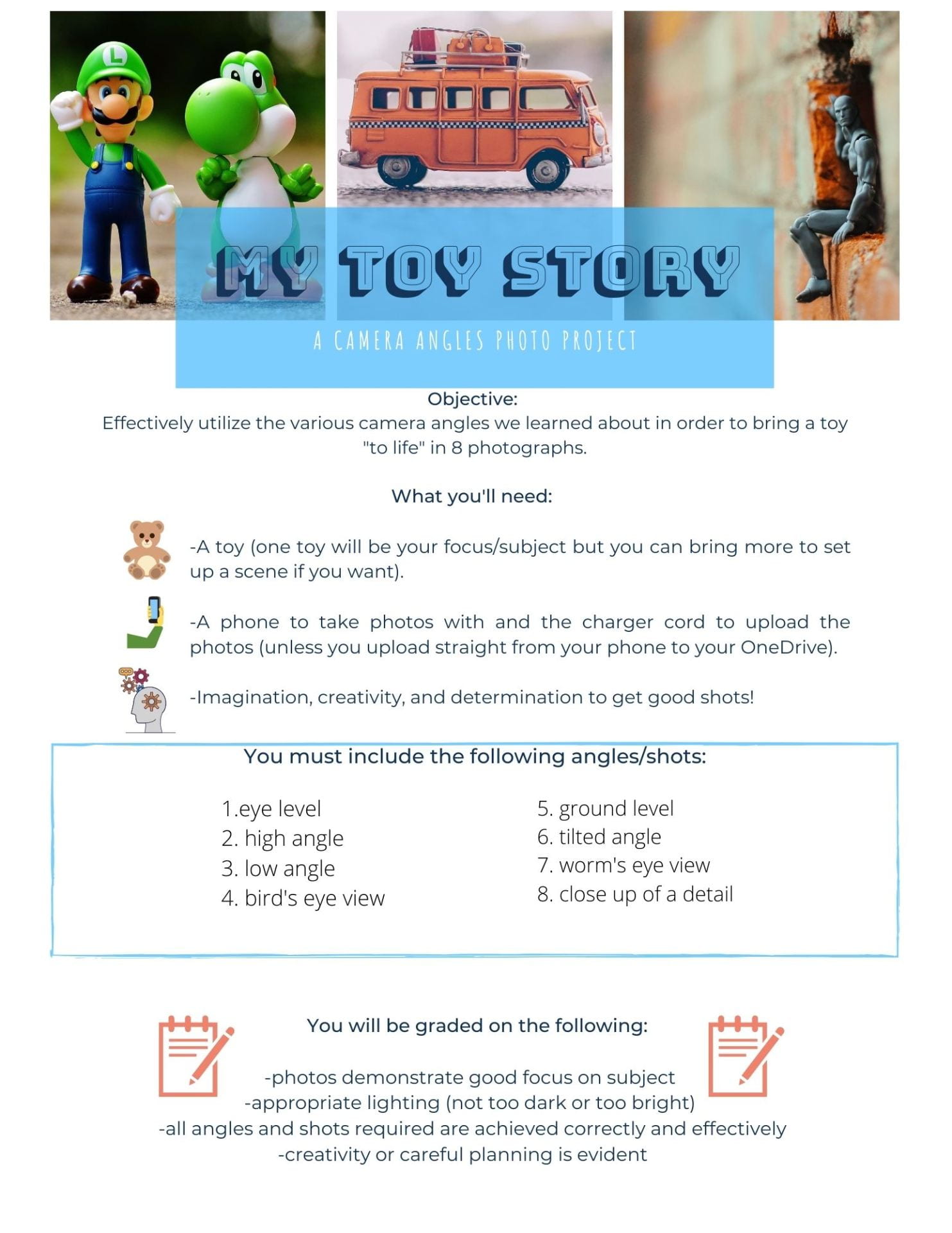
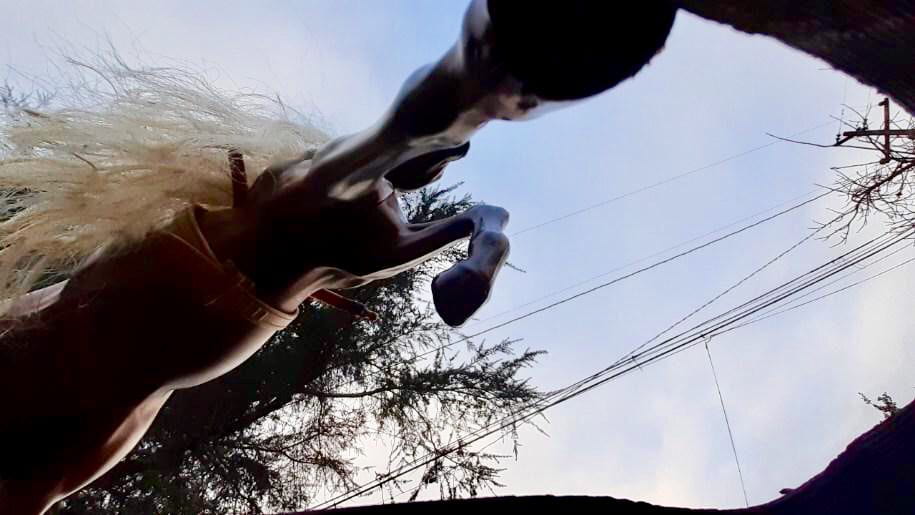
After taking all your photos, choose the photos you will submit and edit them on your phone.  Remember to not go overboard with the editing tools!

Upload the edited photos to your OneDrive.

Make a new post on your blog titled, “My Toy Story” and post your photos in a gallery. Caption each photo with the camera angle/shot it represents from the list I provided. Select Thumbnails for size, columns: your choice, and change Link To: Media File then Publish.

Copy the link to your project blog post and submit in the Teams assignment.  NOTE: If you have had trouble pasting the link into the attachment, it’s because right clicking won’t work…so use the shortcut CTRL+V to paste the link instead.

Posted in Advanced Photo Assignments

Friday 8/27/21: Action Series

Today’s Agenda:

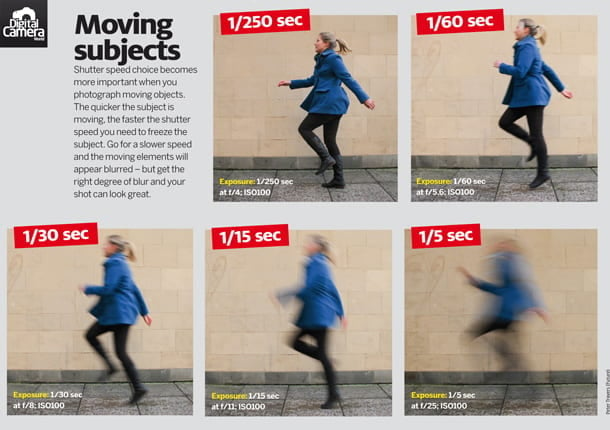
Create an action series where you capture the same type of action with different shutter speeds.


You will need 5 action photos that YOU take (you are not sharing photos with your partner or group even though you’re sharing a camera).

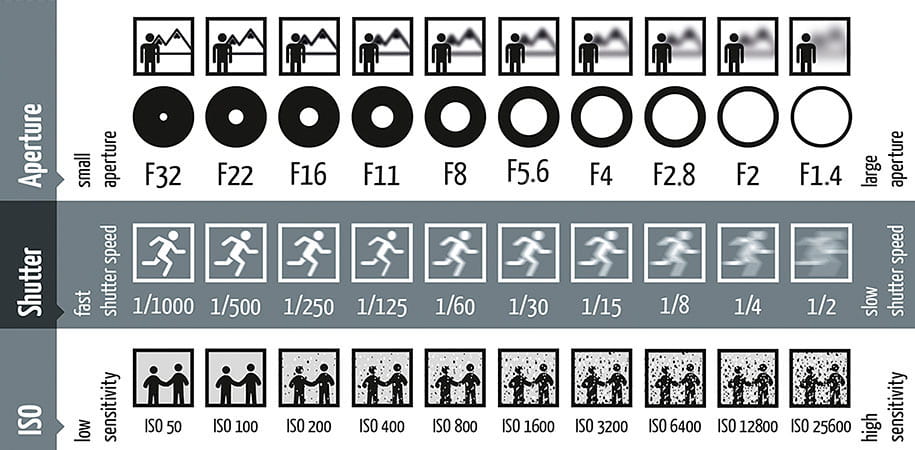
I recommend taking the photos at 10 different shutter speeds and then picking the 5 that will show a difference in how the action was captured to actually post. I also recommend using a MUCH higher shutter speed than 1/250 as well.

Edit the 5 photos a bit to make them look nicer and post to your blog as a gallery. (Complete the Photoshop Tutorials before you begin editing these photos, see 8/30/21 post for details.)

In the captions you will need to include your settings for each photo. Ex: 1/250, f/4, ISO 100

Your post will resemble the diagram below. Title your post, “Action Series”.

Wait, how do I know what settings I used??

Settings can be found on pictures that are saved in your folders by right clicking–>select Properties–>Details–>Scroll down to find Camera info. You can also view the info of your photos on the camera. Go to view your photo and press Display or Info on the camera to show you different views and info of your photo.

Posted in Photo 1 Assignments

Friday 8/26/21: Camera Angles Photo Project!

Today’s Agenda:

  • Camera Angles Pop Quiz! (on Teams)
  • Camera Angles Project Instructions
  • Photographer Video

Go to Teams Assignments to get the Quiz link for your class period!


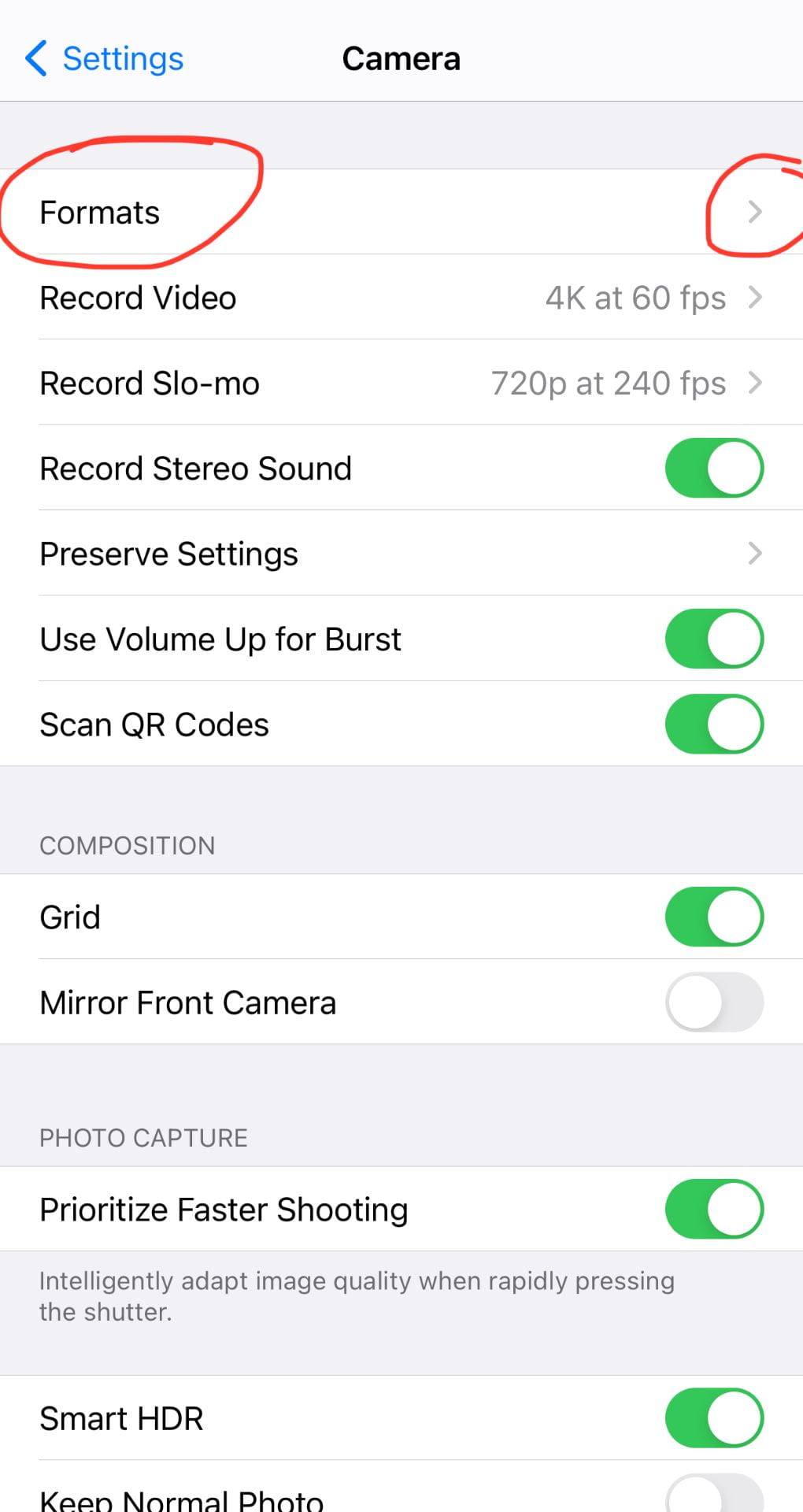
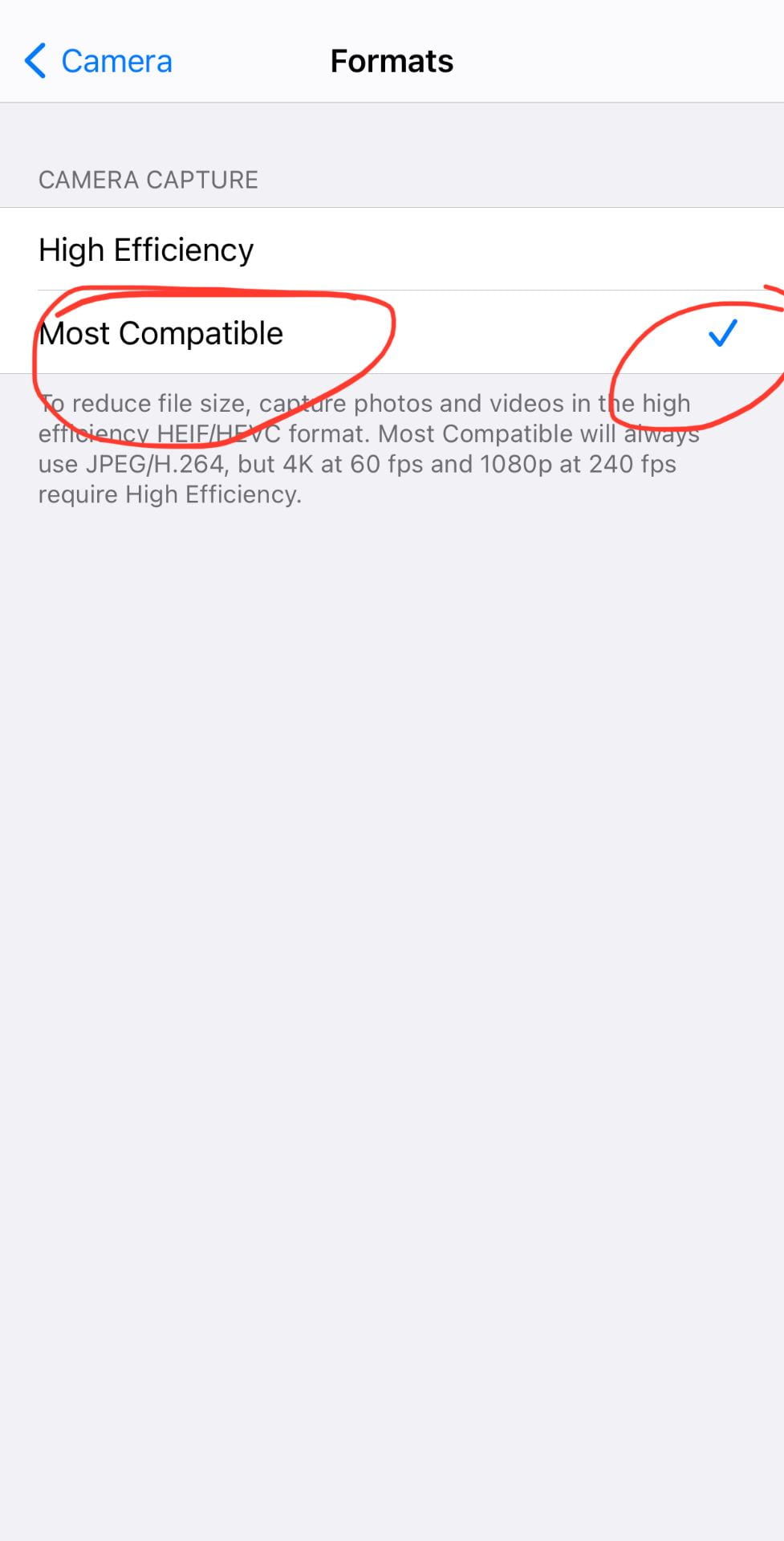
Before you take more photos on your phone, make sure you do this:


Due Wednesday Sept. 1, 2021.

EdPuzzle Class Code: kopvehh

YouTube Version of video above


Student Examples from Distance Learning:


Posted in Advanced Photo Assignments

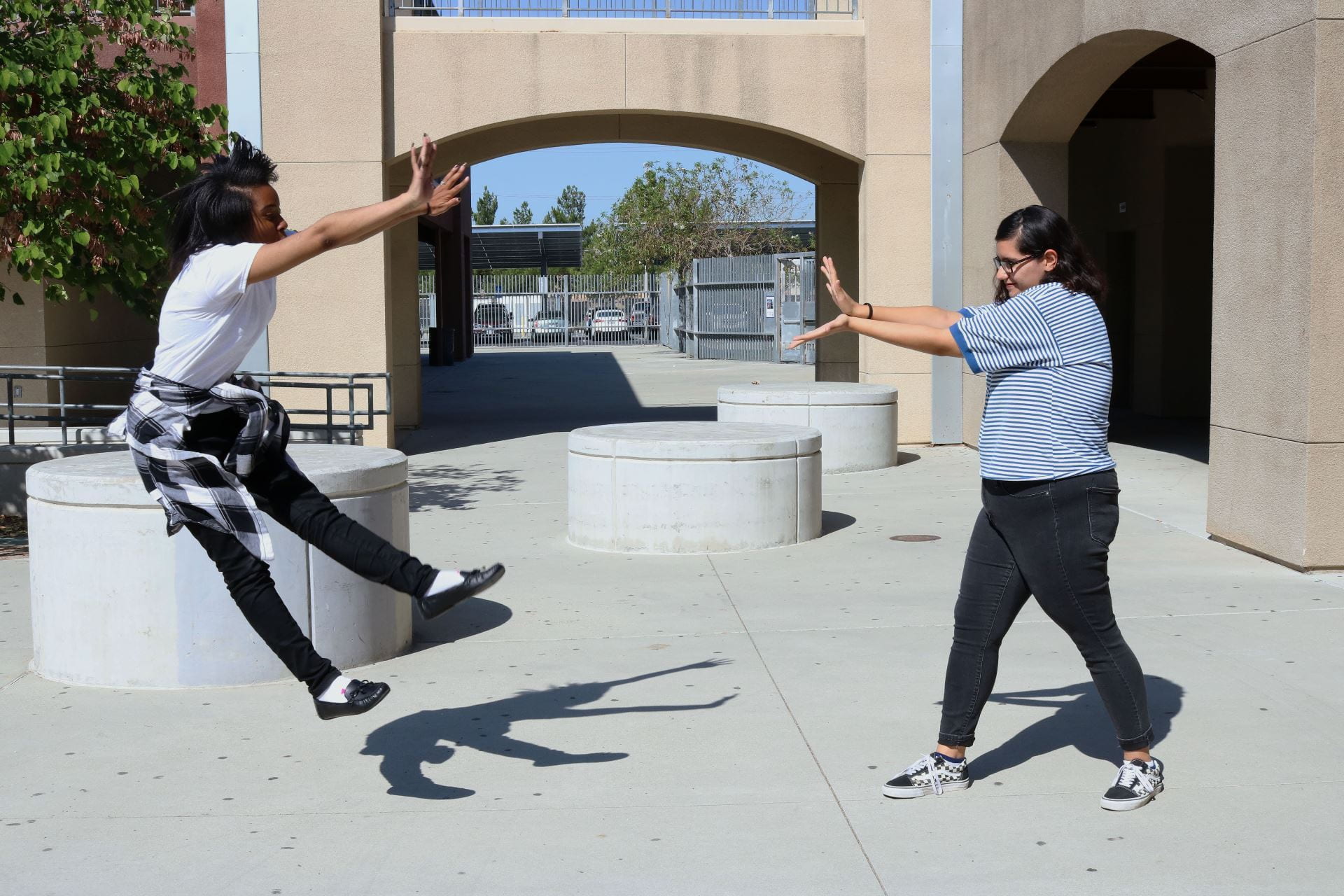
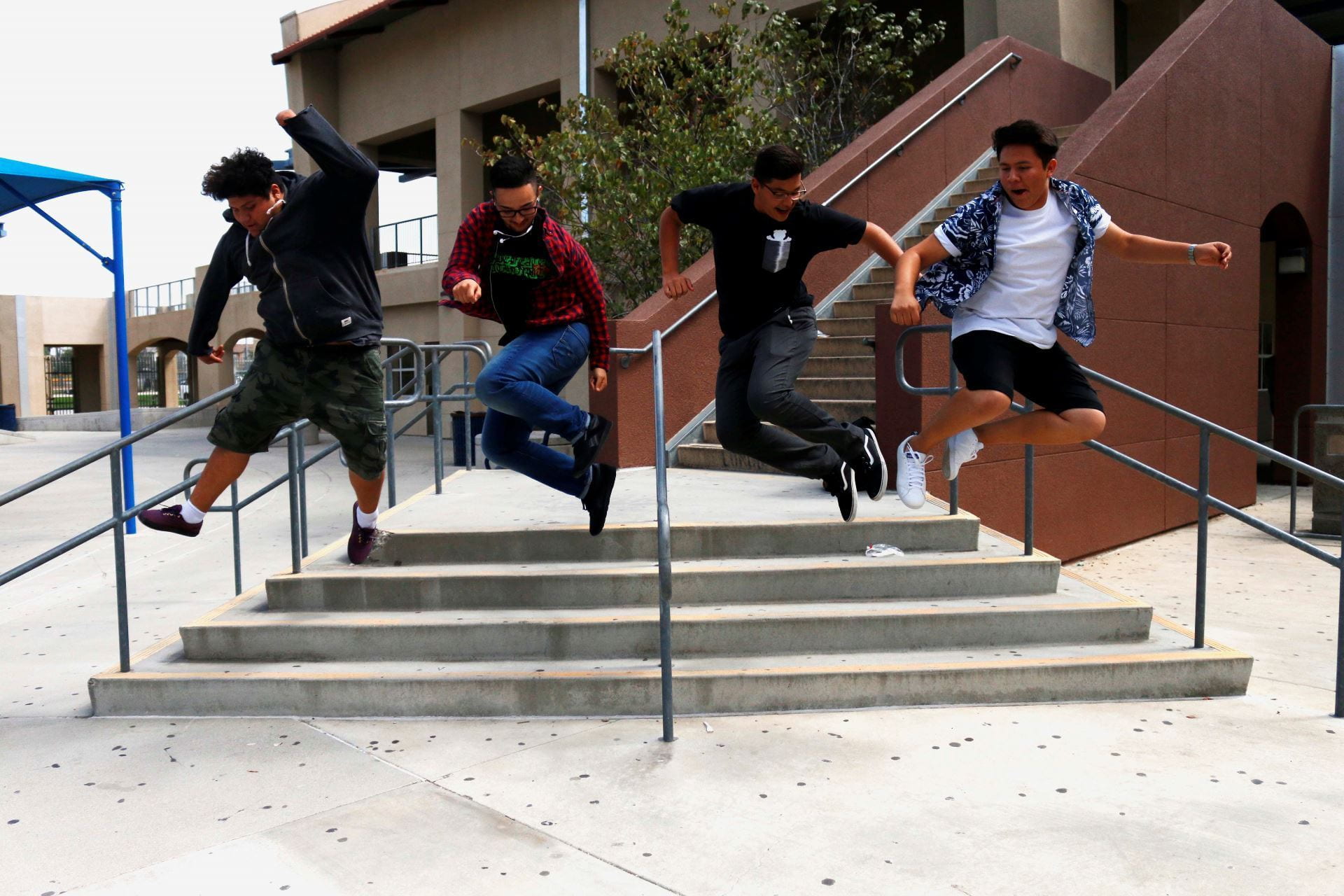
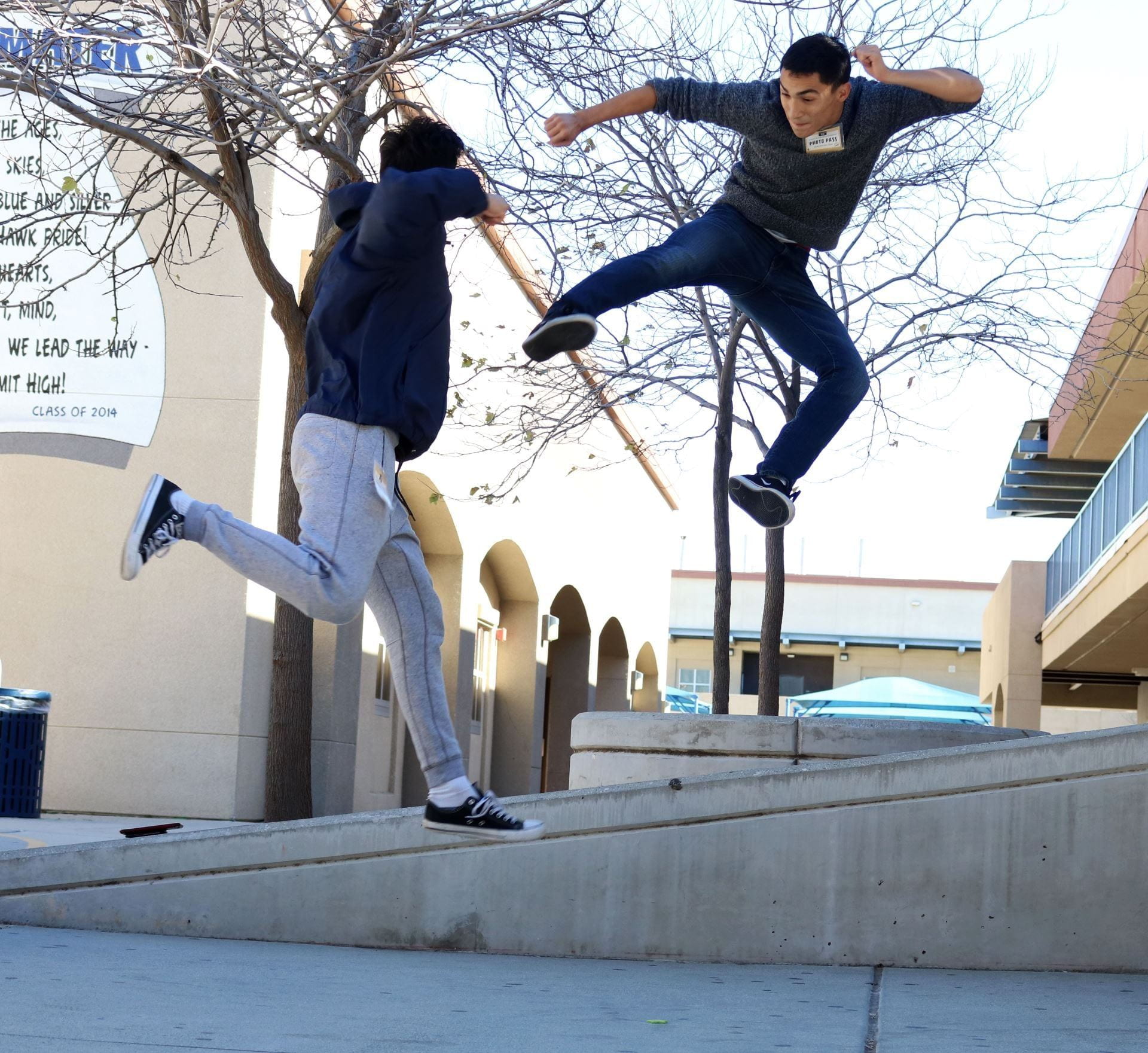
Thursday 8/26/21: Freezing Action with a Partner

Today’s Agenda:

  • Practicing Freezing action with fast shutter speeds

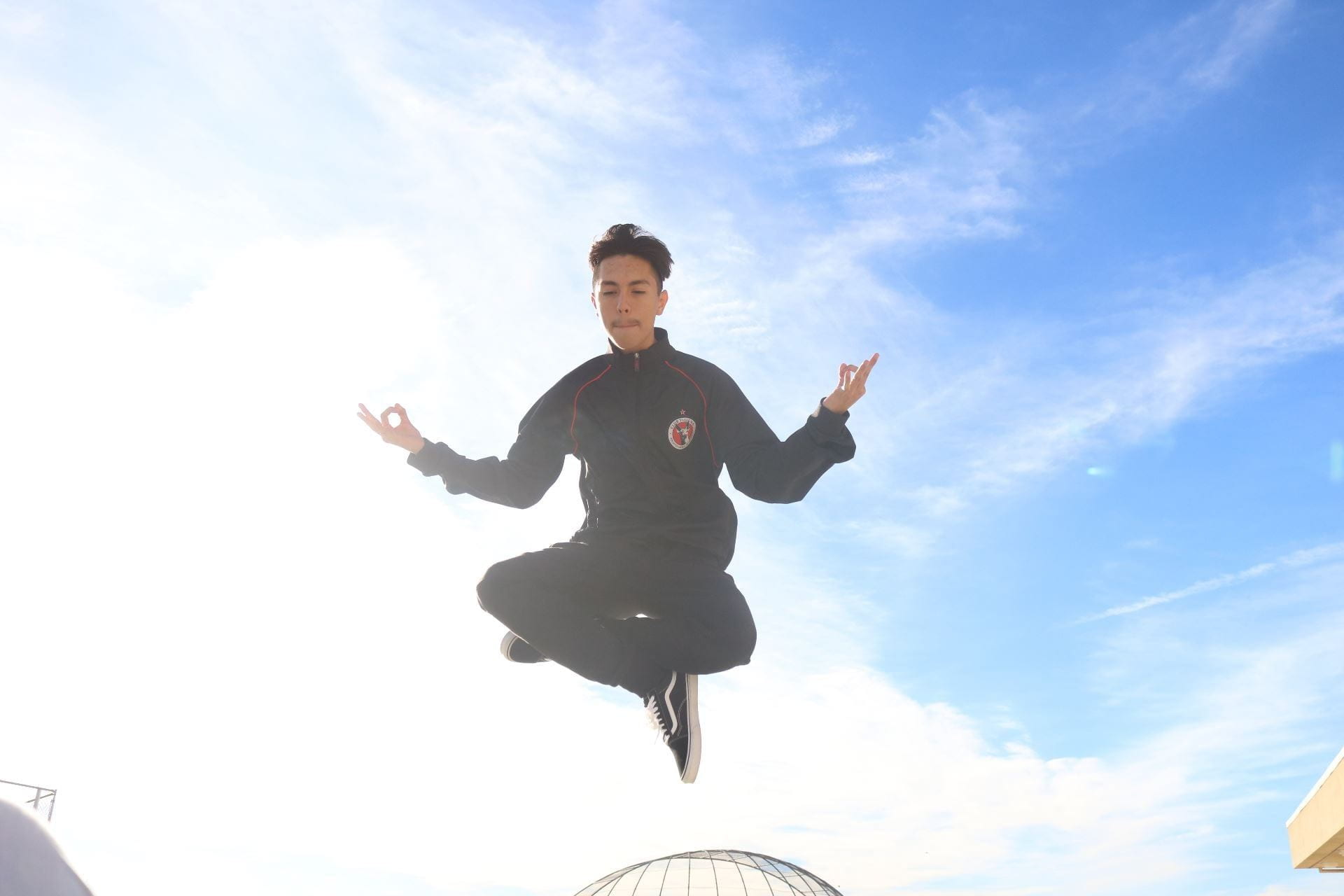
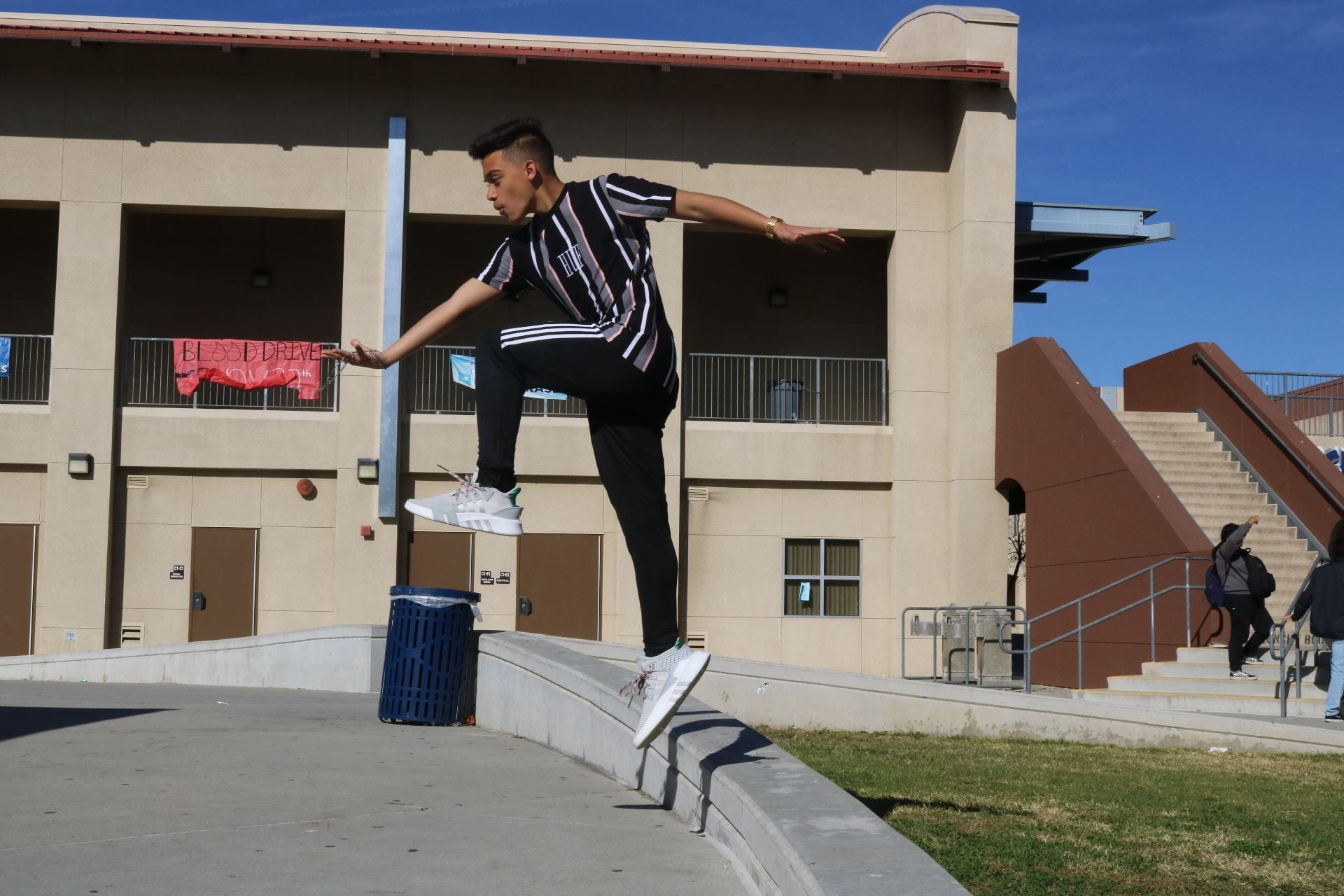
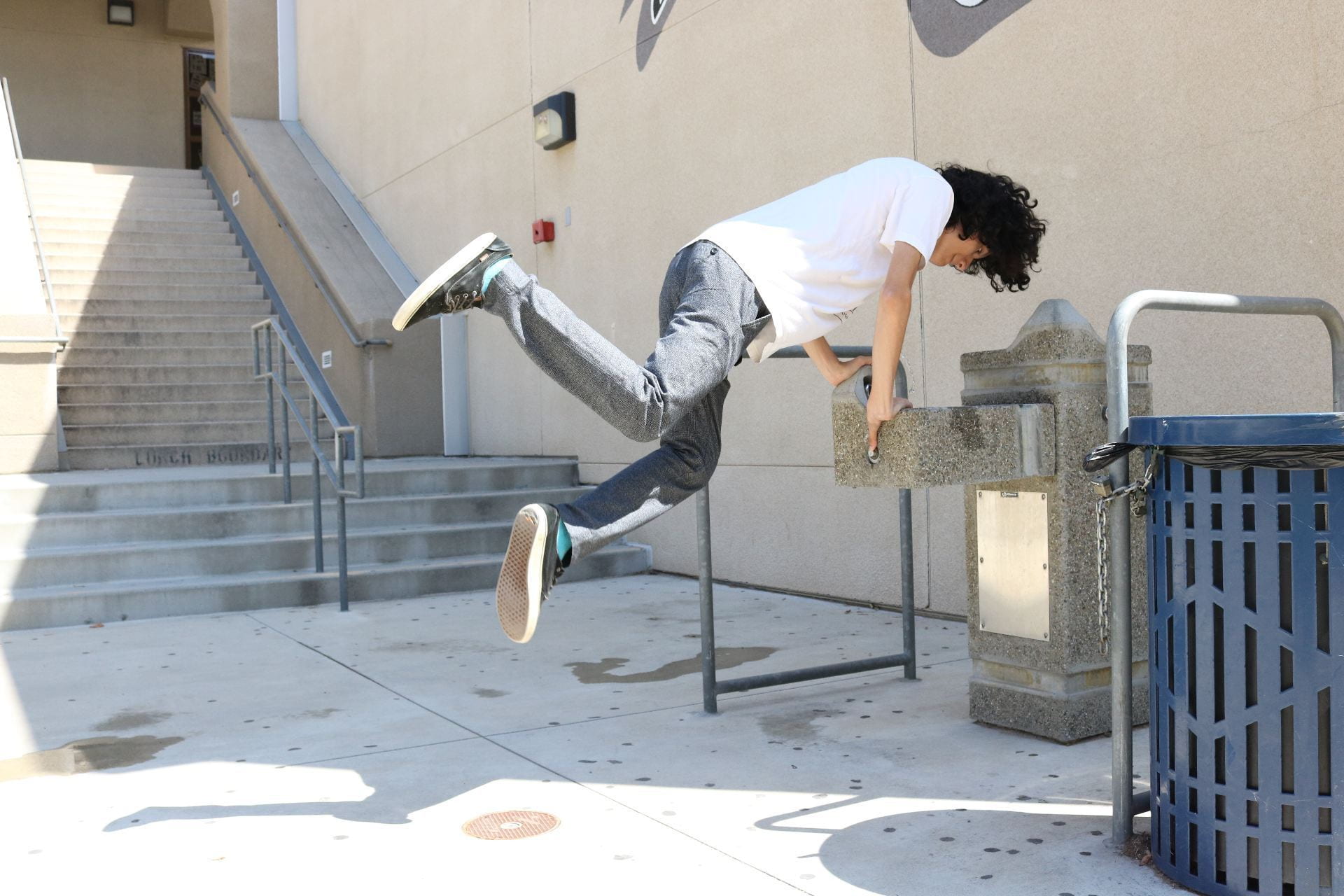
Choose a partner (groups of 3 are fine too).  Take turns using the camera in Manual Mode and selecting the necessary settings to capture your partner jumping in the air with good exposure.

Use the resources (documents and diagrams) that were posted earlier this week to help choose settings.

Upload your own photo onto your OneDrive by taking memory card out of camera and inserting onto the the memory card slot on the left hand side of your monitor.  Only upload the photos YOU TOOK.


Posted in Photo 1 Assignments

Thursday 8/26/21: Blog Posts

Today’s Agenda:

  • Blog Post #1: Post your best 3-6 scavenger hunt photos to your photo blog.  (From Mon/Tues)
  • Blog Post #2: Post your Photographer Videos Reflection Questions from yesterday to your blog. (From Wednesday)

Please find the instructions to these posts in my blog posts below!  Let me know if you have questions or need help after reading instructions.  Head sets are available if you need to review any videos.

Posted in Photo 1 Assignments

Wednesday 8/25/21: Camera Angles and Photographer Videos

Today’s Agenda:

  • Camera Angles PowerPoint with Notes
  • Viewing Photographer Videos-Spotting Camera Angles
  • Blog Post Reflection

Introduction to Camera Angles

Camera Angles PowerPoint

What are camera angles?  What are the 6 main  kinds of camera angles?

Take notes on a sheet of notebook paper or type onto a Word document.  Save your notes, they will be checked off at a future time (along with your 4-step critique notes).


Photographer Videos

Join my Edpuzzle account with the link below. It’s not mandatory but it helps to join in order to view the videos properly. I also will provide the YouTube links below the videos.

https://edpuzzle.com/open/kopvehh

Laura Zalenga_YouTube Version


Humza Deas_YouTube Version

Blog Post Reflection:

Create a post on your photo blog and answer these questions there.  Title the post: “Video Reflection”.  Copy the link to your post and submit it in Teams.

  1. Give a brief description of the type of photography that each of the photographers in the videos creates.
  2. Which photographer (or type of photography) did you relate to the most?
  3. Was there anything in the videos you found surprising or especially interesting?
  4. What questions do you have for either of the photographers?
Posted in Advanced Photo Assignments

Monday 8/23-Tuesday 8/24: Reviewing Camera Settings

Today’s Agenda:

We will review and get re-acquainted with camera settings using the Canon website and resources below.


http://canonoutsideofauto.ca/learn/

Answer the following questions on a Word document using the “learn” section of the website (link above):

  1. What is exposure?
  2. What three settings affect the exposure of a photograph?
  3. What is aperture?
  4. How does f-stops relate to aperture?
  5. How does aperture relate to exposure?
  6. How do you create a shallow depth of field (blurred background)?
  7. What is shutter speed?
  8. How does shutter speed relate to exposure?
  9. How do you freeze action?
  10. What is ISO?
  11. How does ISO affect exposure?
  12. Why is it suggested to use the lowest ISO possible?
  13. What is the exposure meter?
  14. How does it let you know your photo will be well-exposed?


The use this link to experiment taking photos using the Manual Mode option which requires that you set all 3 settings yourself:

http://canonoutsideofauto.ca/play/

Once you get a good handle on creating the effects and exposure you want, try the photo challenge:

http://canonoutsideofauto.ca/challenge/


Depth of Field and Shutter Speed Info:

Depth of Field PPT

Shutter Speed PDF

Posted in Photo 1 Assignments

Monday 8/23-Tuesday 8/24: Creating, customizing, and posting to your own photo blog!

Today’s Agenda:

You will be creating your own photo blog website today!

After customizing your website, you will publish you first post featuring your best 3-6 scavenger hunt photos in a gallery view.  Caption each photo with their description (curvy line, something green, serious portrait, etc.).  Tutorials for each step are linked below…

If you want to see some past students’ blogs scroll to the bottom of this post.  You may need a password to view their website and that password is “photo”.


Step 1-Signing up with Edublogs.org: Click on the PowerPoint link below to follow the instructions.  Pay special attention to the part where you use YOUR class period number!! Follow all instructions so you don’t mess up!

Creating Photo Blog w Edublogs_Part1

Some recommended themes for your blog (these are just a few):

  • Blaskan
  • Affinity
  • Adelle
  • Aldehyde
  • Capoverso
  • Cherish
  • Twenty-Fifteen

Step 2-Customizing: Watch the video to see how to personalize your website.


Step 3-Publishing your first post: Remember to use the gallery mode instead of image.  And remember to change the “Link To” option to “Media File”.

Post your best 3-6 scavenger hunt photos with captions. Title the post, “My Best Scavenger Hunt Photos”.


Past Student Blogs: (password to view: photo)

https://6jaclynv.edublogs.org/

https://4eileeng.edublogs.org/

https://1valentinam.edublogs.org/

https://4davidt.edublogs.org/