Posted in Photo 1 Assignments

Tuesday 11/29/22- Project 1: Object of Significance

Today’s Agenda:

  • Turn in missing assignments
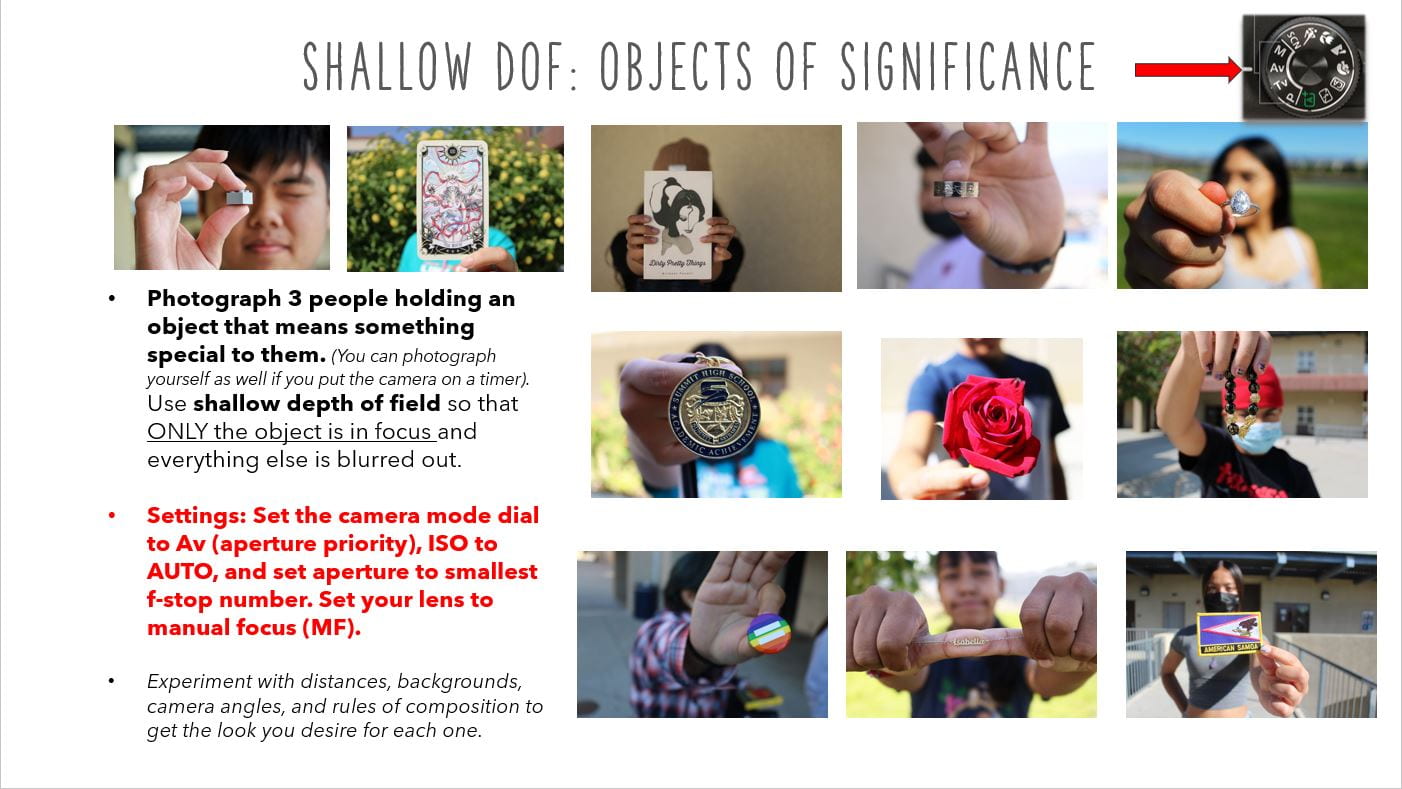
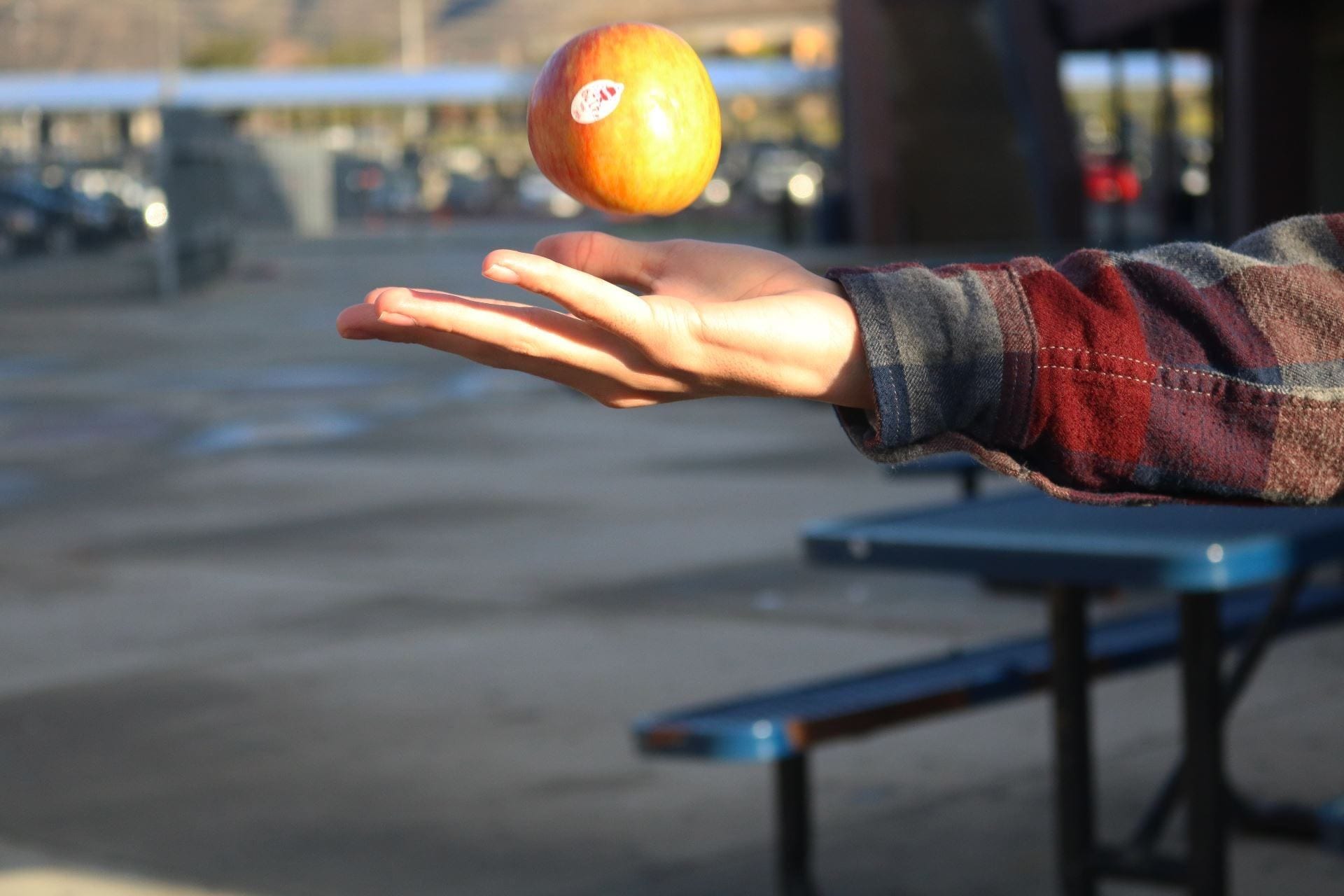
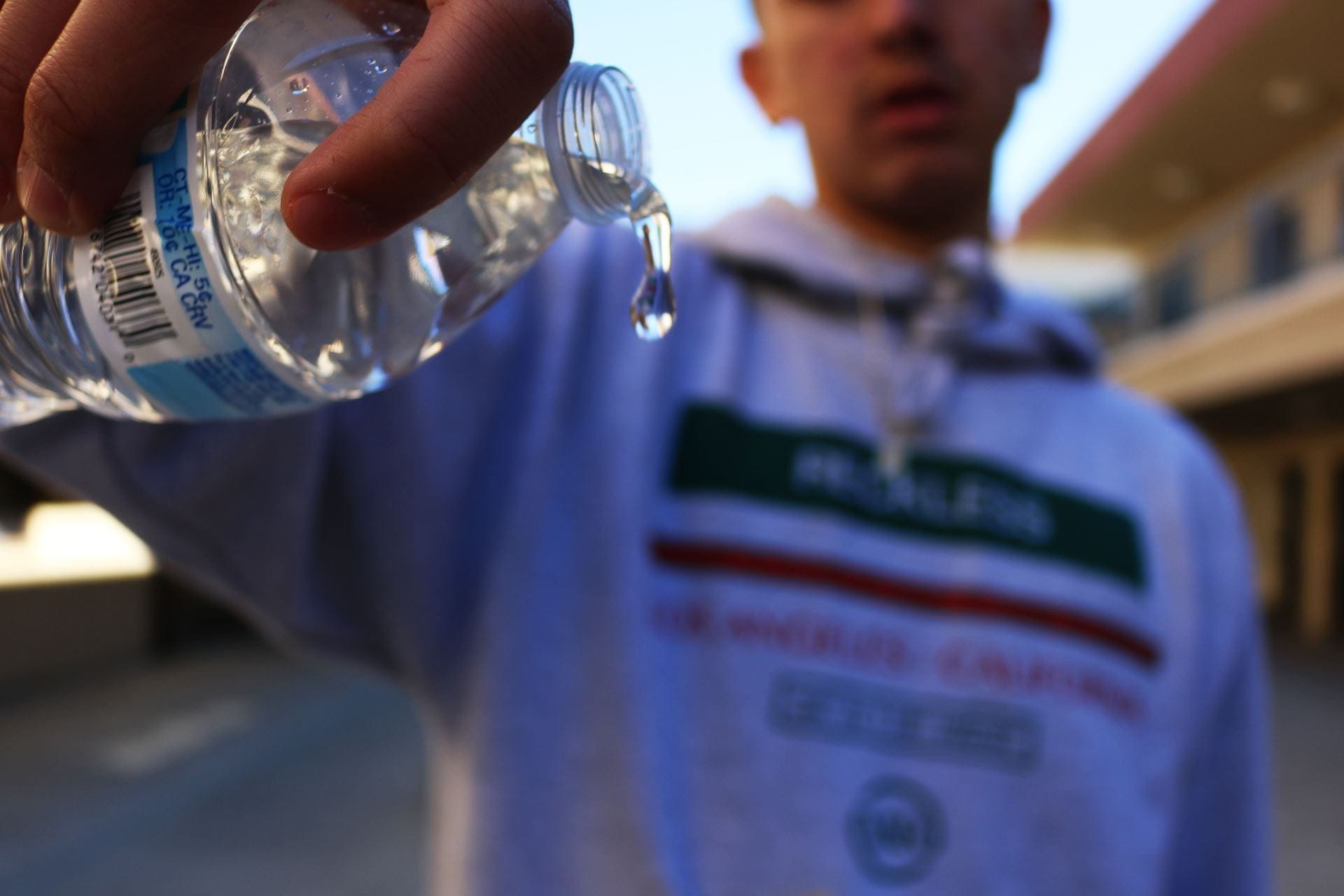
  • Begin the Object of Significance photo project using shallow DOF

4 Projects PowerPoint

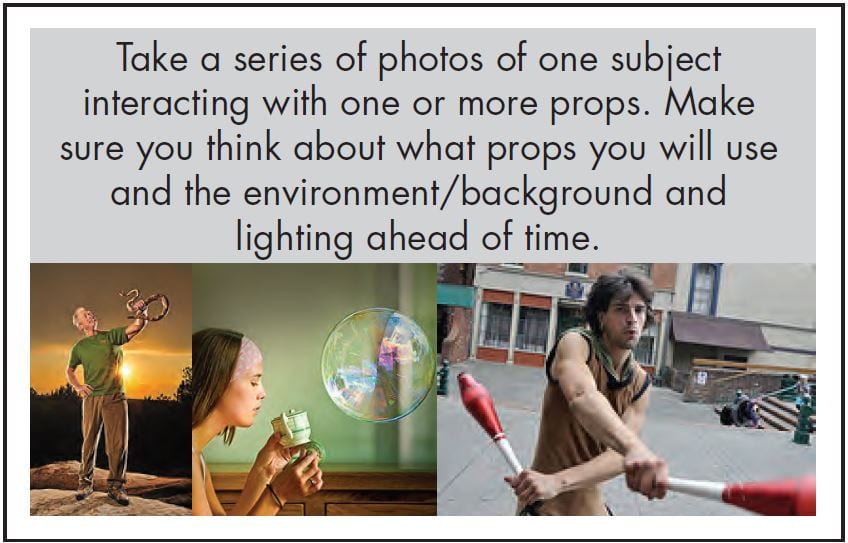
Think out your shots before you start! Here some things to consider…

  1. Who are you representing?
  2. What are you excluding (not showing)?
  3. Where are you standing (angles, locations)?
  4. When are you taking the photo (time of day or what lighting situation)?
  5. Why are you making this picture?
  6. How might this picture affect others?


Posted in Photo 1 Assignments

Friday 11/18/22: Levitation Blog Post

Today’s Agenda:

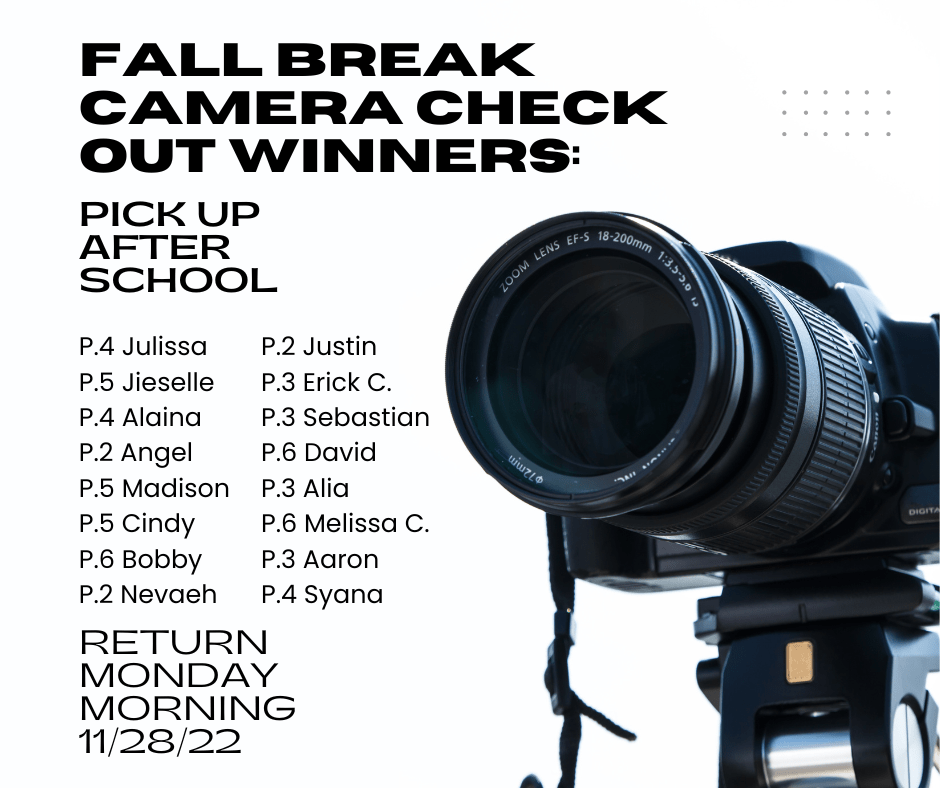
  • Camera check-out winners are shown below.
  • Post your photos from yesterday according to instructions below…
  • You may go back outside to try more freezing action ideas. I love to see the creativity that comes out of this!

Levitation/Fast Shutter Speed Blog Post

Due by Monday 11/28/22

Select the best 3-5* photos captured by your group to post on your blog as a gallery.  *At least ONE of those photos needs to be taken by you and ANOTHER photo needs to feature you in it. You don’t have to edit them, though I suggest you at least crop them a little if needed.

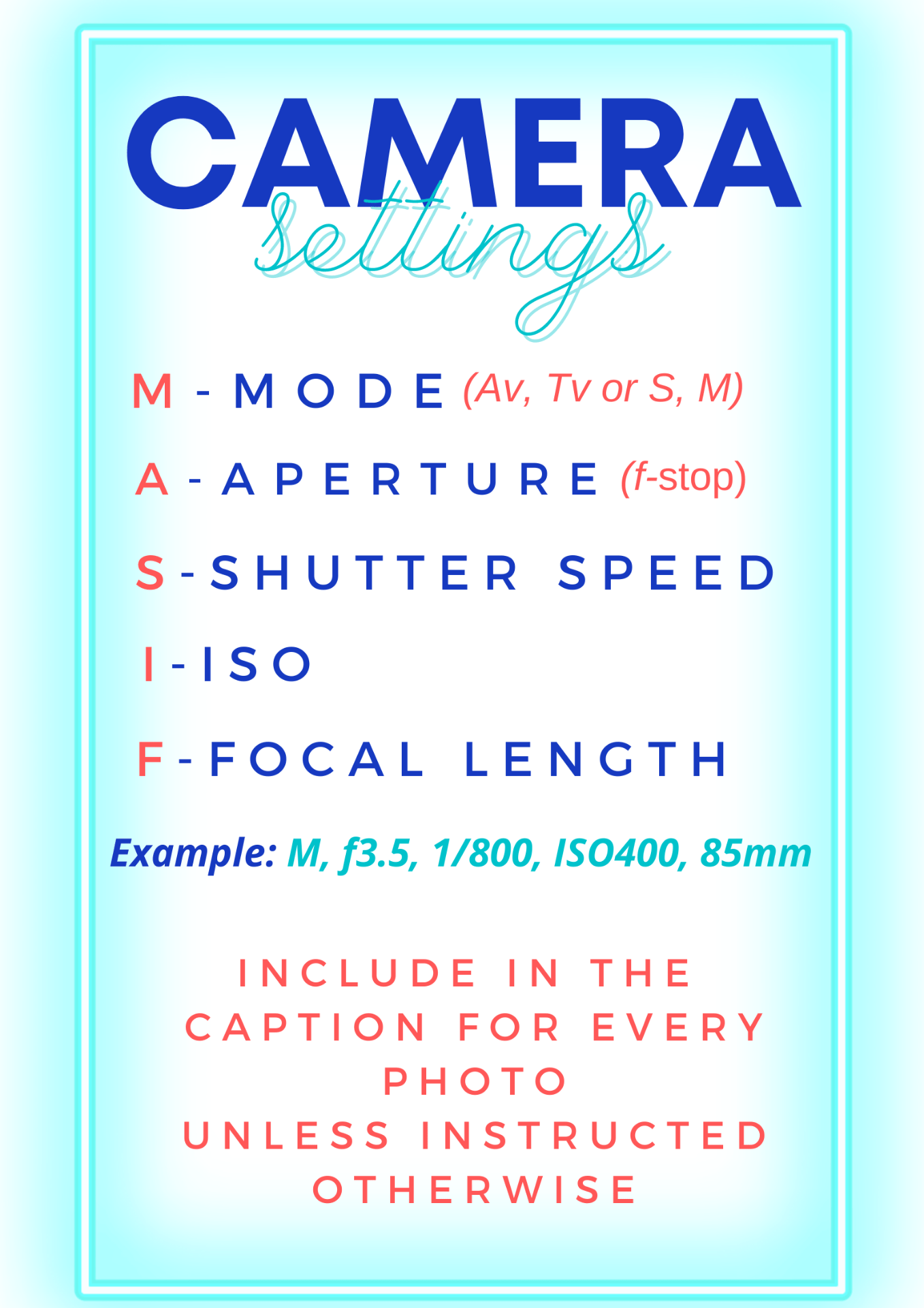
Caption all 3-5 photos with the camera settings (MASIF).

Include a paragraph where you explain to your viewers what the assignment was about, what you enjoyed, and what was most challenging.


Posted in Advanced Photo Assignments

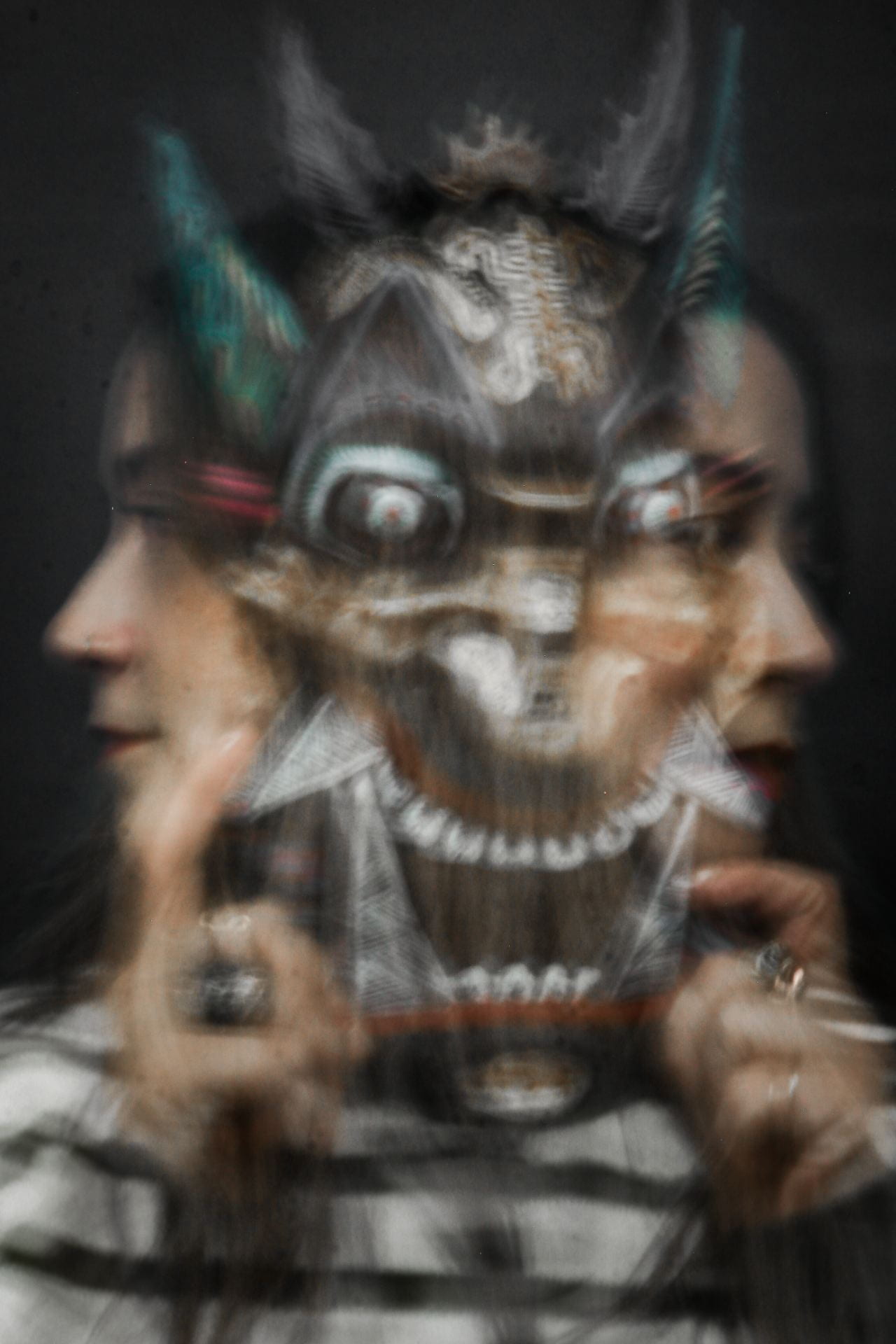
AdvPhoto: Photo Project: Family Multiple Exposures

Shizu Saldamando-Inspired

(Up to slide 35 only)

Homework over break:

  1. Get snapshots and portraits of family and/or loved ones
  2. Photograph various textures/fabric/patterns
  3. Photograph various locations

Week of 11/28-12/2: Family Multiple Exposures

Produce the following composites using blending modes on Photoshop to create double and multiple exposures:

  1. Family portrait + an interior or exterior space (interior preferred) that you took*
  2. Family portrait + a fabric/pattern photo that you took*
  3. Family portrait + interior/exterior space* + self-portrait*

To begin a multiple exposure composite, create a new file on photoshop 8×10 or 10×8 inches with 300 ppi.  You will place the photos you’re working with on this blank document/canvas.

Experiment with opacity and image adjustments to create various results.

Post the best one of each composite to your blog. Include an artist statement for each photo to explain what you are showing us and why.  Explain your artistic decisions!

Tutorials:

Video: https://flip.com/s/4jpmfJu48zvb

PowerPoint: Double Exposure Steps

Turn in to Teams by end of 12/2/22.


Posted in Photo 1 Assignments

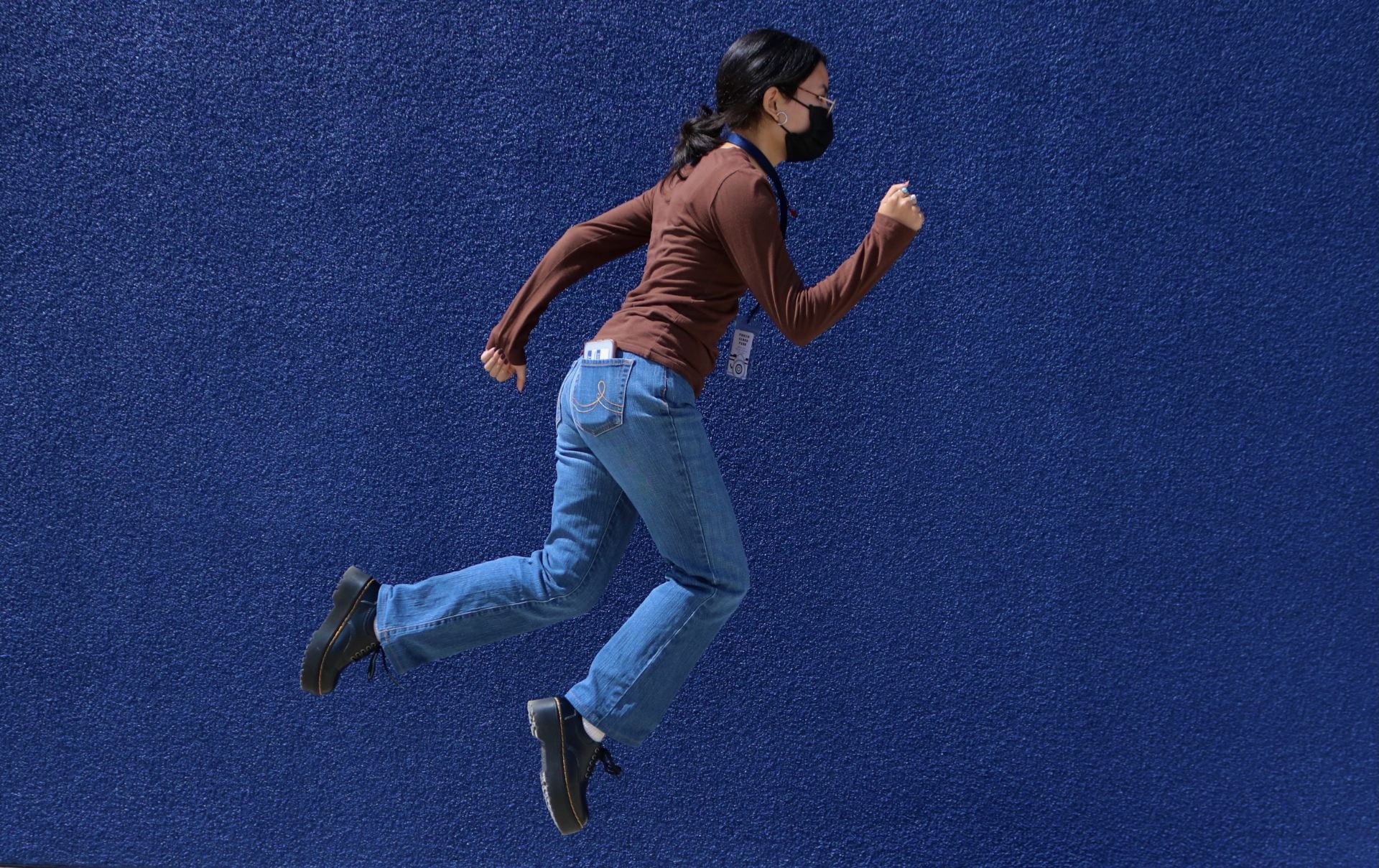
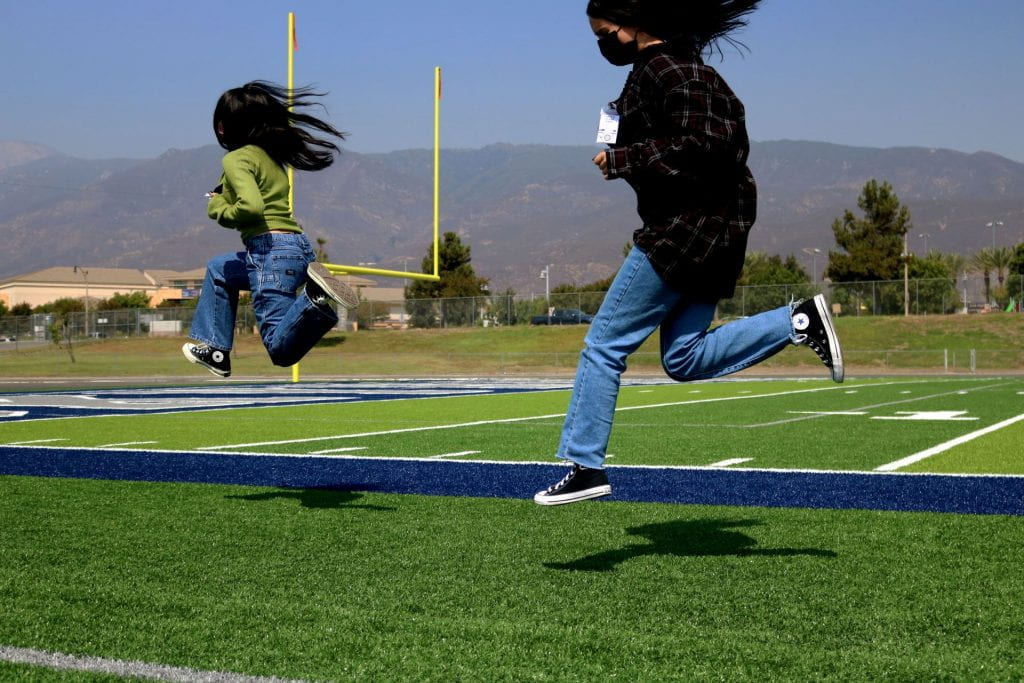
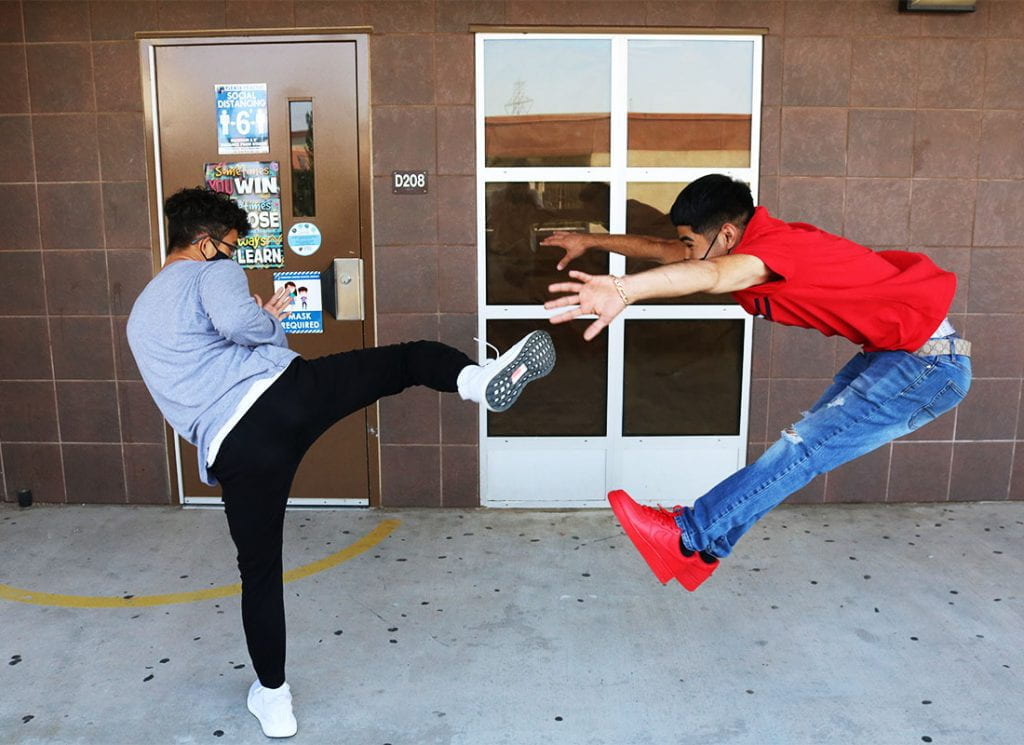
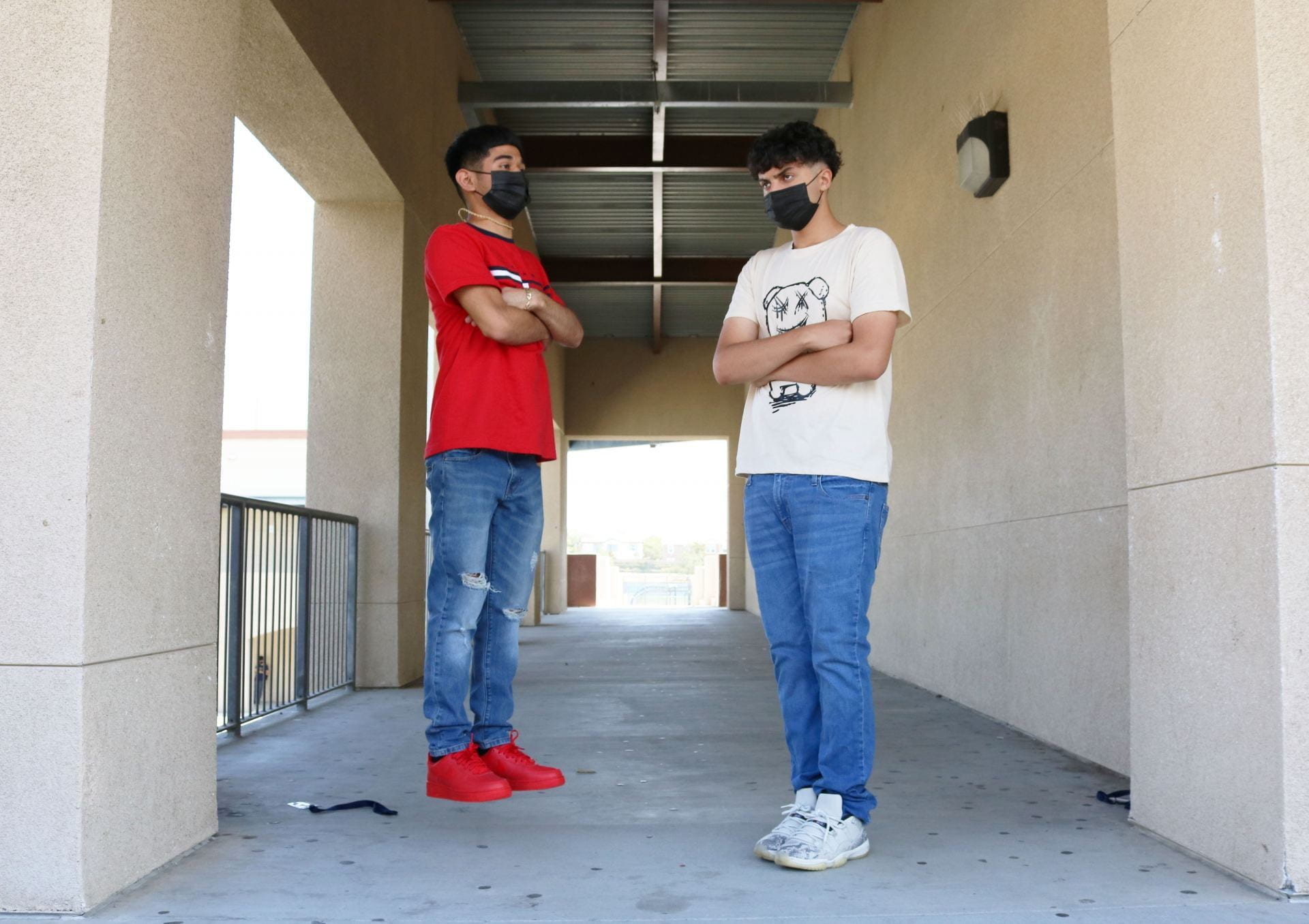
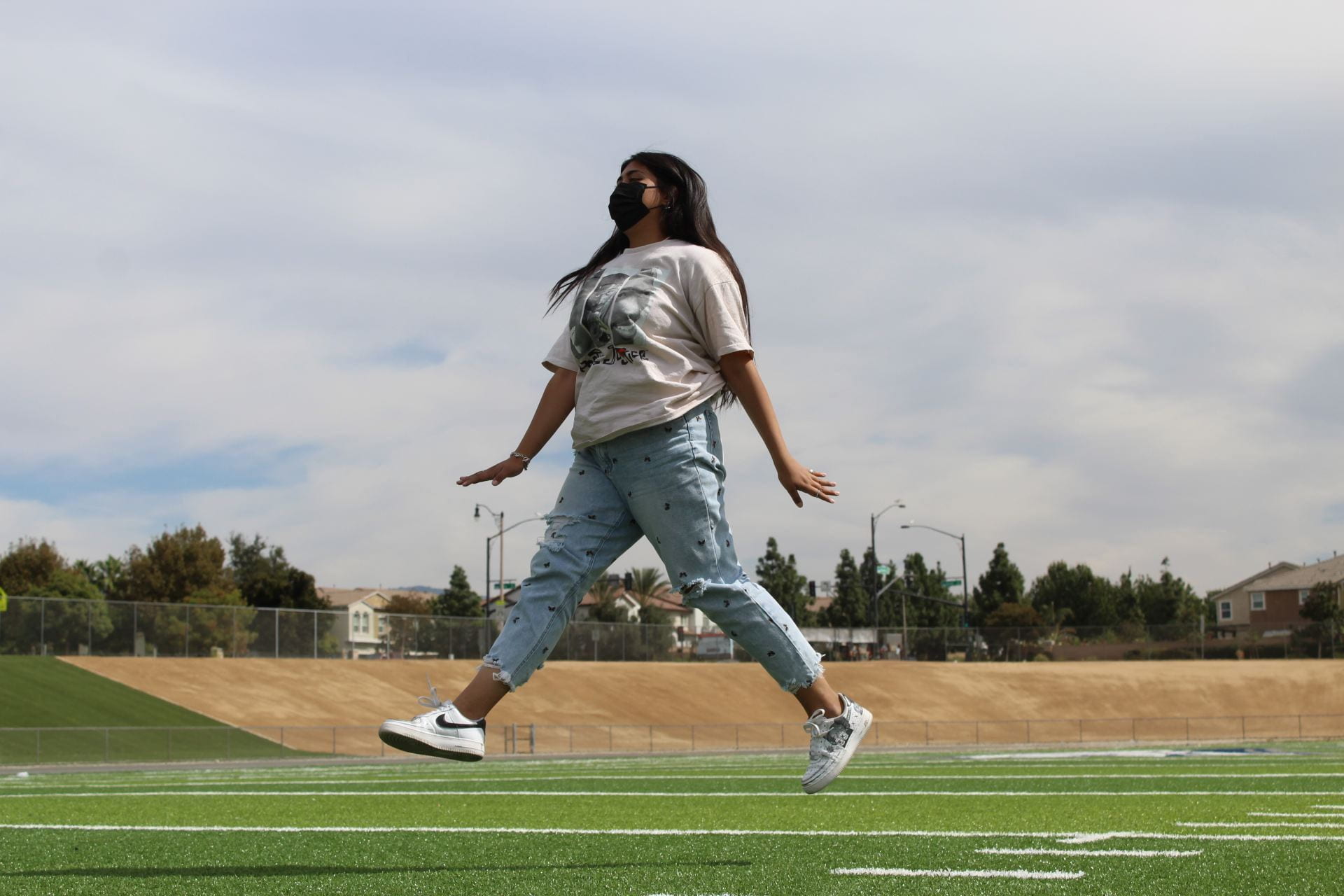
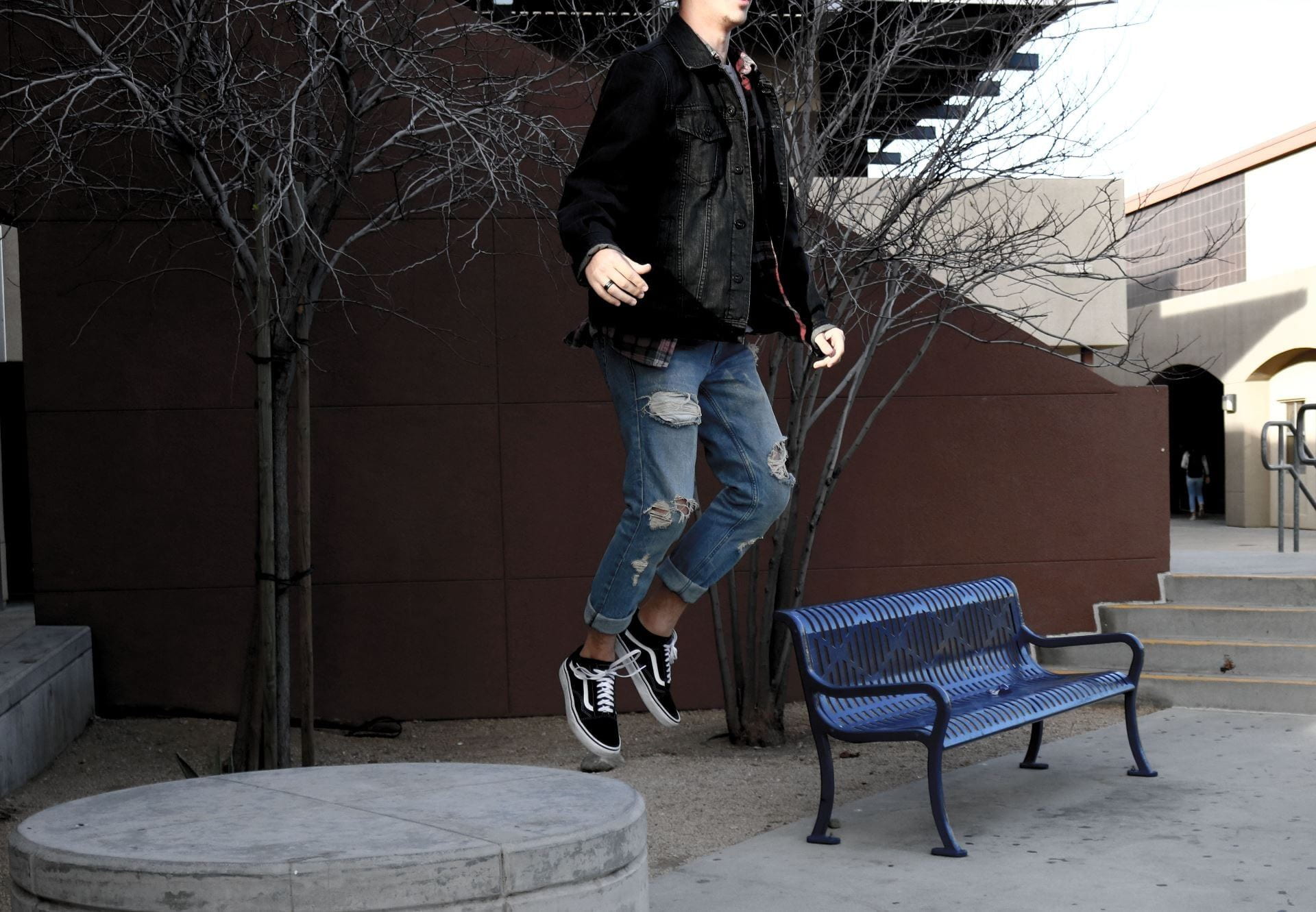
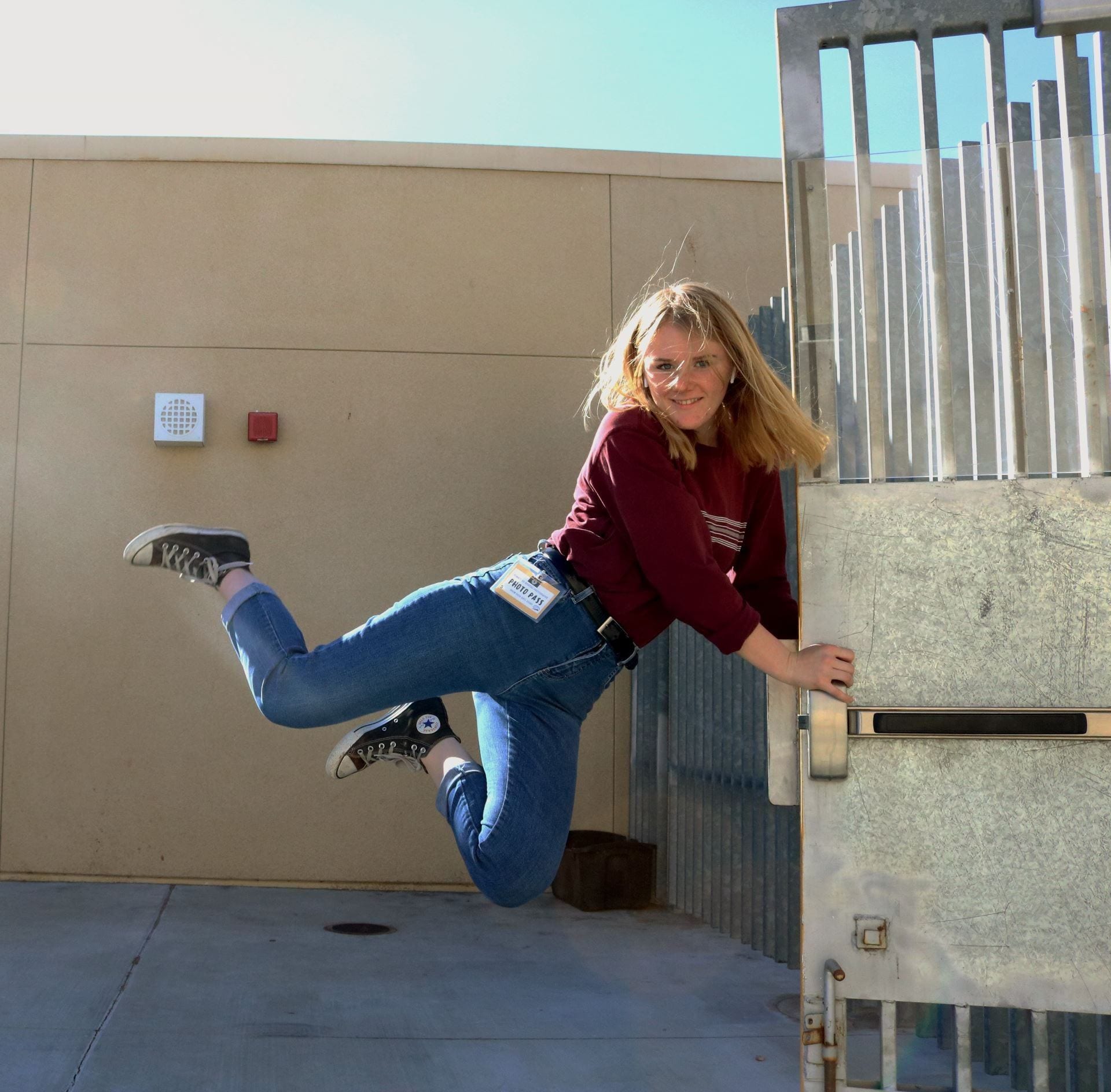
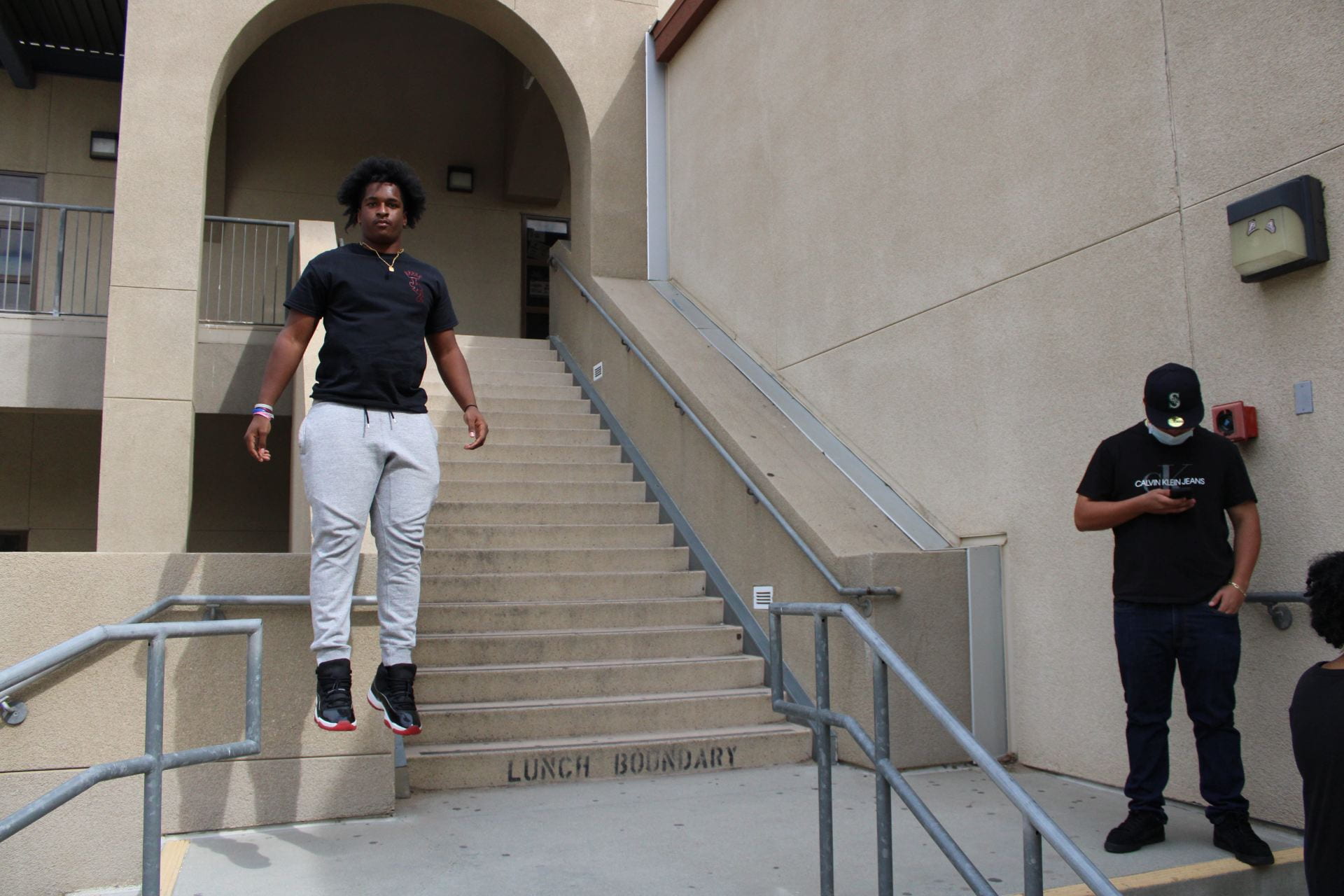
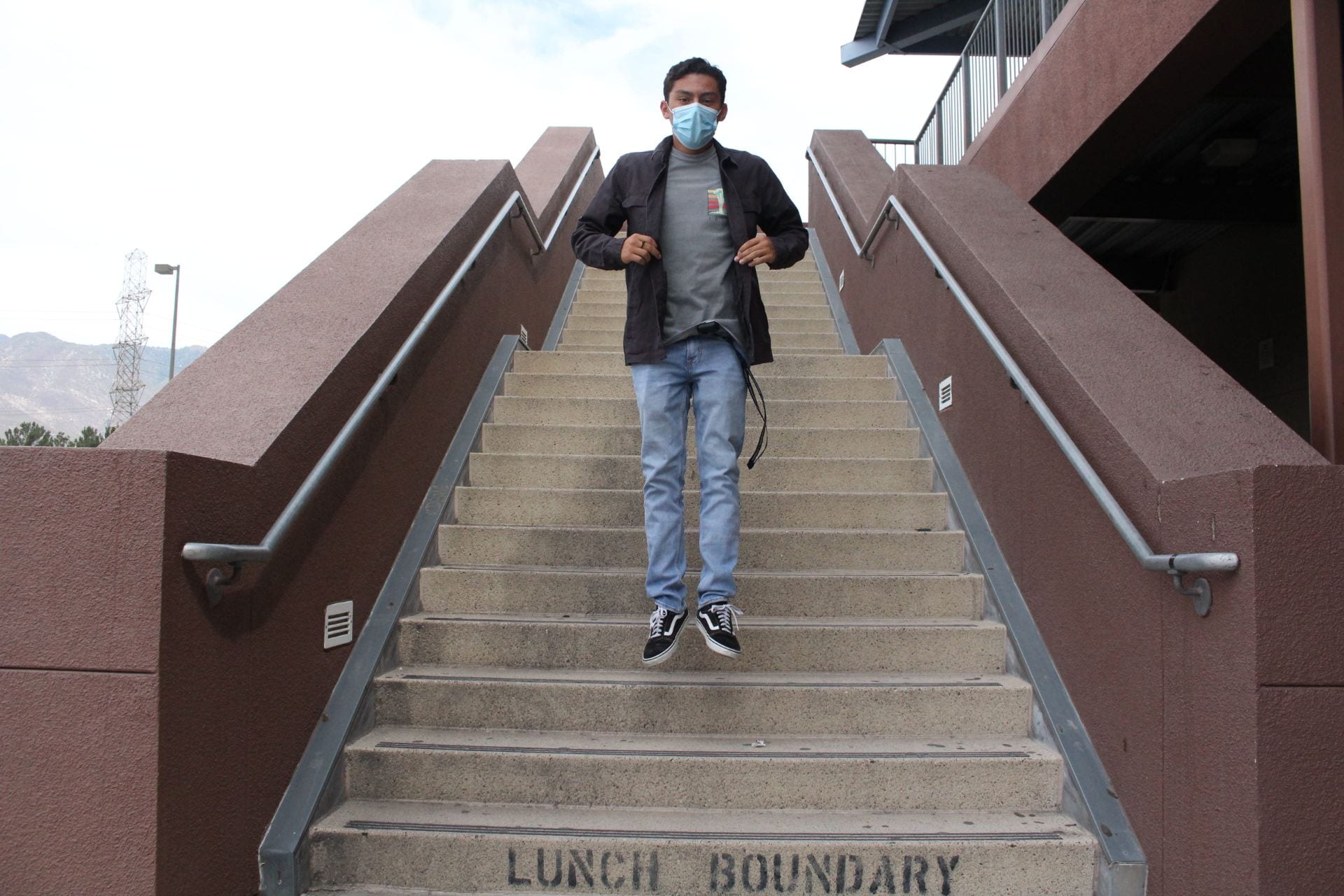
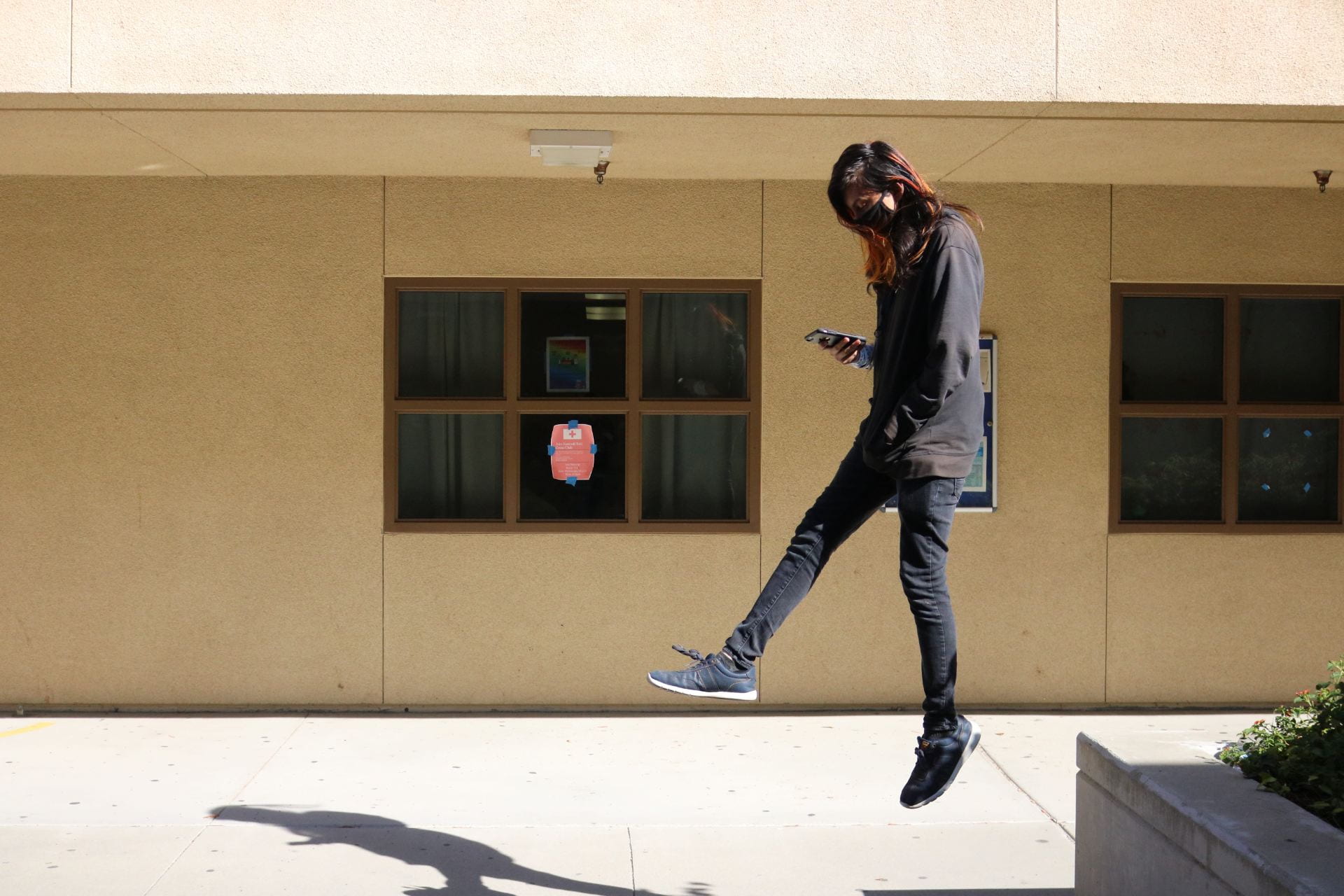
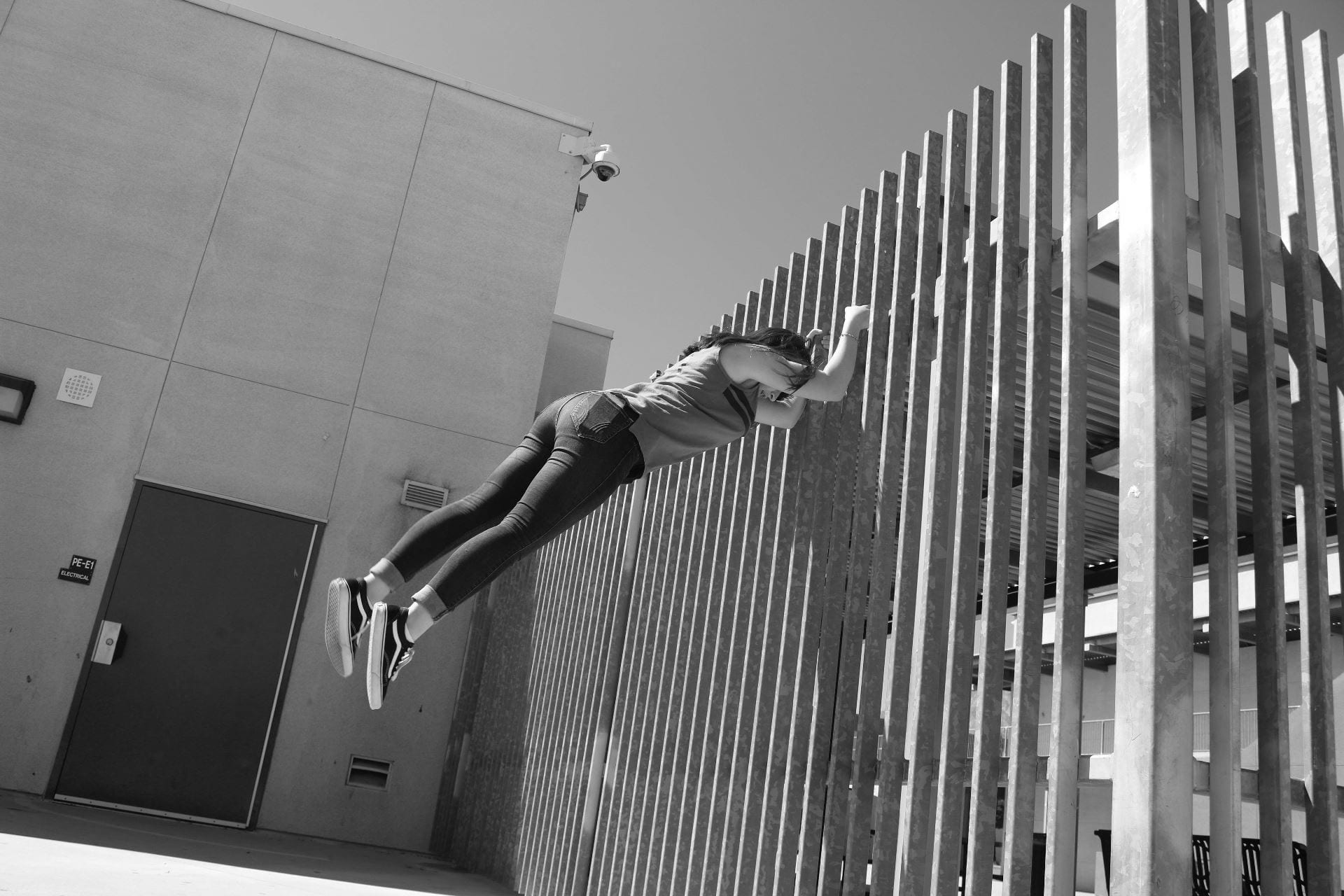
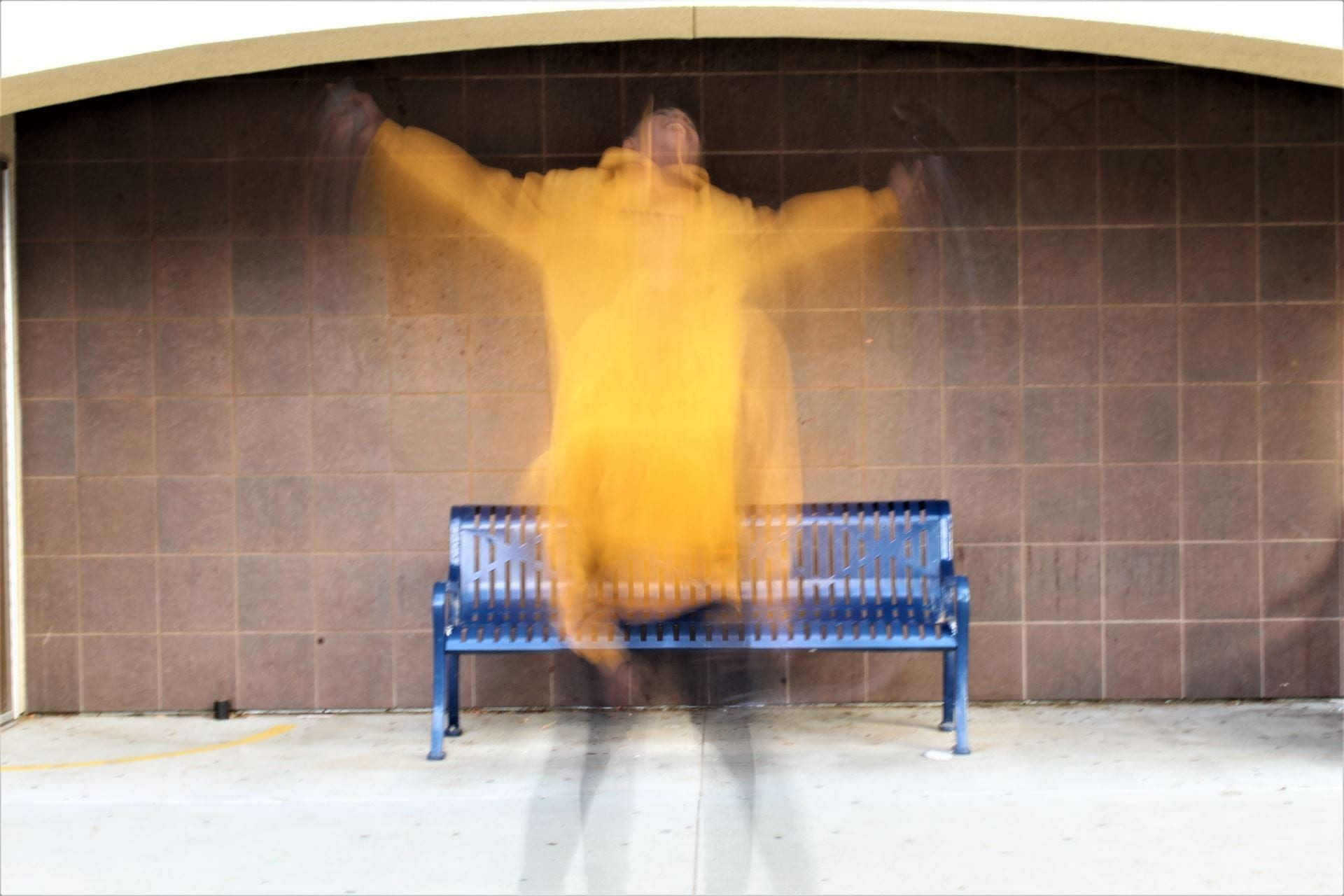
Thursday-Friday 11/17-11/18: We’re Levitating!

Today’s Agenda:

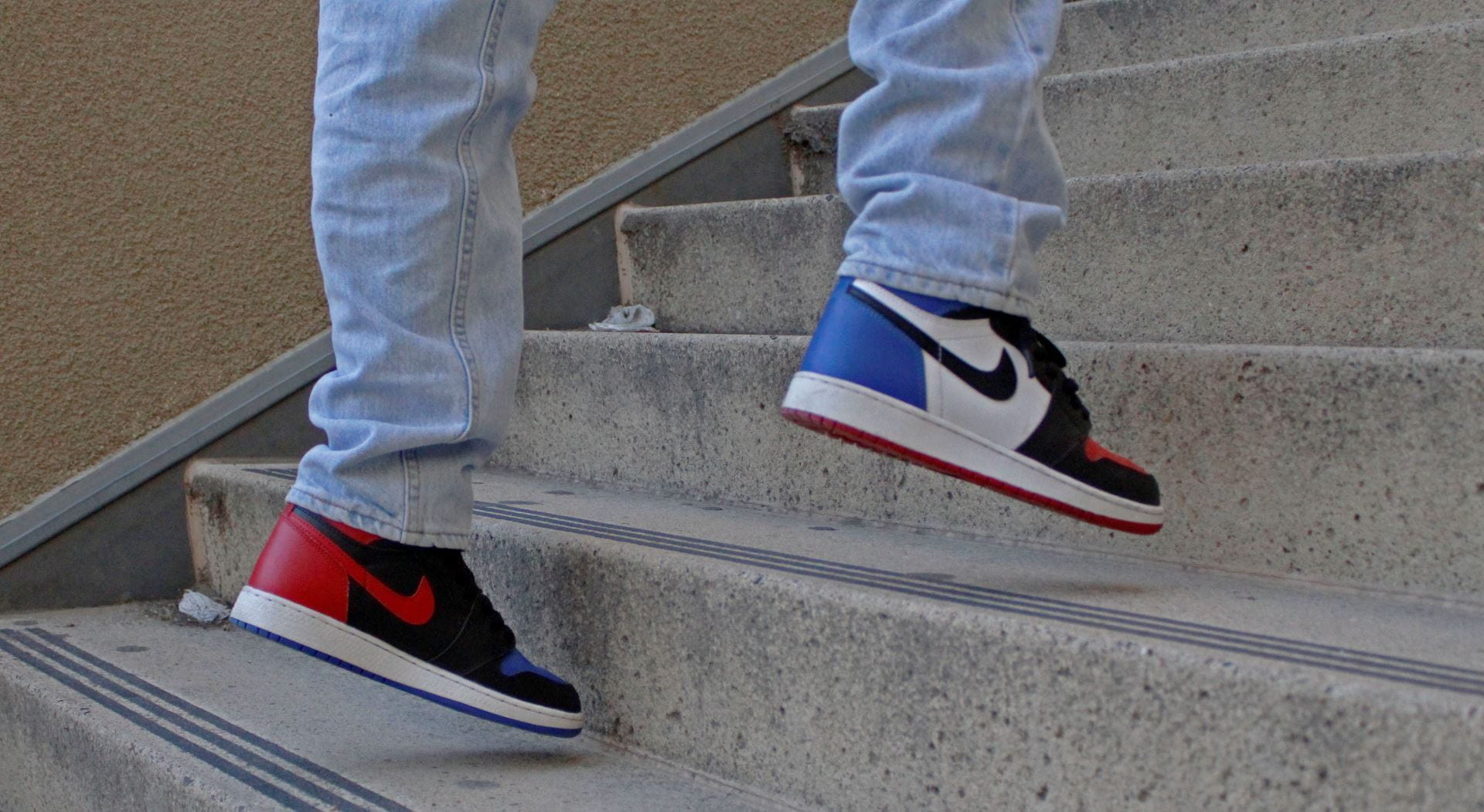
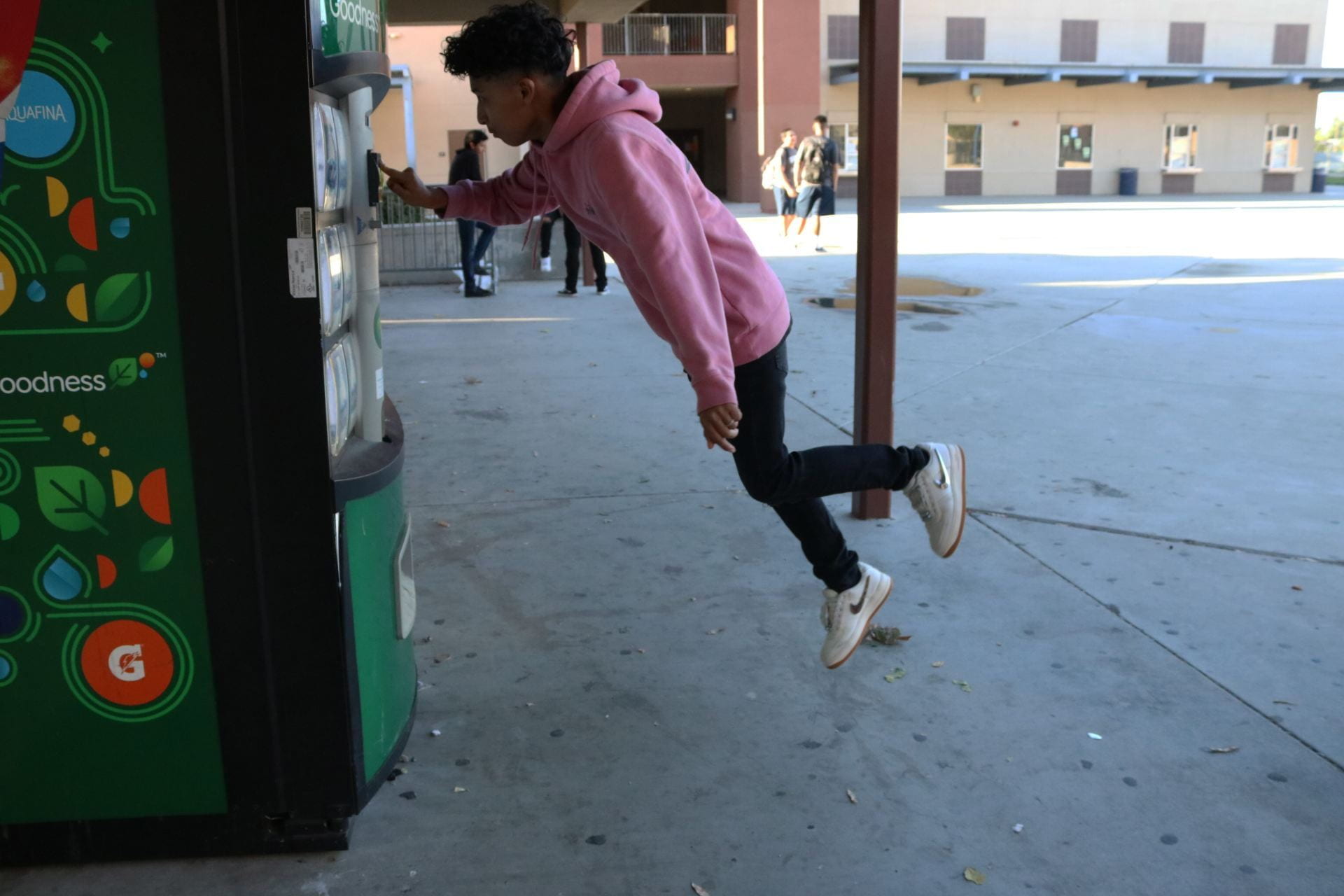
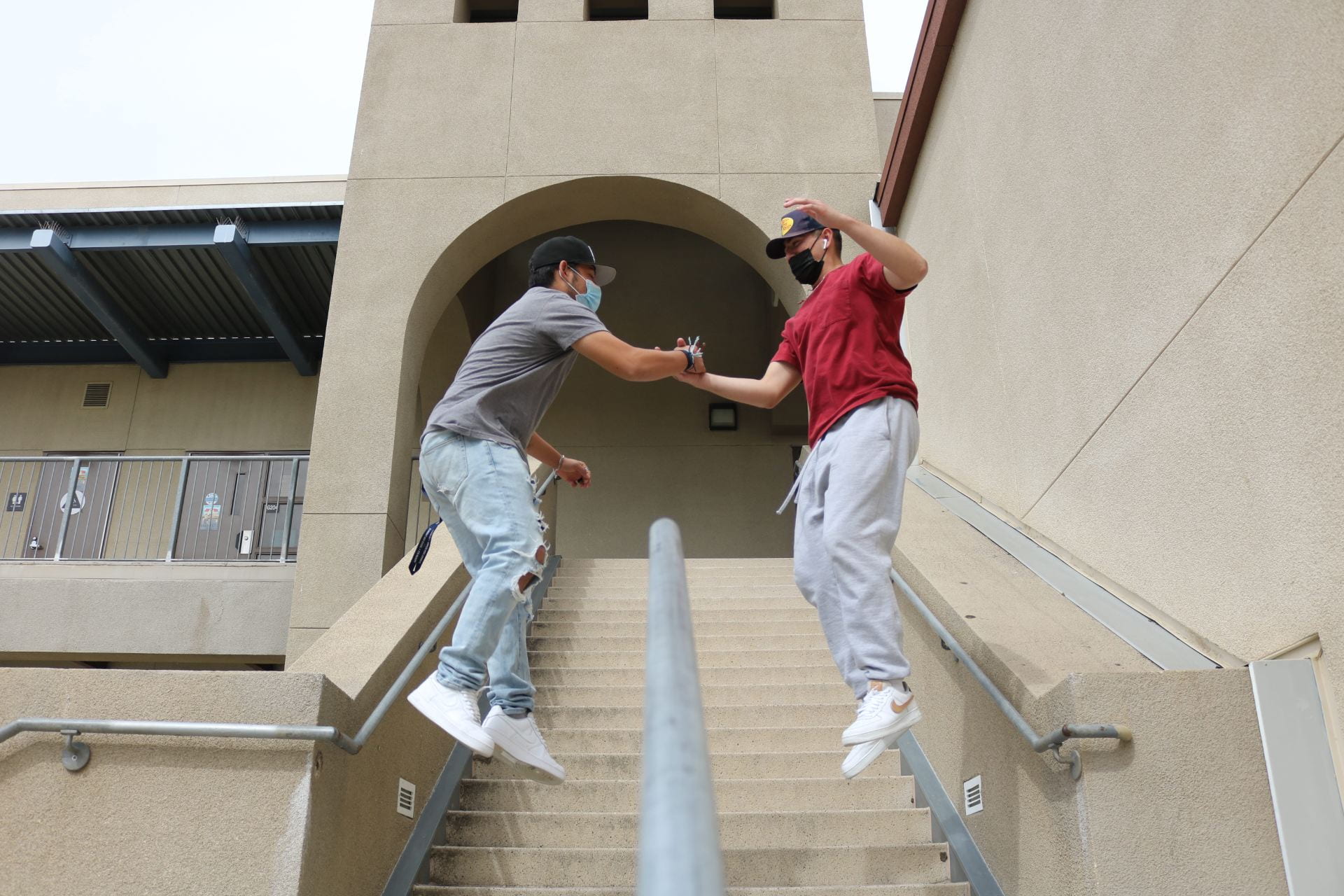
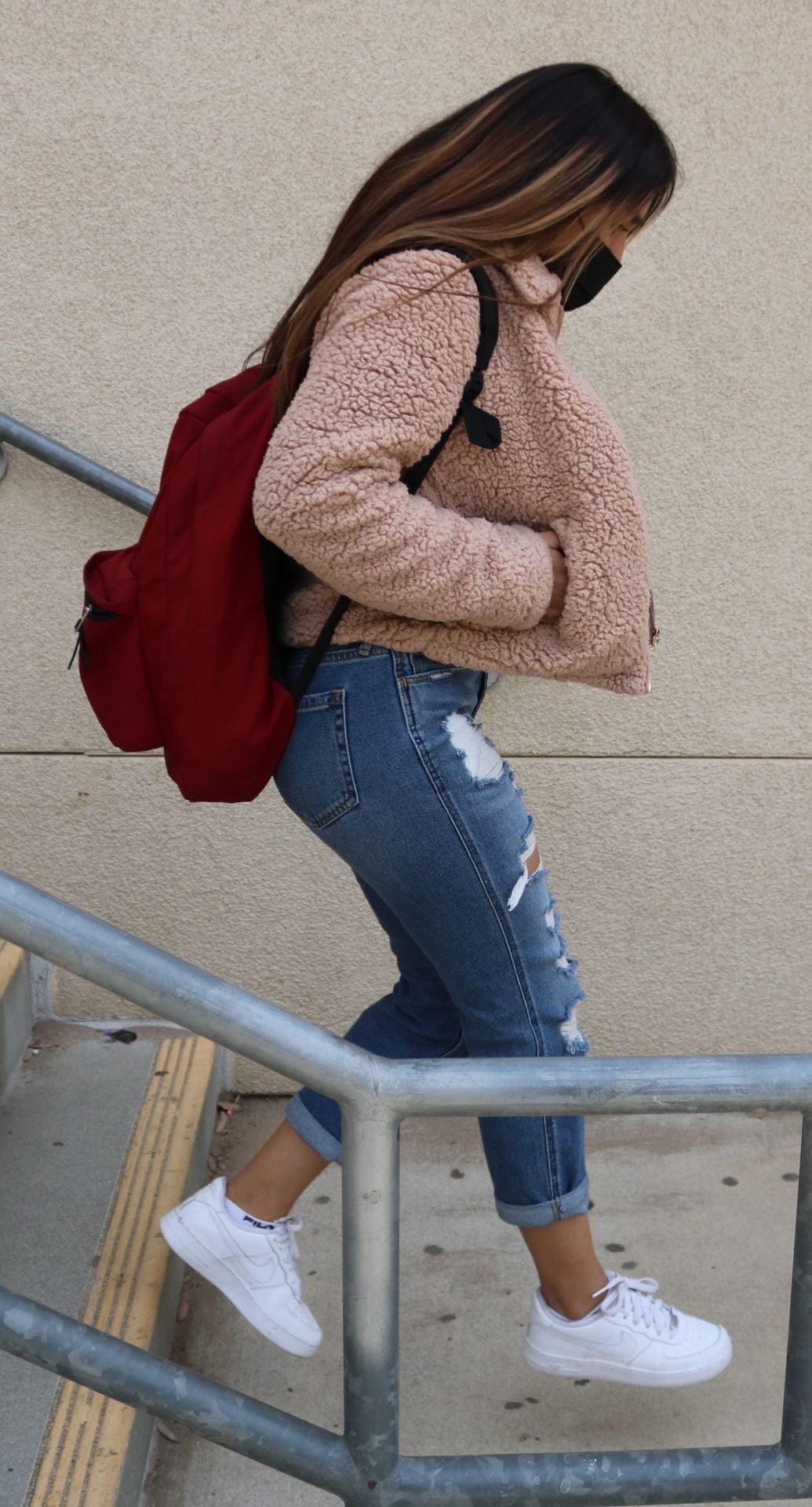
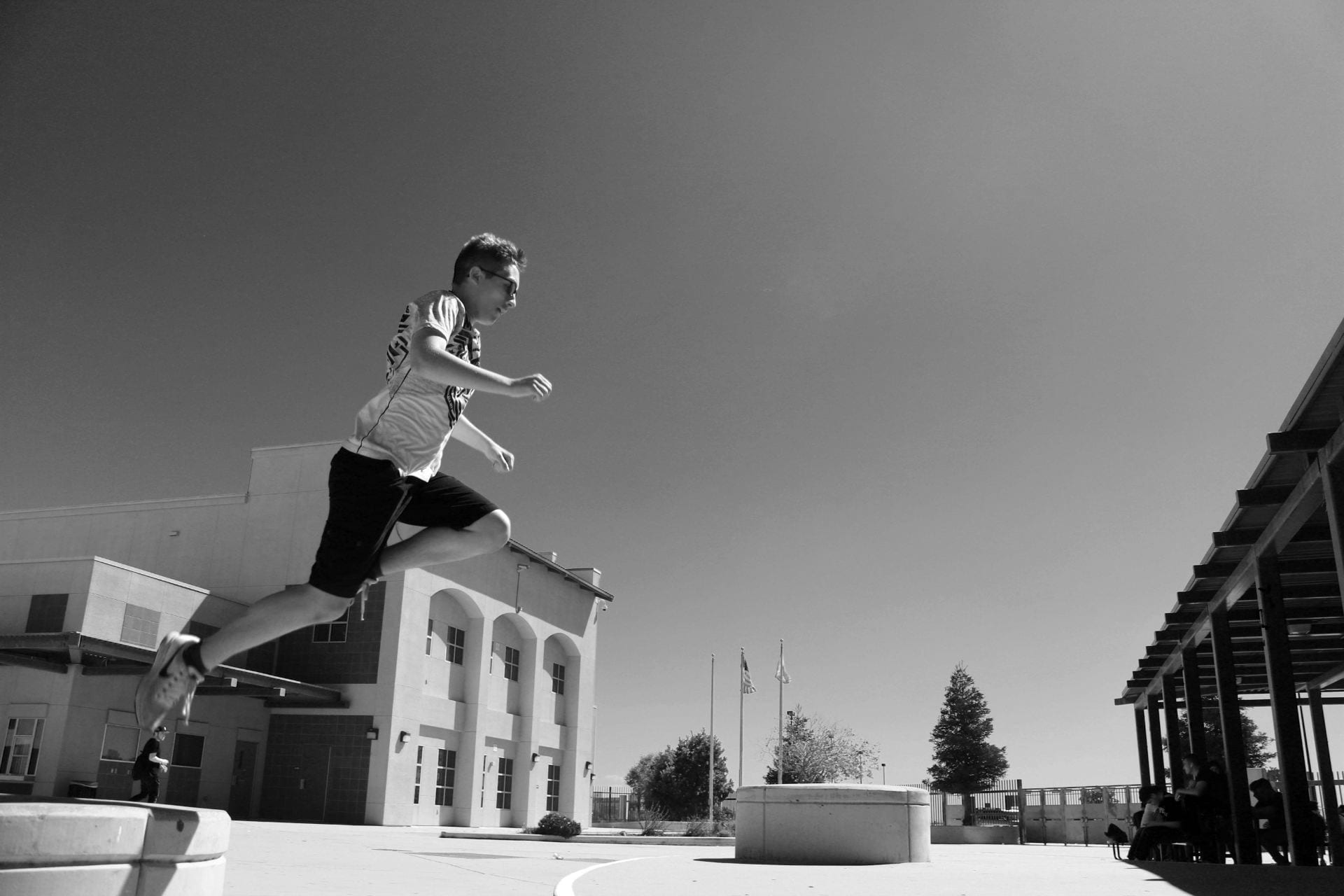
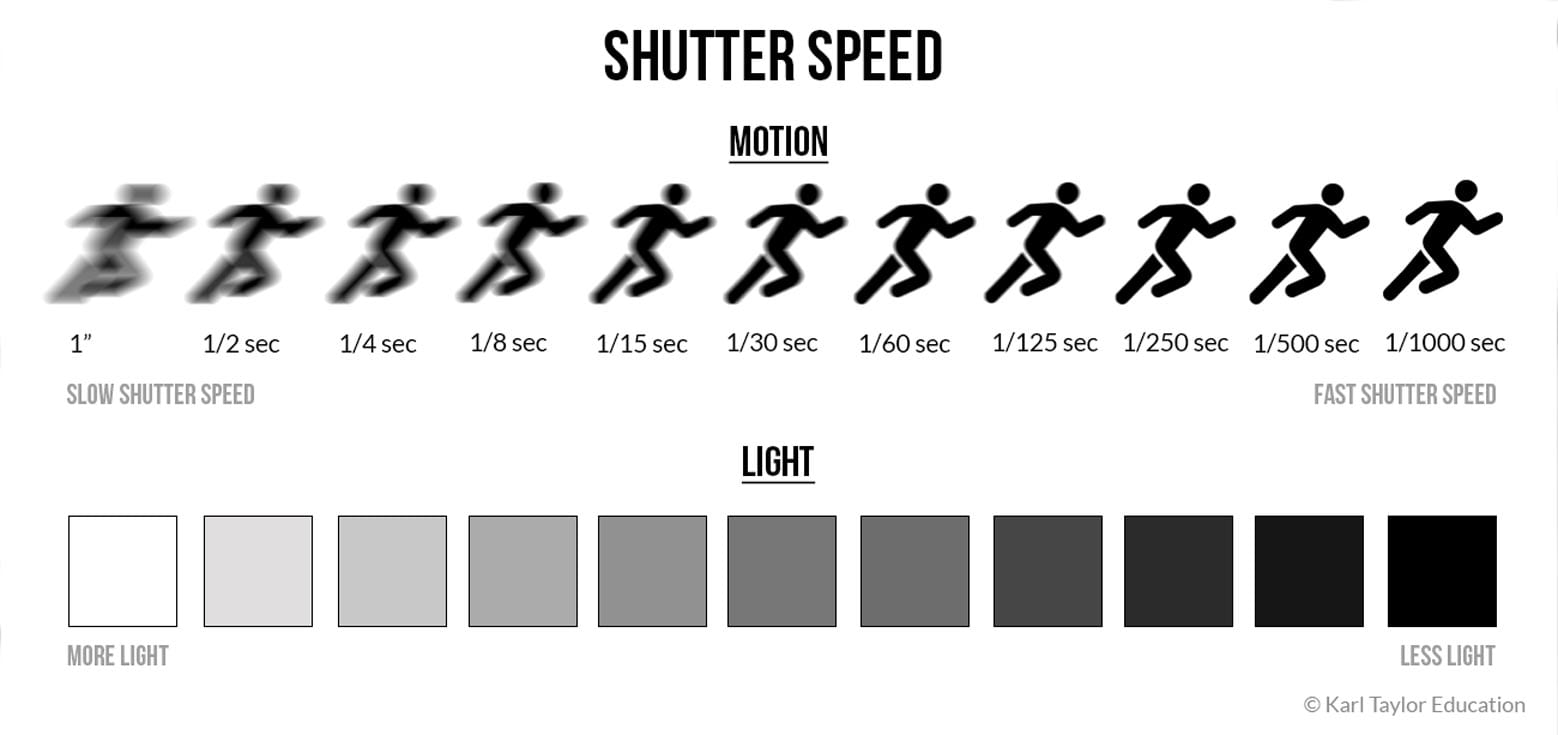
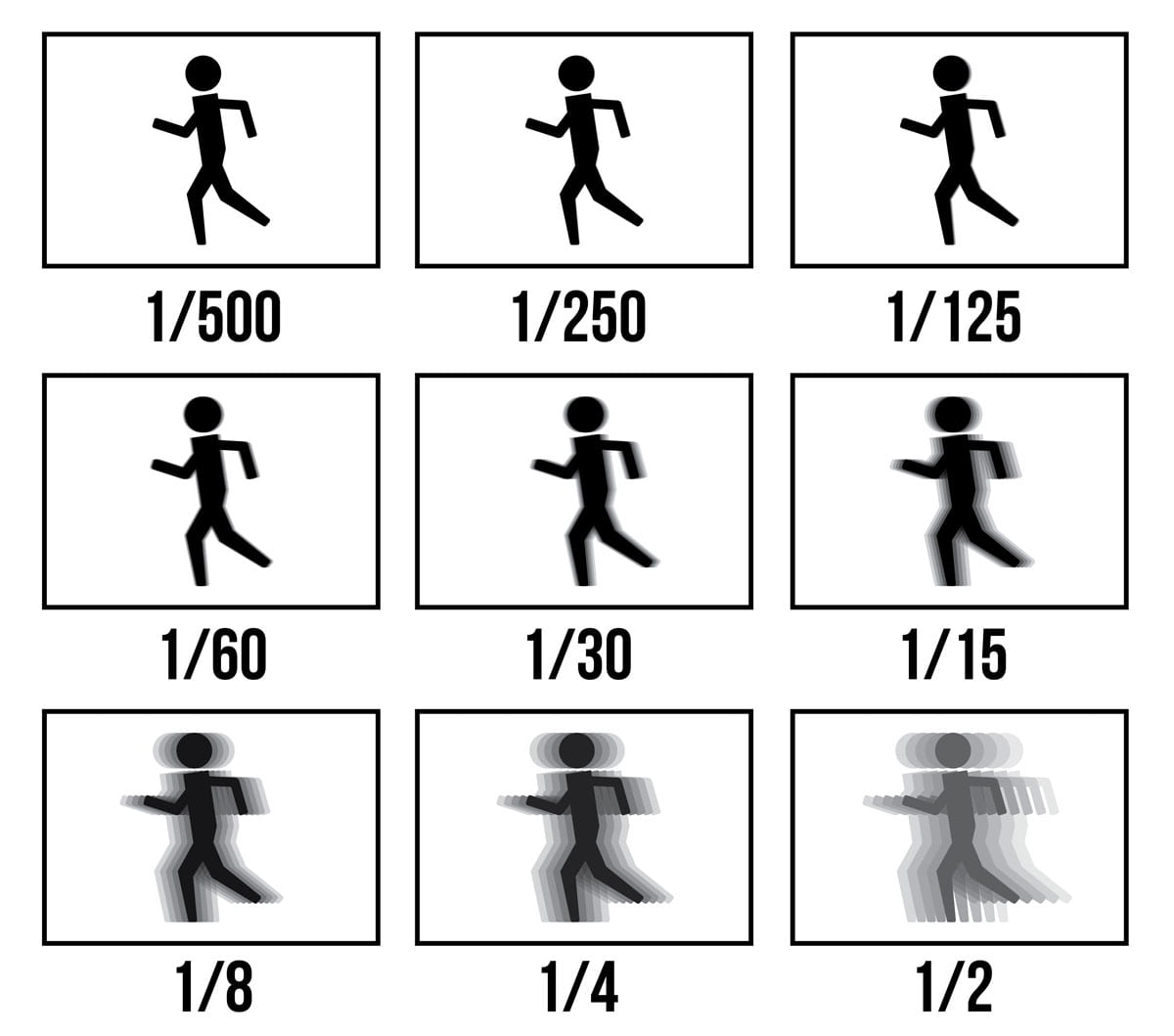
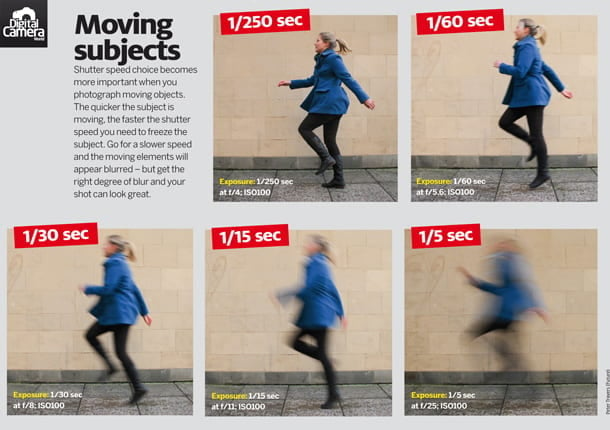
  • We will be in groups of 3-4 and going outside to freeze action with fast shutter speeds.
  • Set camera to Tv mode (shutter priority)
  • Auto ISO and Auto Focus
  • Group members take turns photographing and being subjects in action
  • Get creative and try different camera angles!
  • Upload all photos taken by your group (you can later delete the bloopers)
  • Check out the work of Natsumi Hayashi for inspiration: Click Here
Posted in Advanced Photo Assignments

AdvPhoto Monday 11/14/22: Long Exposure Photographers

Hey everyone,

I have to report to jury duty today. I don’t know if I’ll be dismissed or if I have to report more days this week.  For now, I’m going to assign you the same thing as my photo 1’s.  I think you’ll enjoy some of these photographers’ works and may even inspire your photo challenge.

Speaking of your photo challenge, it will not be due tomorrow since you won’t have access to DSLR’s. Please stay updated on this site and Teams! See you soon… I hope!
P.S. If you borrowed a camera from me on Friday you can drop off with Mr. Valdez in room E108.

-Ms. De La Rosa

Today’s Agenda:

  •  “Long Exposure Photographers” Blog Activity described below (due tomorrow)

“Long Exposure Photographers” Blog Activity*

Step 1: Click the following 7 photographer names to view their slow shutter/long exposure photography!
  1. Alexey Titarenko
  2. Tokihiro Sato
  3. Francesca Woodman
  4. Gjon Mili  (Check out Mili’s Picasso series too, click here)
  5. Nick Fancher
  6. Hiroshi Sugimoto
  7. Diana Robinson (Find more of her photos in the 2nd & 3rd photo slide show by clicking here)

Step 2: Publish a post on your blog titled, “Long Exposure Photographers”, and include the following:

  • Type out the name of each photographer listed above and in 2 or more sentences describe the photographer’s work (NOT what you think about it, but how you would describe it to someone else in the class…like the subject matter/style/technique/aesthetic, etc.).  
  • Add your favorite photo from the photographer you liked the most. Caption the photo with the photographer’s name. (Save as a JPEG or use the Snipping Tool to take a screenshot of it then save as JPEG). 
  • Under the photo, add a short paragraph explaining why you chose that photographer and why you chose that particular photo. 3-4 sentences.
  • Then answer the following question: If you could create a photograph inspired by this photographer or photo that you chose, what would you photograph and how do you think you would do it?

*If you prefer, you can type all this on a Word document or PowerPoint slideshow instead. But you still need to create the blog post and simply add the document or slideshow to it.

Posted in Photo 1 Assignments

Monday 11/14/22: “Long Exposure Photographers” Blog Activity

Hey everyone,

I have to report to jury duty today. I don’t know if I’ll be dismissed or if I have to report more days this week. Please stay updated on this site and Teams! See you soon… I hope!

If you borrowed a camera from me on Friday you can drop off with Mr. Valdez in room E108.

-Ms. De La Rosa

Today’s Agenda:

  • Complete and turn in the Light Painting + Ghost Effect Blog Post from last week (due today)
  • Begin the “Long Exposure Photographers” Blog Activity described below (due tomorrow)

“Long Exposure Photographers” Blog Activity*

Step 1: Click the following 7 photographer names to view their slow shutter/long exposure photography!

  1. Alexey Titarenko
  2. Tokihiro Sato
  3. Francesca Woodman
  4. Gjon Mili  (Check out Mili’s Picasso series too, click here)
  5. Nick Fancher
  6. Hiroshi Sugimoto
  7. Diana Robinson (Find more of her photos in the 2nd & 3rd photo slide show by clicking here)

Step 2: Publish a post on your blog titled, “Long Exposure Photographers”, and include the following:

  • Type out the name of each photographer listed above and in 2 or more sentences describe the photographer’s work (NOT what you think about it, but how you would describe it to someone else in the class…like the subject matter/style/technique/aesthetic, etc.).  
  • Add your favorite photo from the photographer you liked the most. Caption the photo with the photographer’s name. (Save as a JPEG or use the Snipping Tool to take a screenshot of it then save as JPEG). 
  • Under the photo, add a short paragraph explaining why you chose that photographer and why you chose that particular photo. 3-4 sentences.
  • Then answer the following question: If you could create a photograph inspired by this photographer or photo that you chose, what would you photograph and how do you think you would do it?

*If you prefer, you can type all this on a Word document or PowerPoint slideshow instead. But you still need to create the blog post and simply add the document or slideshow to it.

Posted in Photo 1 Assignments

Thursday 11/10/22: Blog Post-Light Painting + Ghost Effects + Camera Settings Tutorial (MASIF)

Today’s Agenda:

  • Take more photos demonstrating light painting or ghost effects (you can work with anyone this time)
  • Follow the posting instructions below:

Blog Post: Light Painting + Ghost Effects

Due Monday Nov. 14th

  1. Add a gallery containing all the light painting and ghost photos you took with your group.  (You can leave out any that are totally dark or totally bright).
  2. Change the link to media file in the gallery settings!  Some of ya’ll are still forgetting this part!
  3. Choose the best 3 or 4 photos captured by your group and open them in Lightroom to edit. Experiment with brightness, contrast, shadows, highlights, etc. plus the colors (maybe make some black & white). Save them as JPEGs.
  4. Add a second gallery to the SAME POST with the edited photos. (Don’t forget, link to media file!)
  5. Then add the camera settings to each of the edited photos.
  6. Publish and turn in on Teams!

The settings I need: camera mode, aperture, shutter speed, ISO, and focal length.  I like to abbreviate this is MASIF. And this is the format: M, f22, 10sec, ISO100, 18mm.

Here’s another example for future reference when we have regular shutter speeds (fraction of a second): Av, f5.6, 1/200, ISO400, 35mm.

Below is a video clip on how to find camera settings from your saved photos:

https://flip.com/s/UvugoTkguF91


Posted in Photo 1 Assignments

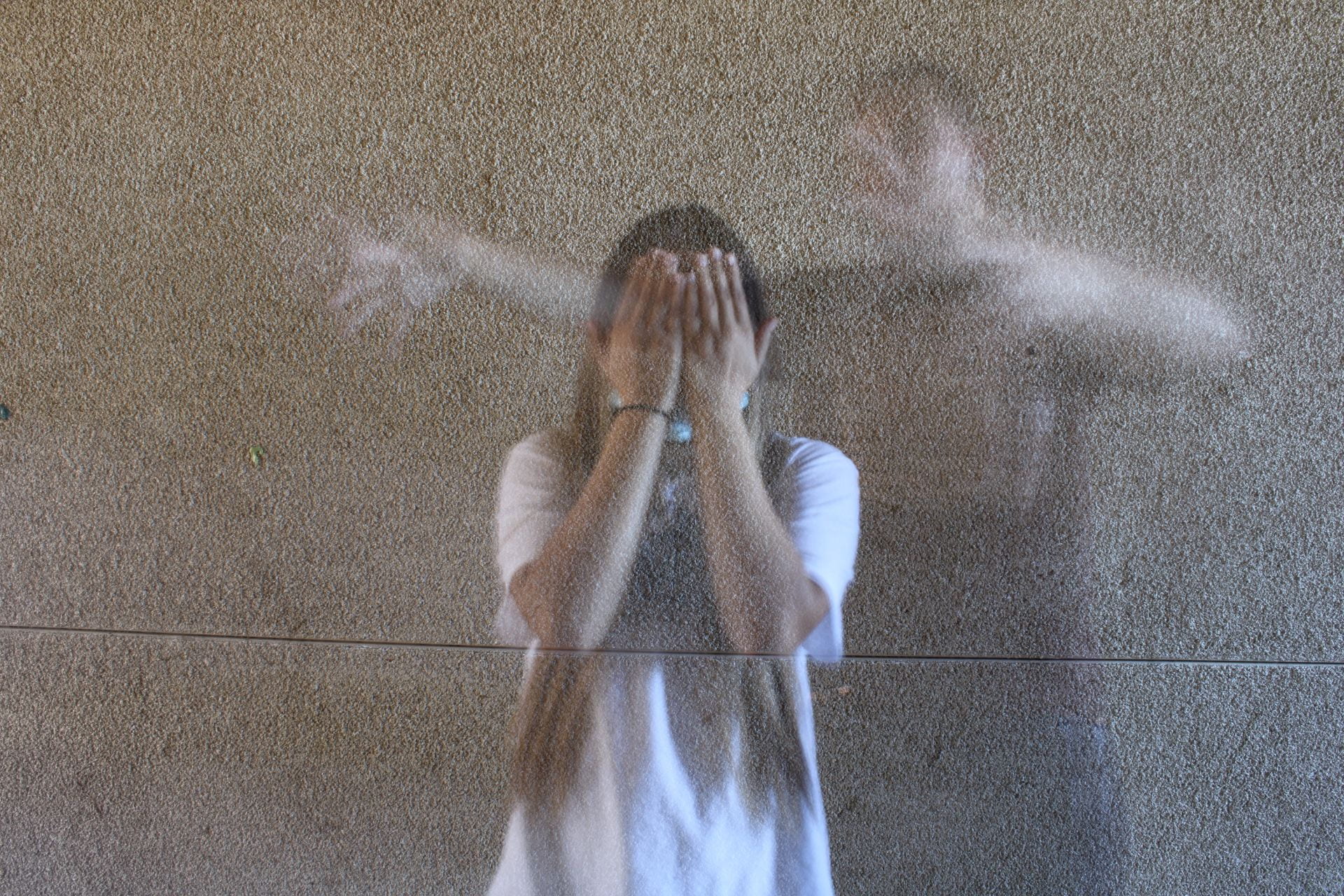
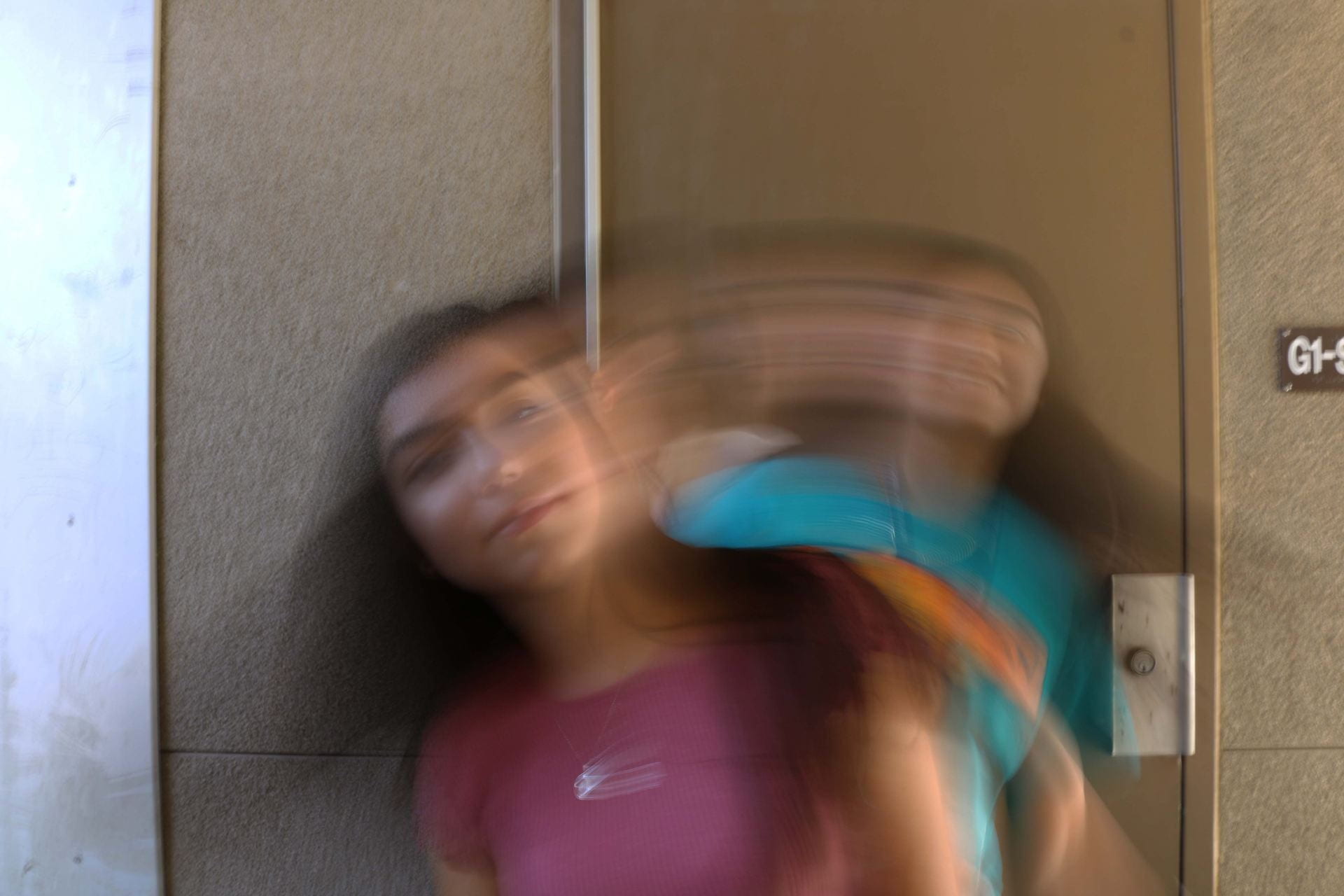
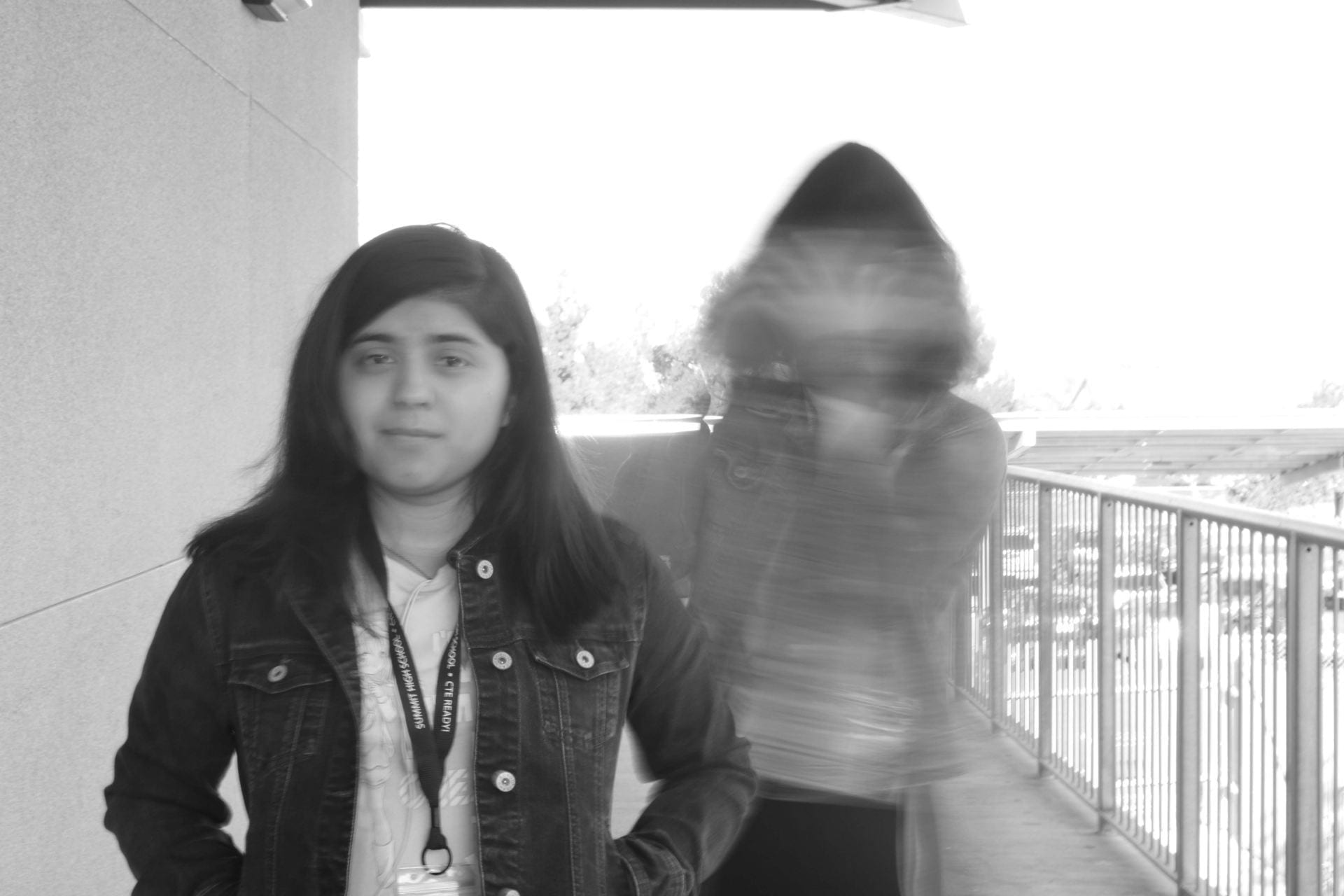
Wednesday 11/9/22: Ghosting!

Today’s Agenda:

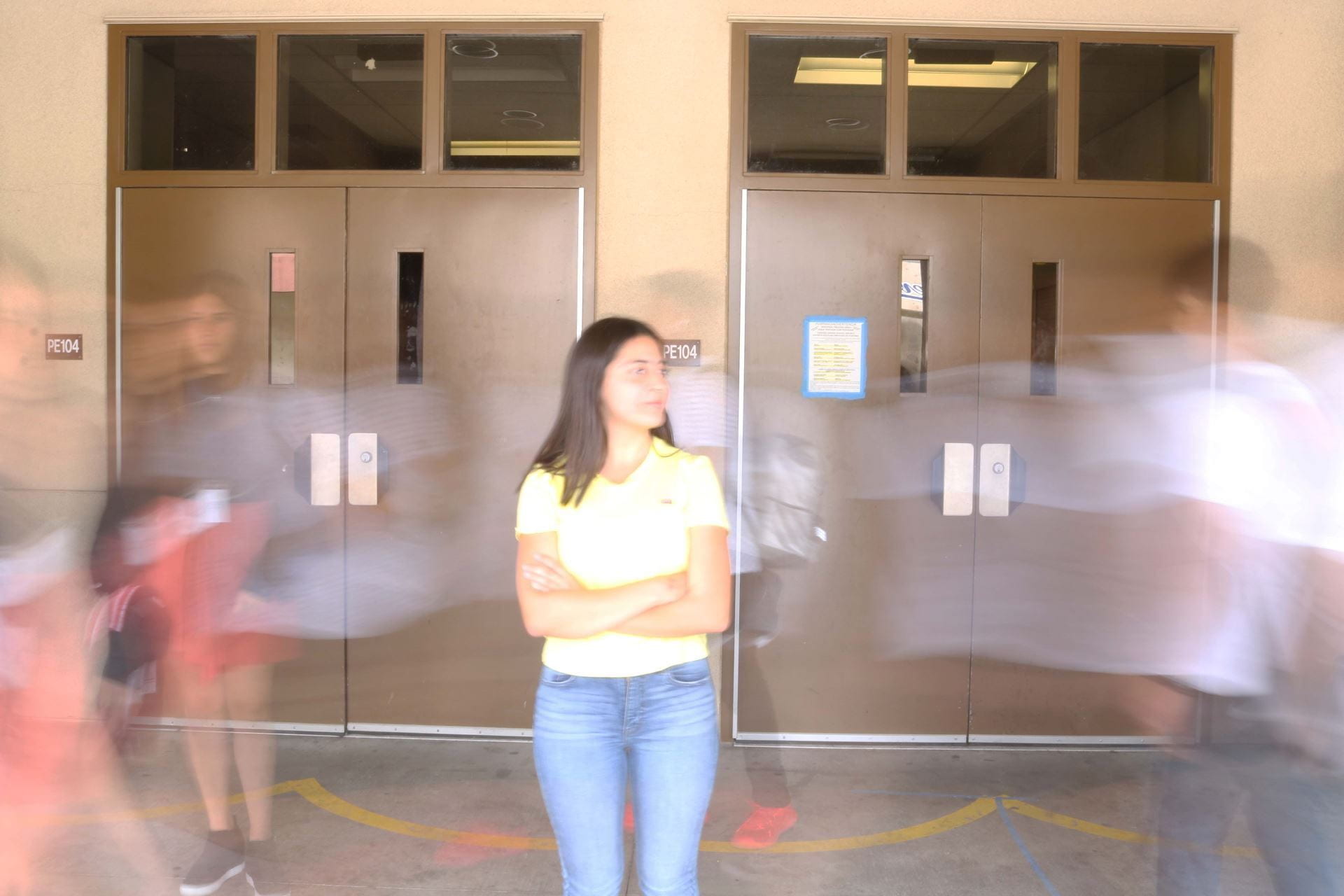
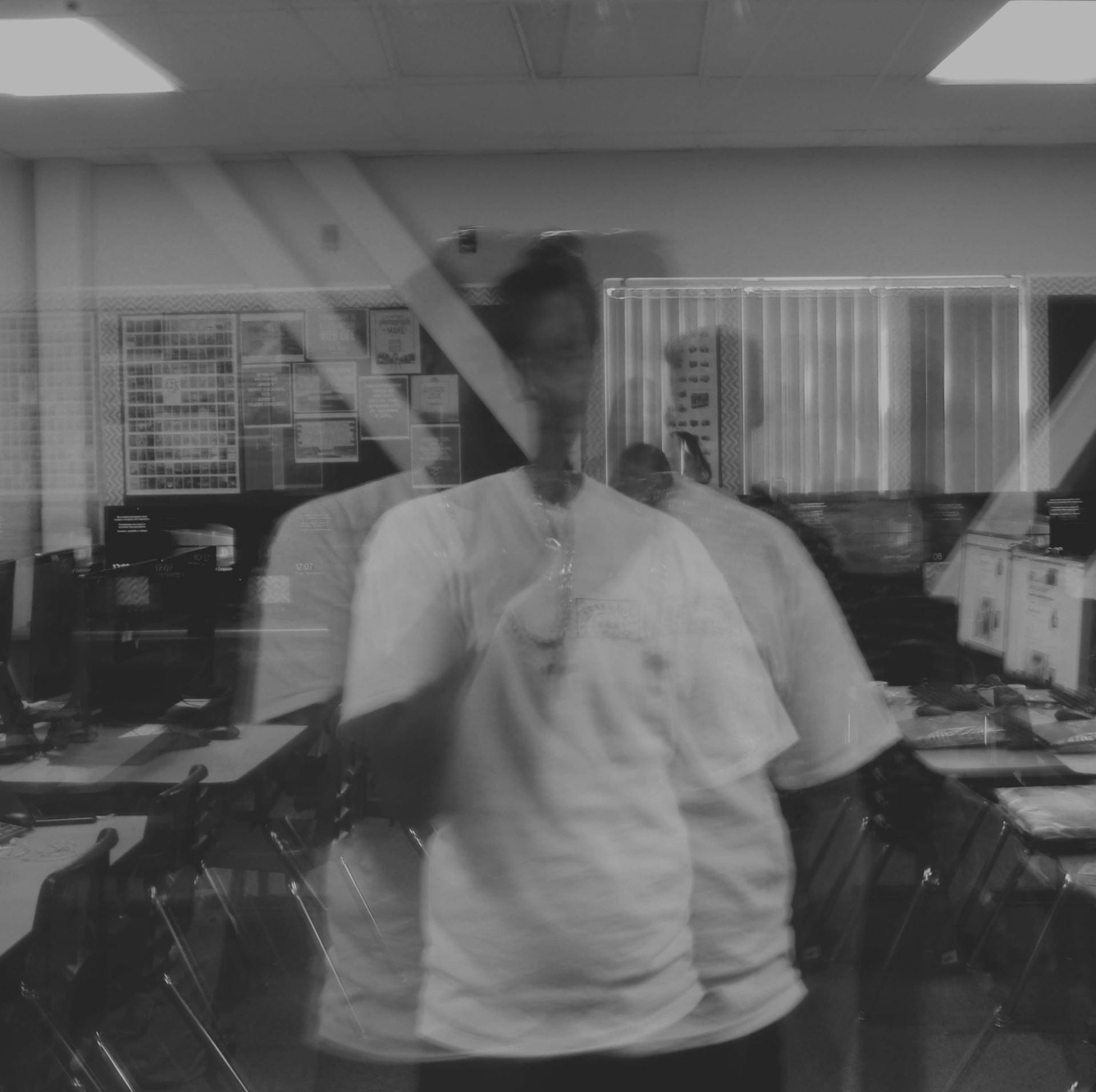
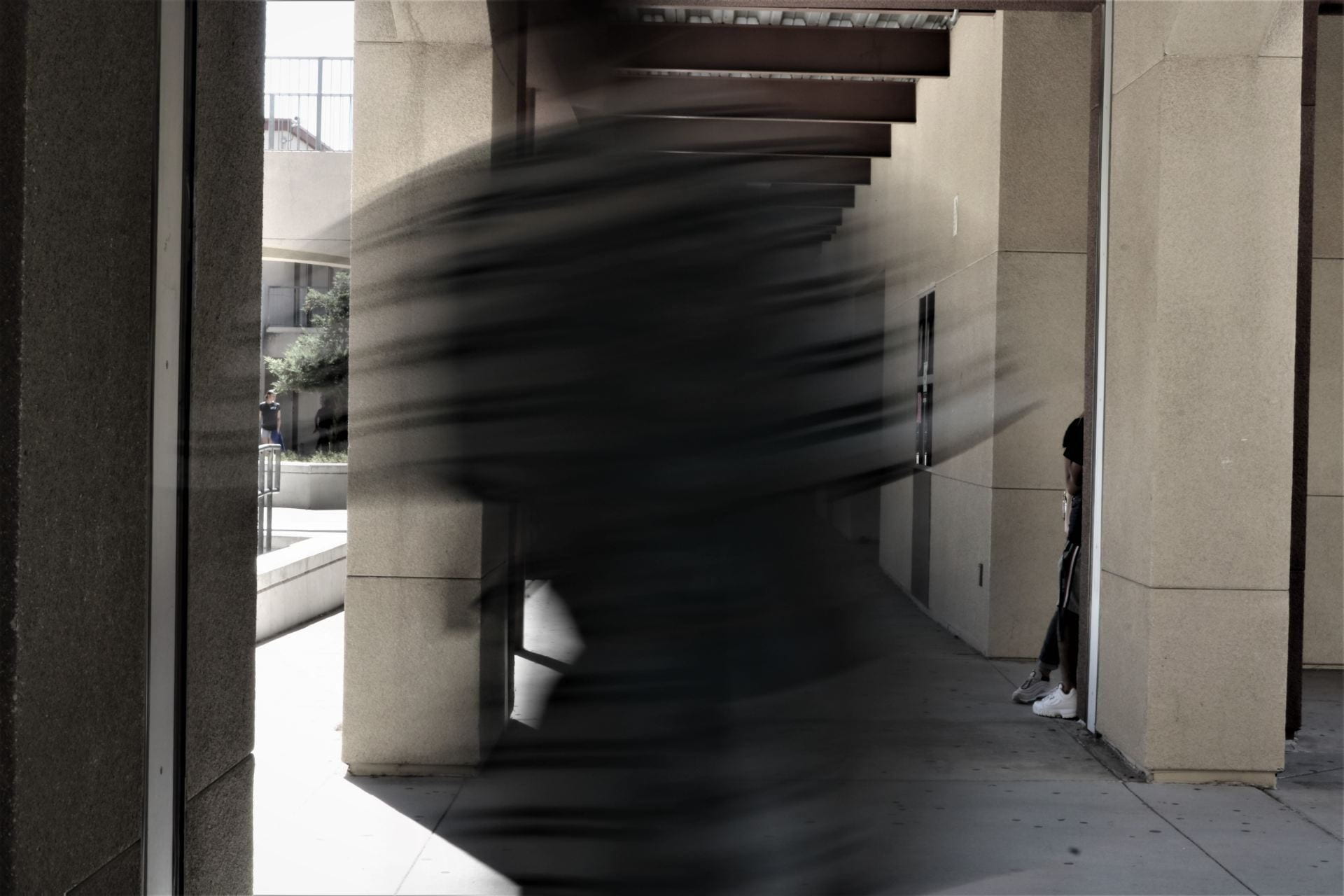
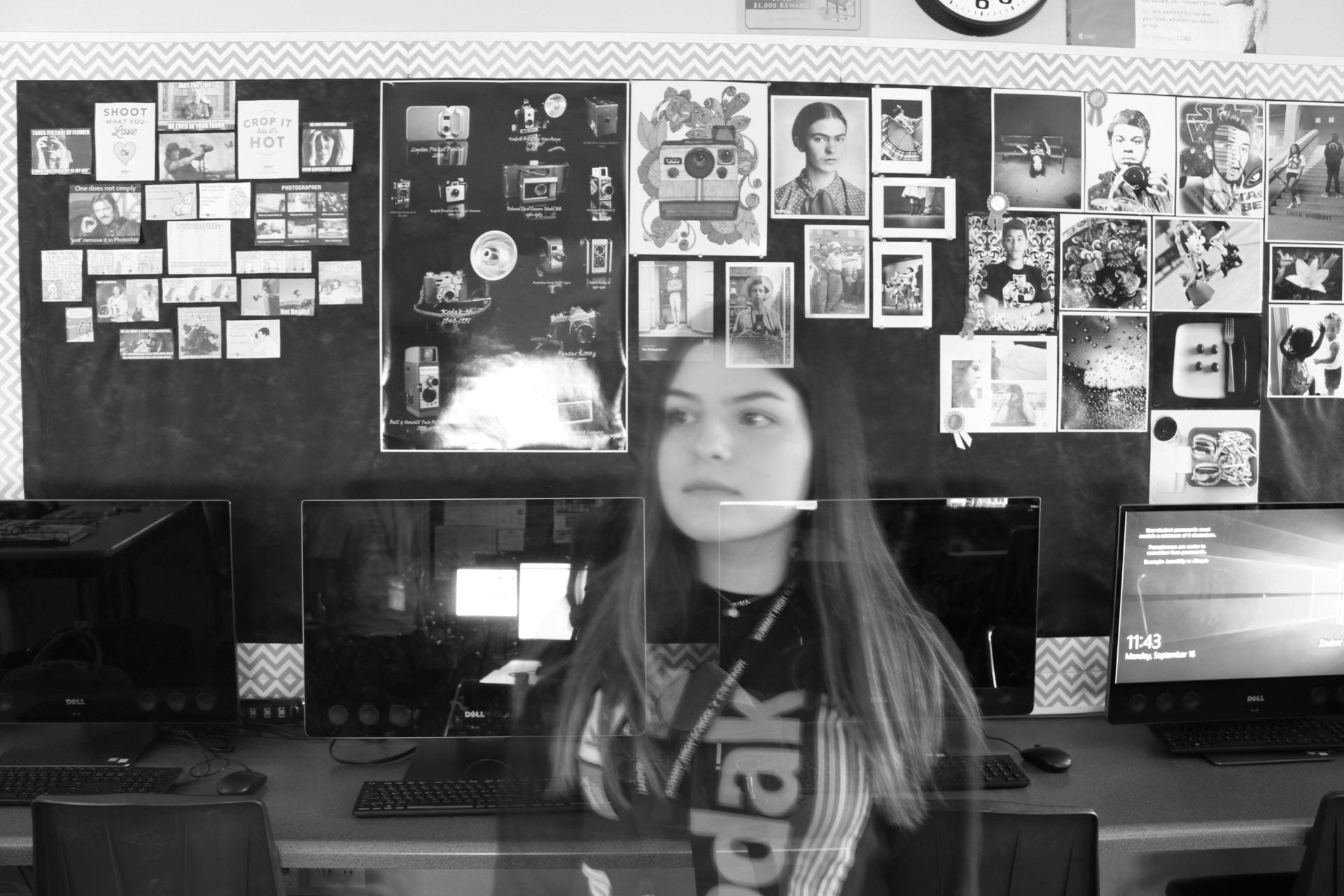
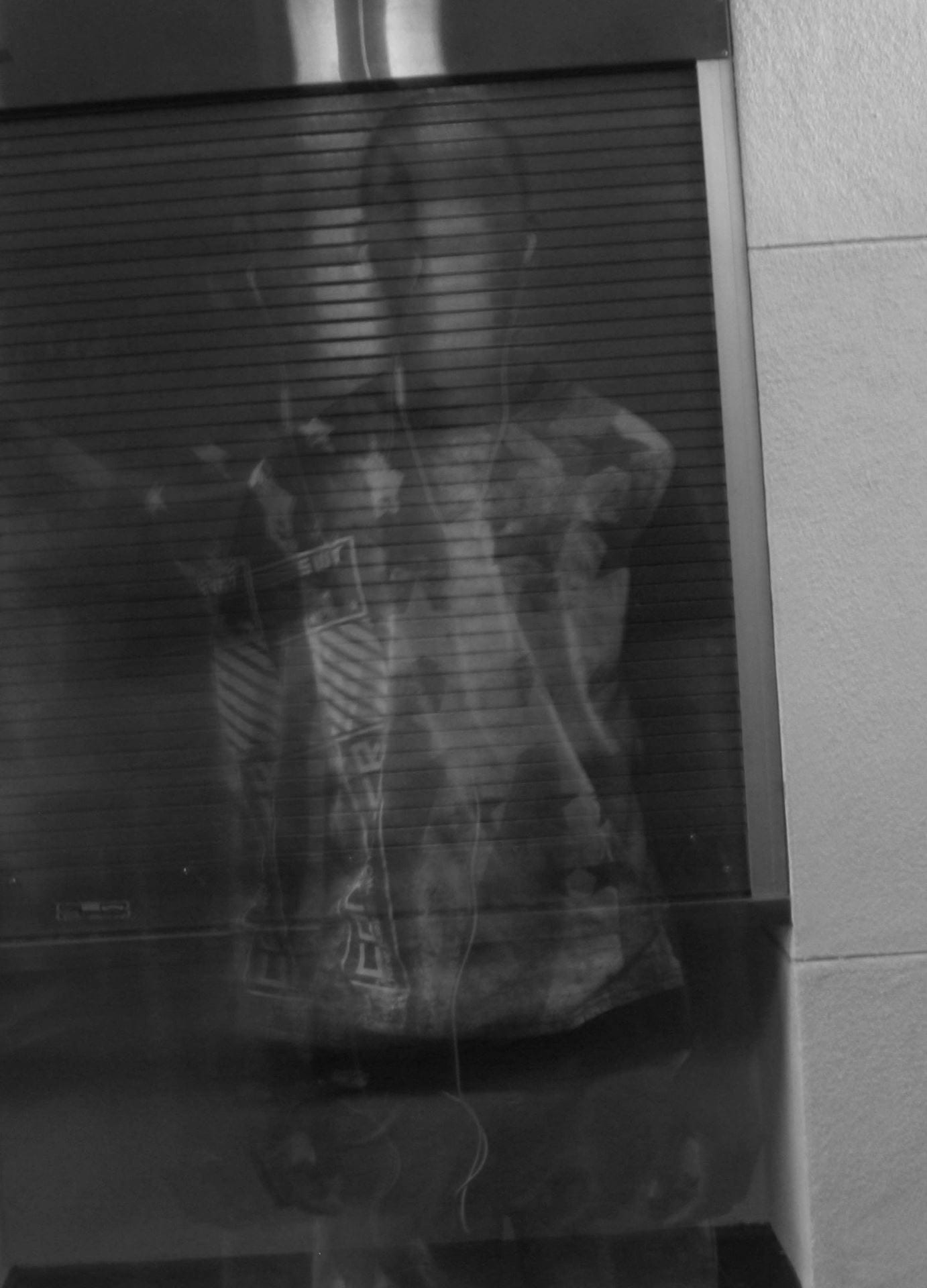
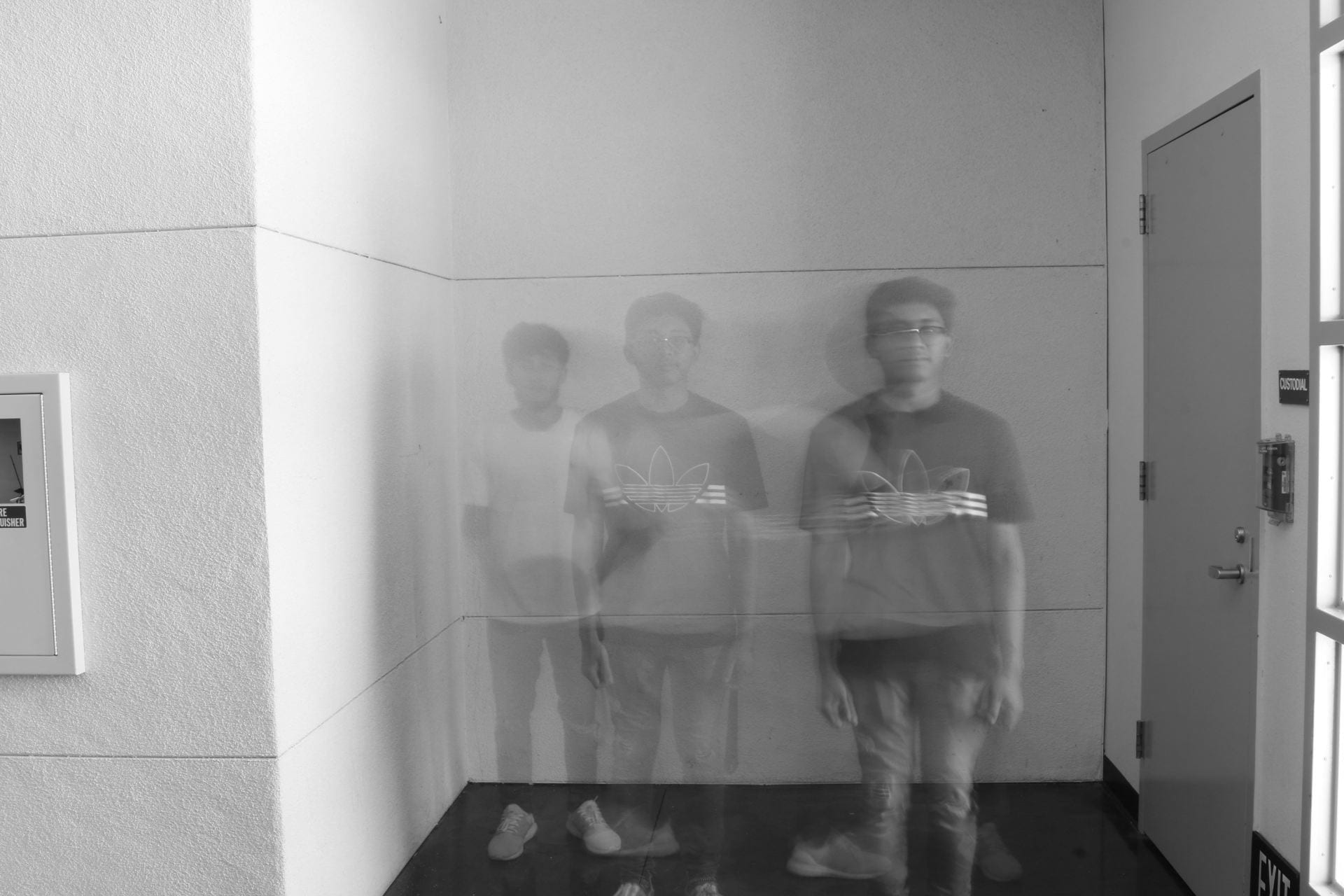
  • Ghost effects with slow shutter speeds

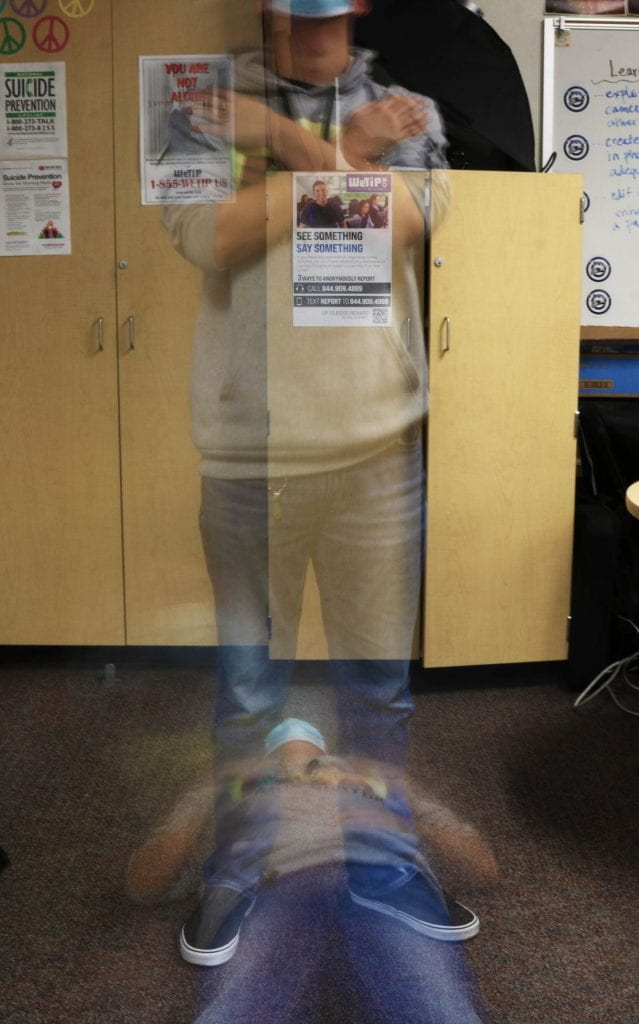
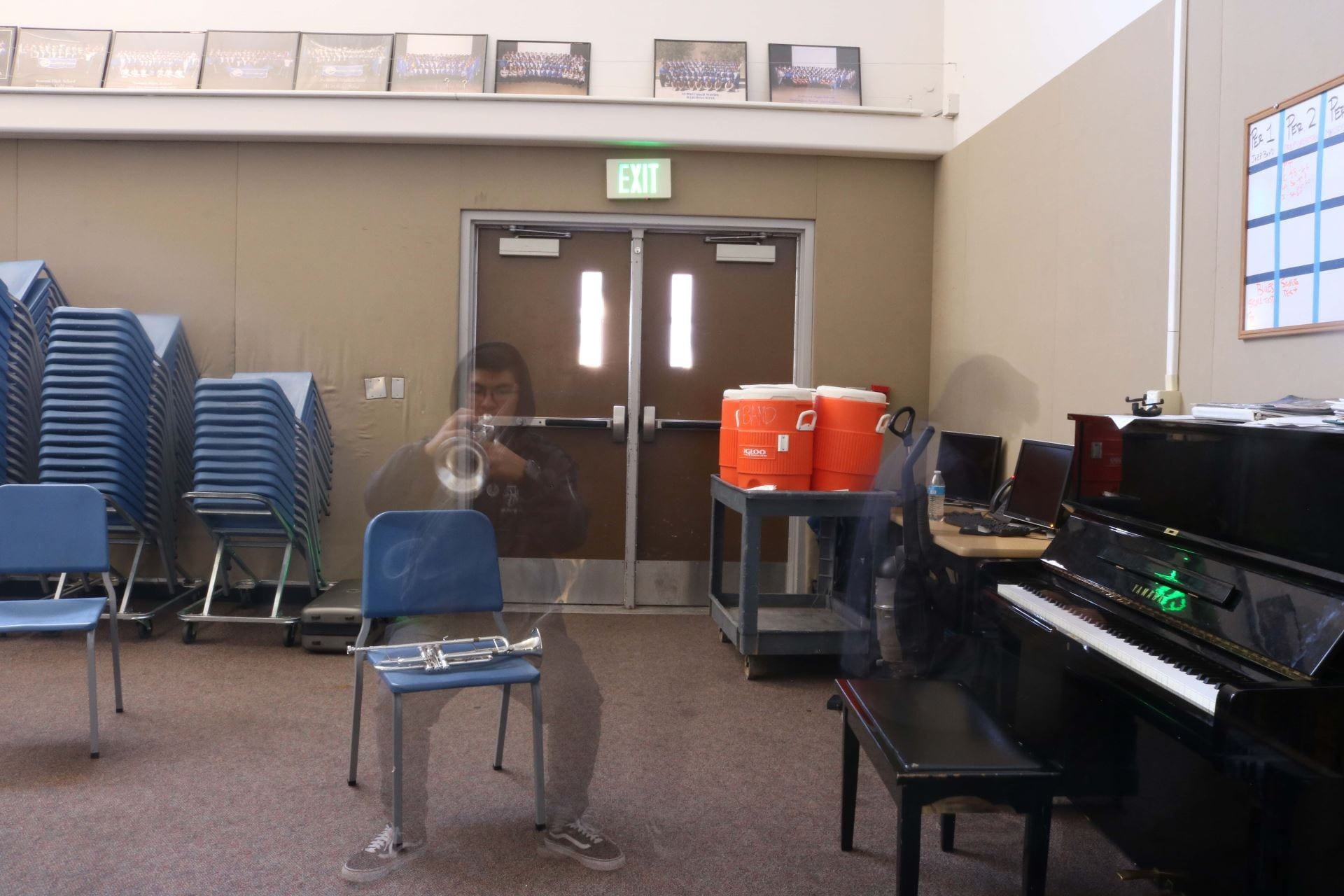
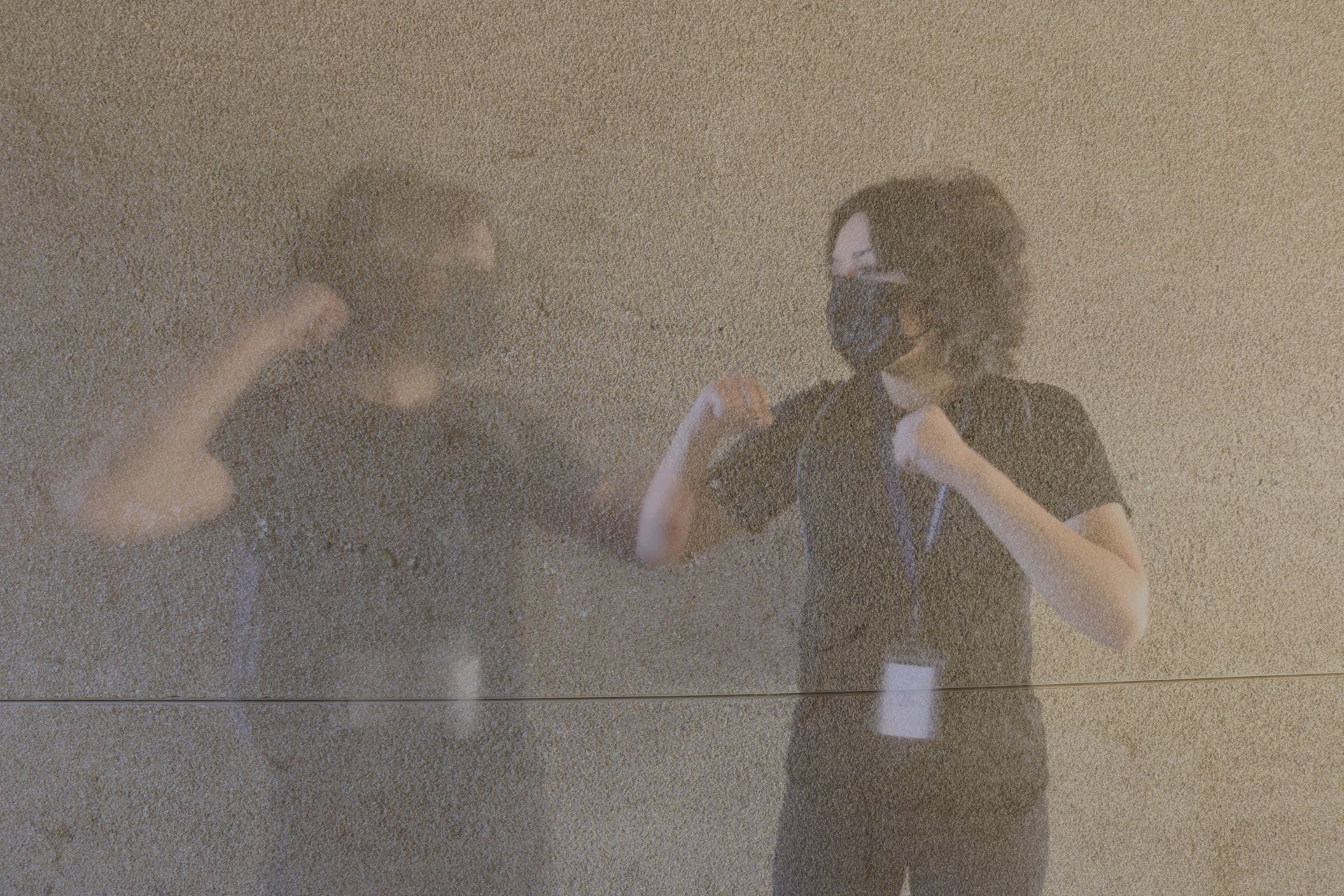
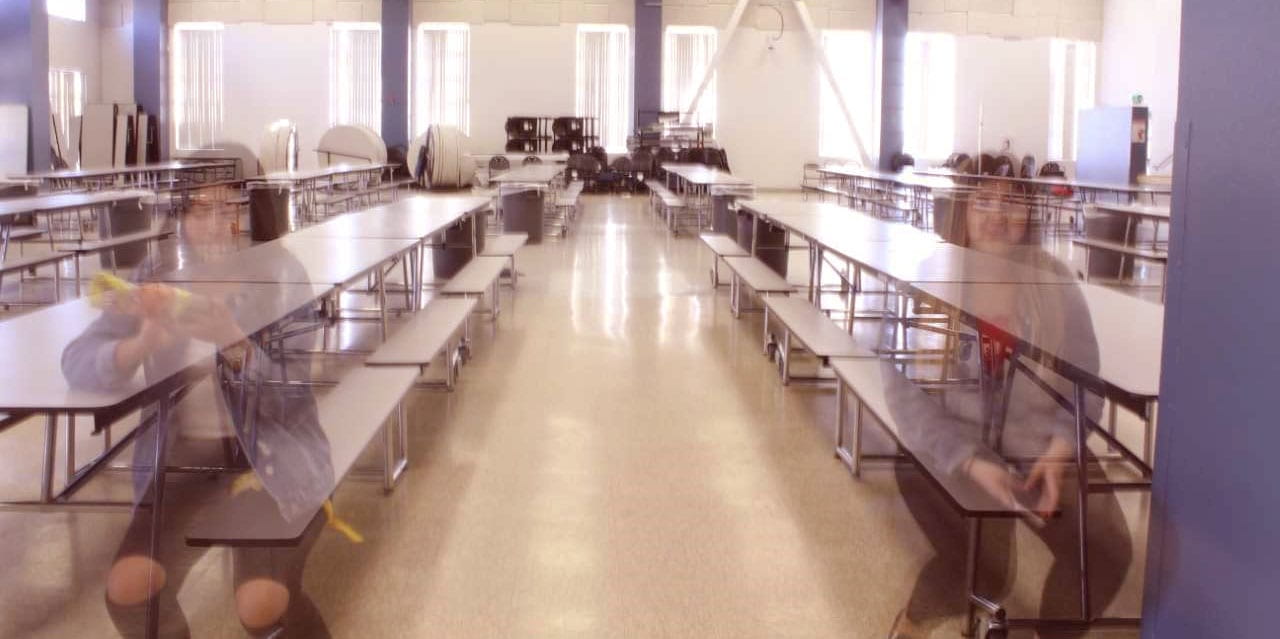
Ghost Effect

Using the same camera settings as yesterday, your group will be creating ghost effects today.  (Highest f-stop number, ISO 100)

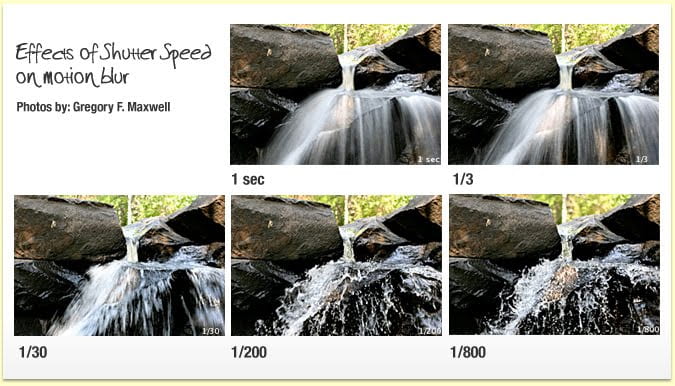
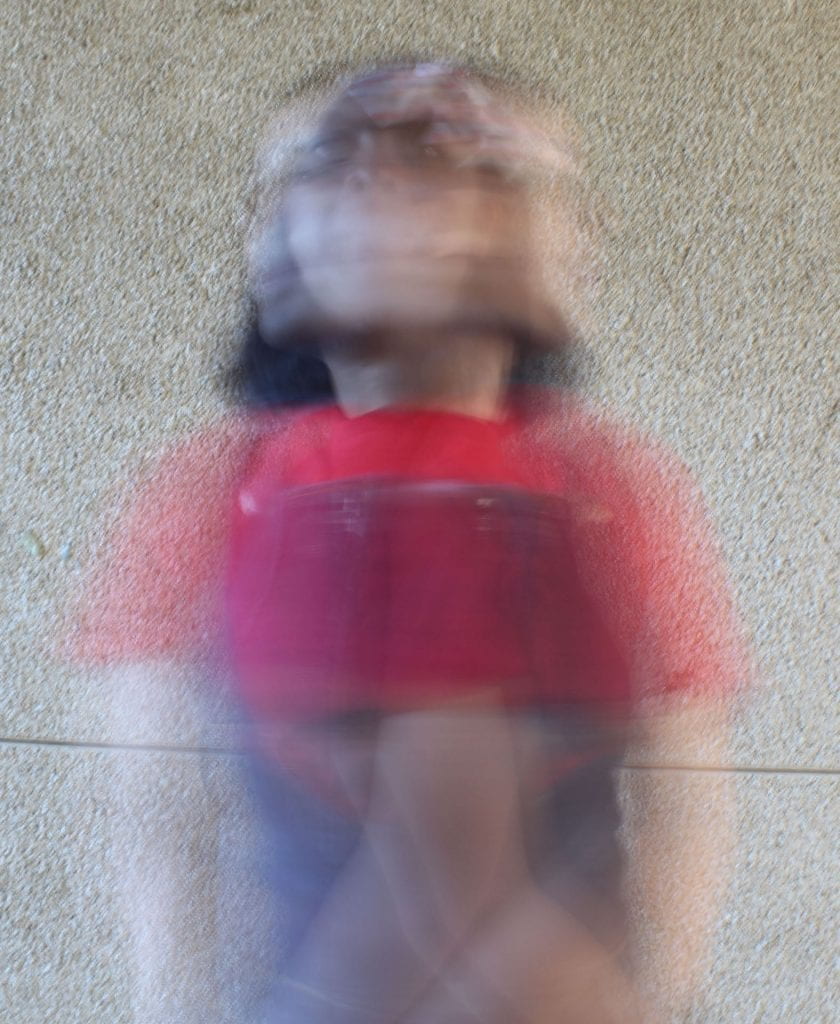
The only difference is that we may only need shutter speeds of 5-12 seconds, probably not any longer than that.  But it totally depends on how the exposure turns out, so expect a lot of trial and error to figure it out. If photographing outside, your shutter speed range maybe 1/5-3 seconds or so.

Take turns as photographer and as subjects.  Everyone in the group should attempt at least 2 ideas, if time allows

You can take photos in the classroom or outside, or both!

You need 15 minutes at the end of the period to make sure all your group members save all the photos taken by the group.

Remember to copy and paste the photos to your OneDrive instead of dragging them there!