Posted in Advanced Photo Assignments

Tuesday 11/30/21: Studio Lighting Patterns

Today’s Agenda:

  • Define and explain the different types of lighting patterns

https://digital-photography-school.com/6-portrait-lighting-patterns-every-photographer-should-know/

Open the link above. For each of the following types of lighting, record the following information on a sheet of notebook paper: 

  • Split lighting
  • Loop lighting
  • Rembrandt lighting
  • Butterfly lighting
  • Broad Lighting
  • Short Lighting
  • Also include what “catchlights” are and why they are desirable to capture.*

1. Name of lighting pattern

2. Describe what it looks like and what it’s commonly used for.

3.  Describe HOW to achieve that lighting pattern.

4.  Copy/draw the diagram that shows the light set up. 

5. Take a picture of your notes and turn them into Teams.

PDF Version-6 Portrait Lighting Patterns Every Photographer Should Know

Posted in Photo 1 Assignments

Tues.11/30- Wednesday 12/1: Double Exposure Portrait Tutorials

Today’s Agenda:

  • Double Exposure Portrait Tutorial and Practice
  • Take photos for past assignments or for your own Double Exposure Portrait

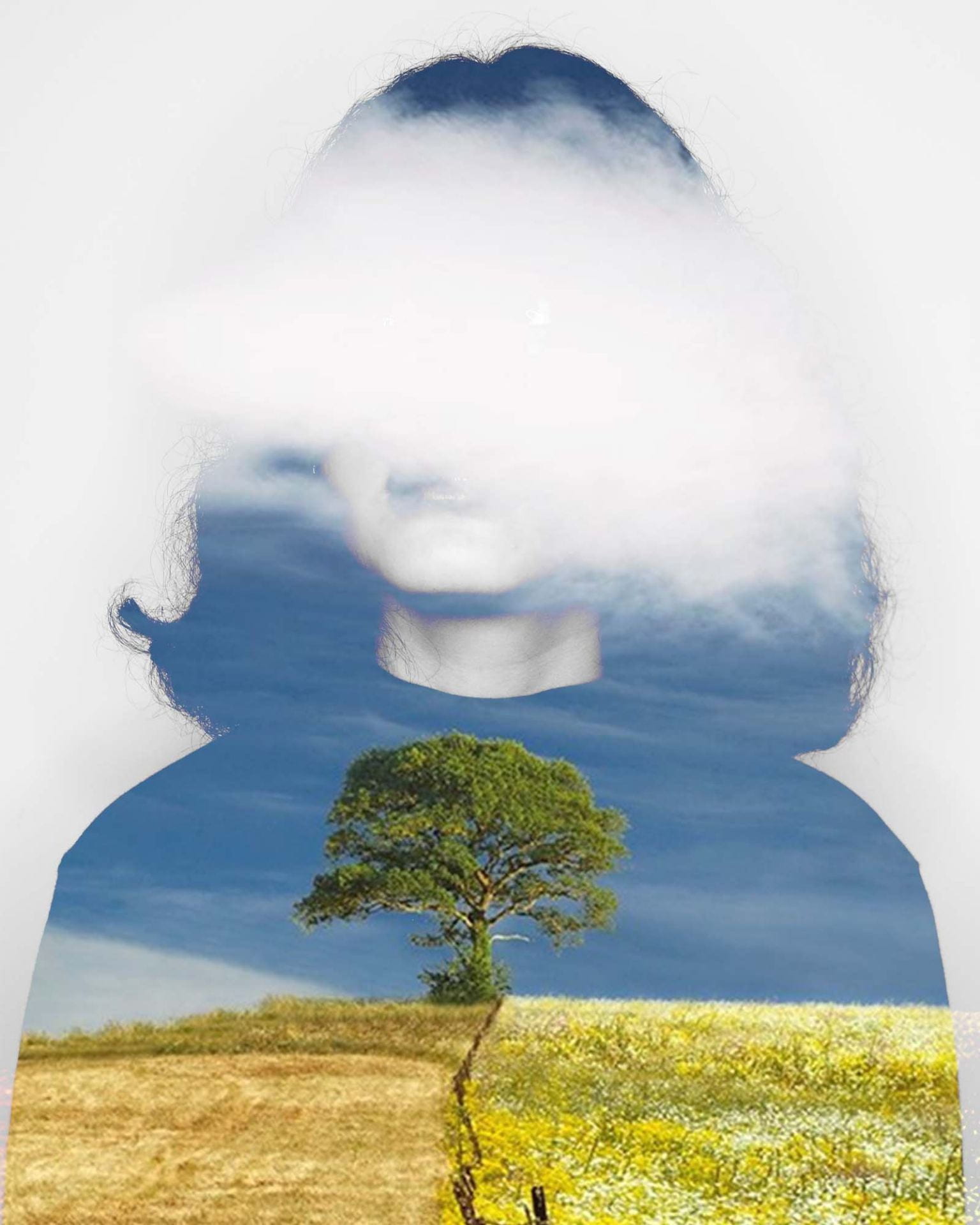
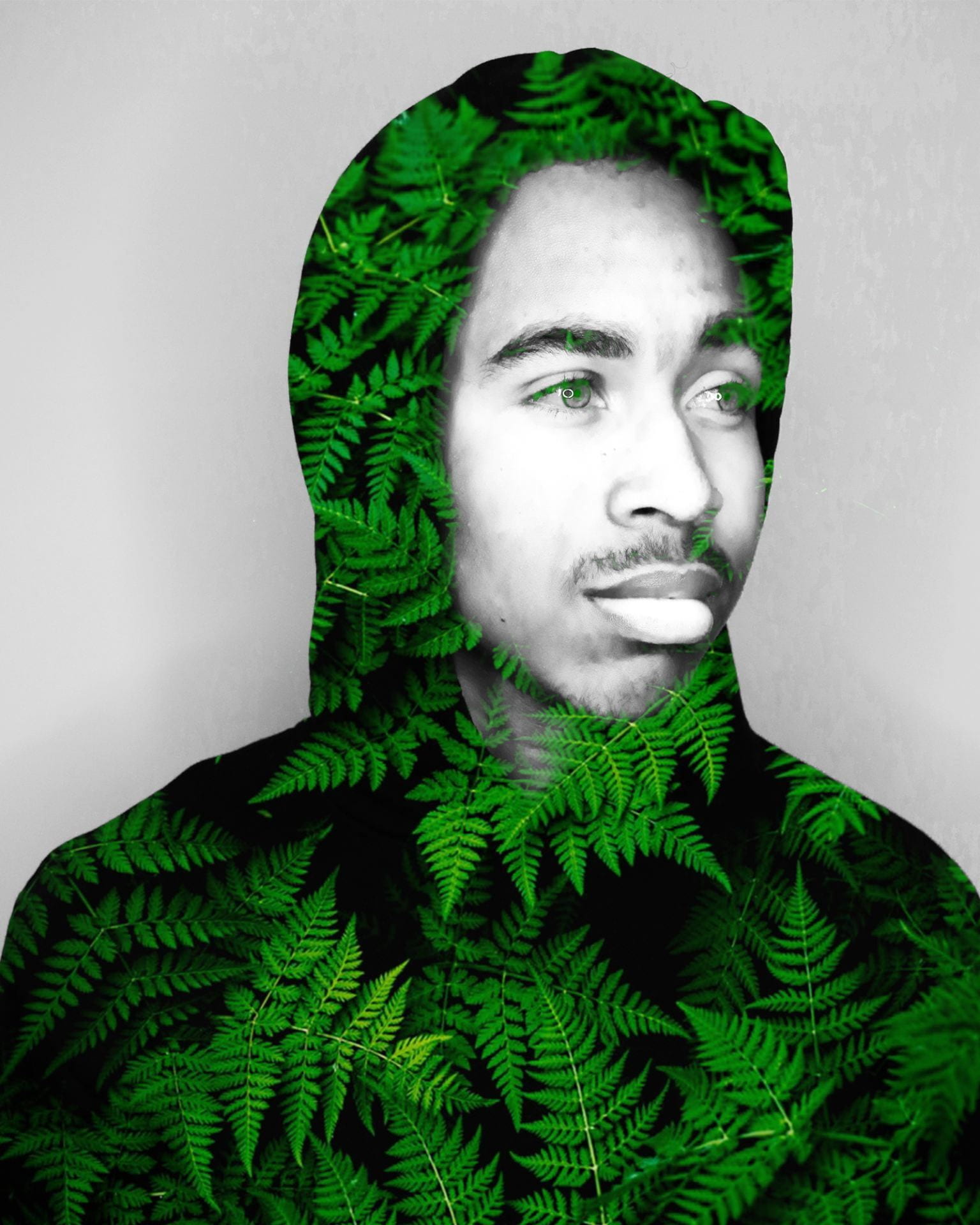
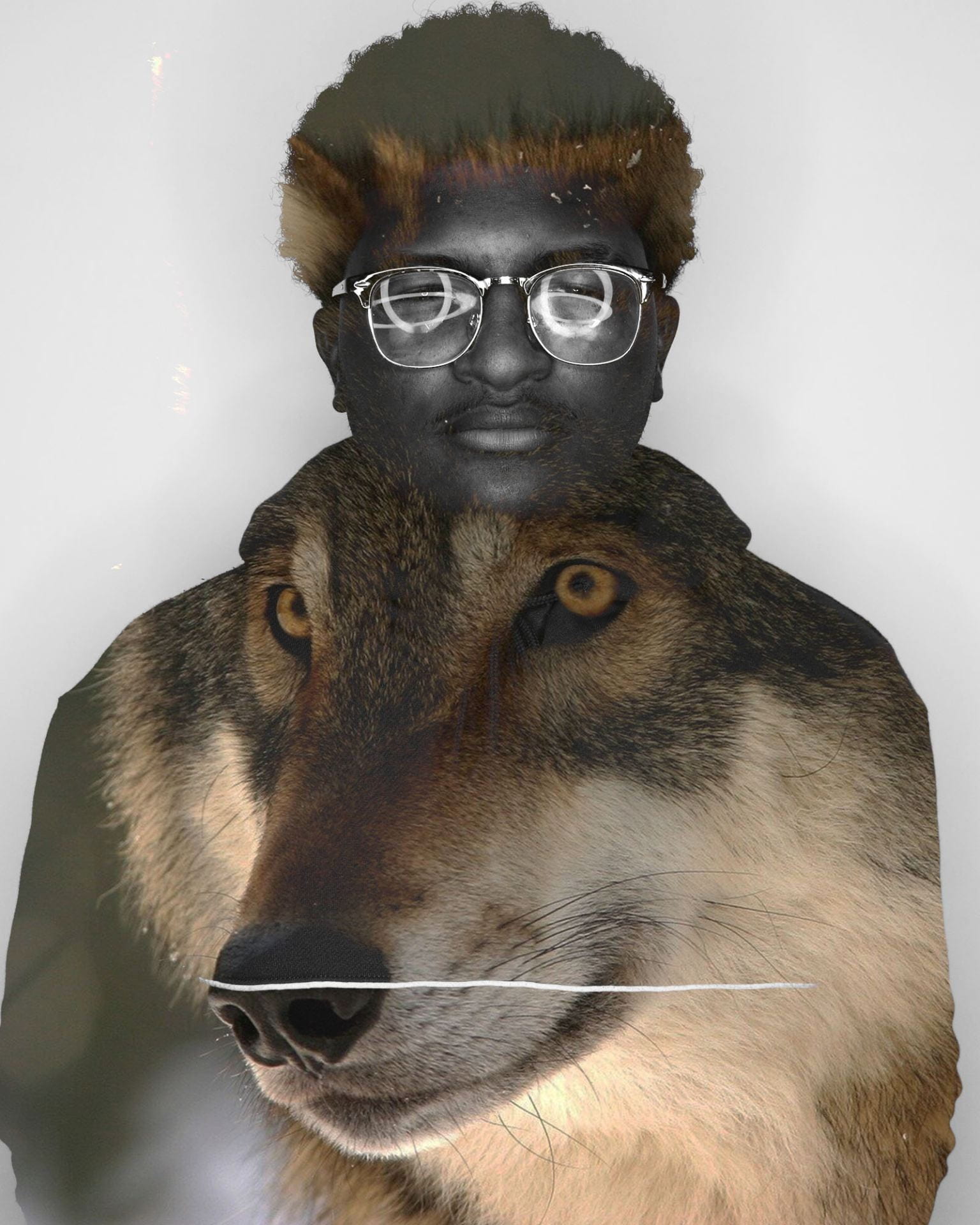
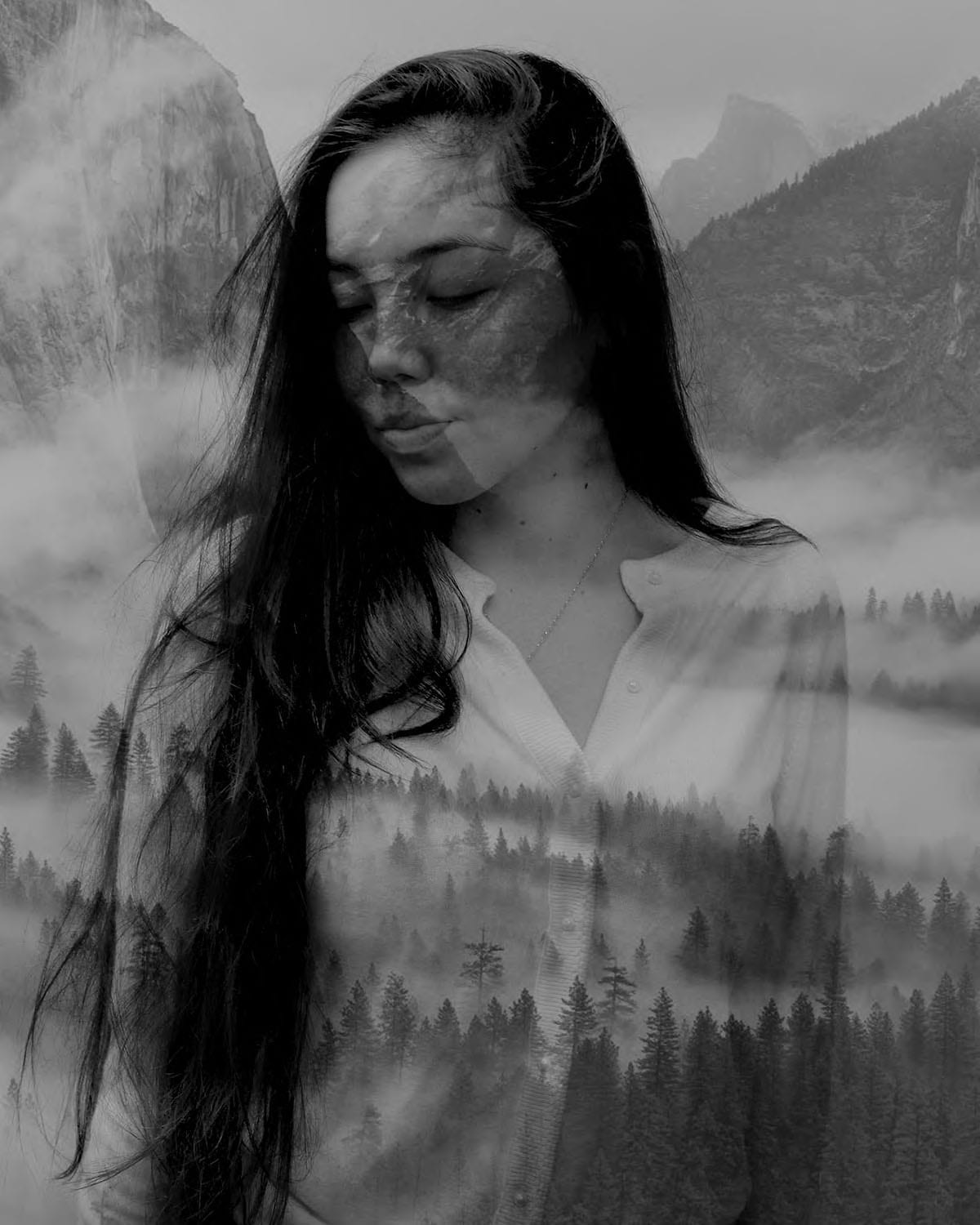
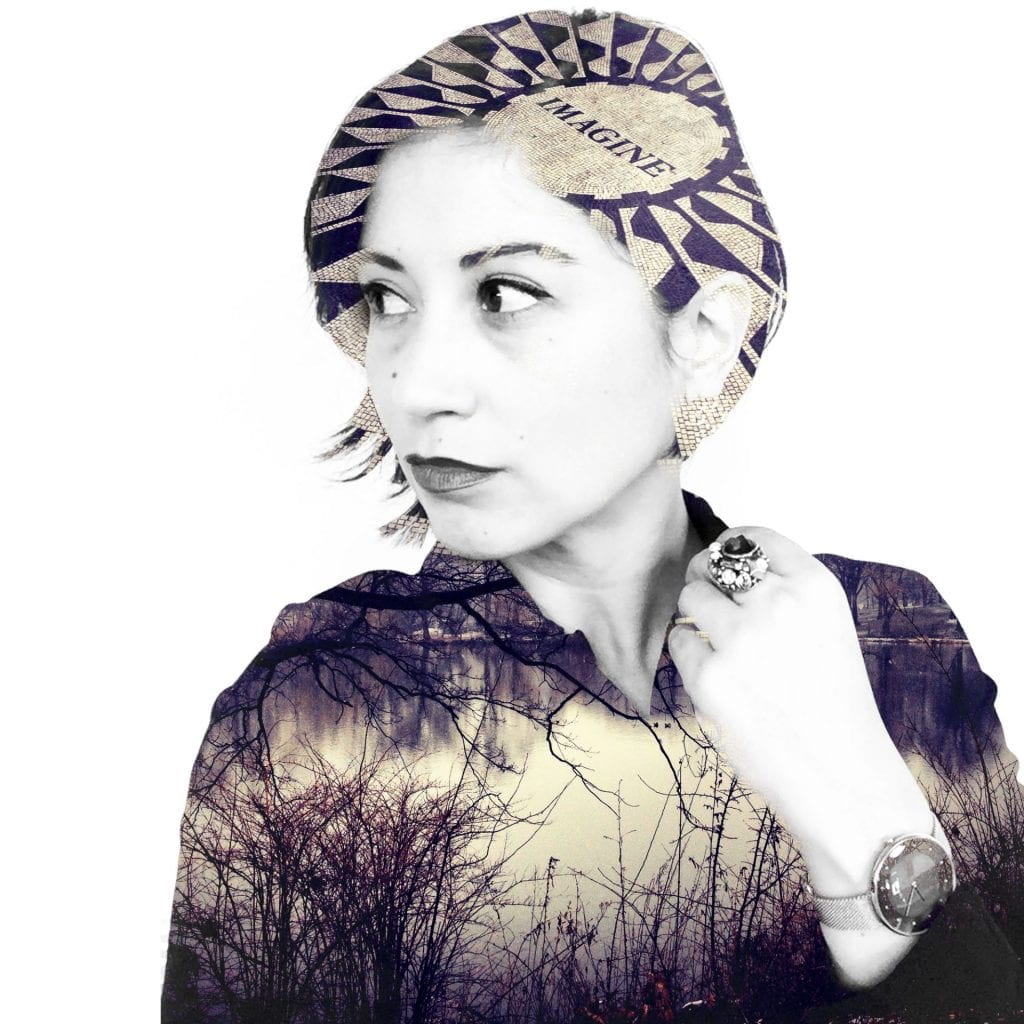
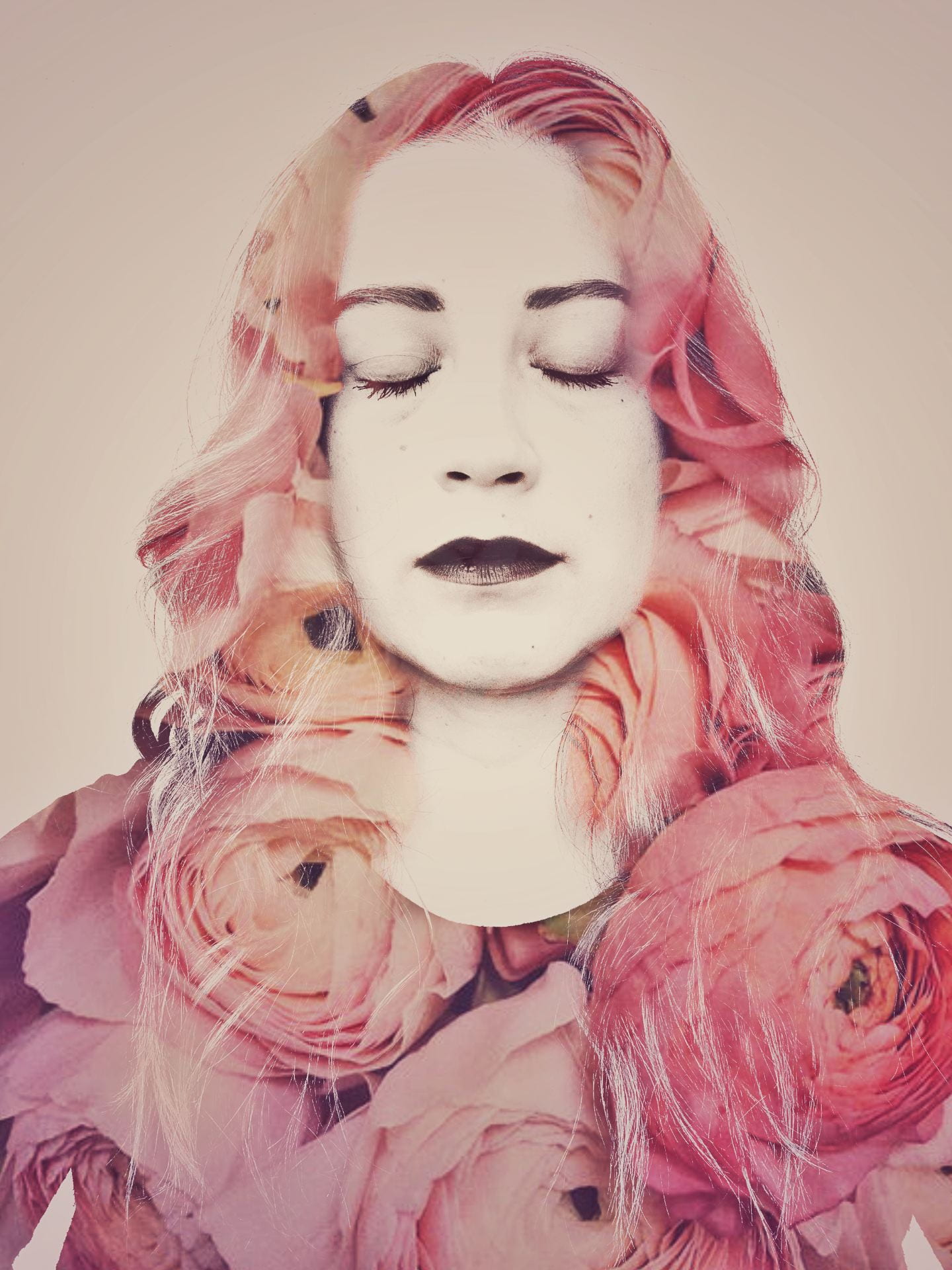
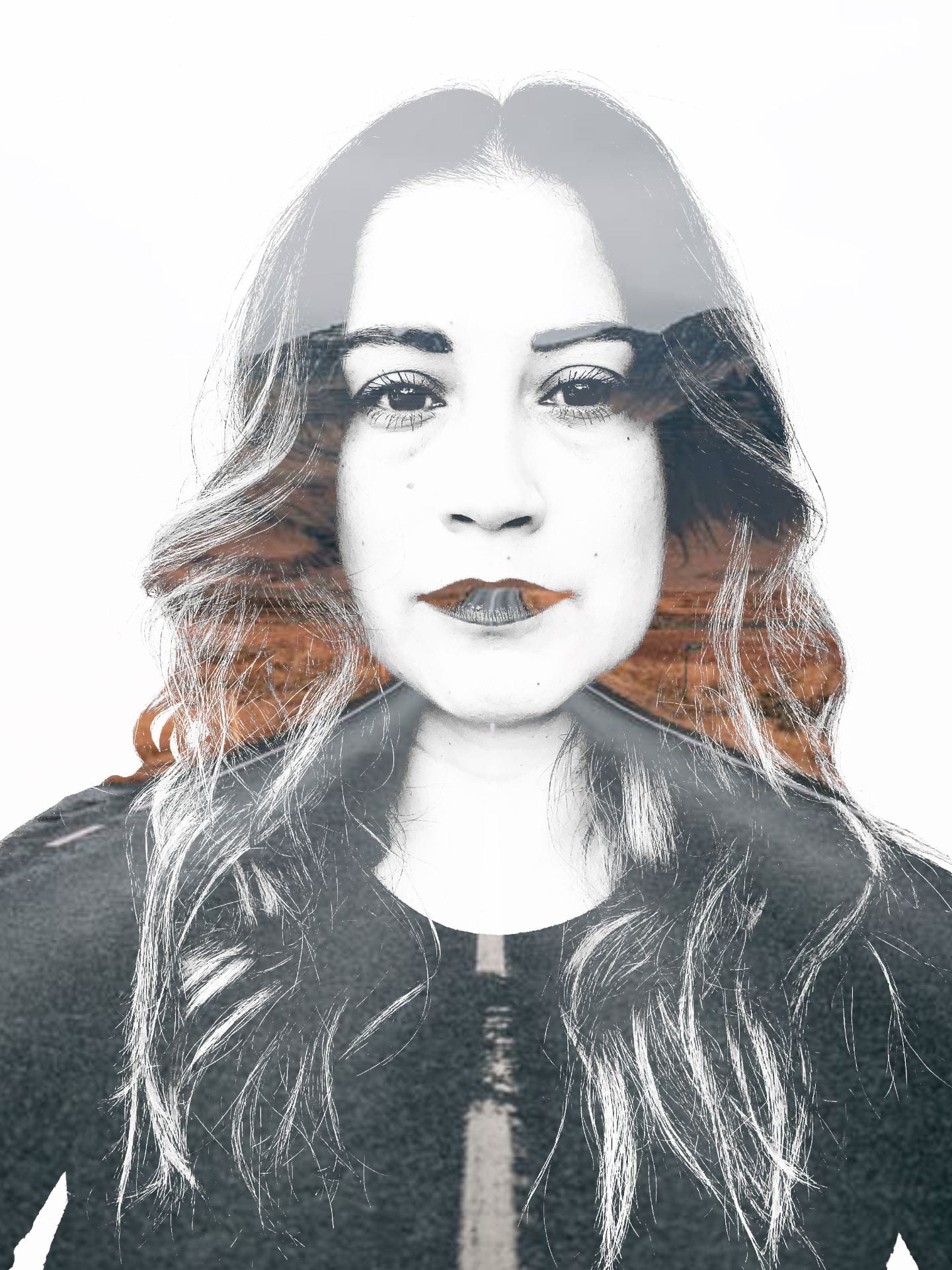
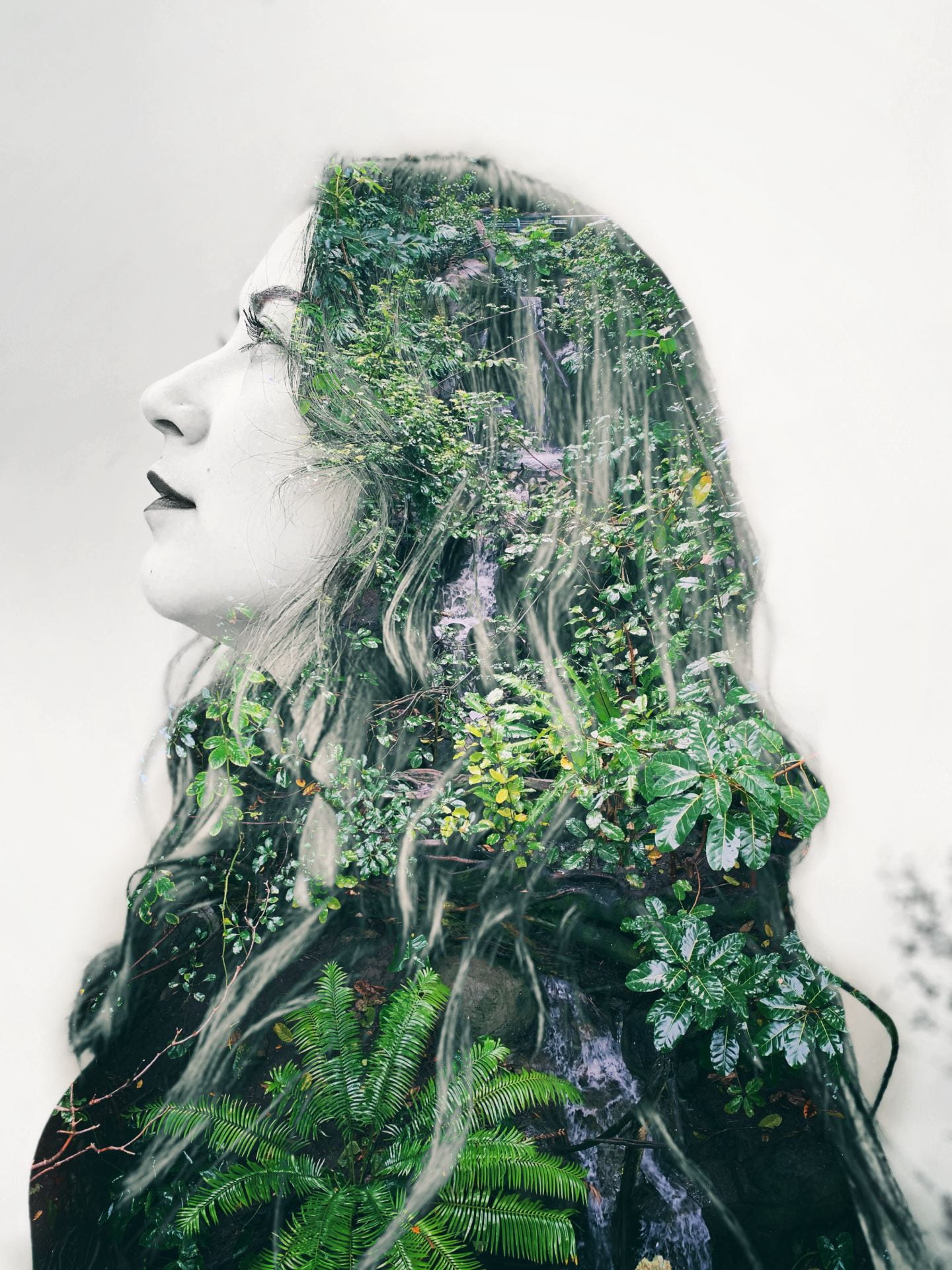
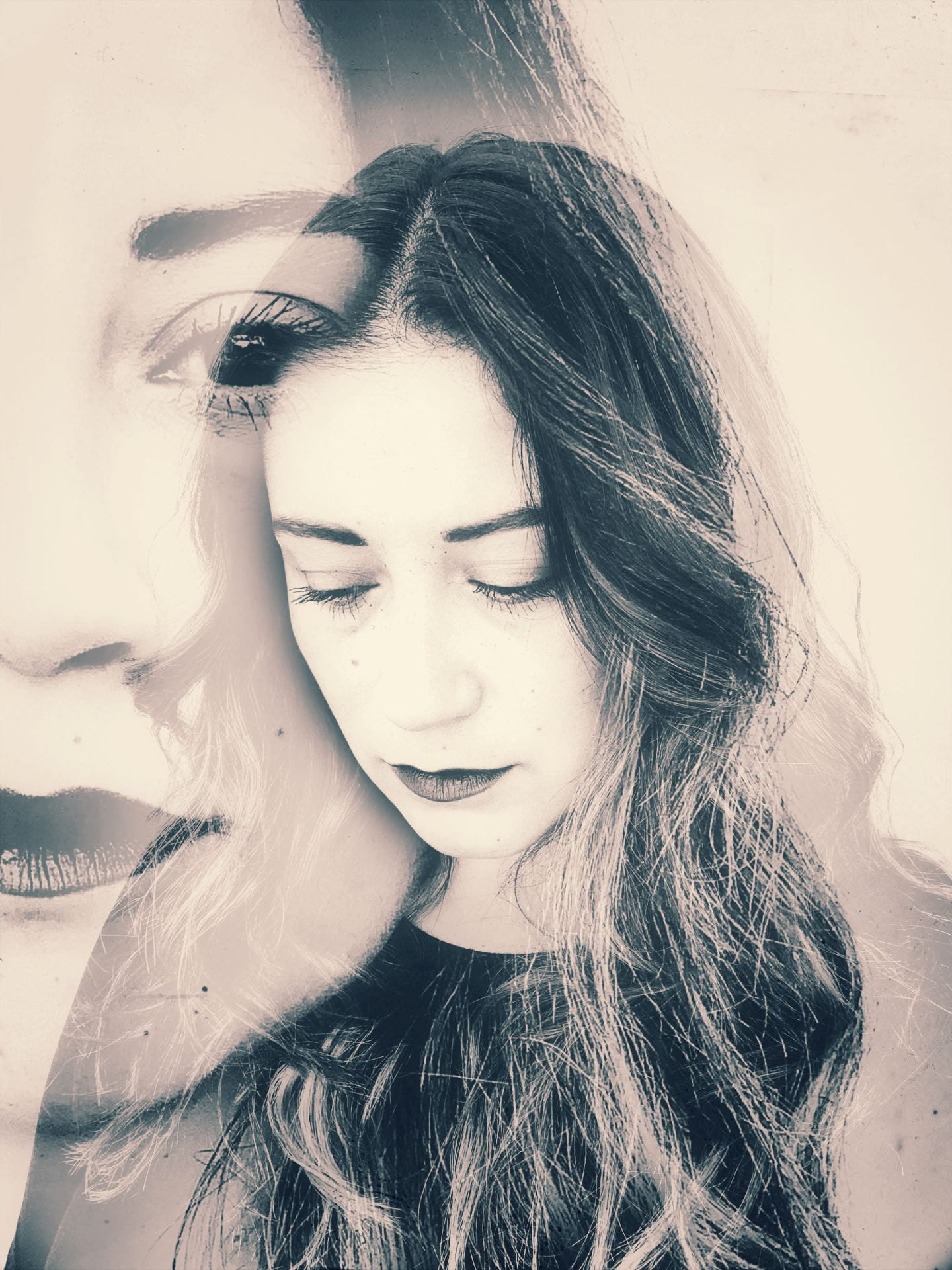
Double Exposure Portraits

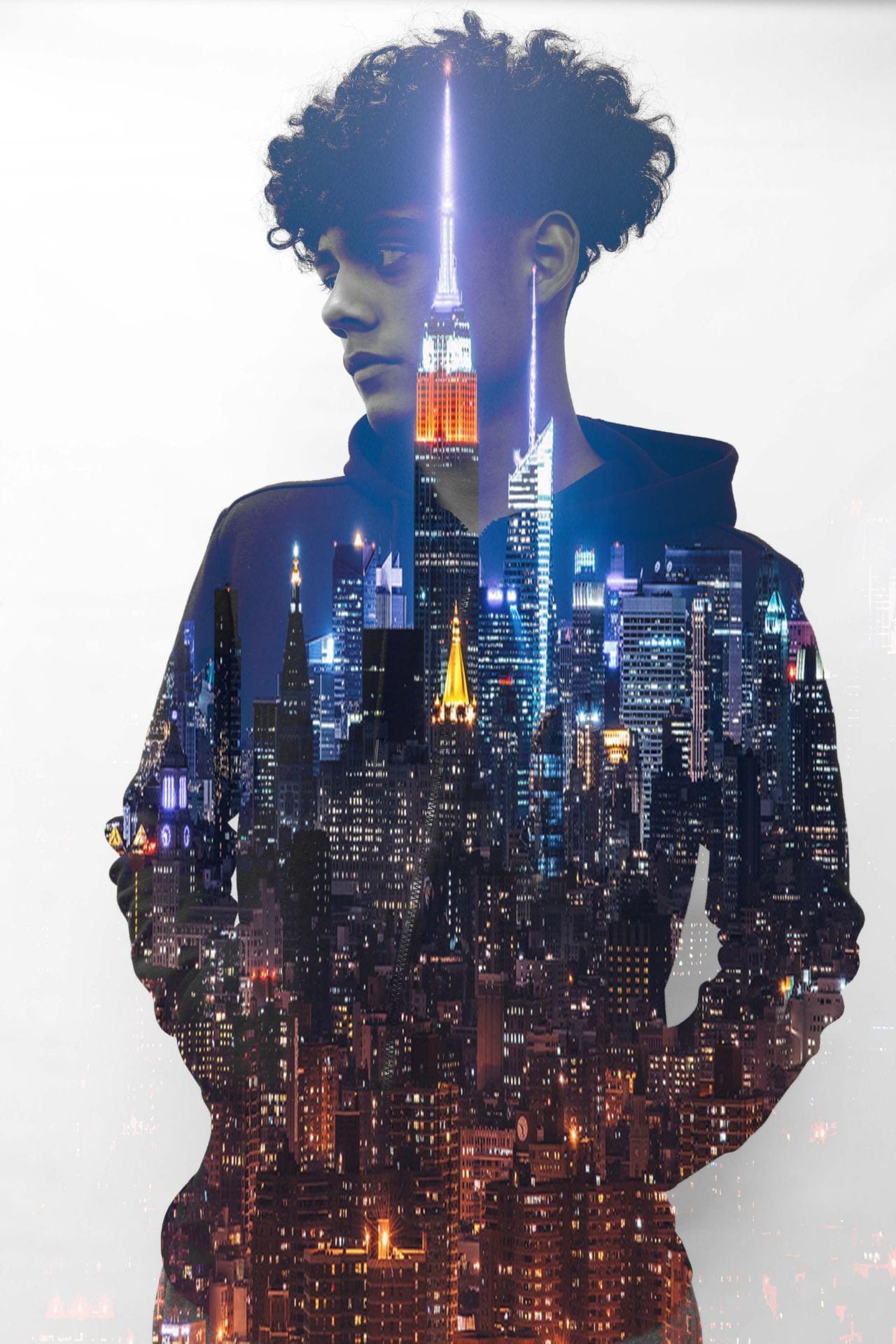
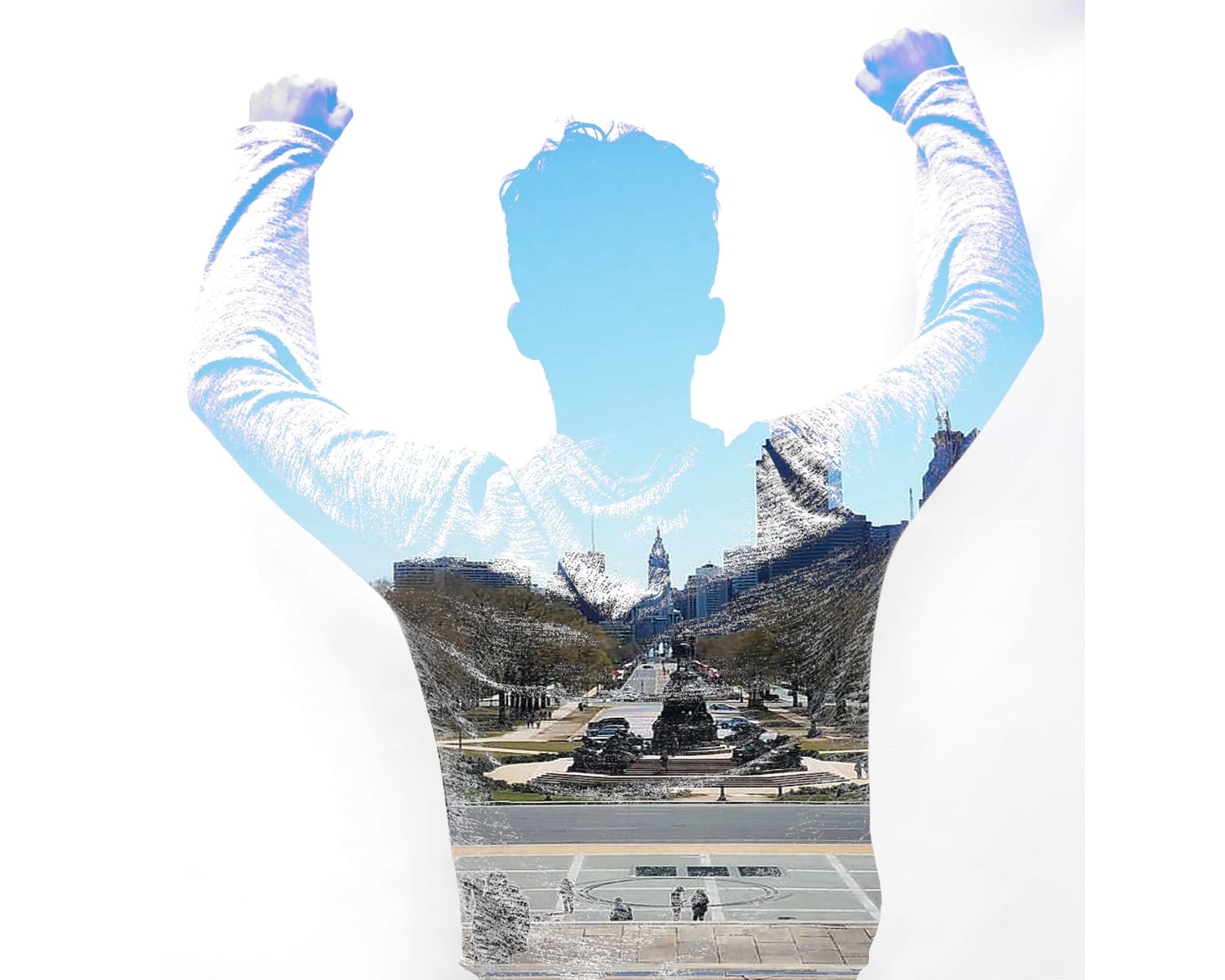
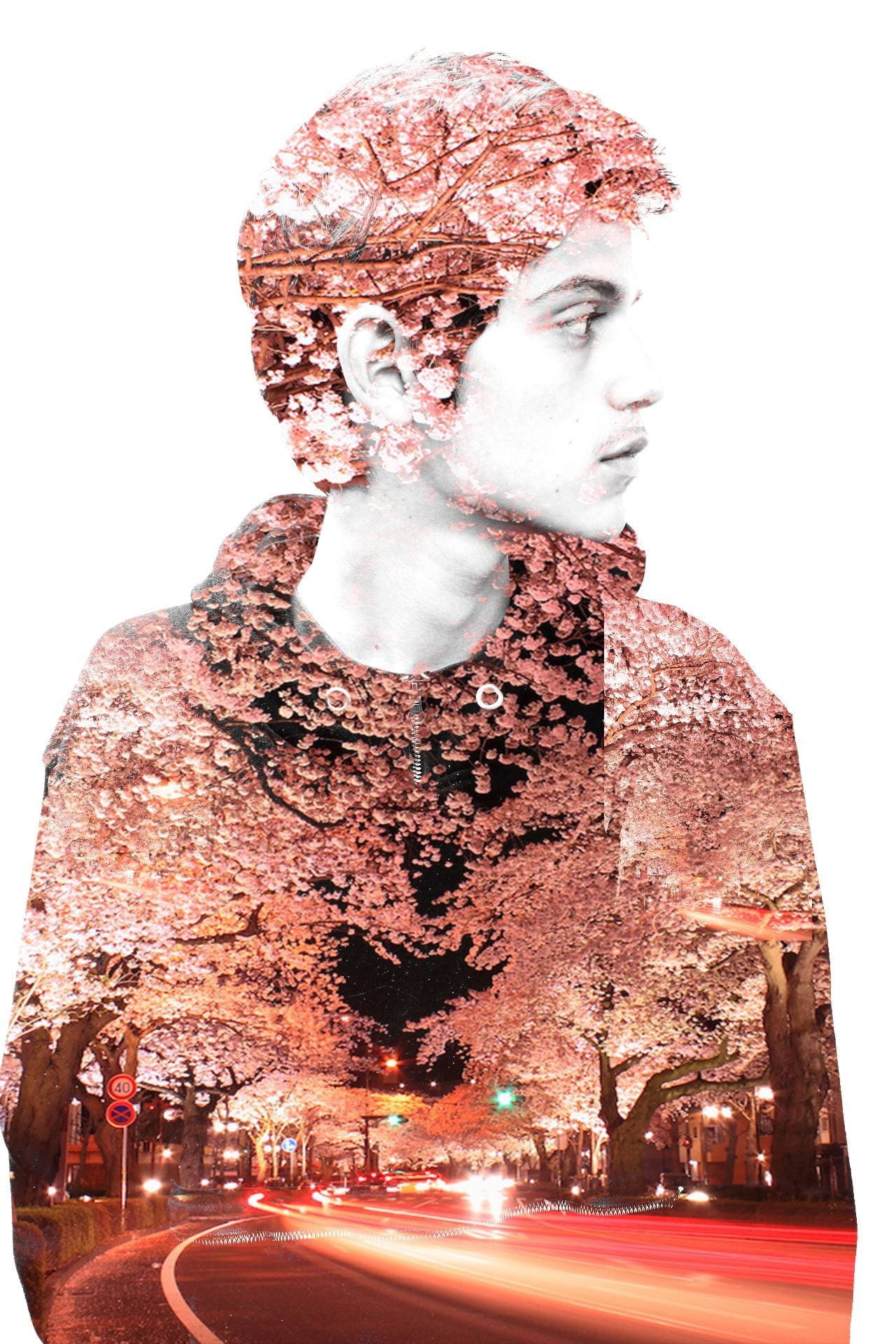
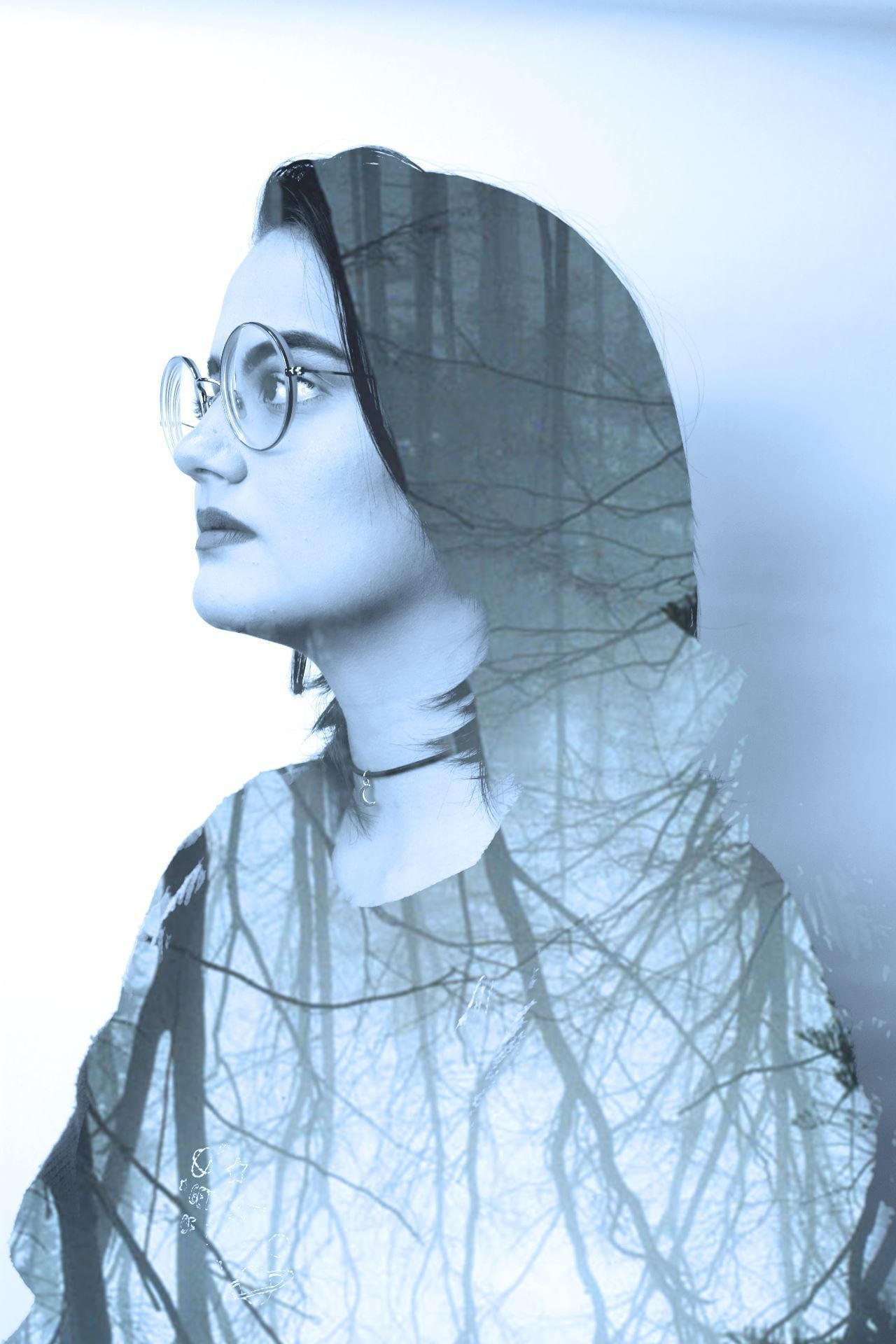
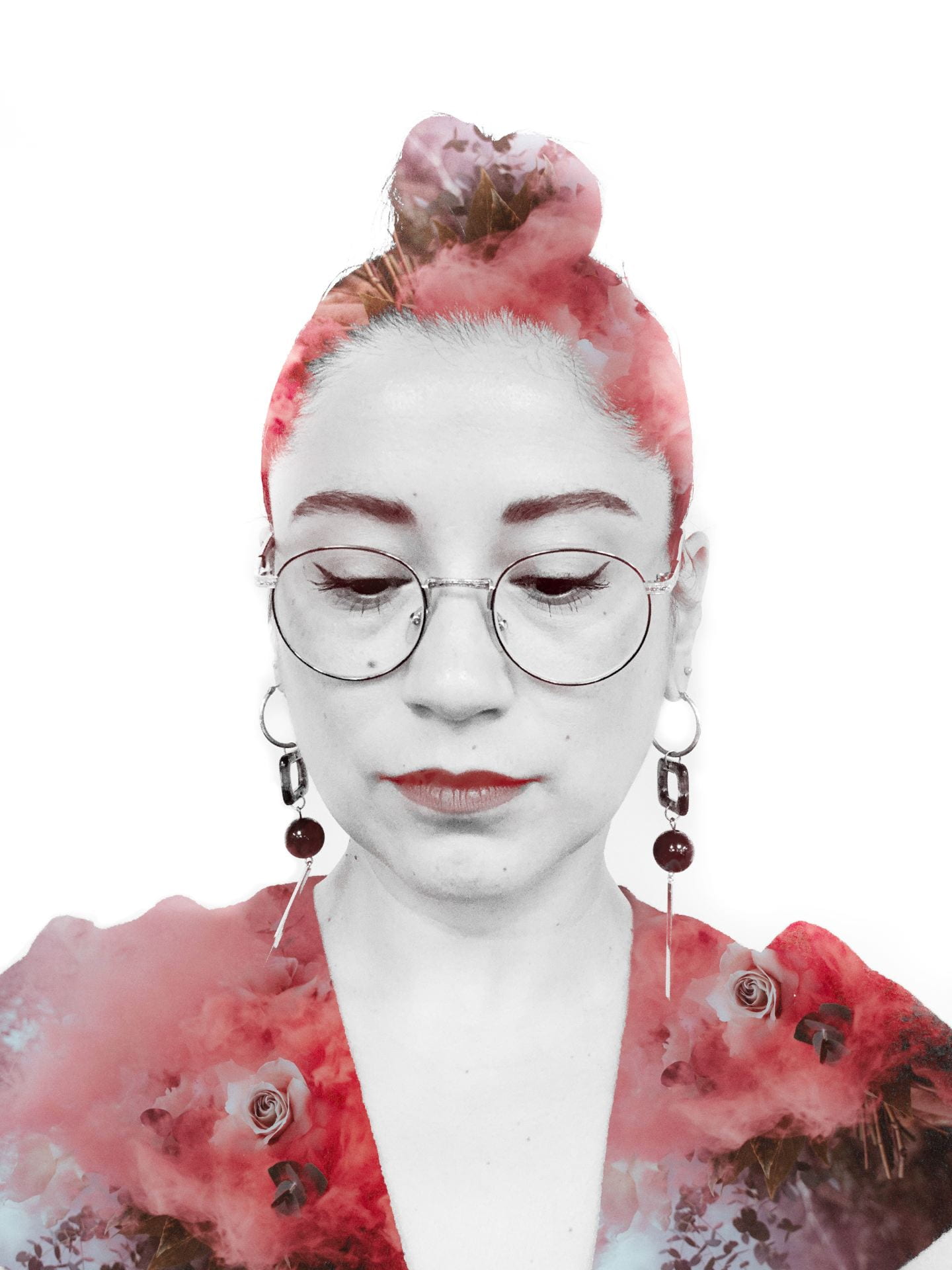
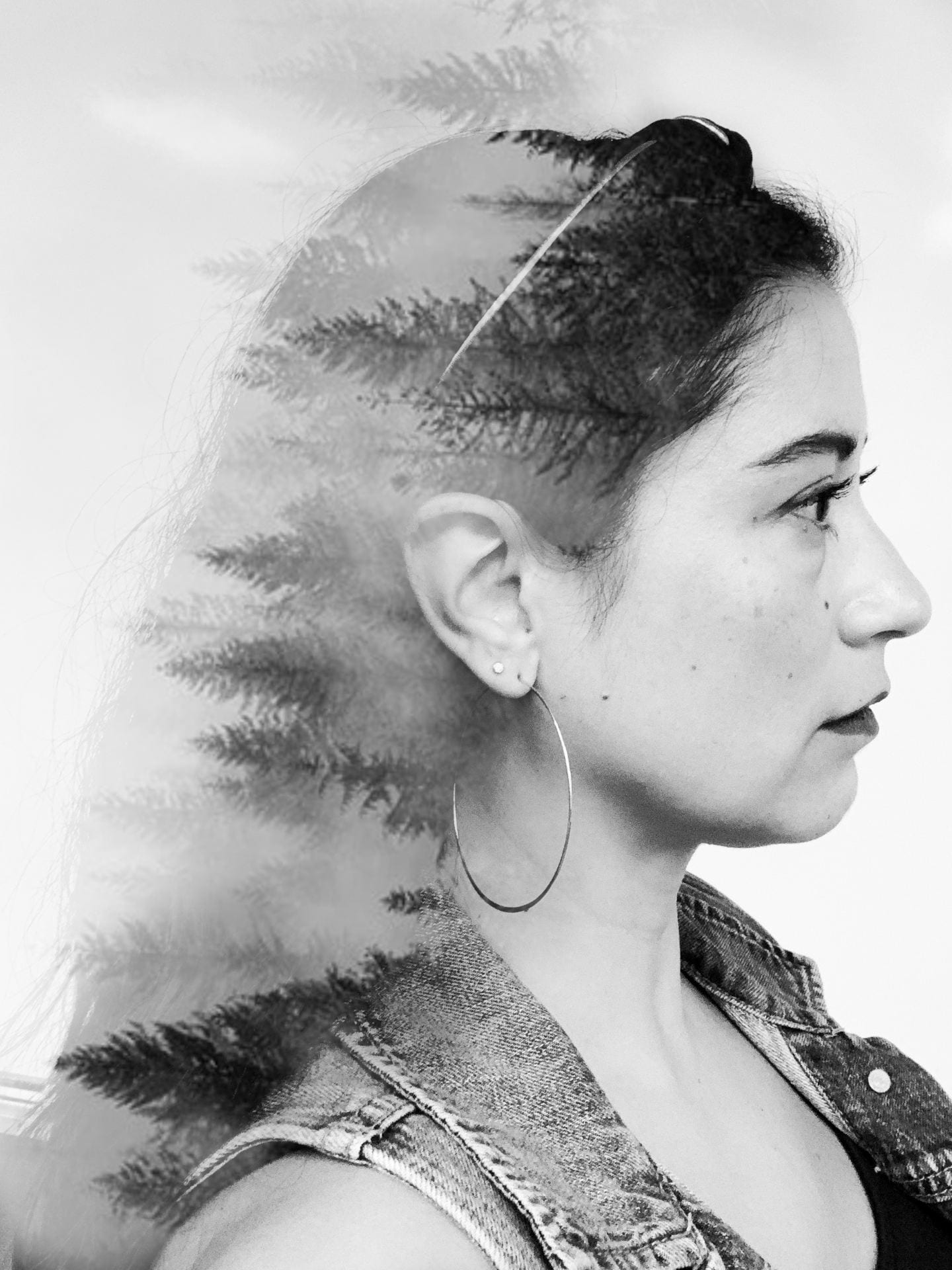
Double exposure is the combining of two images so we can see a bit of both. (This technique was developed in the darkroom when photographers would expose photo paper twice with two different negatives, or by sandwiching two negatives together and exposing once.)

The creative possibilities with this technique are endless!  Today we’ll use it to make unique portraits like these:

  1. Open Photoshop.  Go to Help at the top and select “Hands On Tutorials”.
  2. In the search bar type “double exposure portrait” and select to open it.
  3. I will demonstrate the tutorial to clear up confusing parts before you try it on your own.
  4. After completing the tutorial, I will check off your work.
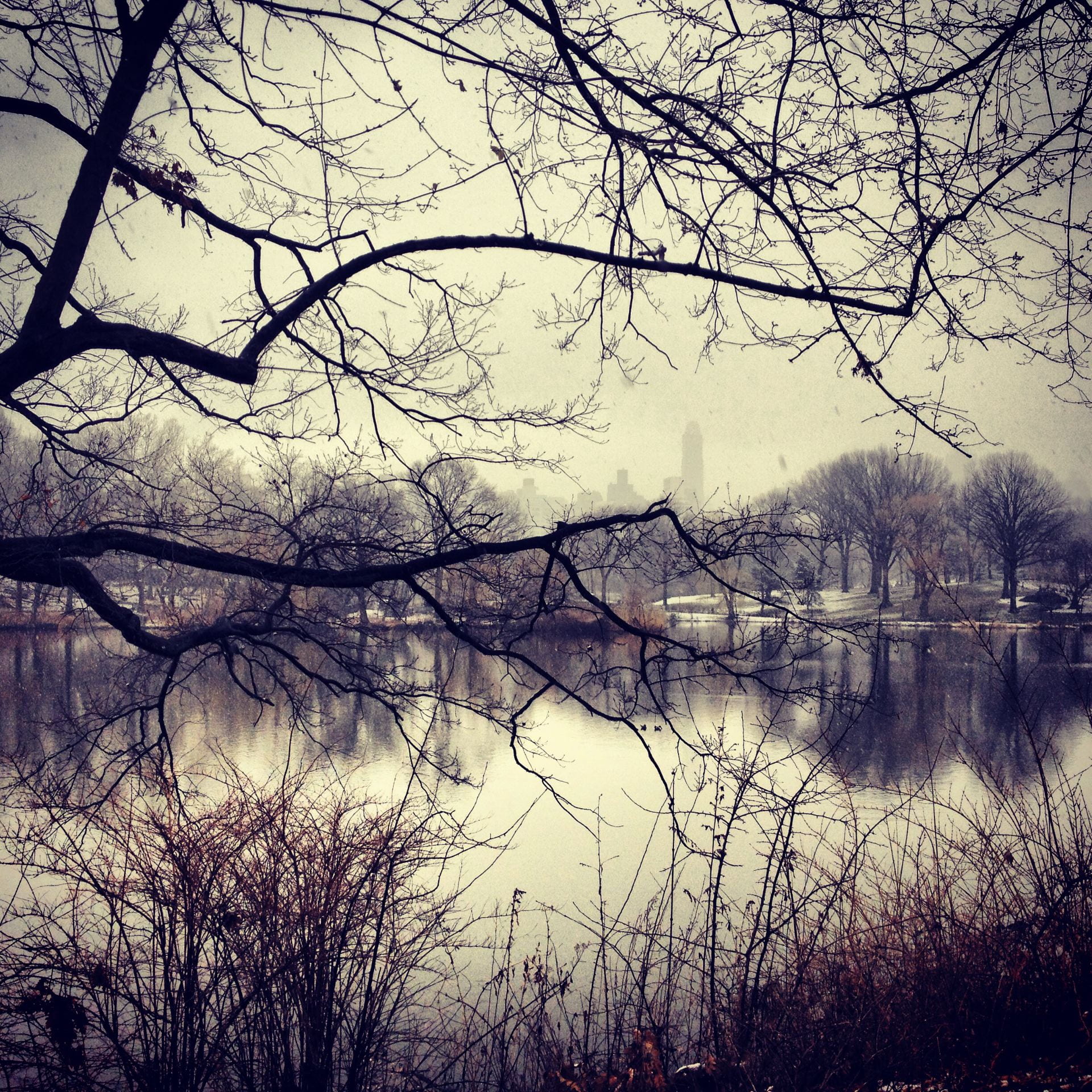
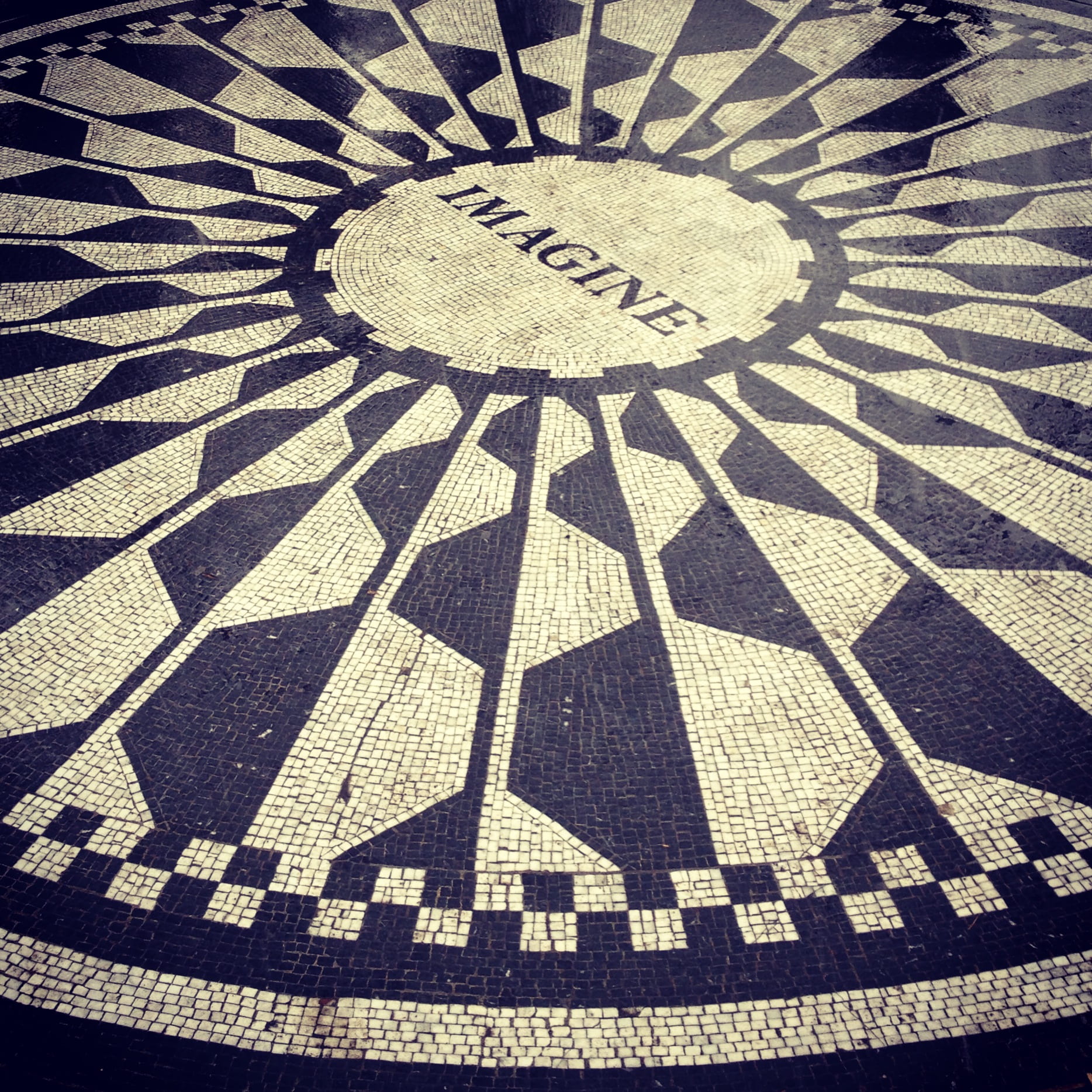
  5. Then you will create your own double exposure using portraits and scenes you find online.  This will be demonstrated as well.  Take your time to create something that your proud of. Export your best result as a JPEG and turned it in to Teams as a file attachment (not posted to your blog).

This PowerPoint contains a video tutorial on how to make a double exposure with the images you find online.

Extra Credit: 

Have a partner help you take portraits of you in front of a white background.  Take some from the front, the side, and try different poses (looking up, looking down, eyes closed).

*If you’re going to take your photos in the classroom, you must keep your mask on.  If you rather get photos of yourself without a mask, step outside and use the walls of the building as your backdrop….or take it at home . 🙂

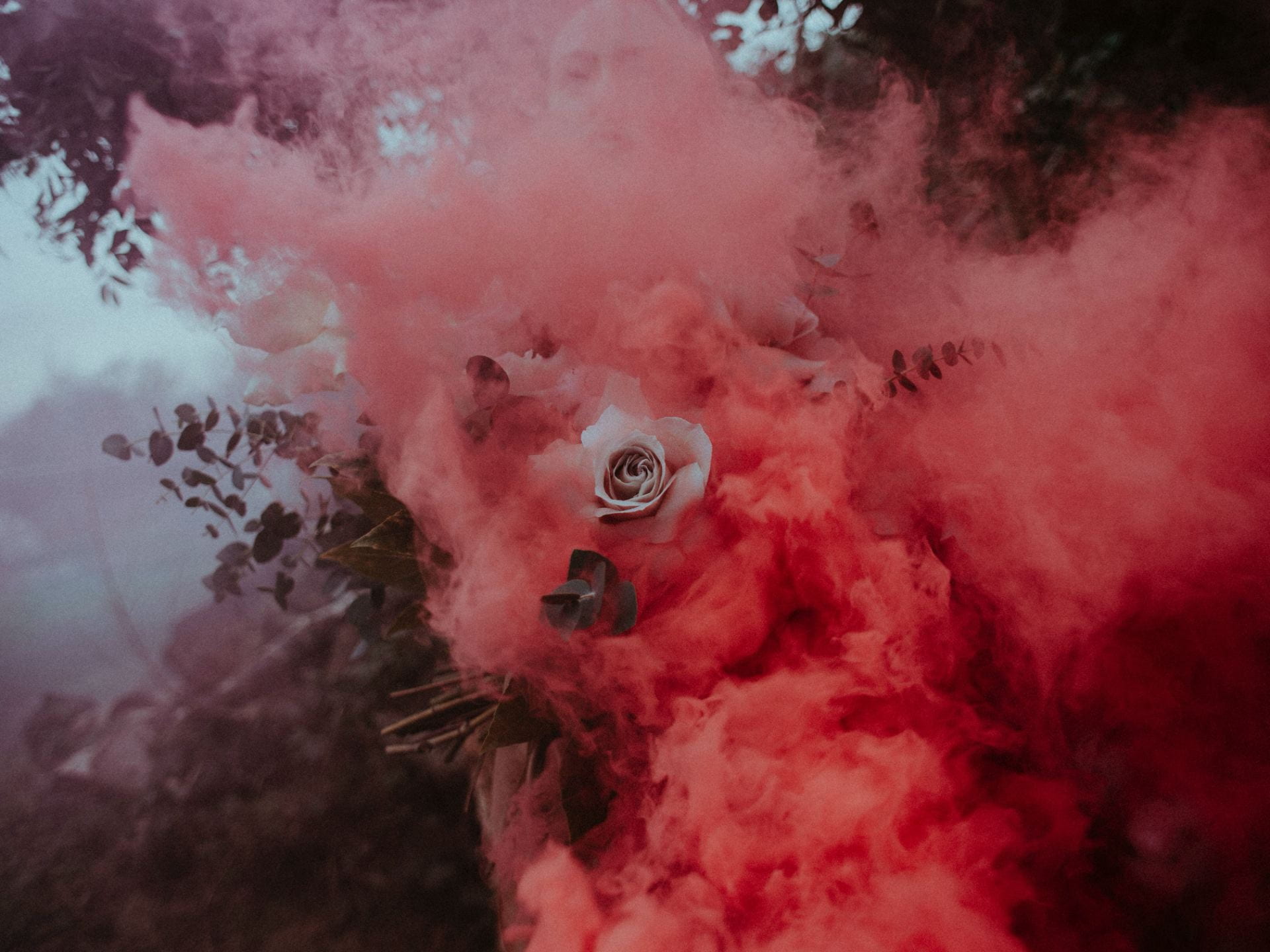
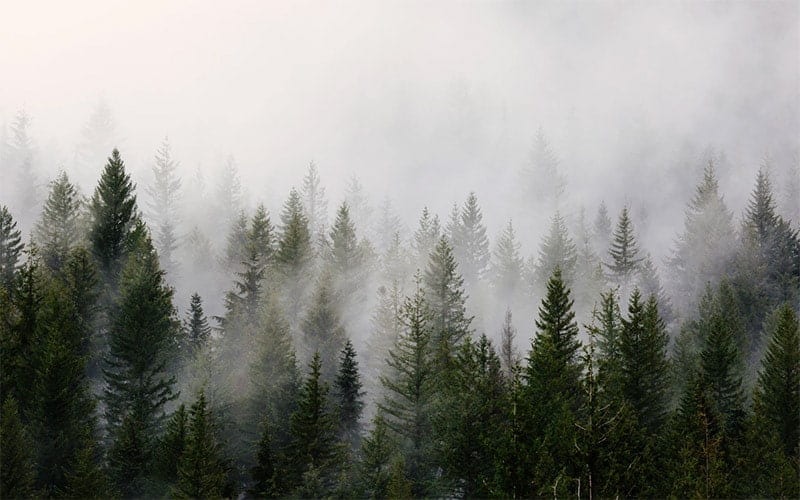
Find a color landscape online to combine with your own portrait.  (Tutorial is posted below.) Post on your blog and turn in the link in the same assignment on Teams used for the practice one above.

Use your Own Portrait for a Double Exposure

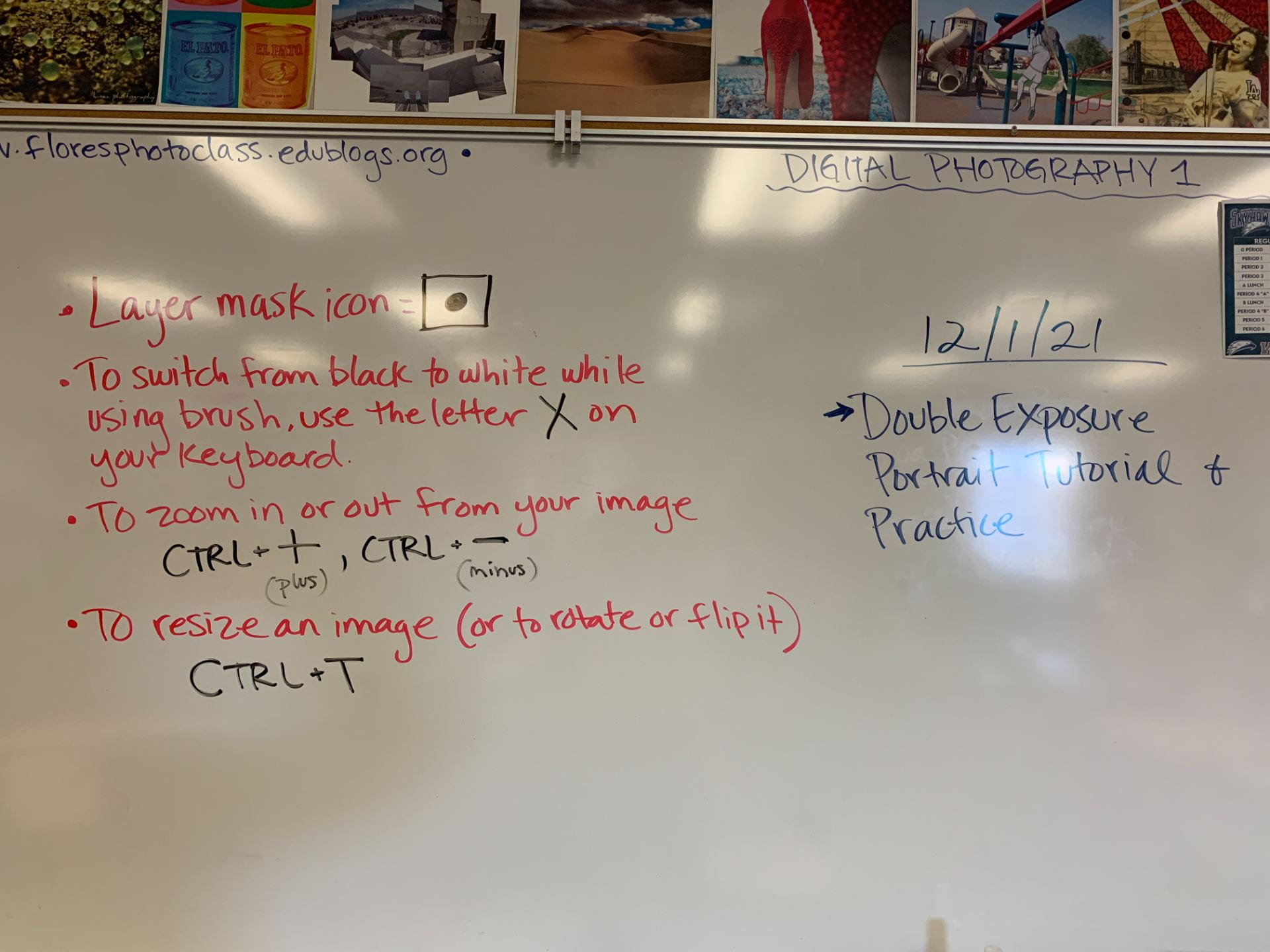
Some shortcuts from the board:


Posted in Advanced Photo Assignments

Adv. Photo-Monday 11/29/21: Back From Break!

Today’s Agenda:


Back From Break Blog Post Assignment

Create a new post on your blog titled, “Back from Break”.

Tell me a bit about what you did over break using a combination of text, photos from your camera roll, and/or photos found online.  (If you use any online photos, please indicate in the caption).

I know reception is bad in the classroom so you can upload your photos with a charger cable (I have a couple of iPhone ones) or write out your info now then add your camera roll photos later.

Here’s my post: https://5bobbym.edublogs.org/2021/11/29/back-from-break/

(If you’re not logged in to Edublogs you may need a password to view and it’s: photo.)

Complete the writing portion during this class period and turn into Teams today!


Coming up in the next 3 weeks:

  1. Intro to Studio Lighting
  2. Monthly Challenge #3
  3. Semester Final Exam: camera angles, camera settings, and lighting


Posted in Photo 1 Assignments

Monday 11/29/21: Back from Break!

Today’s Agenda:

  • Back from Break Blog Post Assignment-turn into Teams by end of class period!
  • New Monthly Challenge Options Added! (Due by December 16th)
  • Overview of the next 3 weeks

Back From Break Blog Post Assignment

Create a new post on your blog titled, “Back from Break”.

Tell me a bit about what you did over break using a combination of text, photos from your camera roll, and/or photos found online.  (If you use any online photos, please indicate in the caption).

I know reception is bad in the classroom so you can upload your photos with a charger cable (I have a couple of iPhone ones) or write out your info now then add your camera roll photos later.

Here’s my post: https://5bobbym.edublogs.org/2021/11/29/back-from-break/

(If you’re not logged in to Edublogs you may need a password to view and it’s: photo.)

Complete as much as you can during class and turn into Teams before the end of the period! Update with more photos from home.


Coming up during the next 3 weeks:

  1. Double Exposure Portraits
  2. Mix & Match Rules of Composition Photos
  3. Monthly Challenge #3
  4. Semester Final Exam: camera angles, camera settings (aperture, shutter speed, ISO), and rules of composition.
  5. Turn in Missing Work!

Posted in Photo 1 Assignments

Monthly Challenge Examples and Extra Credit Opportunity

Are you caught up on current and past assignments but still want some extra points?  

After completing the Super Symmetry Tessellations, create a third one using a 1-inch grid!  *Turn in the link to me in the Questions and Discussions channel on Teams by the end of the period on Friday 11/19/21.*


Here are some great student examples of monthly challenges.  If you’re not logged into Edublogs, you’ll need the passcode “photo” to view them.

https://3anahia.edublogs.org/2021/11/17/monthly-challenge-2-10-16-11-16/

https://2magalym.edublogs.org/2021/11/17/monthly-challenge-2/

https://2rushiln.edublogs.org/2021/10/07/monthly-photo-challenge/

https://3miguell.edublogs.org/2021/10/15/monthly-photo-challenge-1/

https://3oweno.edublogs.org/2021/09/27/monthly-photo-challenge/

https://5avas.edublogs.org/2021/11/18/monthly-challenge-2/

https://5avas.edublogs.org/2021/10/17/monthly-challenge/

https://5alyssav.edublogs.org/2021/10/17/monthly-challenge-1-9-16-10-16/

https://6yeisyr.edublogs.org/2021/10/15/monthly-photo-challenge-month-1-9-16-10-16/

Posted in Advanced Photo Assignments

Wednesday 11/10/21: Natural Light Portraits

Today’s Agenda:

Edit all your portrait photos and post to your blog.  It can two separate posts for each part or place part 1 & 2 in two different galleries in the same post.  Please include the type of lighting PLUS your camera settings in the captions!!

Adjustments I recommend: brightness/contrast, levels, curves, and vibrance.  Black & white is also good to show the lighting and shadows better.  Reference the Photoshop tutorials if needed!

Also, remember that editing also means cropping for better composition.

Check out this link on cropping tips for portraits: https://digital-photography-school.com/good-crop-bad-crop-how-to-crop-portraits/

Posted in Photo 1 Assignments

Wednesday 11/10/21: Steve McCurry Video Questions and Photo Critique

Today’s Agenda:

  • Video and Questions: Steve McCurry
  • 4-step critique of a Steve McCurry photo
  • Both of these are due today!

Video: Steve McCurry

Instructions:

Watch the photographer’s video and answer the questions on the Word document placed in today’s Video Assignment in Teams.  

Headsets that plug into your computer’s USB connection are located by my desk.  Please place them back in their bags carefully before returning them.  Thank you!

(I am including the Word document questions here as well as back up, but I prefer you fill out the one in the Teams assignment. Steve McCurry Video Questions)


Is the video not playing? Sometimes you have to click the video, refresh the page, then click it again to get it started.  Just keep messing with it and it should work! IF it asks for a code use: kopvehh

https://edpuzzle.com/open/kopvehh)


4-Step Critique

Instructions: Visit Steve McCurry’s Photo Galleries:  https://www.stevemccurry.com/galleries

Click on a gallery theme that seems interesting to you.  *I recommend starting with the Afghanistan Gallery before you look through others. *After you click on one gallery, you can select the grid icon near to view all the images in the gallery at once (instead of viewing in slideshow mode). 

Select ONE PHOTO that you find beautiful or interesting.  Click on the image to enlarge it, right click to “Save Image As” and save as a JPEG file in your OneDrive.

Place the photo on your blog and answer the following questions about it:

  1. What do we see in the photo?
  2. What camera angle do you think was used?
  3. Do you see any of the 8 rules of composition we have learned about? Which ones and how are they used?  If not, how was the image composed?
  4. What do you think is happening in the photo?  How does it make you feel or what does it make you think/wonder about?
  5. What makes this photo beautiful or interesting to you?

Publish you blog and attach the link into the SAME Teams assignment as the questions from the video.