Posted in Advanced Photo Assignments

P.4 Wednesday 2/1/23: Photo Color Palette Photoshop Activity!

Today’s Agenda:

  • Complete and turn in yesterday’s Color Scheme Photo assignment.
  • Click here to check out the inspiration for today’s Color Palette Photoshop Activity: Cinema Palettes
  • Photo Color Palette-Photoshop Activity
Photo Color Palette-Photoshop Activity 
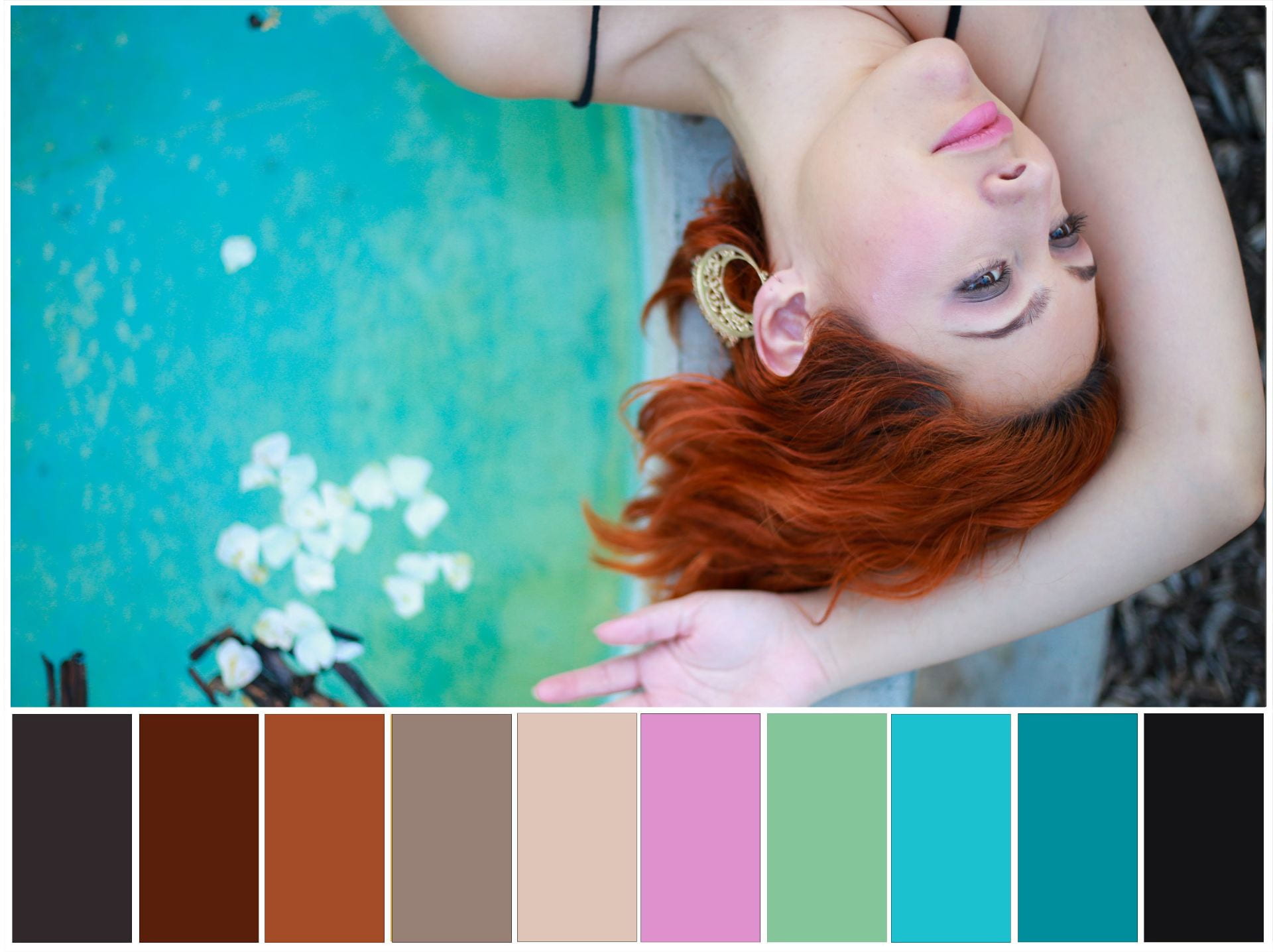
You’re going use the Eyedropper Tool in Photoshop to sample colors from a photo. You’ll create a color palette like the Cinema Palettes you looked at but with your own photo! I think it’s a fun thing to make, hope you enjoy!

  1. Open the Photoshop Template I made for you here: Color Palette Photoshop Template File
  2. First DOWNLOAD, then open the Photoshop file. And before you begin anything, save a copy to YOUR OneDrive.(If the link doesn’t work, I also saved a copy of the file on the USB flash drive that is on my desk, just ask the sub for it.)
  3. Use a photo YOU have taken and already have saved.  Pick one that you think has nice combination of colors. Open in Photoshop.
  4. Below is the video (plus the link, in case it won’t play on Edublogs). I didn’t record any audio, it is all visual.  Those more familiar w Photoshop should be able to follow it.  Those who are newer to Photoshop, seek help from your classmates!  They won’t bite…

Shortcut reminders: 

  • To resize a photo: CTRL+T (hit enter after you resize)
  • Zoom out: CTRL+”Minus sign”
  • Zoom in: CTRL+”Plus sign”
  • To deselect (get rid of a selection area): CTRL+D

https://flip.com/s/9zQ_fVBzuFds

Posted in Advanced Photo Assignments

P.4 Tuesday 1/31/23: Color Schemes Activity

Today’s Agenda:

  • You can take photos for your photo challenge indoors only today.
  • Begin the “Color Scheme Photos” blog assessment below, due tomorrow…

Color Scheme Photos-Blog Assessment

Color Schemes Photo

Step 1: Google Image search “color photography”

Step 2: Save a photographic image to demonstrate the following color schemes: (total of 8 photos)

  1. Primary Colors
  2. Secondary Colors
  3. Monochrome Color
  4. Complementary Colors: (in any shade or tint)
    1. Red & Green,
    2. Violet & Yellow,
    3. Orange & Blue
  5. Warm Colors
  6. Cool Colors

Step 3: Place the photos in a gallery on a blog post titled, “Color Scheme Photos”. Caption each photo with the color scheme it demonstrates.

Yay!  You’re done!  Turn in on Teams.


Posted in Photo 1 Assignments

Tuesday 1/31/23: First Semester Review + Portrait Questions Blog Post

Today’s Agenda:

  • We will do a quick review quiz as a class to refresh our memories about some camera angles, rules of composition, and more.
  • Portrait Questions Blog Post-see instructions below…
  • You can take photos indoors only for your photo challenge today.

Portrait Questions Blog Post

Step 1: Go to Google Images and type in “Portrait Photography”.  Look through the photos and also try the subcategories for more types of portraits.

Step 2: Save 3 portraits that you loved the most from your search.

Step 3: Post the portraits on a blog post titled “Portrait Questions” and address the following:

  1. What did you like about each of the 3 portraits you chose?
  2. List 3 questions you can think of about taking professional portraits of people.
  3. Who in your life would you like to photograph for a portrait project?
  4. In your opinion, what are some reasons we take portraits?
Posted in Advanced Photo Assignments

Period 4 Monthly Photo Challenges

Monthly Photo Challenges

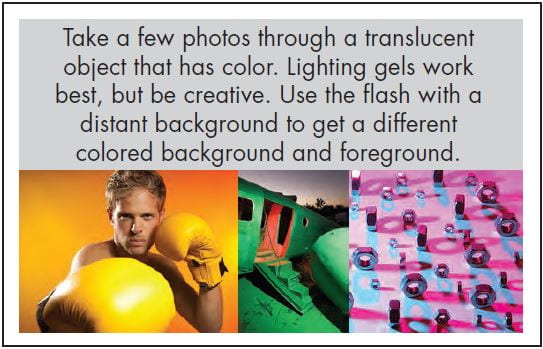
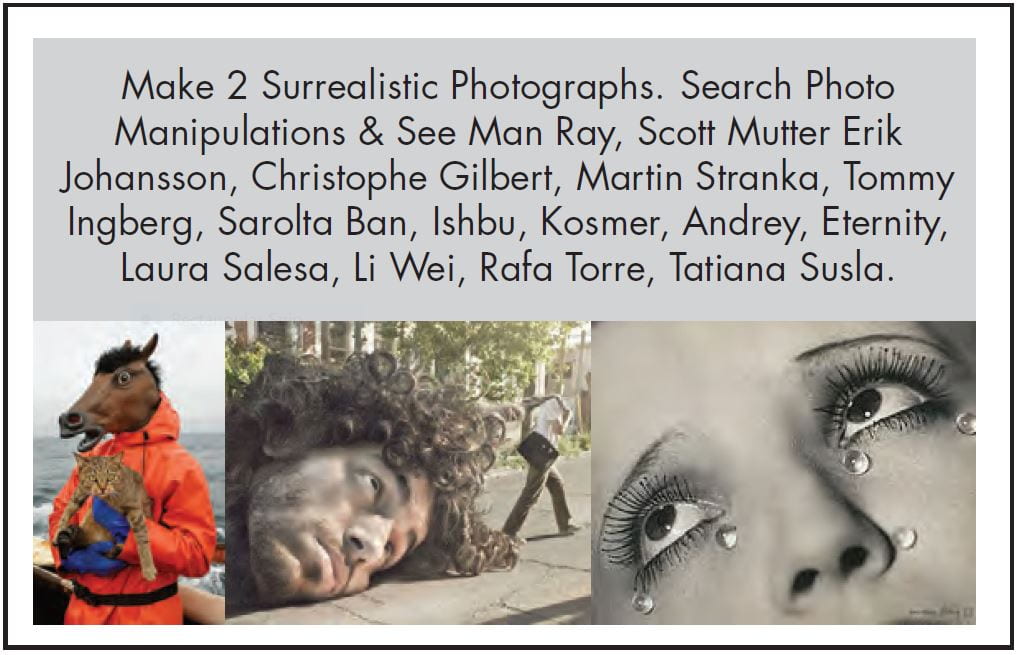
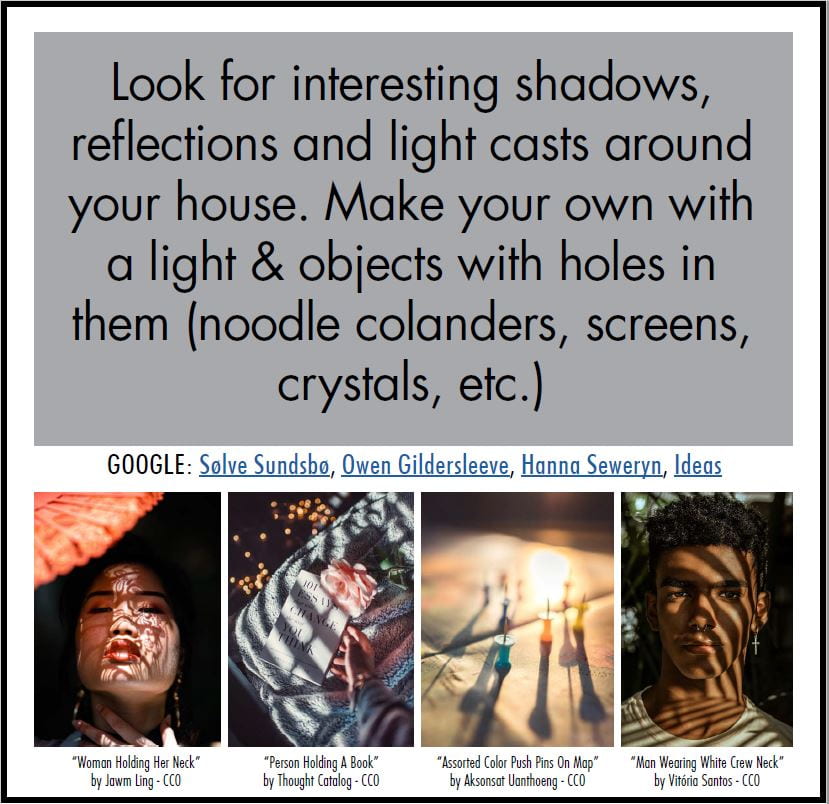
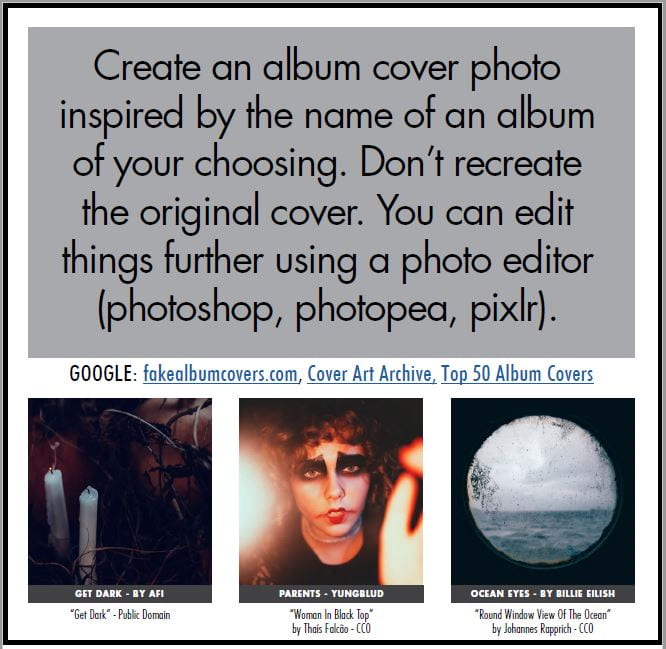
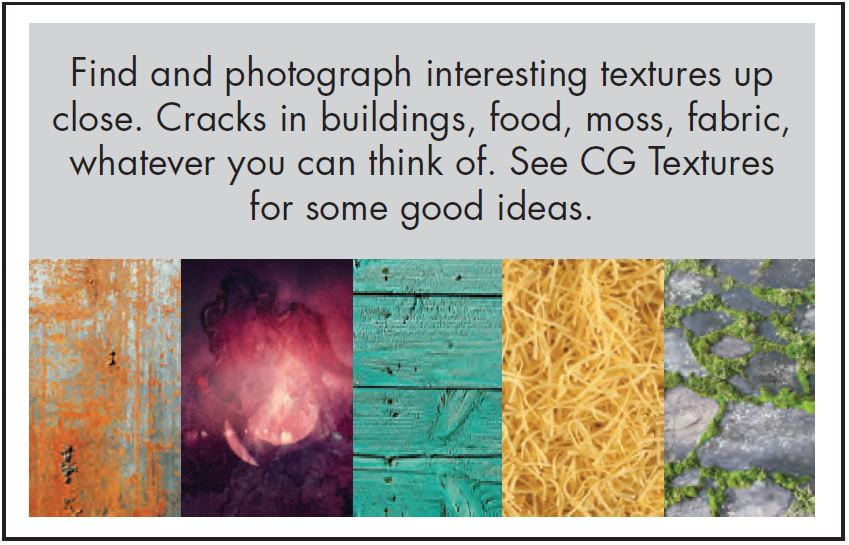
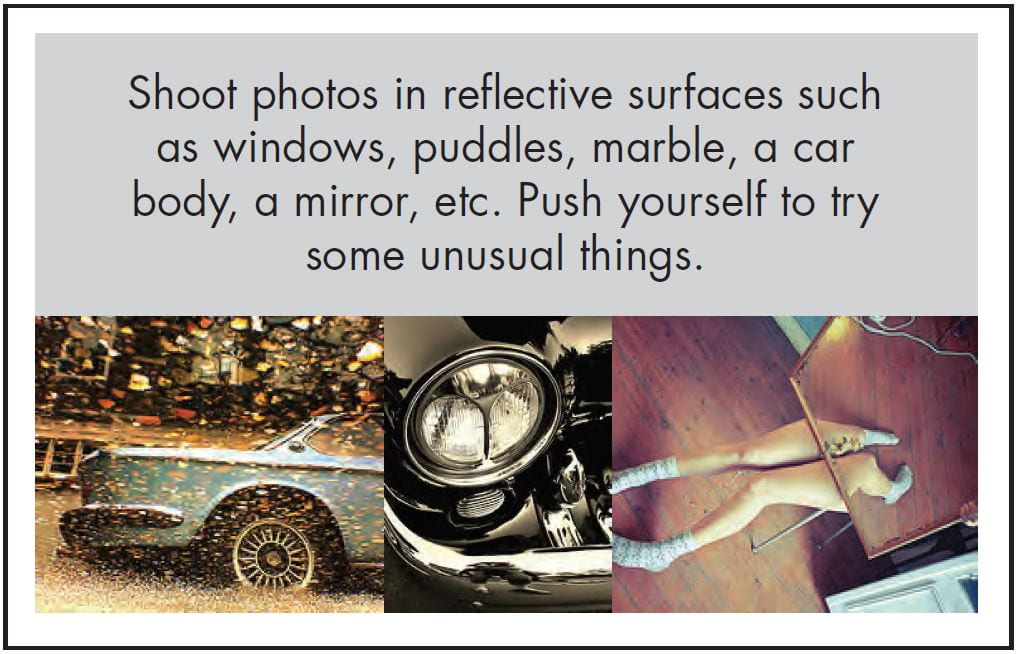
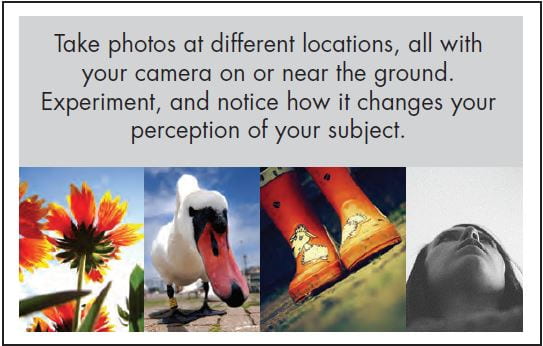
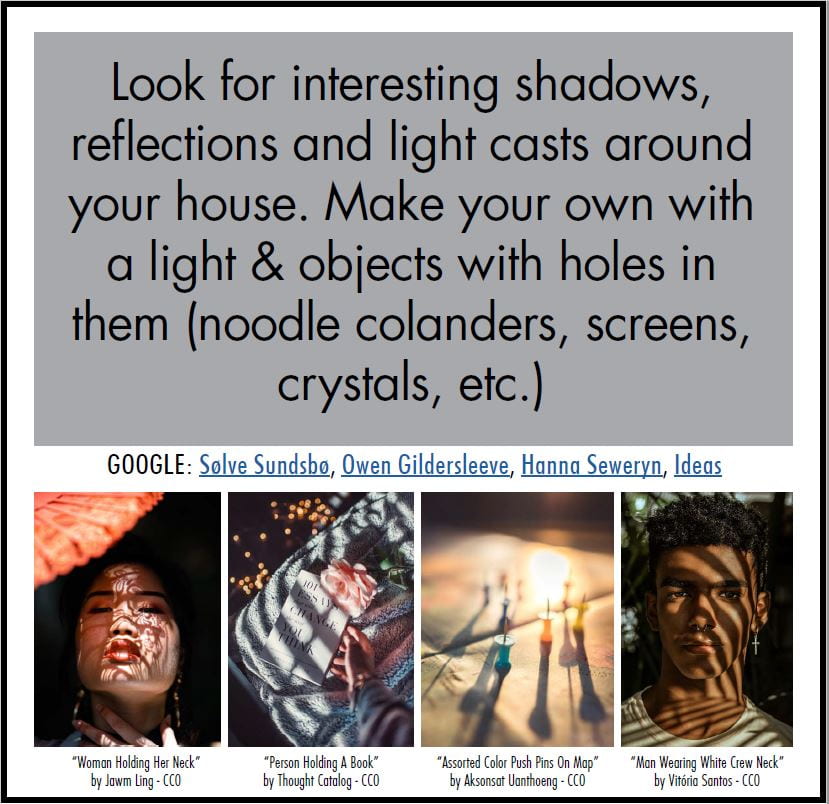
Part of improving any skill or talent is PRACTICE. The following challenges ask that you observe your surroundings more carefully to capture interesting photographs.

These challenges are to be completed on your own time, or when you are finished with class projects/assignments. Though I encourage capturing the photos with DSLR cameras when possible, using your phone’s camera also works.

You will need to complete TWO challenges a month. I will post a separate Teams Assignment for each challenge. Due dates are listed below.

For each challenge you will need to post your best 3 edited photos.  You will post ALL photo challenges on the same blog post every time. You will simply add a new gallery for each challenge. (So, you’ll be attaching the same link for every photo challenge assignment on Teams.)

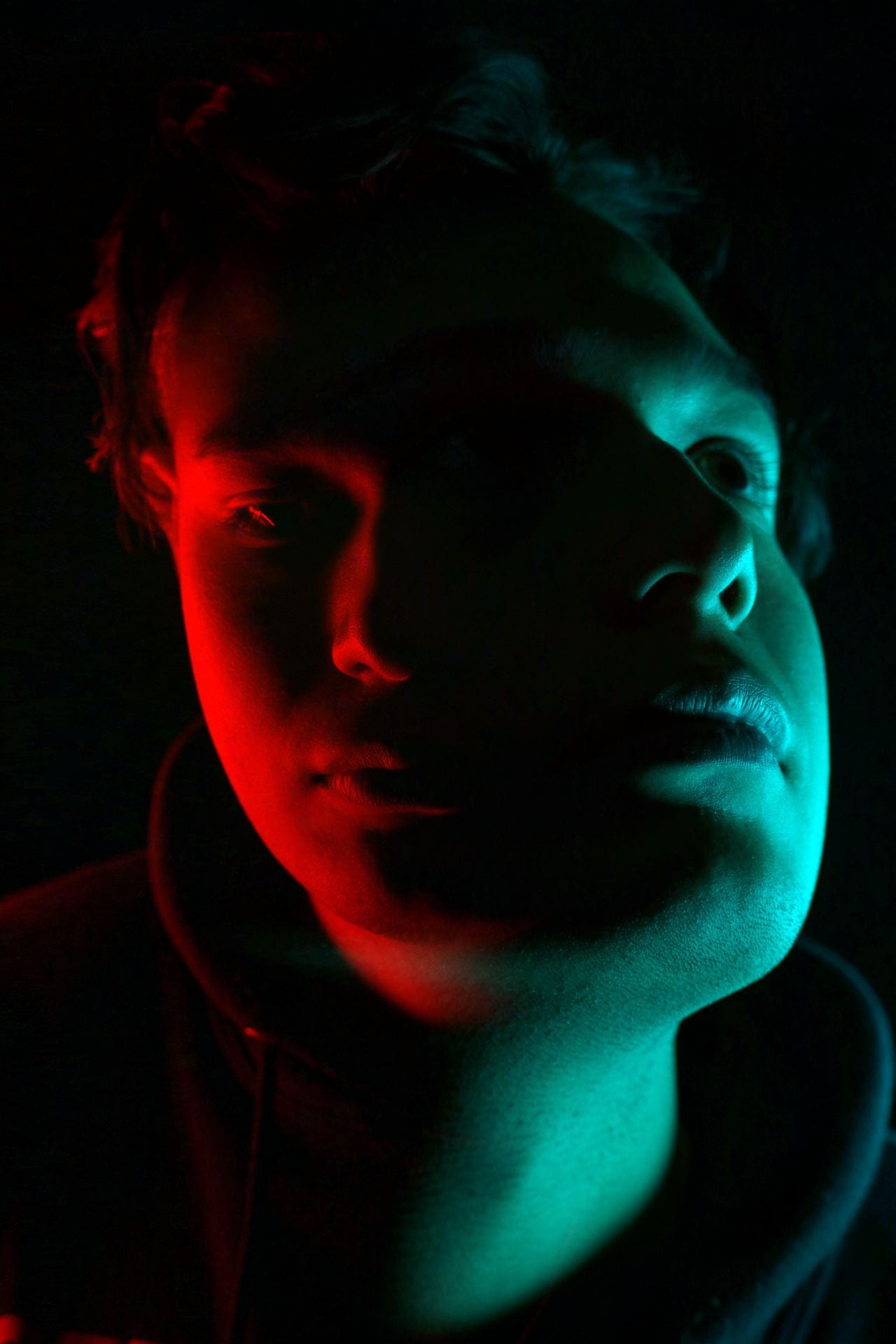
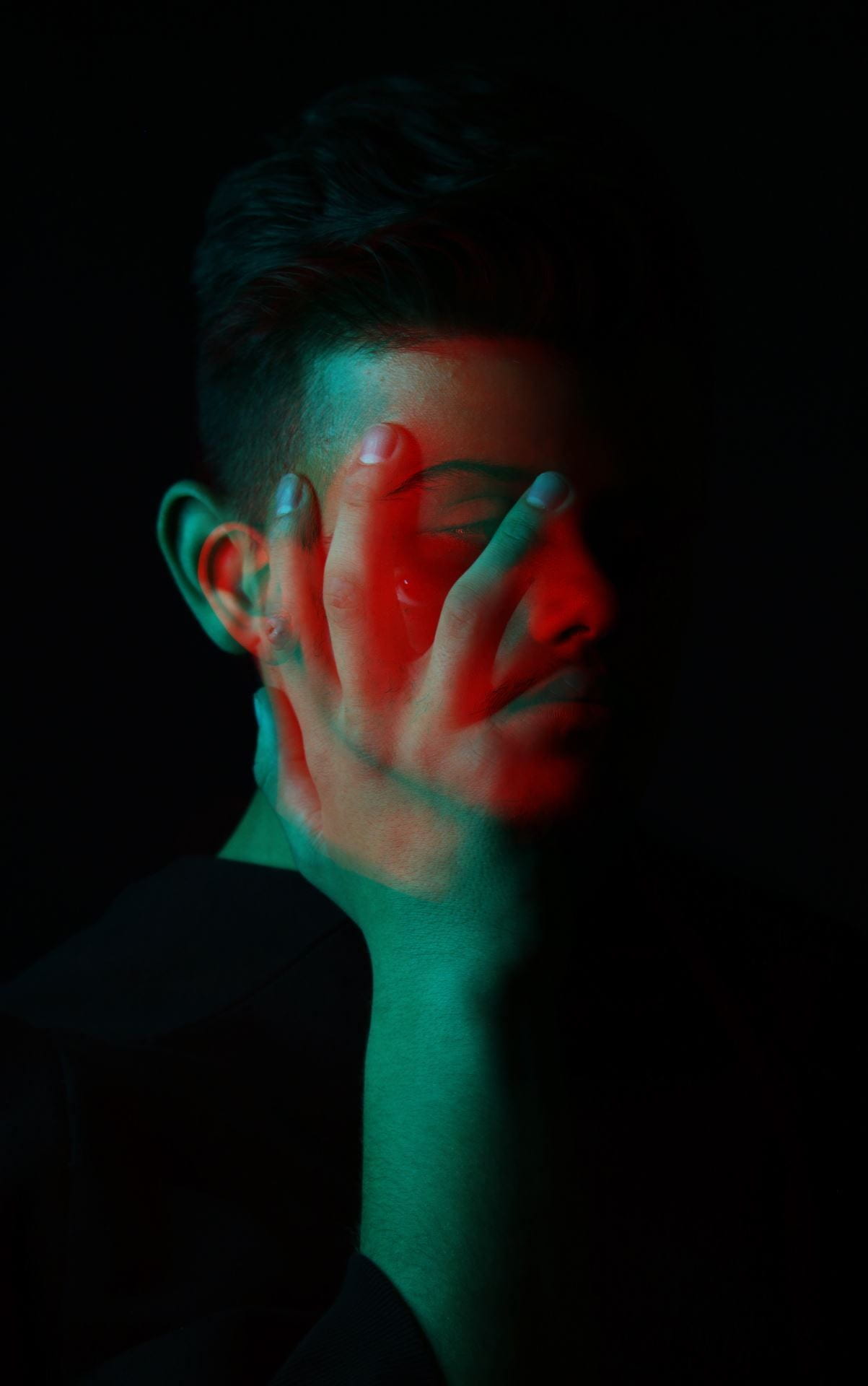
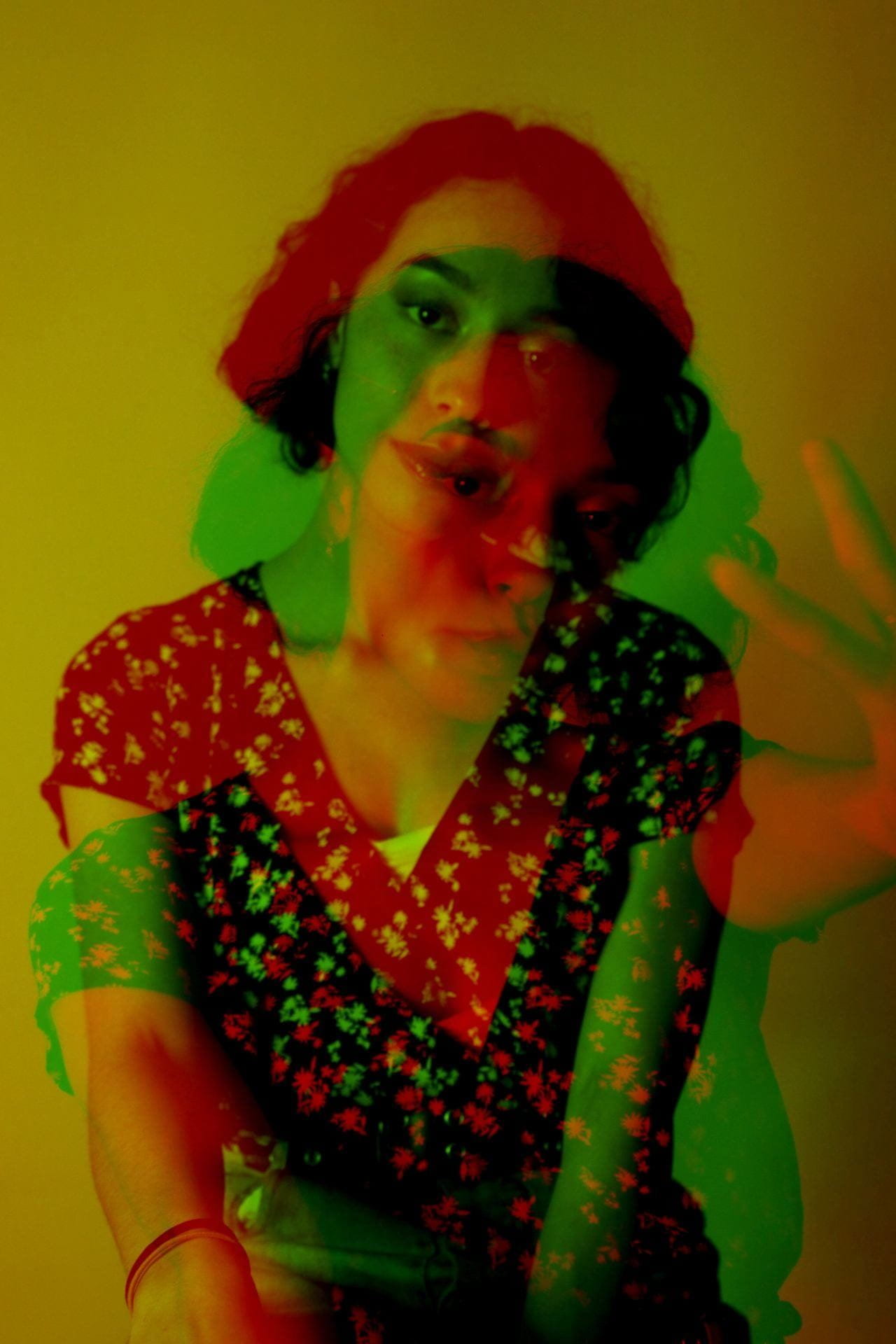
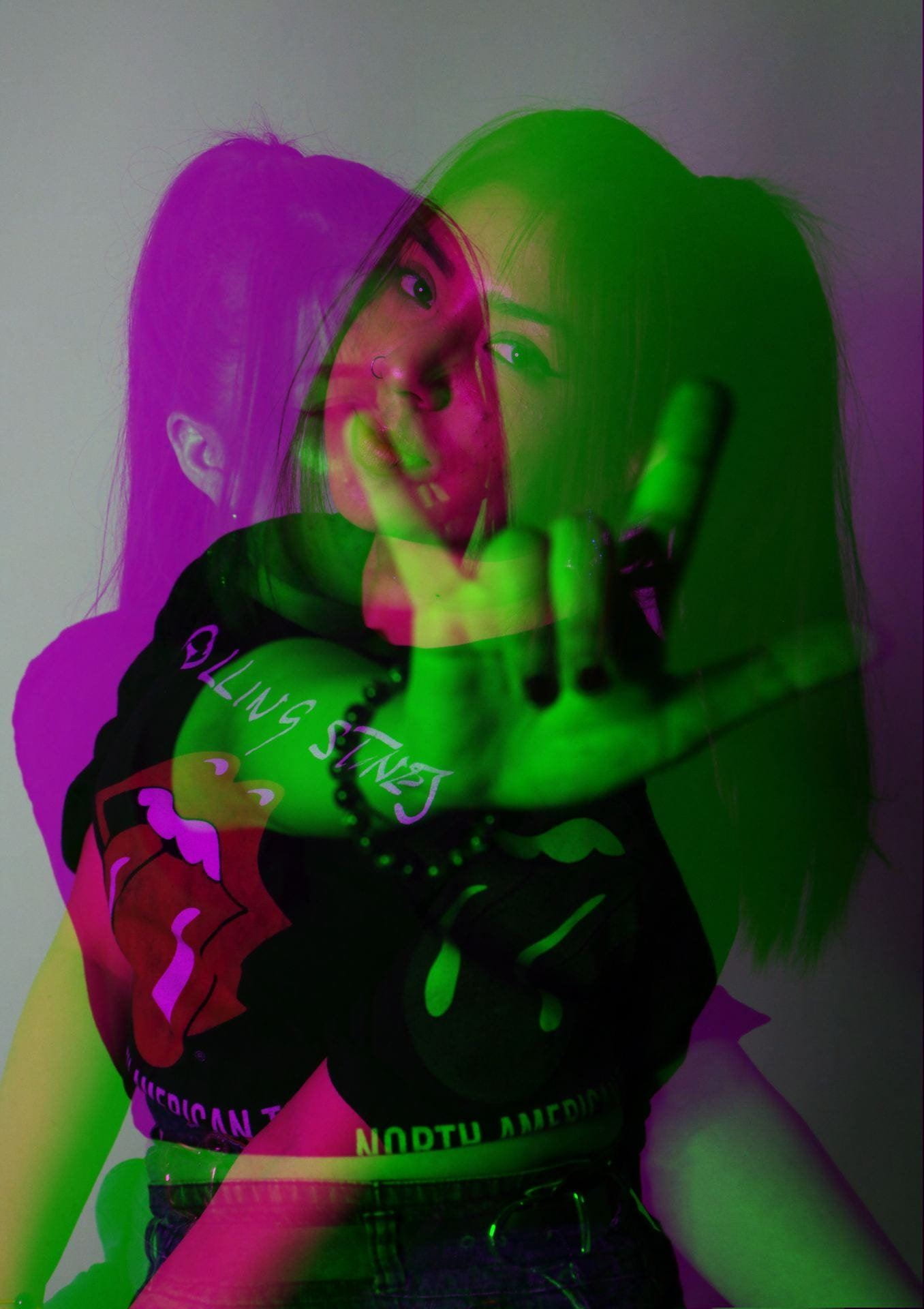
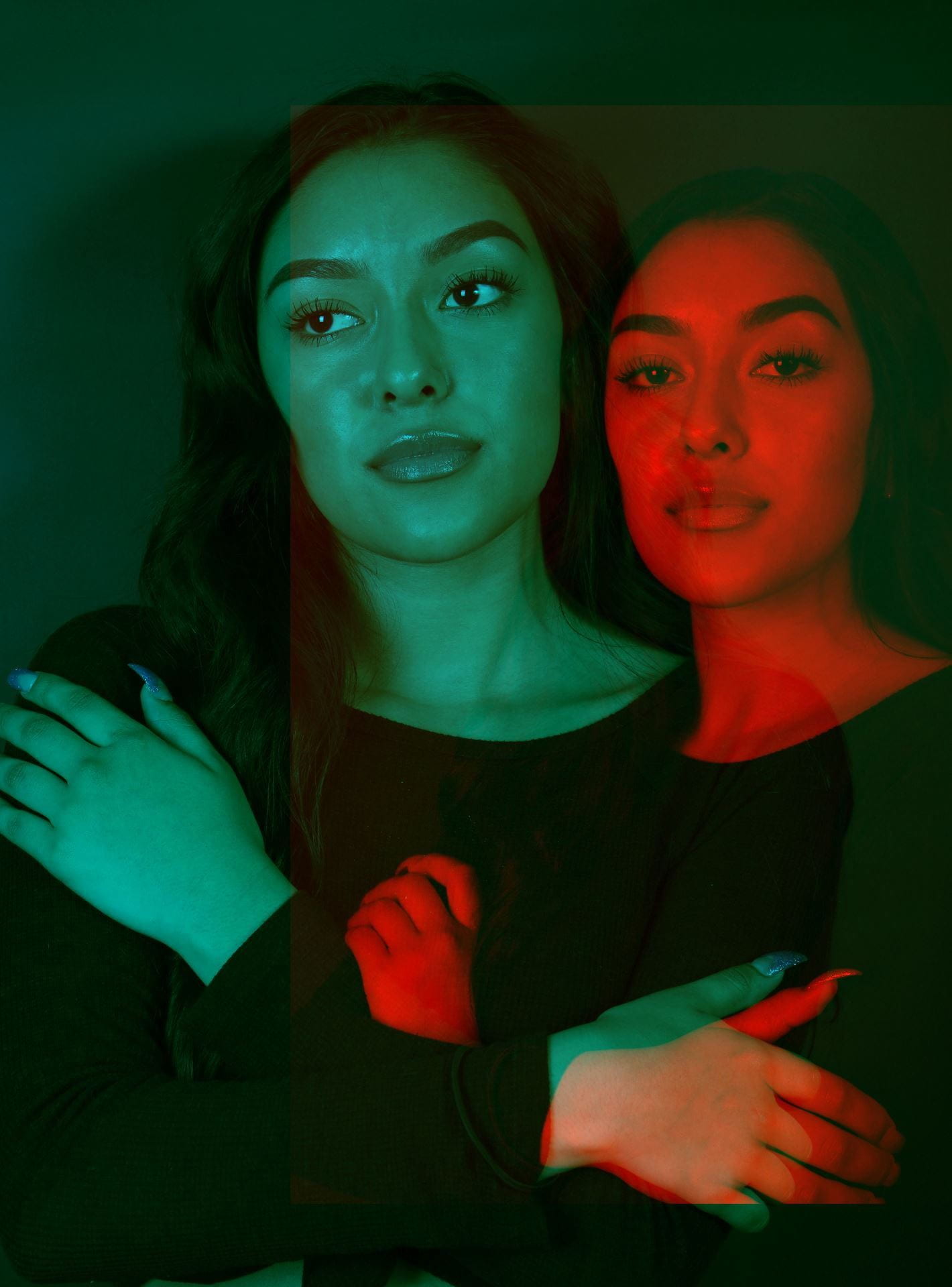
You can select which 6 challenges you want to do and in what order.  BUT, the first two challenges are MANDATORY (obscured self-portrait and shooting through color).

­Due Dates: 2/8, 2/22, 3/8, 3/29, 4/12, 4/26

Posted in Photo 1 Assignments

Thursday 1/26/23: Gallery Walk + Photo Challenges

Agenda:

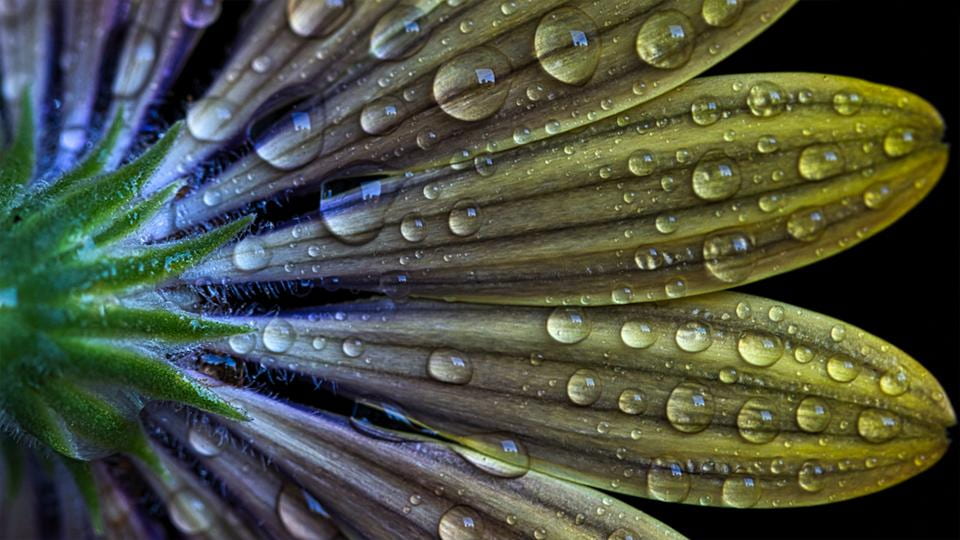
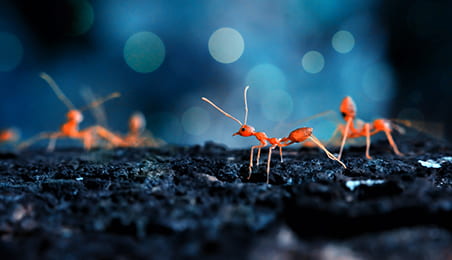
  • Gallery Walk: Macro Photography
  • Monthly Photo Challenges

Gallery Walk instructions will be displayed in class: Gallery Walk Instructions

You will turn in the feedback you received to me at the end of the gallery walk.


Monthly Photo Challenges

Part of improving any skill or talent is PRACTICE. The following challenges ask that you observe your surroundings more carefully to capture interesting photographs.

These challenges are to be completed on your own time, or when you are finished with class projects/assignments. Though I encourage capturing the photos with DSLR cameras when possible, using your phone’s camera also works.

You will need to complete TWO challenges a month. I will post a separate Teams Assignment for each challenge. Due dates are listed below.

For each challenge you will need to post your best 3 edited photos.  You will post ALL photo challenges on the same blog post every time. You will simply add a new gallery for each challenge. (So, you’ll be attaching the same link for every photo challenge assignment on Teams.) Add camera settings in the captions.

You can complete the challenges in any order until you complete them all!

­Due Dates: 2/8, 2/22, 3/8, 3/29, 4/12, 4/26


Posted in Advanced Photo Assignments

Adv.Photo-Tuesday 1/24/23: Intro to Editorial Photography

Agenda:

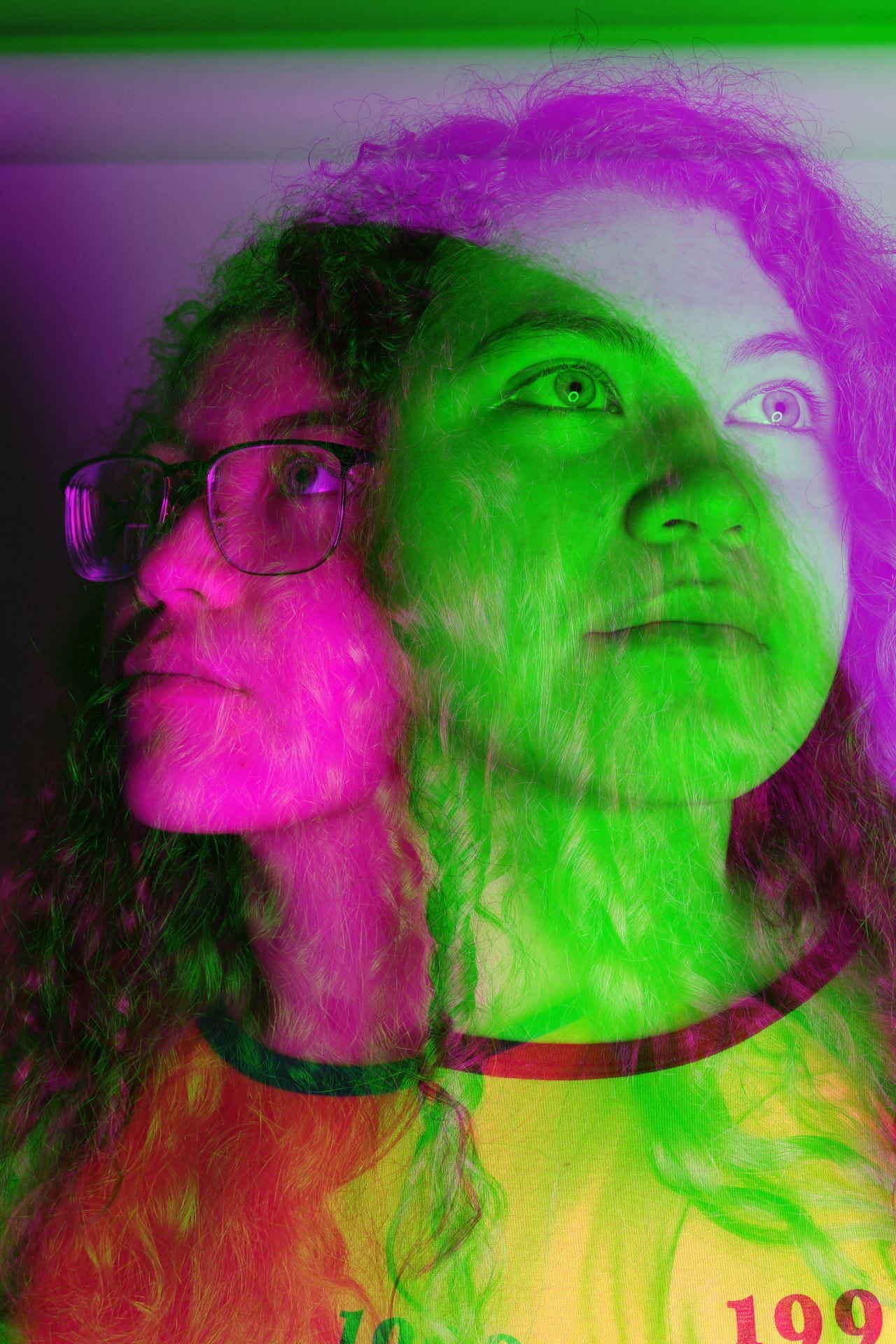
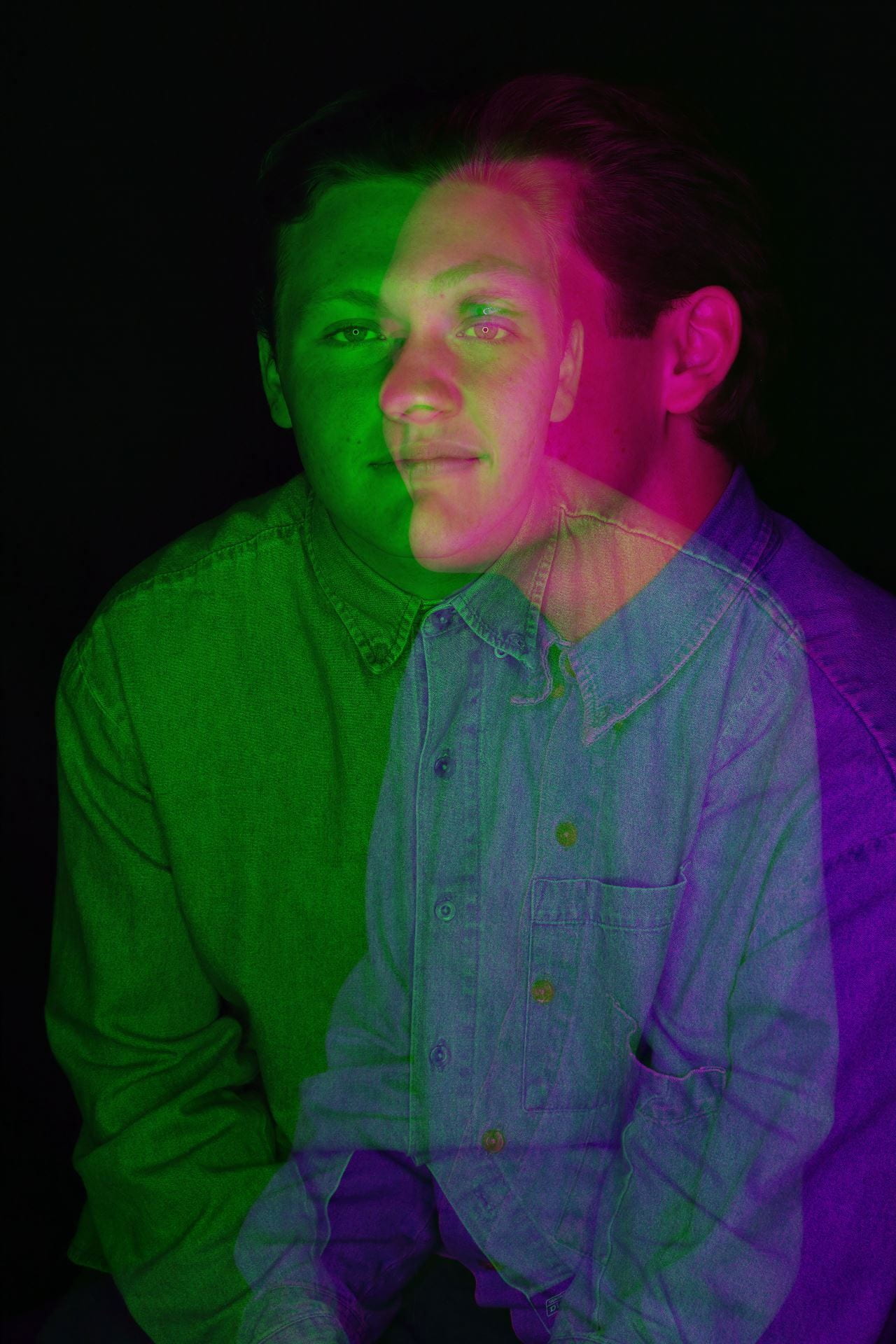
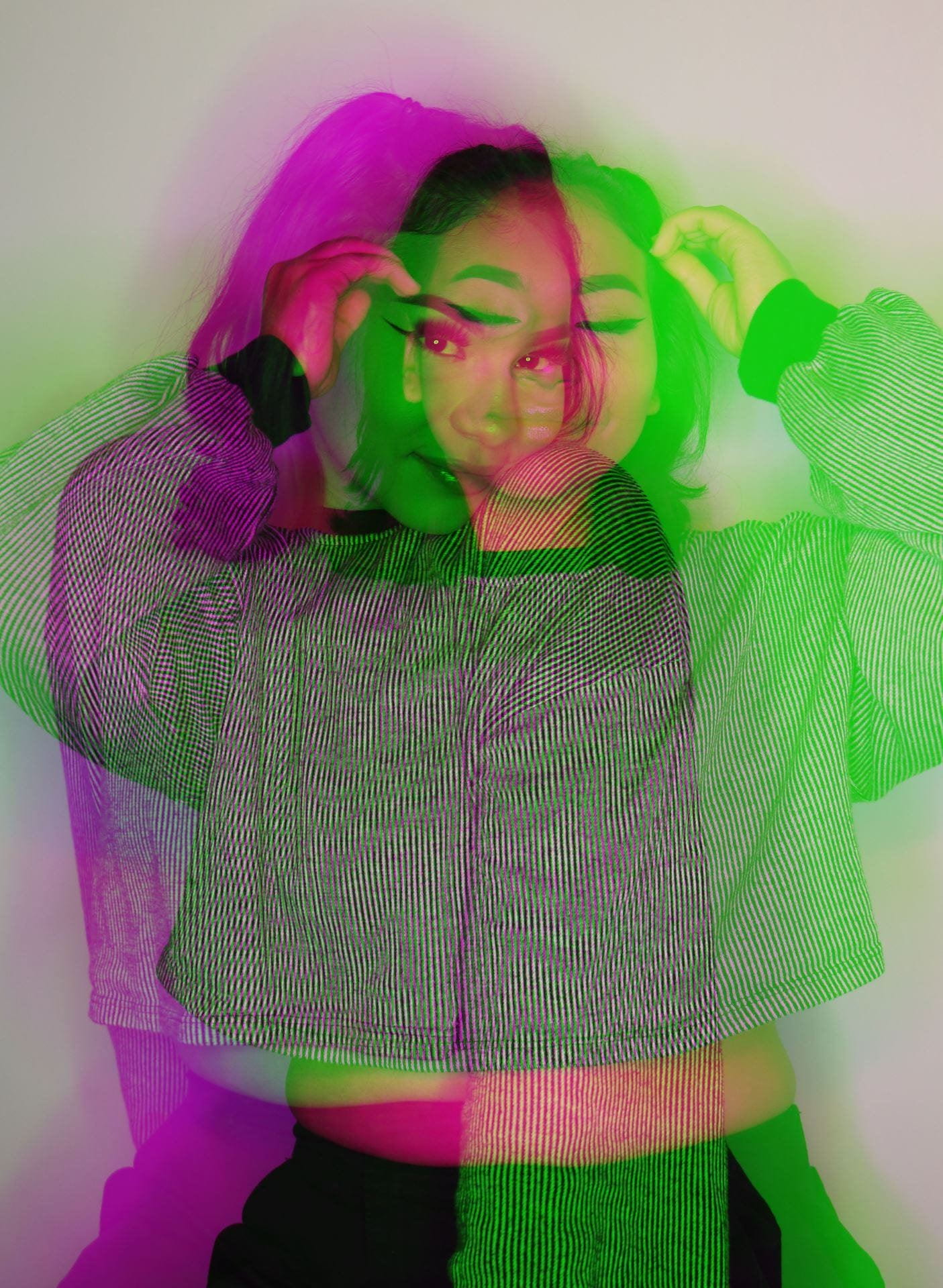
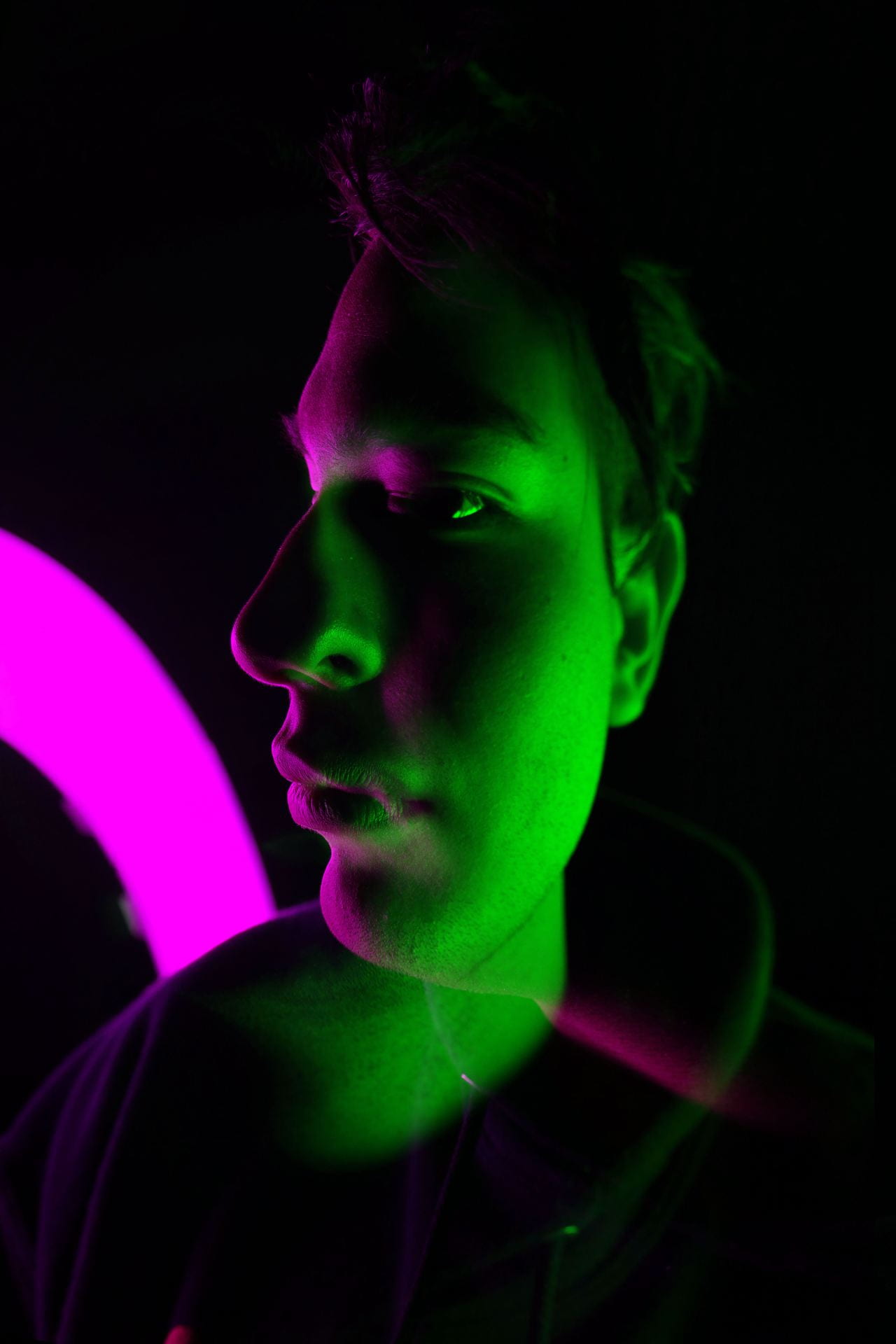
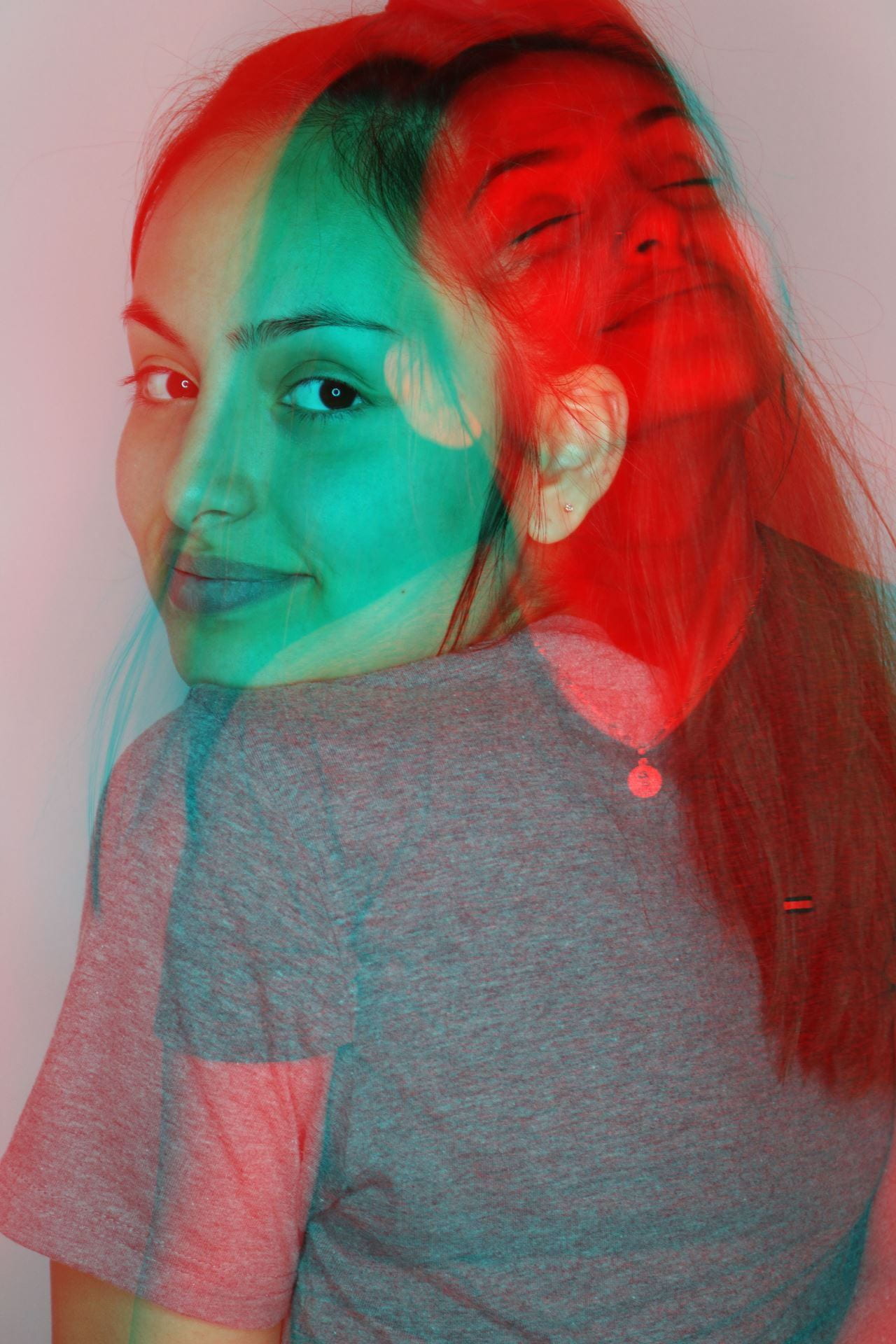
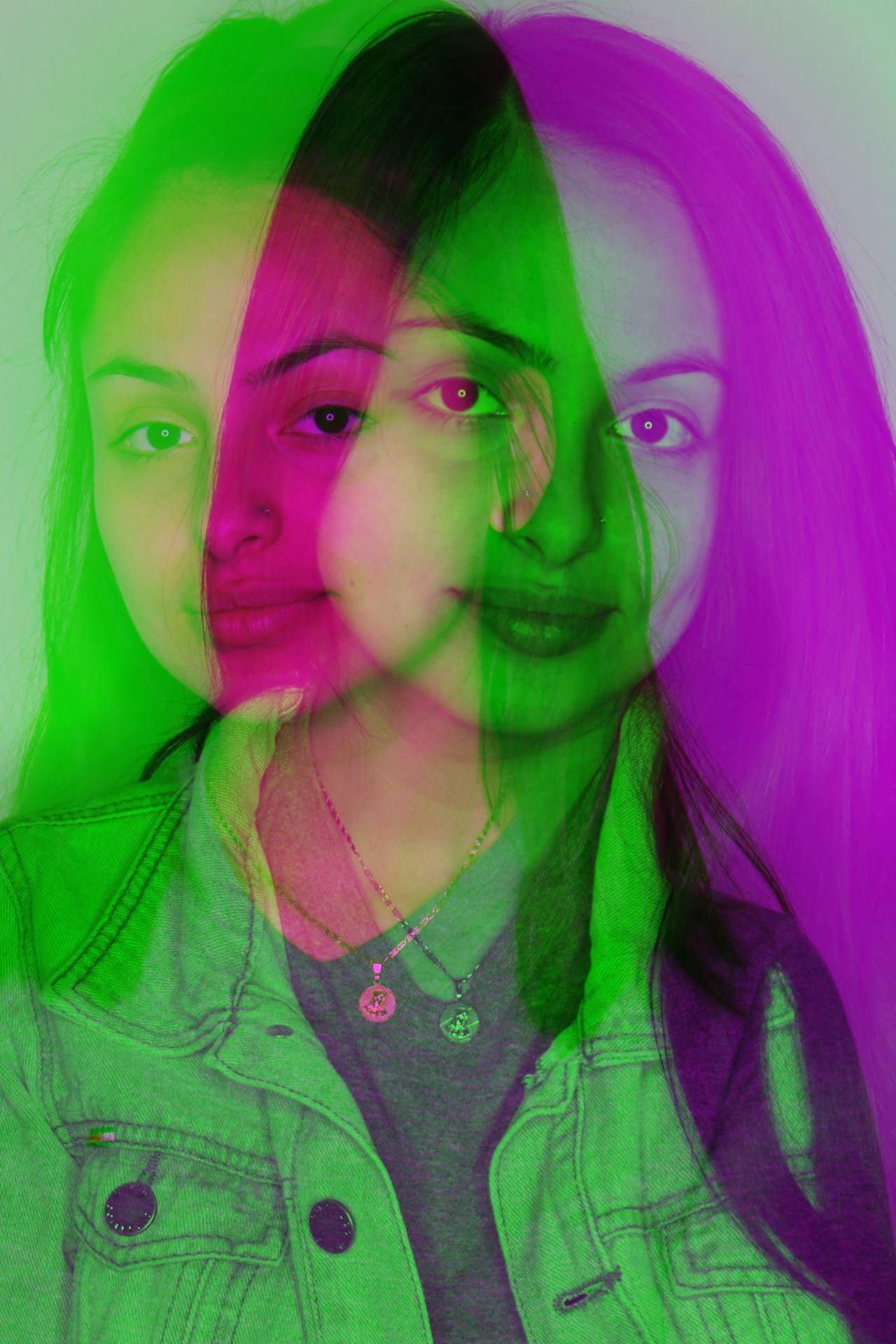
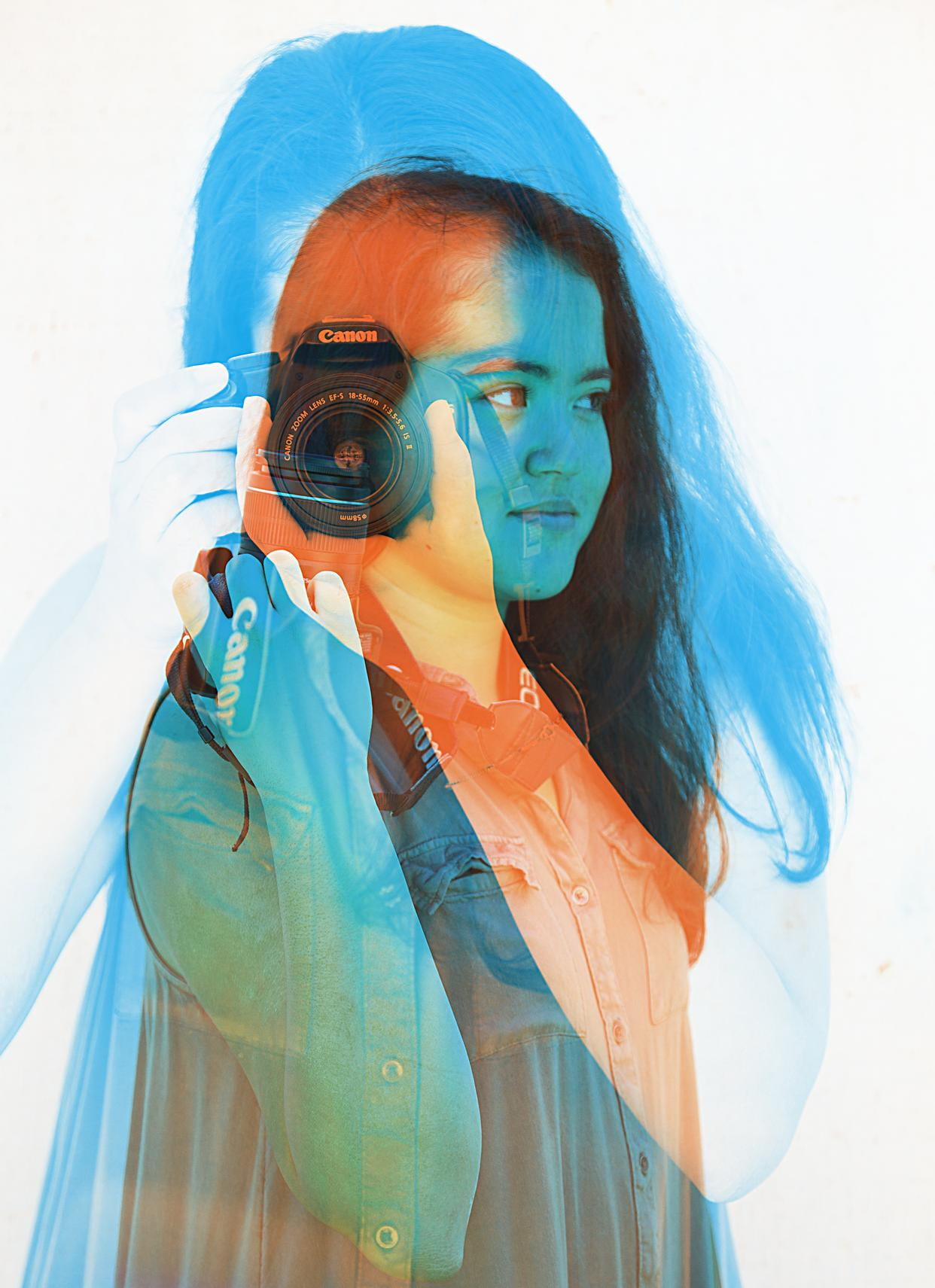
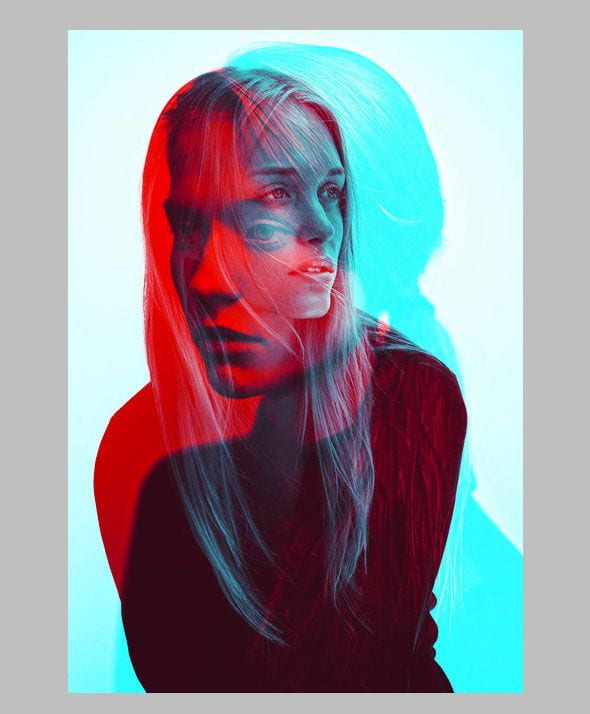
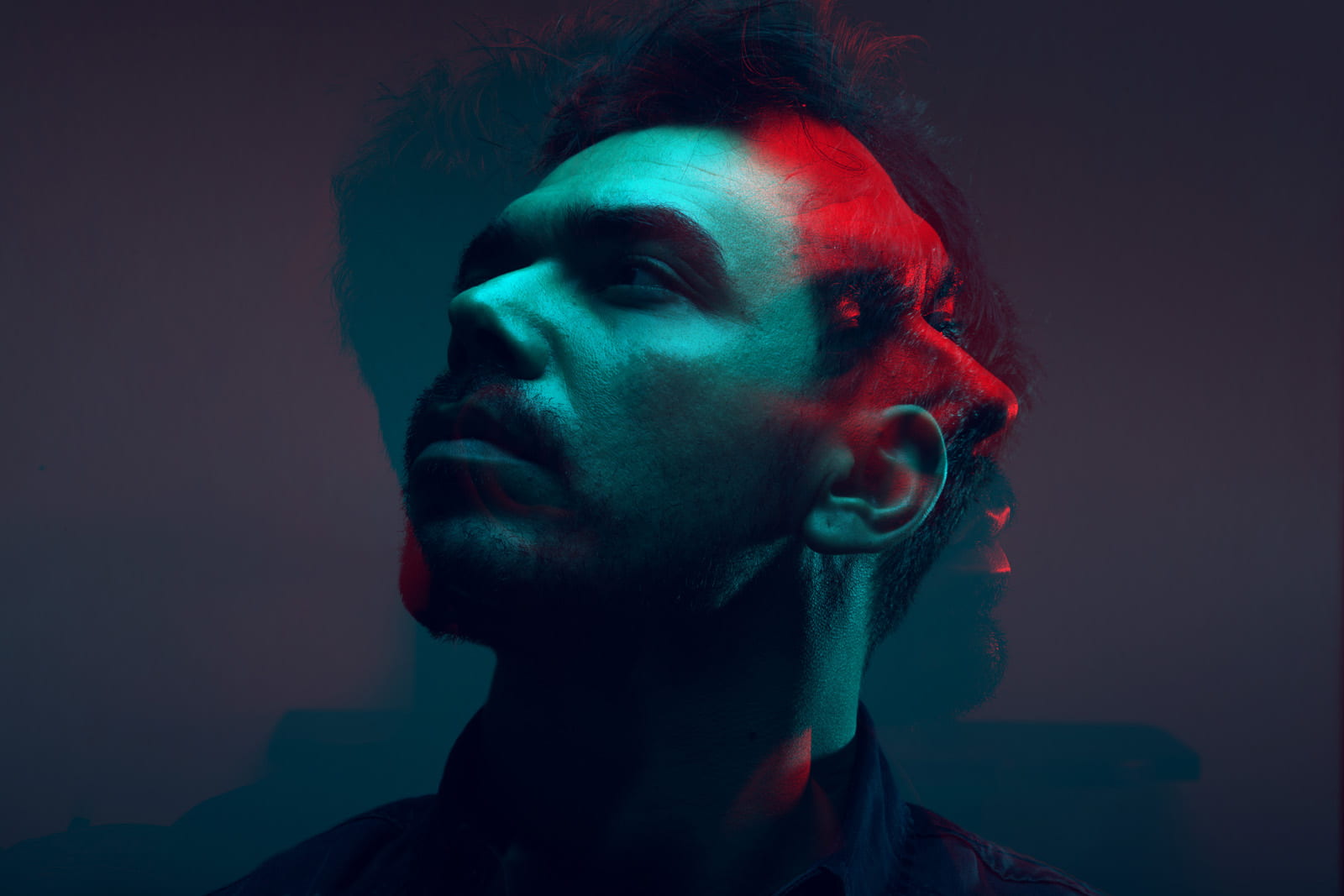
  • Finish the double color exposure portraits if you still need to catch up.
  • Blog Activity and Video

Blog Activity: Intro to Editorial Photography

Due at end of period Wednesday 1/25/23

-Click the link below to read the article:

What is Editorial Photography?

-Create a blog post that answers the following questions:

  1. What is editorial photography? How is it different from advertising?
  2. What are some kinds of editorial photography? Can you think of more examples (think about magazines or articles you’ve looked at)?
  3. Summarize the 3 steps to planning an editorial photoshoot:
  4. Summarize the 5 Editorial photography tips and tricks:

-Watch the following video and answer the video questions on the same blog post:

https://edpuzzle.com/assignments/63d022dd041f7540f56193da/watch

Video Questions:

  1. What are some of the types of photography that Tom mentions he makes?
  2. Why is it important to bring your interests into your photography?
  3. What two things does Tom Schierlitz tell students?
  4. Which of his photos or series did you find most interesting?
  5. What type of editorial photography would you want to photograph?


Posted in Photo 1 Assignments

Tuesday 1/24/23: Blog Activity-Defining Macro Photography

Agenda:

  • Finish Macro Photography Project if you’re behind.
  • Blog Post Activity: Defining Macro Photography

Blog Post Activity: Defining Macro Photography

Due by end of period Wednesday 1/25/23

Step 1: Click to read this article:What is Macro Photography?

Step 2: Create a blog post that answers the following questions…

  1. What are some questions you should ask yourself as you are taking photographs?
  2. What is macro photography?
  3. What does photographer Ben Long mean when he says: It’s an alien world when you get into the macro level”?
  4. Why does Ben Long suggest you start macro photography with your refrigerator?
  5. What makes a great macro image?
  6. According to Long, what us the hardest thing about macro photography?  Do you agree or disagree and why?
  7. The article continues by providing 5 Macro Photography Tips.  List and summarize each one (try to summarize in 2 sentences or less for each photo tip).

Step 3: Check out the work of these 13 macro photographers: 13 Remarkable Macro Photographers

Look at the work of all the photographers featured in this article. If you don’t recognize what the photos are, make sure to read a little to find out!

Step 4: Select your favorite photographer of the 13. In the same post as the questions above, add the following information:

  • Tell us about the photographer (name, where they’re from, etc.)
  • What type of macro photos do they make? Explain/describe.
  • What camera and lens do they use?  (See if you can find out how much these cameras and lenses cost and include that info as well.)
  • Why did you pick this as your favorite of the 13?
  • Do a Google search of the photographer to see more of their work! Upload 2-3 photos you like from that photographer to your blog post (if you can’t save as a JPEG, use the Snipping Tool to take screenshots and save as JPEG).