Posted in Advanced Photo Assignments

Friyay! 10/30/20: Looking at Portrait Photographers

Take a look at the portrait work of the following photographers. Most of them are also on Instagram.

  • Pick your favorite photographer.
  • Look through their portrait work and select at least 5 portraits you love. Make sure that AT LEAST ONE shows a portrait lighting pattern we have been learning about.
  • You will also be required to find a little info on the photographer.

Create a PowerPoint presentation that includes the following information:

Title Slide 1: Photographer Name + your name

Slide 2: Place one of your favorite portraits along with a short photo analysis (camera angle, rules of composition, color, lighting style or patterns, depth of field, etc.) + why you love it.

Slide 3: Repeat instructions from Slide 2 but for a second portrait that you really love.

Slide 4: Include at least 5 interesting facts you can find about your photographer. You may include a photo of the photographer if you can find one. You may need to look beyond their website for info about them.

Slide 5: Show 2-3 more great portrait photos by your photographer. (No info needed)

Ramona Rosales

Djeneba Aduayom

Irving Penn

Steve McCurry

Lindsay Adler

Mark Mahaney

Due Tuesday November 3rd.

Posted in Photo 1 Assignments

Friyay! 10/30/20: Check for Understanding + Complete Assignments

1.Take an open-note quiz on exposure, aperture, and depth of field by clicking on your class period link below!

You will receive full points just for taking the “quiz”.  As soon as you submit your answers you can view your results to see how you did.  This is just to see how well we’re understanding this new info! Please complete this quiz before Monday’s class.

Period 2 only-click here

Period 3 only-click here


2.Complete all your assignments and get caught up before we continue on Monday!  Let me know if you need any help or are experiencing any challenges.

3.Don’t forget about the Spooky Photo Contest!

Posted in Photo 1 Assignments

Thursday 10/29/20: Practicing Depth of Field Activity #2

PRACTICING DEPTH OF FIELD ACTIVITY #2

Due end of Friday

This is a really fun assignment and totally powerful to see how you can transform a random location to something amazing.

  1. Use a person or object as your subject.
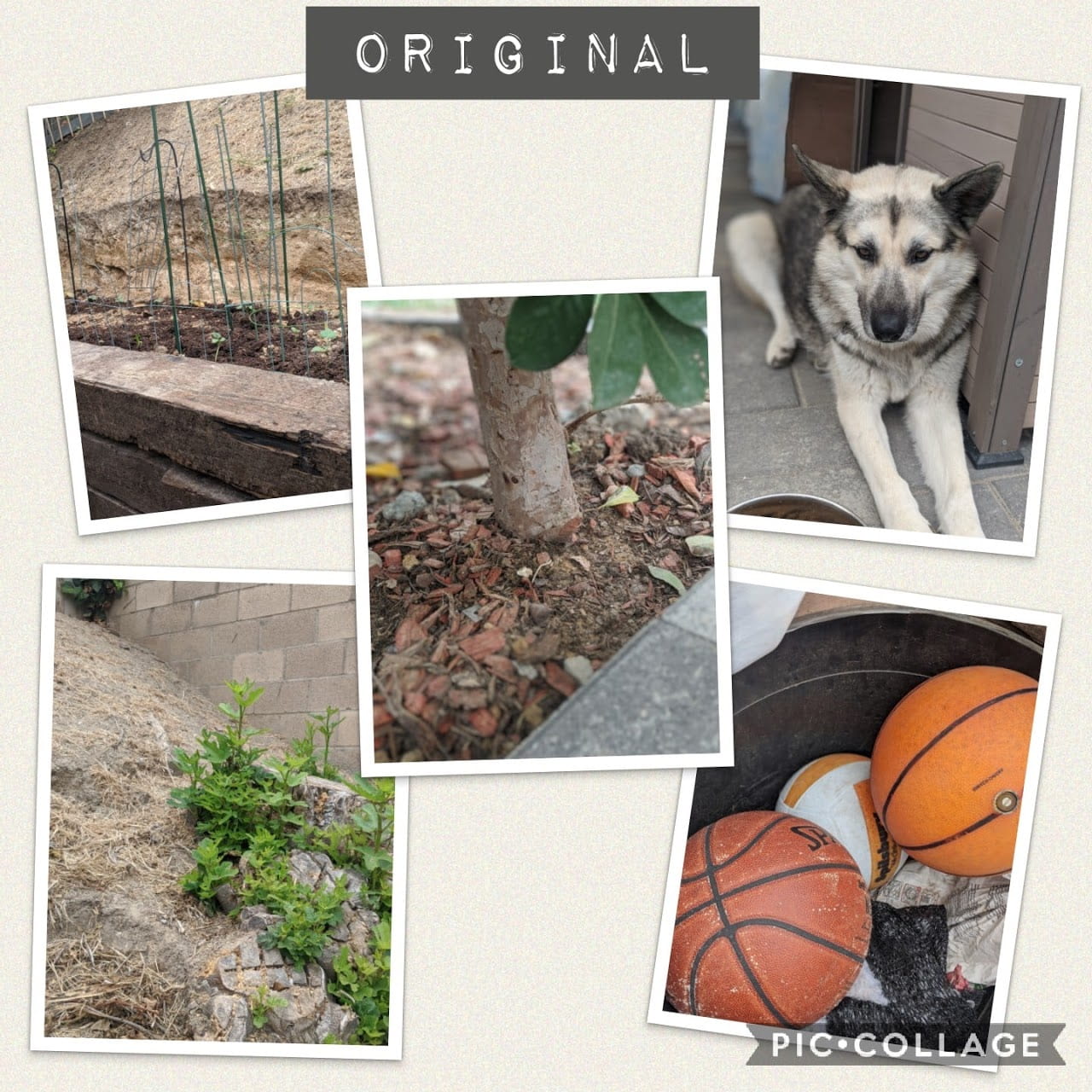
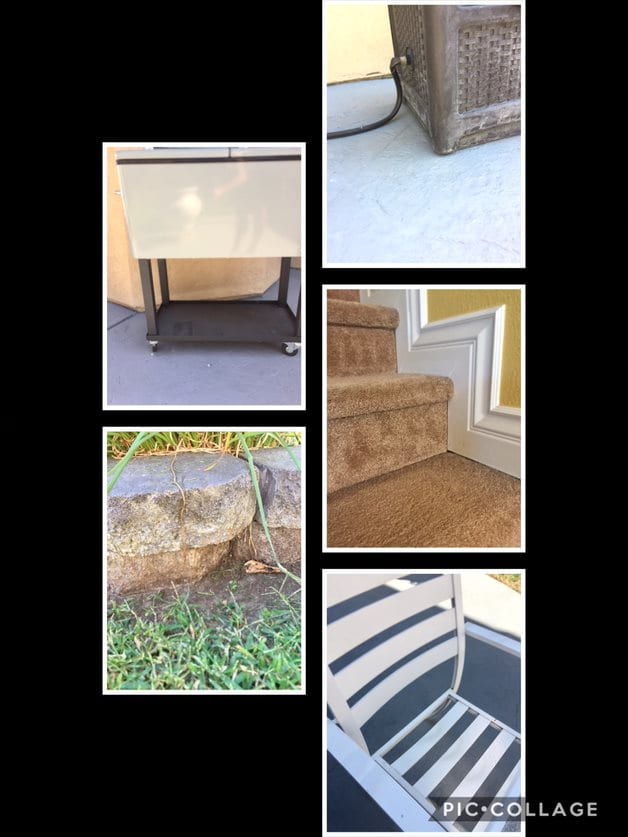
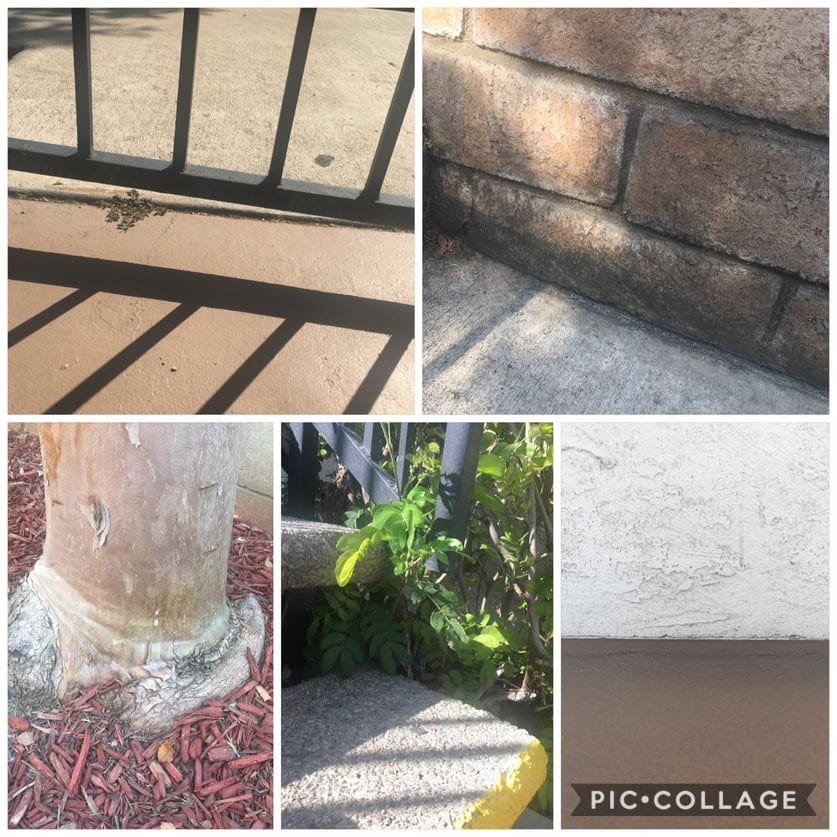
  2. Take photos of your subject in 5 different “boring” or “ugly” places.
  3. First, photograph each location using wide/deep depth of field (high f-stop #) so everything is in focus.
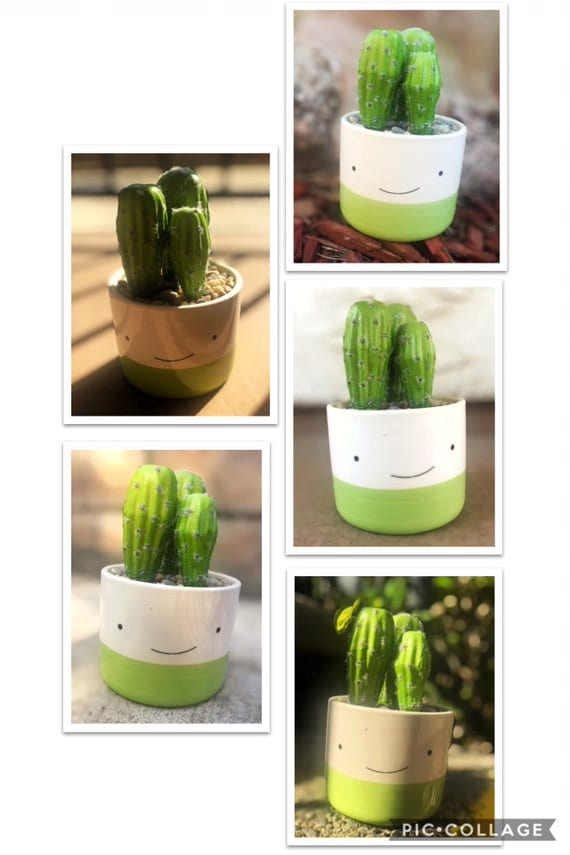
  4. Now set your subject in place, get close, and use a Shallow Depth of Field (Large Aperture/Low F Stop #) to blur the background on each of your photos. Use your DSLR, portrait mode, or Focos app.
  5. Do this 5 different times with different locations. (Photo of location with great depth of field, then photo of the subject in that location with shallow depth of field.)
  6. Edit your photos using Snapseed or your phone editing features (brightness, contrast, saturation, ambiance…)
  7. Create a collage of your five favorite DoF photographs using PicCollage.
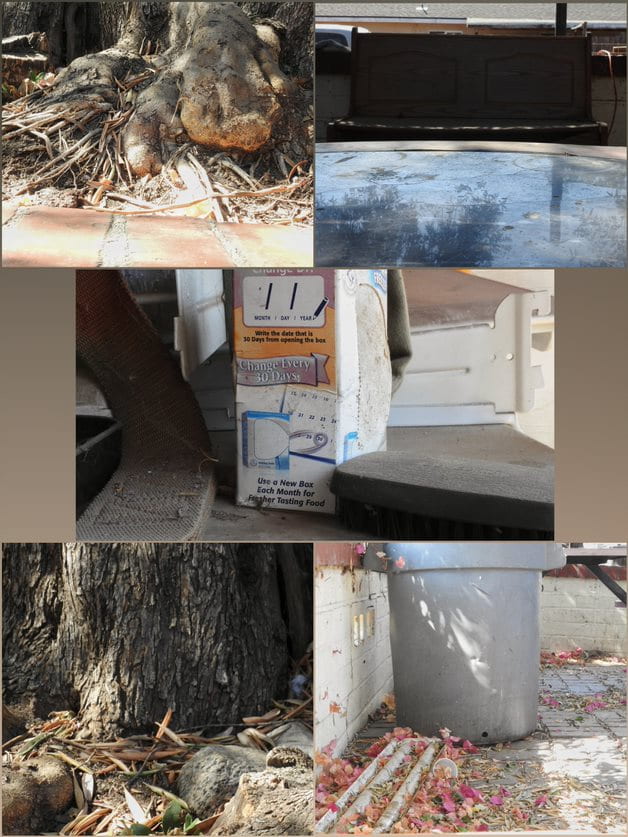
  8. I would also like to see a collage of your locations (so that means you are turning in two collages). Turn both collages in the Teams assignment: “DoF Practice Activity #2”.
Posted in Advanced Photo Assignments

Tuesday 10/27/20: More on Portrait Lighting

Portrait Lighting Pop Quiz!

Photo Assignment:

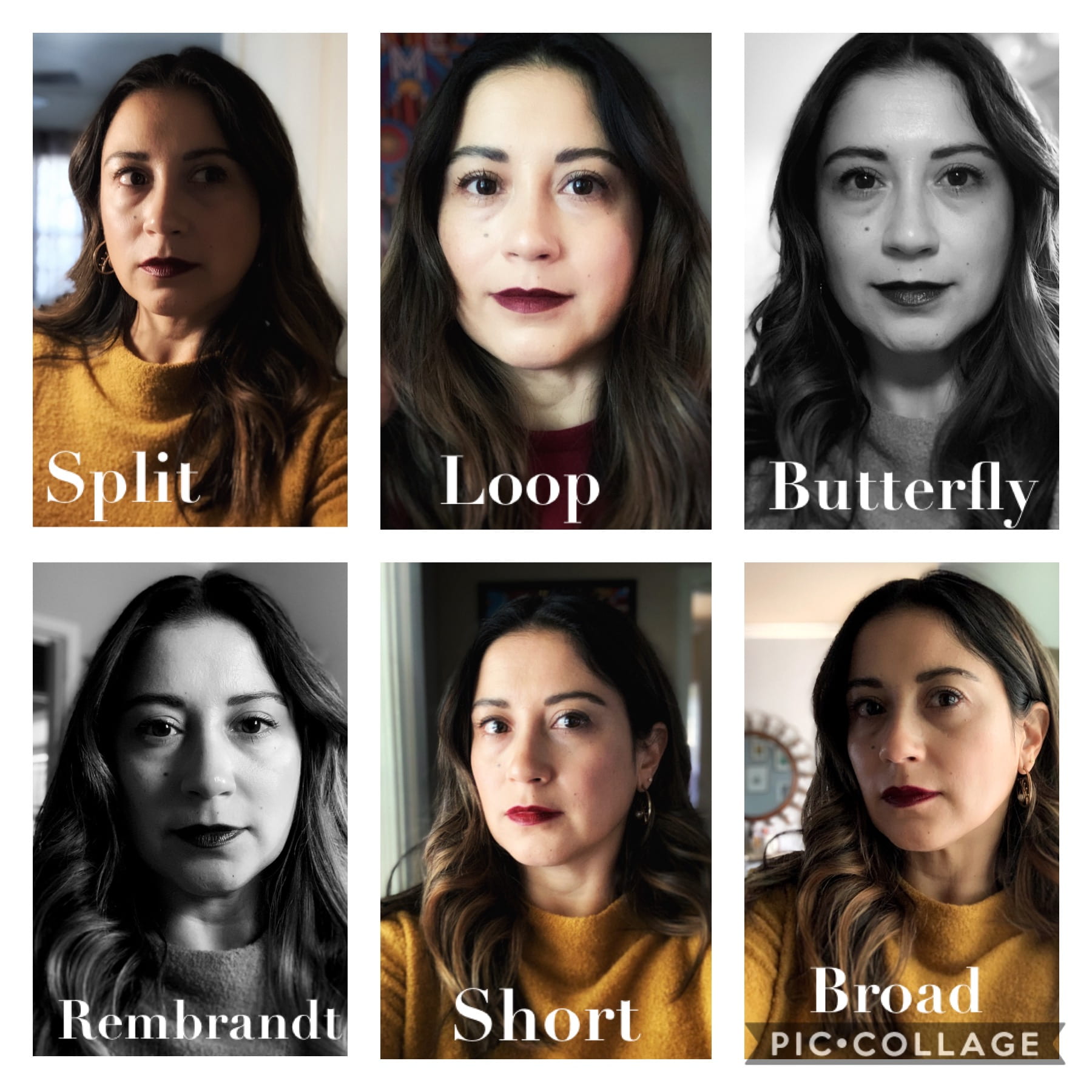
Use yourself or another subject to replicate each of the following light patterns/techniques:

  • split
  • loop
  • Rembrandt
  • butterfly
  • broad
  • short

-Use one main light source to produce them.

-Select your best shots for each and edit on Snapseed.  They may be converted to black & white to emphasize the shadows and light.

Place all 6 portraits on a collage using PicCollage and use the text tool to label each portrait with the lighting it demonstrates.

Turn into the “My 6 Portrait Lighting Photographs” assignment on Teams.

Due Thursday!

Posted in Advanced Photo Assignments

Monday 10/26/20: Portrait Lighting

Welcome to 2nd Semester (Term 2)!

We will begin by going over some common portrait lighting techniques.

Get your note-taking materials out (notebook or Word doc)! 

In your own words, explain what the following portrait lighting techniques are and how to achieve them (drawing diagrams may be needed):

  • Split
  • Loop
  • Butterfly
  • Rembrandt
  • Broad & Short Lighting

https://digital-photography-school.com/6-portrait-lighting-patterns-every-photographer-should-know/

https://digital-photography-school.com/4-common-lighting-styles-to-get-the-perfect-portrait/

Now, in any presentation of your choice (PowerPoint, Word Doc, or PicCollage) you will need to find your own portrait photo examples of each of the lighting techniques we covered. Make sure you label them!

You will need to search Google Images or a stock photography site such as PexelsPixabay, or Stocksnap

Turn in your labeled photo examples along with your notes (Word doc or picture of your written notes) in the Teams Assignment: “Portrait Lighting Notes & Examples”.


Posted in Photo 1 Assignments

Monday 10/26/20: Depth of Field

Term 2 is in full effect!  Hope ya’ll ready!

Click on the cute little character below…


10/26 Warm up:

Take a look at these photos. What differences do you notice in these photos? How do these differences change the photo?

Time to “Play” with Depth of Field!

http://www.canonoutsideofauto.ca/play/

Student Instructions: Select the Aperture Priority (Av) mode on the camera simulator.  Then “take” a photo with each of the seven f-stop values provided: 2.8, 4, 5.6, 8, 11, 16, 22.

When you take each photo, you should click the X to close the image and it will get saved to the “Your Shots” gallery for you to view when you’re done.

After you captured a photo with each of the aperture f-stops, answer the following questions in your notebook (or typed in a Word document). Turn into the assignment on Teams: “Playing with Depth of Field”.

  1. How do the f-stop values (aperture numbers) affect the image you captured?
  2. What do you think are some reasons for wanting to blur out the background in a photo (shallow depth of field)?
  3. What do you think are some reasons for wanting to keep the whole scene in focus (wide depth of field)?
  4. What are some reasons for wanting something in the middle (not totally blurred out but not totally in focus)?

Intro to Depth of Field (YouTube)

Posted in Advanced Photo Assignments

Friday! 10/23/20

-Semester Survey located on General channel in Teams (turn this in for attendance!)

-5 Likes & Comments (from Tuesday).  Soon as you complete the task, click Turn in in the assignment on Teams (this way I know I can go check your comments)

-Turn in PPT from Tuesday

-Turn in any missing work by 11:59pm today!!

Posted in Photo 1 Assignments

Friday 10/23/20

-Survey: link posted on General channel (this is your attendance for today!)

5 Likes & Comments Padlet Assignment (remember to click Turn In on Teams!)

-Reminder to turn in: 10/20 Reflection Assignment (period 3: 10/22 Reflection Assignment)

-Missing Projects and Assignments

-Check your grade on Q!!

Posted in Advanced Photo Assignments

Tuesday 10/20/20: Upload to Padlet + Depth of Field PPT Assignment

1.

Place the 5 shallow Depth of Field photos you recently took and put them in a collage using PicCollage.  Make sure the photos don’t get cut off by the grids.  You can use the Freestyle grid option so that you fit the photos in your own configuration.

Upload the collage with your 5 Shallow Depth of Field photos to Padlet: https://padlet.com/delasa/period4


2.

Depth of Field Summary PPT

Put a PowerPoint together that includes the following:

  • Definition of Depth of Field.
  • How aperture affects depth of field along with one diagram of your choice.
  • What are other things that affect depth of field in a photo (besides aperture)?
  • Explanation of SHALLOW depth of field with a photo example (can be from online source).
  • Explanation of WIDE/GREAT/DEEP depth of field with a photo example (can be from online source).

3.

Go back to Padlet and “heart” (like) at least 5 photos that you really like and comment on them!  (This can include some of the Speak Out/Be Seen, Shadow, or Double Exposure ones too).