Posted in Photo 1 Assignments

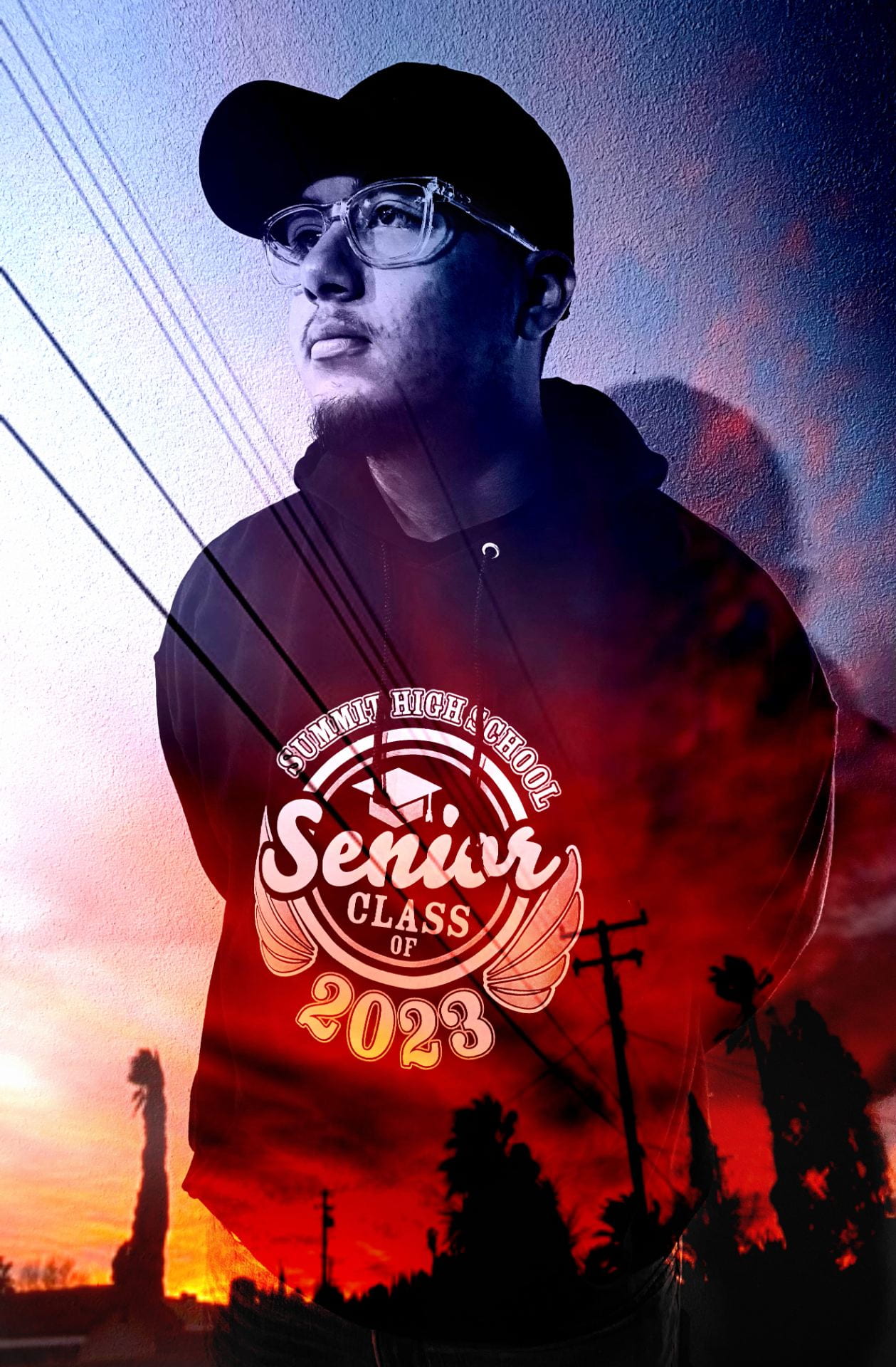
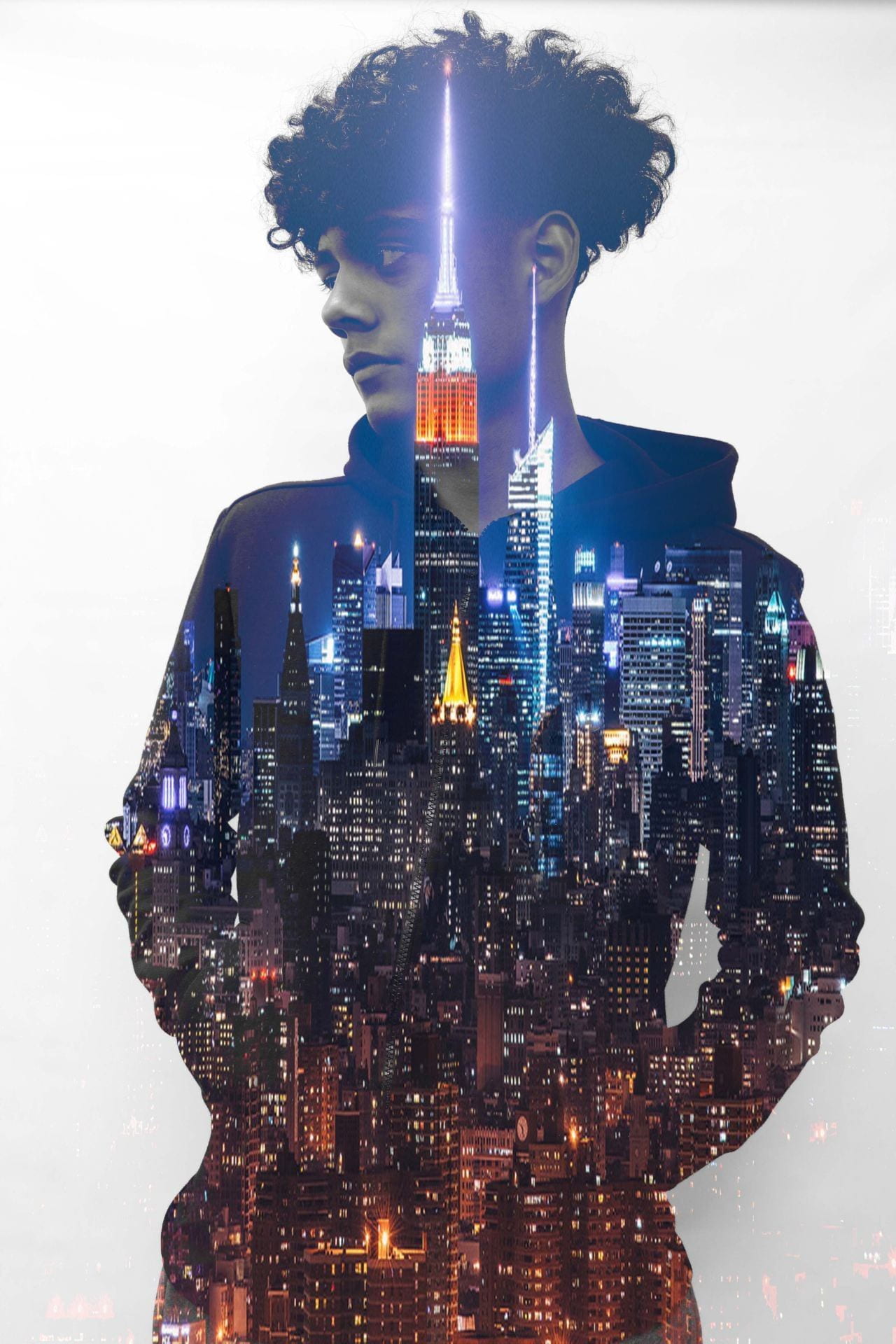
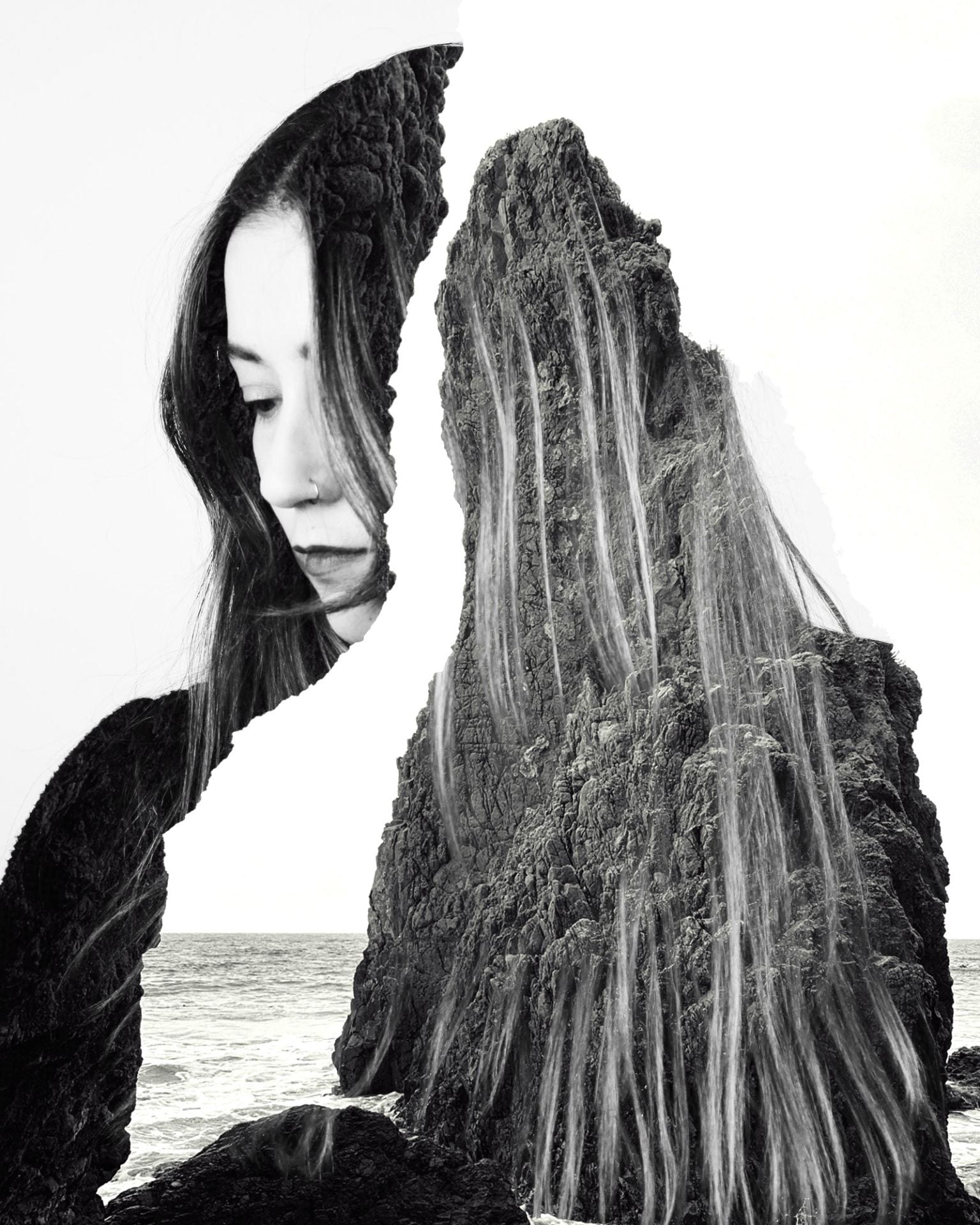
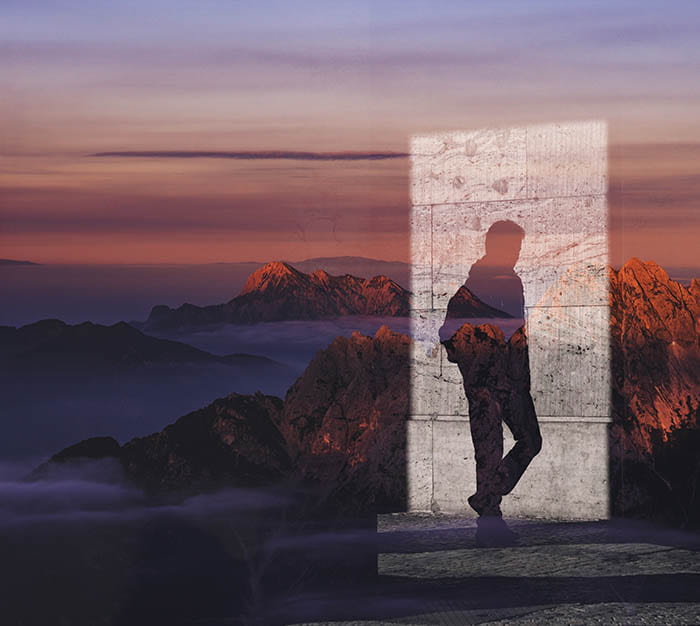
Double Exposure Portraits!

Today’s Agenda:

  • Get caught up with all assignments on Teams!
  • Try the Double Exposure Hands-On Tutorial in Photoshop to practice!
  • Download a few landscape scenes from my Image Sources Folder
  • Begin Double Exposure Portraits

Double Exposure Portraits
Due Friday Nov. 21st
Instructions with video clip tutorials: Double Exposure PowerPoint with Step-by-Step Instructions
You can also practice the steps with a Photoshop tutorial: Go to Help, Hands-on Tutorials, search double exposure, and scroll down to find the portrait one.
Create a total of 2 different double exposure portraits. The first one has to follow the exact steps from the PowerPoint. You may experiment beyond my instructions in the other two. Have fun and get creative!
  1. Your portrait+ a photo from my Image Sources Folder
  2. Your portrait + another photo of choice (can be your own!)
You can use landscape photos you have taken, find online*, or use some of these:
​*Make sure it has good quality and is large enough in size!
Posting Instructions:
Post your two final double exposures along with the original photos as a gallery with link to media file, size medium or large. Turn in your link to Teams.
Posted in Pathway Block

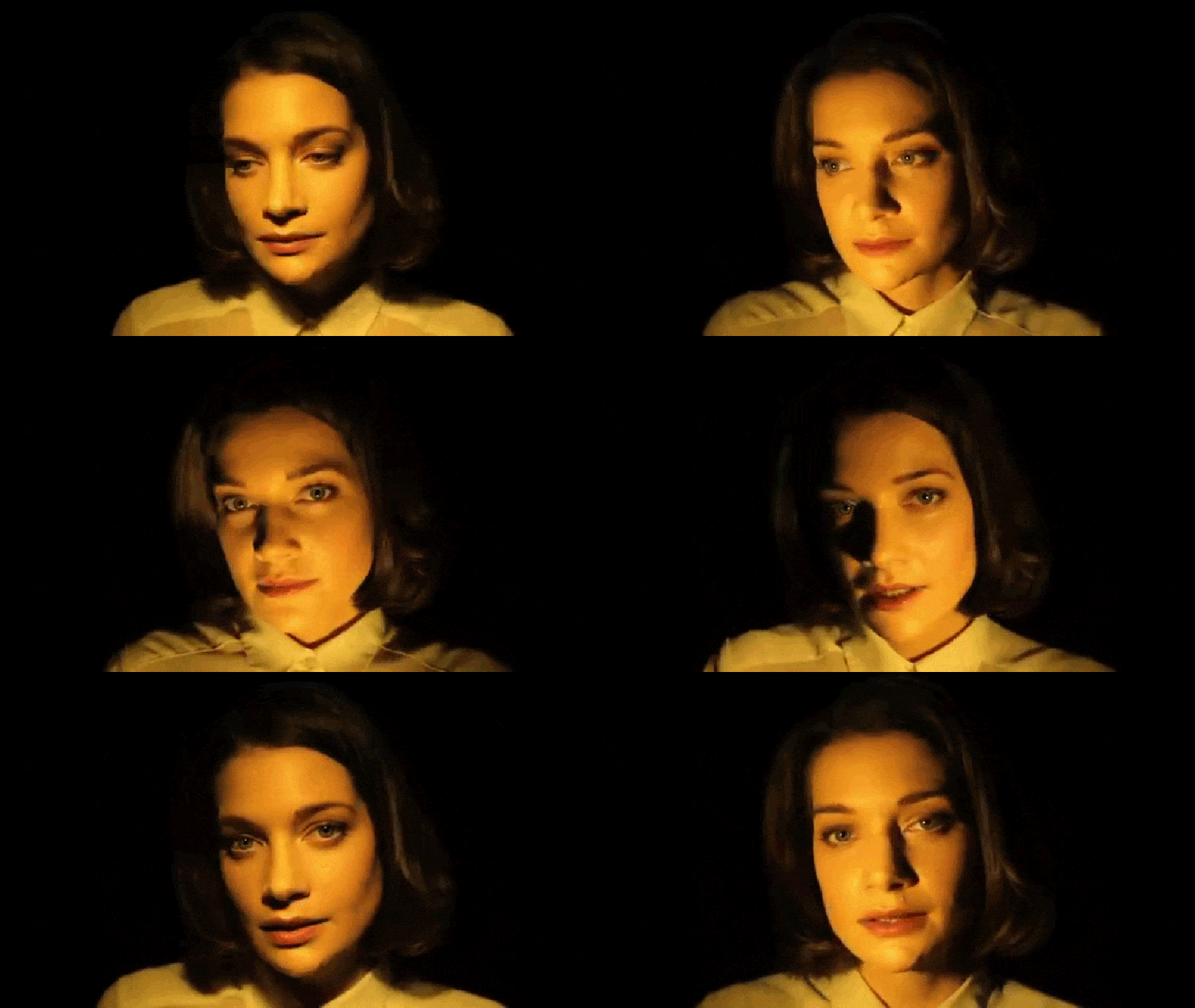
Portrait Light Patterns

Today’s Agenda:

  • Finish Portrait Light Pattern Video and Blog Post.
  • Portrait lighting set up demonstration.
  • Practice the portrait light patterns with a partner using window light/natural light.
  • Portrait Light Pattern Project.

Portrait Light Patterns Project

First, you can practice the portrait light patterns with group members using window lights. You can even do this without a camera, just so you know how to position your subject to create the shadow patterns you need.

Make one good portrait example for each of the 7 portrait lighting patterns using studio lights.

Everyone takes turns as photographers to get their OWN 7 portrait light patterns using other classmates as subjects.

Edit your 7 portraits to post on your blog with the pattern + camera settings in the captions. 

  1. Flatlight is facing subject directly to eliminate most shadows.
  2. Butterflylight is in front and above subject=symmetrical shadow under nose
  3. Looplight is to one side at about 45 degree angle=small loop shadow on one side of nose
  4. Rembrandtsubject continues to turn away from light=the loop nose shadow will meet the cheek shadow and hopefully produce a triangle of light under the eye on shadow side.
  5. Splitsubject continues to turn away from light=one half of the face is in shadow.
  6. Broadsubject turns away from light=broad side of face has light, short side in shadow.
  7. Short...subject turns back towards light=short side of face has light, broad side in shadow.


Camera Settings Suggestions:

  • Aperture Priority (Av) w/ Automatic ISO and low f-stop number.
  • Or…Manual Mode (M), shutter speeds at 1/100 or faster, low f-stop number, ISO about 400.
  • Use regular lens but zoomed in at 55mm.
  • Hold the camera vertically (portrait orientation).
Posted in Advanced Photo Assignments

Bracketing in Photography

Bracketing in Photography Photo Assignment

Due Friday November 21, 2025

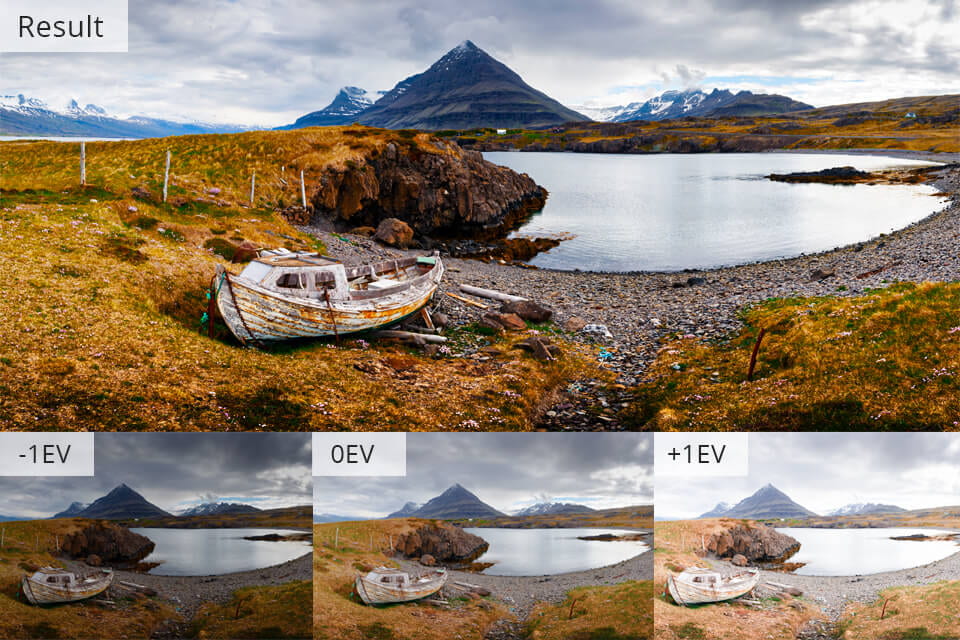
Photograph the following high-contrast scenes using the bracketing technique to create compelling final images.

  1. Outdoor landscape with sky during the day 
  2. Interior space with windows during the day

Photographing Instructions:

  • Use a tripod to keep the camera steady and to get the same exact shots. Just like with the clone project, make sure the camera is not moved at all between shots!
  • Use Manual Mode to get a good exposure of your scene.
  • Then change your shutter speed only to then get an underexposed and an overexposed photo of the same scene.
  • You may take more under & over exposed photos if you want more options.
  • Use Photoshop layer masks to create a final image out of your bracketed scenes.
  • Find more tips and examples here:

https://www.creativeislandphoto.com/blog/exposure-bracketing

Bracketing: How To Take Interior Photos From Good To Great

Bracketing in Photography: The Ultimate Guide


Posting Instructions:

  1. Explain to your audience what bracketing in photography is all about and what it’s used for.
  2. Post you final landscape image individually. Link to media file, size: large. Caption with the camera settings EXCEPT the shutter speed.
  3. Add a gallery with the 3+ original bracketing photos. Link to media file, size medium, columns 3 or more. Caption with the shutter speed only for each exposure.
  4. Repeat steps 2 & 3 for your Interior Space photo.


Posted in Photo 1 Assignments

Autumn Ambiance! An ISO Photo Experiment

Today’s Agenda:

  • ISO Edpuzzle Video & Questions
  • Autumn Ambiance: ISO Photo Experiment

Autumn Ambiance: ISO Photo Experiment

Objective: to observe the effects of ISO values on a dimly lit scene.

What You’ll Need:

  • Black Construction Paper
  • Main Subject (skull, skeleton, pumpkin, etc.)
  • Couple of accessories (acorns, leaves, flowers, etc.)
  • ONE small light source (candles or dimmed smartphone flashlight)
  • DSLR Camera
  • A partner (optional and must be seated next to you)
  • Motivation 🙂

Step 1: The Still Life Set Up

  1. Set up your black construction paper at your desk area to create a backdrop and surface for your objects.
  2. Create an interesting scene with your accessories and place the main subject off to one side at Rule of Thirds.
  3. Place your light source close to the main subject.
  4. Pay attention to the placement of your main subject and how it catches light & shadows because you may need to adjust items or the light for a better look. 😉

Step 2: The Camera Settings

  1. Set your lens to manual focus (MF).
  2. Set mode dial to M (manual mode).
  3. Set shutter speed to about 1/60. Try to stay as steady as possible to avoid camera shake!
  4. Set aperture to the lowest f-stop. (hold down the little Av +/- button to change the f-stop with the same main dial used for the shutter speed).
  5. Set your ISO to 100 (for the first photo only!)

Take a photo at each ISO VALUE:

100    200     400     800     1600     3200    6400

Step 3:  Taking Pictures (one partner at a time)

  1. Verify that all your settings are correct then ask your partner to double check your settings.
  2. FOCUS on your main subject (remember you’re focusing manually with the focus ring of the lens!).
  3. Be sure to crop your image appropriately in the frame when taking the photo (make sure we can only see your still life & backdrop ONLY).
  4. Take your first picture at ISO 100. (It will be very dark!)
  5. Continue to take the same photo with each of the ISO values listed below (do not change anything else!).
  6. When it’s your partner’s turn to take photos, make sure you change up the scene a little, and put the ISO back at 100! You should each have a total of 7 photos.

Take a photo at each ISO VALUE:

100    200     400     800     1600     3200    6400

Step 4:

  • Return all items to their appropriate place (please keep items organized!).
  • Take turns saving your photos from the SD card to your OneDrive (you only need the 7 photos that YOU took).
  • After your partner saves their photos: format SD Card, turn camera off, and return its place.
  • Do NOT edit photos!

Step 5: 

Create a new post on your blog titled something like, “Autumn Ambiance: An ISO Photo Experiment”.

You can click here to get ISO info or use the video.

  Include the following info:

  1. What is ISO?
  2. When does the ISO have to be increased?
  3. Why would we want the lowest ISO we can get away with?
  4. What is “noise”?
  5. Add a gallery with your 7 photos. Caption each photo with the corresponding ISO number. Gallery Settings: Link to Media File, 4 columns, medium size.
  6. Add a couple sentences explaining your observations of the experiment. In your opinion, which ISO made your photo look best?
  7. Publish and submit in Teams.
Posted in Pathway Block

Portrait Light Patterns

Today’s Agenda:

  • Macro Photography, continued.
  • Catch up on missing assignments
  • Portrait Light Patterns Edpuzzle Video w/ Questions
  • Portrait Light Pattern Blog Post

Portrait Lighting Patterns

Along with the information from the video you watched, you can also use these two sources below as reference for this assignment:

https://www.ppa.com/ppmag/articles/9-types-of-portrait-lighting

6 Portrait Lighting Patterns

4 Common Portrait Lighting Patterns

Create a new blog post titled: Portrait Lighting Patterns

1. In your own words, explain to your viewers what the following portrait lighting patterns look like AND how to achieve them (where do you place the light in relation to subject & camera, etc.). Consider these explanations as notes for yourself to reference later.

  • Flat
  • Butterfly
  • Loop
  • Rembrandt
  • Split
  • Broad Lighting
  • Short Lighting

2. Next you will need to search for a portrait example for each of the lighting techniques we covered using Google Images. YOU CAN’T USE THE PORTRAIT EXAMPLES IN THE ARTICLES ABOVE! I suggest searching images by typing “studio portrait lighting” or “portrait lighting”.

You may have to use the Snipping Tool if the photo you saved doesn’t upload to Edublogs. Save them to your OneDrive-change their file name to the pattern it shows.

Add your portrait examples to your blog post. Upload them as a gallery making sure to caption each portrait with the light pattern it demonstrates and always change the link to media file. Columns 4, size thumbnail.

Turn in the link to you blog post in Teams.

Posted in Pathway Block

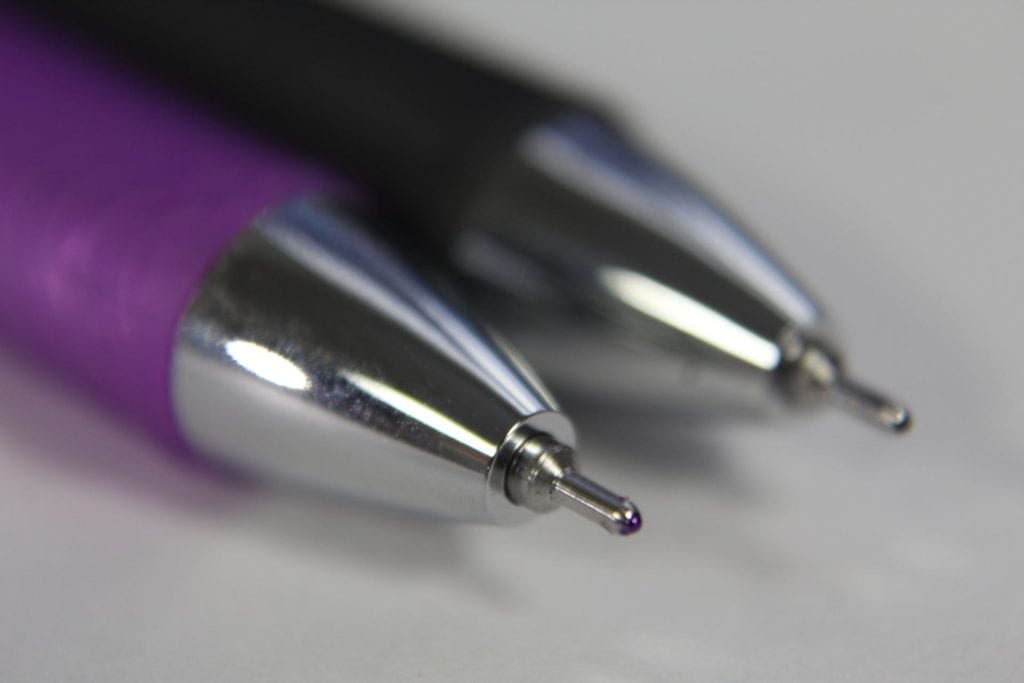
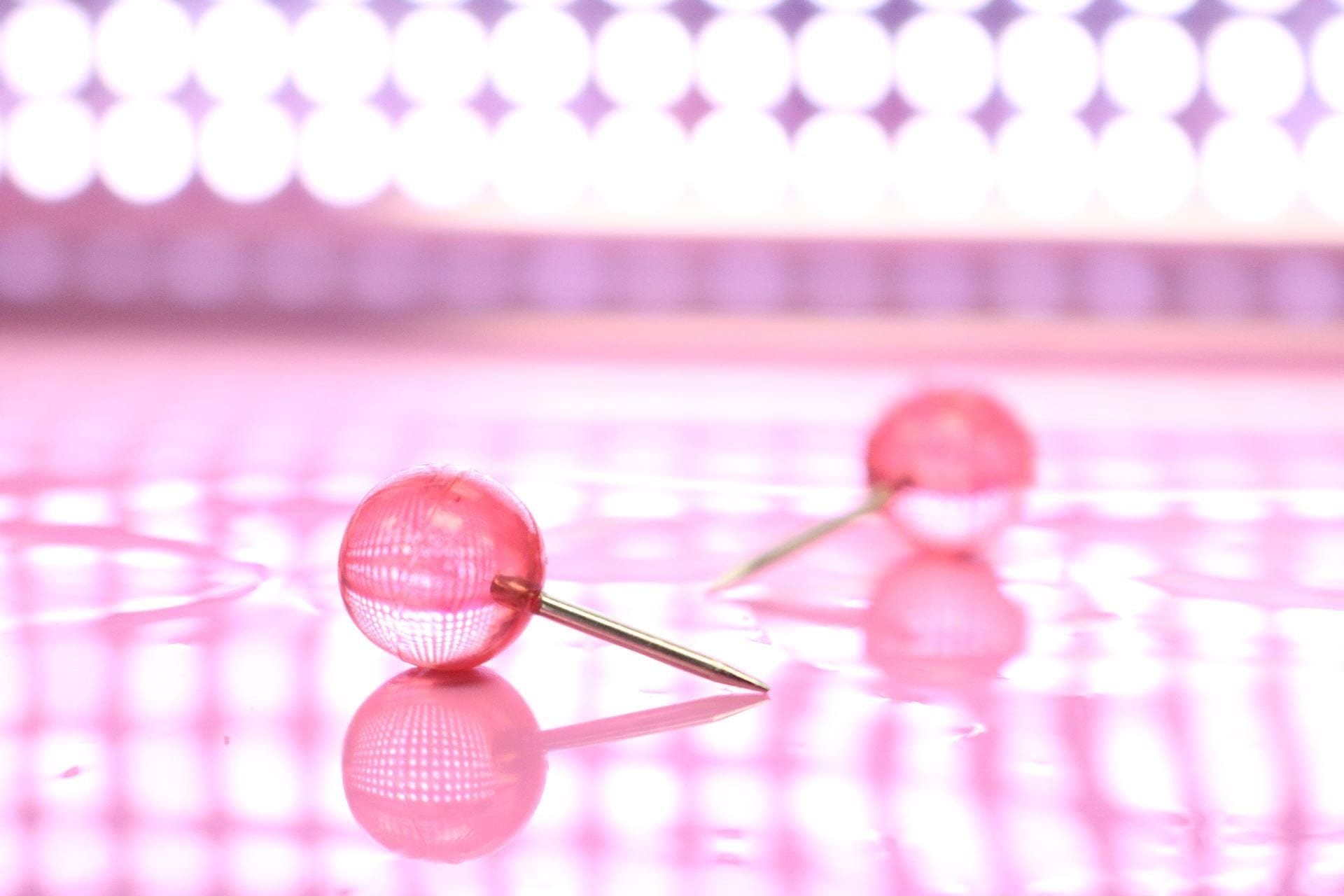
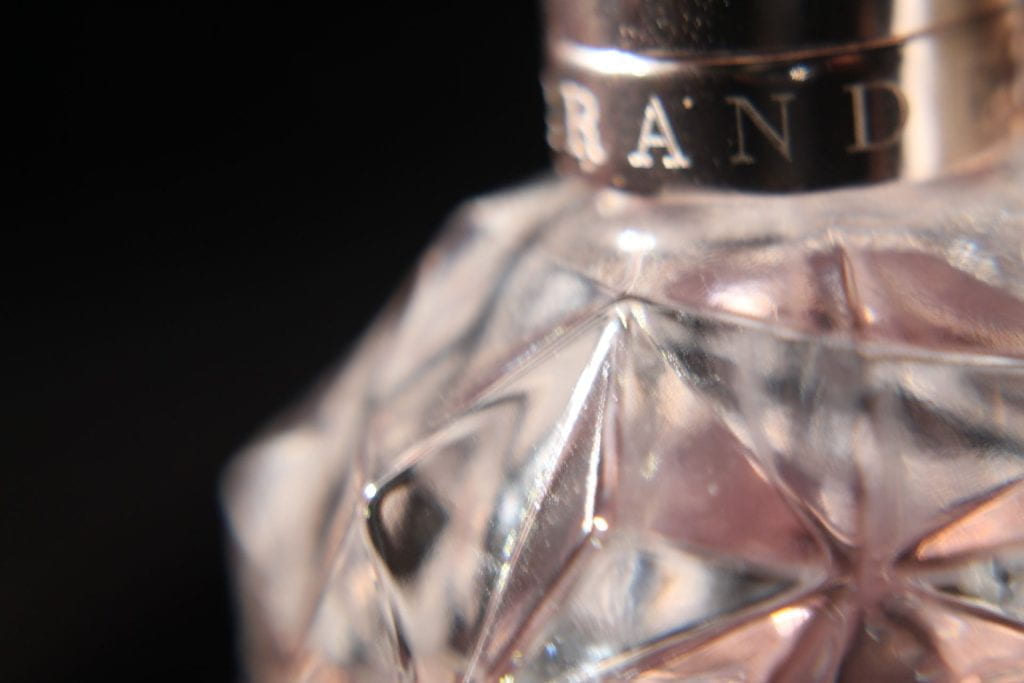
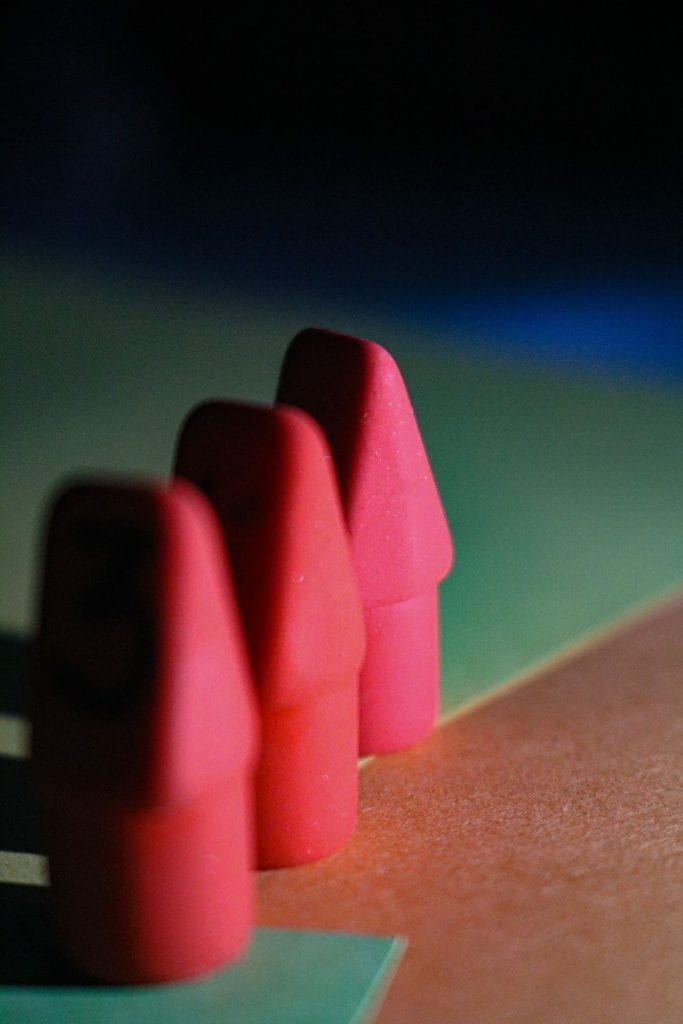
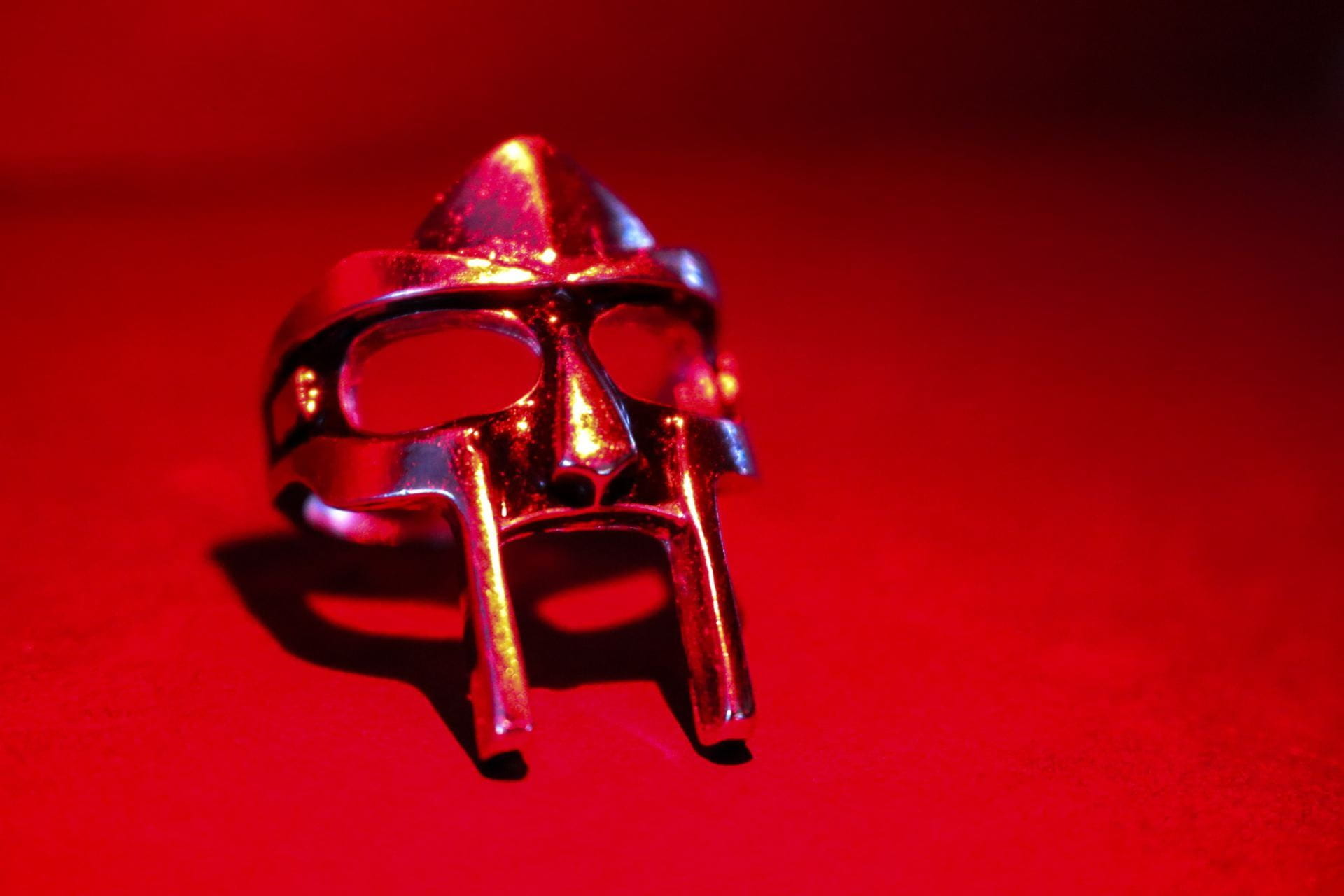
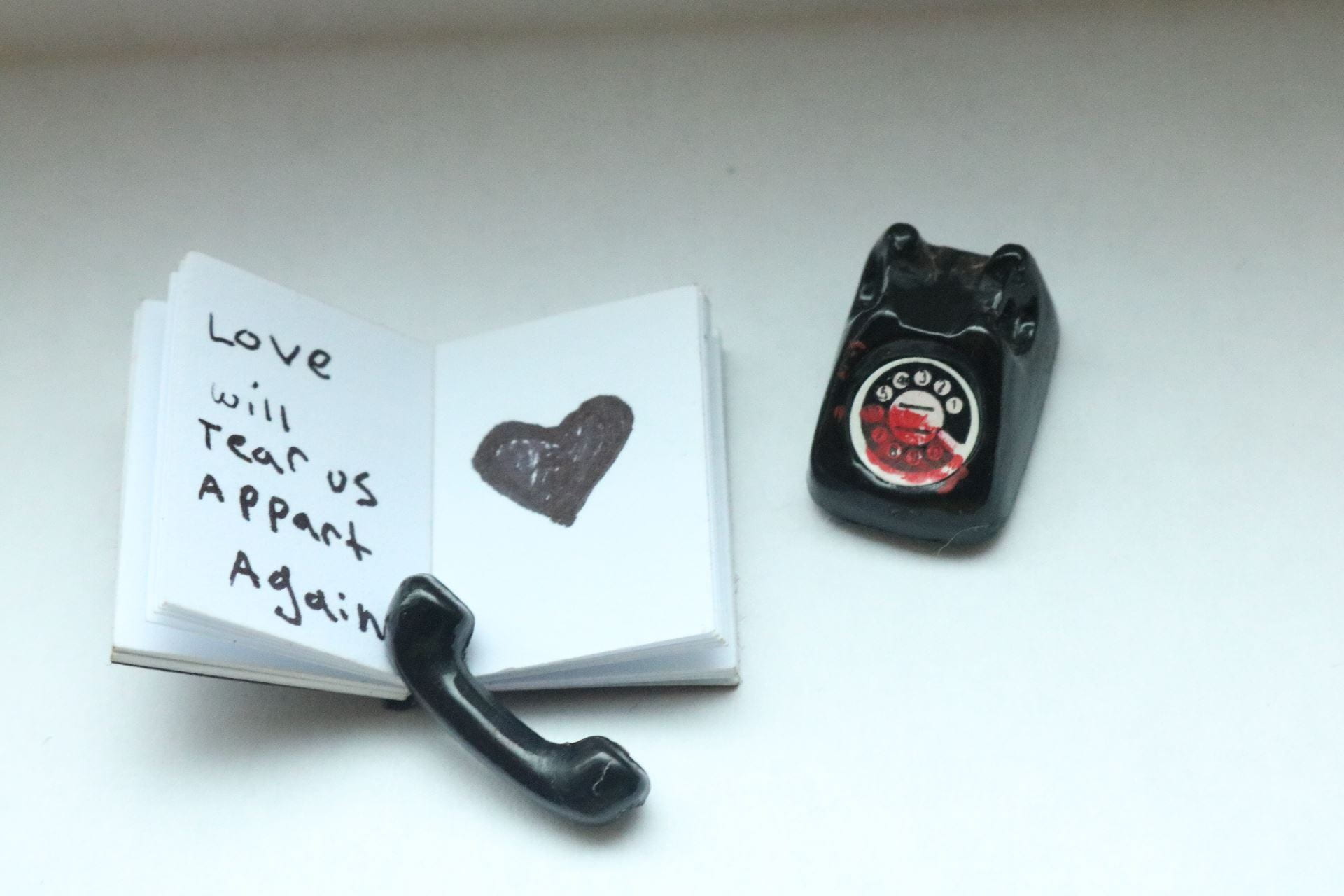
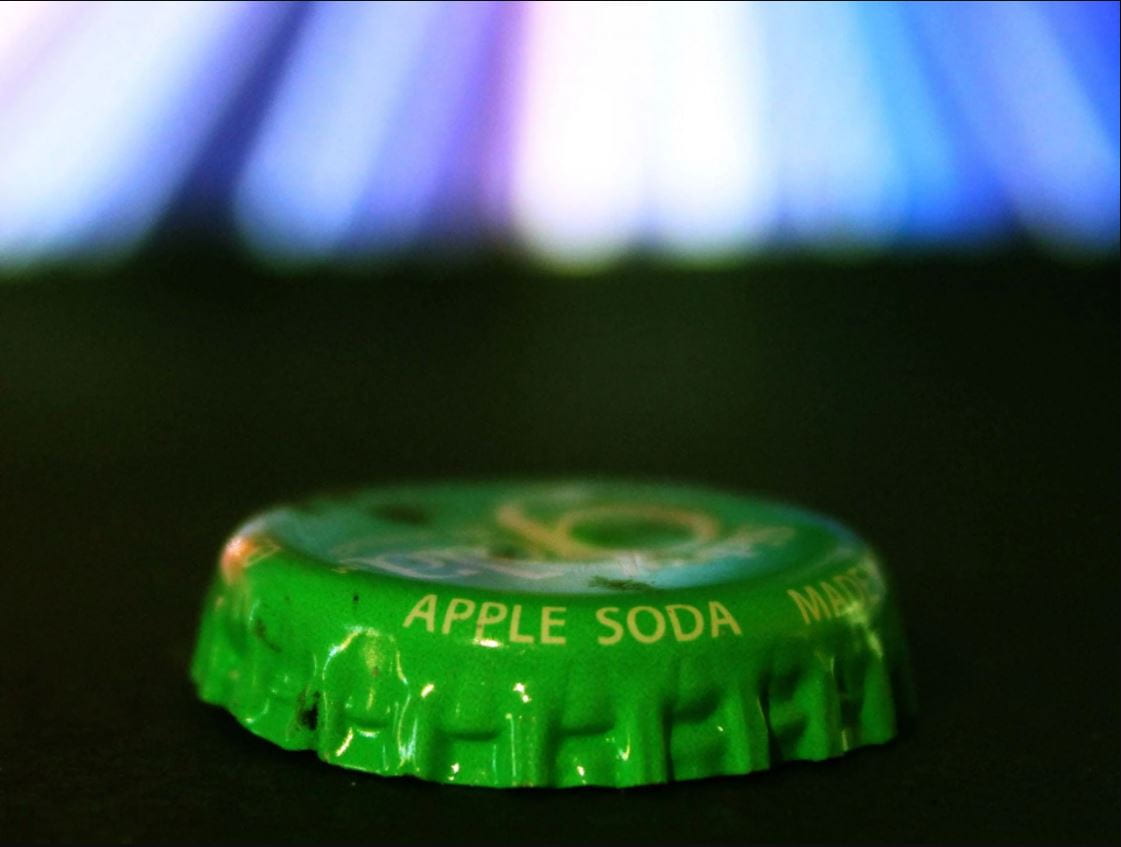
Larger Than Life: Macro Photography

Macro Photography PowerPoint with Tips & Tricks!

Project Due Monday Nov. 17th


What you’ll need:

  • various small items to photograph
  • a DSLR camera
  • a strong light source
  • backdrop/background
  • macro filter or macro tube extension (optional)
  • PATIENCE (not optional, lol)

In addition to the blog post instructions below, add a brief explanation to your viewers about what macro photography is and summarize 8 of the tips shared from the PowerPoint (there are more than 10 tips to choose from).

 

How to Check Your Camera Settings on Saved Photos

Posted in Advanced Photo Assignments

Outdoor Portrait Photography w/ External Flash

Outdoor Portrait Photography w External Flash

Due Tuesday Nov. 18th (scroll down for posting instructions)

Create the following types of portraits with your group. This is a group effort, so you will collaborate to get the best results. Take turns in each role: photographer, subject, assistant.

Each group member needs to save all the photos taken from the SD card after each shoot (not email!) and each of you will post to your own blog.

FOR EACH SCENARIO, TAKE A PHOTOS BEFORE AND AFTER THE FLASH TECHNIQUES! This way we can compare.

You will need to post the best 2 portraits from each technique to post along with their unedited ‘before” photo.

The techniques correspond to the videos you watched!


1. Creating soft lighting with on camera external flash + reflector.

The first video shows this technique! Place your subjects in open shade for this one.

Flash is on the camera but directed at reflector to bounce onto subjects.


2. Capture dramatic portraits outside with external flash.

This would be ideal when the lighting outside is a little dimmer (overcast or sunset). So for now, find some shady areas.

Besides the video, you can also use these article tutorials:

Outdoor Flash Photography Tips for Natural or Dramatic Portraits

Beginner’s Guide to Flash Photography – Tips, Tricks and Lessons


3. Invisible Black Background Outdoor Portrait.

You may need to use the long flash cord or the remote trigger for this one.

The third video showed the technique, but here’s the article tutorial as well:

https://glyndewis.com/blog/2021/8/4/the-invisible-black-background

Invisible Black Background-2


Posting instructions:

Create ONE organized blog post that will showcase all the photos above.

I recommend using 3 separate photo galleries (link to media file, columns 2, medium size).

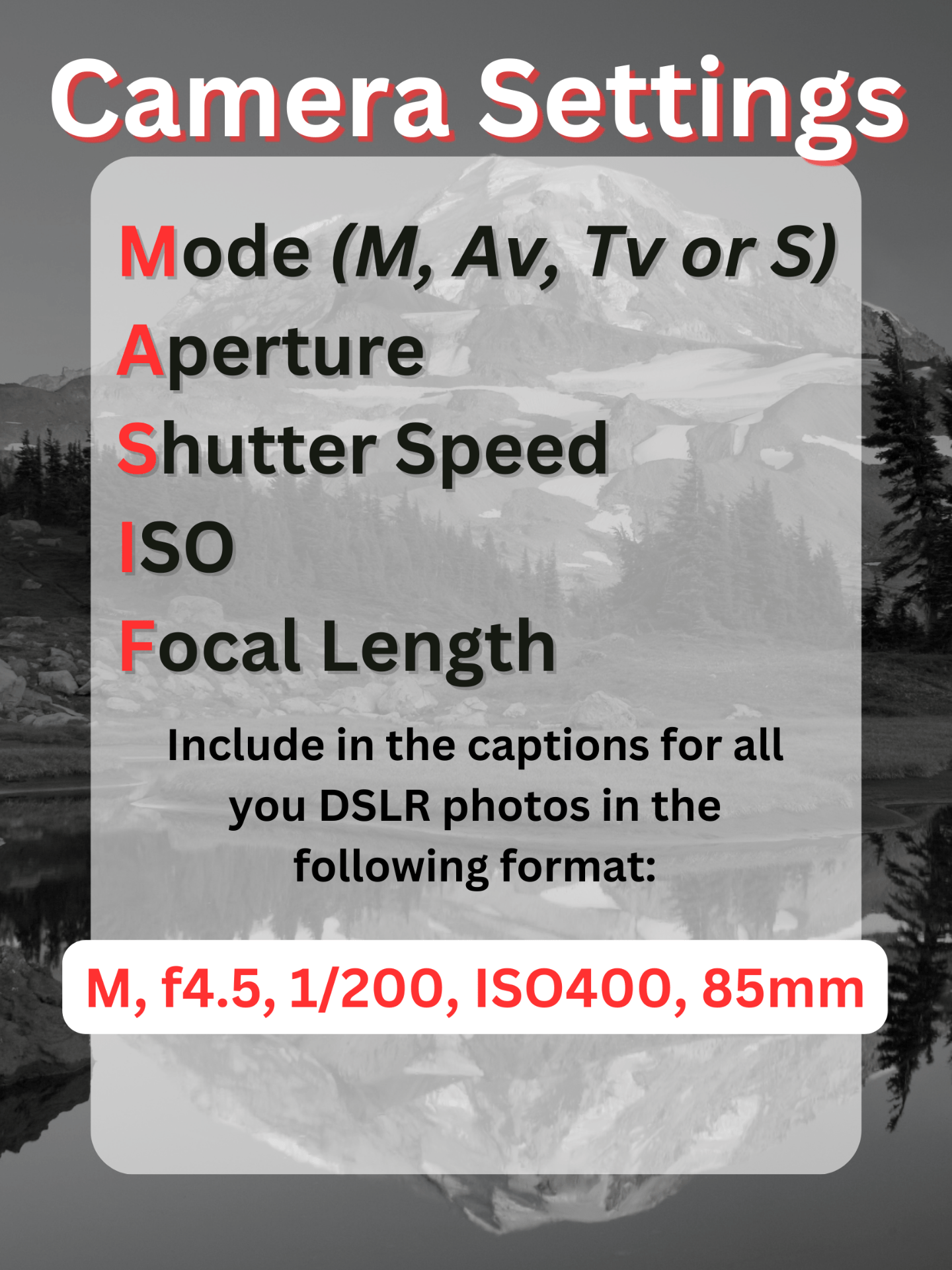
Be sure to indicate which series is which. Caption each photo with the camera settings used and add the word “before” and “after”. PLEASE list your settings in the following format or lose points!

For example:

  1. Creating soft lighting with on camera external flash + reflector.

Then add a gallery with your 4 photos: two portraits with flash next to their corresponding “before” portrait with no flash. Use 2 columns to have the before & after side by side.