Posted in Advanced Photo Assignments, Pathway Block

Adding Portfolio Page to Your Blog

Due Tuesday May 12th! (Same day as final exam!)

Create a new page on your student blog that contains a gallery with your best 6-8 photos from the year!

Instructions in 3 parts…

Part 1:

  • Click the”+ New” sign at the top but select PAGE instead of post.
  • Title your Page “My Photography Portfolio”.
  • You can Publish it for now.
  • When ready, add a gallery with your best 6-8 photos you created this school year. You choose # of columns, size= medium/large/full size, link to=media file.
  • Add a couple paragraphs that explain what your photographs are about and what type of photography or projects you enjoyed the most.

Part 2:

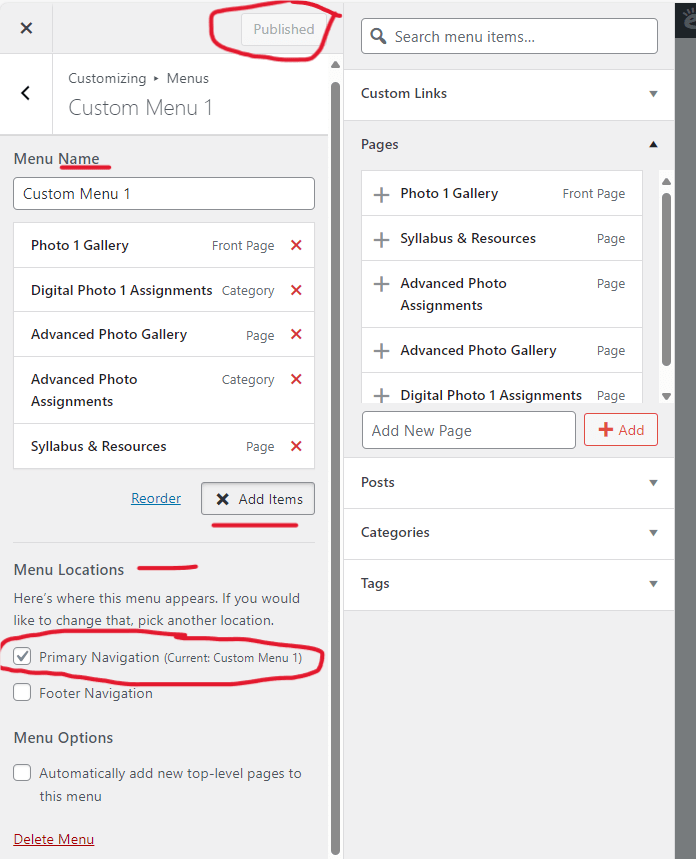
  • Go to “Customize” at the top of your published site.
  • Click “Menus”
  • Click “Create New Menu” and name it “Menu 1” and click Next.
  • Click “Add Items” and another box with your pages will open up.  Add your home page and the portfolio page you just made.
  • In Menu Locations select “Primary Navigation”.
  • Finally, click “Publish” on the top right to make your changes on your blog.

Part 3:
  • In the Customize menu, click on Homepage Settings.
  • Click on “A static page”.
  • Set your Photo Portfolio as the Homepage and your assignments page as your “Posts Page”.
  • Click Publish again.


Posted in Advanced Photo Assignments, Pathway Block

Shutter Drag Experiments

Shutter Drag Experiments

What is shutter drag??

“Dragging the shutter” is a technique in which you combine the stop-action of a flash with a slow shutter speed.

It also requires movement created by the subject or movement of the camera by the photographer.

Instructions:

You will need a group to collaborate with.

Using the techniques observed in the assigned Edpuzzle videos, create a series of shutter drag photographs with the help of your group members.

Everyone takes a turn as photographer.

Everyone will save all the photos from their group’s SD memory card.

*Suggested* settings:

  • Manual Mode
  • ISO 200
  • Aperture f-stop: around f8f12
  • Shutter speed 1/10, 1 second, or 2 seconds
  • For flash: try various output levels
Posted in Pathway Block

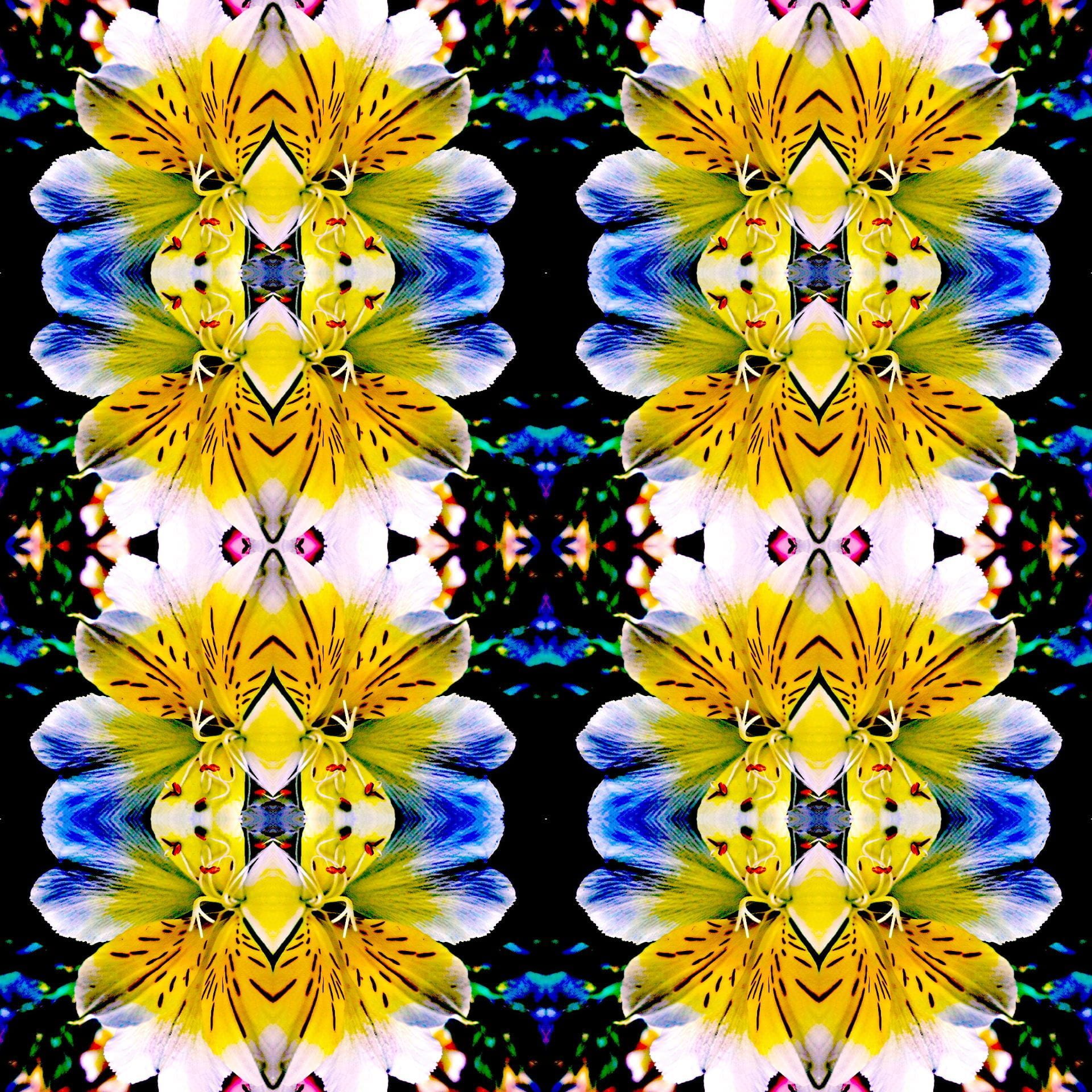
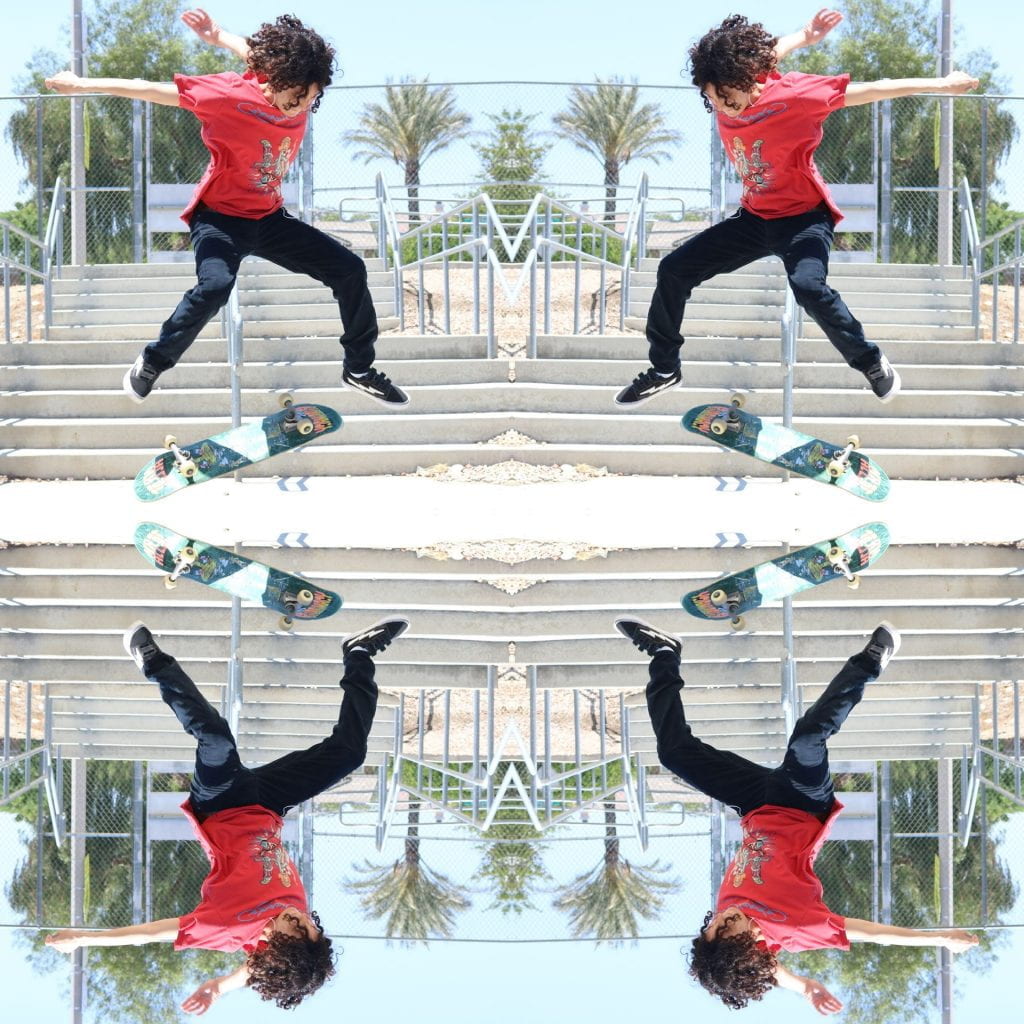
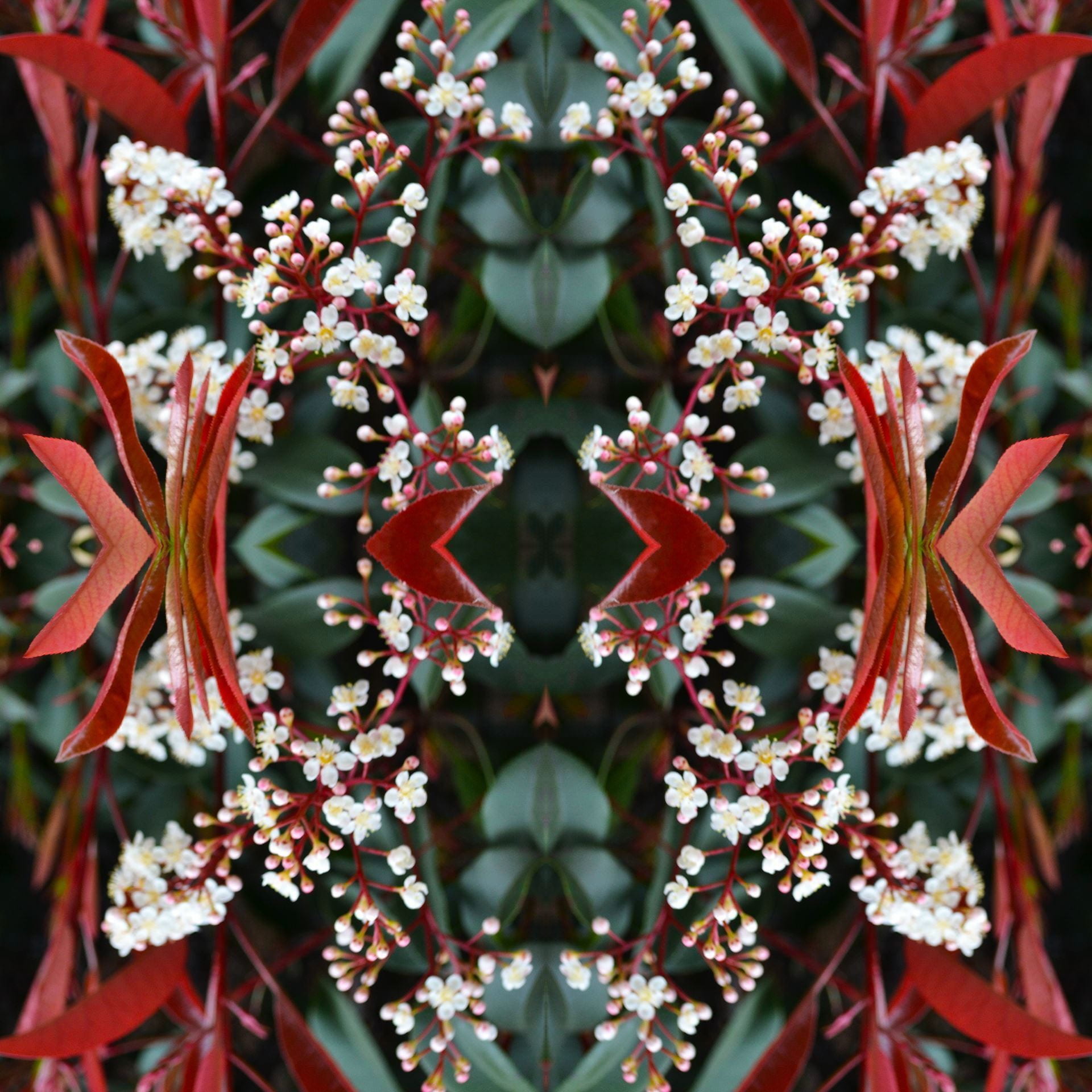
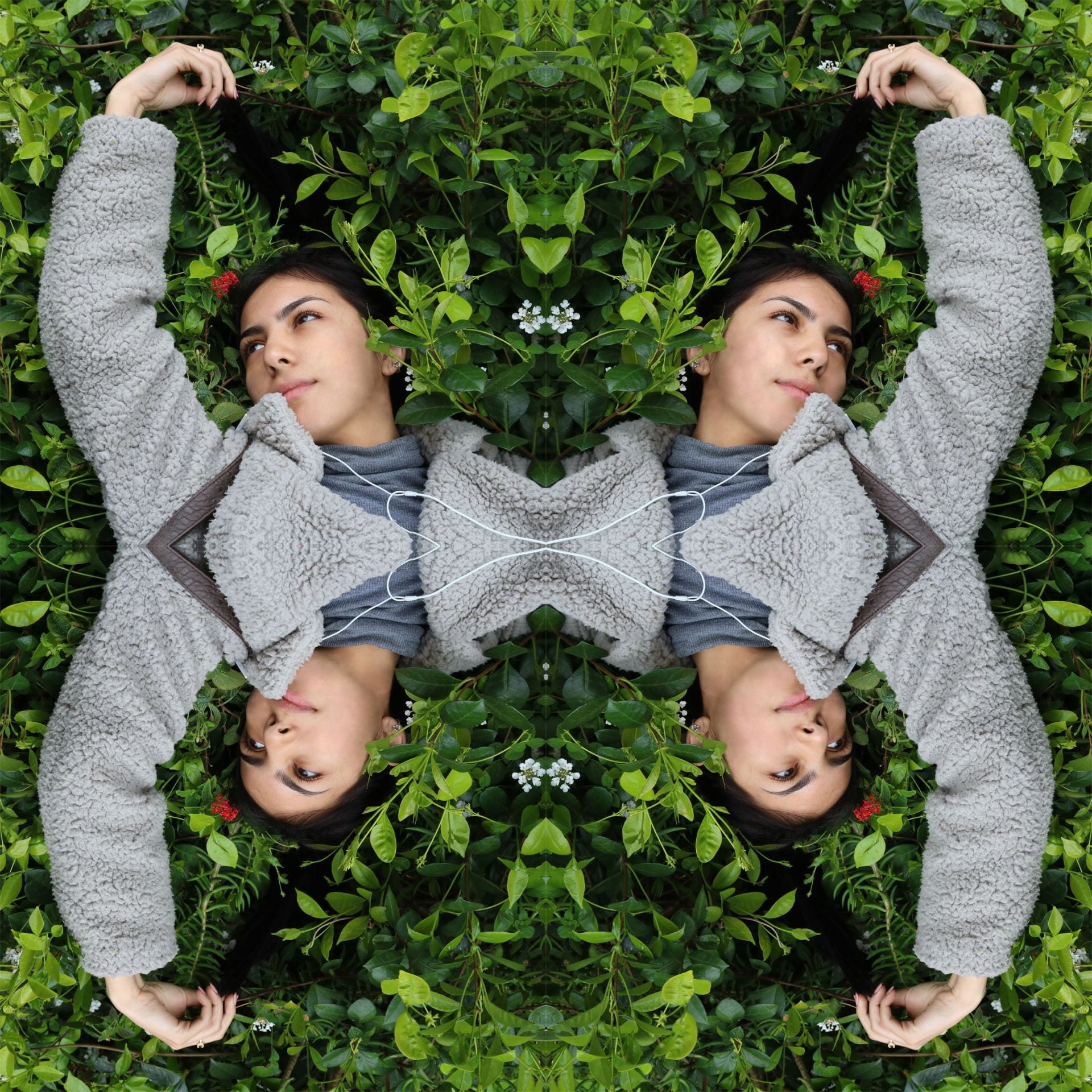
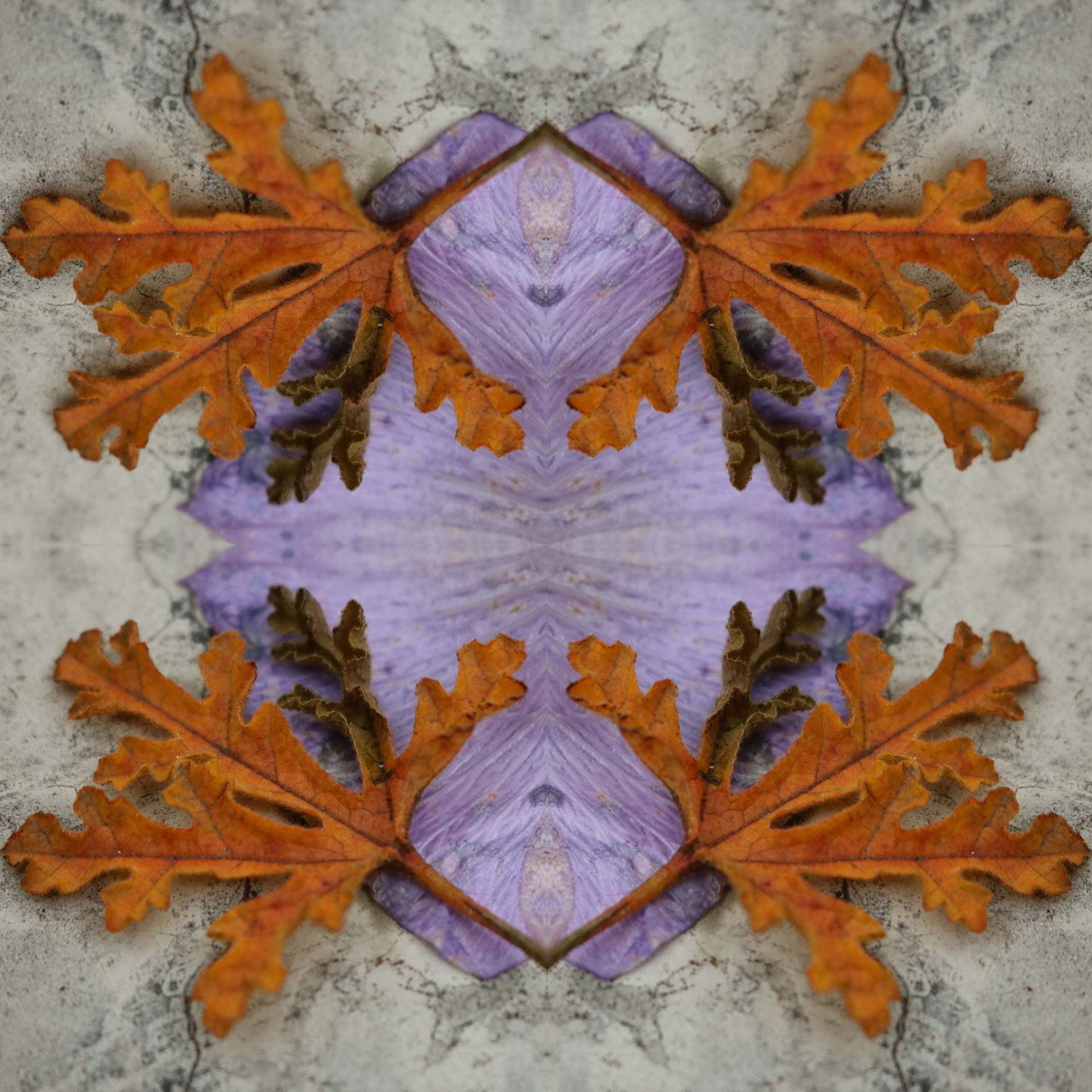
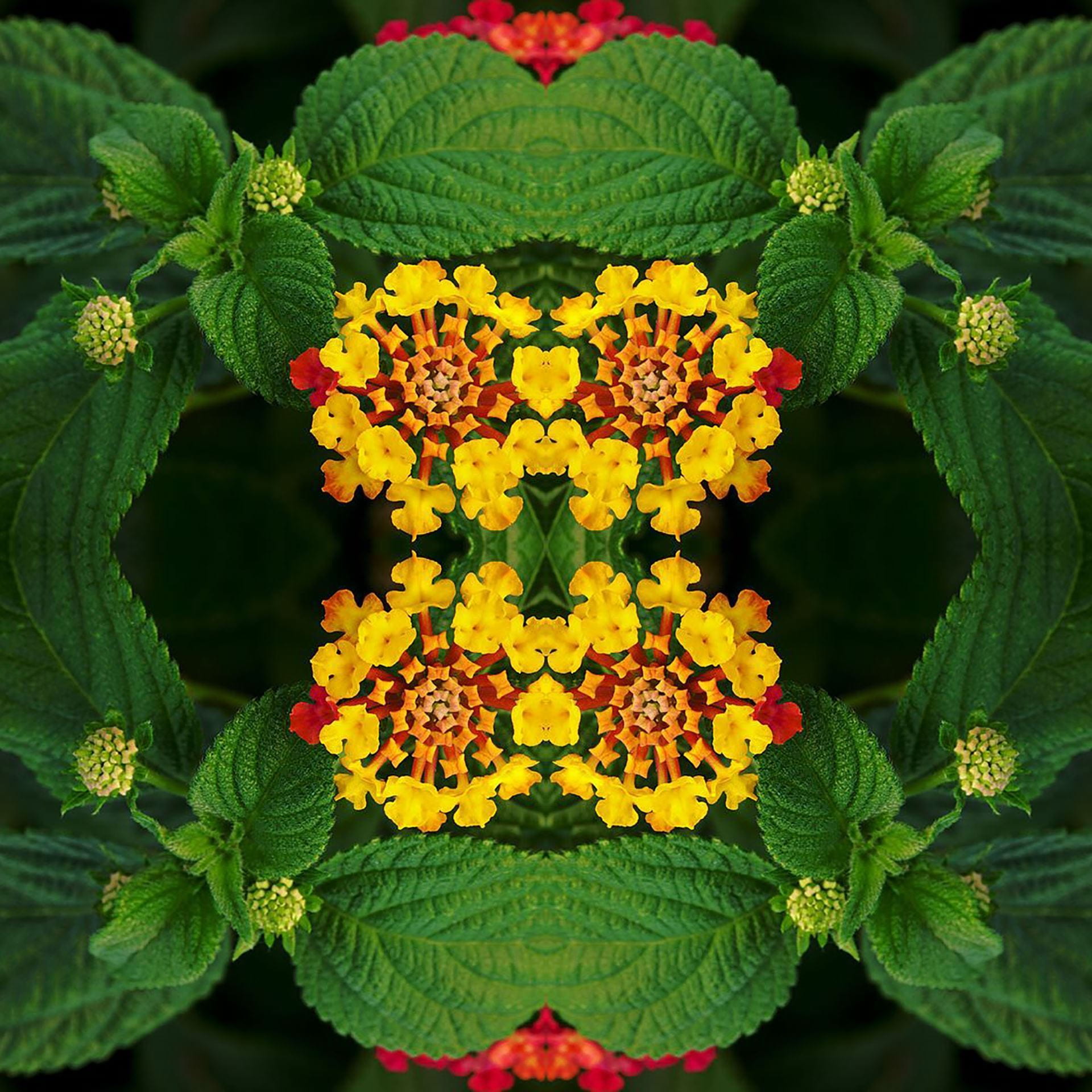
Super Symmetry Using Photoshop

Today’s Agenda:

  • Check your grade on Q! Progress reports due this Friday!
  • Complete past due work.
  • Begin Super Symmetry Project! Due by Monday.

Creating Super Symmetry!

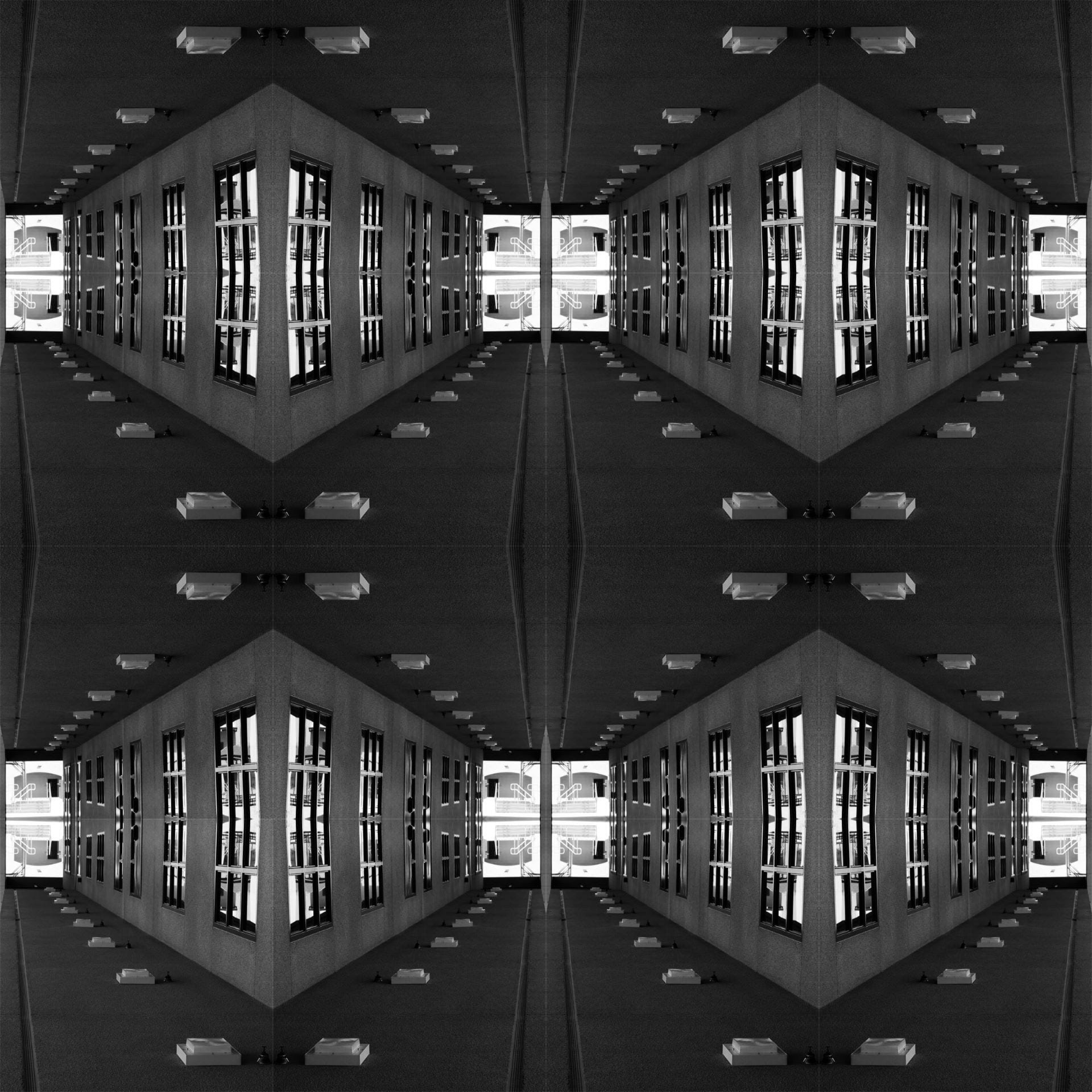
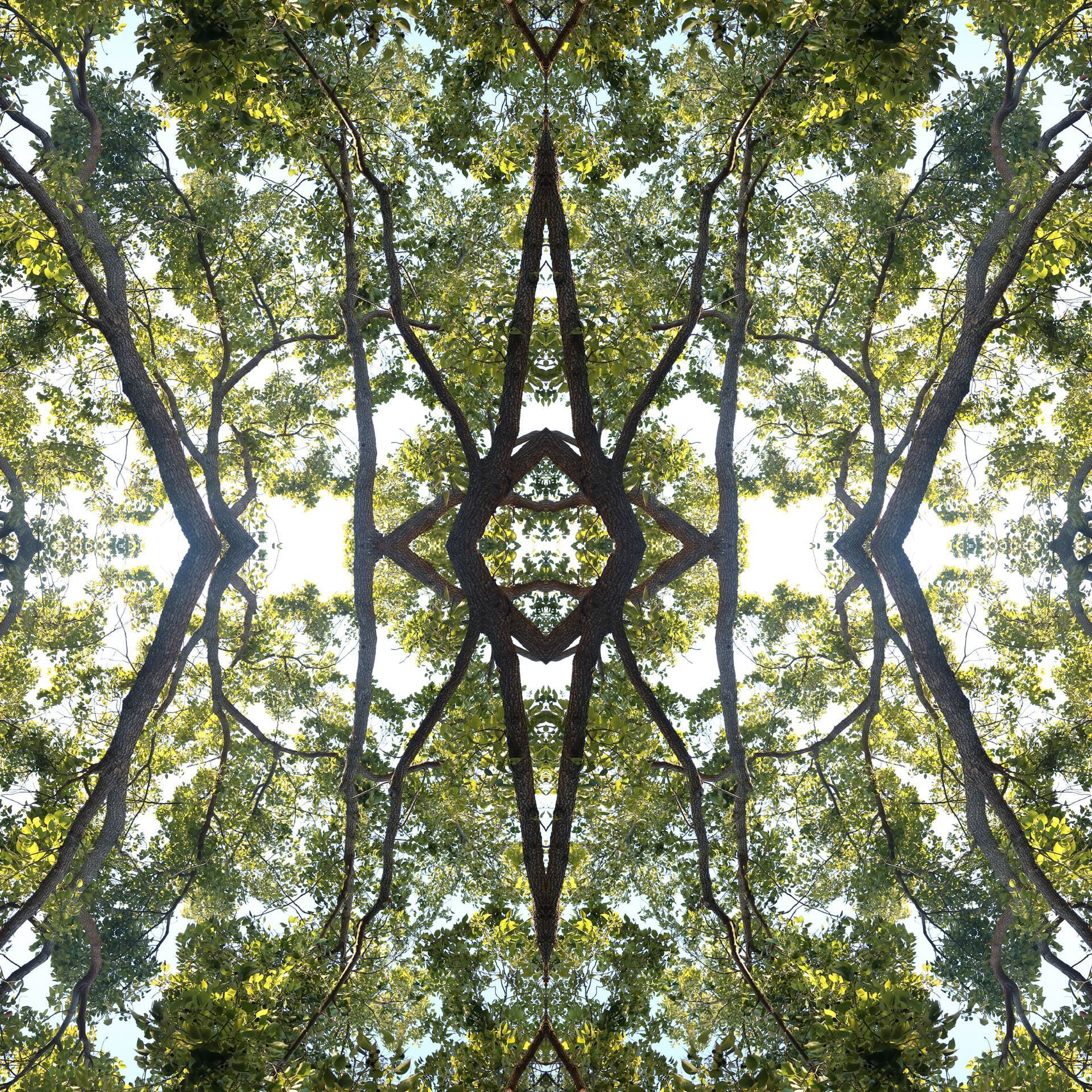
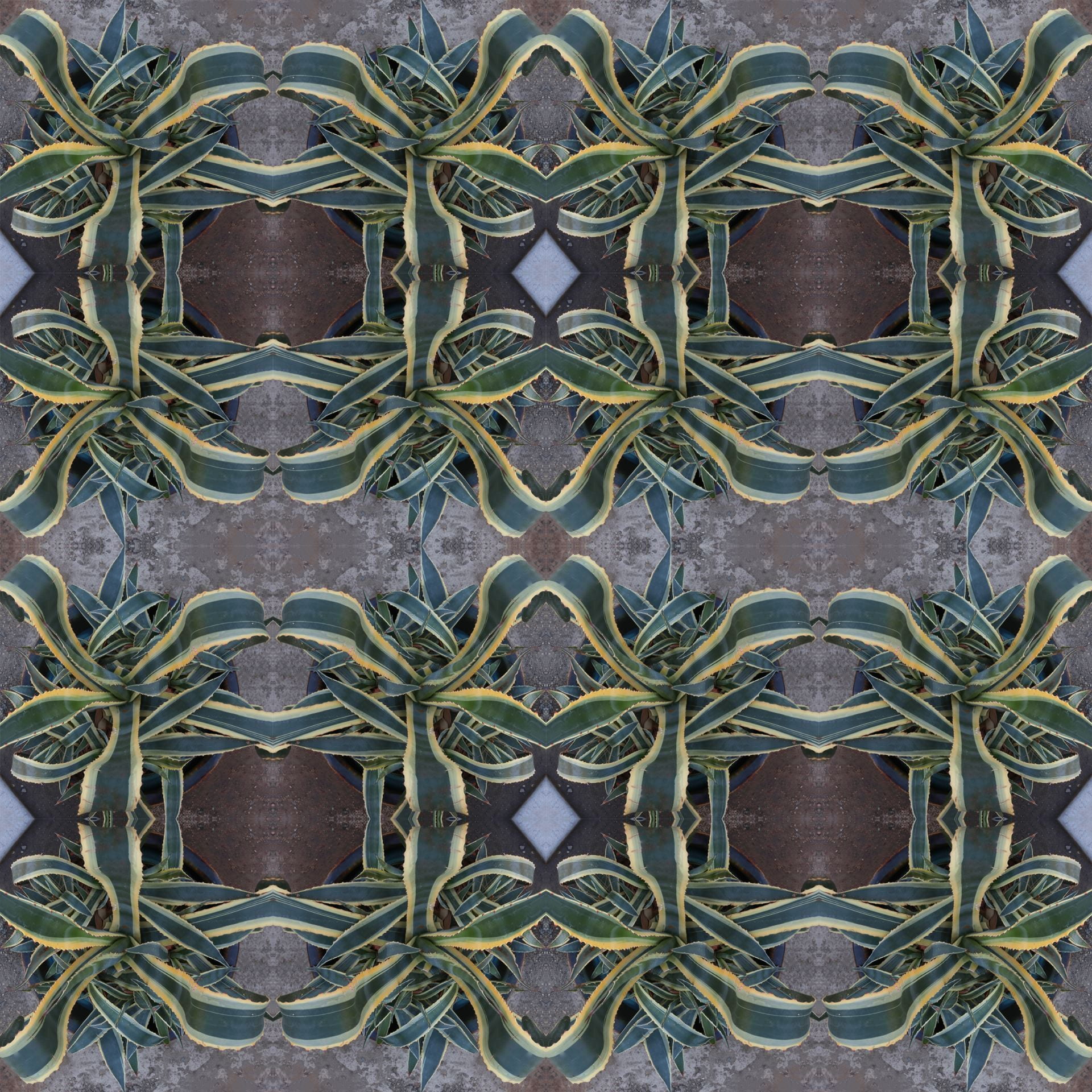
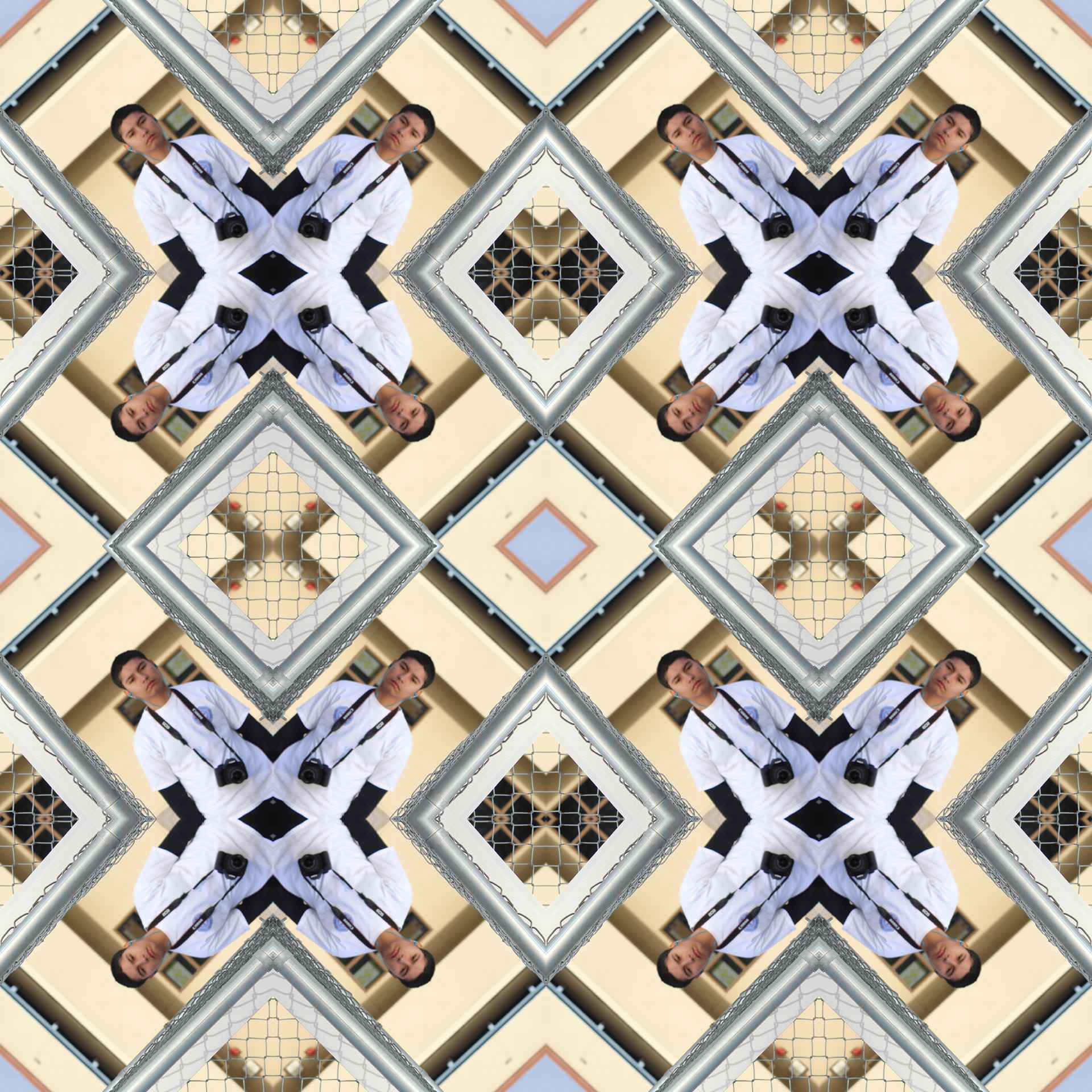
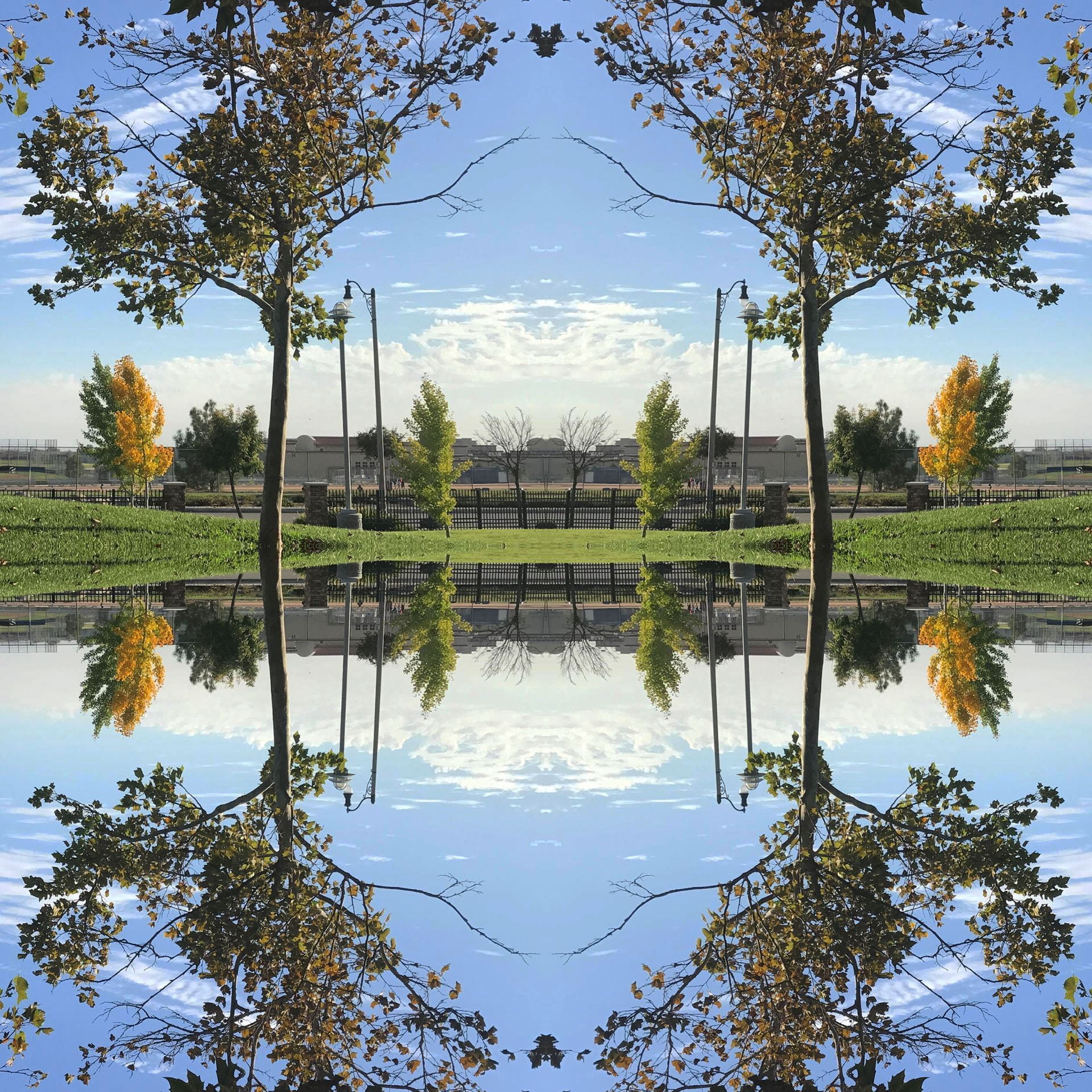
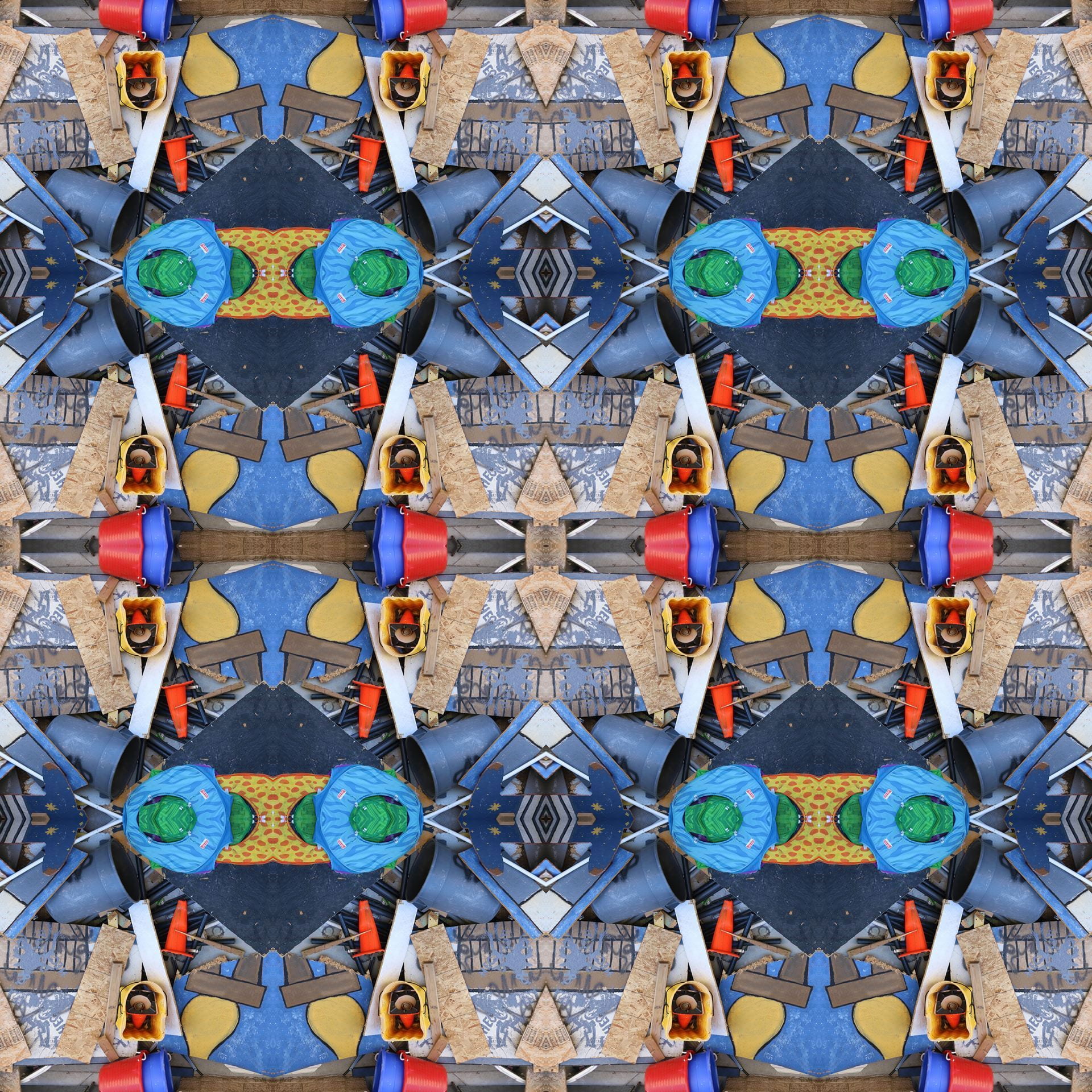
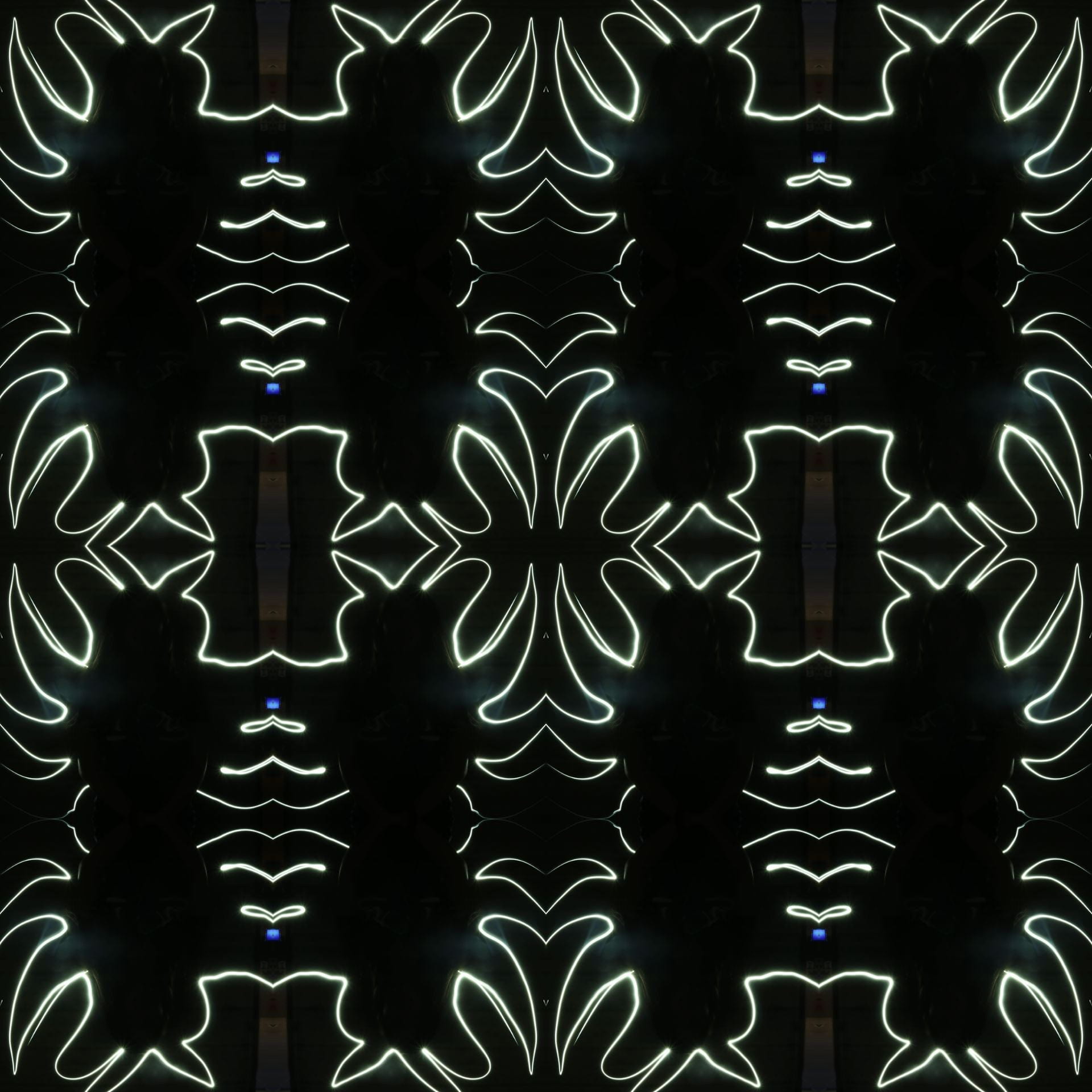
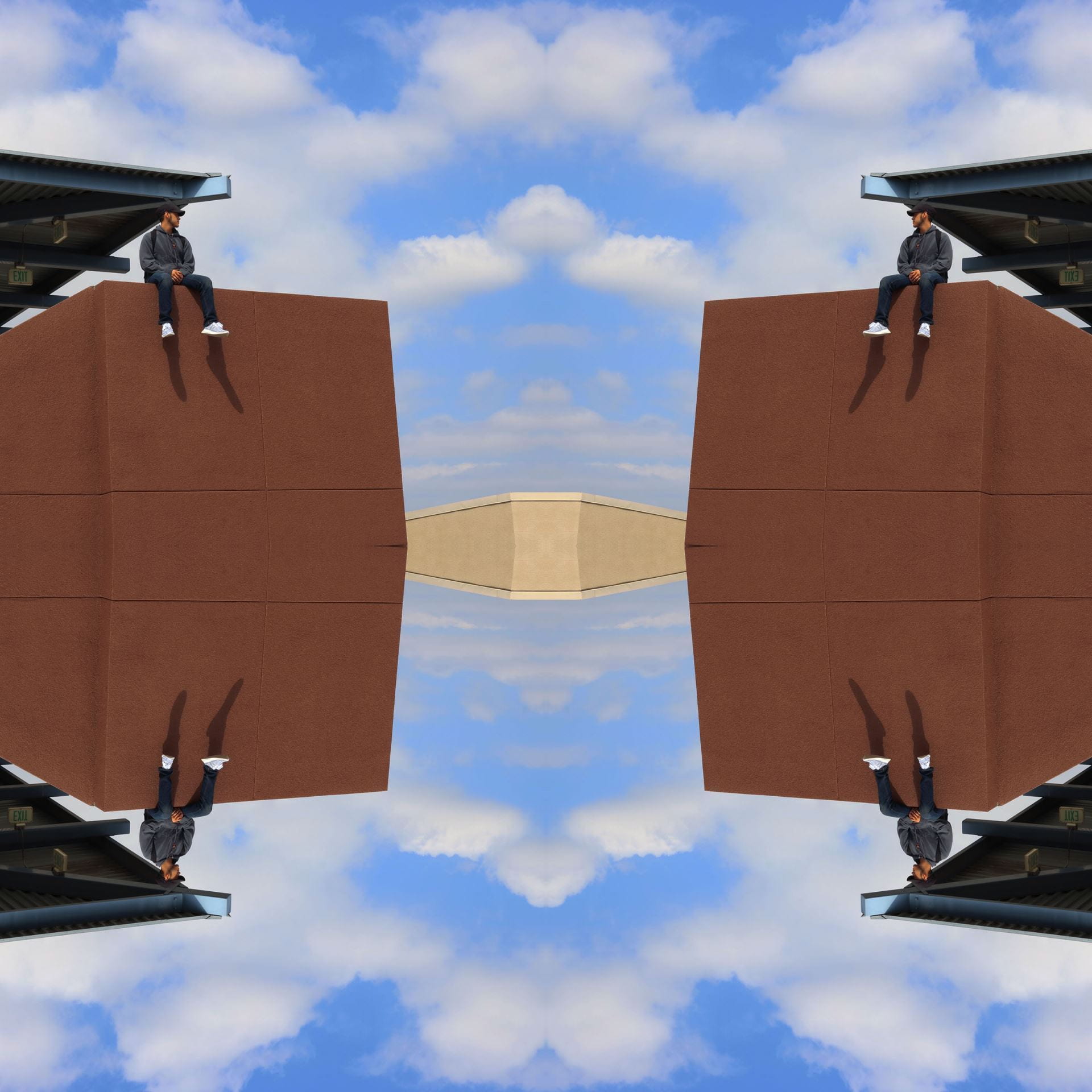
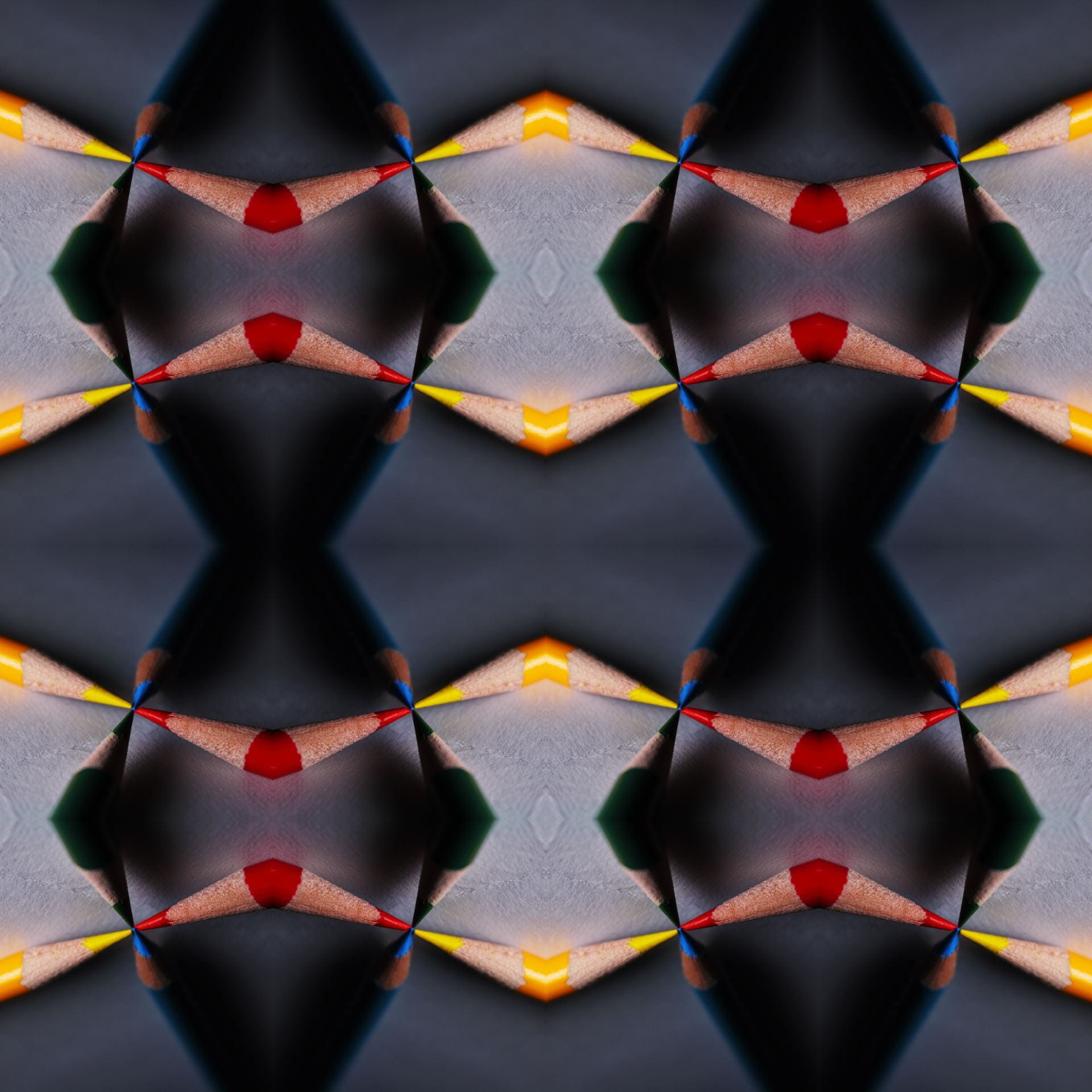
Instructions: Create a 4-inch design using the video tutorial provided.

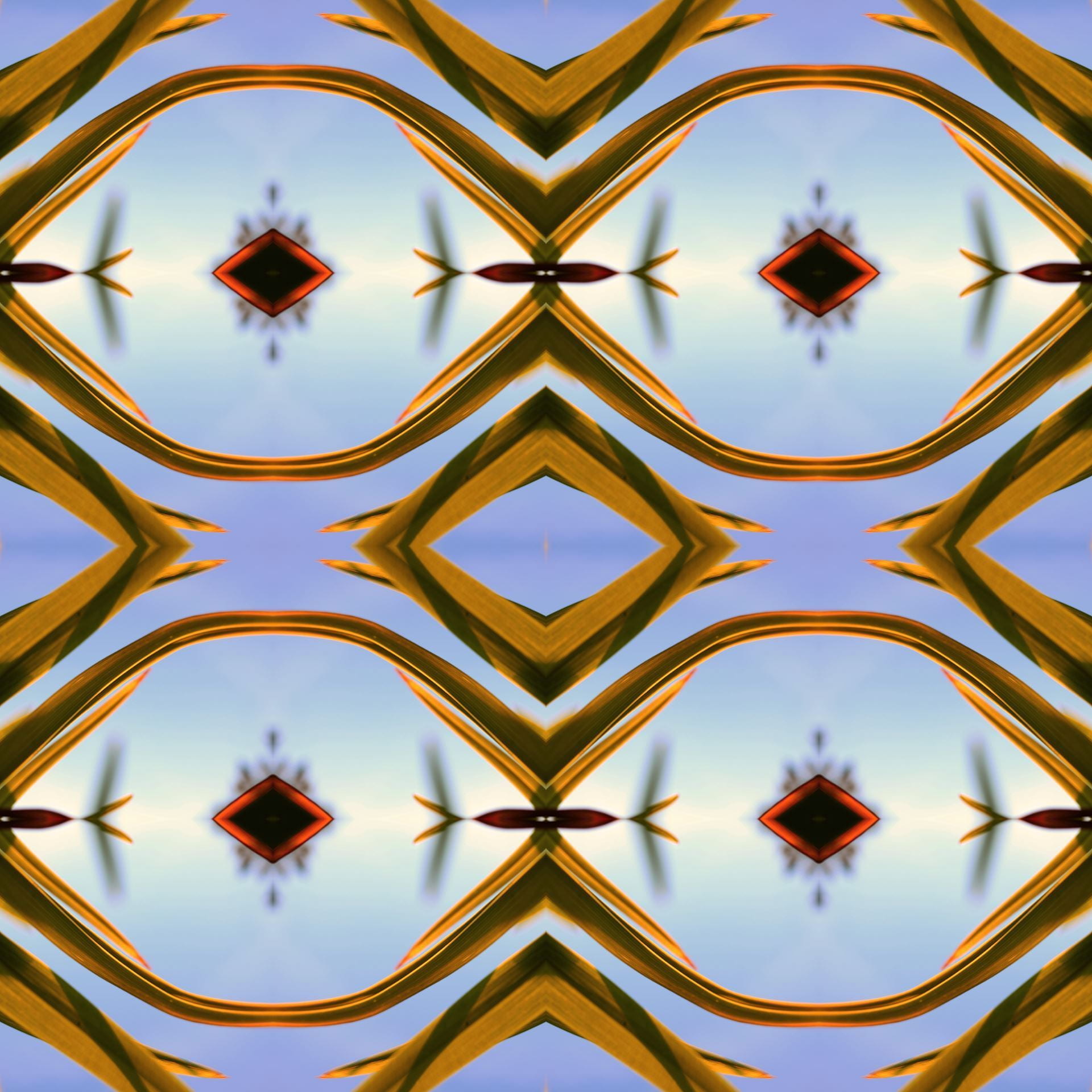
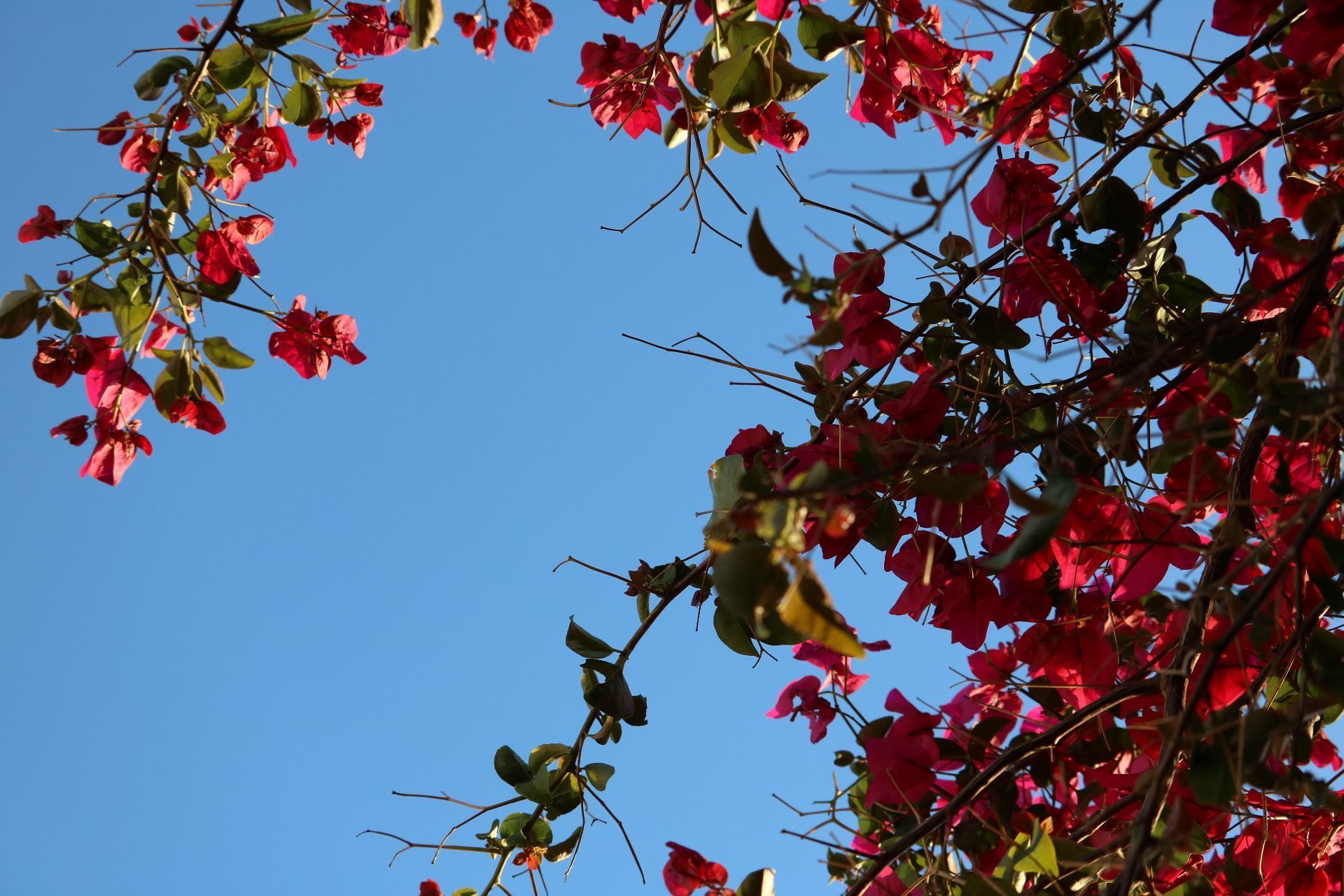
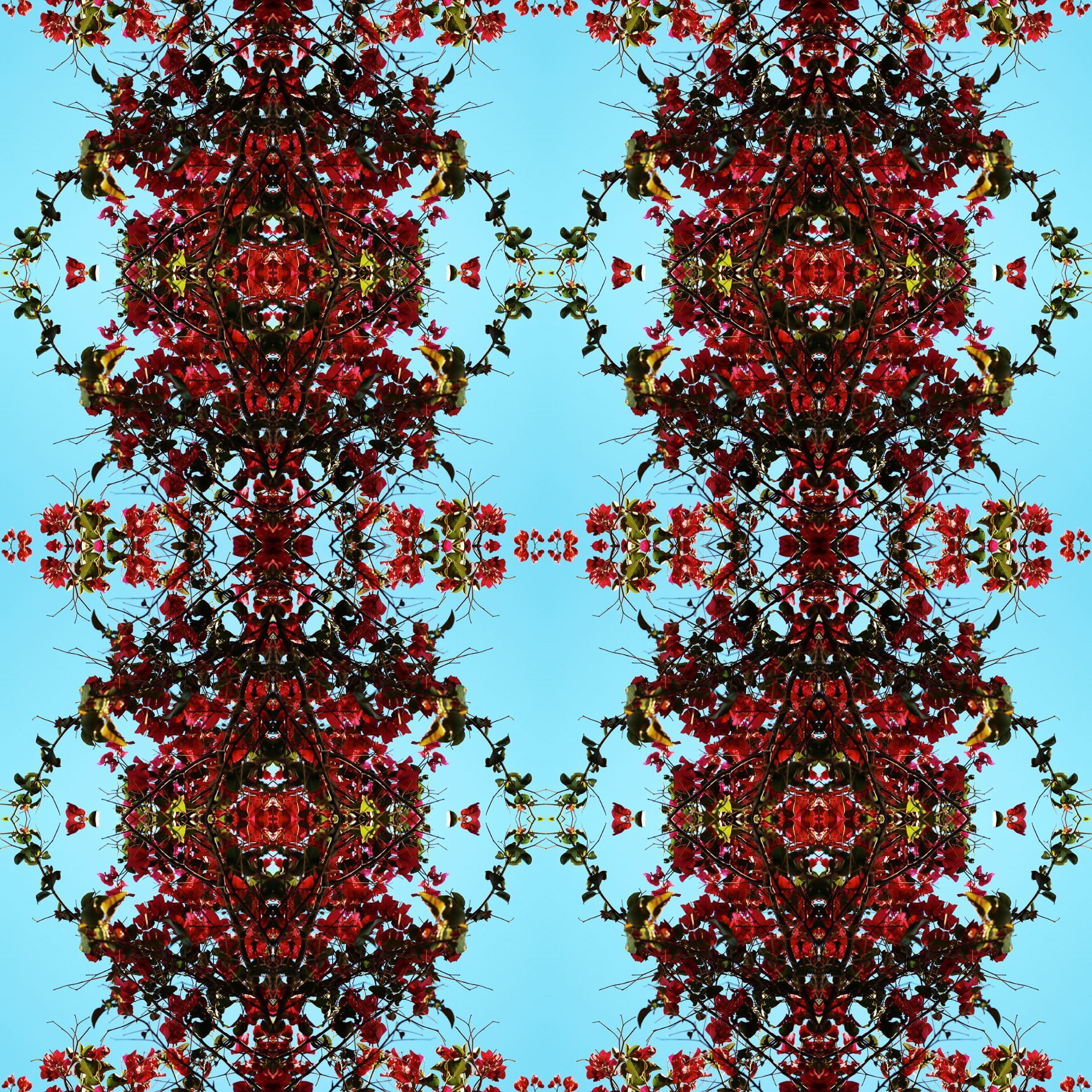
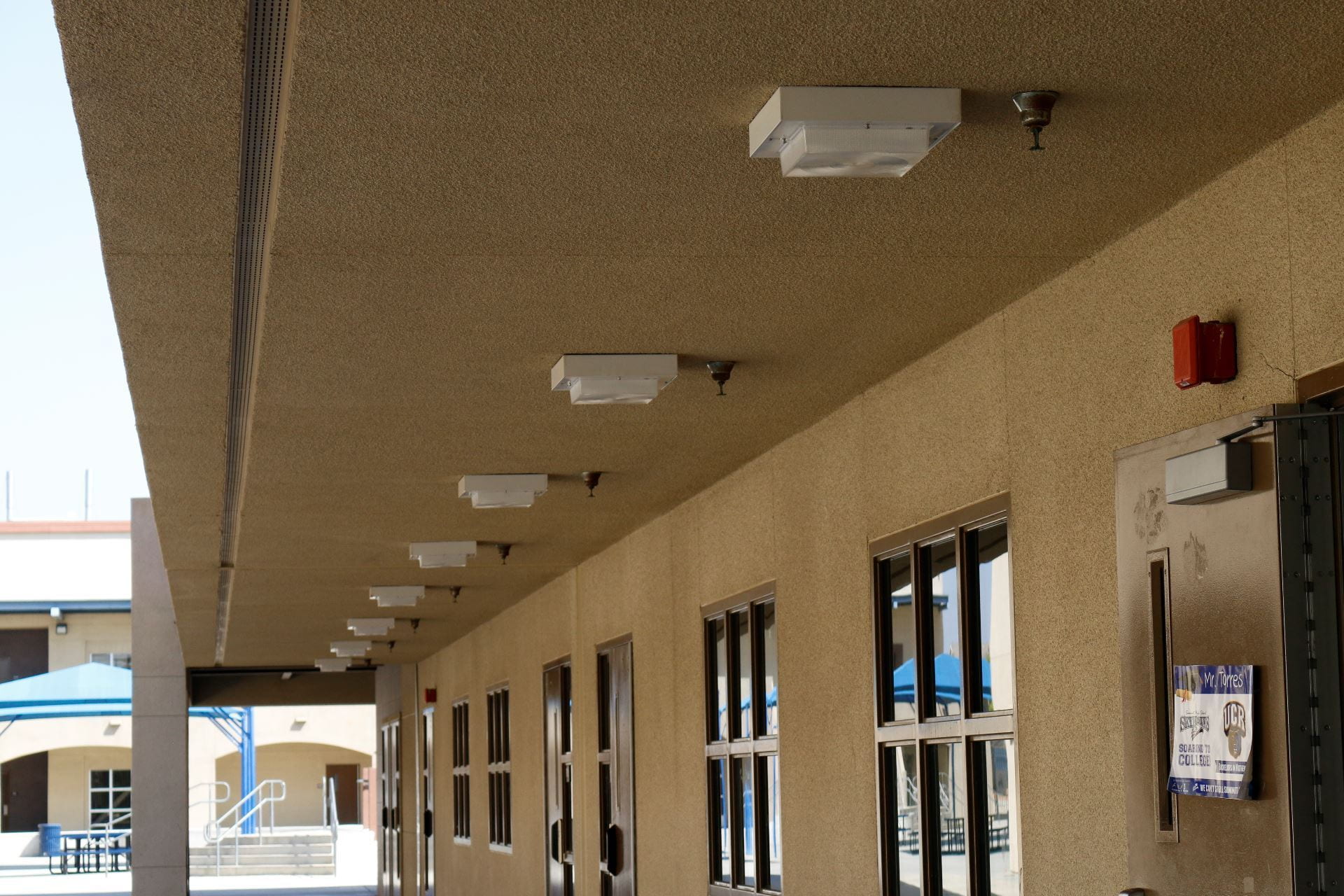
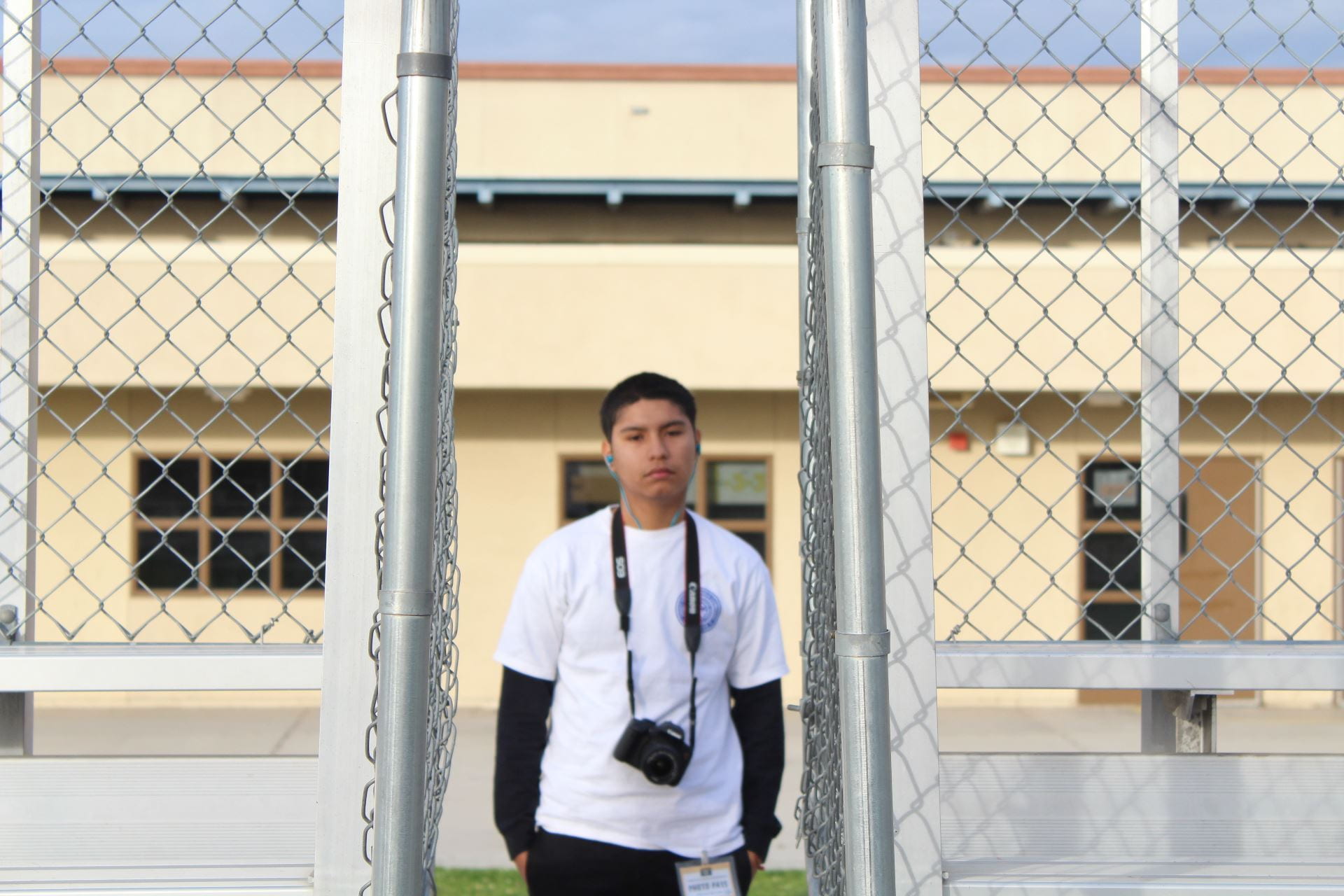
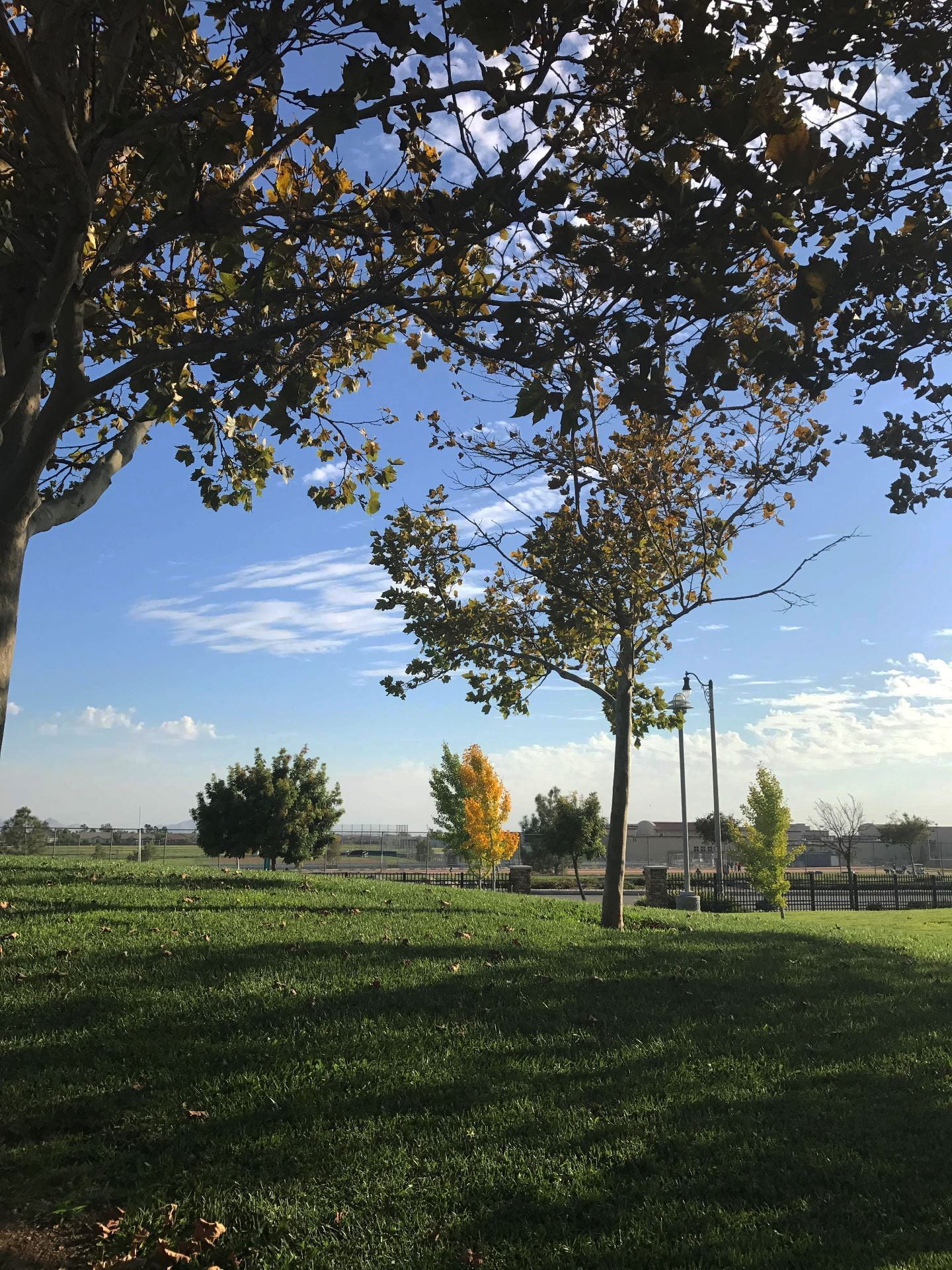
Use your own photography for this. Photos that have elements reaching the edges of the frames work best. Check out the examples below.

Click here for video tutorial!


Posting instructions:

Post your jpeg on your blog: size large, link to media file.

Then also post the original photo you used so we can see how you transformed it!

Want more of a challenge? You can also create a 2 inch design instead of the 4 inch that you just learned.

Student examples of 4 and 2 inch symmetrical designs:


Posted in Pathway Block

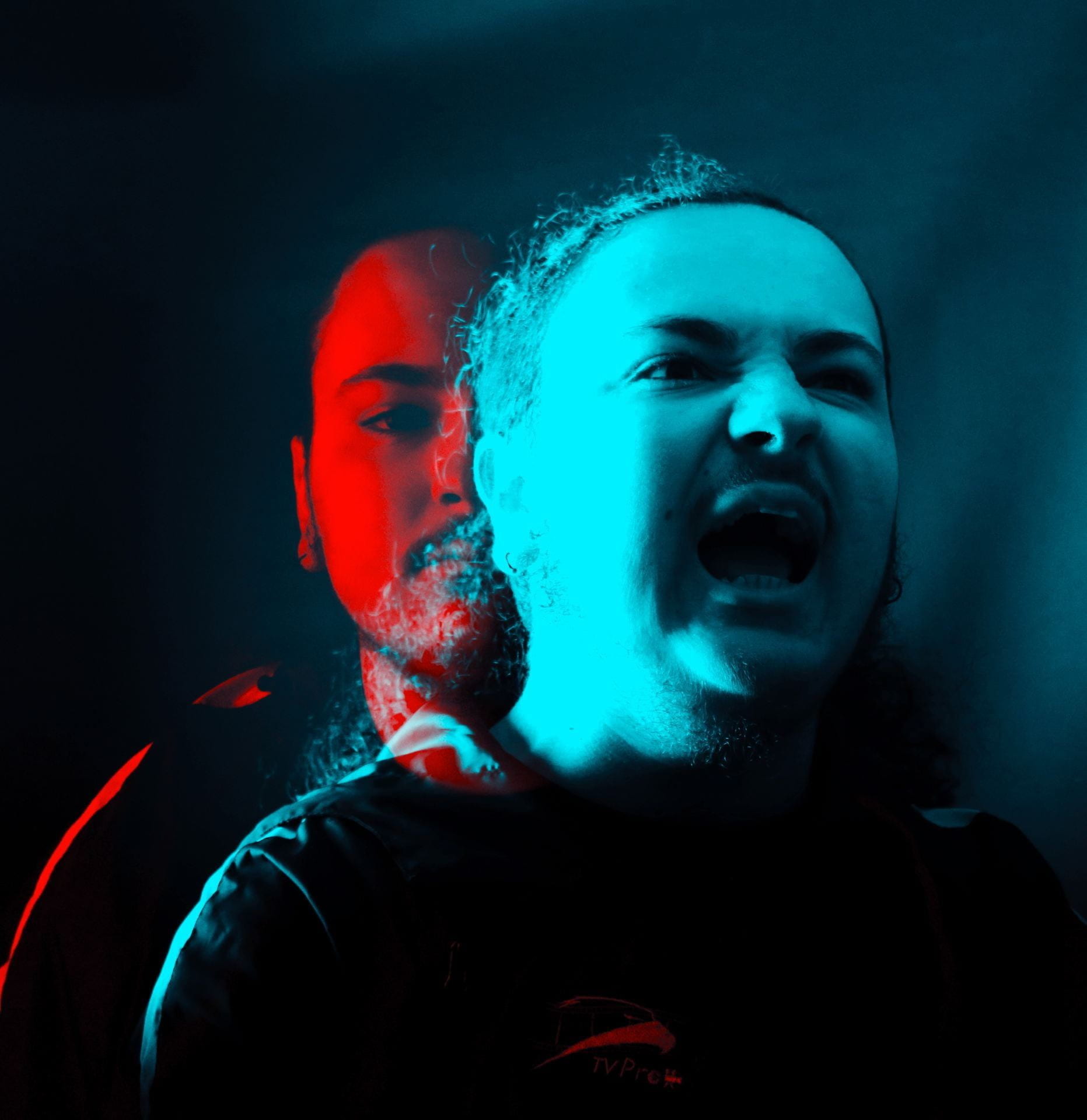
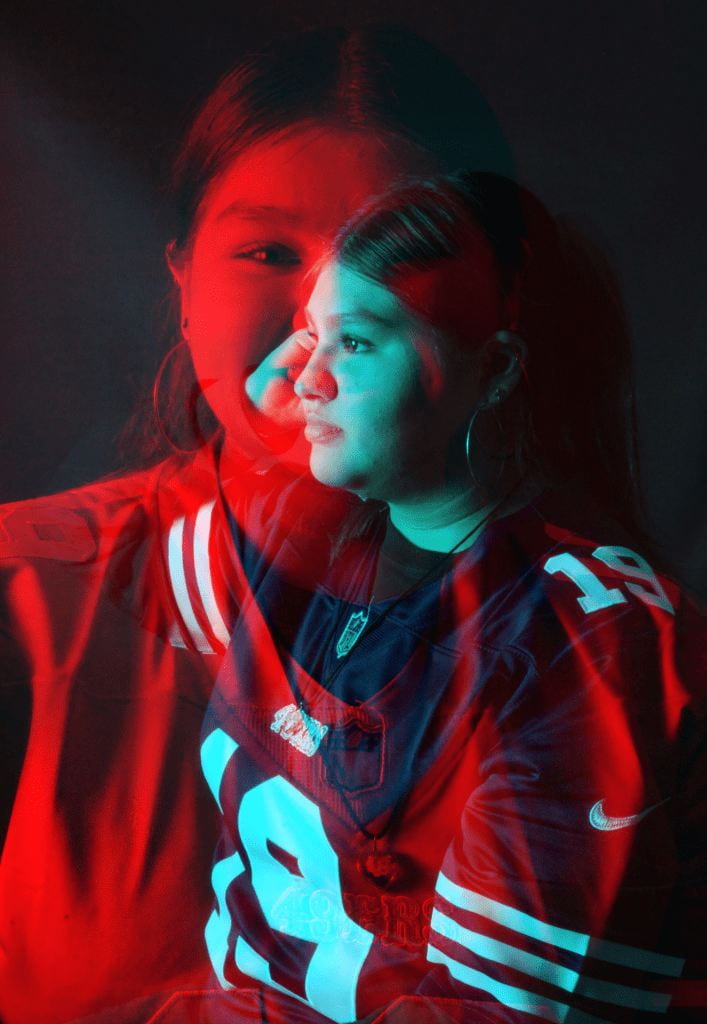
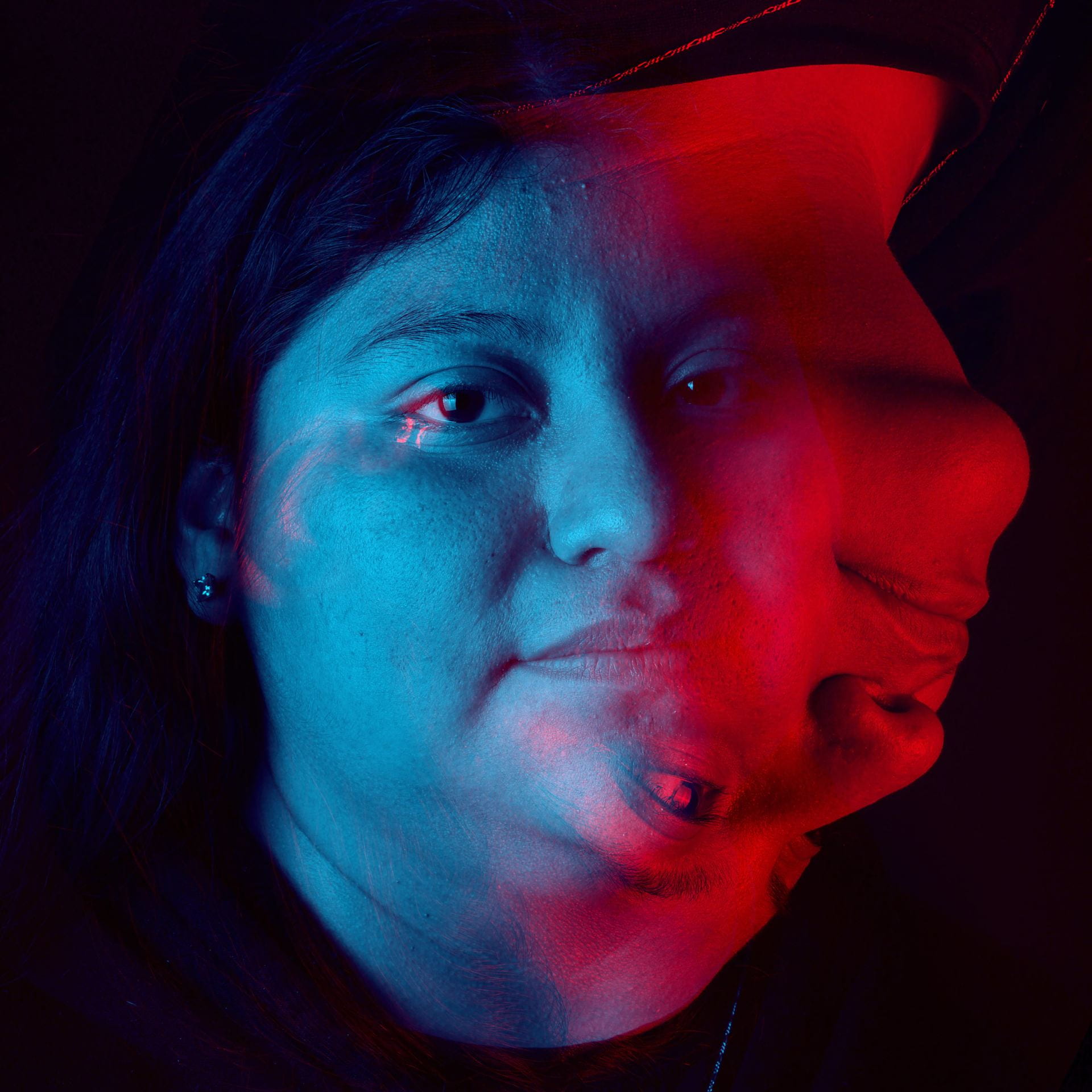
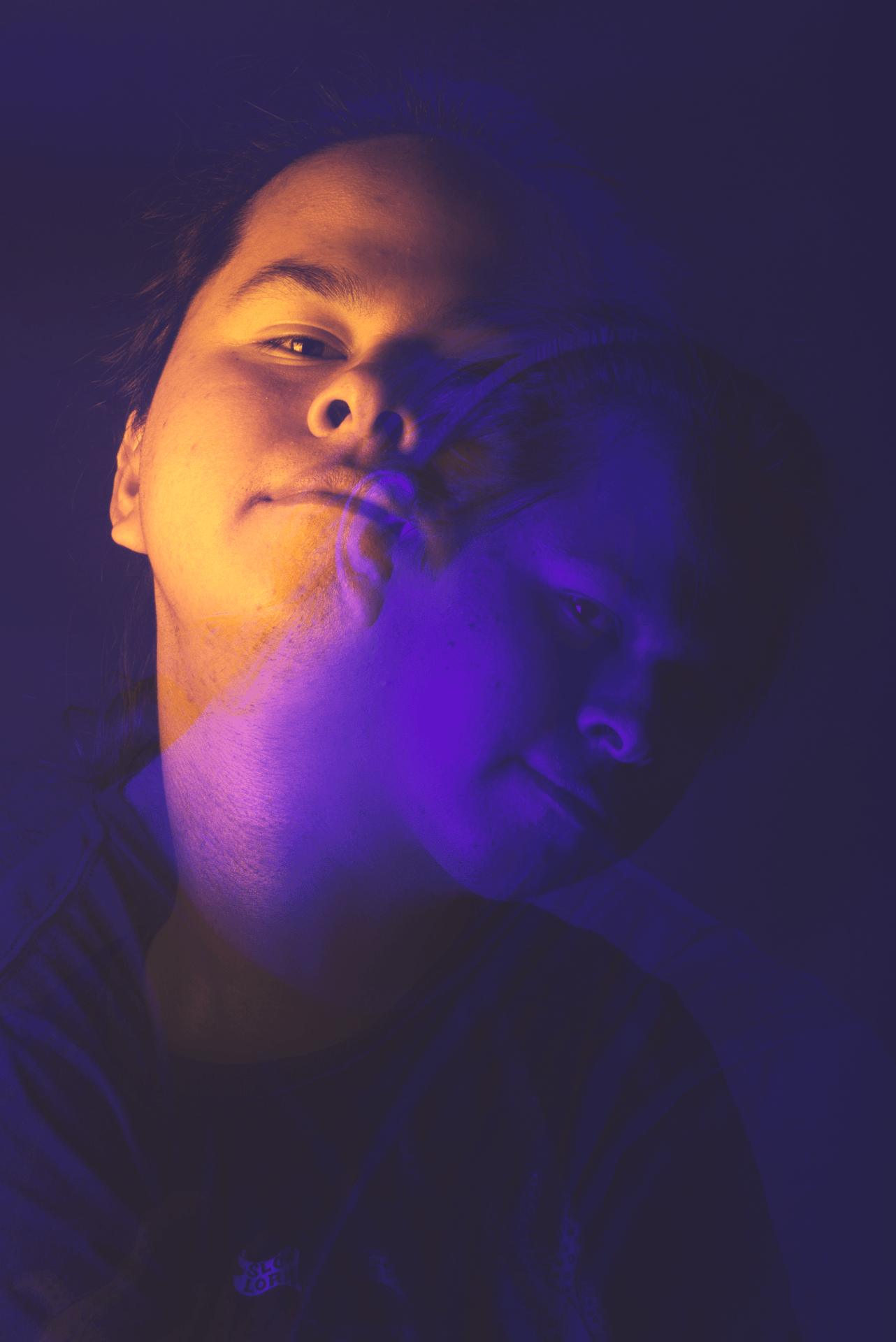
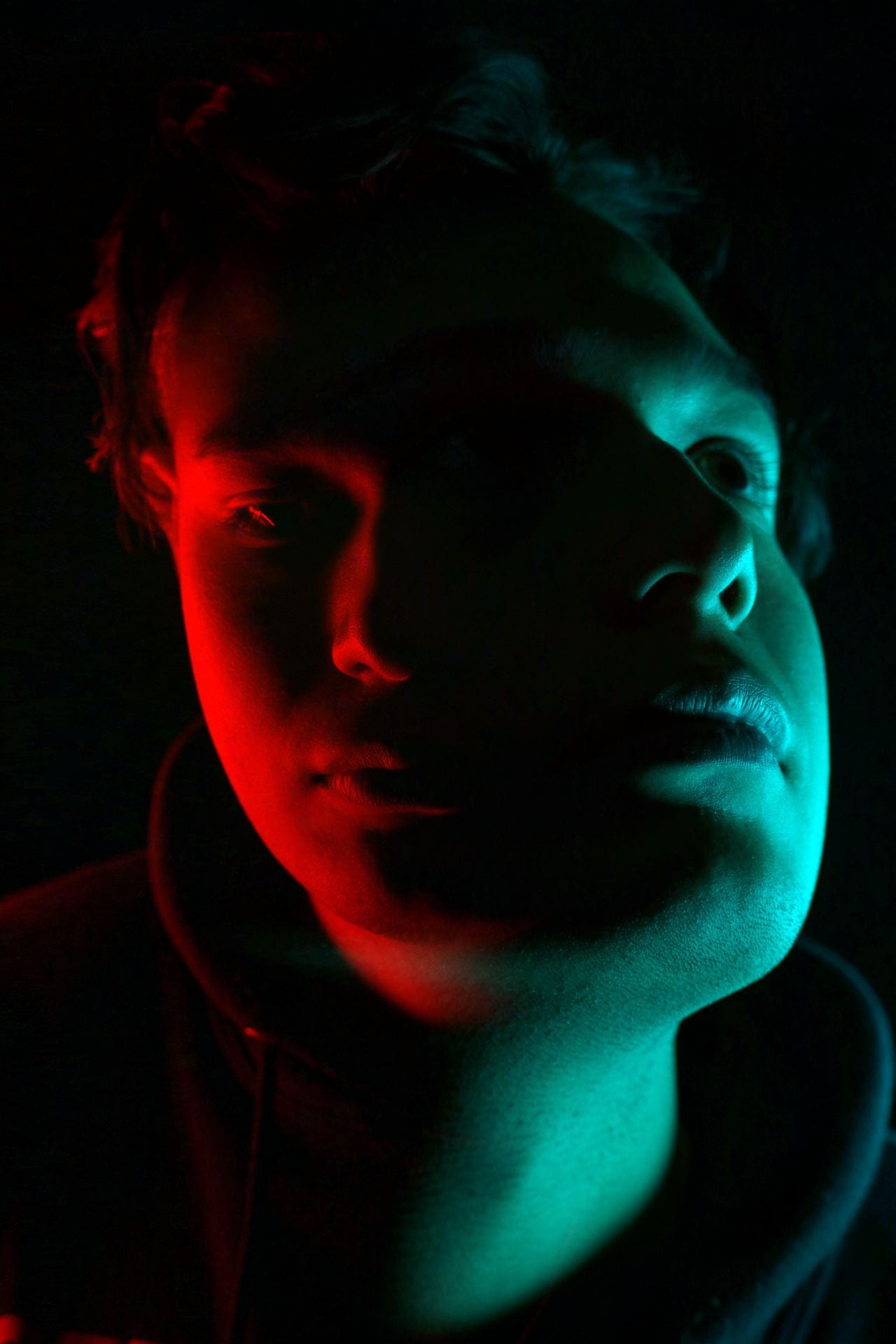
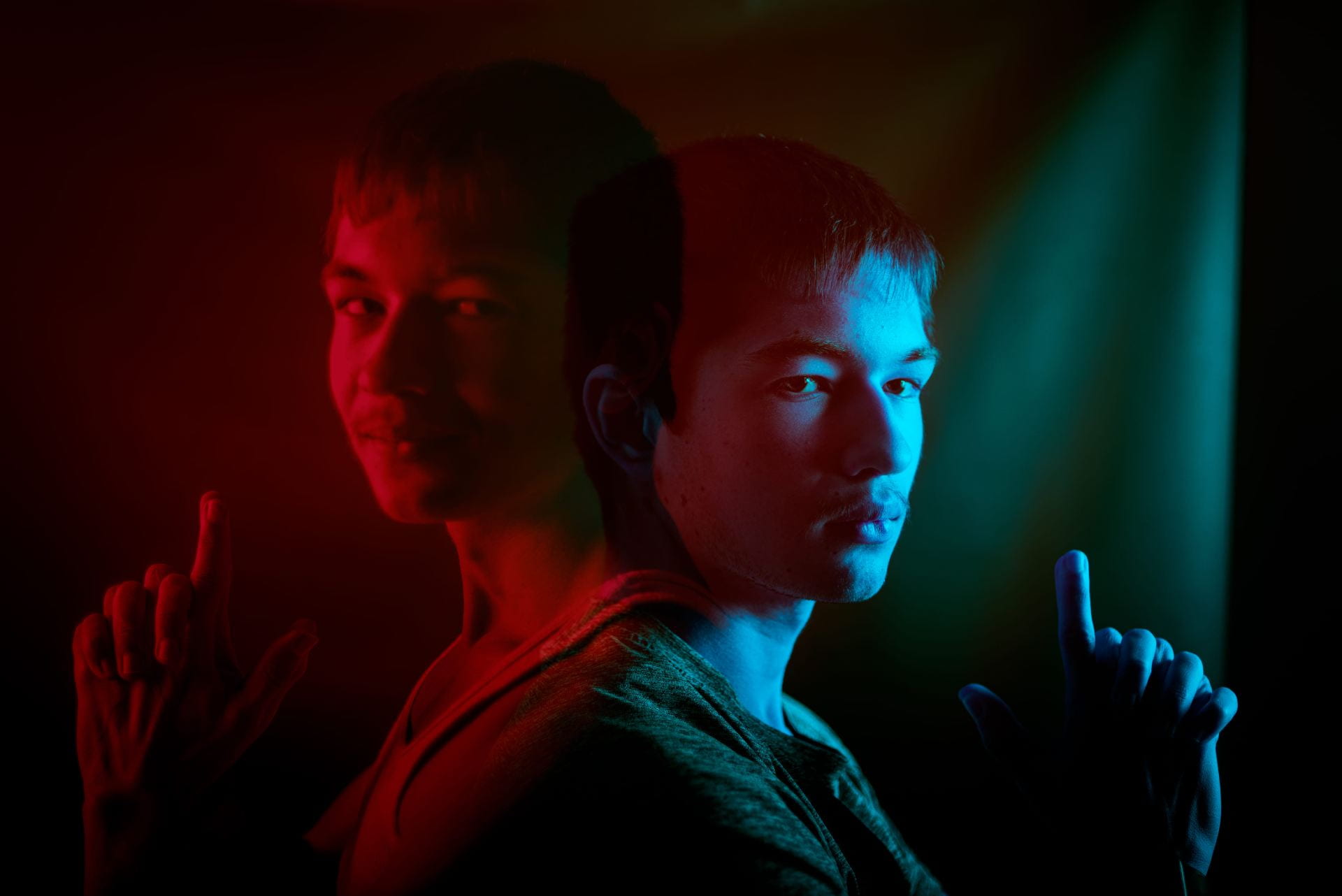
Double Color Portraits!

Today’s Agenda:

  • Catch up past due assignments. LOCK IN!
  • Plan your shoot for Senior Lifestyle Portraits for Monday & Tuesday.
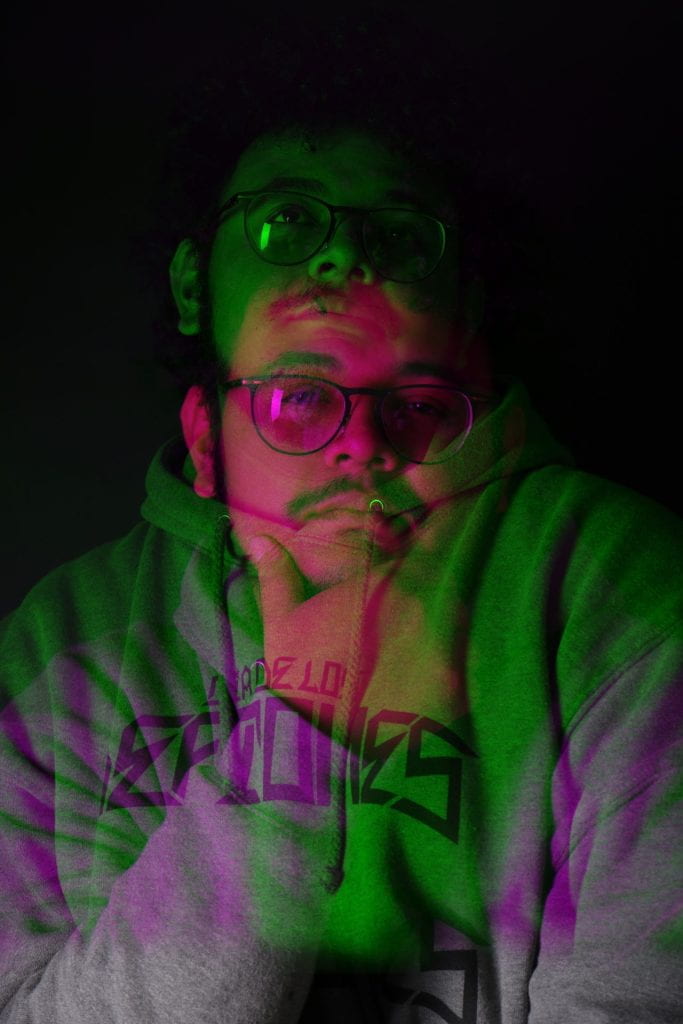
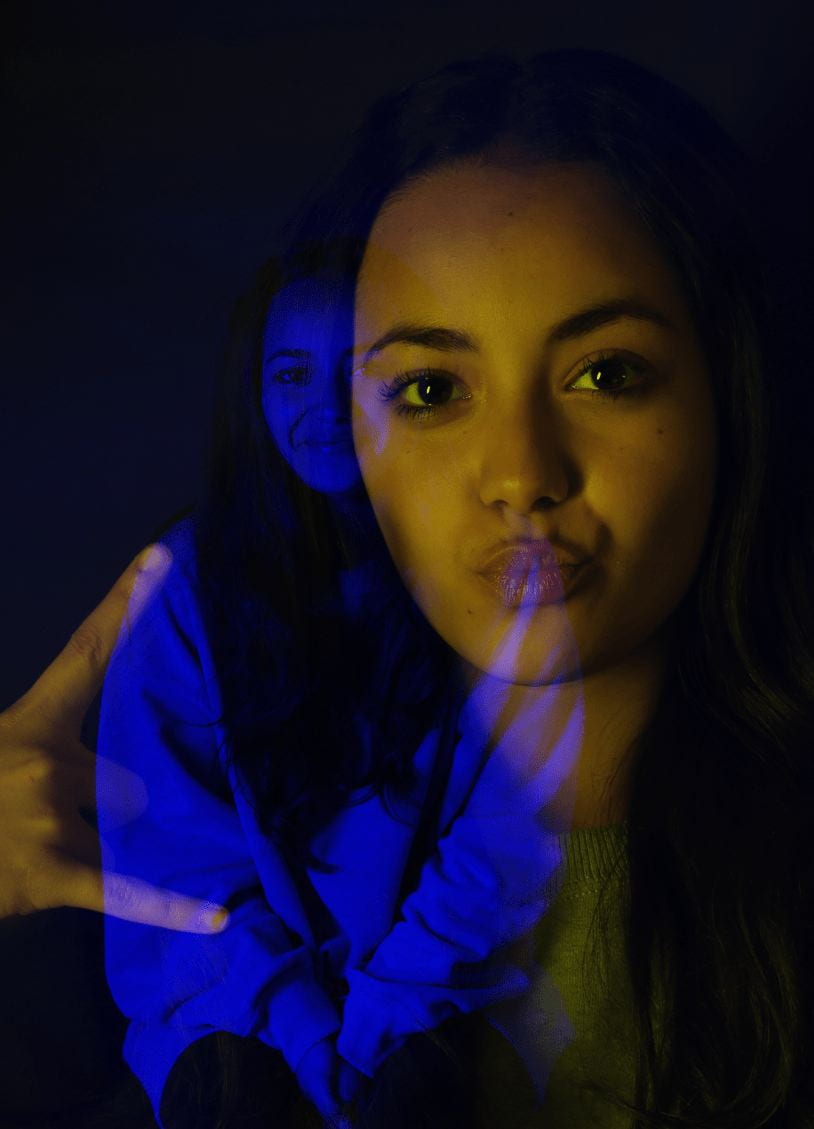
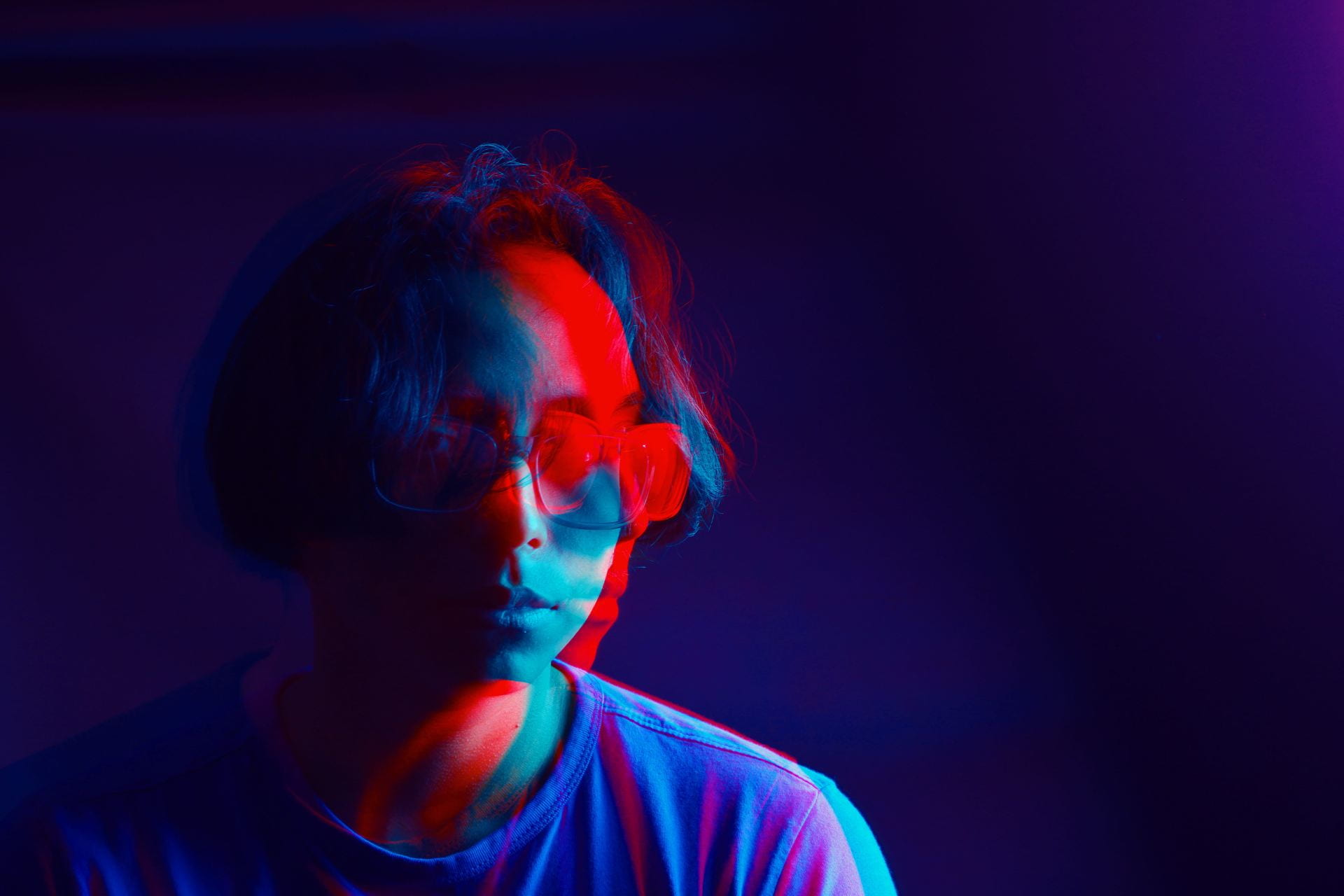
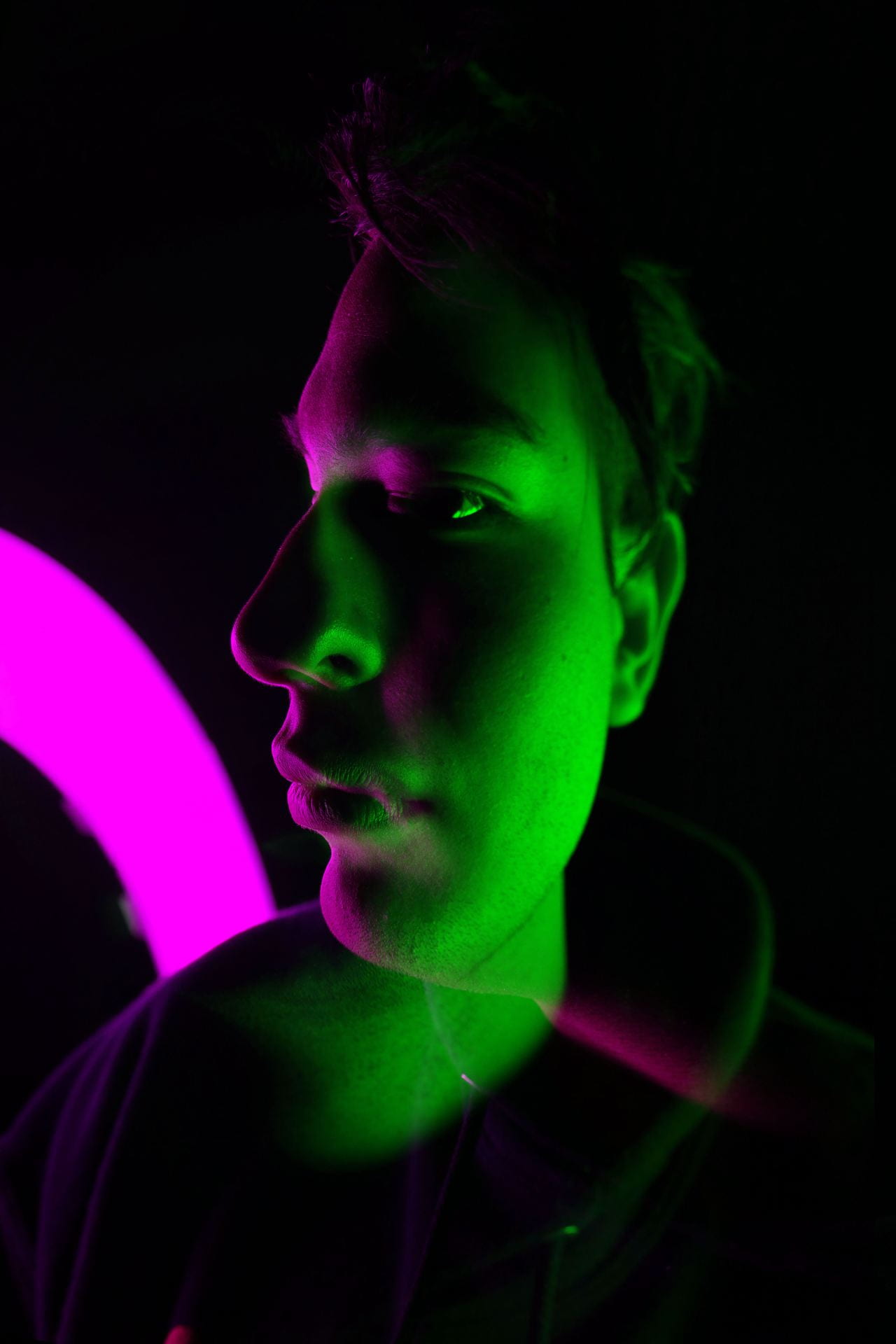
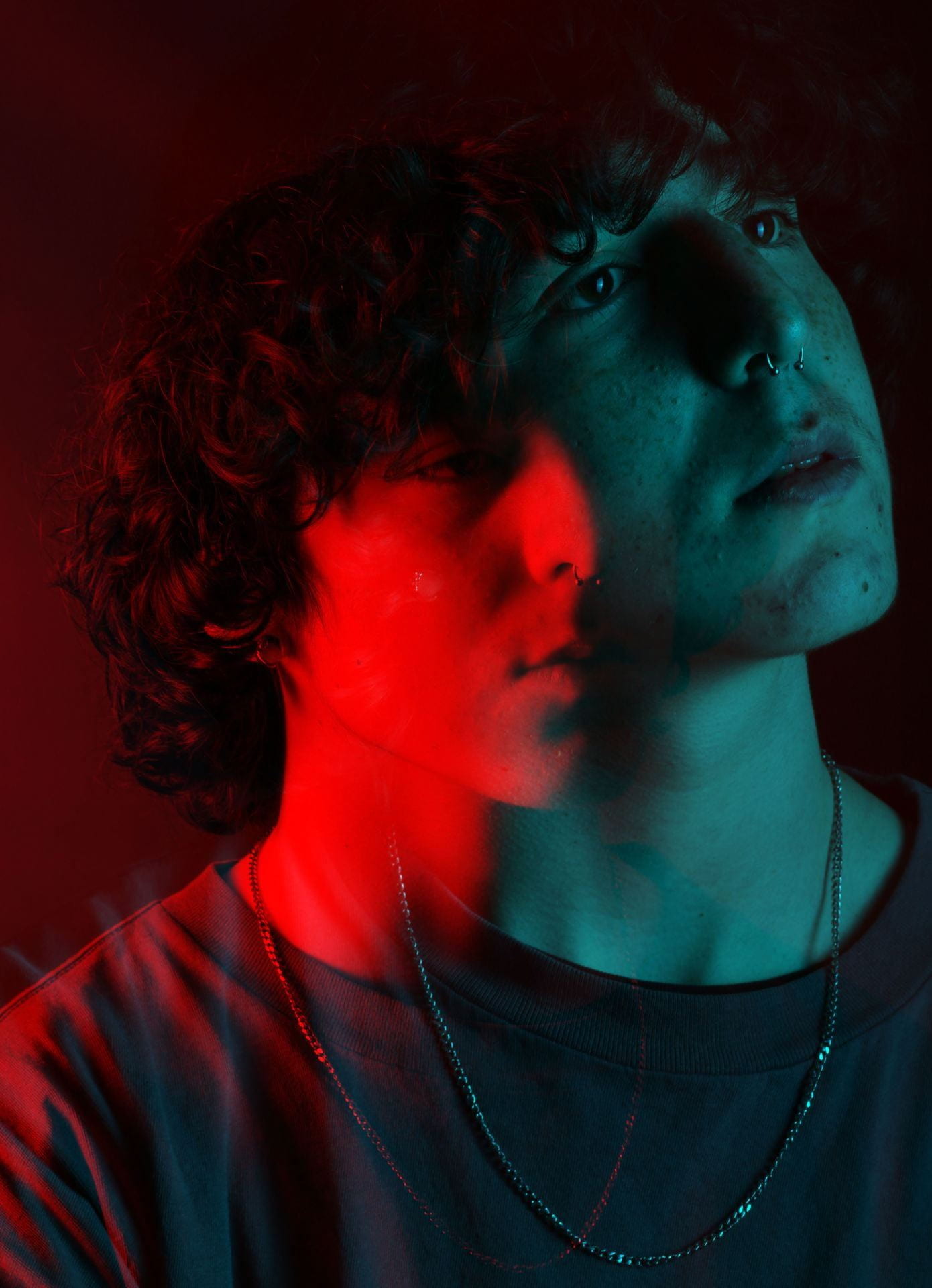
  • Double Color Portraits

Double Color Portraits

Create a total of two. Due by Friday April 10th

Follow the instructions on this document to create two different double color portraits:

Double Color Portraits Photoshop Instructions

Video Tutorial: https://edpuzzle.com/assignments/69d7f0bd5f269574126e98a5/watch

You may take new portraits just for this assignment. Let me know and I will help you set up the photo backdrop and lights. 🙂

Upload your results to your blog and turn in on Teams.


Posted in Advanced Photo Assignments, Pathway Block

Project: Senior Lifestyle Portrait Shoot!

Group Project Instructions: Consider this as practice for your individual project! 

Due date TBD. The current plan is to shoot as groups this Thursday and Friday.

  • Everyone in your group will take turns being photographer and subject (decide who will photograph who).
  • Decide with your subject where on campus you want as your backdrop (Let me know if I’ll need facility permissions ahead of time!).
  • Cap & gown are optional, but I have two sets if you want to use them.
  • Each person takes 10-15 photos of their subject.
  • Subject must be well-lit using light modifiers when necessary.
  • Edit the best 3 photos in Lightroom and post on your blog with camera settings. Include a short paragraph telling us about your subject!


Individual Senior Lifestyle Project Instructions: 

Due Monday April 20th

Take at least 30 photos of your “client” (must be a senior, can be from any school). Include headshots, waist shots, and full body shots. Have fun and get creative!

Posting Instructions:

  1. Title your post with the first name of your “client” + “Senior Lifestyle Photo Shoot” (ex: Bobby’s Senior Lifestyle Photo Shoot).
  2. Post your best 3-4 edited photos in a gallery: link to media file, LARGE size, columns 3 or 4. Include camera settings in the captions. ONE of these photos must demonstrate a shallow depth of field.
  3. Post a second gallery with all the photos from the shoot: link to media file, thumbnail size, columns 4.
  4. Type a couple paragraphs at the end telling us who your client was + what the photos are supposed to showcase about them. Include a reflection telling us how the shoot went, whether you and your client were happy with the results, and what you could have done different for better results.

Good luck and have fun!!

Rubric:

  • Good exposure/appropriately lit.
  • Good composition.
  • Sharp focus of subjects eye’s (don’t forget to look for catchlights!).
  • Editing is tasteful and not distracting.
  • Background is simple, clean, and contributes to the portraits (no distracting elements).
  • Effort/planning and creativity is evident.
  • Followed all directions above.
Posted in Pathway Block

Preparing for: Senior Lifestyle Portrait Shoot

Today’s Agenda:

  • Cinema Style Color Palettes
  • Portrait and Posing Video Playlist w/ Questions
  • March Independent Photo Challenges
  • Preparation Blog Post for upcoming Senior Lifestyle Portrait Shoot Project

Preparation Blog Post for

Senior Lifestyle Portrait Shoot Project

Create a blog post with resources + inspiration! 

Instructions:

Create a blog post titled, “Senior Portraits Inspo”.

  1. Photo Inspo: Find at least 5 lifestyle senior portrait examples online that you really love and add them as a gallery (link to media file, medium size).
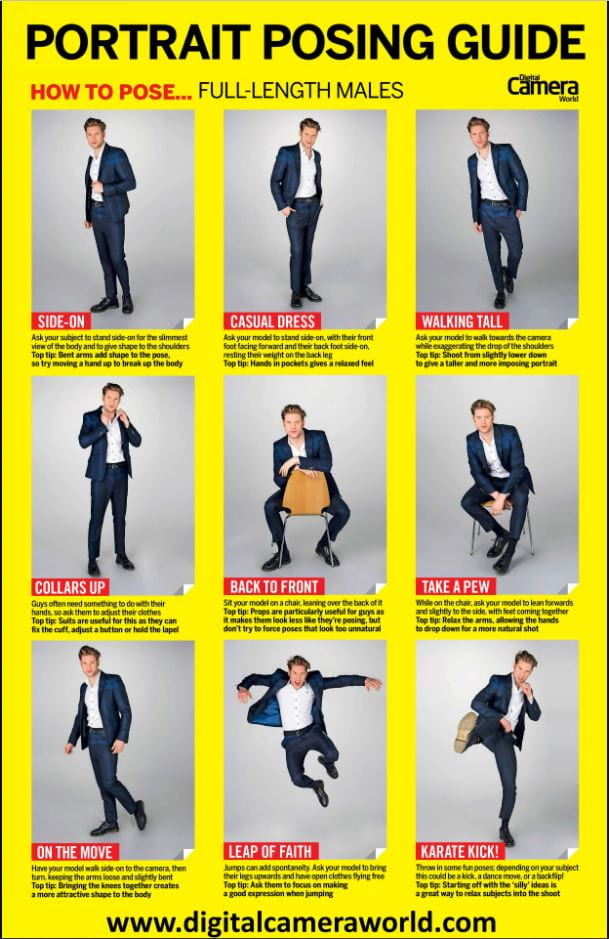
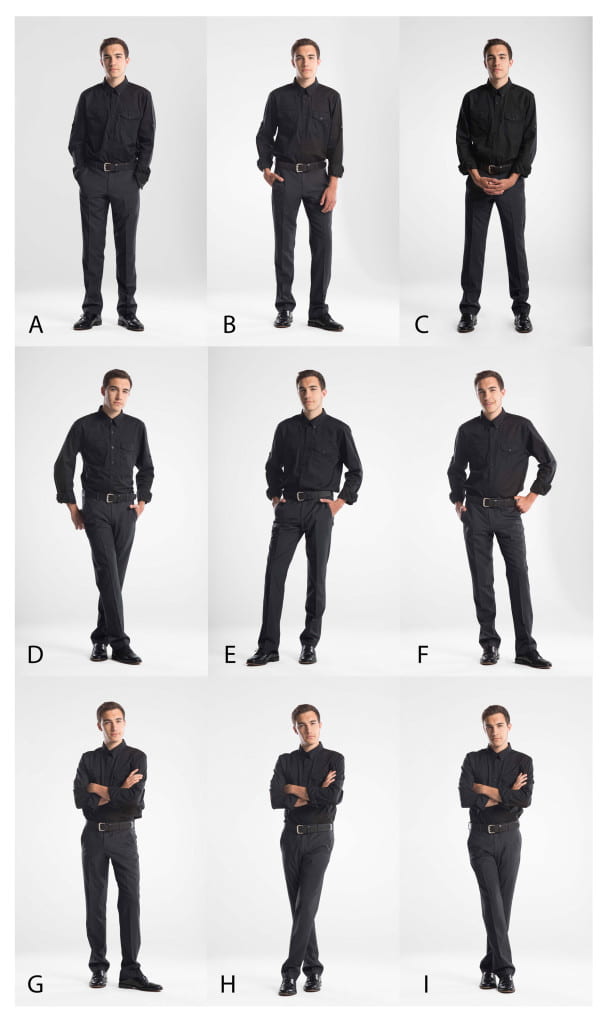
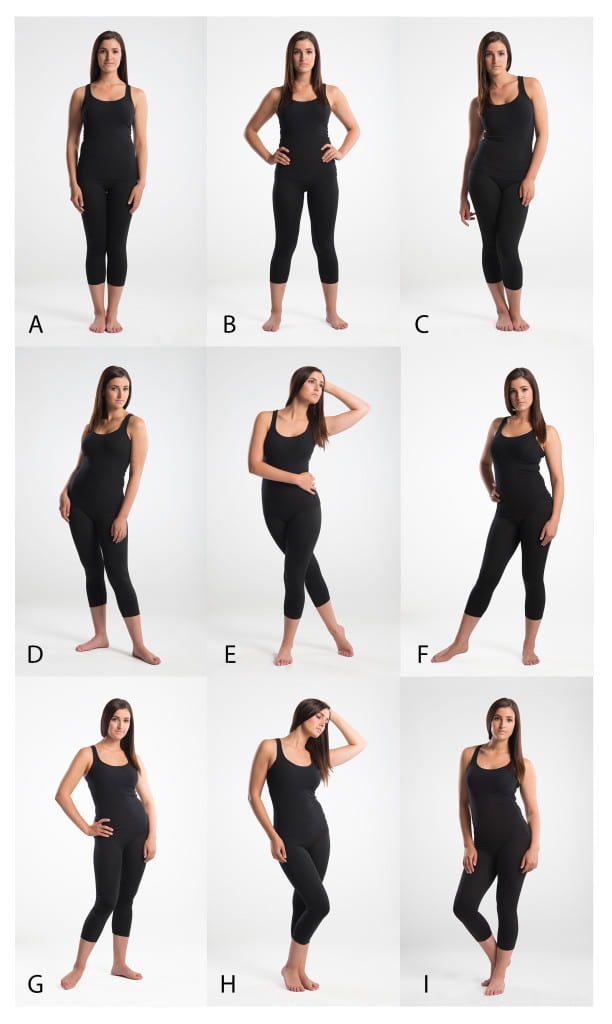
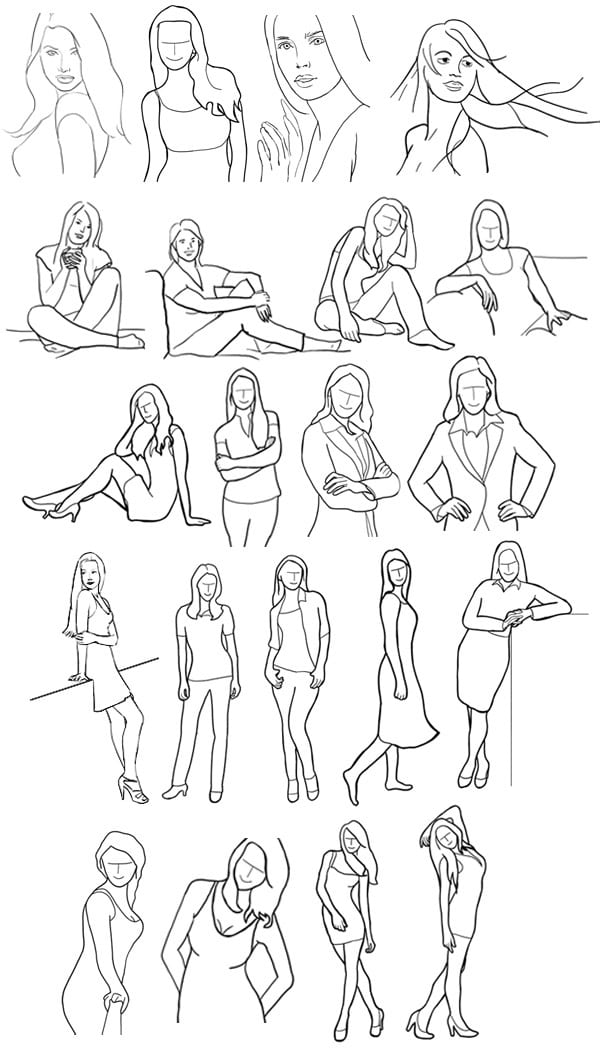
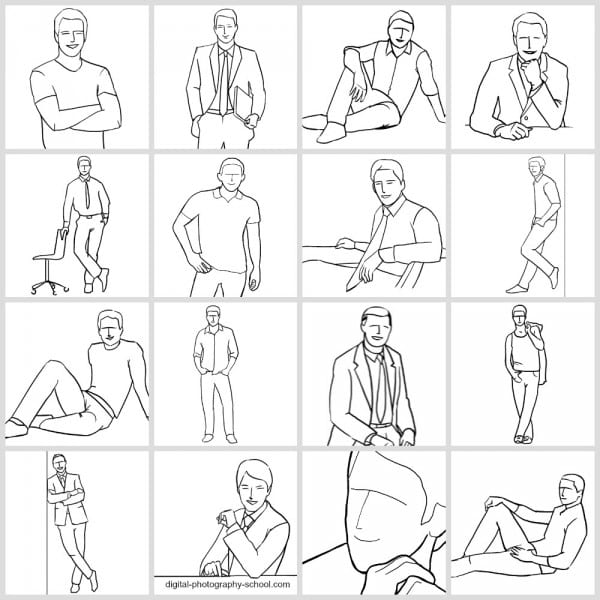
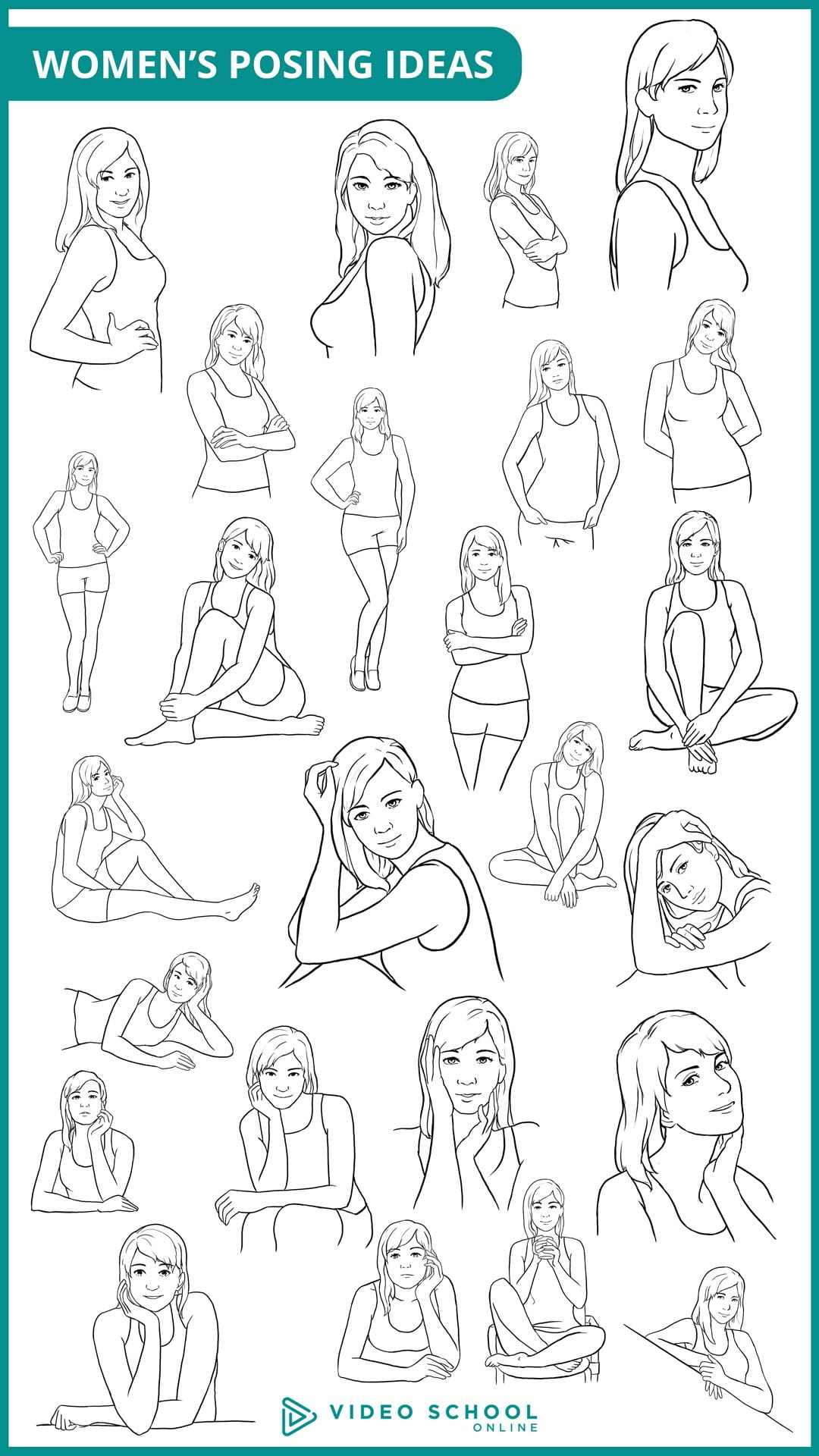
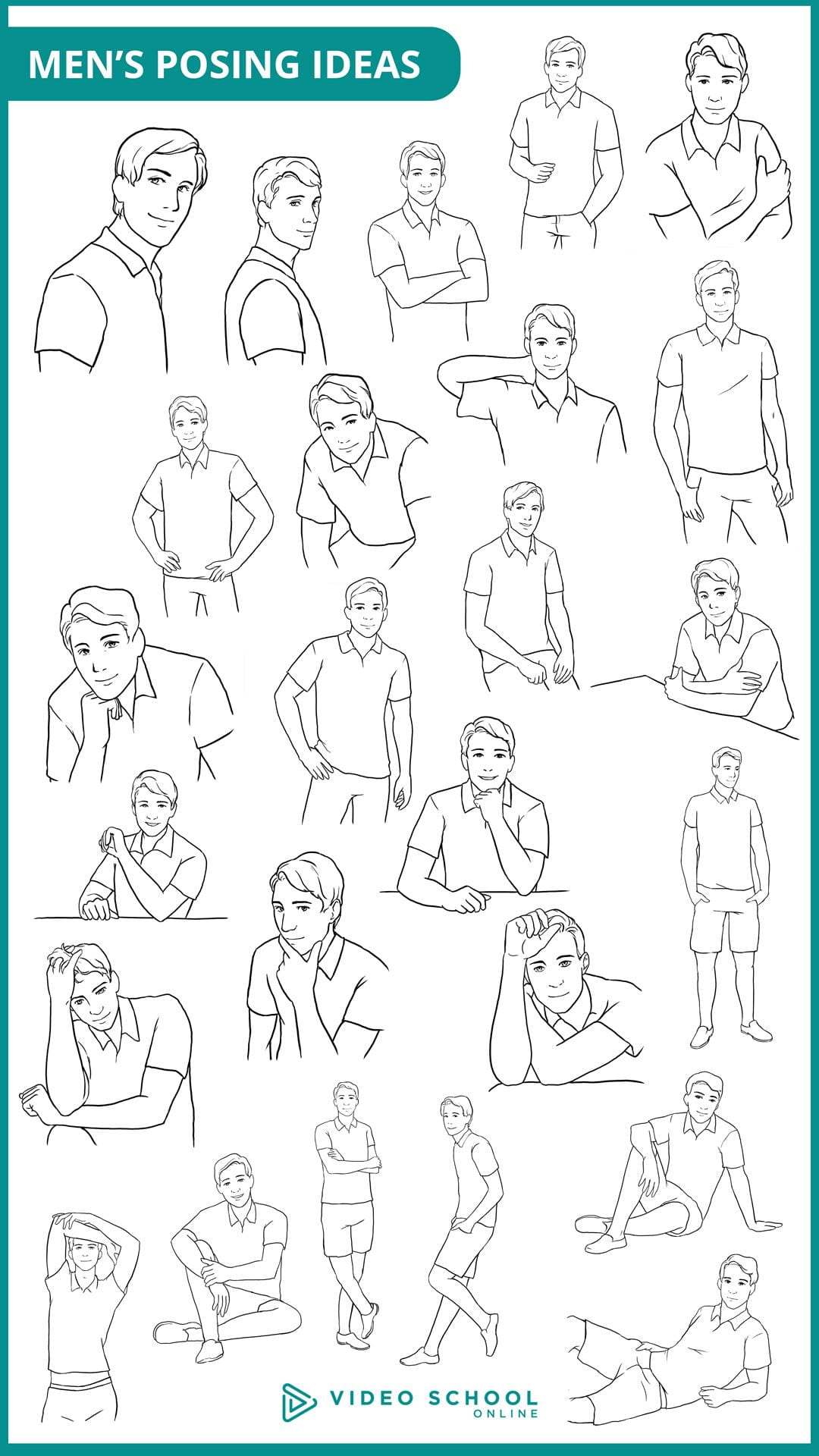
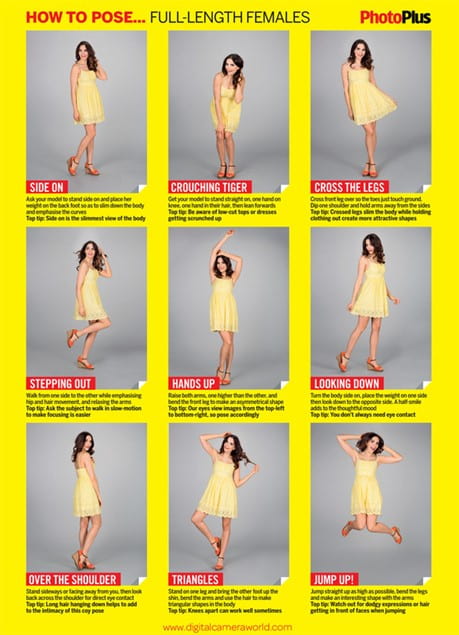
  2. Posing Guides: Do a Google Image search for “Portrait Posing Guide”. Save at least 3 posing guides that you find useful. Add them in your blog post as a gallery but I also recommend saving them in your camera roll in your phone to have handy during the shoot. I added a few guides below that you can also use. (Link to media file, medium size).
  3. Photographer Tips: Select at least 5 tips for photographers that you have learned about regarding senior lifestyle portraits and include them in your post. You can use the video playlist as your reference, search the links I included below, or do your own research!
  4. Tips for Your Subject: Finally, do an online search for lifestyle senior portrait tips for your subject (how to prepare, what to wear or NOT wear for the shoot, makeup tips, etc.). I included a couple links for you below. Include at least 5 tips for your subject in the post.

Resources/tips for photographers:

https://www.flytographer.com/blog/senior-photos-best-tips/

https://digital-photography-school.com/senior-portraits-kids-parents-love/

https://lauramares.com/5-tips-to-plan-your-senior-photo-session/

10 Posing Tips for the Best Senior Portraits | Pittsburgh Senior Photographer

https://shotkit.com/senior-picture-ideas/

https://digital-photography-school.com/11-tips-for-photographing-senior-portraits/


Resources/tips for your subject:

How Should I Prepare for My Senior Pictures?

21 Tips for Your Senior Pictures

https://julienkibler.com/8-tips-to-plan-your-senior-photo-portraits/

11 Tips to Plan Your Senior Photo Session
Top 10 Tips to Prepare for Your Senior Photo Session – Pittsburgh Senior Photographer | Laura Mares Photography | Pittsburgh Lifestyle + Portrait Photographer


Posted in Pathway Block

Cinema Style Color Palettes on Photoshop

Today’s Agenda:

  • White Balance and Color Theory Pop Quiz (open notebook)
  • Catch up on assignments
  • Cinema Style Color Palettes

Cinema Style Color Palettes!

Create a total of 2 cinema style color palettes for two of your photos using Photoshop:

  1. For the first palette, choose a photo of yours that has somewhat of a monochromatic color scheme (little variety of colors).
  2. For the second palette, choose another photo that has seems to show a color scheme (complementary or analogous). I suggest using one of your food photos for this!
You will be using the eyedropper tool to sample colors (plus tints & shades) from the photo and using the bucket tool to fill each little rectangle with a different color/tint/shade.
Export as a JPEG when you finish each one and post to your blog.  Turn in the link to your post.

Check the posted assignment on Teams. It contains the Photoshop file with a blank template for you to download and save to your OneDrive.

Posted in Pathway Block

Sharing Popcorn and Food Photos

Today’s Agenda:

  • Popcorn shoot-group share out
  • Food Photography-Padlet gallery contest
  • Independent Photo Challenge (Feb & March)
  • Catch up on assignments!

Popcorn Photo Shoot:

Everyone: Display your popcorn blog post on your computer monitor.

As a group: you will stand up and share how you achieved each shot-including what everyone’s role was for it.

Class: ask questions and give feedback!


Food Photography:

As a group, decide which edited photo is THE BEST and upload to this Padlet gallery:

https://padlet.com/delasa8/food-photography-challenge-bez9t7l3tq4rls73

  • All group member names in the subject heading.
  • Attach best photo.
  • Enter camera settings in the body of the post.

We will have a gallery walk tomorrow to view ALL your edited food photos too!