Month: October 2025
Photoshop Tutorials
- Practice Quiz: Shutter Speed (due by end of 3rd period block today!)
- Photoshop Tutorials
- Continue editing, posting, and turning in Shutter Speed Projects-we will continue taking photos tomorrow
- SBVC Applications due this week (if you want the free college credits in May)!
Photoshop Tutorials
Due Oct 31st
- Open Photoshop (if it asks you to sign in, choose to sign in with Microsoft).
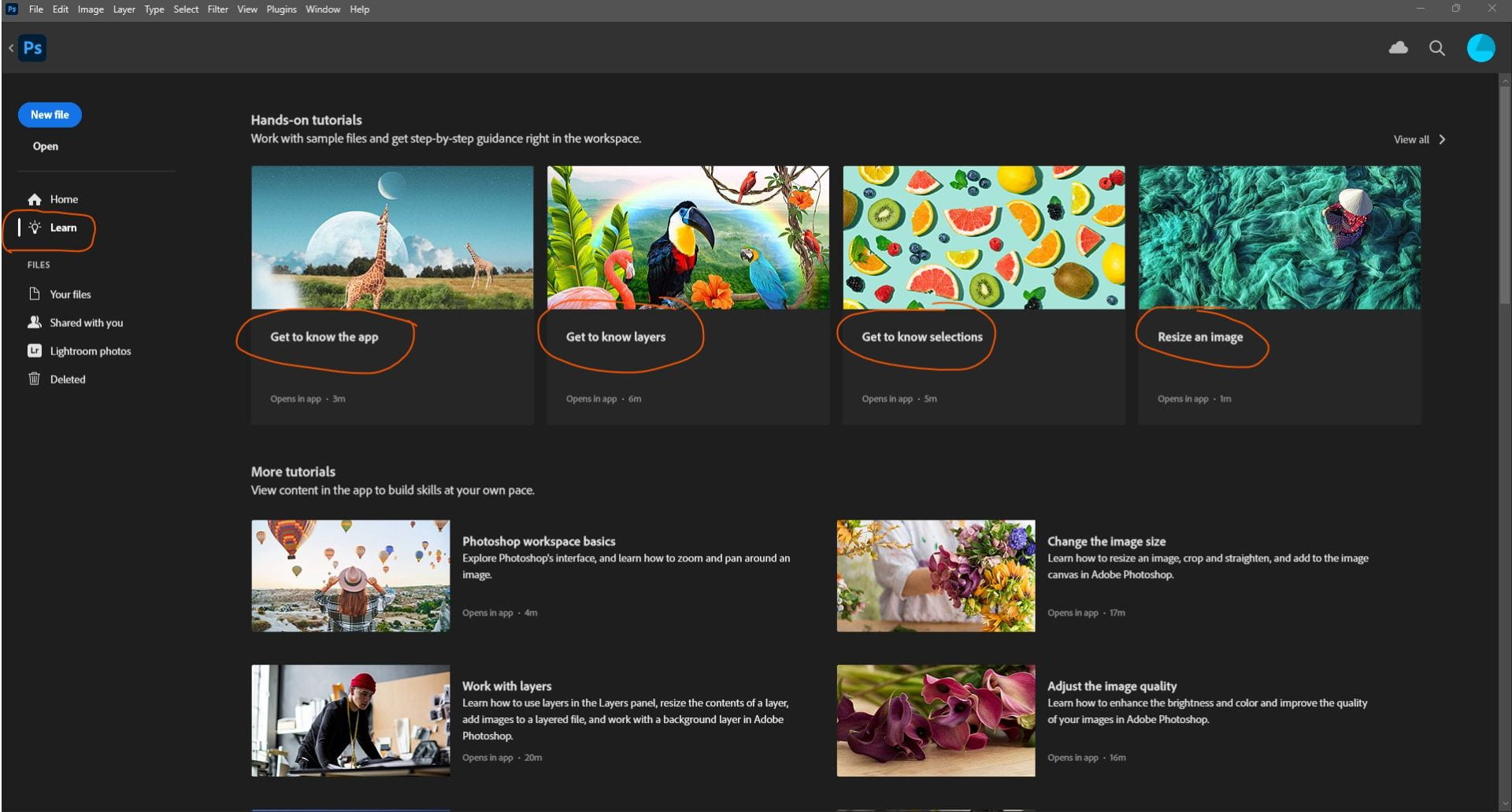
- Click on the lightbulb Learn icon.
- Complete the 4 Photoshop tutorials at the top: 1) Get to know your app, 2) Get to know layers, 3) Get to know selections, and 4) Resize an image. (See screenshot below.)
- Take a screenshot of your result at the end of each tutorial.
- Place the 4 screenshots on a Word document and attach in the Teams assignment to turn in.
- If you are already on a tool it asks you to select, you may need to click on another tool then back again before it allows you to continue.
- Always read the important info in the blue bubbles!
- You can move the instructional window around if it’s covering the part you’re working on.
- Go slow and be patient. Don’t hurry through them or else you won’t learn as much. 🙂
Photoshop Tutorials
- Photoshop Tutorials
- Turn in past projects: Symbolic Object w/ Shallow DOF + Rules of Composition Photo Series, etc.
- SBVC Applications due this week (if you want the free college credits in May)
Photoshop Tutorials
Due Thurs. October 31, 2025, before end of the period.
- Open Photoshop (if it asks you to sign in, choose to sign in with Microsoft).
- Click on the lightbulb Learn icon.
- Complete the 4 Photoshop tutorials at the top: 1) Get to know your app, 2) Get to know layers, 3) Get to know selections, and 4) Resize an image. (See screenshot below.)
- Take a screenshot of your result at the end of each tutorial.
- Place the 4 screenshots on a Word document and attach in the Teams assignment to turn in.
- If you are already on a tool it asks you to select, you may need to click on another tool then back again before it allows you to continue.
- Always read the important info in the blue bubbles!
- You can move the instructional window around if it’s covering the part you’re working on.
- Go slow and be patient. Don’t hurry through them or else you won’t learn as much. 🙂
Soaring and Levitating!
Light Painting and Ghosts!
Shutter Speed Photo Series
Symbolic Object w/ Shallow DOF
Symbolic Object with Shallow DOF
Photo Shoot Day: Monday 27th (bring your item Monday!!)
Due Tuesday Oct. 28th
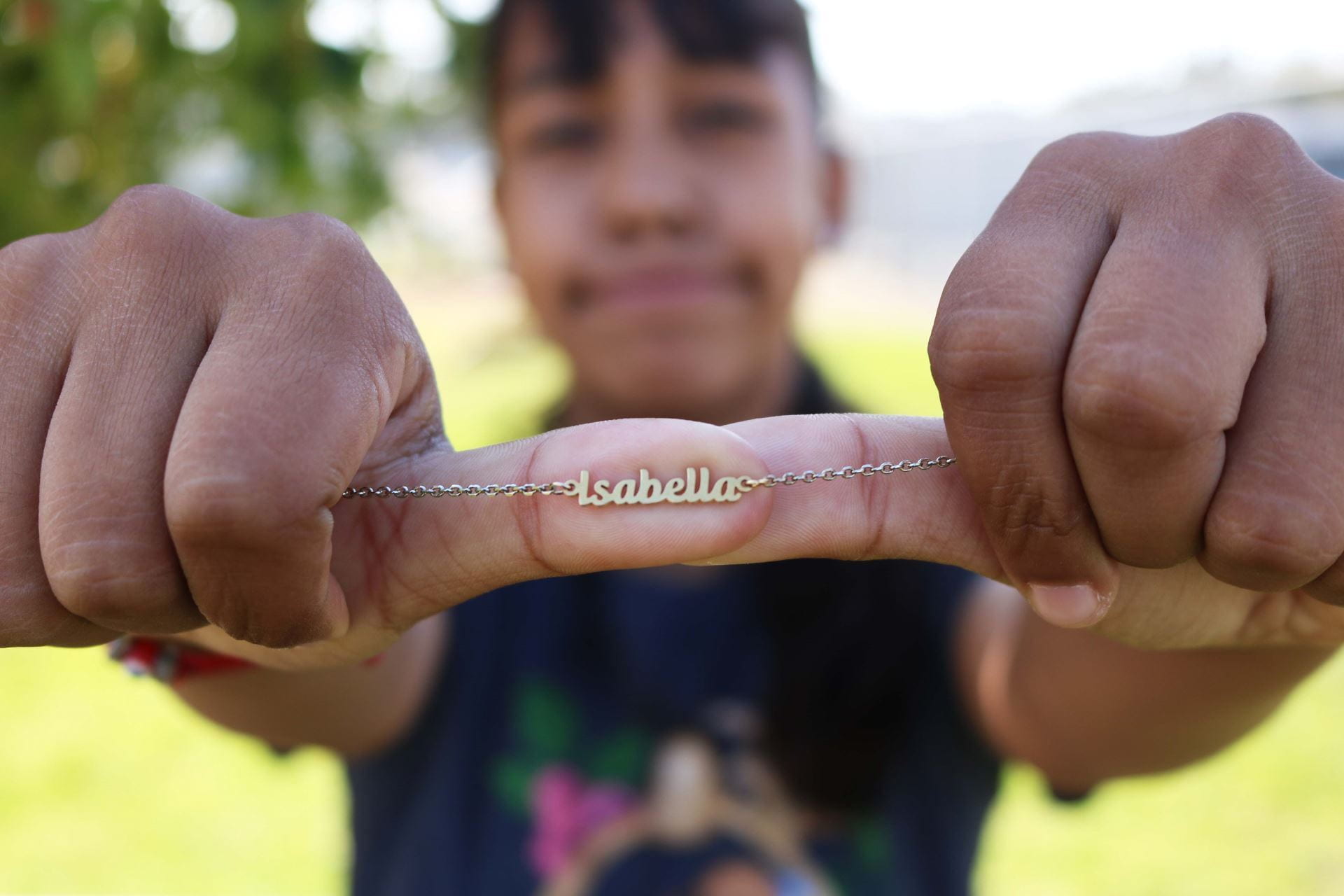
Everyone needs to pick an item that is meaningful or represents something about them and bring that item to school tomorrow.
**The item can NOT be your phone or earbuds/headphones!**
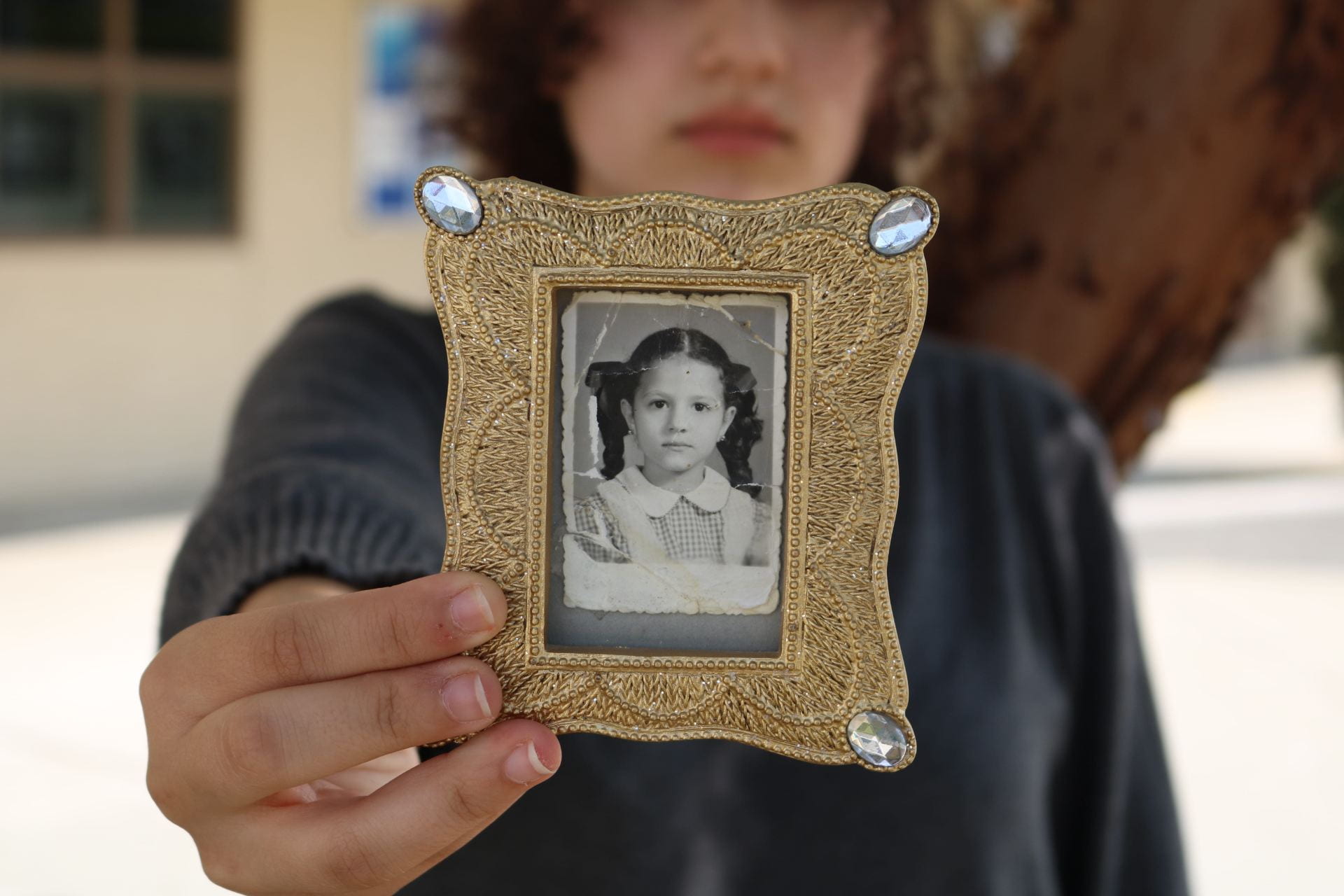
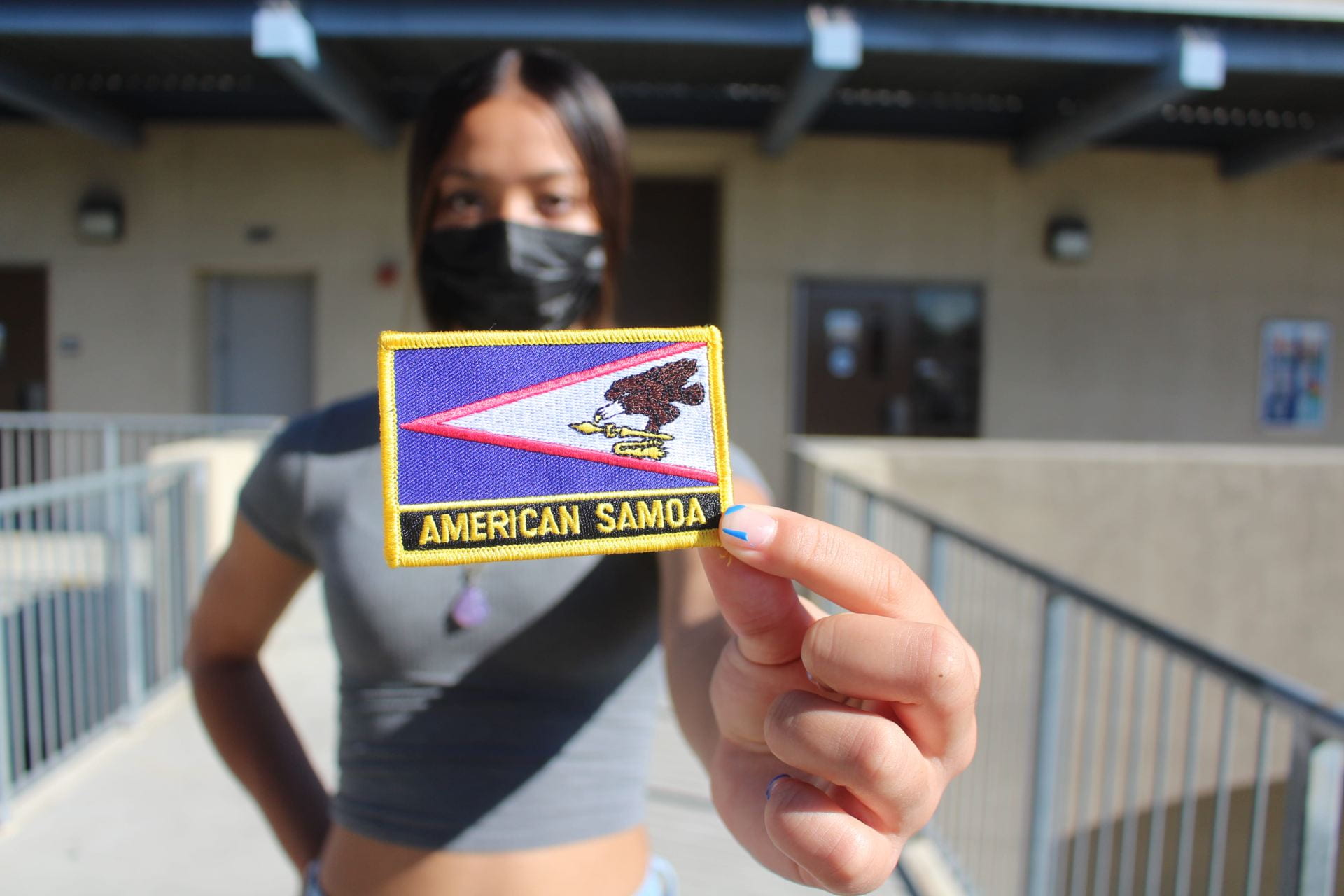
Objective: You will work with a partner in order to capture a symbolic portrait of each other using shallow depth of field so only the object is in focus, and the person is out of focus.
This will be a collaborative effort so that each person involved is happy with the portrait taken of them. You will be the director and subject of your own portrait, then the photographer for your partner.
- Settings: Use Aperture Priority (Av), Auto ISO (or ISO 400), and you will probably need to switch the lens to MF (manual focus) to get the object as sharp as possible.
- Will you emphasize any elements of art or use rules of composition to create a more interesting image? Pay attention to the whole frame, not just the subject! You can use any camera angles too!
- Both partners will save all photos. Pick the best one of you AND of your partner to individually edit in Lightroom.
Tips:
- Get camera as close to object as possible while still maintaining sharp focus (and use MF on the lens).
- Have your partner hold the item as far away from them as possible.
POSTING INSTRUCTIONS:
- Post both EDITED portraits (one of you and one of your partner) on your photo blog. Title the post: “Symbolic Object with Shallow Depth of Field”.
- Insert the edited photos as separate images (not as a gallery).
- Put the f-stop in the captions and change link to Media File for each image, size: medium or large.
- Below each photo, type a few sentences about the person and why they chose that item/what makes it meaningful. Include this for your own photo/item as well.
Extra Credit Opportunity:
Find an adult in your life to be your subject and have them choose a cherished item as well. Photograph in the same style. Edit and add to your post. Include everything required above (caption, sentences, etc.). MUST be taken with DSLR camera.
Aperture and Depth of Field
Today’s Agenda:
- Intro to Camera Settings Assignment (from yesterday)- Due Today!
- Aperture & Depth of Field PowerPoint Demonstration
- Aperture & DOF Blog Post with Depth of Field Photo Series
- Catch up on past assignments
- Apply for college credit!
Aperture and Depth of Field PPT with assignment instructions-Click Here to Open
The assignments on the last two slides will be turned in as ONE BLOG POST:
Remember to add these photos with captions to the blog post mentioned above:
Student examples of the DOF experiment:
Double Exposure Portraits!
Today’s Agenda:
- Get caught up with all assignments on Teams!
- Forced Perspective Gallery Walk tomorrow
- Create OpenCCC account and apply to SBVC before the end of the month!!
- Begin Double Exposure Portraits
- Your portrait+ your favorite season
- Your portrait + another landscape/scene of choice
- Your portrait + any good quality image of your choice (you can even try two portraits in one!)
Intro to Camera Settings and Exposure
Today’s Agenda:
- Finish Rules of Composition Photo Series
- Being Intro to Camera Settings and Exposure assignment on Teams
- College Credit: Create OpenCCC account and apply to SBVC by the end of this month!! Open the assignment on Teams to open the instructions. https://www.valleycollege.edu/admissions-records/admissions/application.php
- Next month those that apply to SBVC will complete a third and last step to get on my CATEMA roster.