Digital Photo 1 Assignments

Posted in Photo 1 Assignments

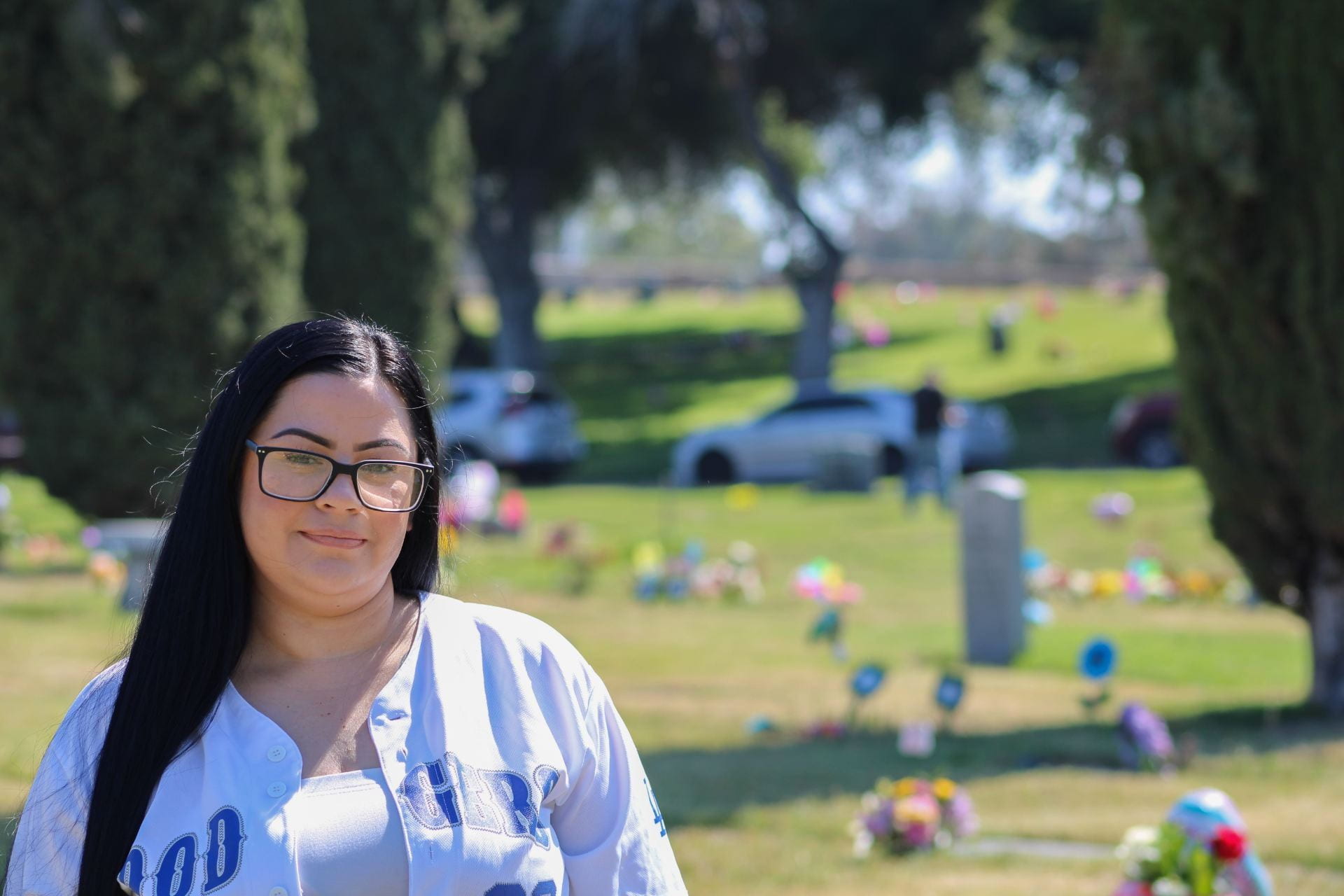
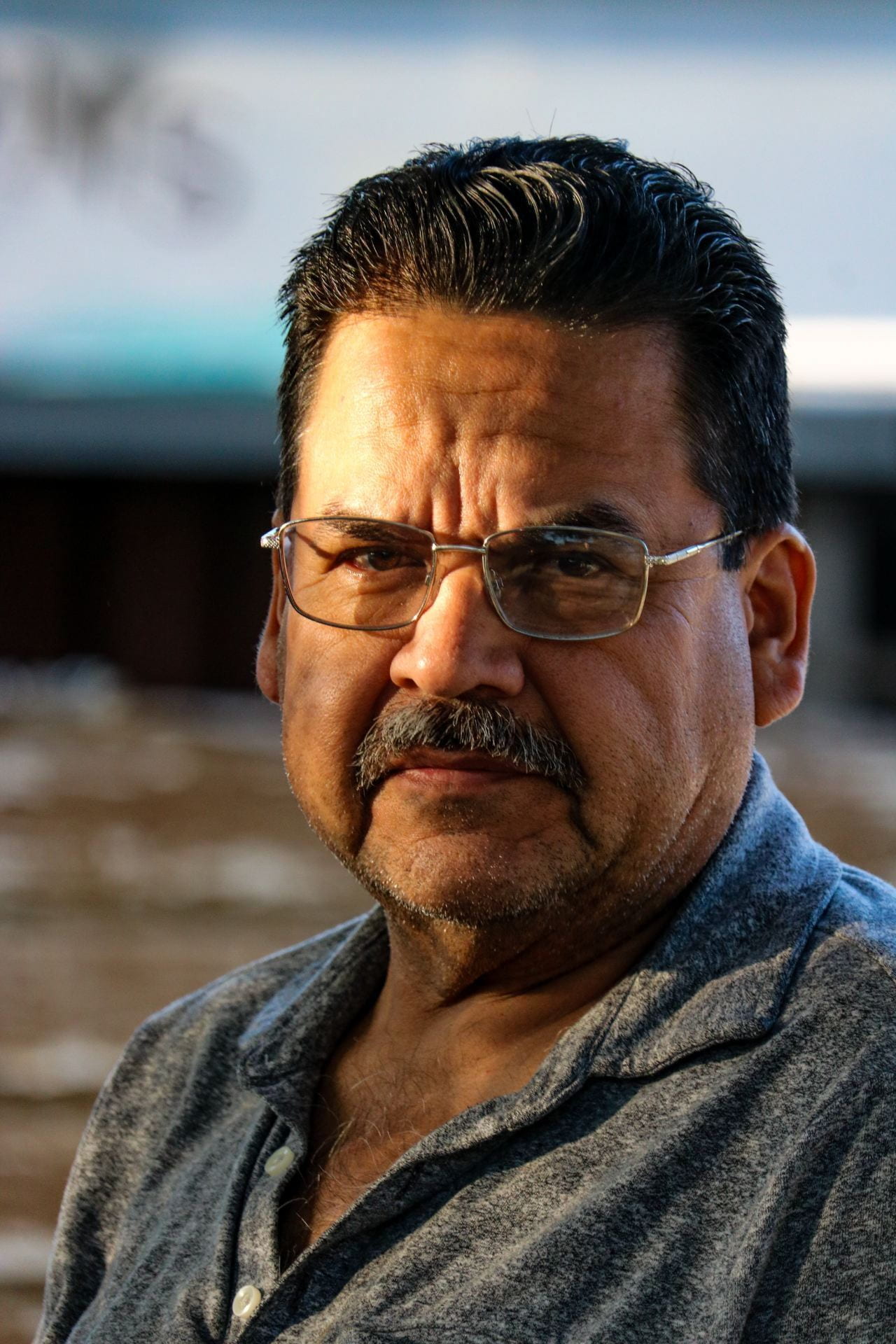
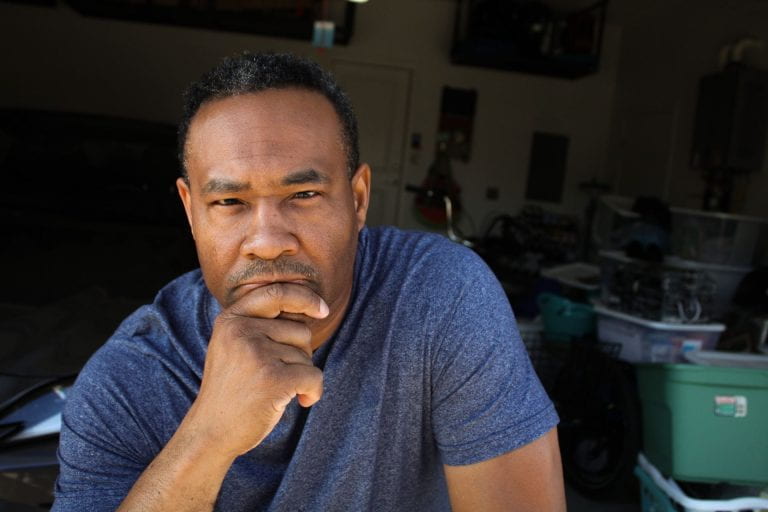
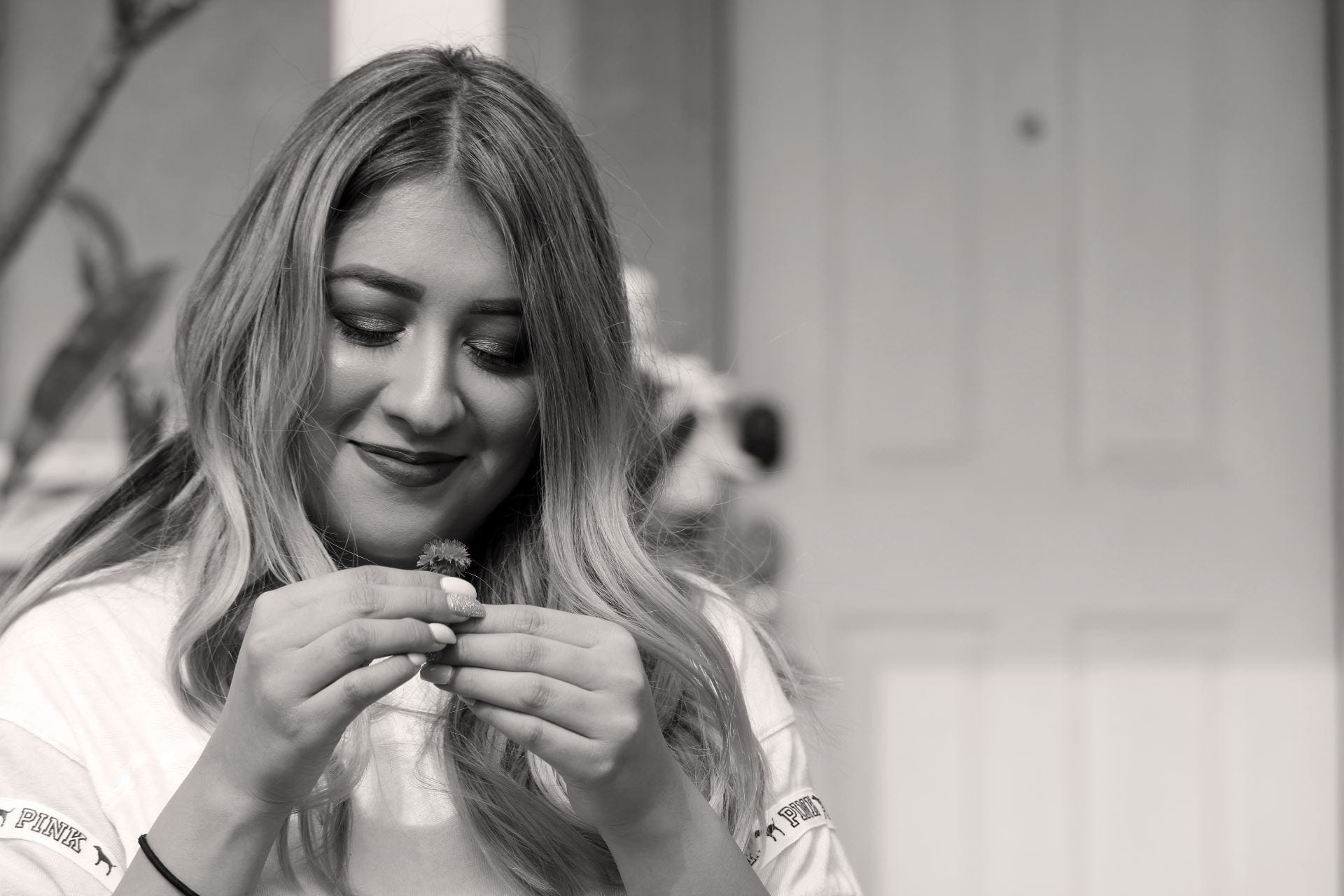
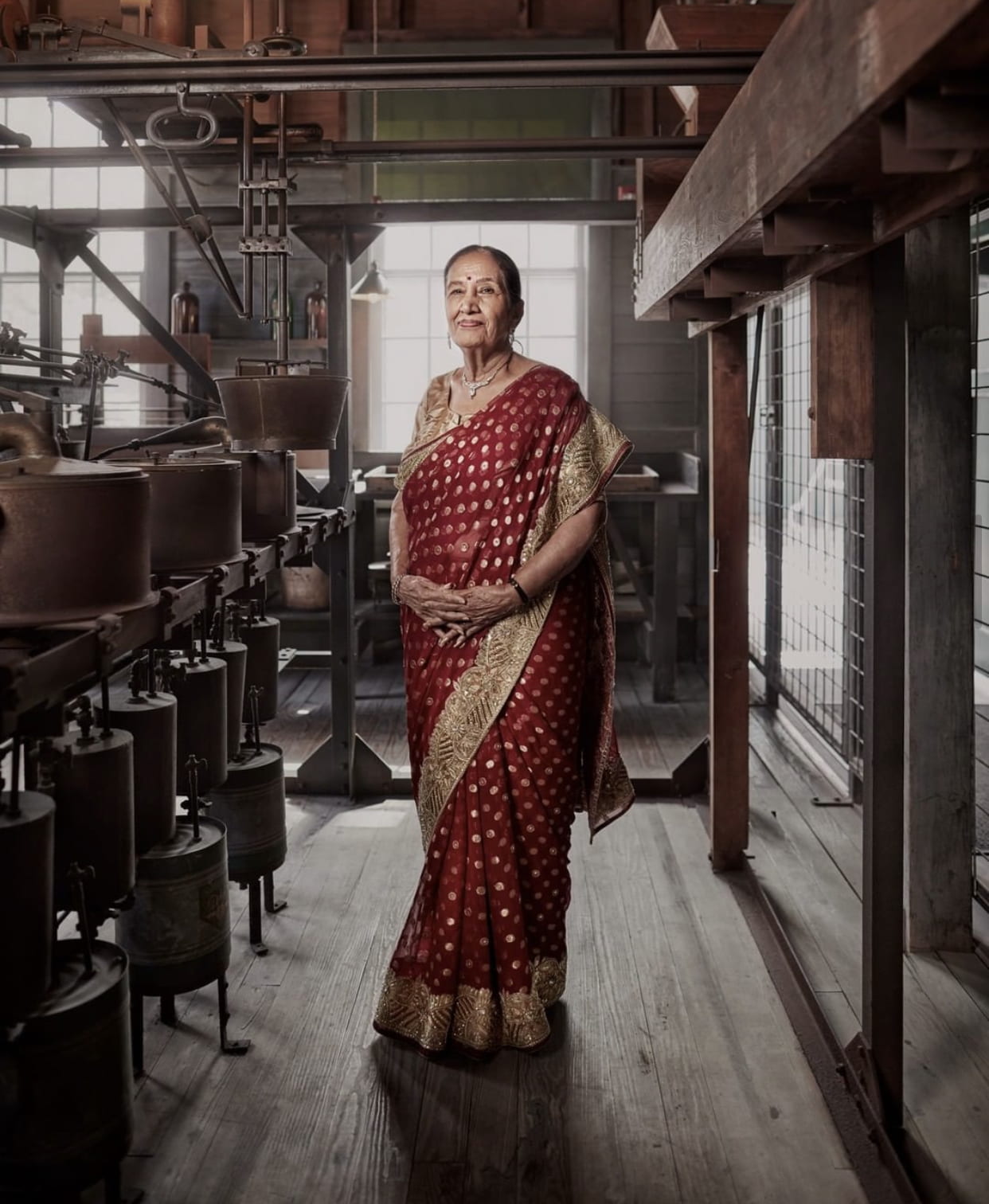
Authentic Portrait of Significance: Worksheet + Project

Authentic Portrait of Significance

Project Due: Monday May 11th

Worksheet Assignment on Teams Due: Thursday April 23rd

Worksheet-Authentic Portrait of Significance

Project Criteria and Posting Instructions:

 Authentic Portrait PPT w Instructions & Worksheet Guide

Worth 30 summative points total!

Post & turn in: 3 Edited Portraits of Your Chosen Subject:

  1. Headshot with shallow depth of field
  2. Waist shot
  3. Environmental Portrait PowerPoint about what Environmental Portraits Are

Extra Resource: Natural Light Examples for Portraits

Rubric:

Technical: proper settings, good exposure/proper lighting, sharp focus, edited to enhance, and demonstrates appropriate depth of field.

Aesthetic: no unnecessary distractions in the background, proper framing (headshot is close enough, not too much headroom above subject, etc.), thoughtful camera angles and intentional composition.

Criteria: has all photos and paragraphs required, demonstrated planning & thoughtfulness, and followed posting instructions.

Student examples with their stories:

Student Examples of Authentic Portrait w/ Stories

Posted in Advanced Photo Assignments

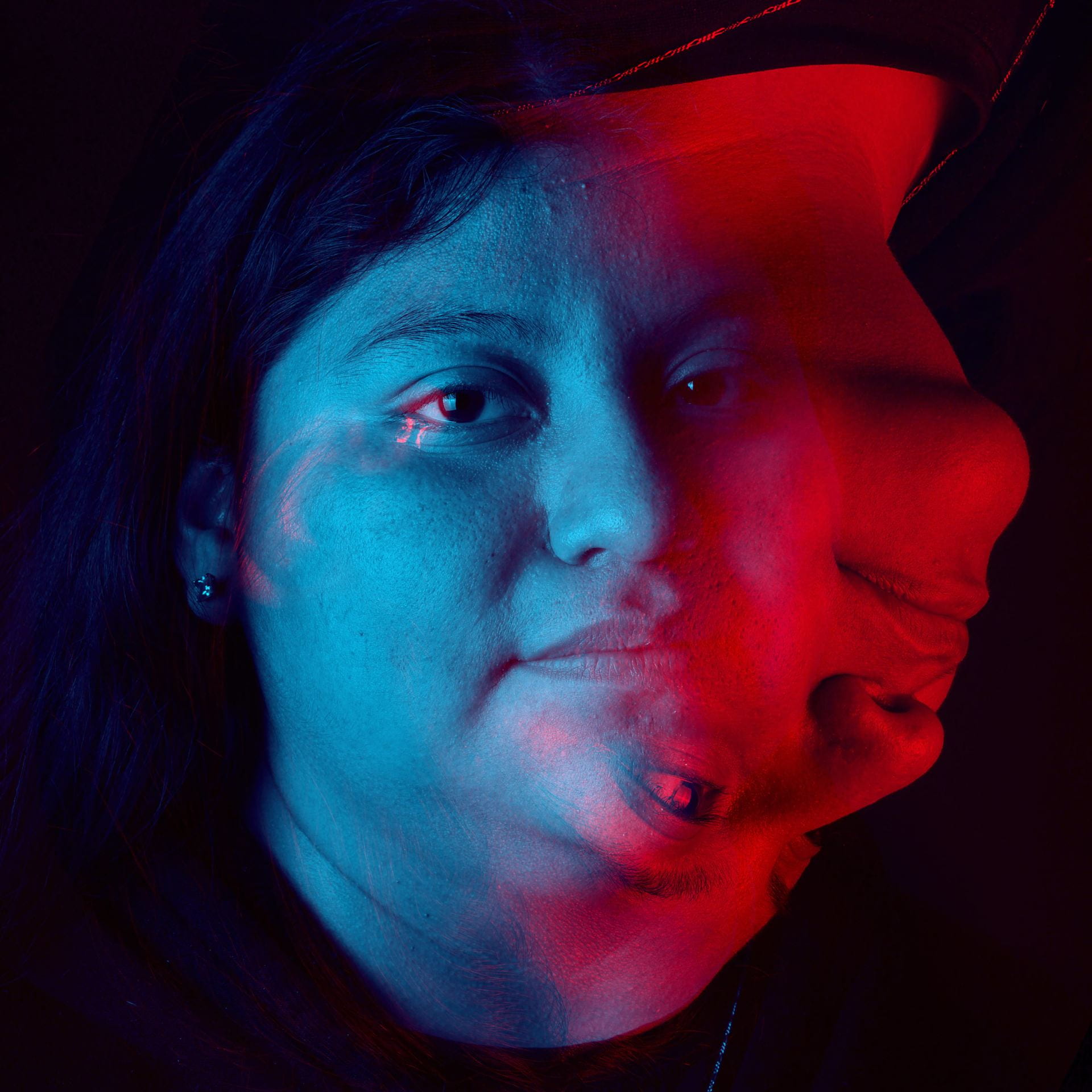
Half & Half Composites


Half & Half Composites inspired by photographer @Fontanesi

Fontanesi Photo Collages

Due by: Monday April 13th

Create a total of two composites in which you combine two of your own photos in the style of photographer, Fontanesi.  (So, you will use a total of 4 photos).

Work on these when you have free time in the class period!

Examples from other photographers, Moller Joakim and Sarah Van Rij:

Student examples:

Posted in Pathway Block

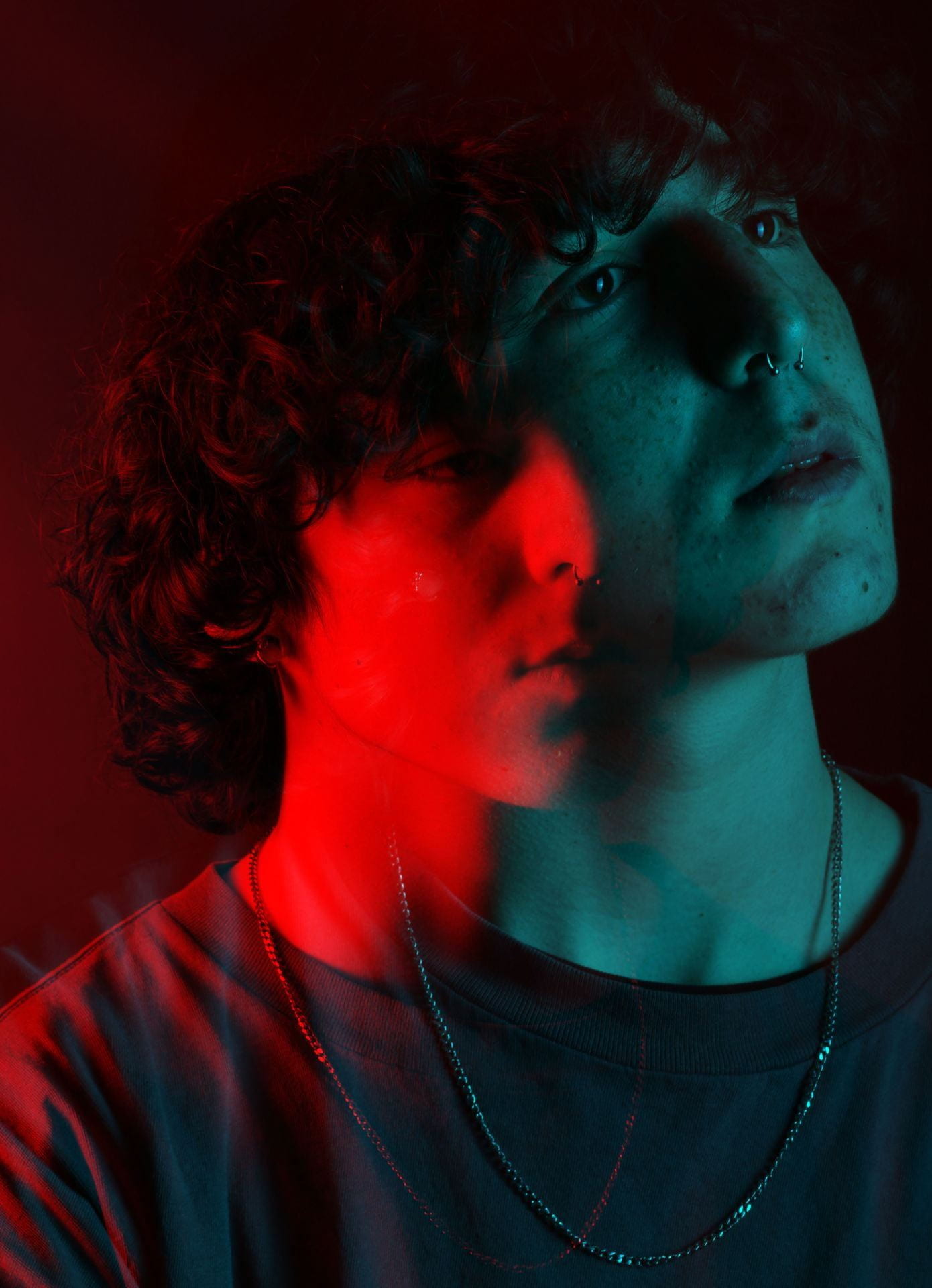
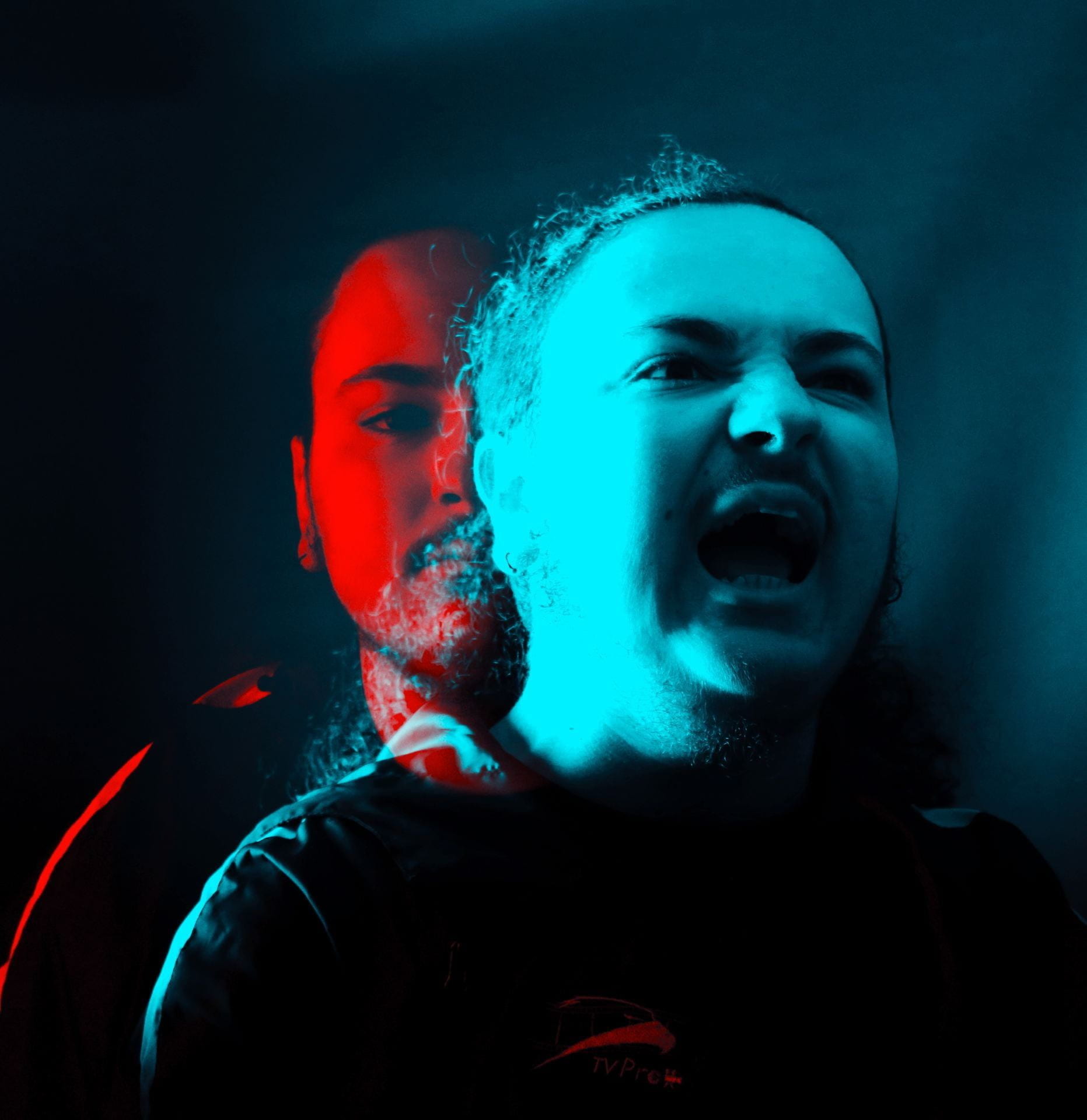
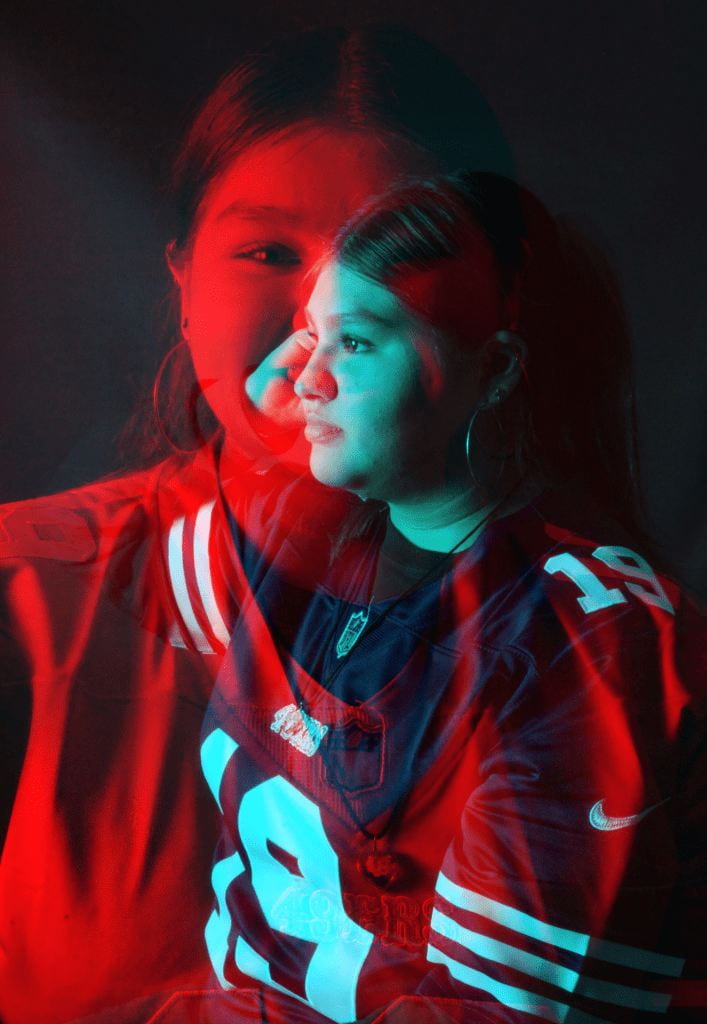
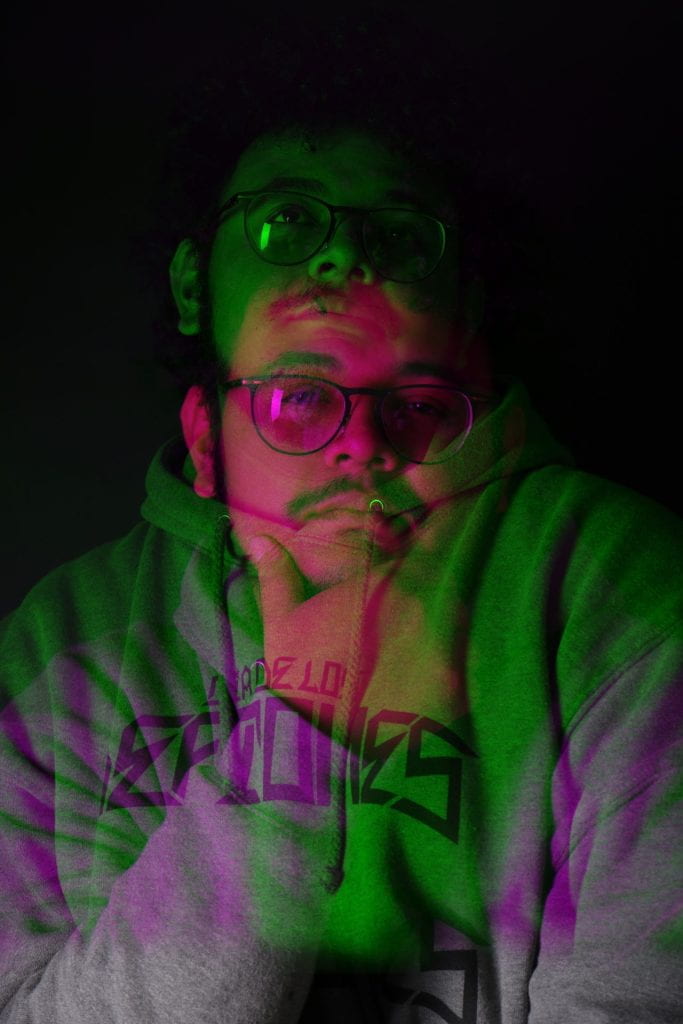
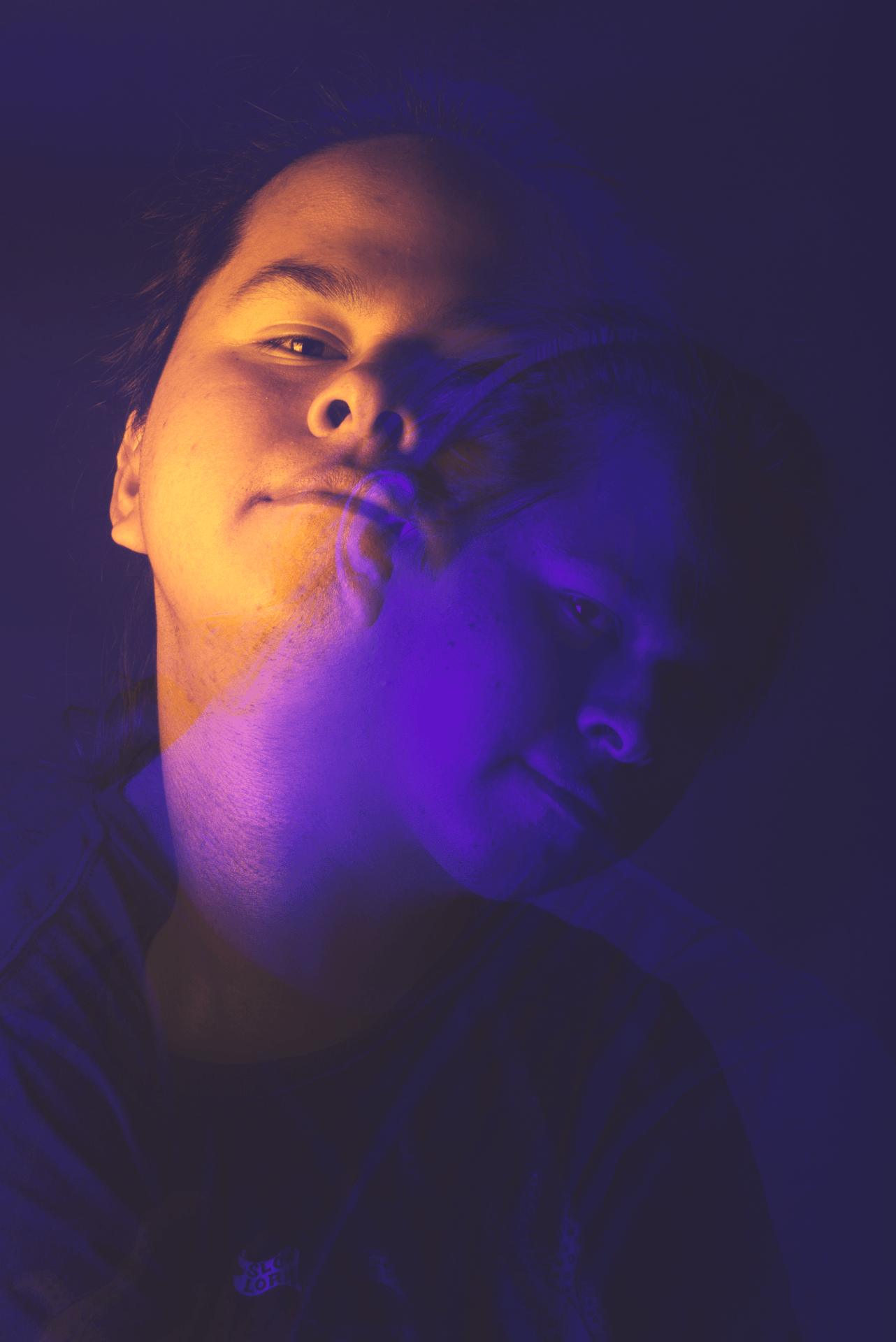
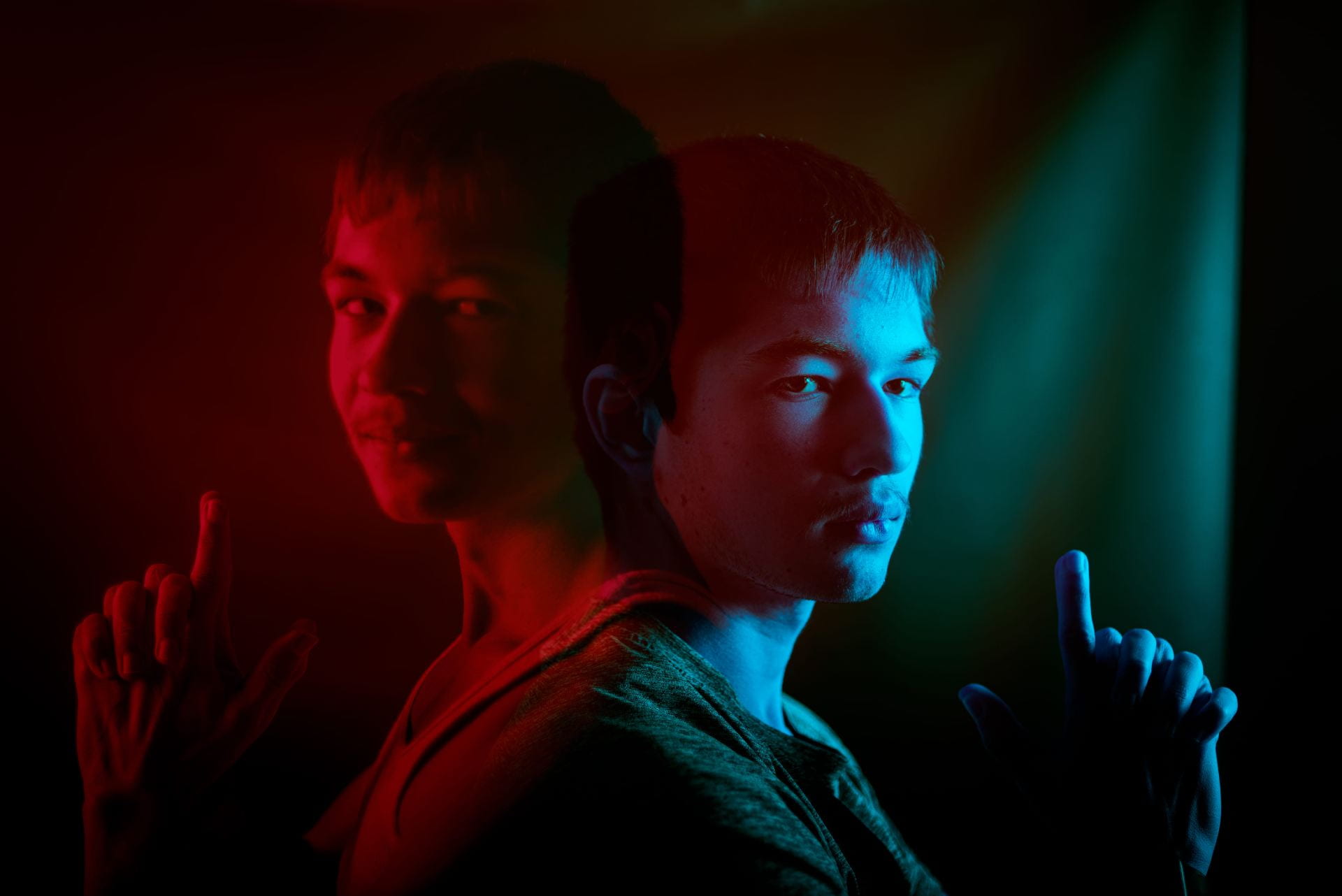
Double Color Portraits!

Today’s Agenda:

  • Catch up past due assignments. LOCK IN!
  • Plan your shoot for Senior Lifestyle Portraits for Monday & Tuesday.
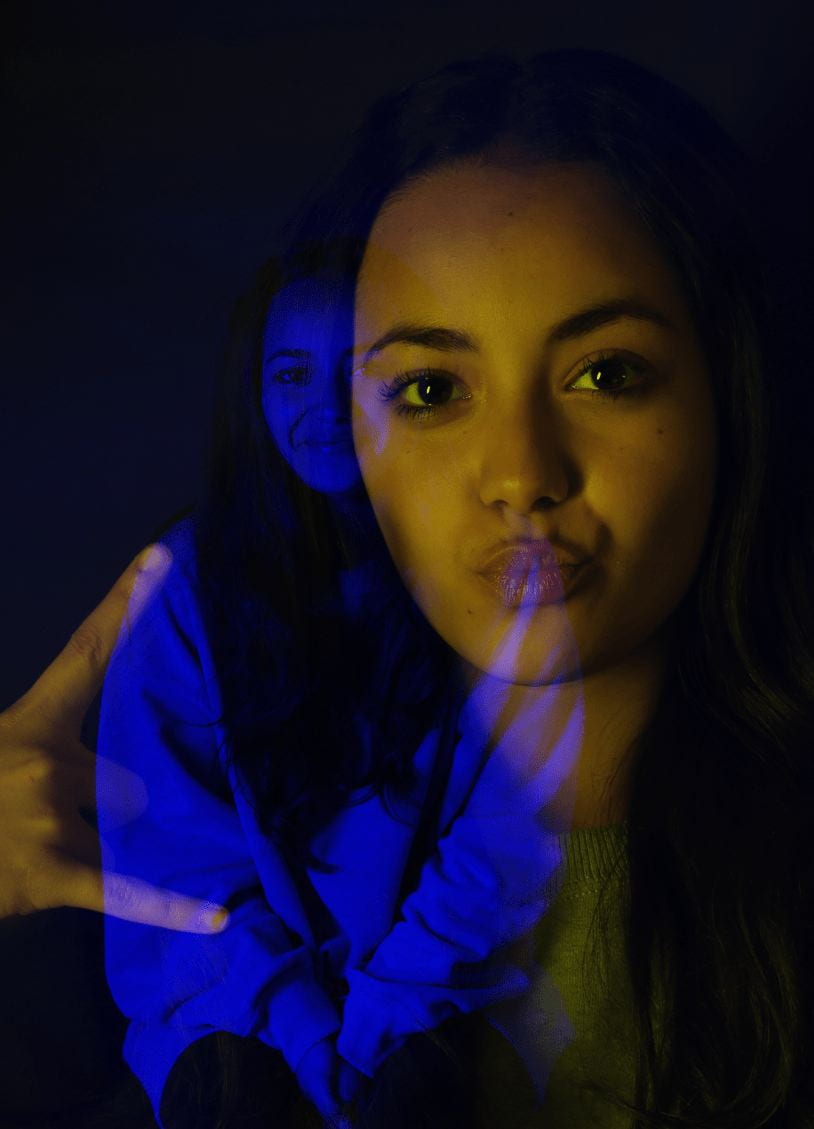
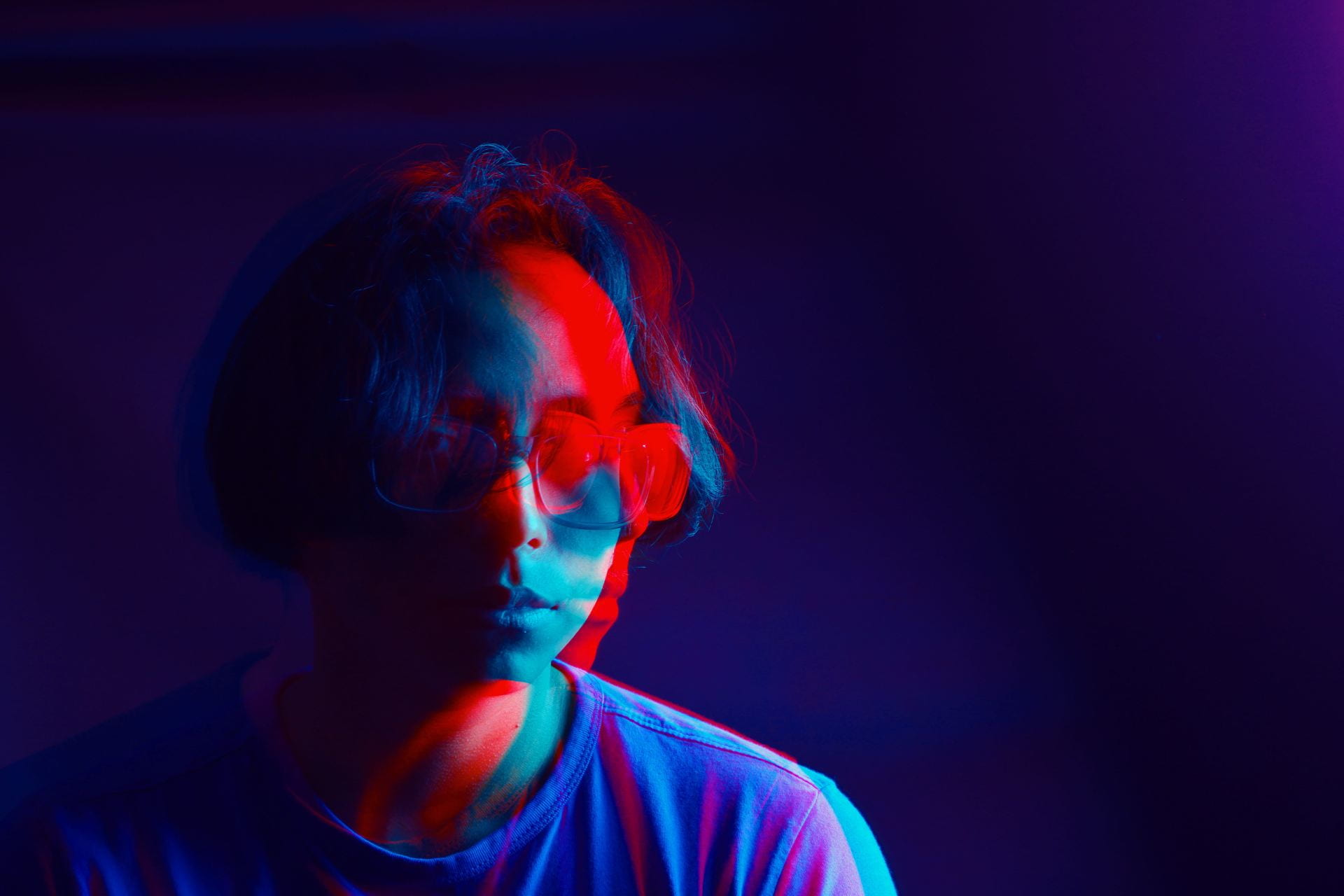
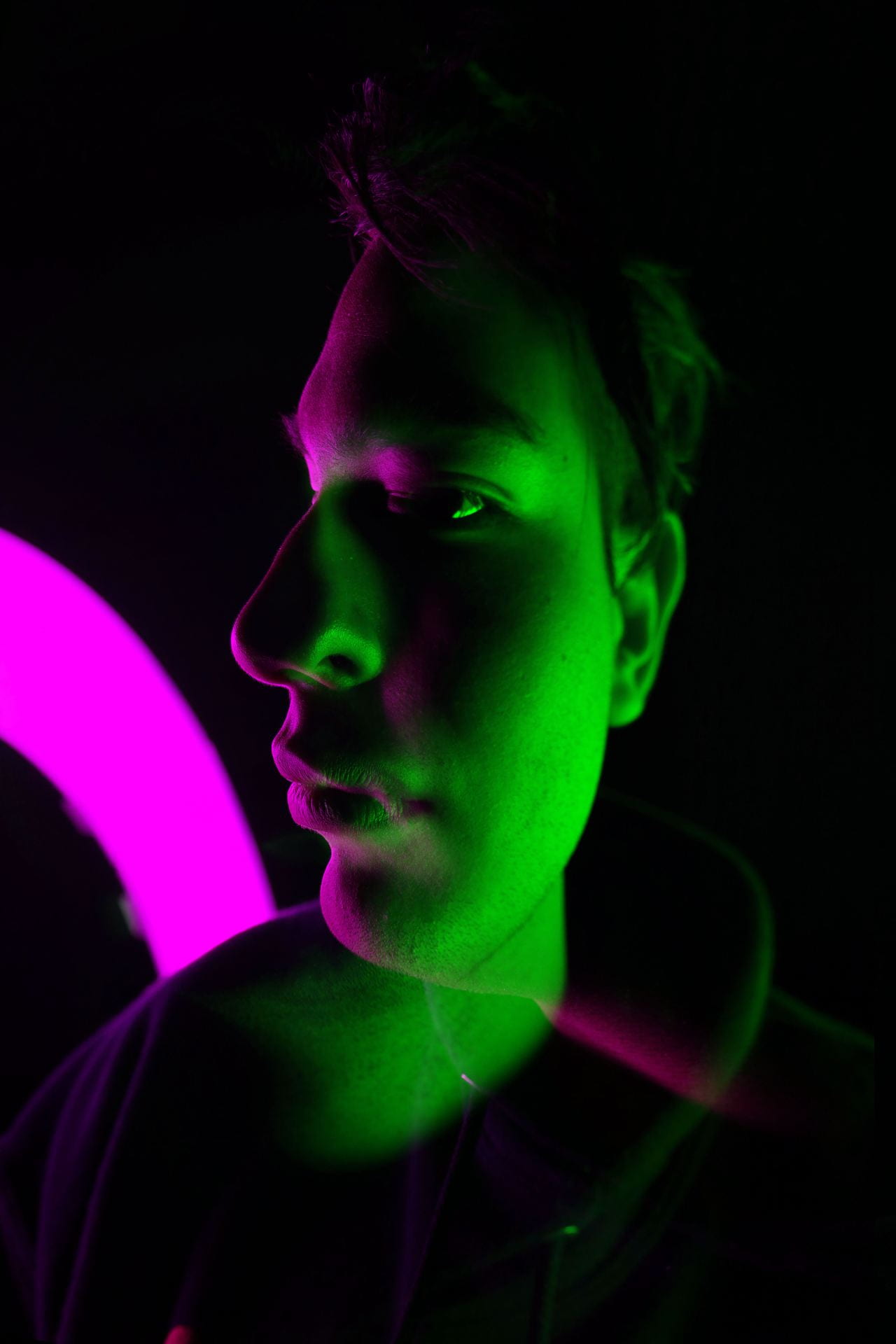
  • Double Color Portraits

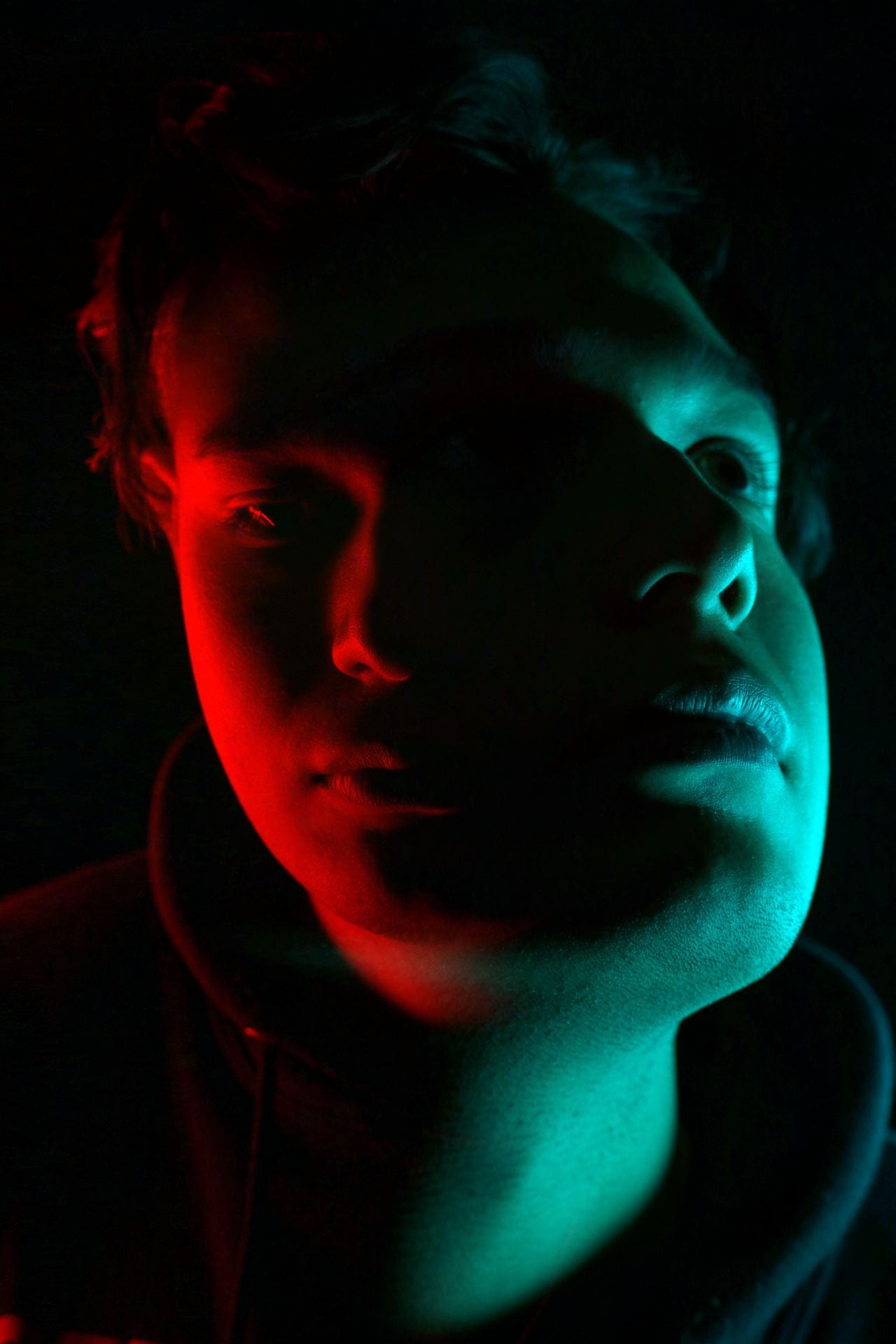
Double Color Portraits

Create a total of two. Due by Friday April 10th

Follow the instructions on this document to create two different double color portraits:

Double Color Portraits Photoshop Instructions

Video Tutorial: https://edpuzzle.com/assignments/69d7f0bd5f269574126e98a5/watch

You may take new portraits just for this assignment. Let me know and I will help you set up the photo backdrop and lights. 🙂

Upload your results to your blog and turn in on Teams.


Posted in Photo 1 Assignments

Photo Poetry Series

Photo Poetry Series

Due Friday April 10th

Combine your own photography with words using Photoshop. Explore your creativity and imagination!

Layer masks, blending modes, layer opacity, and layer effects should be explored as ways to merge words with images.

Instructions:

Use your own original photographs to create TWO separate photo poetry images with different criteria:

  • Photo Poetry Composite #1: Handwritten words* + your original photo
  • Photo Poetry Composite #2: Typed words w/ Photoshop text tool + your original photo

*Your handwritten words can be captured with your phone or photographed with a DSLR. And you may come up with other ways to get your handwriting uploaded (using your own drawing tablet, for example). 

What can you write about?

  • stories, poems, song lyrics, from you or other writers.
  • a letter (love letter, letter to younger or future self, letter to someone you wish to communicate with, fictional letter, letter you actually received)
  • flow of consciousness, journal entry, questions, ponderings, affirmations, prayers, meditations
  • recipes, shopping lists, to-do lists, instructions, homework
  • Poetry Websitehttps://www.poetryfoundation.org/

Posting Instructions:

  1. Insert your two creations individually (not as gallery). Change link to media file and size to large or full size.
  2. Create a gallery that displays all the original images used to make them. Change link to media file, leave as thumbnails.
  3. Publish and turn in on Teams by Friday before the period is over.

For any poetry nerds out there, here are some of my favorite poems:

https://poets.org/poem/kissing-vietnamese

https://www.poetryfoundation.org/poems/160778/torso-of-air

https://www.poetryfoundation.org/poems/149814/how-to-triumph-like-a-girl

Posted in Photo 1 Assignments

Environmental Portraits Group Project

Today’s Agenda:

  • Intro to Environmental Portrait Assignment (answer questions on Word doc)
  • Critique Blog Post
  • Video Playlist: Anchoring and Lighting
  • Create groups of 2-3 for upcoming Environmental Portrait project (we will most likely begin photo shoots on Monday)

Environmental Group Project

Objective: to make an environmental portrait of your partner on a location on school campus that expresses something about them.

Photographs must be well exposed & adequately lit, well composed, and in sharp focus.

Consider using on or off-camera flash and/or reflector to add light or fill in shadows.

Step 1: Interview.

If you have a group of 3, decide who will photograph who. Once you know who your subject is, you need to conduct a little interview. Here are some question suggestions:

  1. What is your name?
  2. What grade are you in and how old are you?
  3. Are you involved in any clubs, sports, or other organizations on campus?
  4. What’s your favorite subject or class?
  5. What are some of the spots on campus that you typically hang out at or have fond memories of?
  6. What place(s) on campus can express something about you as a student here at Summit?
  7. What would you like the portrait to show or say about you as a student?

Step 2: Plan It Out.

Take a camera and pass on your own to check out the locations you consider using for your subject’s portraits. I suggest having two places in mind before stepping out in case one spot doesn’t work out (some places may require admin permission ahead of time-let me know if you need help with this).

  • Observe the lighting situation and take some test shots to figure out possible camera settings.
  • Also note if you’ll need only a reflector or a flash unit as well.
  • Visualize the portrait and where you will position your subject and what you’ll have them do (stand, sit, lean, etc.)
  • Take a few test shots without your subject. You will need to save these photos for later.

Step 3: Photograph!

  • Take at least 10 photos of your subject at the chosen location. Just like you saw Chris Orwig in the anchoring video, you may need to change your camera height, composition, and subject’s positions to get the best results.
  • Talk to your subject as you photograph to give directions and compliments. 🙂
  • Save the photos you took to your OneDrive.

Step 4: Edit.

Edit the best 2-3 portraits in Lightroom. Consider some of the techniques you’ve been picking up from past tutorials. Save as a JPEG large, name it with your subject’s name (spell it correctly!).

Step 5: Post and Turn In.

  • Create a blog post titled, “Environmental Portraits of [their name].”
  • Post the photos in a gallery, link to media file, 2 columns, size LARGE. Caption with camera settings.
  • Add a second gallery that includes all your 10+ unedited photos.
  • Include TWO paragraphs:
    1. First one to introduce your audience to your subject. Include all the information you gathered from your interview and conversations. 🙂
    2. Second paragraph is to tell me about the shoot. How did you get the shots, equipment used, what the experience was like, what worked well, and what was most challenging, etc.

Publish and turn in on Teams!

Inspo:

Posted in Advanced Photo Assignments, Pathway Block

Project: Senior Lifestyle Portrait Shoot!

Group Project Instructions: Consider this as practice for your individual project! 

Due date TBD. The current plan is to shoot as groups this Thursday and Friday.

  • Everyone in your group will take turns being photographer and subject (decide who will photograph who).
  • Decide with your subject where on campus you want as your backdrop (Let me know if I’ll need facility permissions ahead of time!).
  • Cap & gown are optional, but I have two sets if you want to use them.
  • Each person takes 10-15 photos of their subject.
  • Subject must be well-lit using light modifiers when necessary.
  • Edit the best 3 photos in Lightroom and post on your blog with camera settings. Include a short paragraph telling us about your subject!


Individual Senior Lifestyle Project Instructions: 

Due Monday April 20th

Take at least 30 photos of your “client” (must be a senior, can be from any school). Include headshots, waist shots, and full body shots. Have fun and get creative!

Posting Instructions:

  1. Title your post with the first name of your “client” + “Senior Lifestyle Photo Shoot” (ex: Bobby’s Senior Lifestyle Photo Shoot).
  2. Post your best 3-4 edited photos in a gallery: link to media file, LARGE size, columns 3 or 4. Include camera settings in the captions. ONE of these photos must demonstrate a shallow depth of field.
  3. Post a second gallery with all the photos from the shoot: link to media file, thumbnail size, columns 4.
  4. Type a couple paragraphs at the end telling us who your client was + what the photos are supposed to showcase about them. Include a reflection telling us how the shoot went, whether you and your client were happy with the results, and what you could have done different for better results.

Good luck and have fun!!

Rubric:

  • Good exposure/appropriately lit.
  • Good composition.
  • Sharp focus of subjects eye’s (don’t forget to look for catchlights!).
  • Editing is tasteful and not distracting.
  • Background is simple, clean, and contributes to the portraits (no distracting elements).
  • Effort/planning and creativity is evident.
  • Followed all directions above.
Posted in Advanced Photo Assignments

Preparing for: Senior Lifestyle Portrait Shoots

Today’s Agenda:


Preparation Blog Post for

Senior Lifestyle Portrait Shoot Project

Create a blog post with resources + inspiration! 

Instructions:

Create a blog post titled, “Senior Portraits Inspo”.

  1. Photo Inspo: Find at least 5 lifestyle senior portrait examples online that you really love and add them as a gallery (link to media file, medium size).
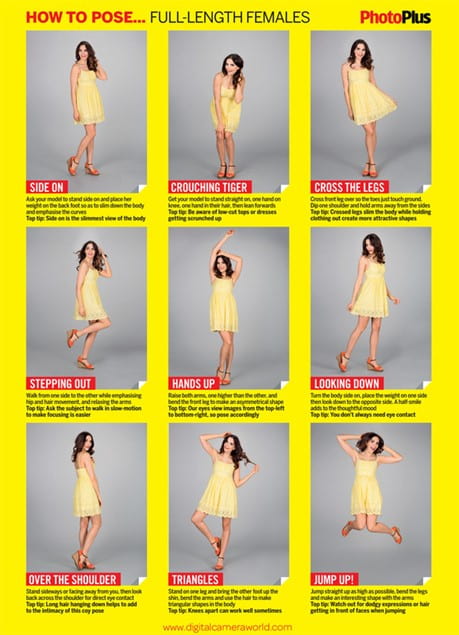
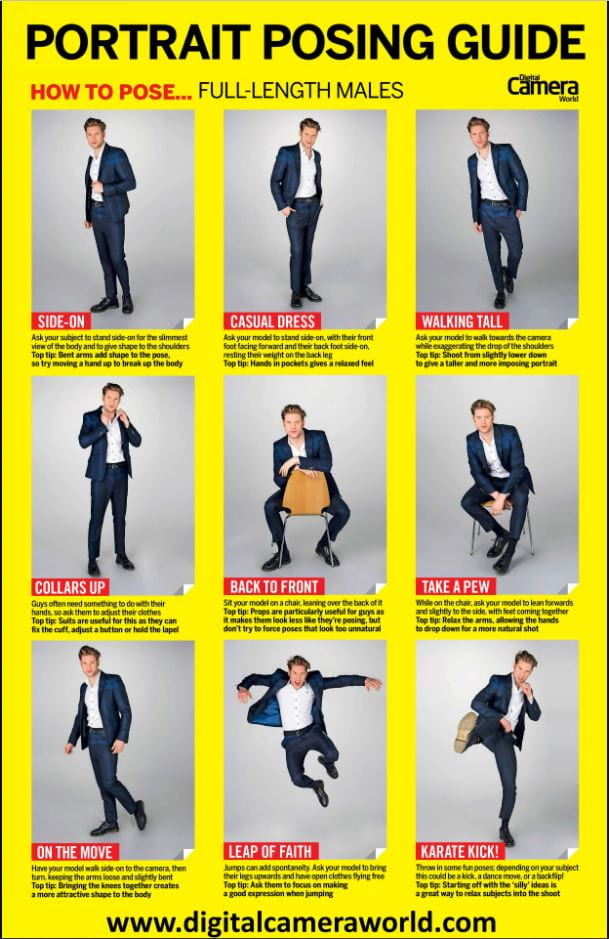
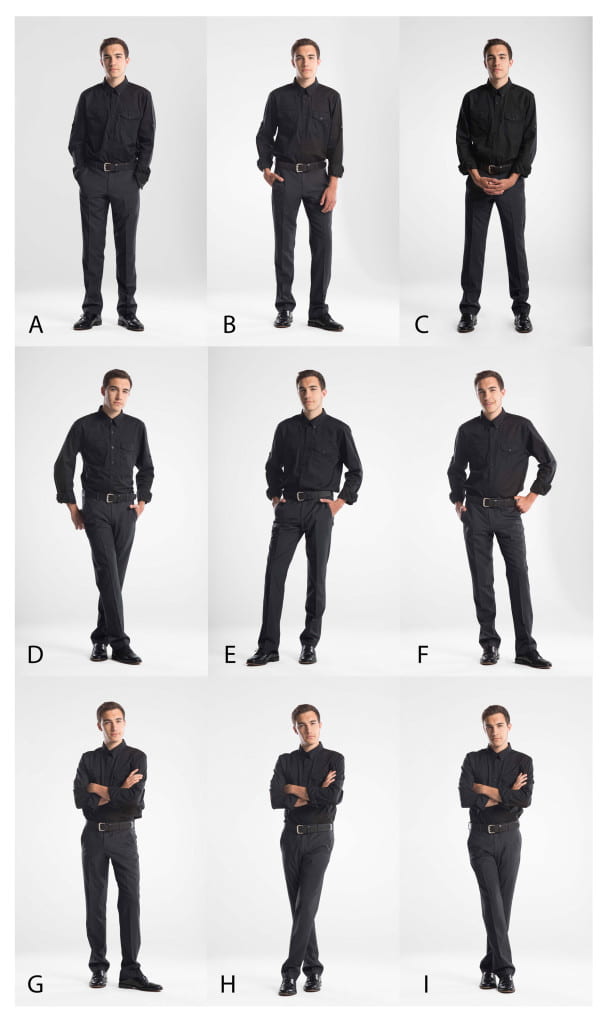
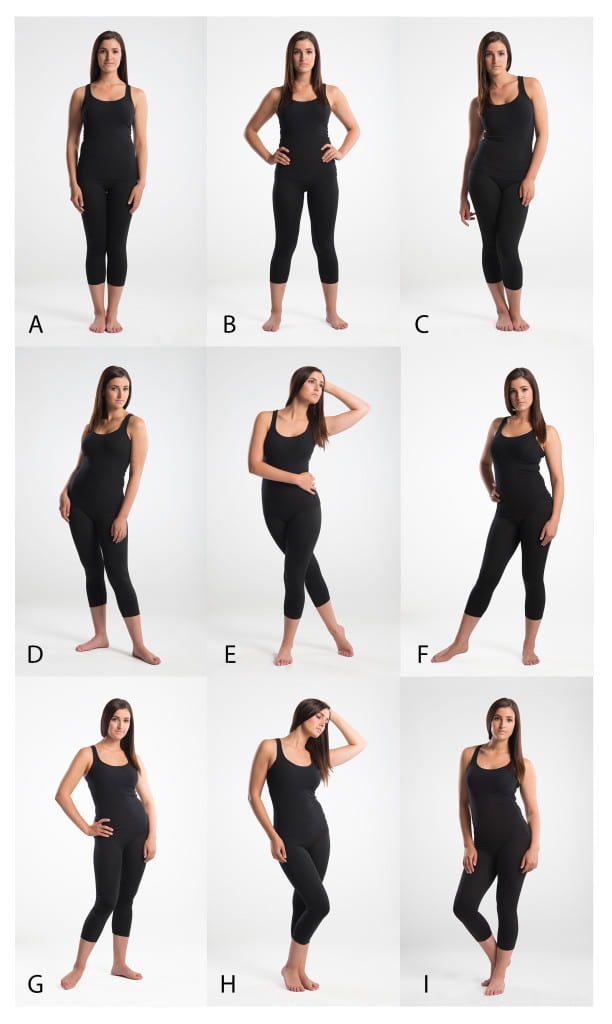
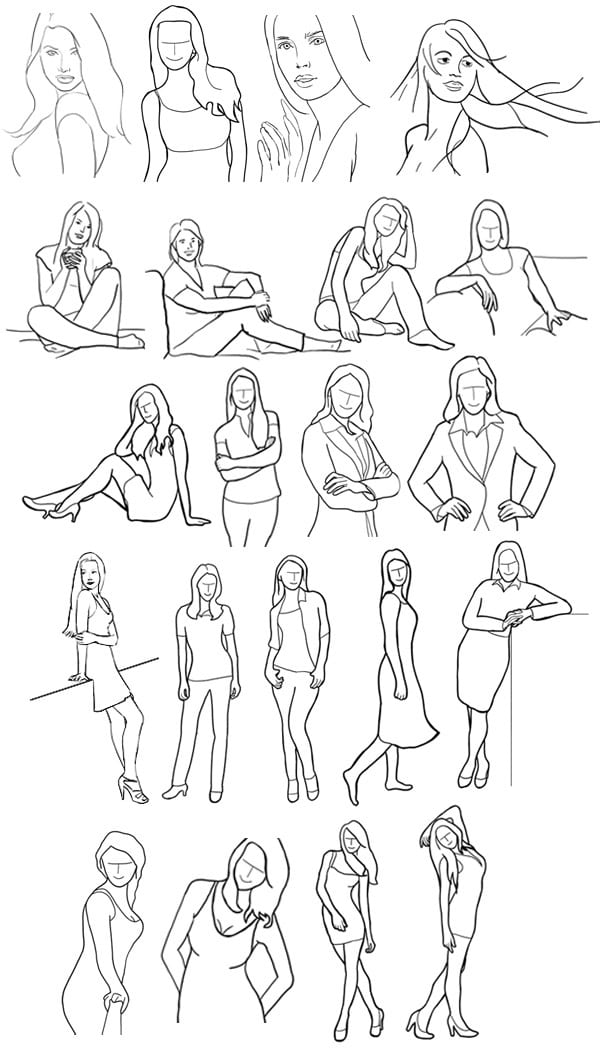
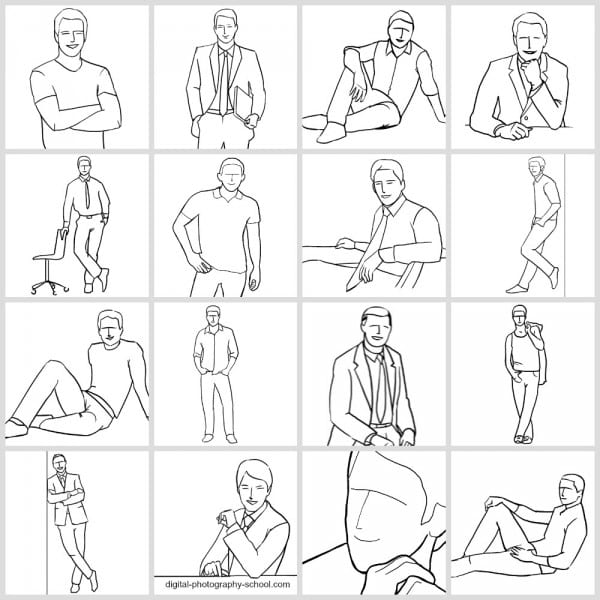
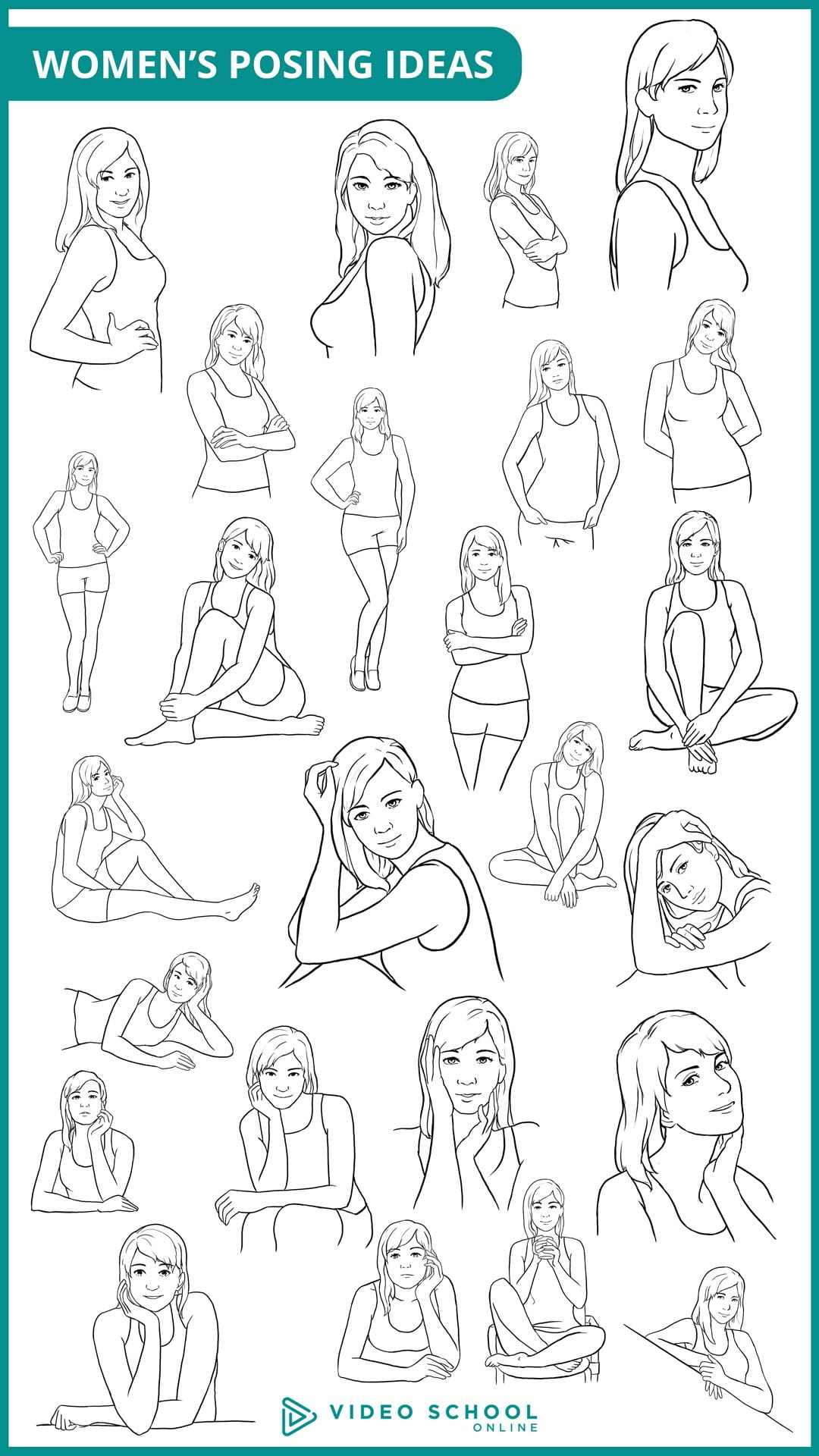
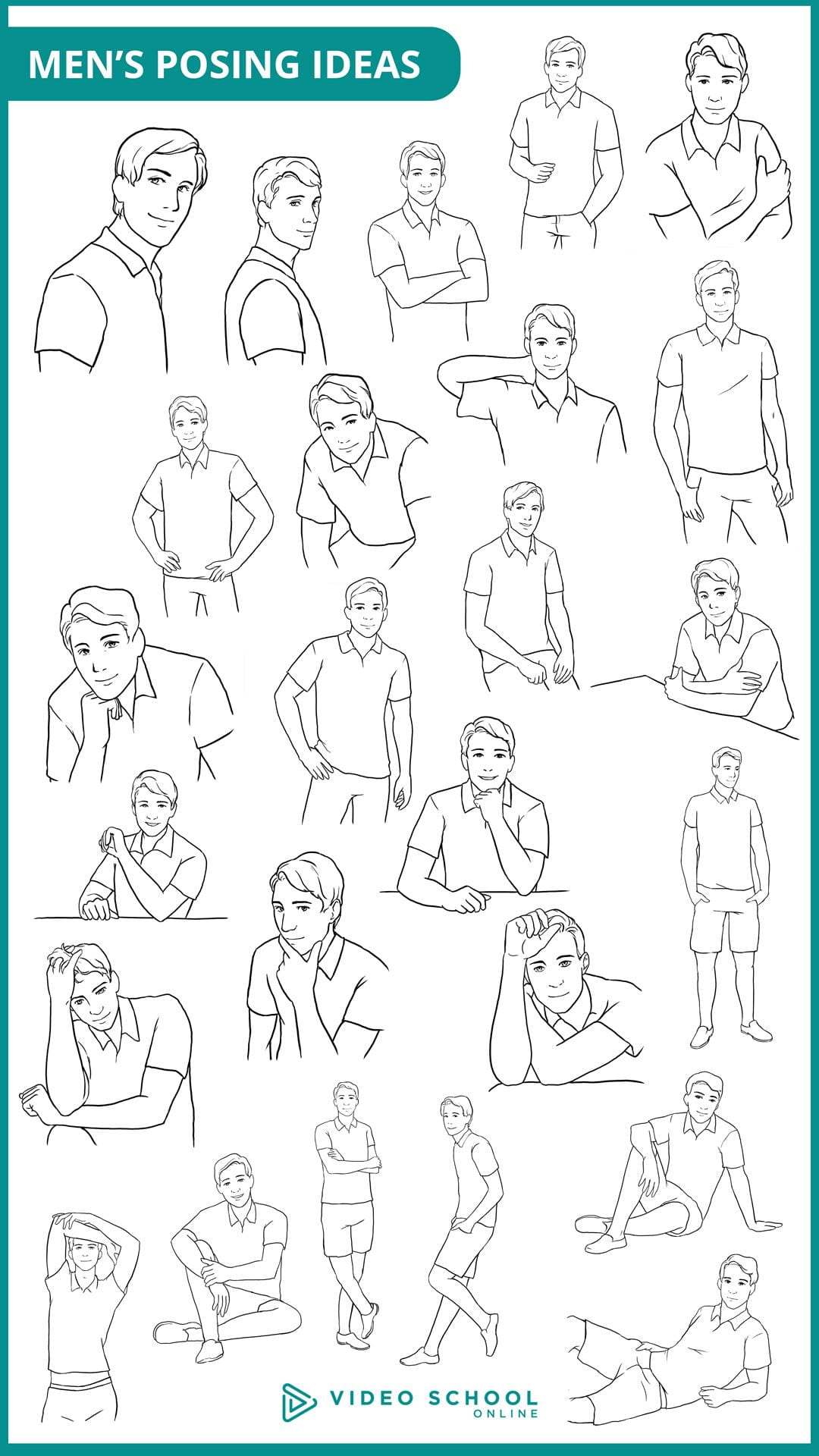
  2. Posing Guides: Do a Google Image search for “Portrait Posing Guide”. Save at least 3 posing guides that you find useful. Add them in your blog post as a gallery but I also recommend saving them in your camera roll in your phone to have handy during the shoot. I added a few guides below that you can also use. (Link to media file, medium size).
  3. Photographer Tips: Select at least 5 tips for photographers that you have learned about regarding senior lifestyle portraits and include them in your post. You can use the video playlist as your reference, search the links I included below, or do your own research!
  4. Tips for Your Subject: Finally, do an online search for lifestyle senior portrait tips for your subject (how to prepare, what to wear or NOT wear for the shoot, makeup tips, etc.). I included a couple links for you below. Include at least 5 tips for your subject in the post.


Resources/tips for senior portrait photographers:

https://www.flytographer.com/blog/senior-photos-best-tips/

https://digital-photography-school.com/senior-portraits-kids-parents-love/

https://lauramares.com/5-tips-to-plan-your-senior-photo-session/

10 Posing Tips for the Best Senior Portraits | Pittsburgh Senior Photographer

https://shotkit.com/senior-picture-ideas/

https://digital-photography-school.com/11-tips-for-photographing-senior-portraits/


Resources/tips for your subject:

Top 10 Tips to Prepare for Your Senior Photo Session – Pittsburgh Senior Photographer

How Should I Prepare for My Senior Pictures?

21 Tips for Your Senior Pictures

https://julienkibler.com/8-tips-to-plan-your-senior-photo-portraits/

11 Tips to Plan Your Senior Photo Session

Posing Guides:

Posted in Photo 1 Assignments

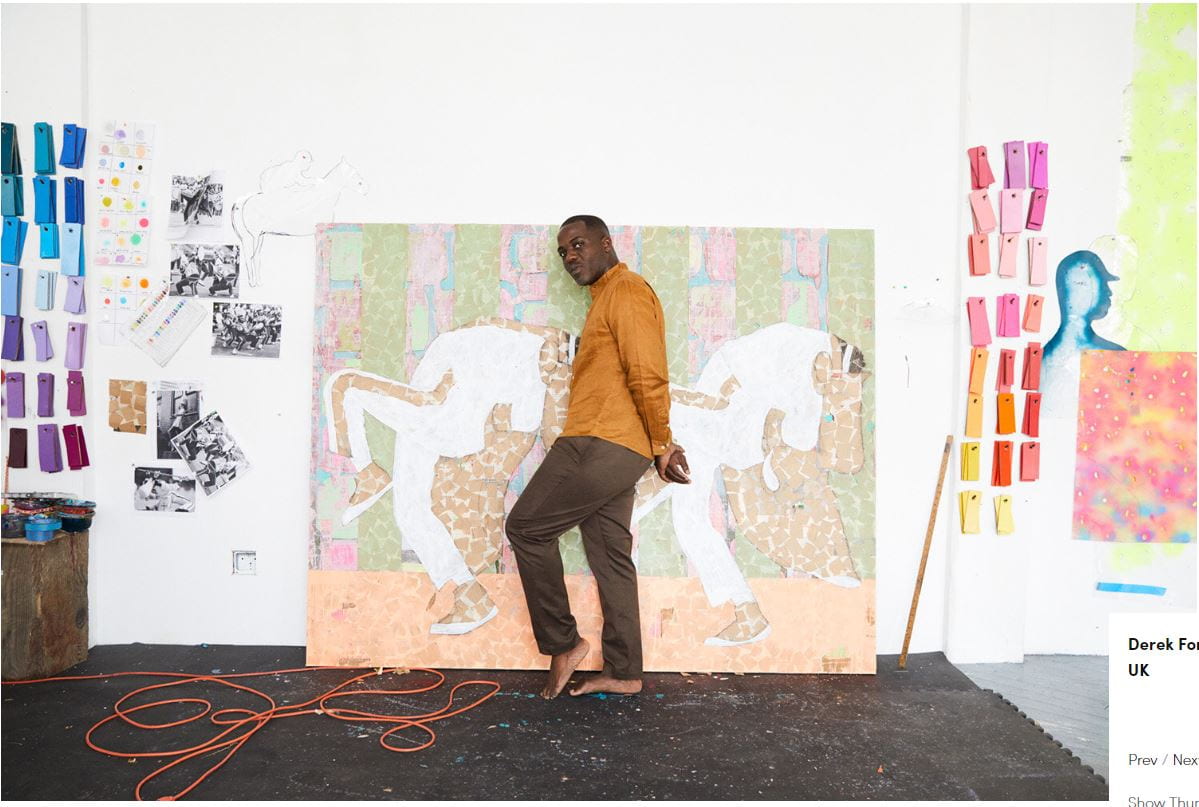
Intro to “Environmental Portraits”

Today’s Agenda:

  • Turn in Natural Light Portrait Lightroom Tutorials and Project
  • Environmental Portraits Intro Assignment

Turn in your word document in Teams.

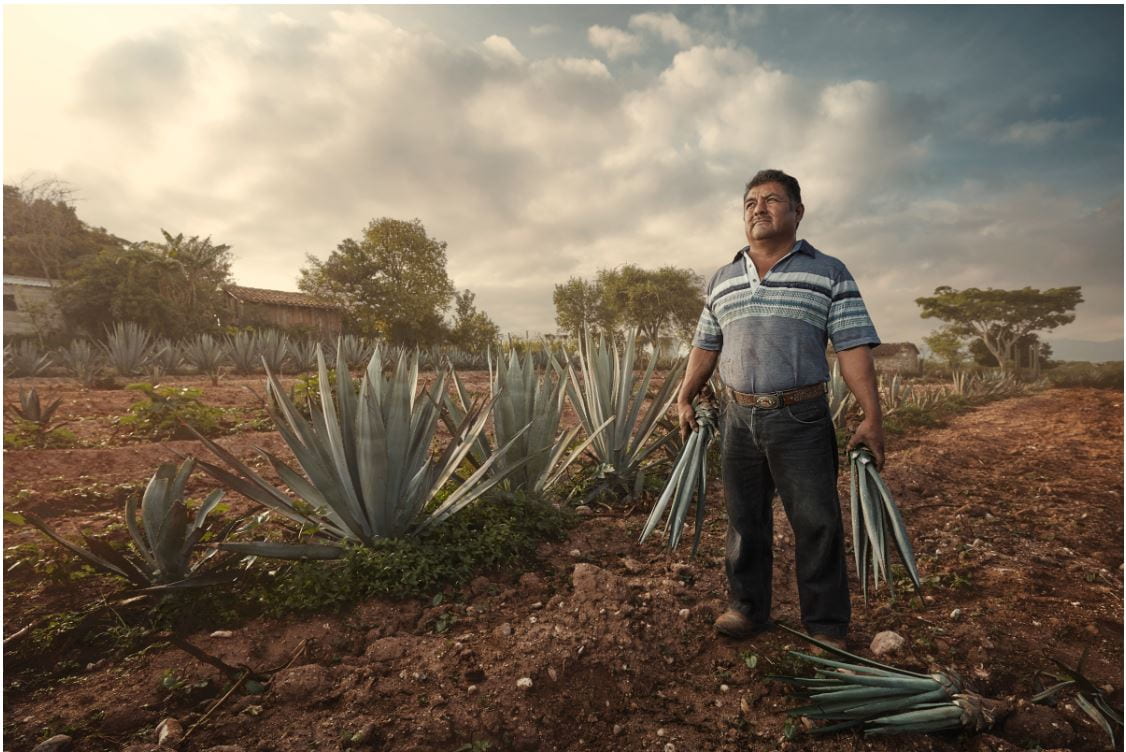
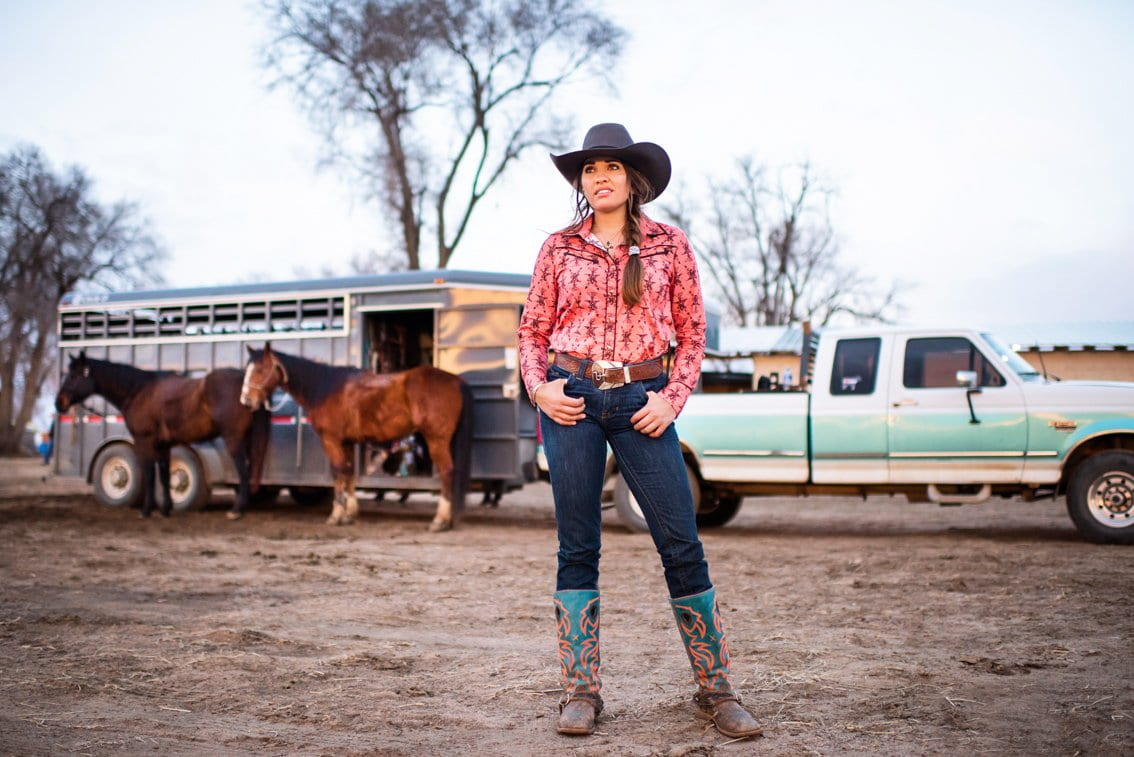
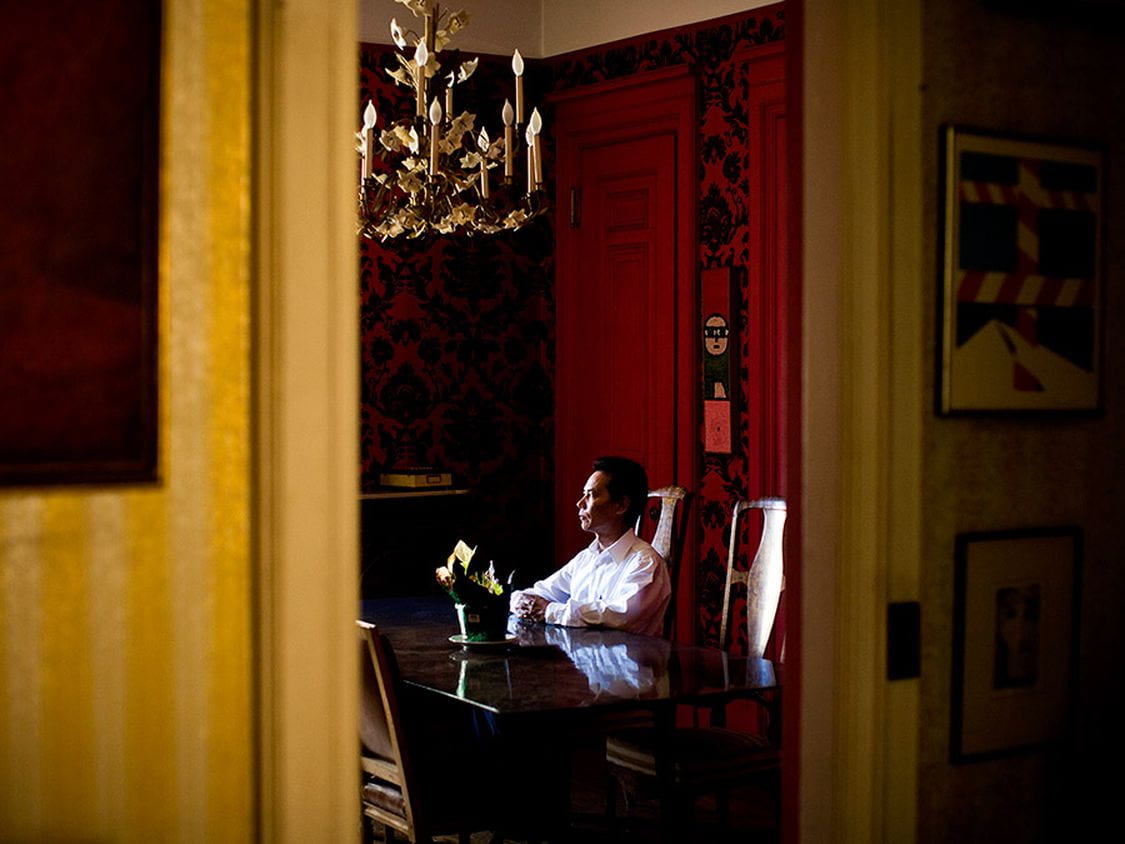
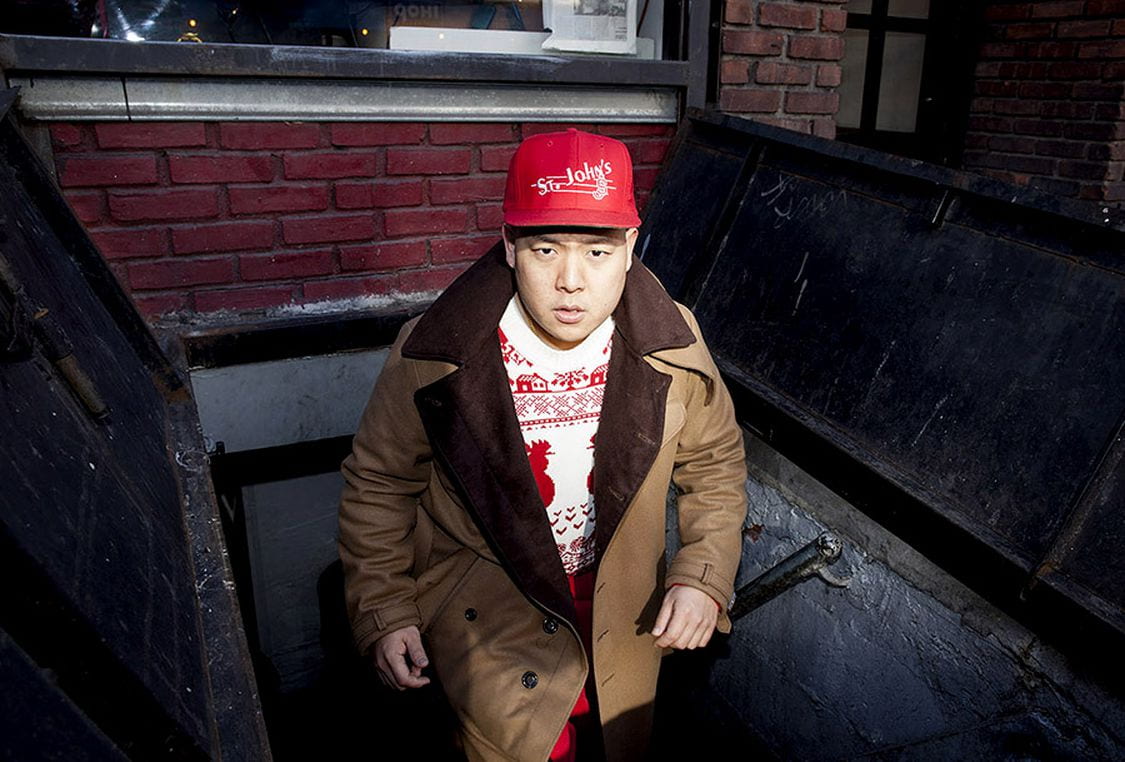
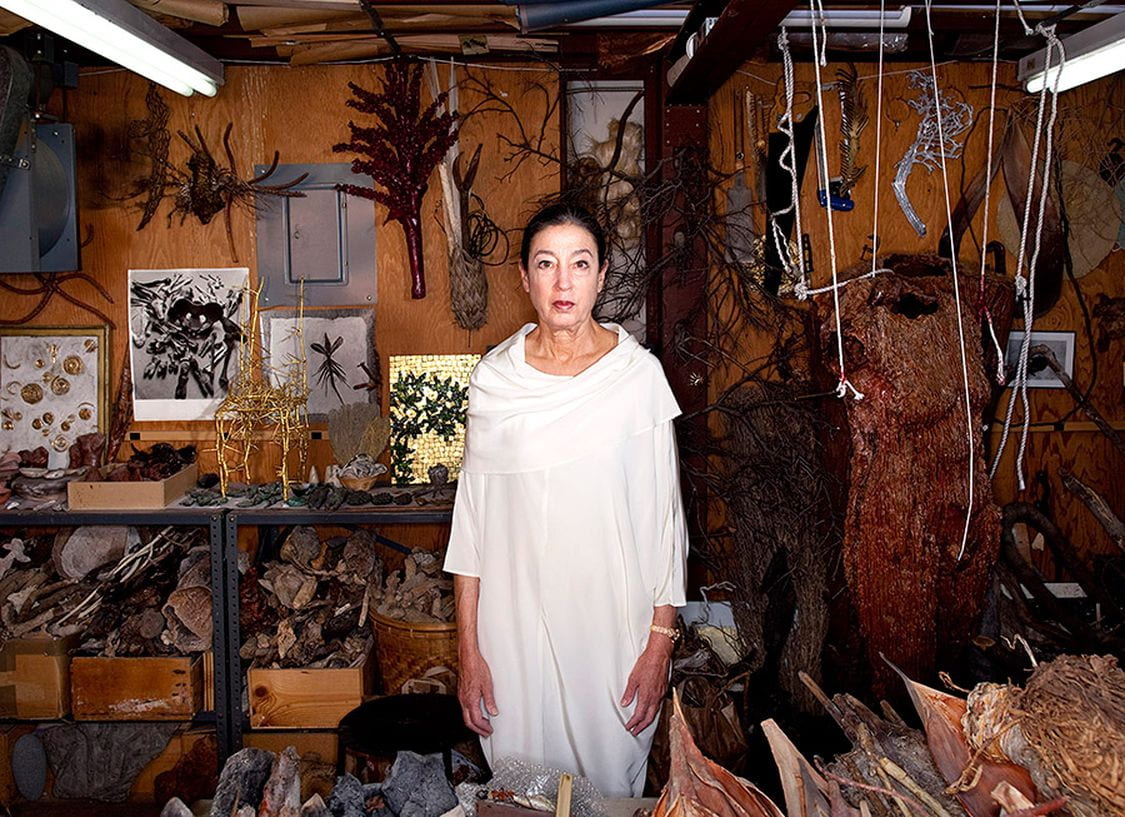
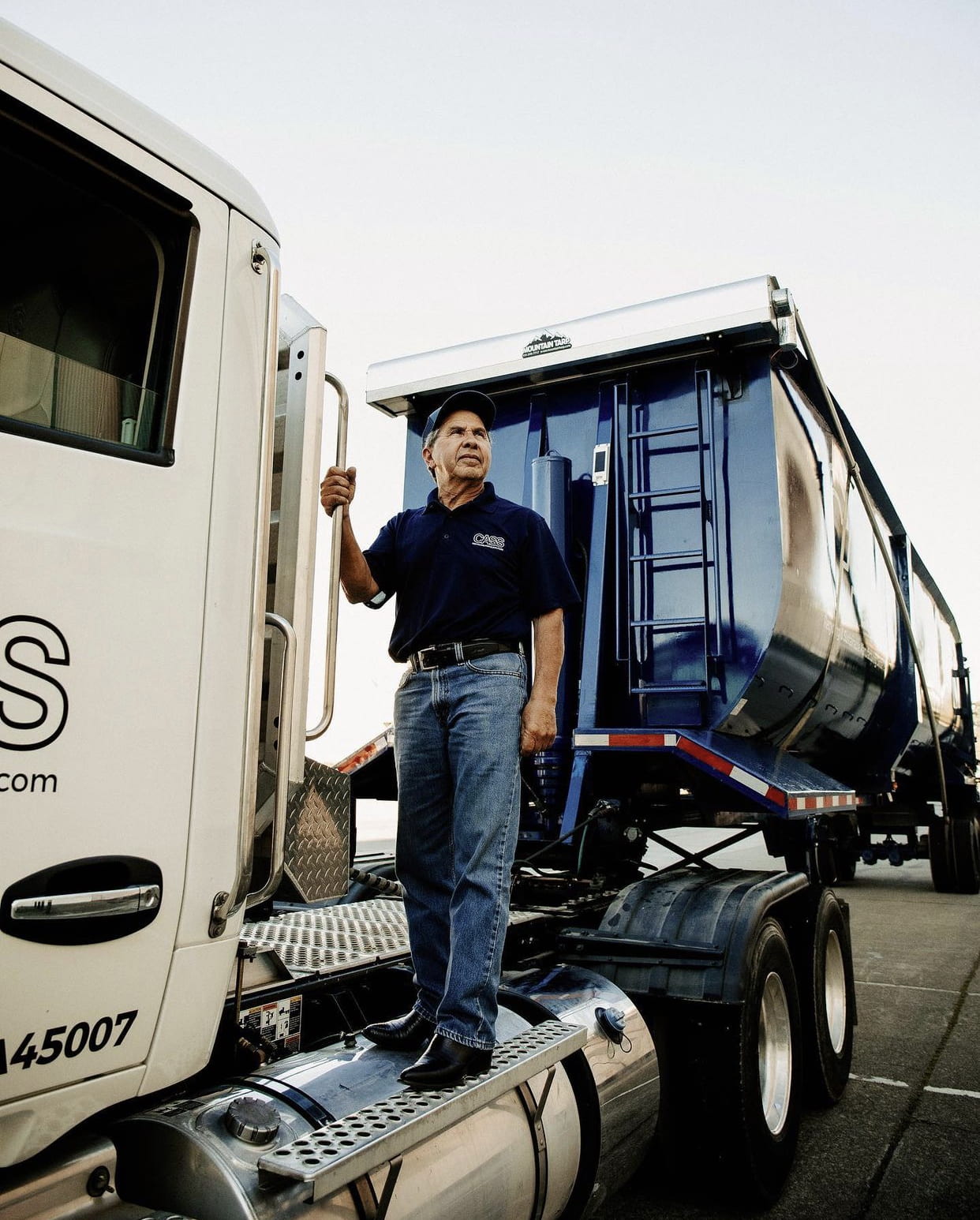
Who are these people?

Answer the following questions in a Word document.

  1. What do all these photos have in common?
  2. Who do you think these people are/what are they like based on their portrait? (Answer for each photo, label with the letter.)
  3. Which photo do you like the most and why?
  4. Why do you think these types of portraits are called “environmental portraits”?

Environmental Portrait Notes

Environmental-Portraits-PPT_march2026

Use the power point link to answer the following questions in the same Word document used in the previous activity.

  1. What is an environmental portrait?
  2. Why take portraits this way?
  3. What role does the background play in this type of photo? And what type of depth of field is typically used?
  4. What are the names of the two photographers featured at the end of the PPT? How is their work similar and how is different? (Make a list).


Posted in Pathway Block

Preparing for: Senior Lifestyle Portrait Shoot

Today’s Agenda:

  • Cinema Style Color Palettes
  • Portrait and Posing Video Playlist w/ Questions
  • March Independent Photo Challenges
  • Preparation Blog Post for upcoming Senior Lifestyle Portrait Shoot Project

Preparation Blog Post for

Senior Lifestyle Portrait Shoot Project

Create a blog post with resources + inspiration! 

Instructions:

Create a blog post titled, “Senior Portraits Inspo”.

  1. Photo Inspo: Find at least 5 lifestyle senior portrait examples online that you really love and add them as a gallery (link to media file, medium size).
  2. Posing Guides: Do a Google Image search for “Portrait Posing Guide”. Save at least 3 posing guides that you find useful. Add them in your blog post as a gallery but I also recommend saving them in your camera roll in your phone to have handy during the shoot. I added a few guides below that you can also use. (Link to media file, medium size).
  3. Photographer Tips: Select at least 5 tips for photographers that you have learned about regarding senior lifestyle portraits and include them in your post. You can use the video playlist as your reference, search the links I included below, or do your own research!
  4. Tips for Your Subject: Finally, do an online search for lifestyle senior portrait tips for your subject (how to prepare, what to wear or NOT wear for the shoot, makeup tips, etc.). I included a couple links for you below. Include at least 5 tips for your subject in the post.

Resources/tips for photographers:

https://www.flytographer.com/blog/senior-photos-best-tips/

https://digital-photography-school.com/senior-portraits-kids-parents-love/

https://lauramares.com/5-tips-to-plan-your-senior-photo-session/

10 Posing Tips for the Best Senior Portraits | Pittsburgh Senior Photographer

https://shotkit.com/senior-picture-ideas/

https://digital-photography-school.com/11-tips-for-photographing-senior-portraits/


Resources/tips for your subject:

How Should I Prepare for My Senior Pictures?

21 Tips for Your Senior Pictures

https://julienkibler.com/8-tips-to-plan-your-senior-photo-portraits/

11 Tips to Plan Your Senior Photo Session

Top 10 Tips to Prepare for Your Senior Photo Session – Pittsburgh Senior Photographer | Laura Mares Photography | Pittsburgh Lifestyle + Portrait Photographer