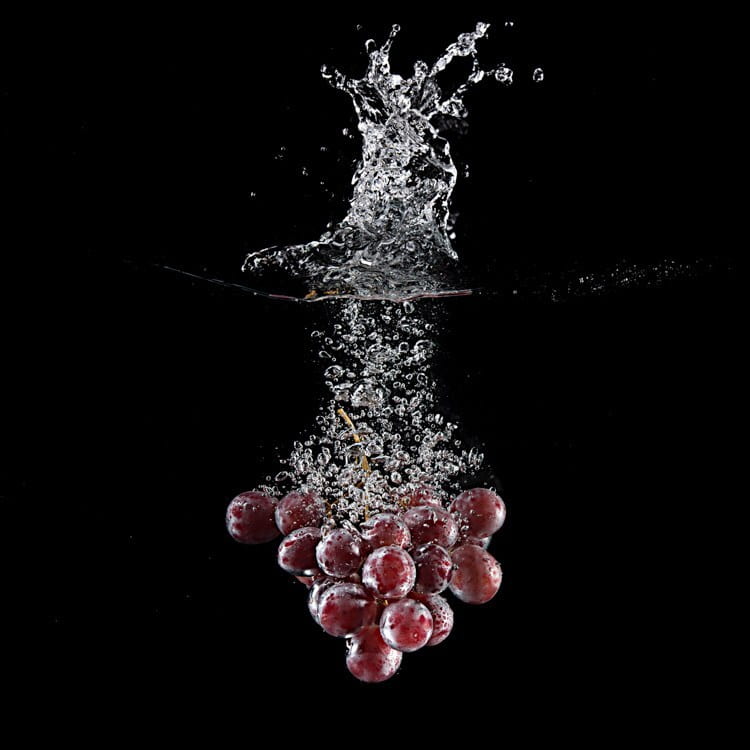
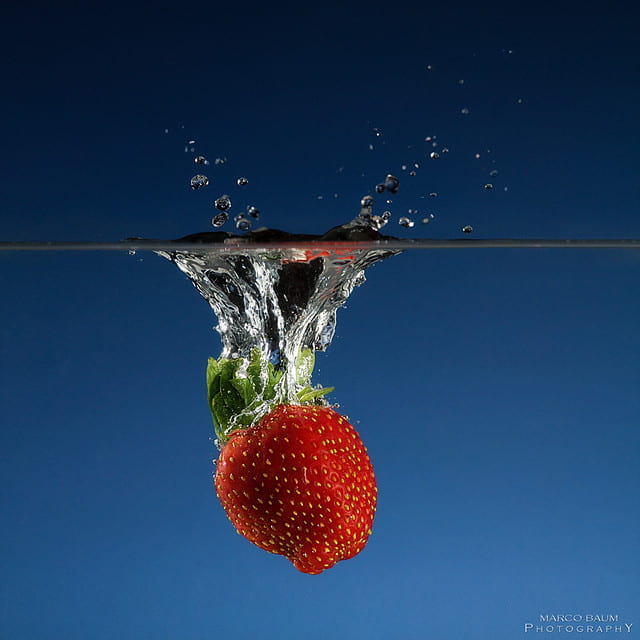
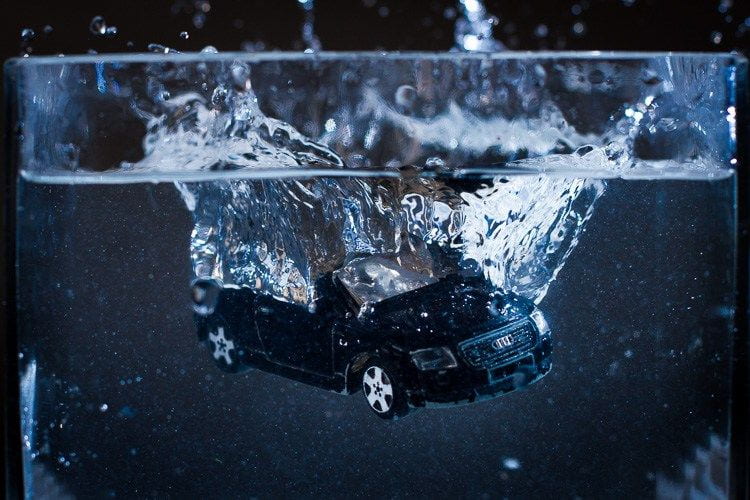
Each Team will send one member at a time to photograph items dropped in the aquarium set-up!
At the end of class we will upload images. On Monday we will share our best results.

Summit High Digital Photography
Follow @SkyHawksPhotography on Instagram! Email: delasa@fusd.net
Each Team will send one member at a time to photograph items dropped in the aquarium set-up!
At the end of class we will upload images. On Monday we will share our best results.
Today’s Agenda:
Shutter Speed Fill-in-the-Blank Assignment
Open the document below and follow the instructions.
Shutter Priority Fill in the Blank_Experiment Questions
Website link: http://canonoutsideofauto.ca/learn/
Shutter Priority Mode Experiment
Step 1: Go to http://canonoutsideofauto.ca/play/
Step 2: On the camera modes, select SHUTTER PRIORITY (“Tv”).
Step 3: Set the shutter speed slider at 1 SEC and take a photo (blue button with camera icon). Then do the same for the following shutter speeds: 1/10, 1/60, 1/250, 1/1000, 1/4000.
Step 4: Look at the 6 photos you just captured. Answer the questions about them located in your Fill-in-the-Blank Word document.
Step 5: Clear your photos from the “Your Shots” gallery to prepare for the next round of photos.
Step 6: On the camera modes, select Manual (M). Set the Aperture at 5.6, and ISO on 400.
Step 7: Take the photos at the same shutter speeds mentioned on Step 3 (1 Sec, 1/10, 1/60, 1/250, 1/1000, 1/4000).
Step 8: Look at the 6 photos you just captured. Answer the questions about them located in your Fill-in-the-Blank Word document.