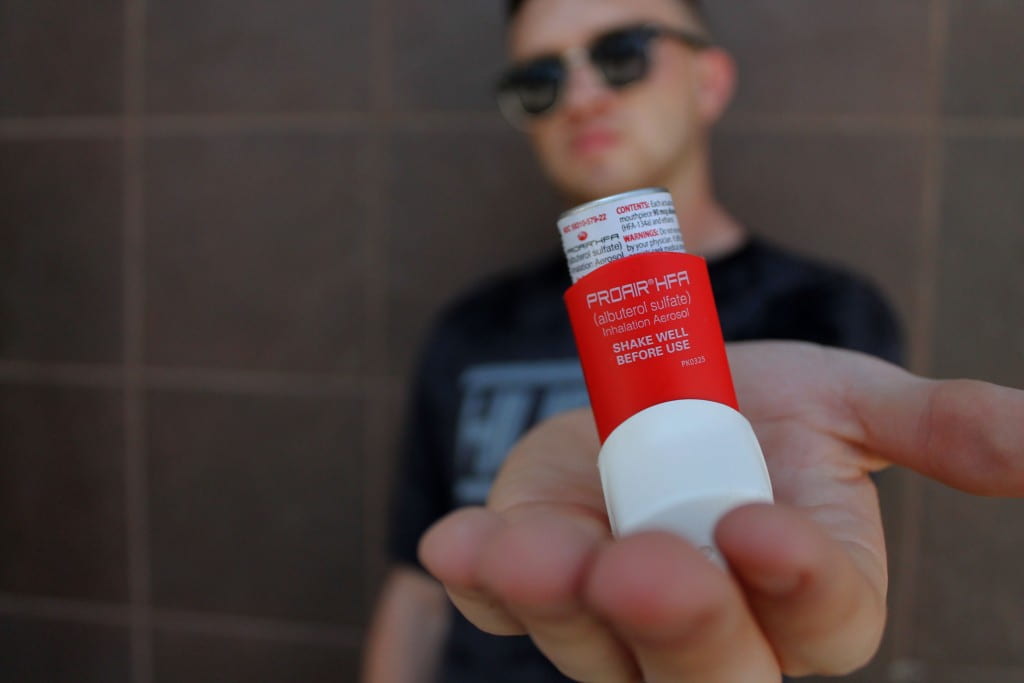
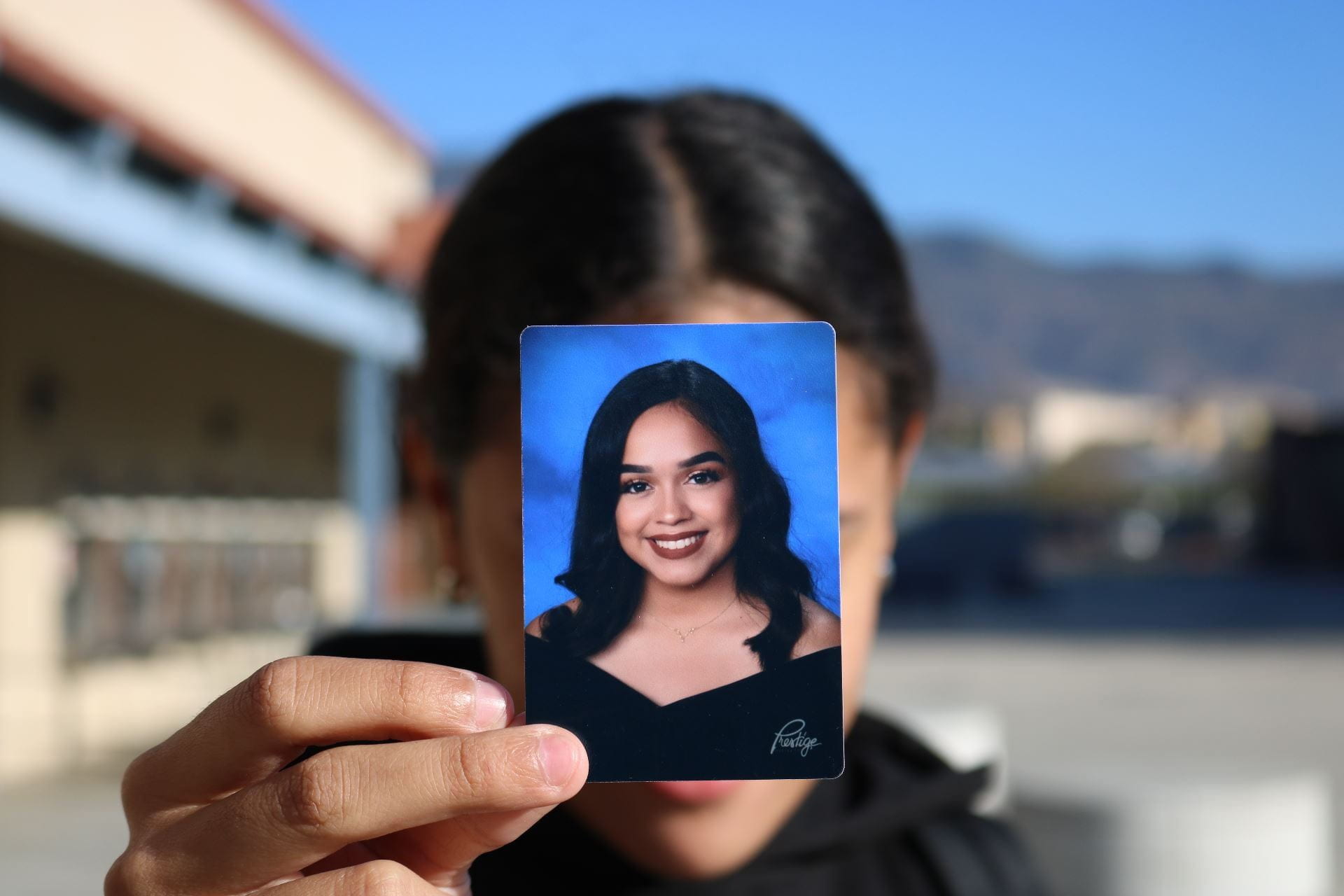
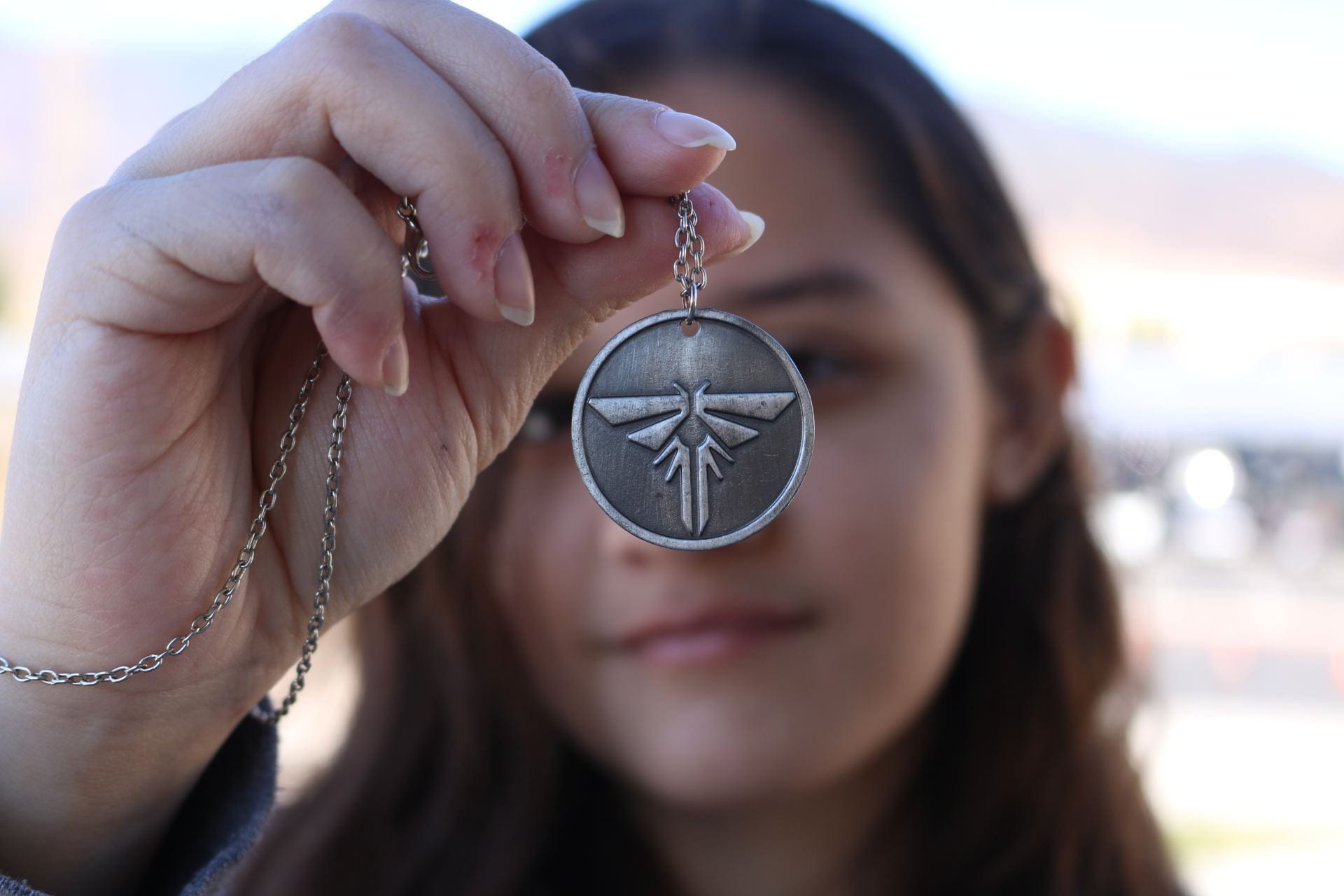
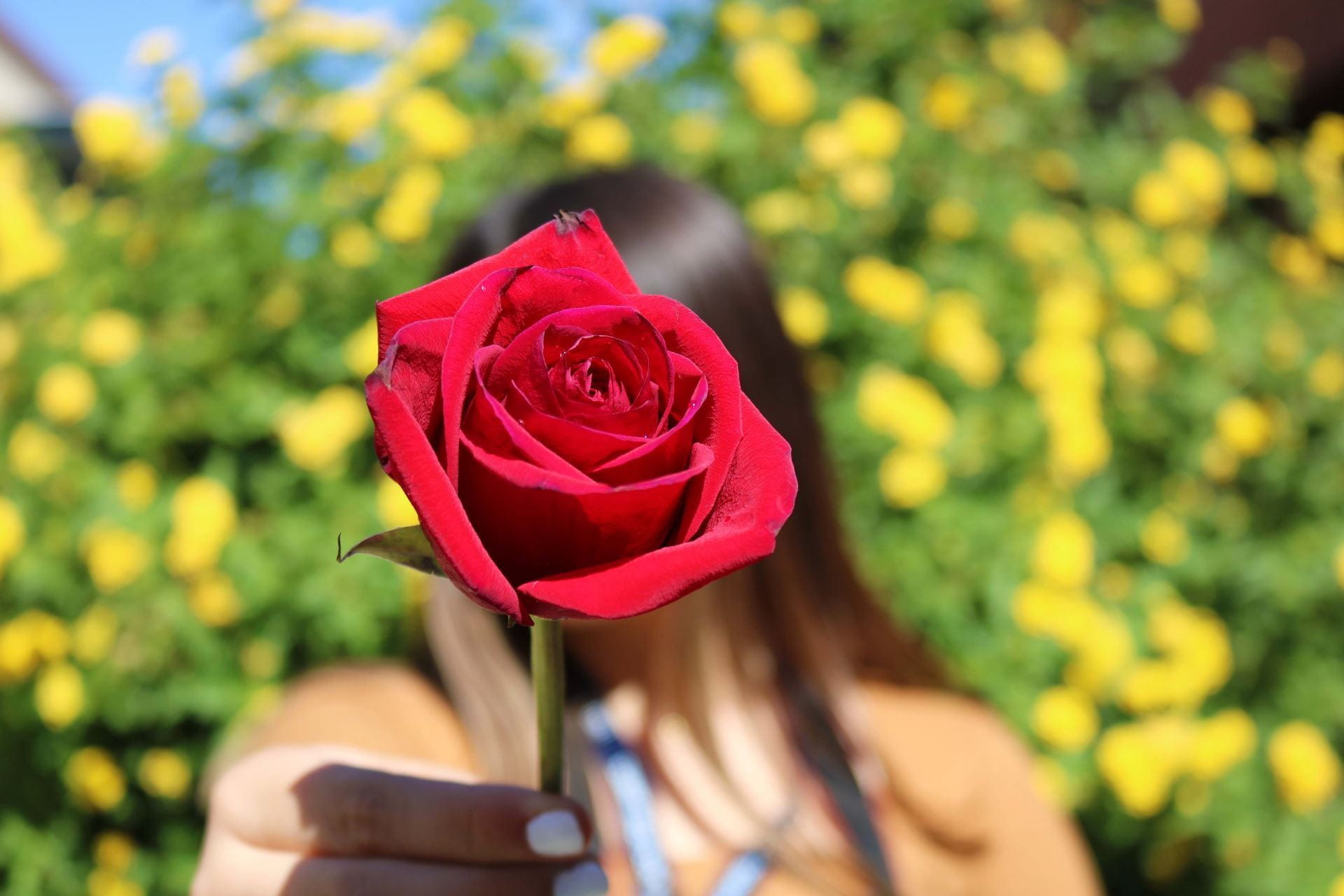
Posted in Photo 1 Assignments

Tuesday 9/21/21: Photoshop Tutorials

Today’s Agenda:

  • Photoshop Hands-On Tutorials
  • Post and Turn in Symbolic Portrait w/ Shallow DOF (Depth of Field)

Photoshop Hands-On Tutorials

Category: Photo Editing

Skill Level: Beginner

Here’s how you get to the tutorials:

Use the bottom left search bar on your computer to search “Photoshop”. Click to Open the App.

After signing in with your student email (usually only necessary the first time you use Photoshop), go to “Help” at the top and select “Hands-On Tutorials”.

Use the category and skill level mentioned above (Category: Photo Editing, Skill Level: Beginner.  If the tutorials don’t show, restart your computer and try again.
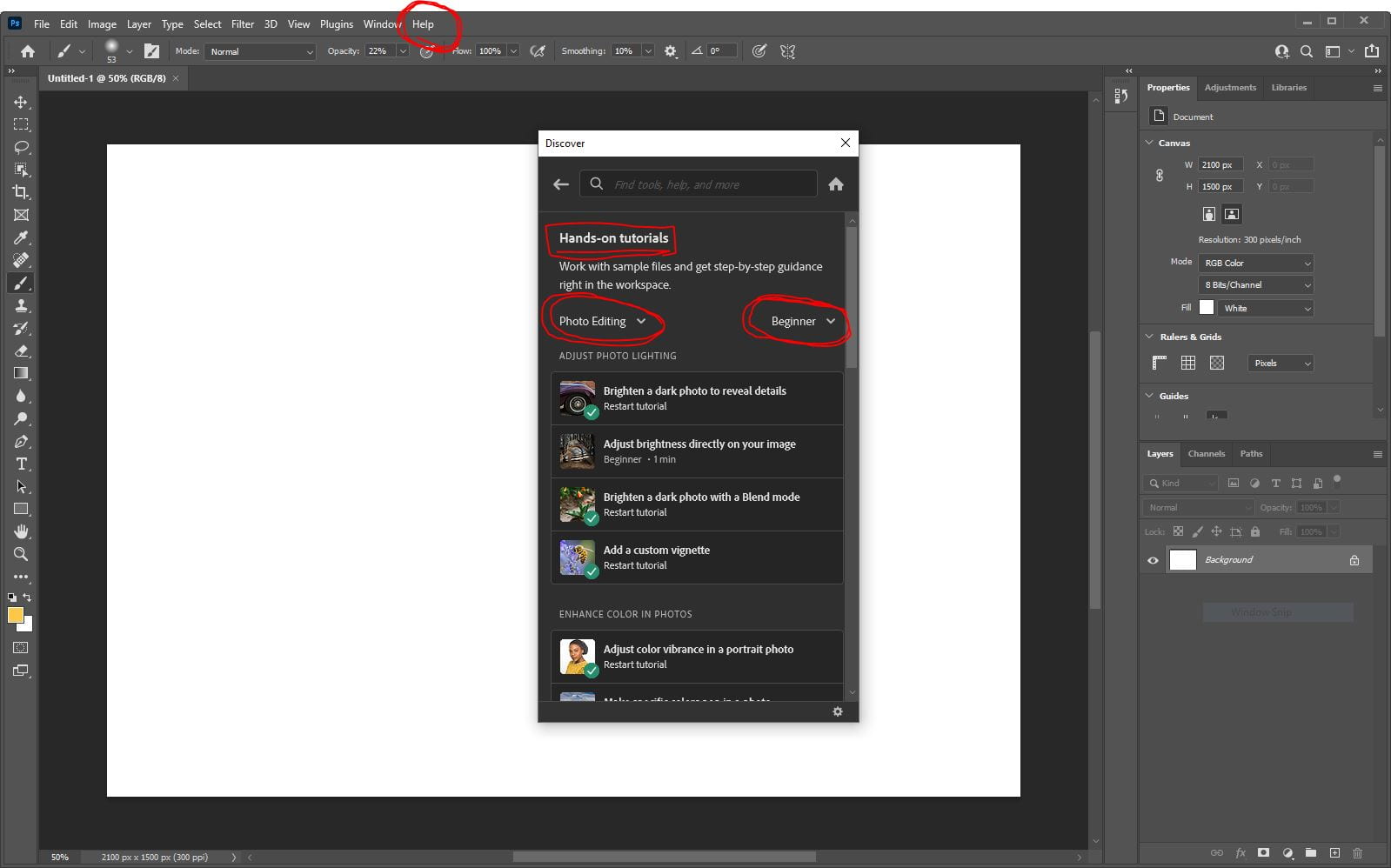
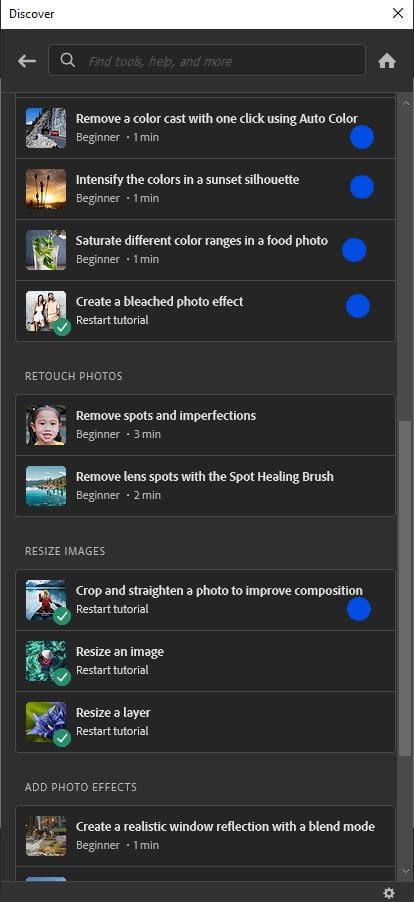
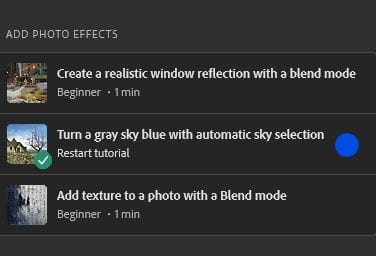
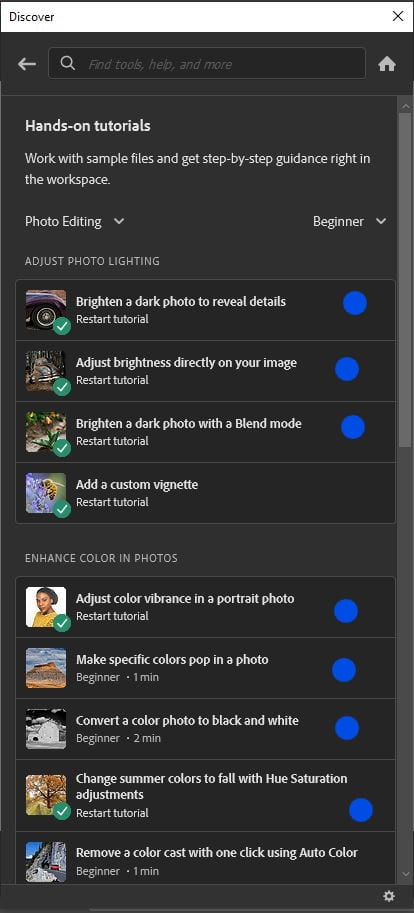
Complete the tutorials marked with a BLUE dot ONLY, shown in the images below (13 total!).  They each take about 1 minute to complete.
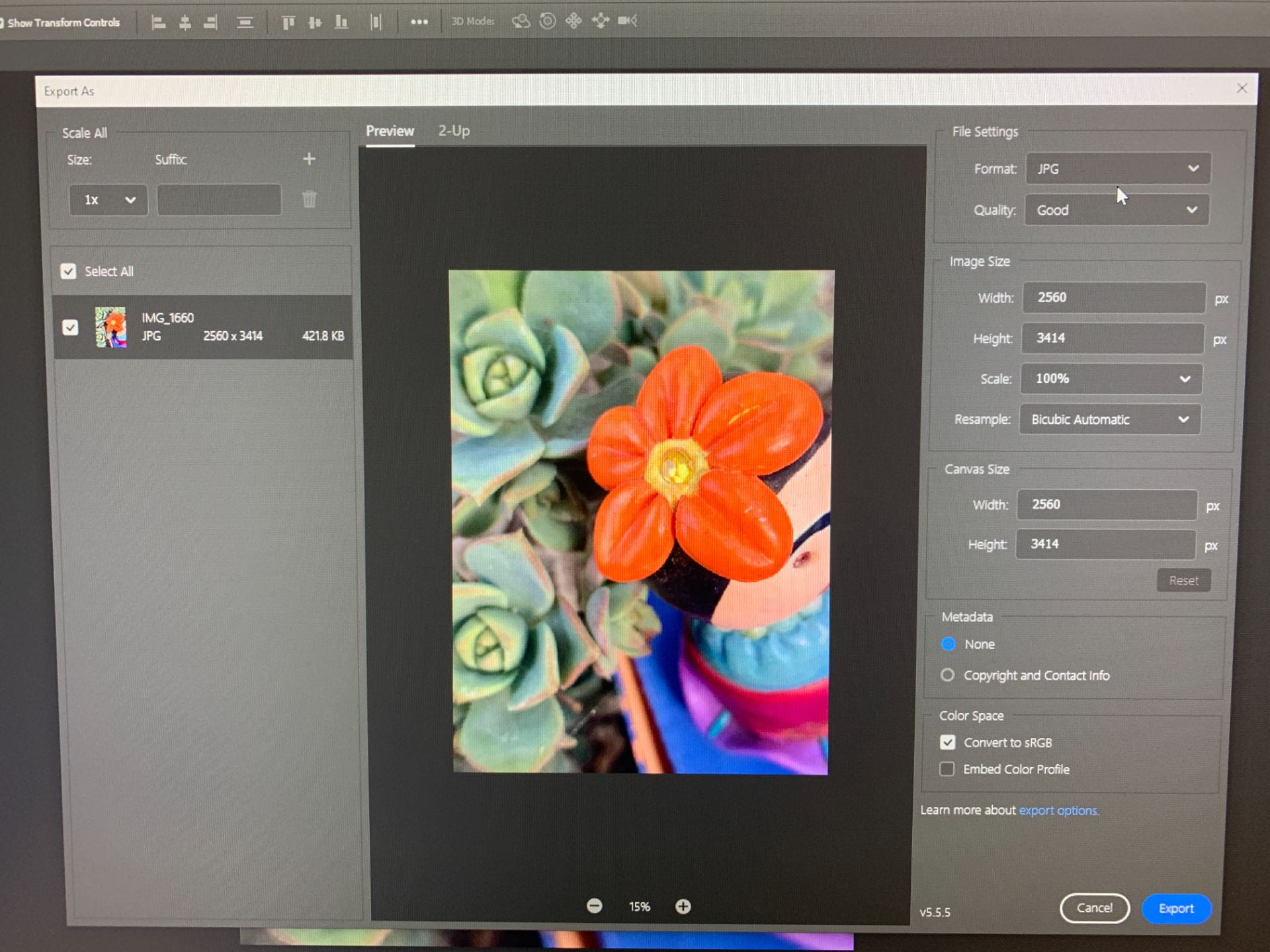
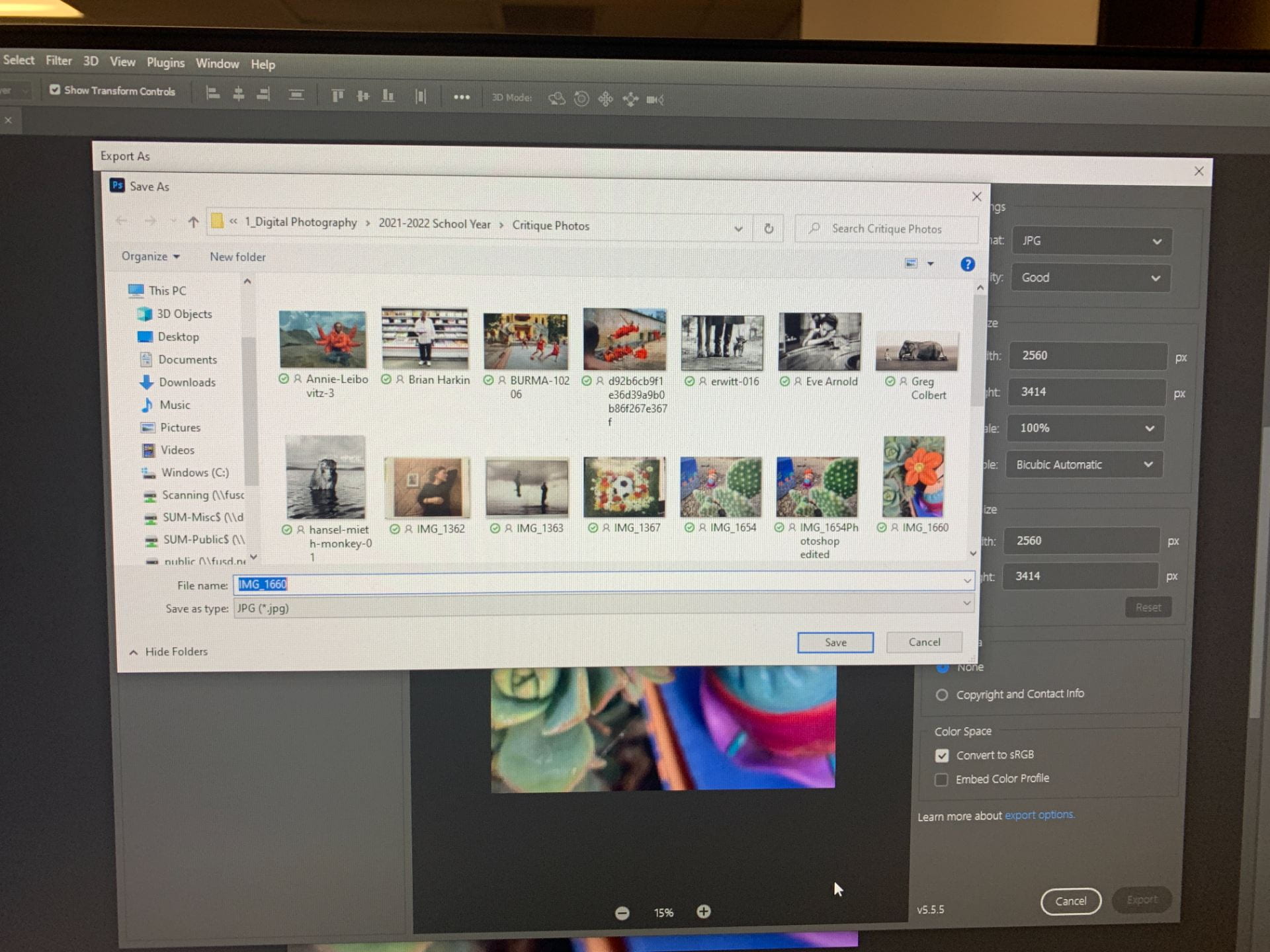
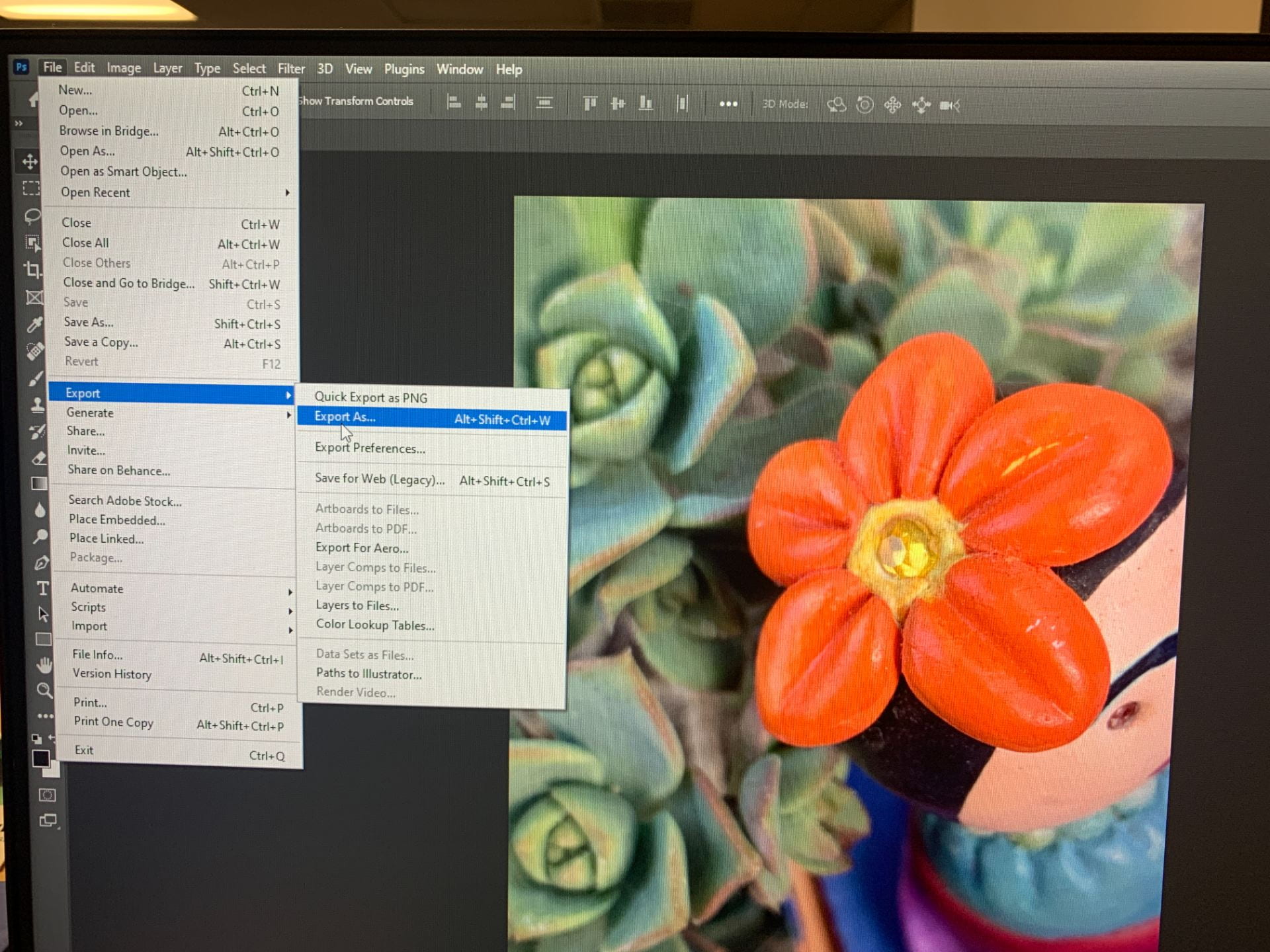
After completing each tutorial, you will need to save your resulting image as a JPG file in your One Drive (see screenshots below).

Note: If your OneDrive doesn’t appear as an option, you need to type “OneDrive” in the bottom left search bar on your computer and sign in first. 
Post your 13 completed tutorial photos on your photo blog as a gallery.

Title it: ” My Photoshop Tutorial Images”.

Change link to media file, select your choice of columns, and thumbnail size. 

Publish, go to your published post to copy link, and submit in Teams! 

Good job!
Posted in Advanced Photo Assignments

Thursday 9/16/21: Levitating Project + Monthly Photo Challenges

Today’s Agenda:

  • Finish up and Turning in the Light Painting and Ghost assignment
  • Discussing the Levitating Project
  • Discussing Monthly Photo Challenges (separate post, scroll down)

Levitating Project

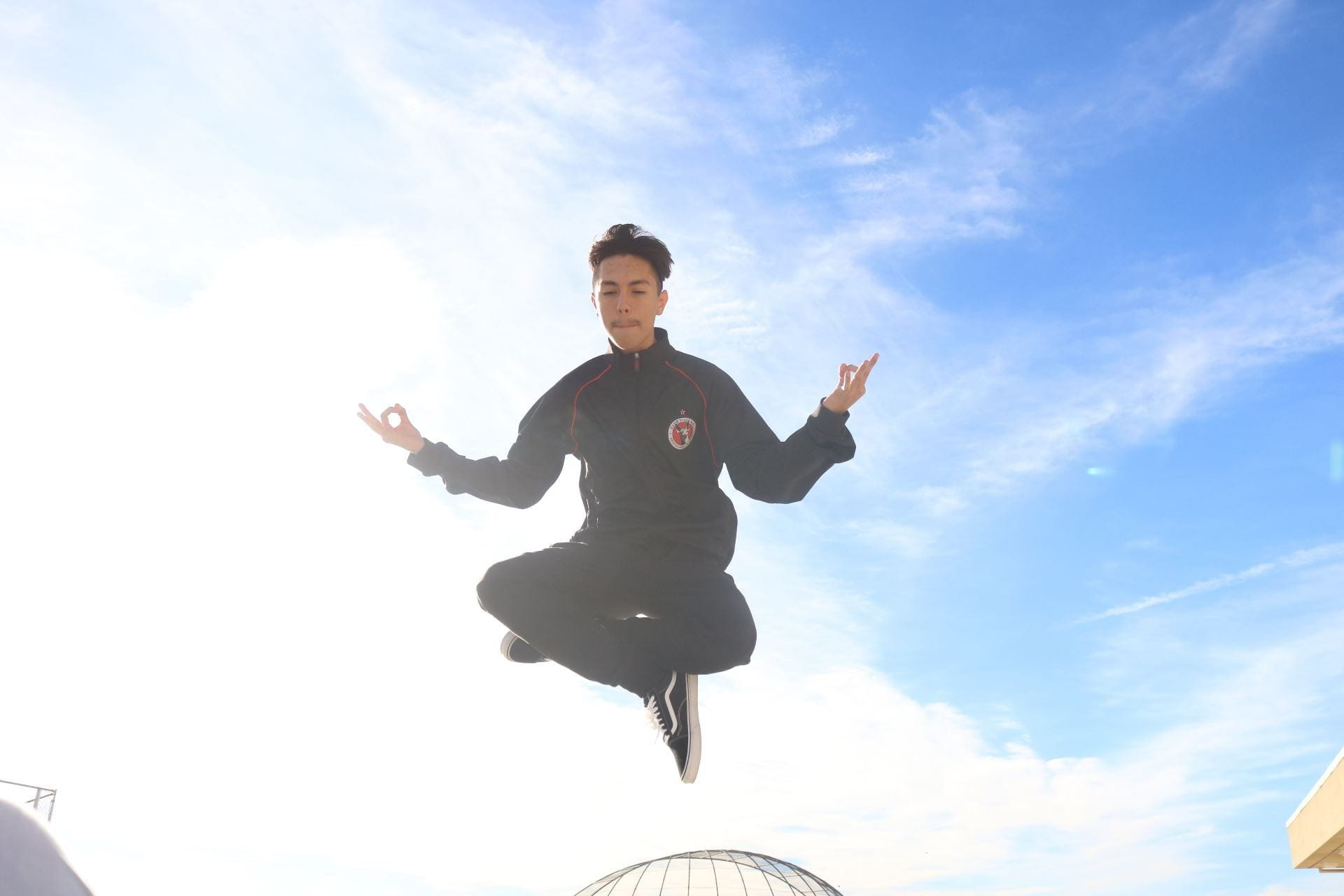
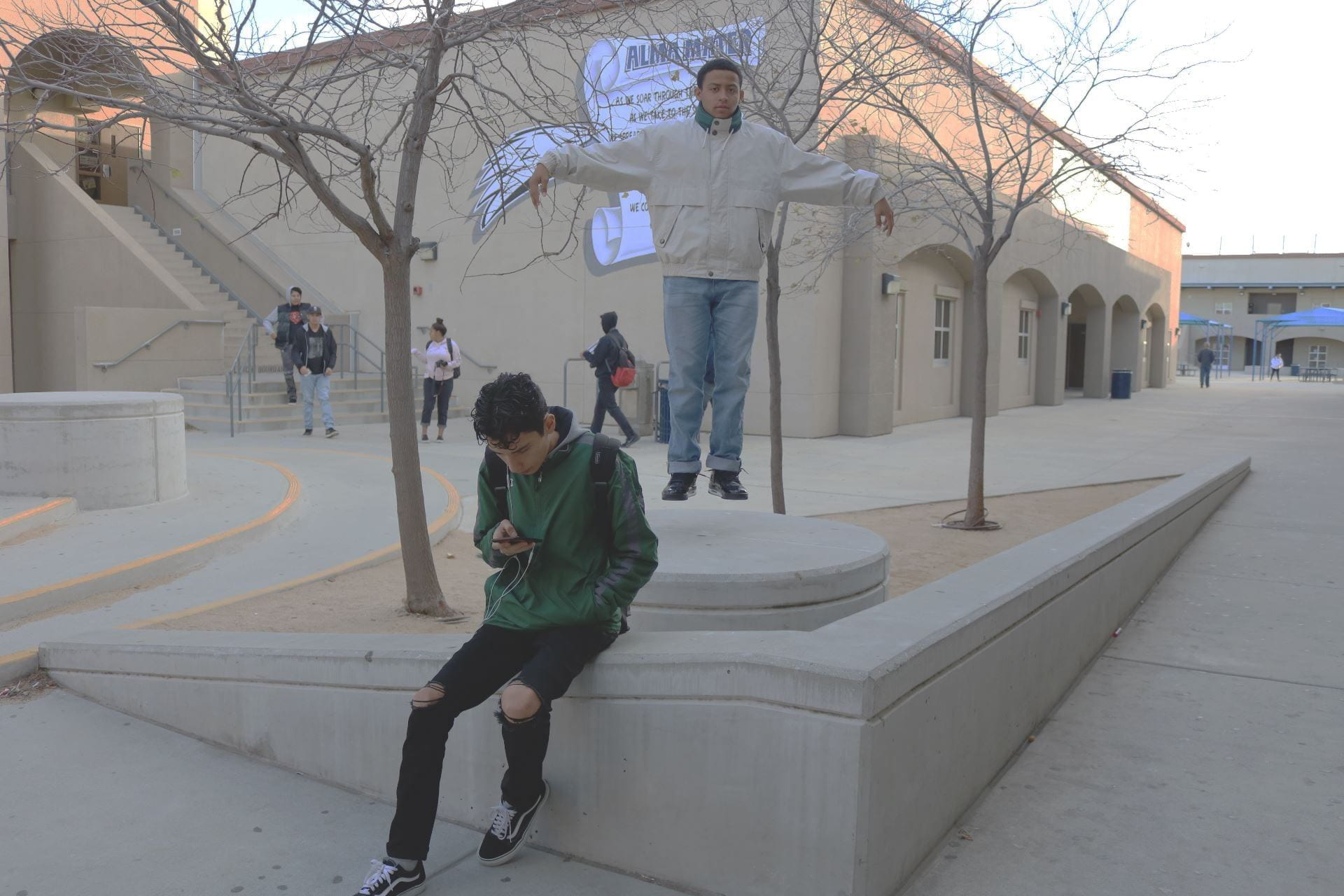
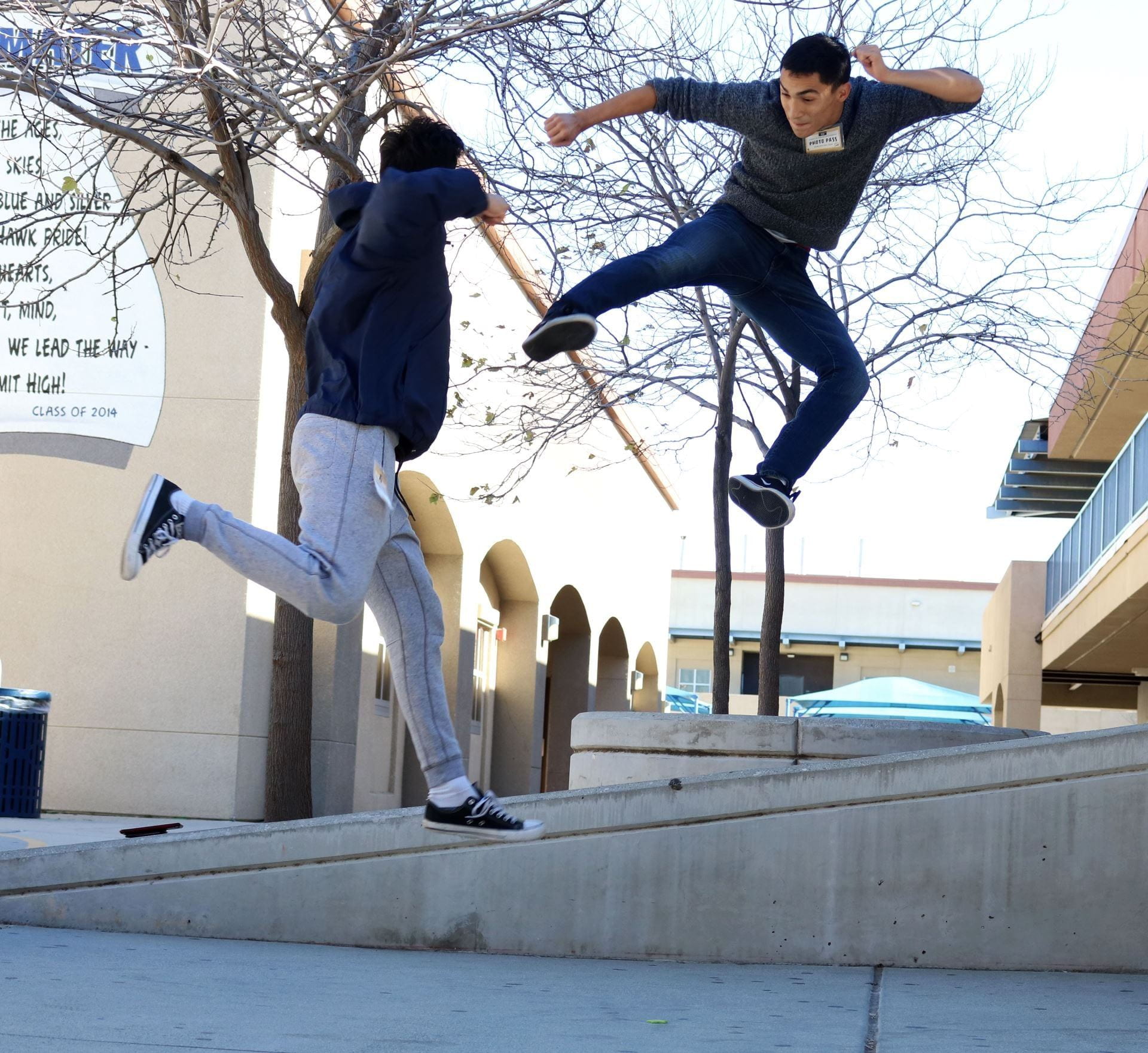
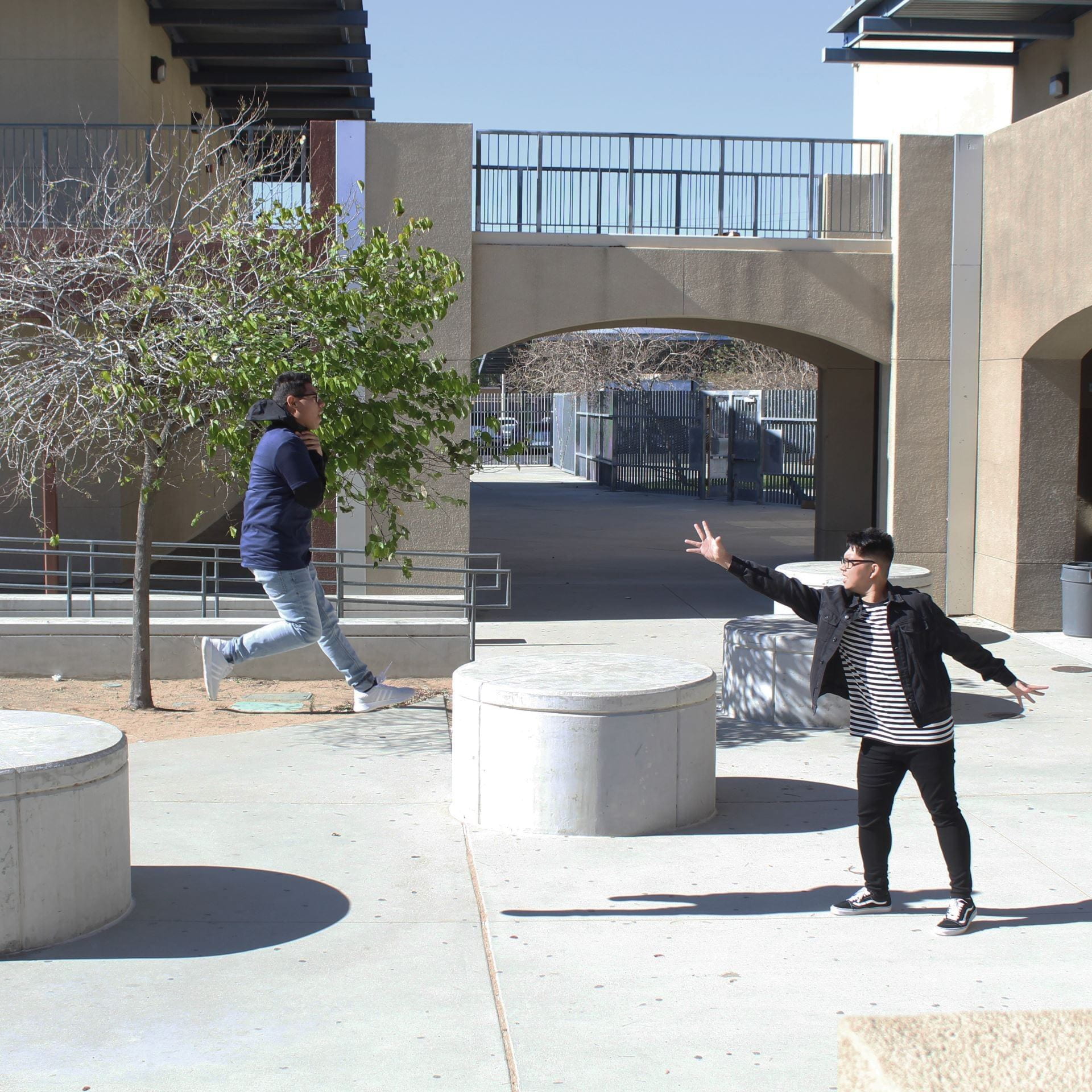
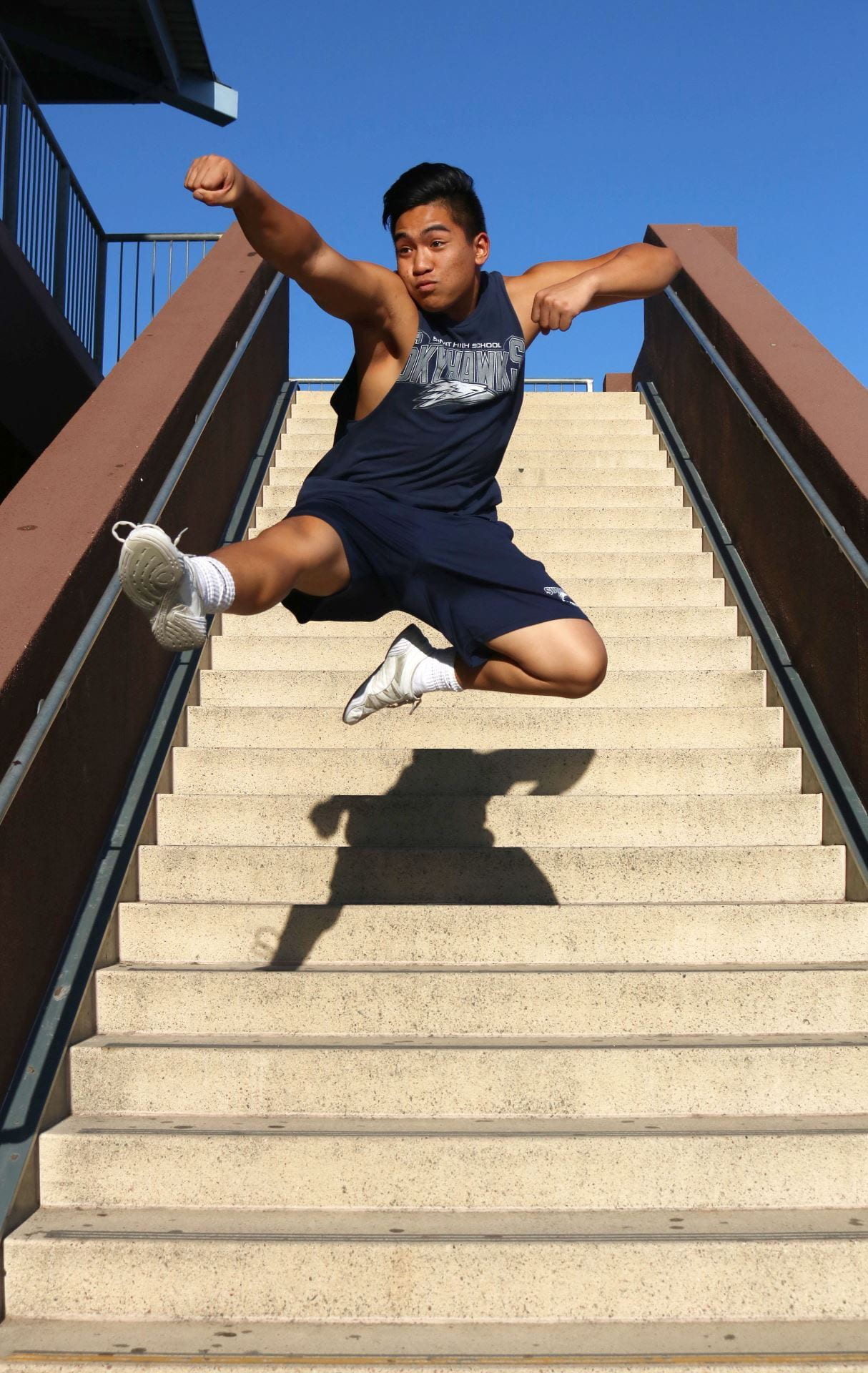
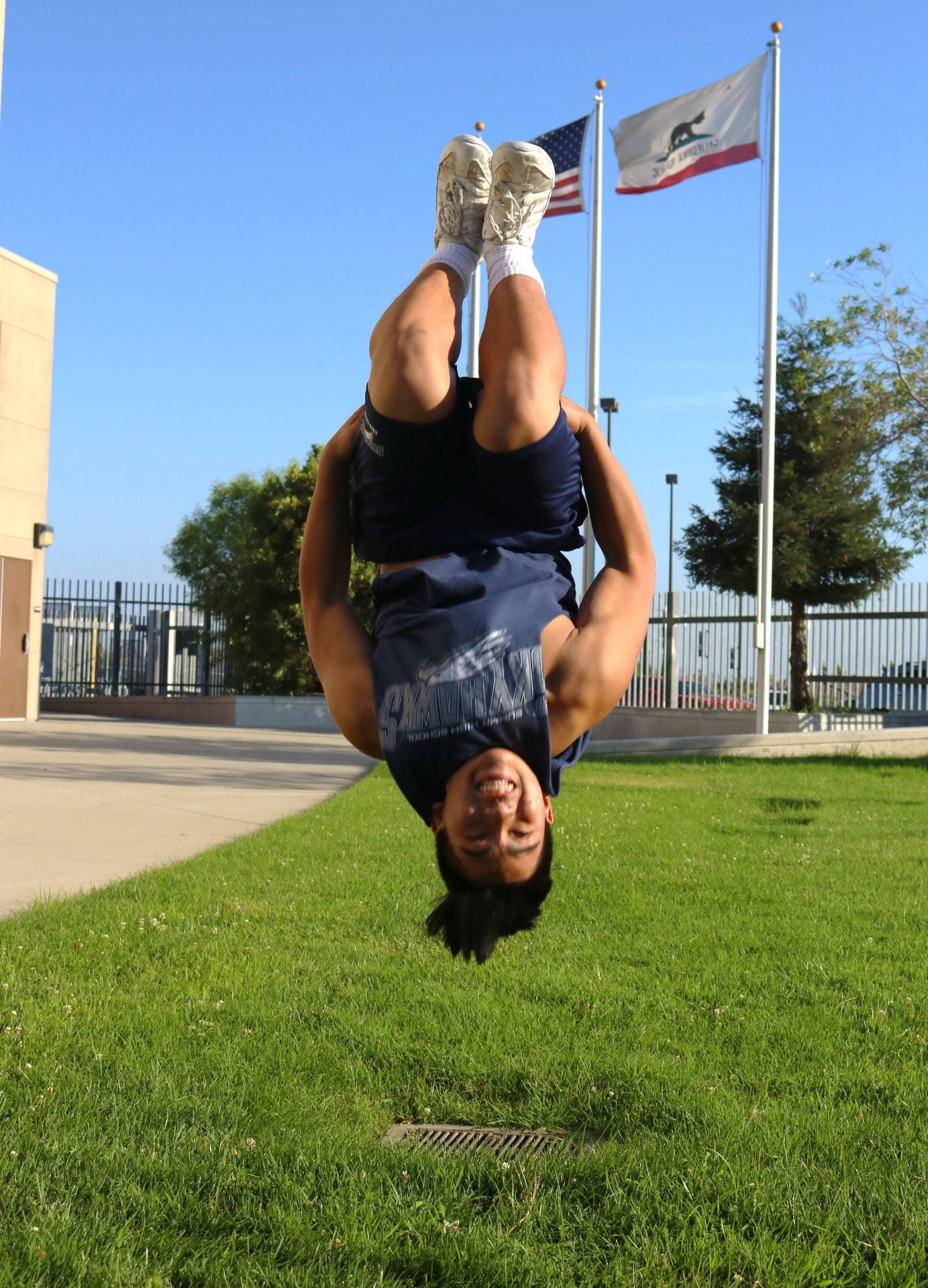
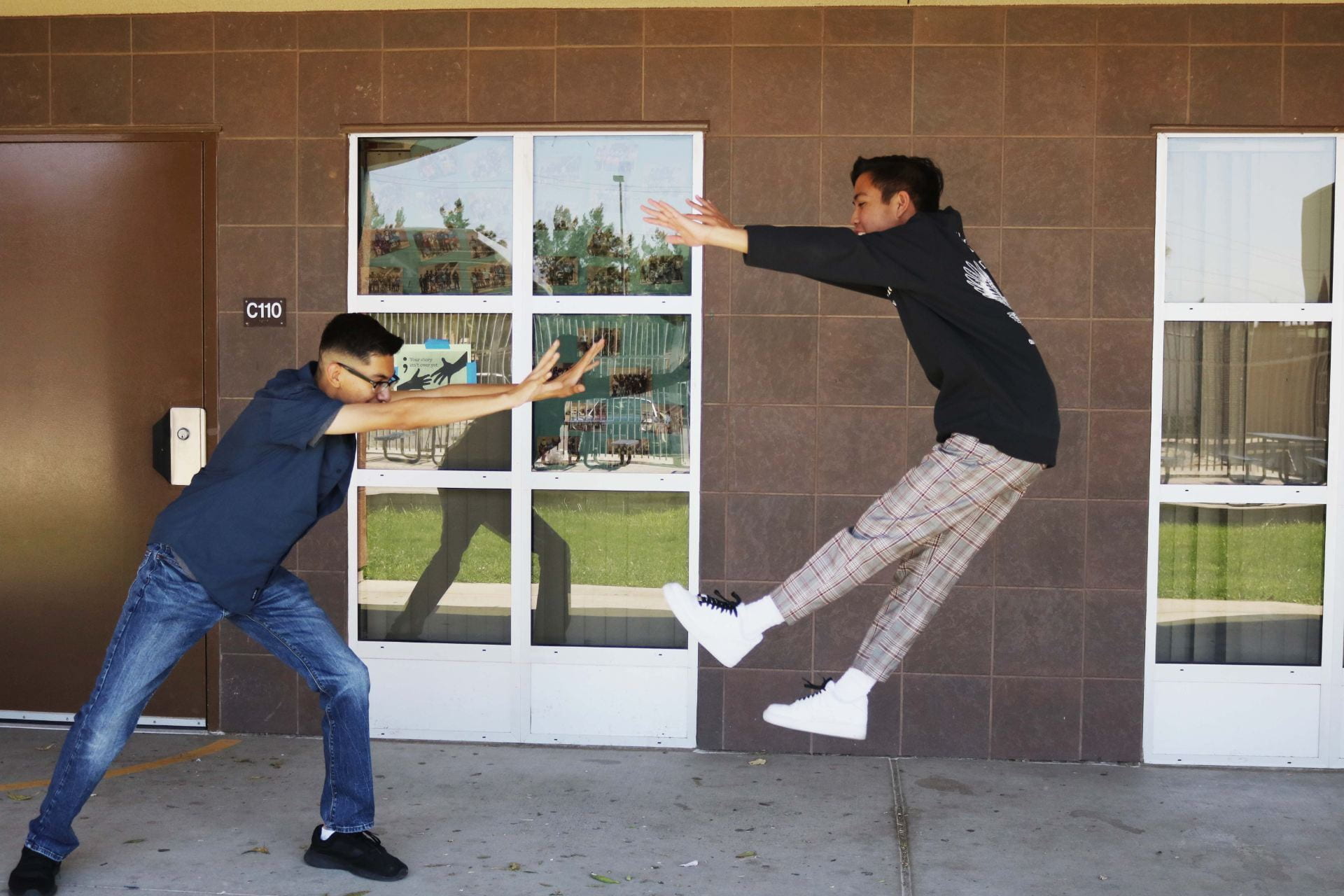
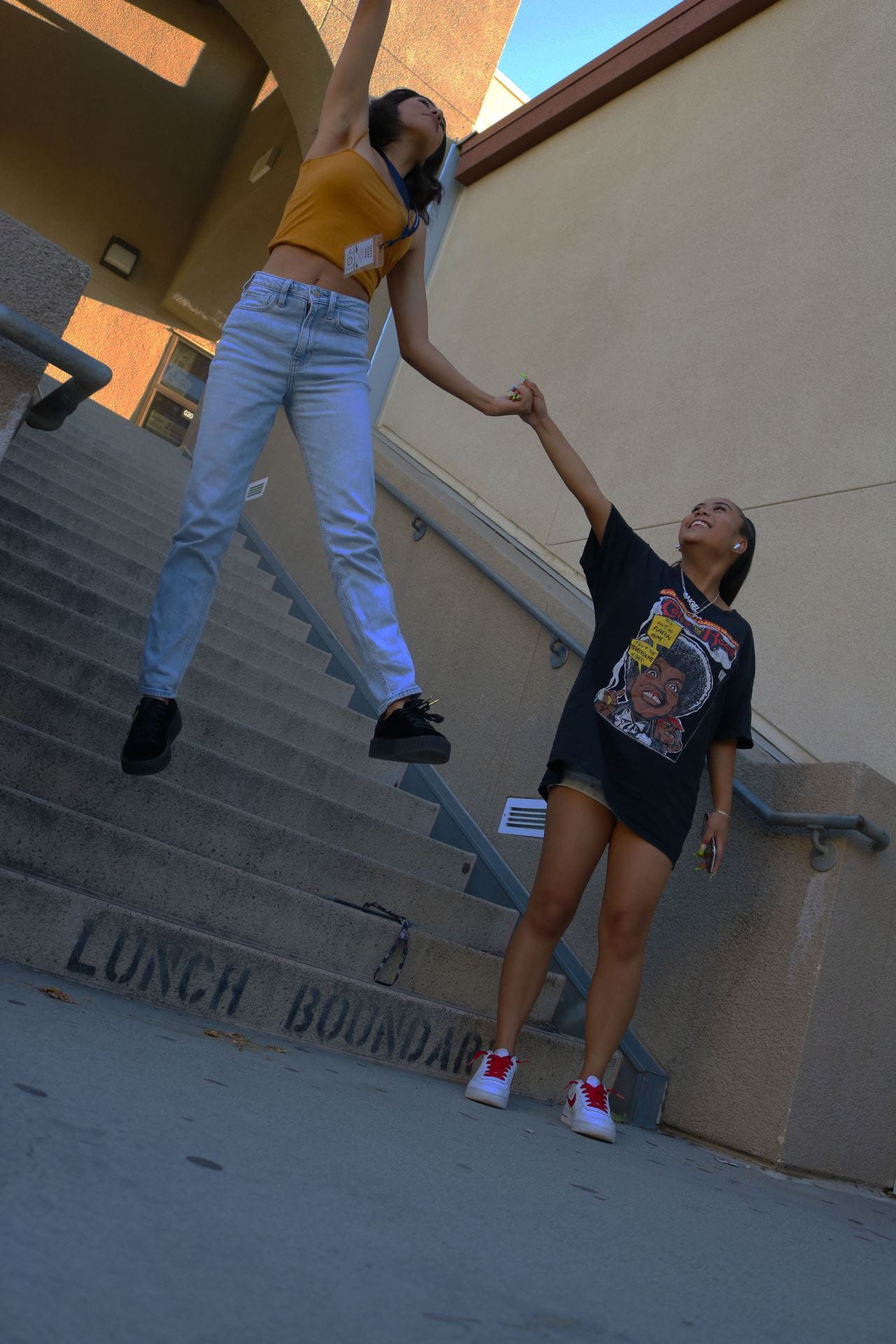
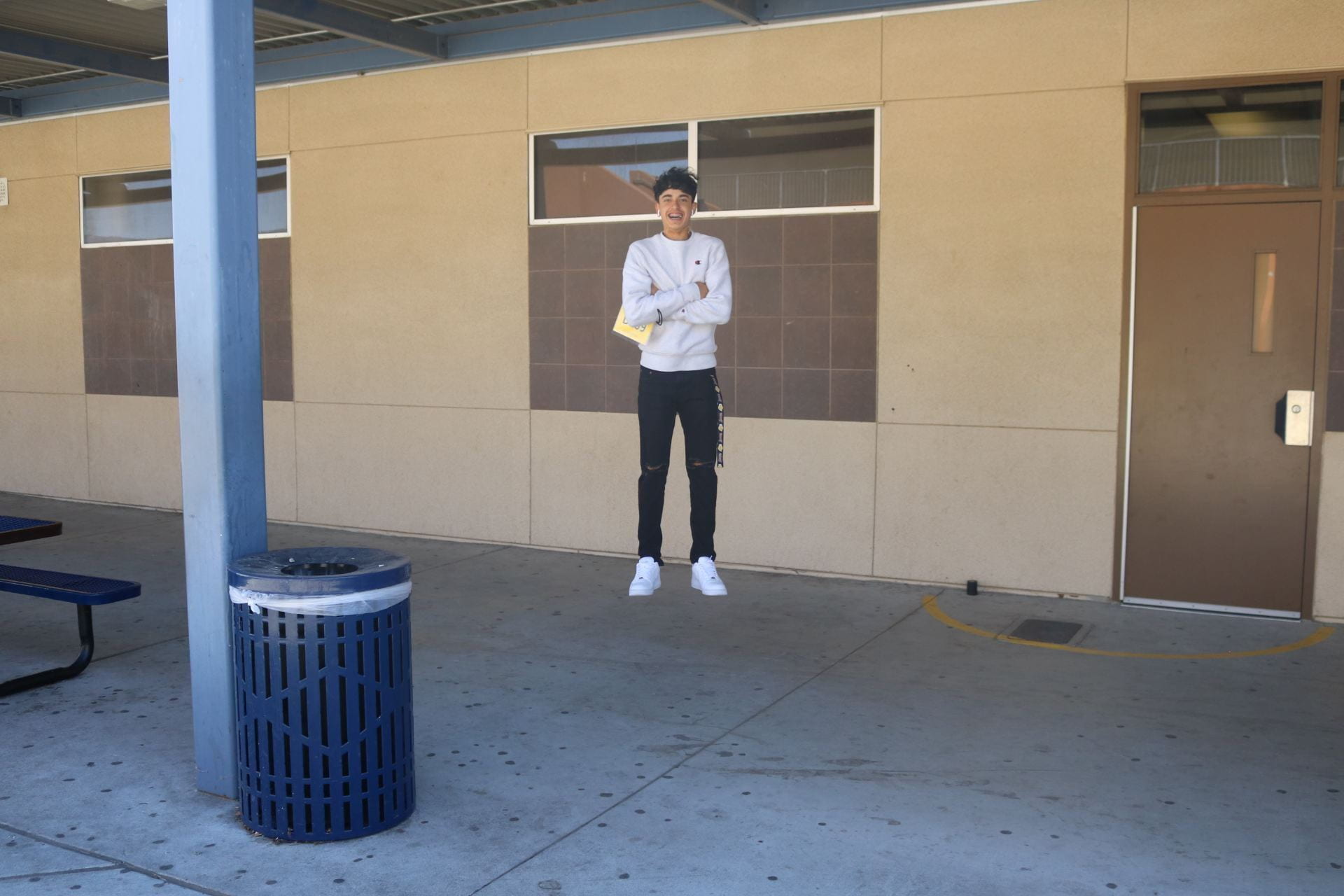
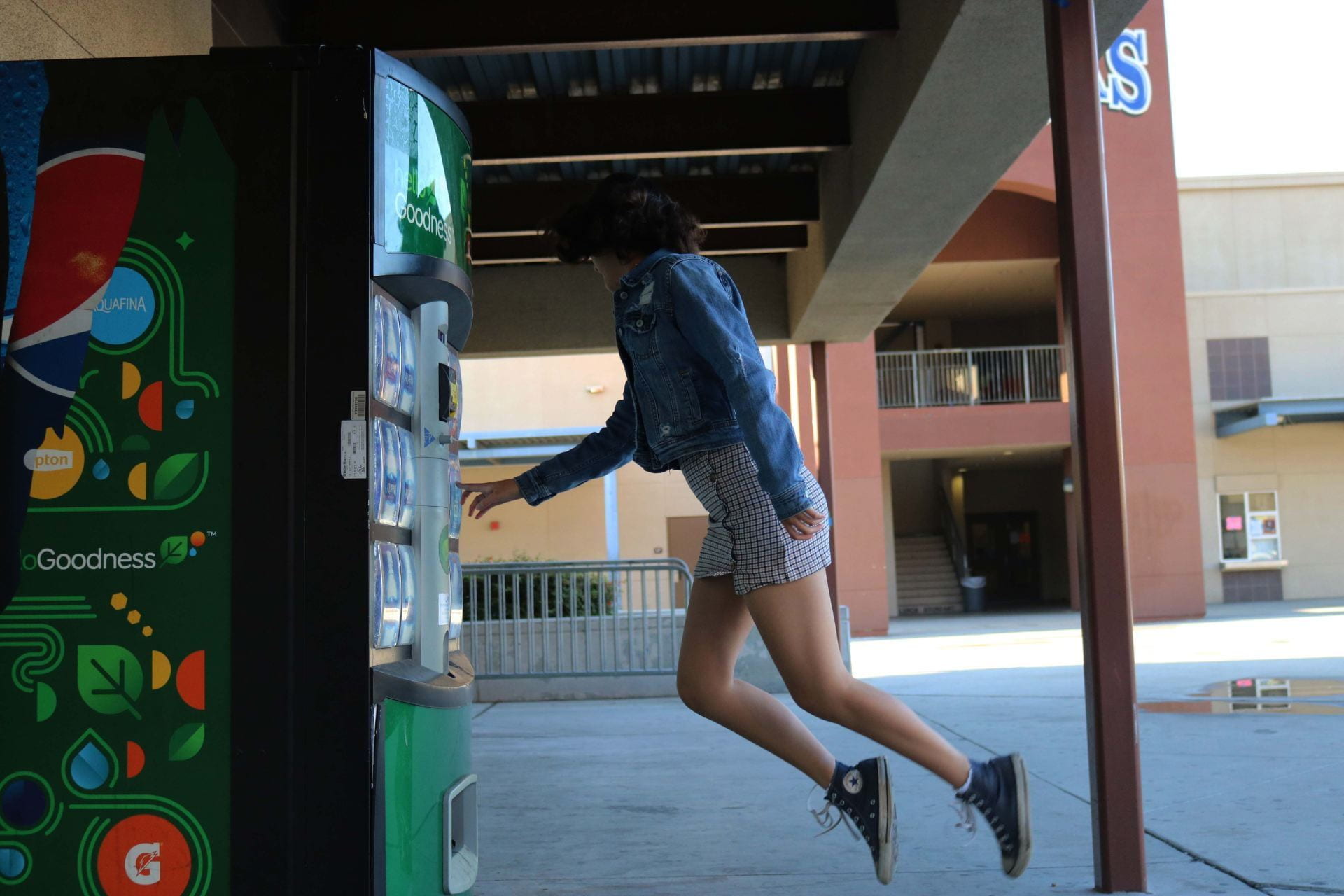
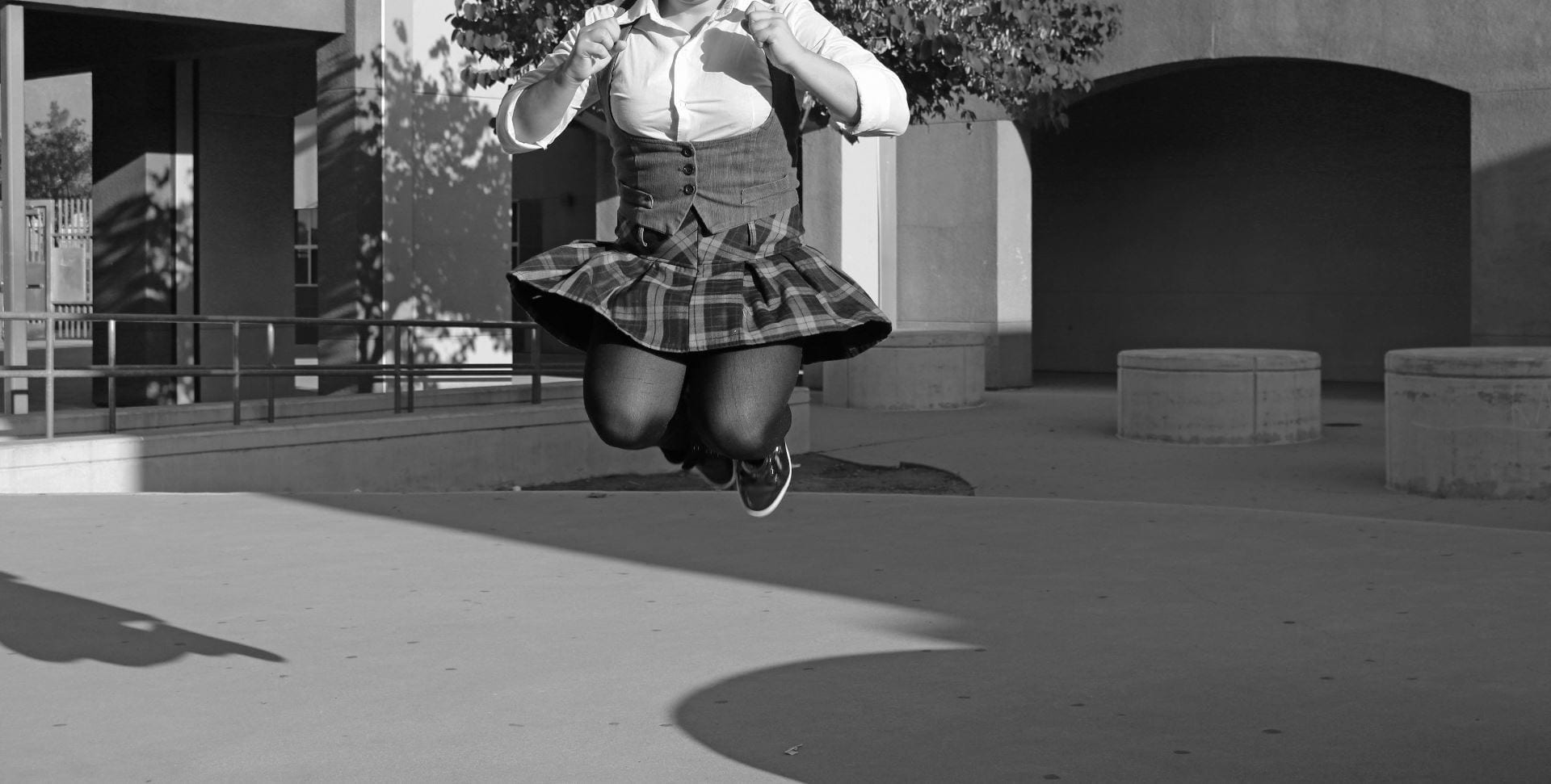
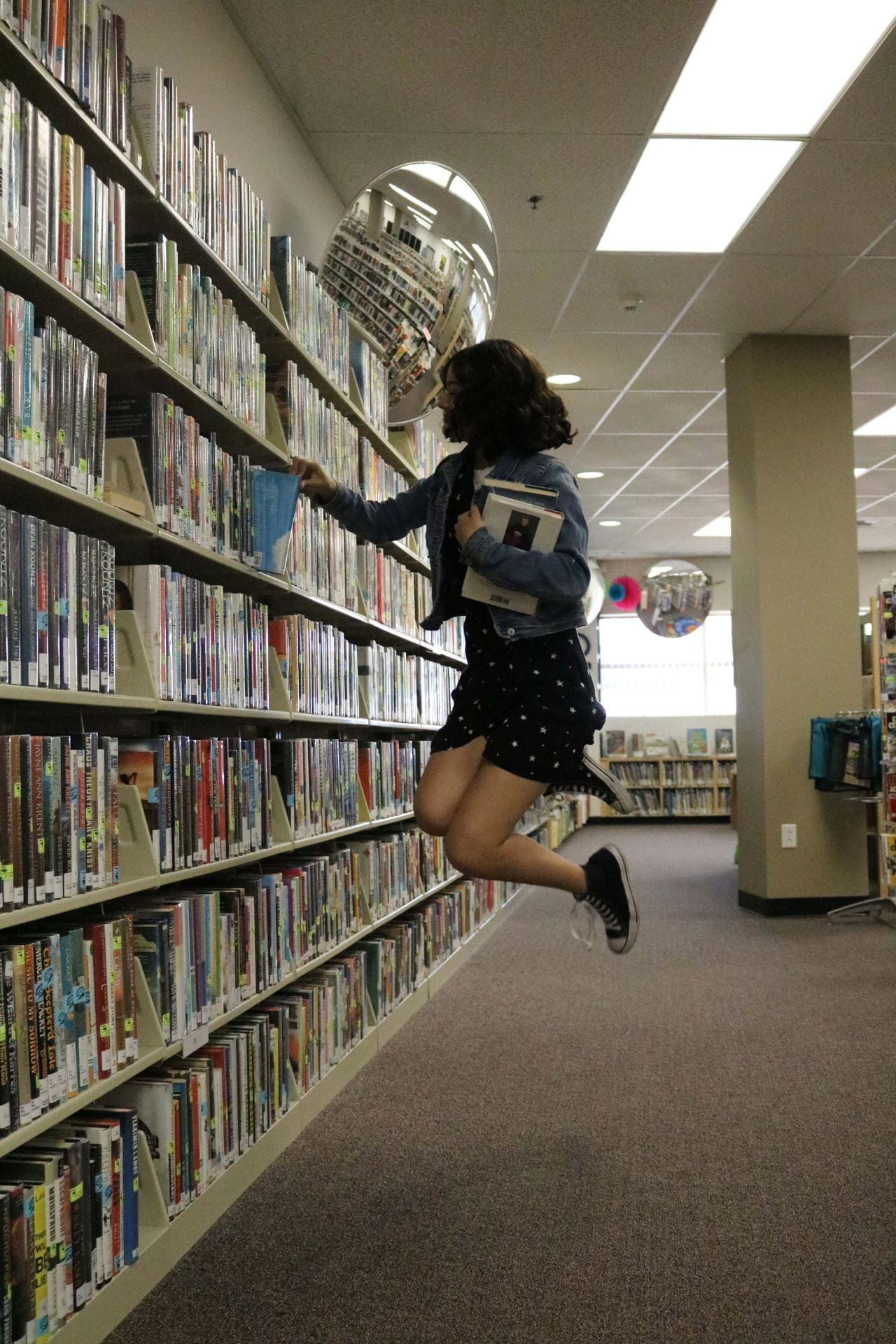
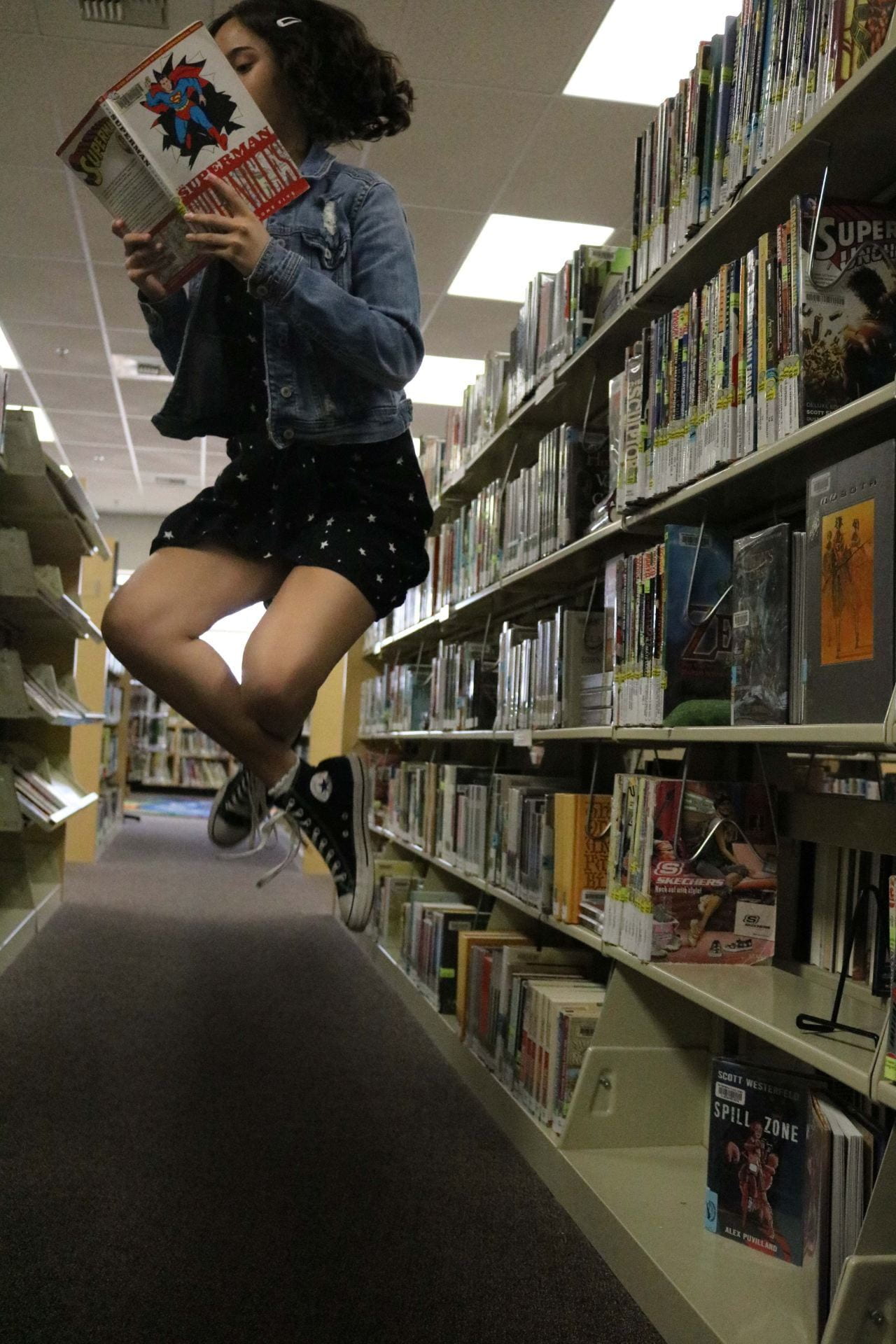
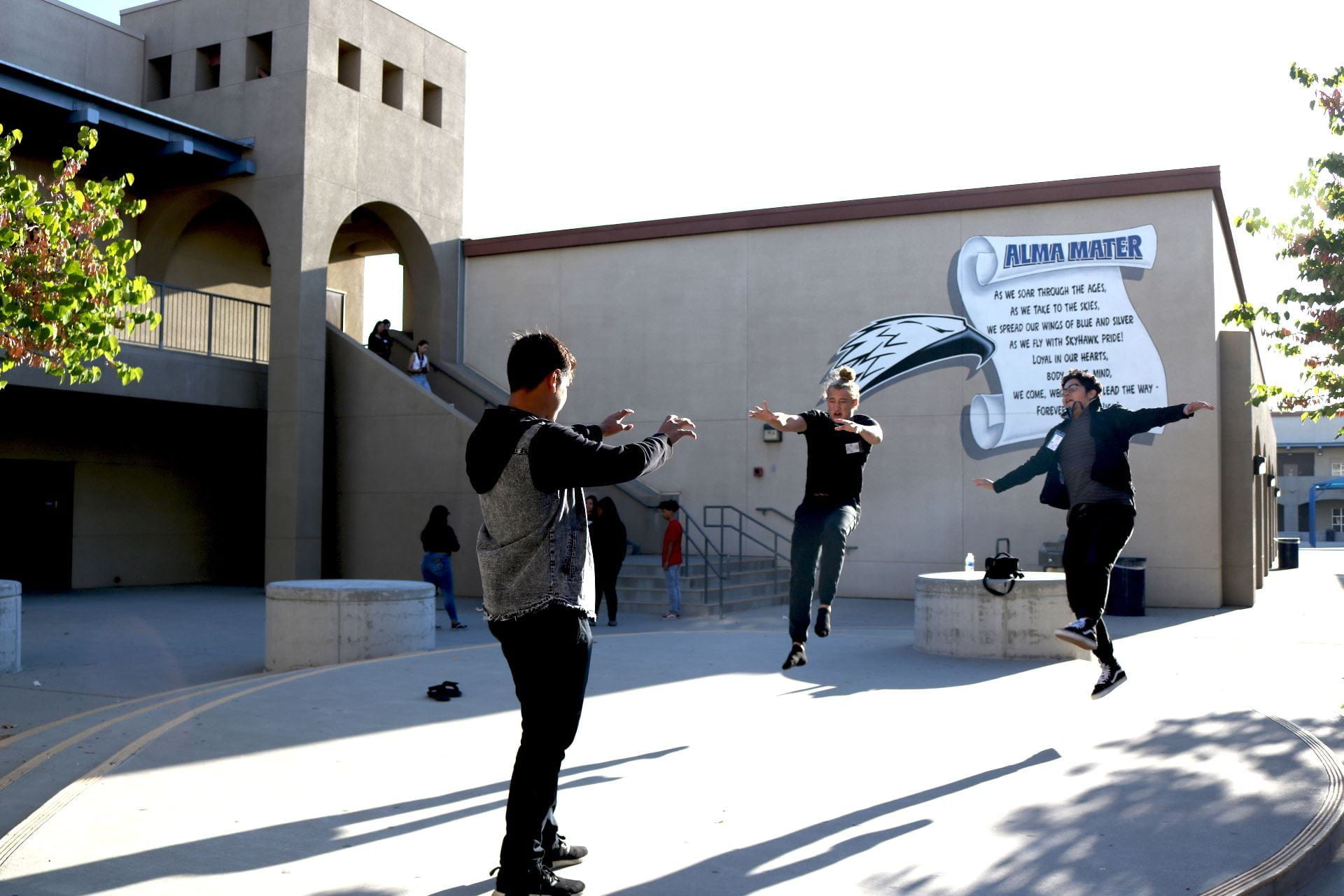
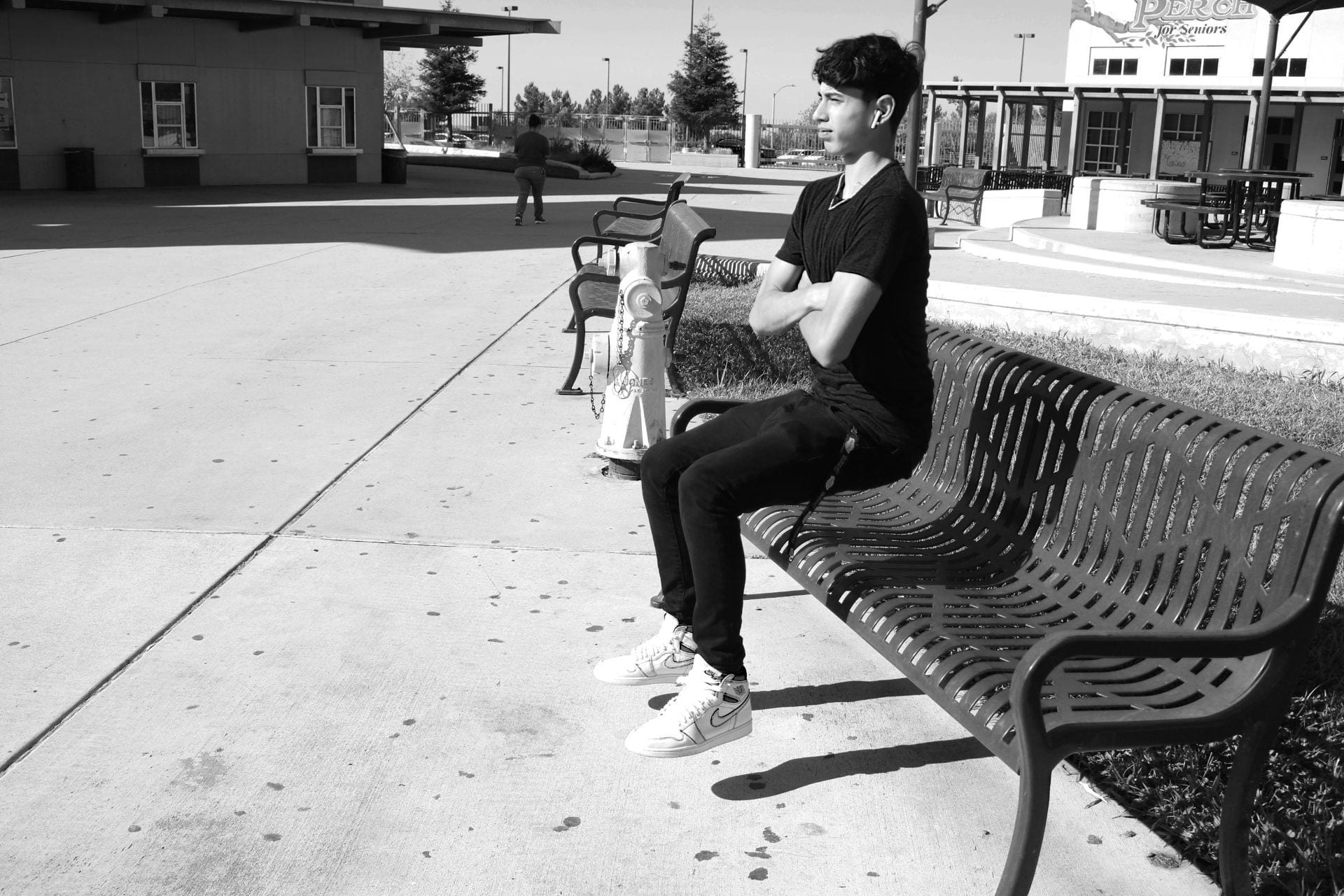
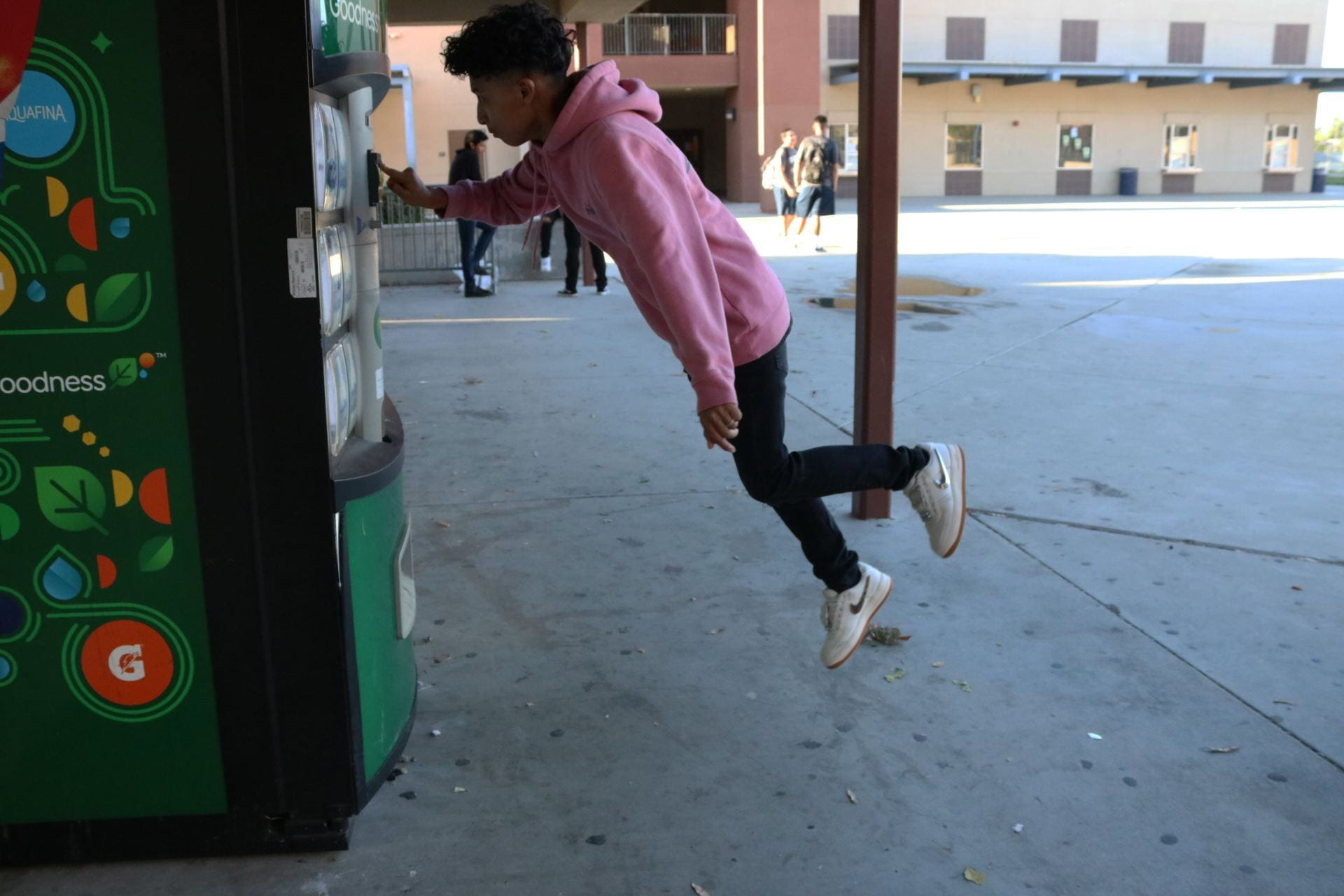
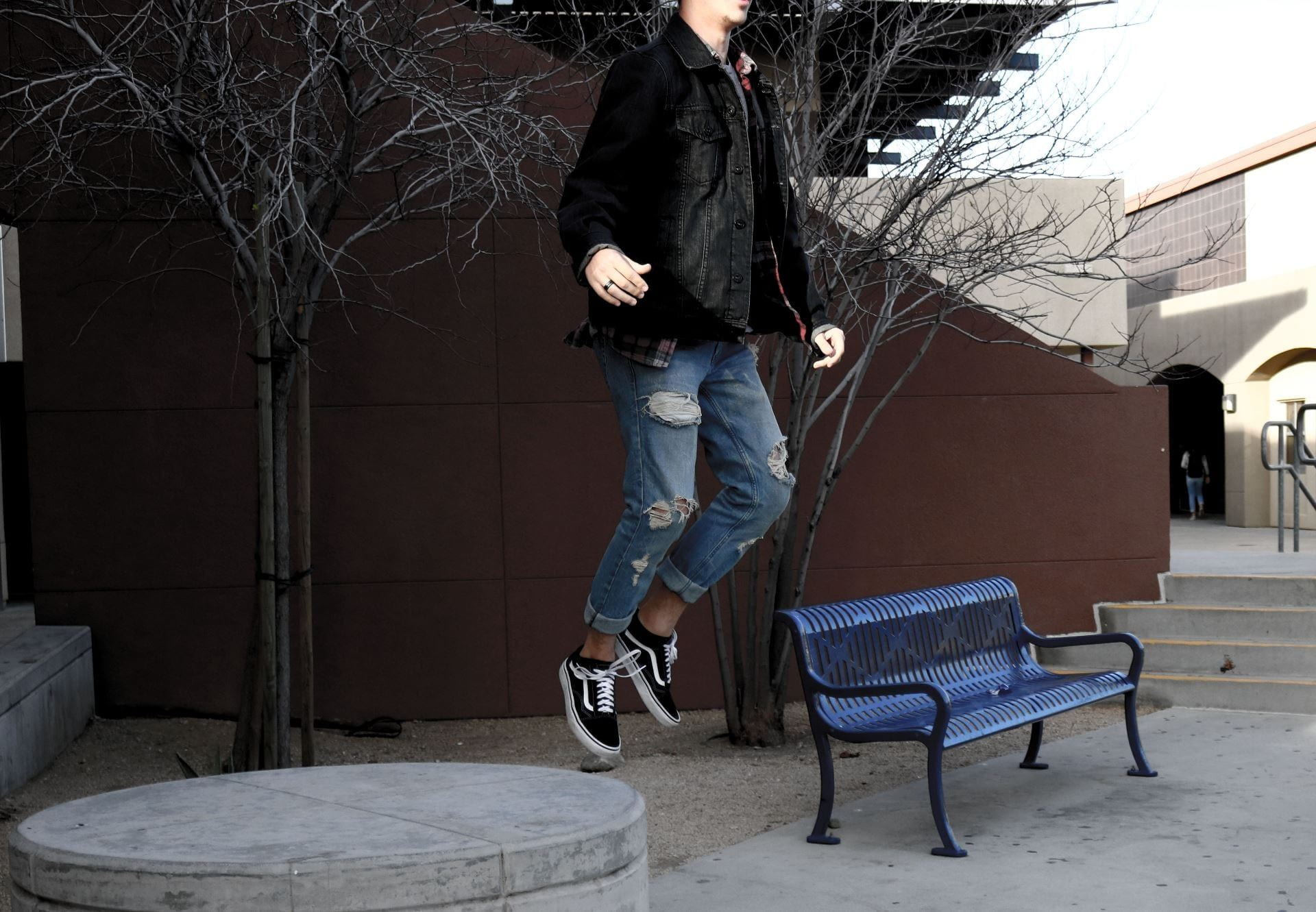
Work with a partner or group to create and photograph a creative “levitation effect” using fast shutter speeds (1/600 minimum). You may feature people outside of our class in your photos. Check out the work of Natsumi Hayashi for more inspiration!

Choose the best 2 photographs that YOU TOOK (so you shouldn’t be in them). Edit on Photoshop and post to your blog. Add a short paragraph explaining the idea you were going for and how you achieved it.

Submit link to Teams by Tuesday 9/21/21. 


Posted in Advanced Photo Assignments

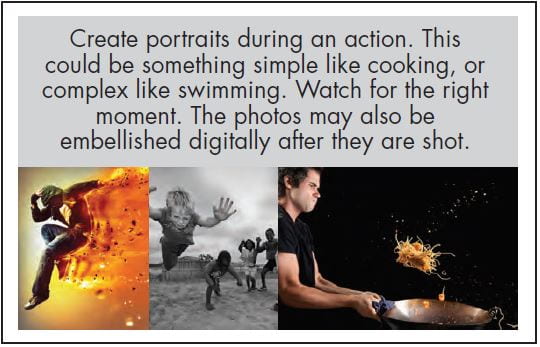
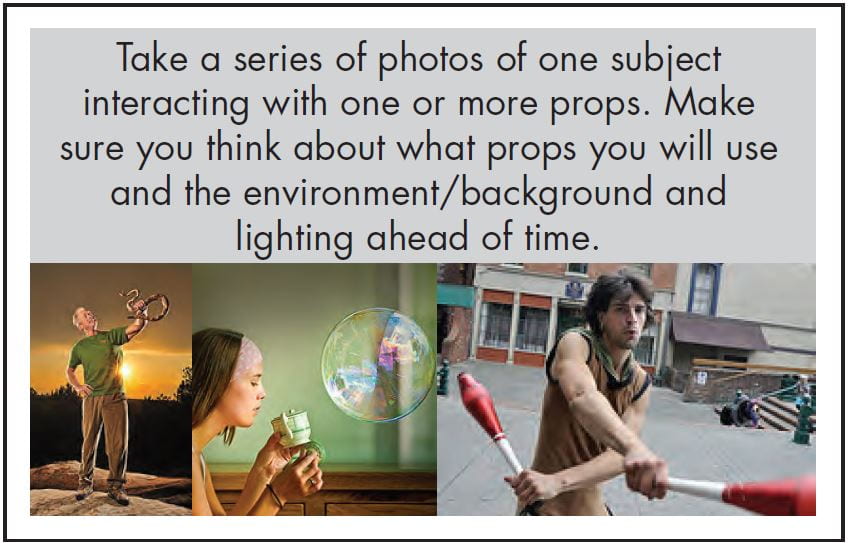
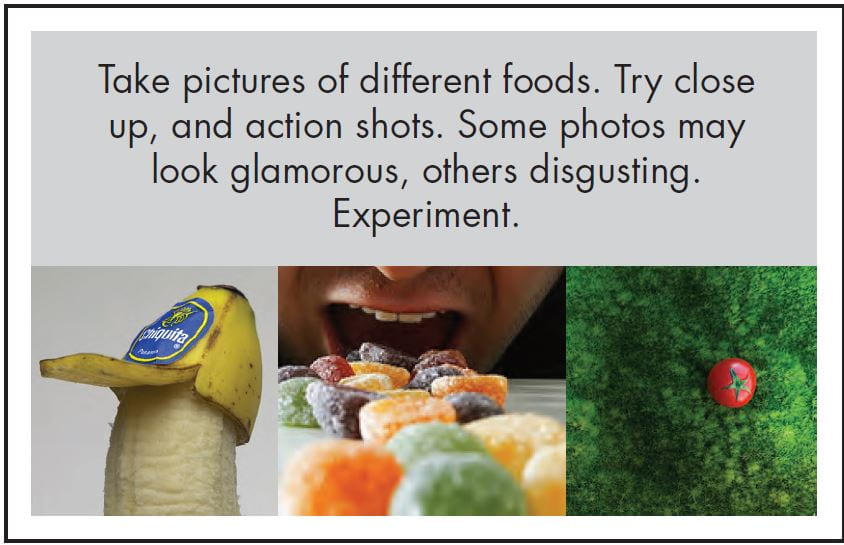
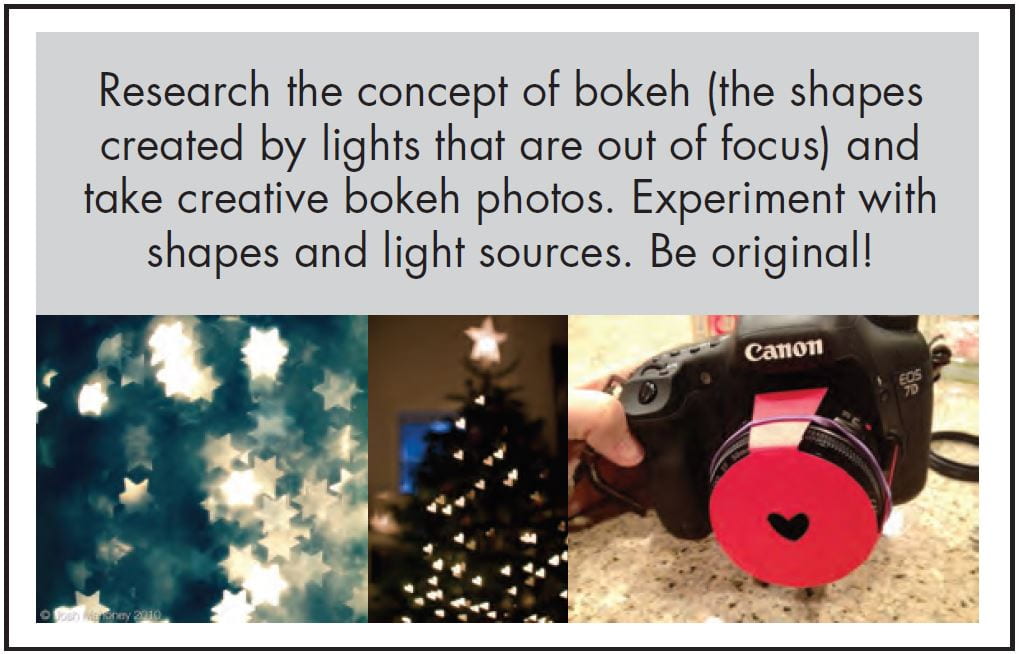
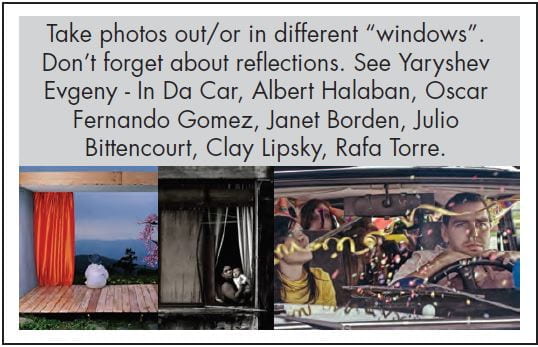
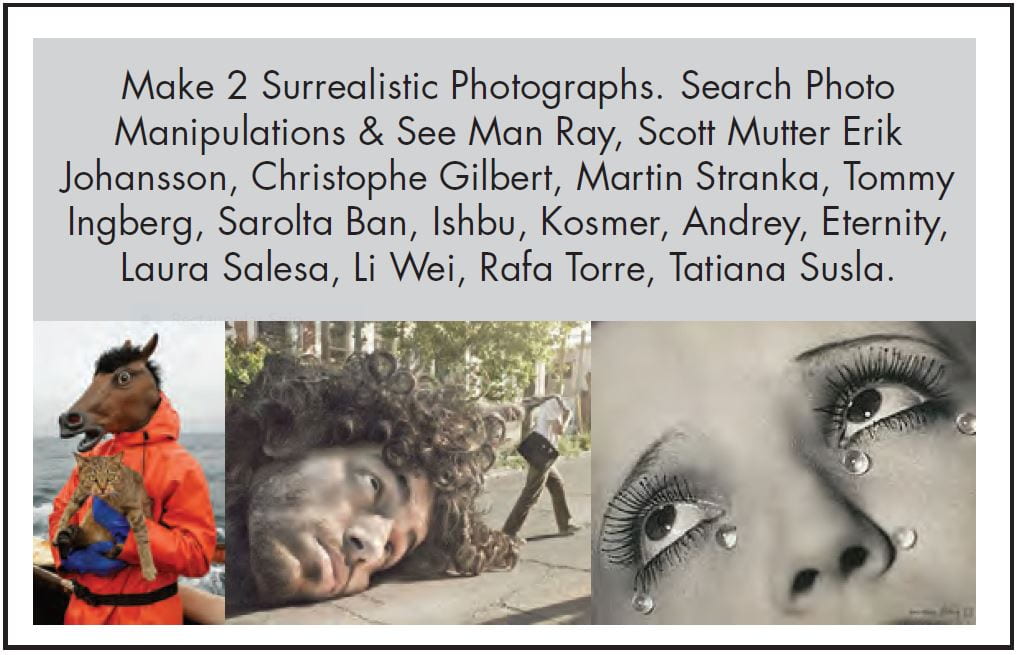
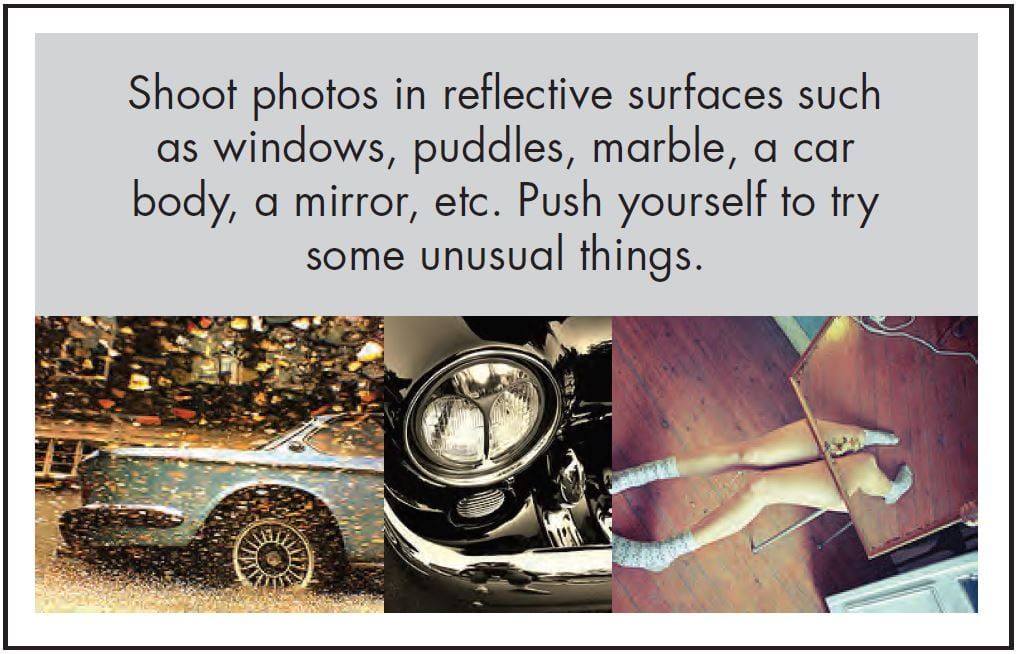
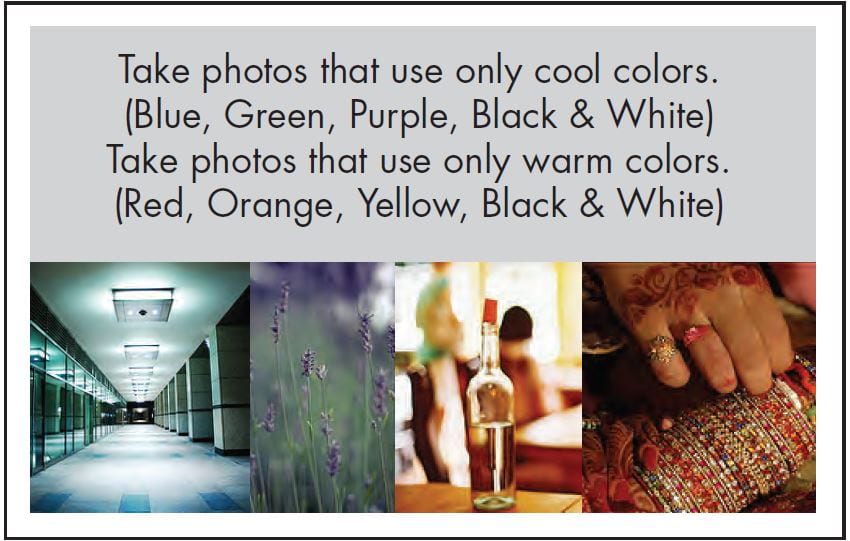
Adv. Photo Monthly Photography Challenges

Adv. Photo Monthly Photography Challenge Menu

Step 1: Choose 3 challenge themes below to concentrate on every month. You will be required to capture photos on your own free time using you smartphone or classroom camera.

Step 2: Take many photos for each theme you selected throughout the month so you have options on what to turn in later.

Step 3: Choose your best 3 photos for each theme to edit on Photoshop (export as JPG files) and publish on your blog.

Step 4: Create a separate gallery for each theme (on the same blog post).  Include the theme description image with each gallery so I know which themes you chose.

At the end of each month period, I will post a Teams assignment where you can submit your blog post link!  I can’t wait to see the photographs you will make!
Click here for an example of a Monthly Photo Challenge post:  (if it asks for a password to view type in “photo”) https://5bobbym.edublogs.org/2021/09/16/monthly-photo-challenge-9-16-10-16/

Month 1: 9/16-10/16

Month 2: 10/16-11/16

Month 3: 11/16-12/16

Posted in Photo 1 Assignments

Symbolic Portrait w/ Shallow DOF + Monthly Photo Challenges

Today’s Agenda:

  • Continue working on “From Shallow to Great” Assignment and turn in on Teams
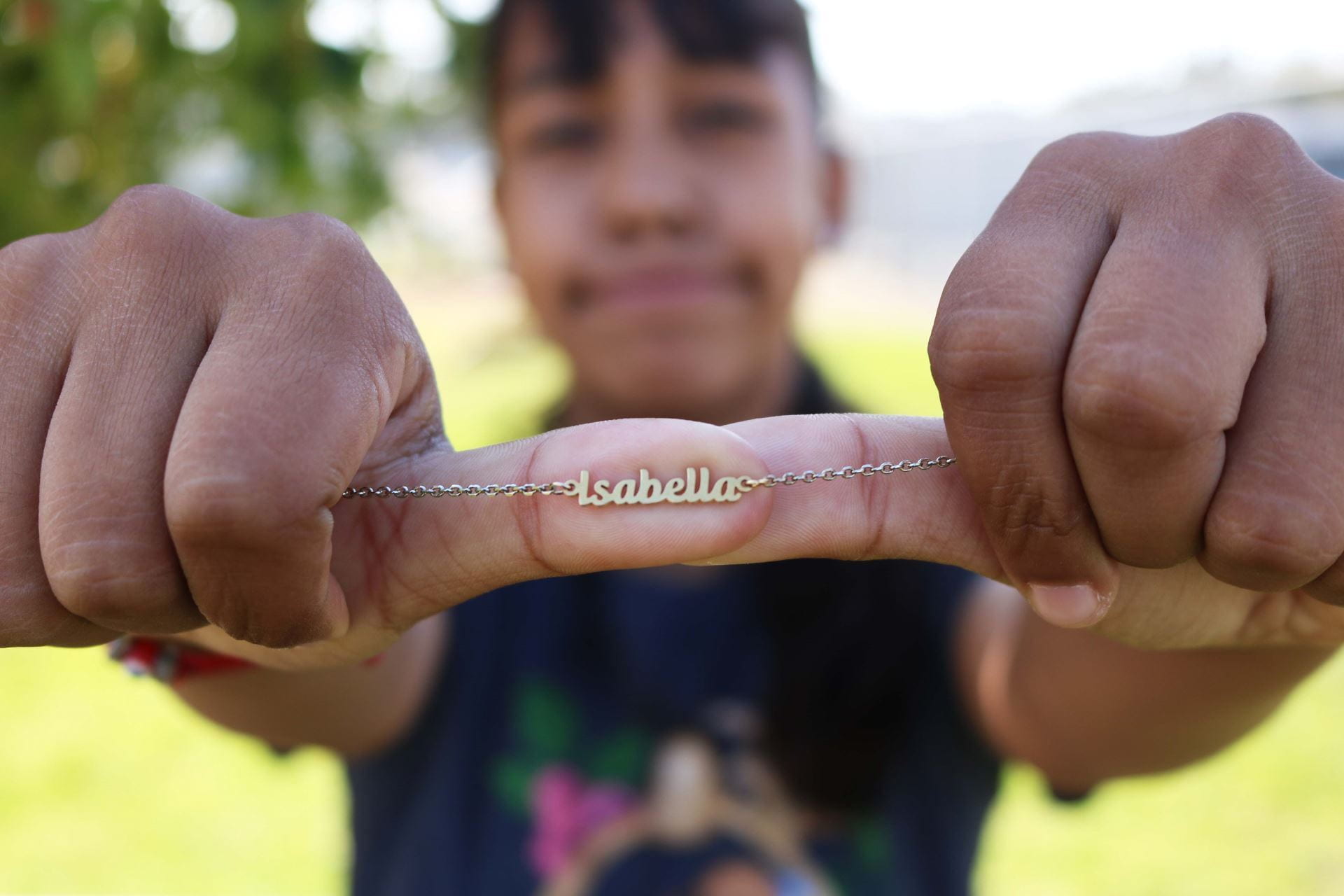
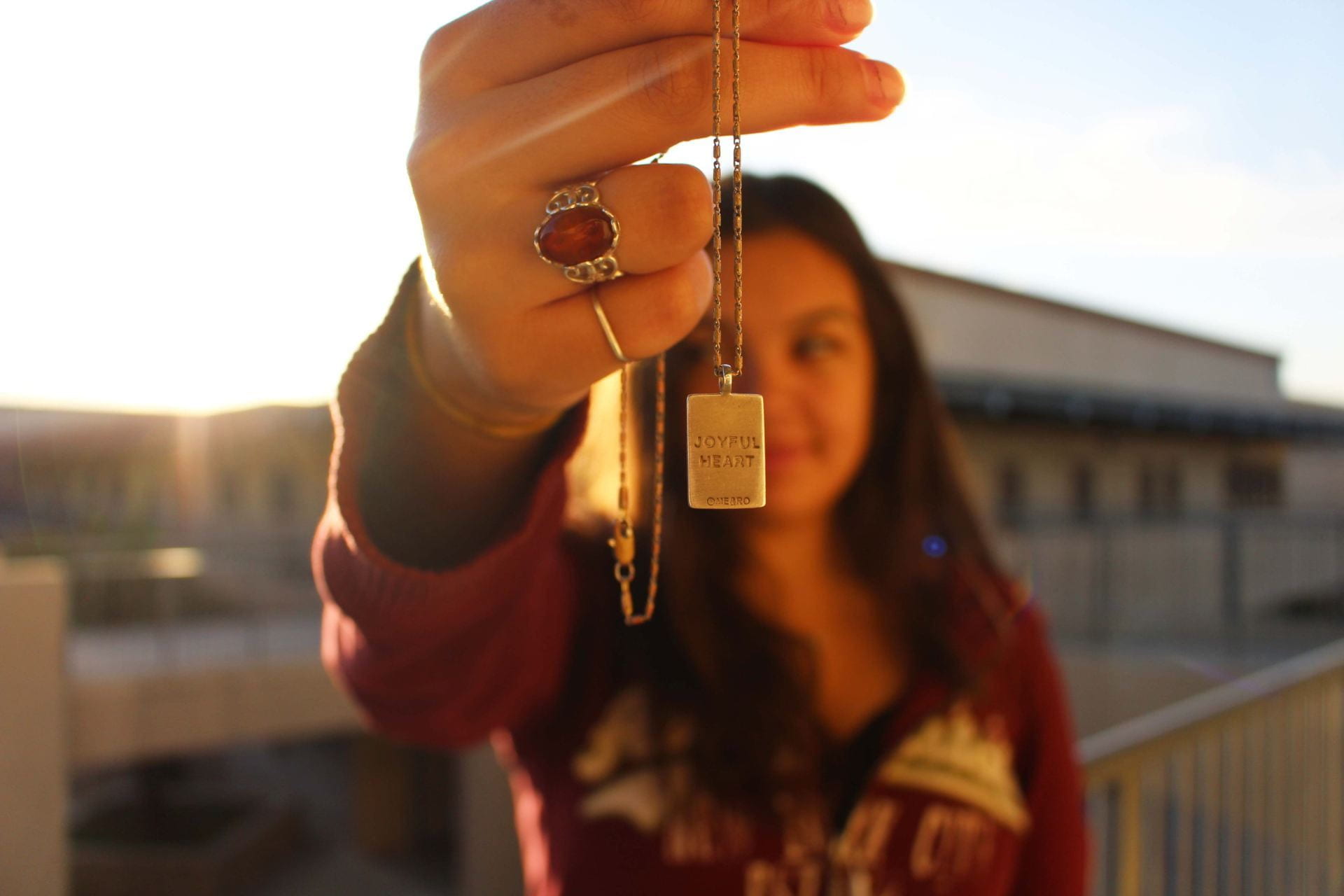
  • Discussing Project Instructions: Symbolic Portrait w/ Shallow DOF
  • Discussing Monthly Photo Challenges (separate post…scroll below)

Symbolic Portrait with Shallow DOF Project


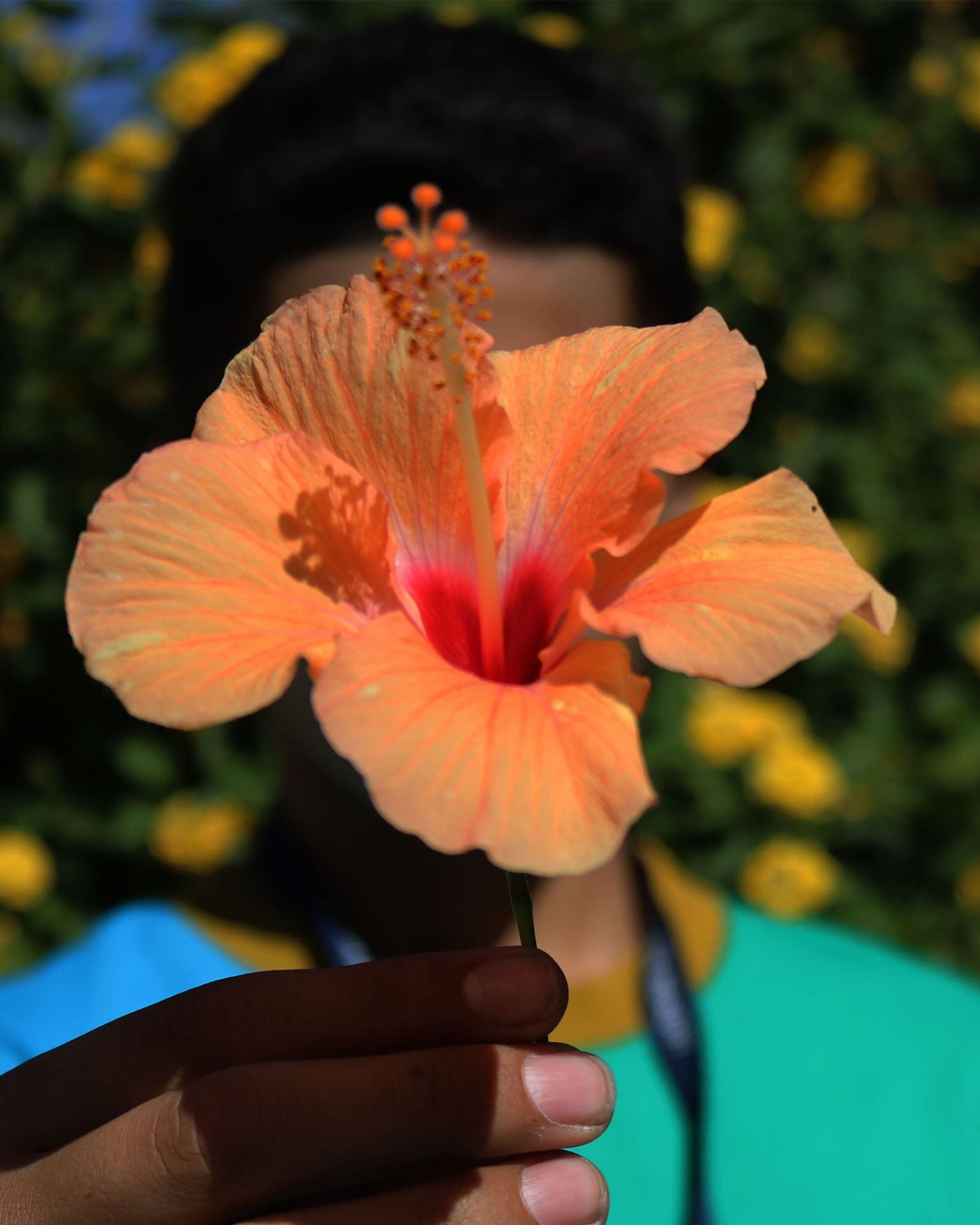
Everyone needs to pick an item that represents something about them.  Bring this item with you Friday 9/17/21  and Monday 9/20/21. 

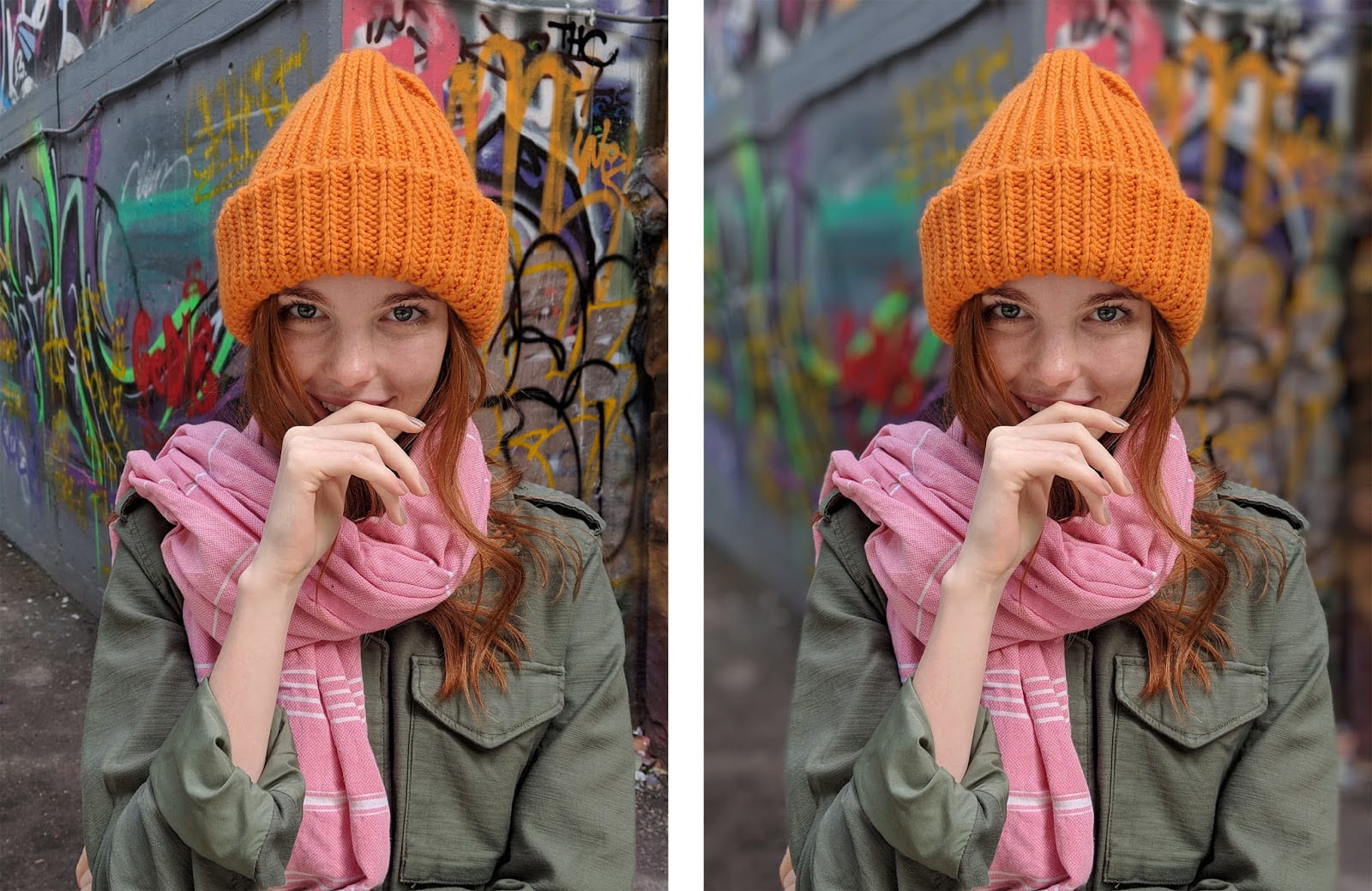
You will work with a partner in order to capture a symbolic portrait of each other using shallow depth of field so only the object is in focus and the person is out of focus.

This will be a collaborative effort so that each party involved is happy with the portrait taken of them.  You will be the director and model of your own portrait, and the photographer for your partner.

Both portraits will need to be posted on your photo blog.  Title it: “Symbolic Portrait w/ Shallow Depth of Field”. 

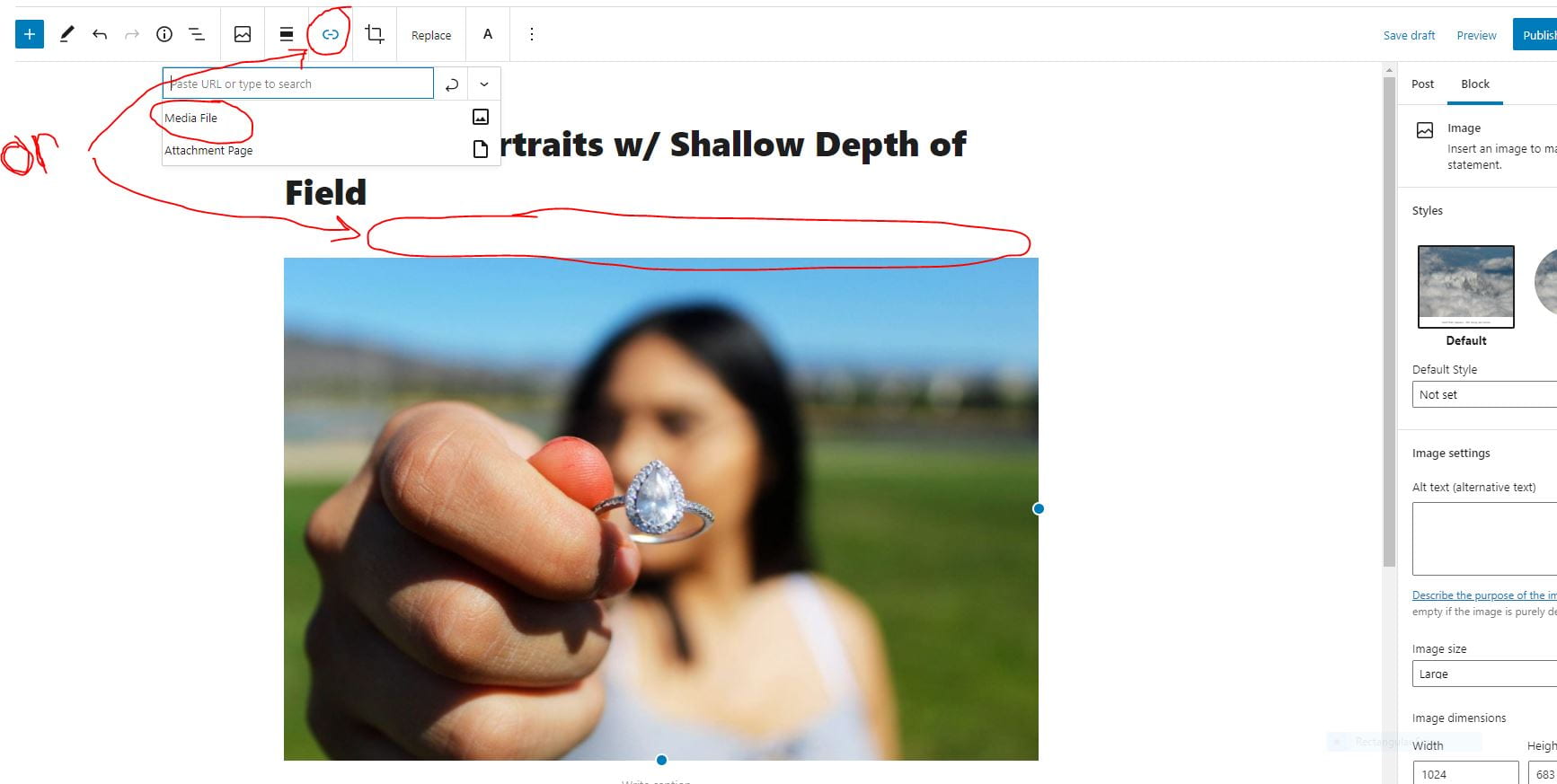
Insert these photos as separate Image blocks (not as a gallery).  Each image block will have a little link icon above them where you can change it to Media File.  Sometimes that icon appears all the way at the top, sometimes it’s right above the image itself (see screenshot below)…

In the caption for each portrait, tell us what the object represents about you and your partner, also mention what f-stop you used.

Publish your post and turn in your link on Teams!


Posted in Photo 1 Assignments

Monthly Photo Challenge Menu

Monthly Photo Challenge Menu

  • Month 1: 9/16-10/16
  • Month 2: 10/16-11/16
  • Month 3: 11/16-12/16-This is now your Final Photo Project! Remember to incorporate rules of composition...click here for details.

Step 1: Choose 2 challenge themes below to concentrate on every month. You will be required to capture photos on your own free time using you smartphone or classroom camera.

Step 2: Take many photos for each theme you selected throughout the month so you have options on what to turn in later.

Step 3: Choose your best 3 photos for each theme to edit on Photoshop (export as JPG files) and publish on your blog. (So you’re posting a total of 6 photos that you took and edited.)

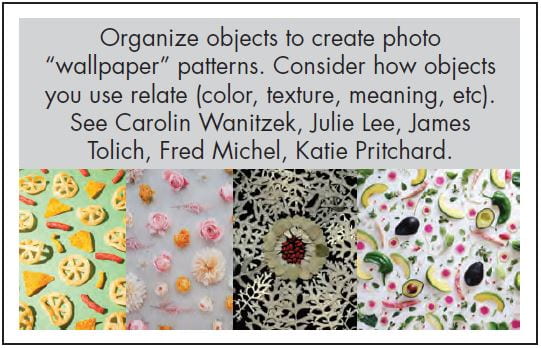
Step 4: Create a separate gallery for each theme (on the same blog post).  Include the theme description image with each gallery so I know which themes you chose.

At the end of each month period, I will post a Teams assignment where you can submit your blog post link!  I can’t wait to see the photographs you will make!

Click here for an example of a Monthly Photo Challenge post:  (if it asks for a password to view type in “photo”) https://5bobbym.edublogs.org/2021/09/16/monthly-photo-challenge-9-16-10-16/

Posted in Advanced Photo Assignments

Tuesday 9/14/21: Light Painting, continued…plus posting instructions…

Today’s Agenda:

  • Continue photo assignment from yesterday
  • Follow instructions below for posting and turning in

After the shoot:

Each of you need your won copy of the collaborative shots, plus your own shot.

Open on Photoshop to edit them a bit to enhance the effects you captured.

Export your photos after editing as JPG files to your OneDrive:

Post your photos on a new post on your photo blog, titled, “My Long Exposure Photos”. Place the photos in a gallery and caption them with the item they represent.

Gallery settings: Link to: Media File, Columns: 4, Size: Medium or Large

Add a paragraph explaining how you achieved each photo in your gallery.

Publish your post, view your post, and turn in the link to that post on Teams! 

Posted in Photo 1 Assignments

Tuesday-Wednesday 9/14-9/15: “From Shallow to Great”- Depth of Field Photo Assignment

Today’s Agenda:

  • Complete the Exposure & Aperture Fill in the Blank Assignment correctly
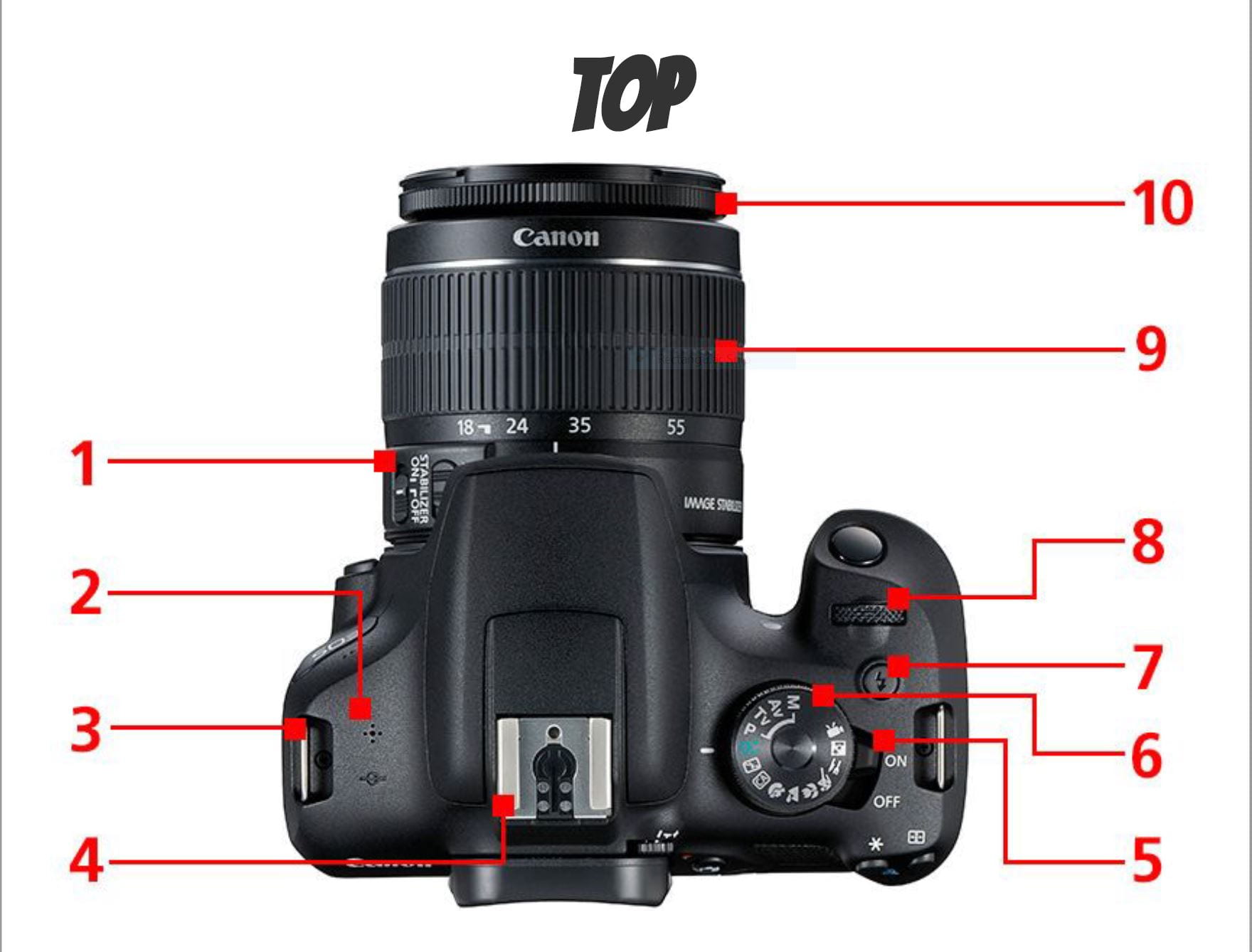
  • Complete the Canon Camera Parts Assignment correctly
  • Get a camera to complete “From Shallow to Great”-Depth of Field Photo Assignment

Open the PDF link below for the full instructions!

From Shallow to Great DOF Photo Assignment Instructions

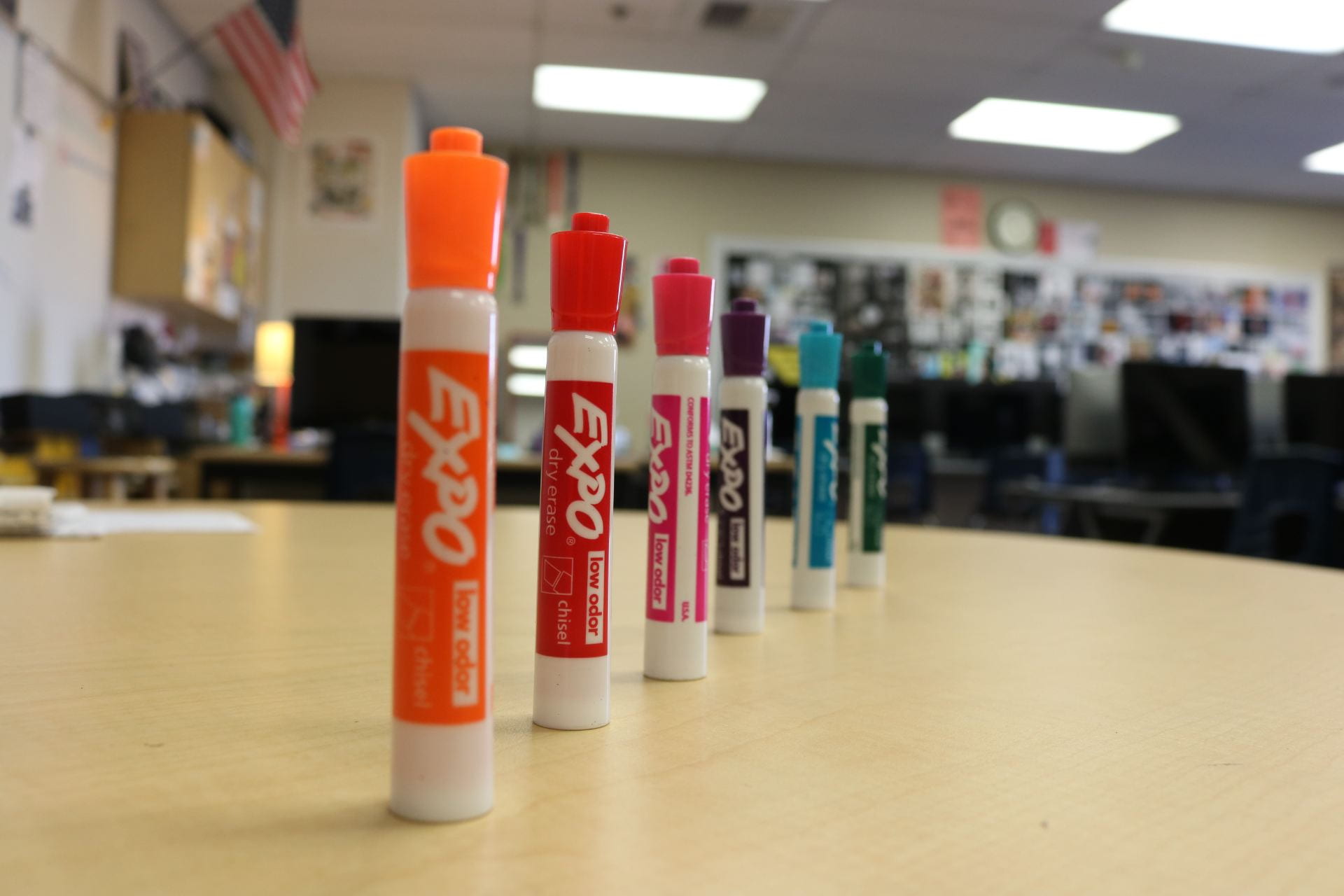
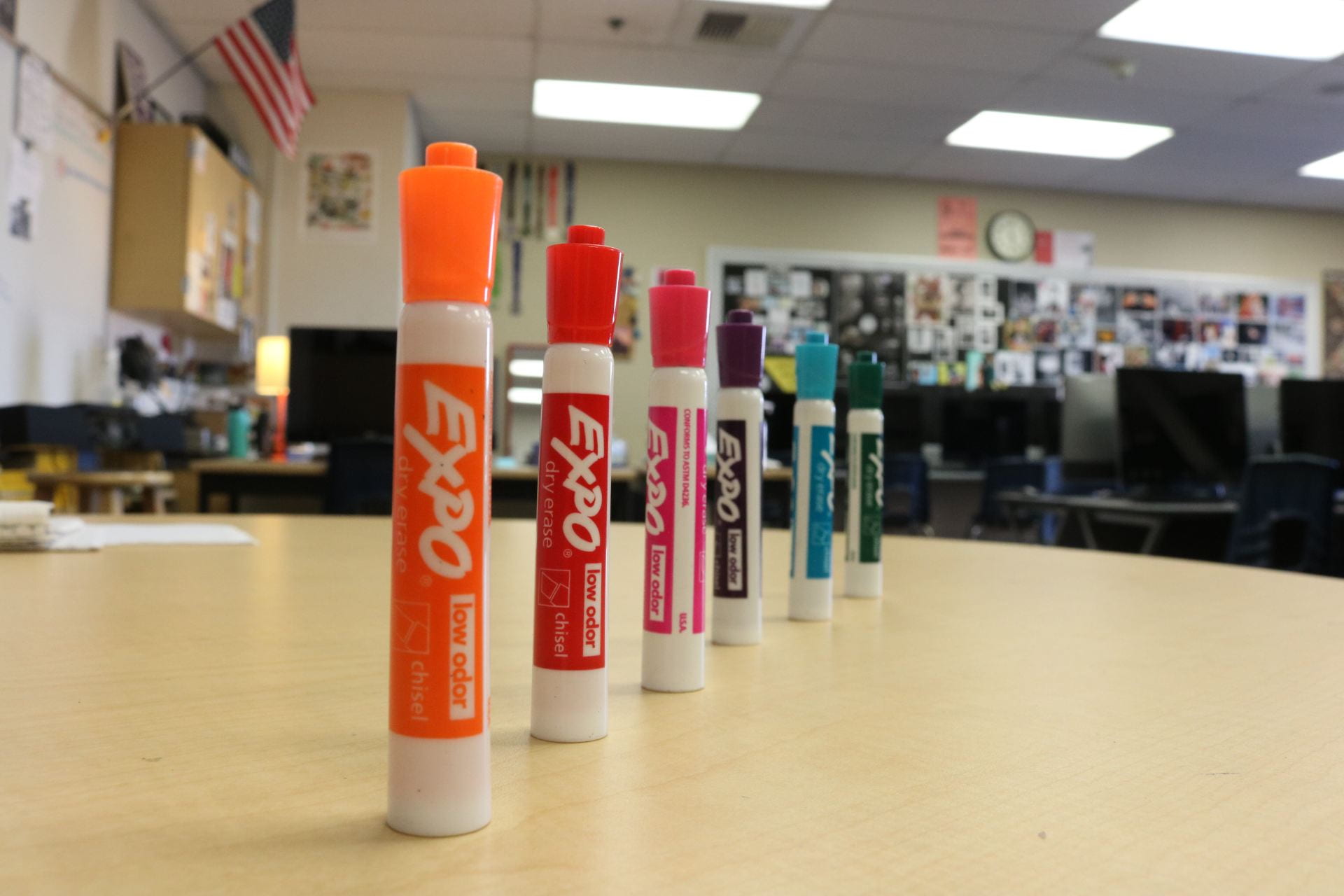
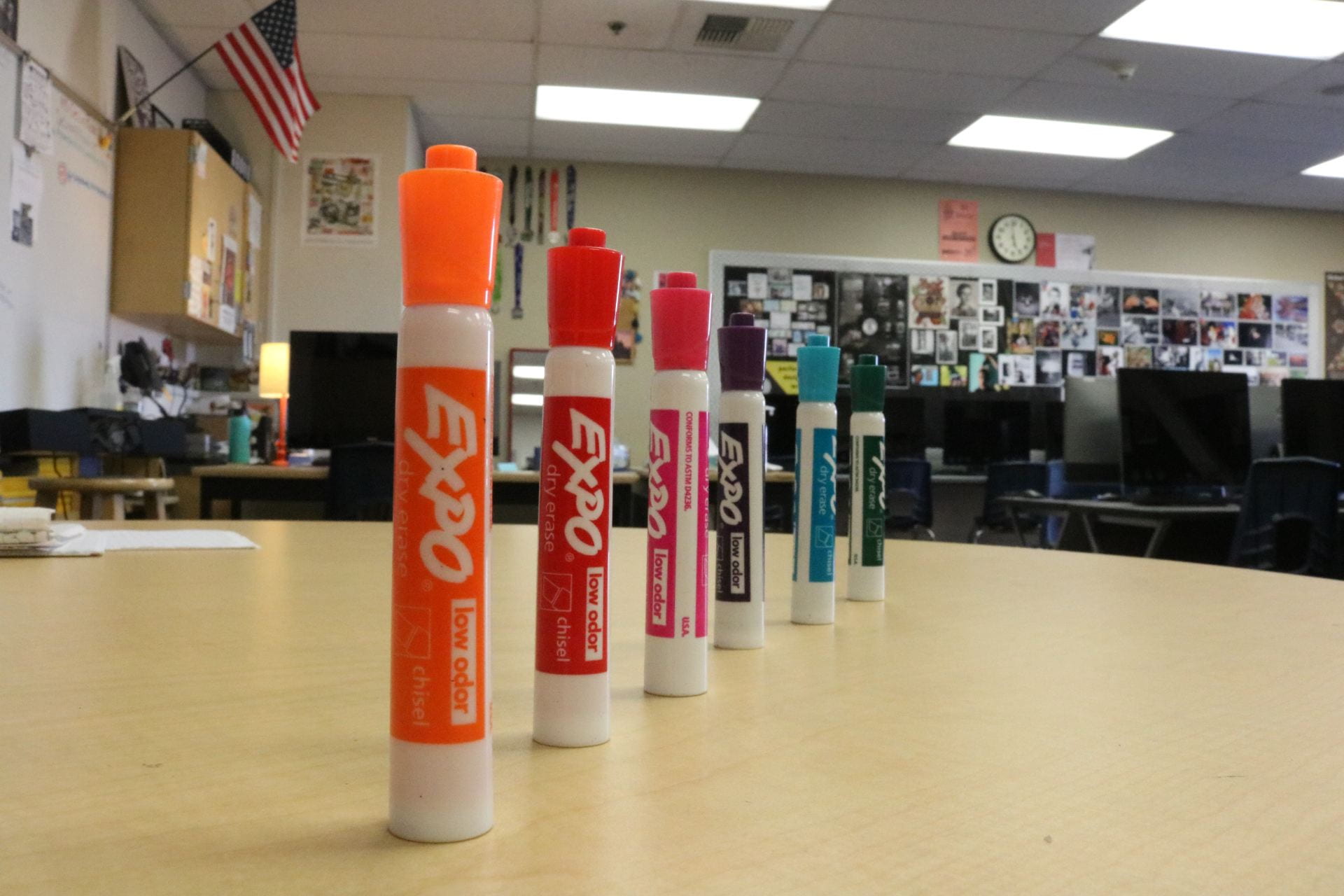
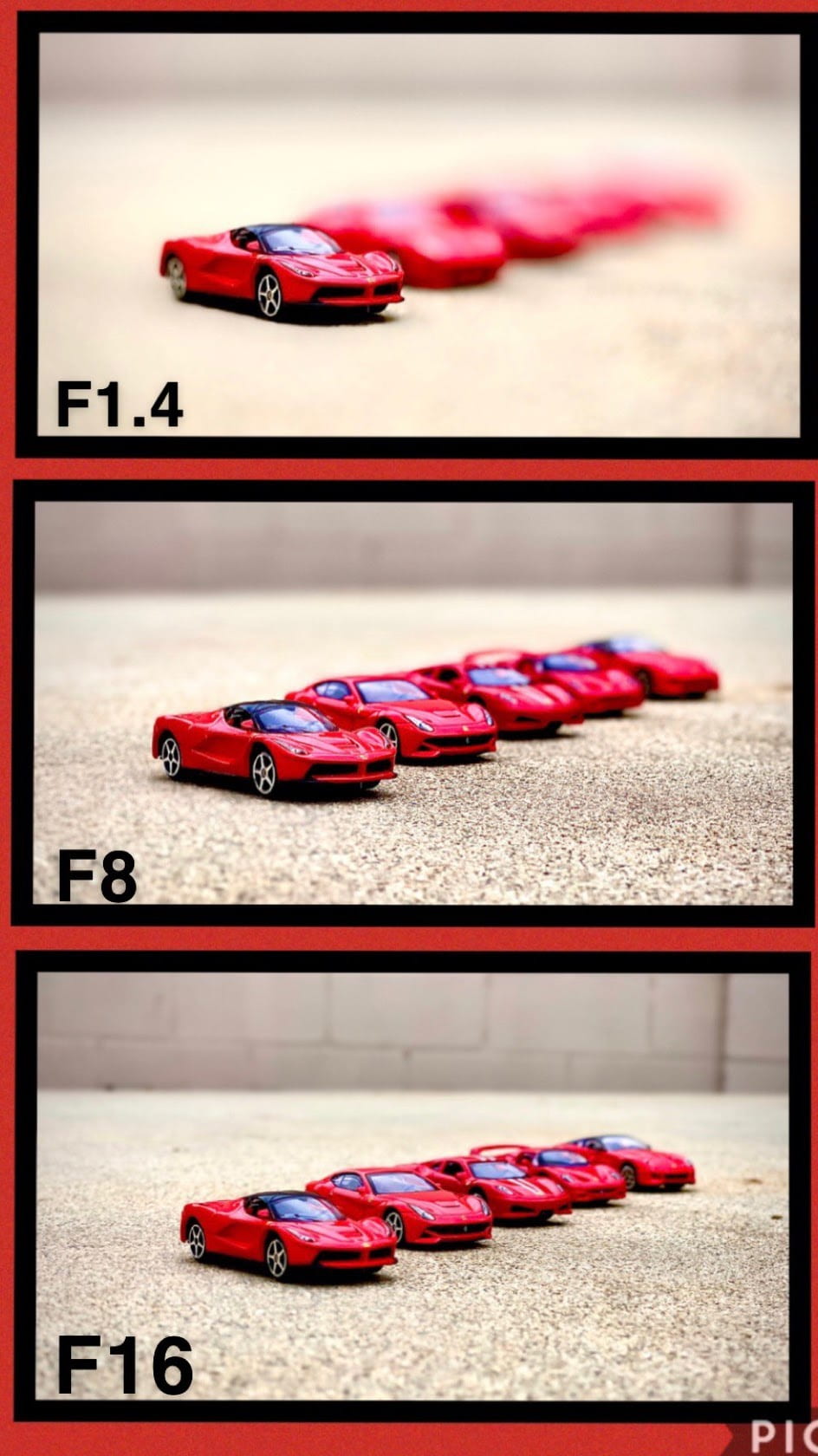
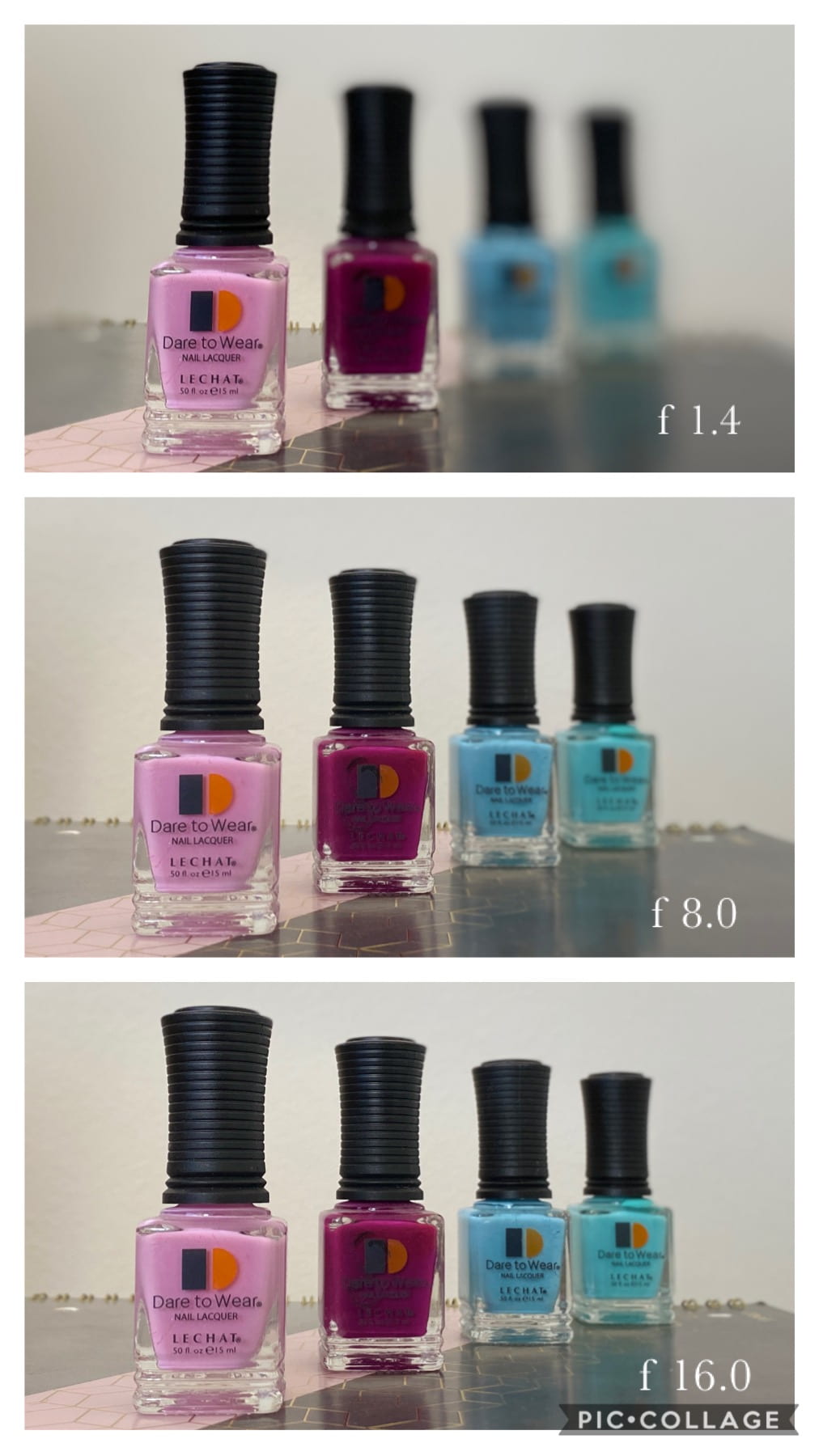
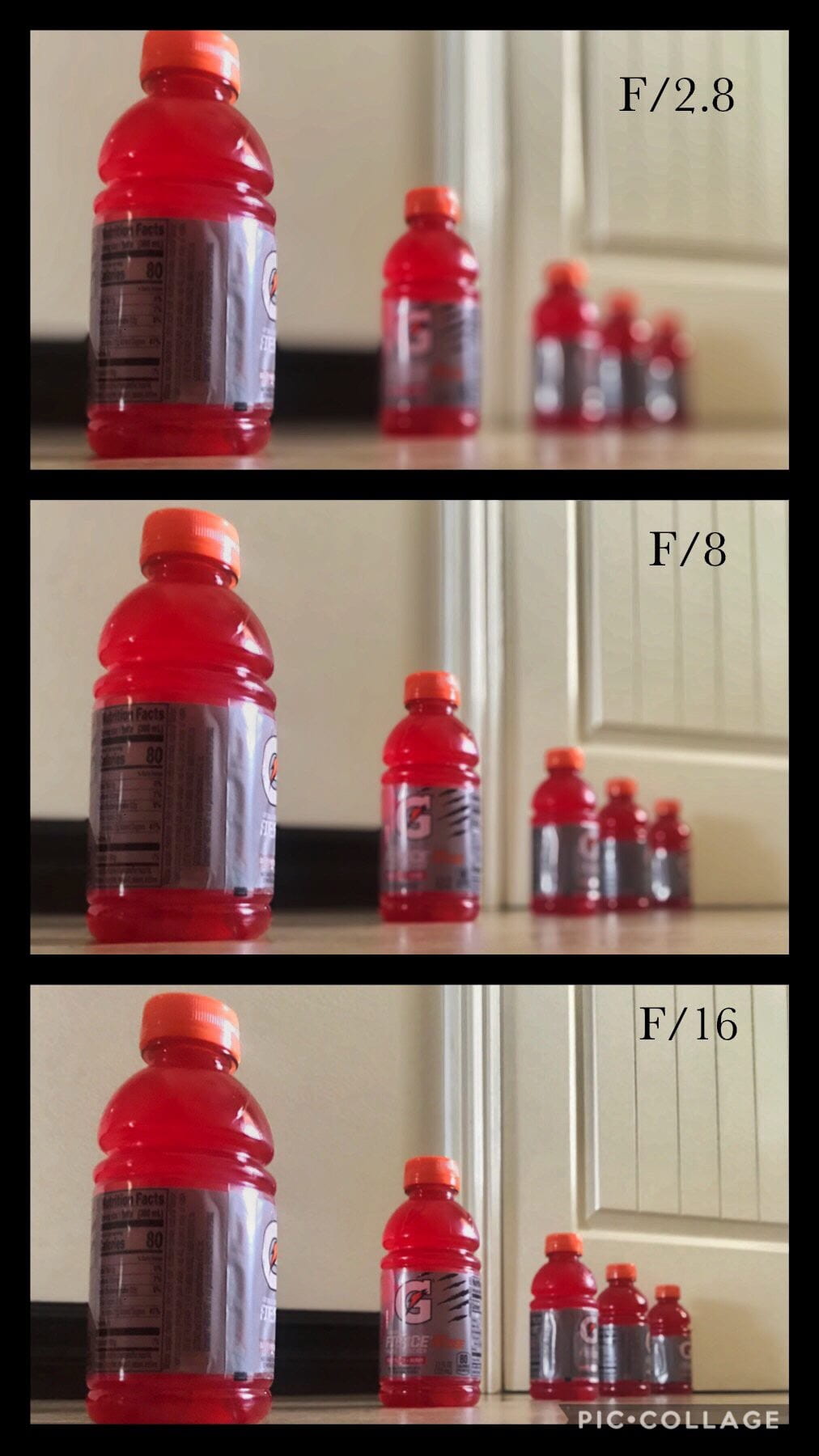
Example below (I know, I’m missing f-stop 22.0… but you get the idea).

Hot tips:

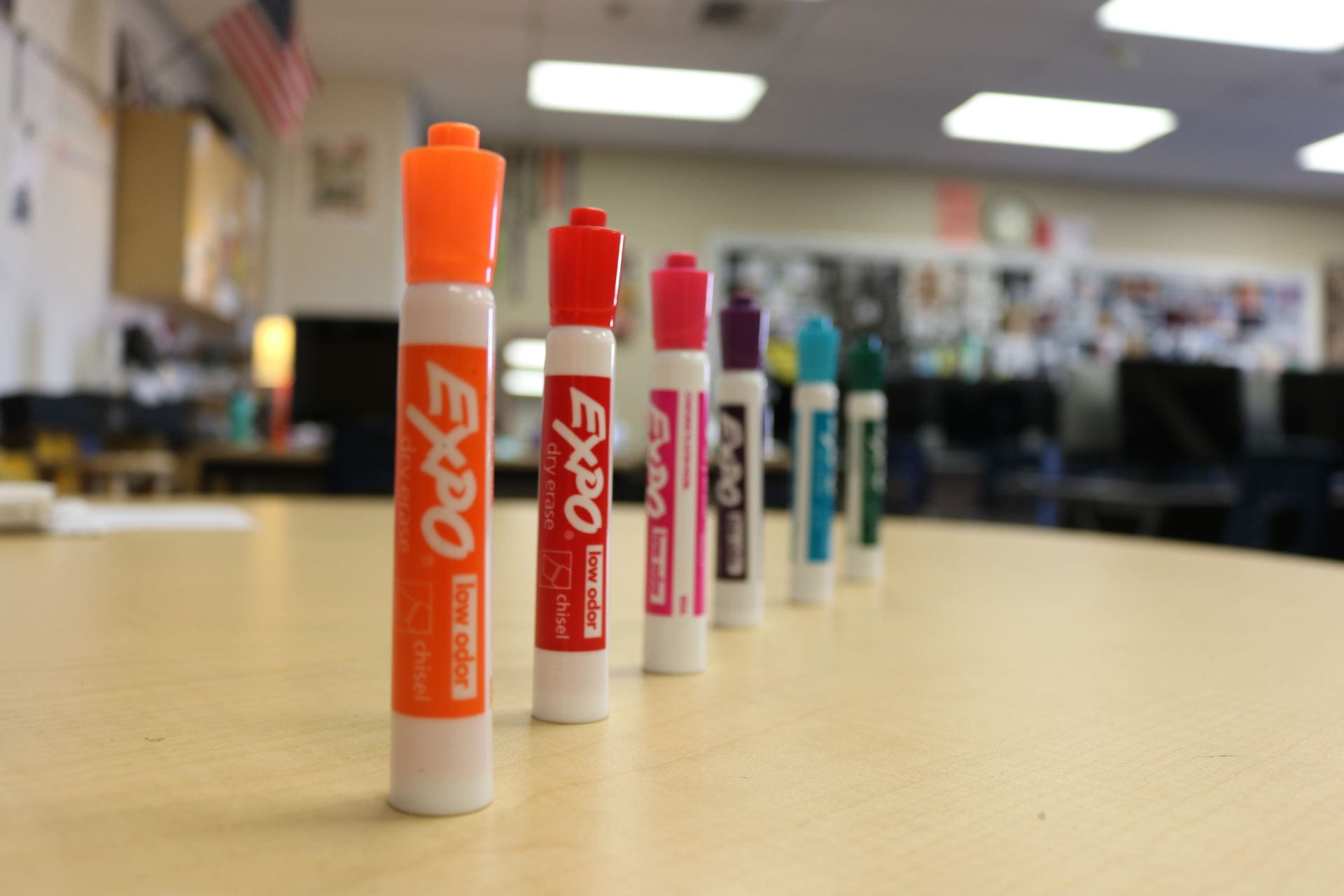
Keep your framing consistent so the shots look almost identical with the only difference being the depth of field.

Make sure there is plenty of distance behind your subjects so your camera can blur it out with the low f-stop number.  If there is a wall right behind your items, no aperture will work well to blur it out.  This is why I suggest shooting outside (plus better lighting).

Video of preparing Camera Settings

Video of Deleting Images from SD Memory Card


Some great student examples of this assignment:

https://3oweno.edublogs.org/2021/09/15/shallow-to-great-depth-of-field-photo-assignment/

https://3ceciliar.edublogs.org/2021/09/16/shallow-to-great/

https://5liamnoahacorpuz.edublogs.org/2021/09/15/from-shallow-to-great/

https://5marias.edublogs.org/2021/09/17/from-shallow-to-great-dof-photo-assignment/

https://2magalym.edublogs.org/2021/09/17/shallow-to-great/


Posted in Advanced Photo Assignments

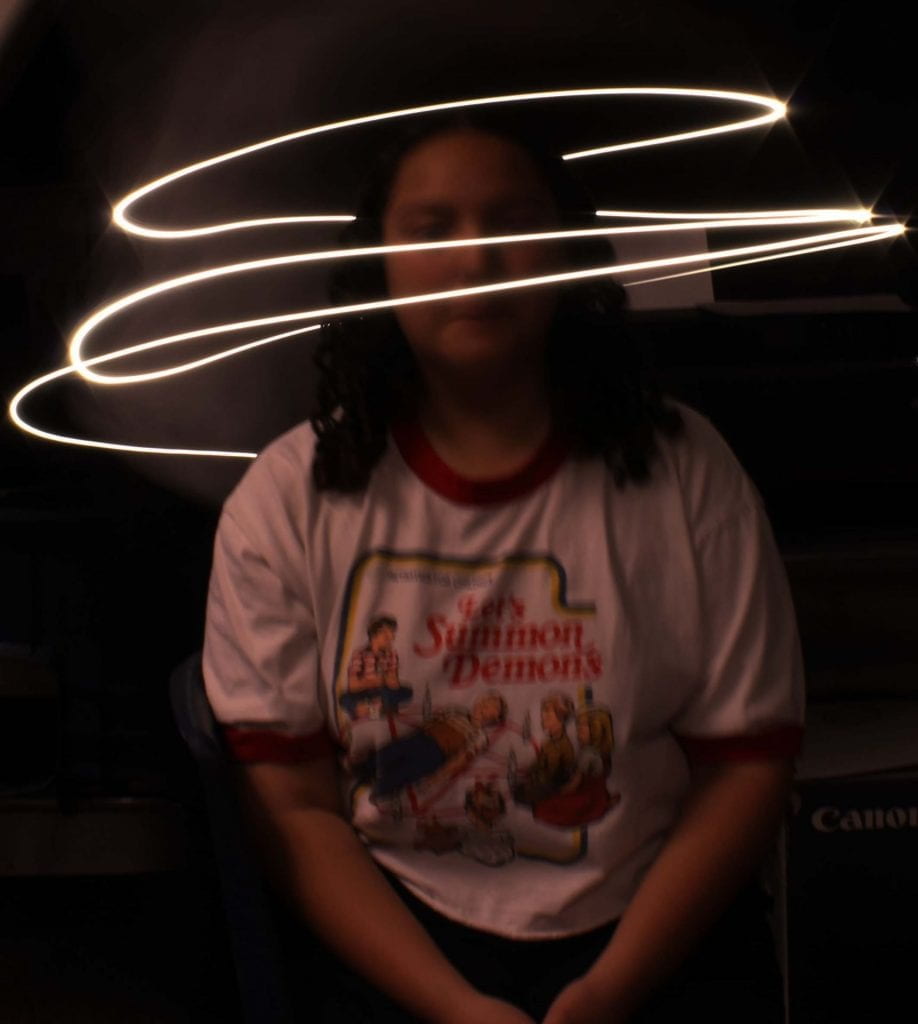
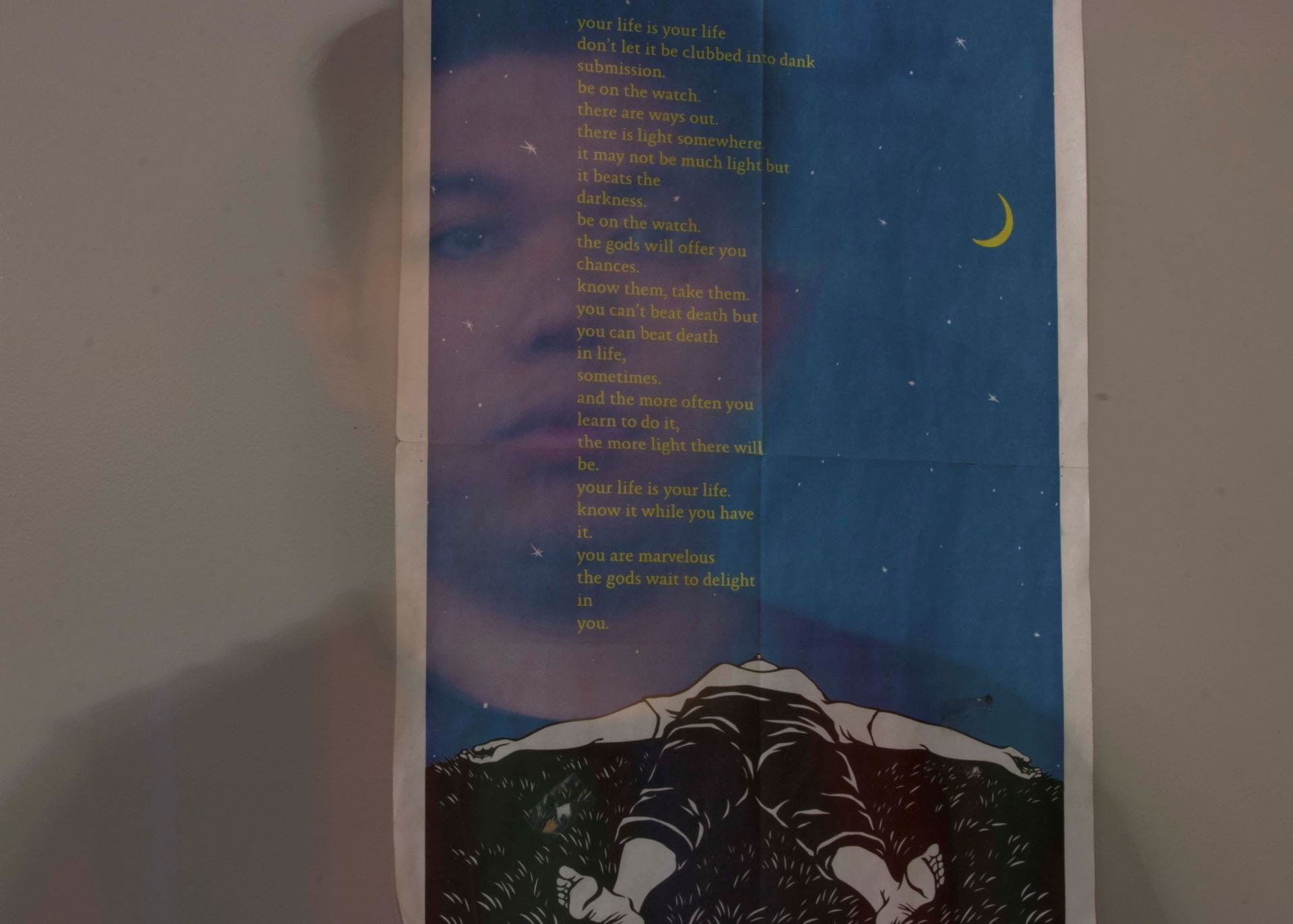
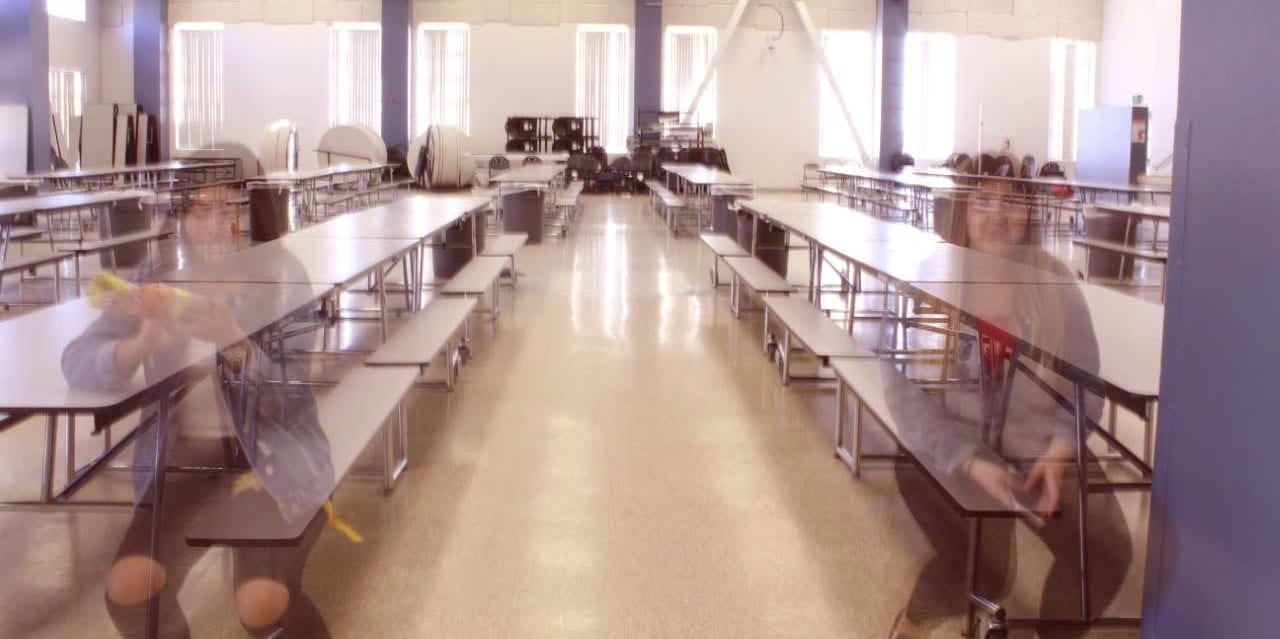
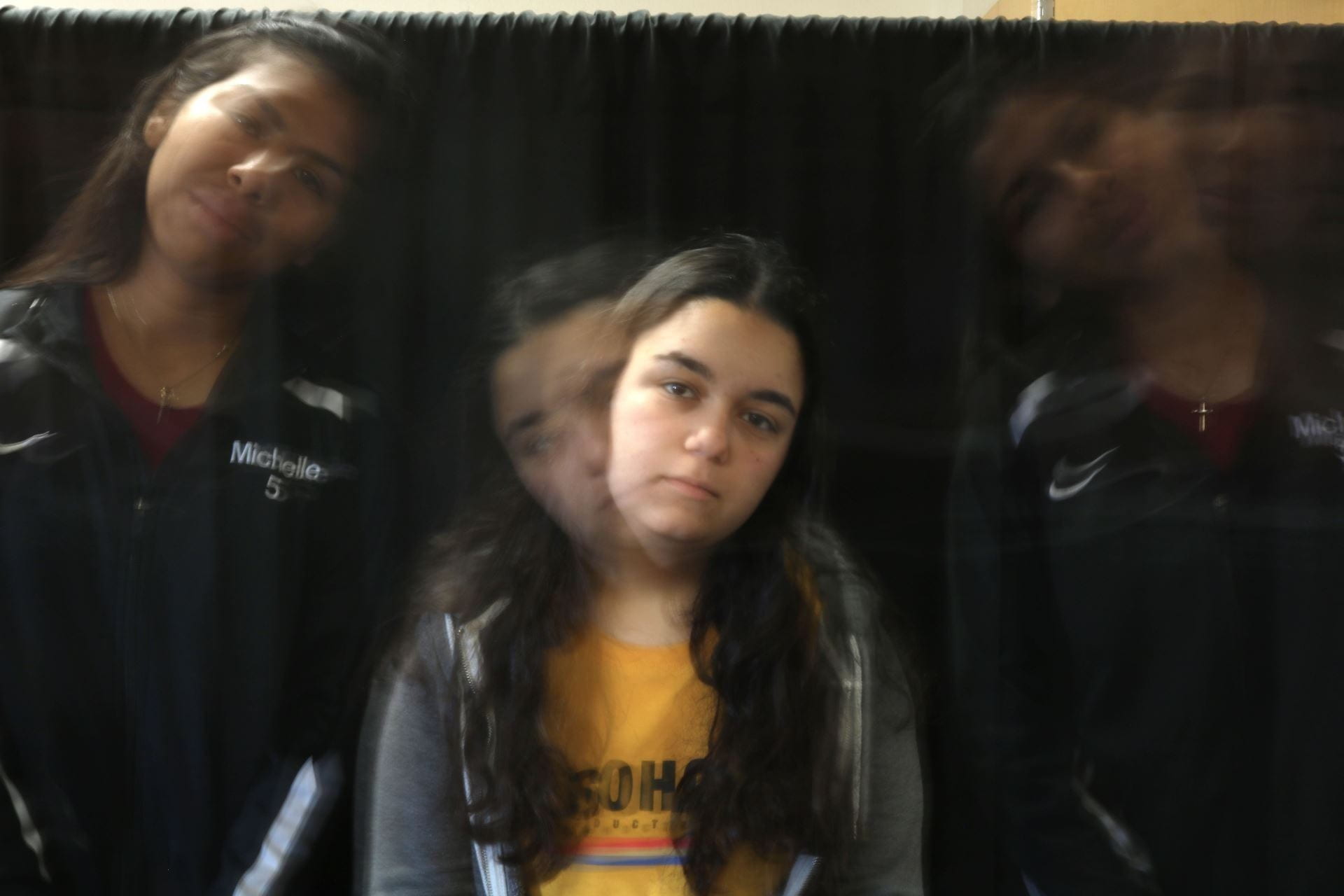
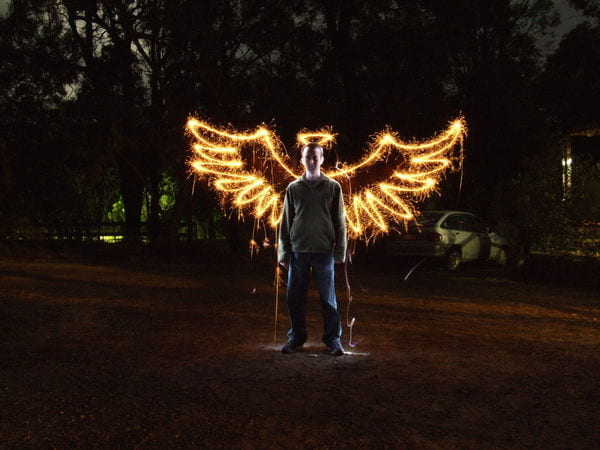
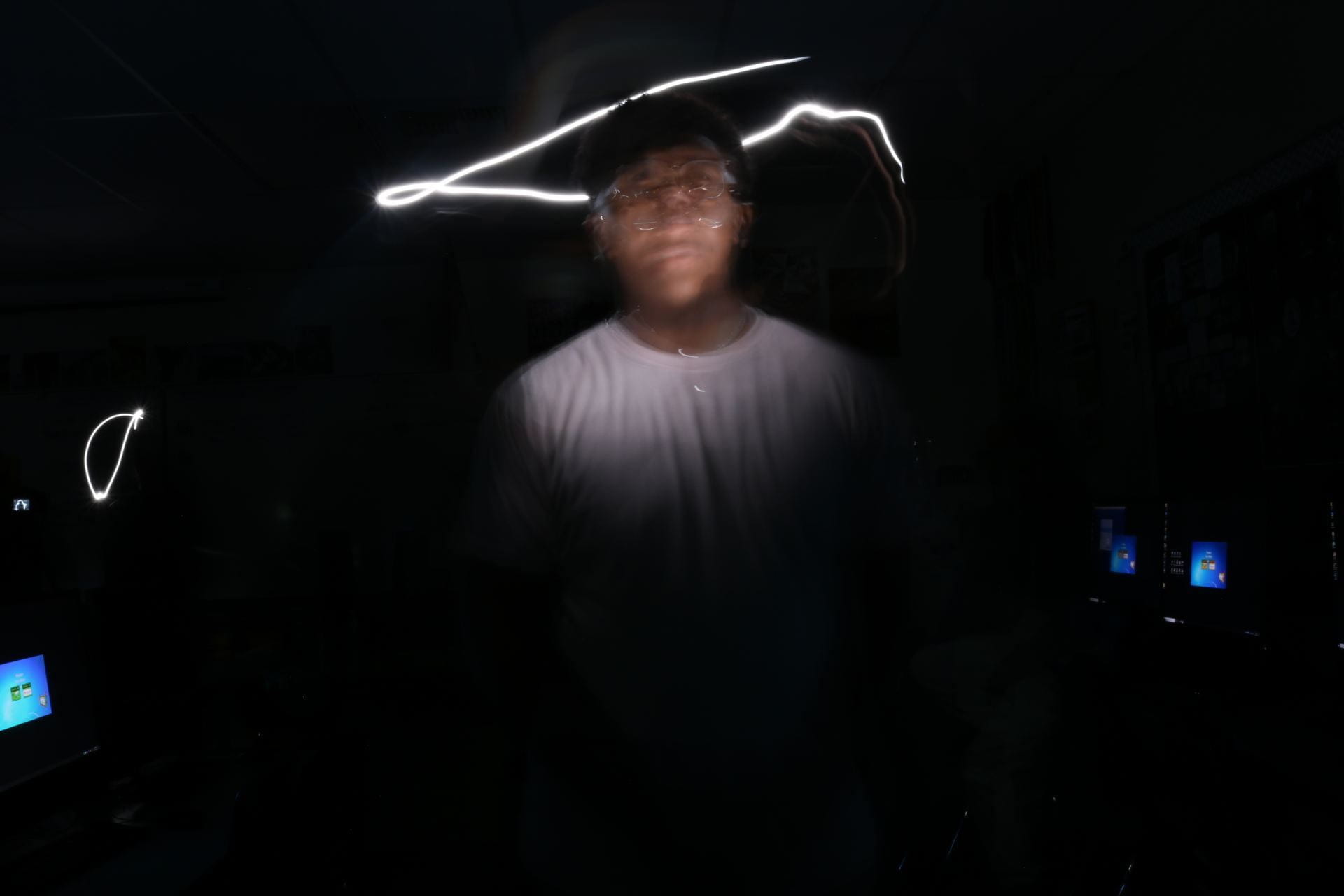
Monday 9/13/21: Light Painting, Light Writing, and GHOSTS!!

Today’s Agenda:

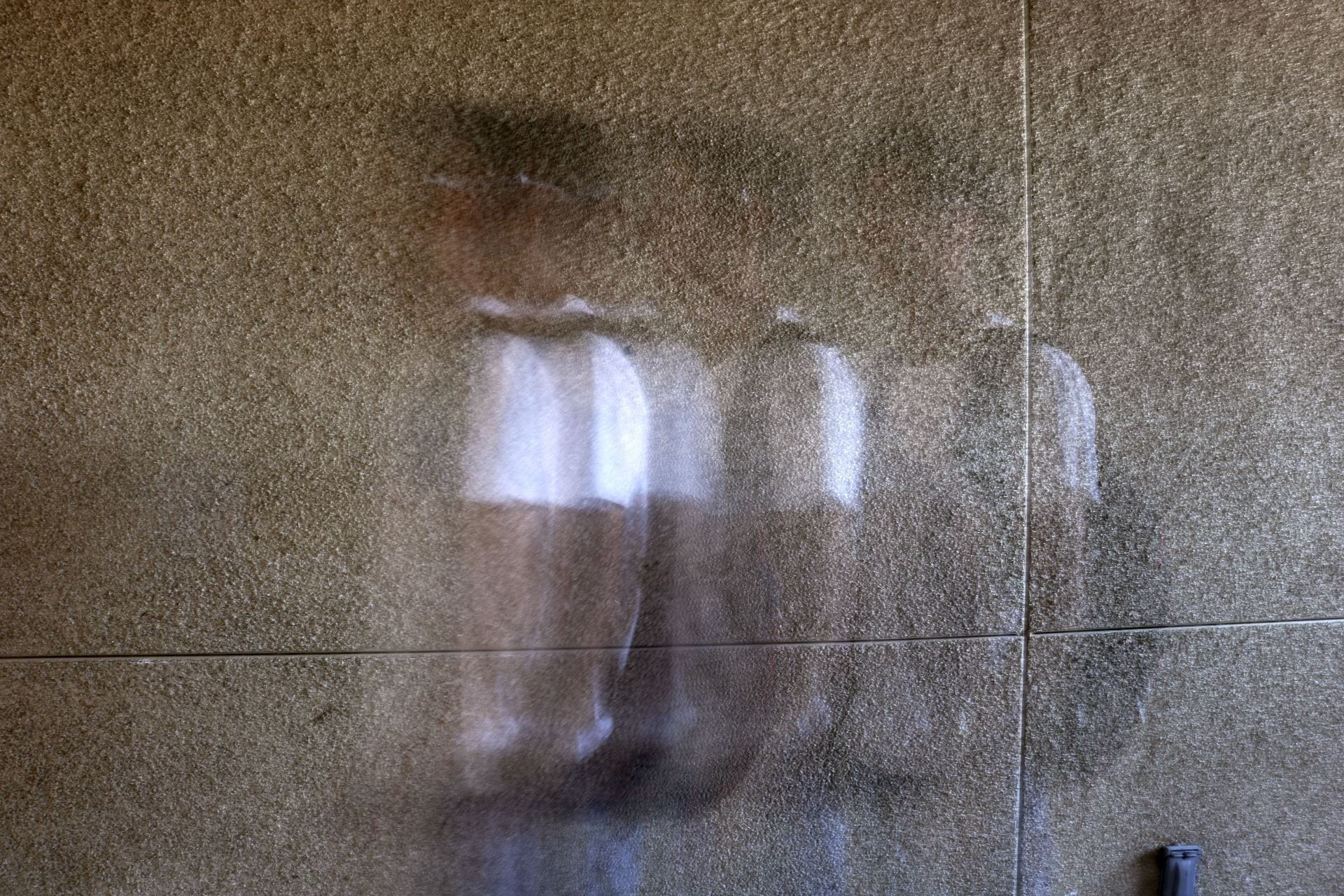
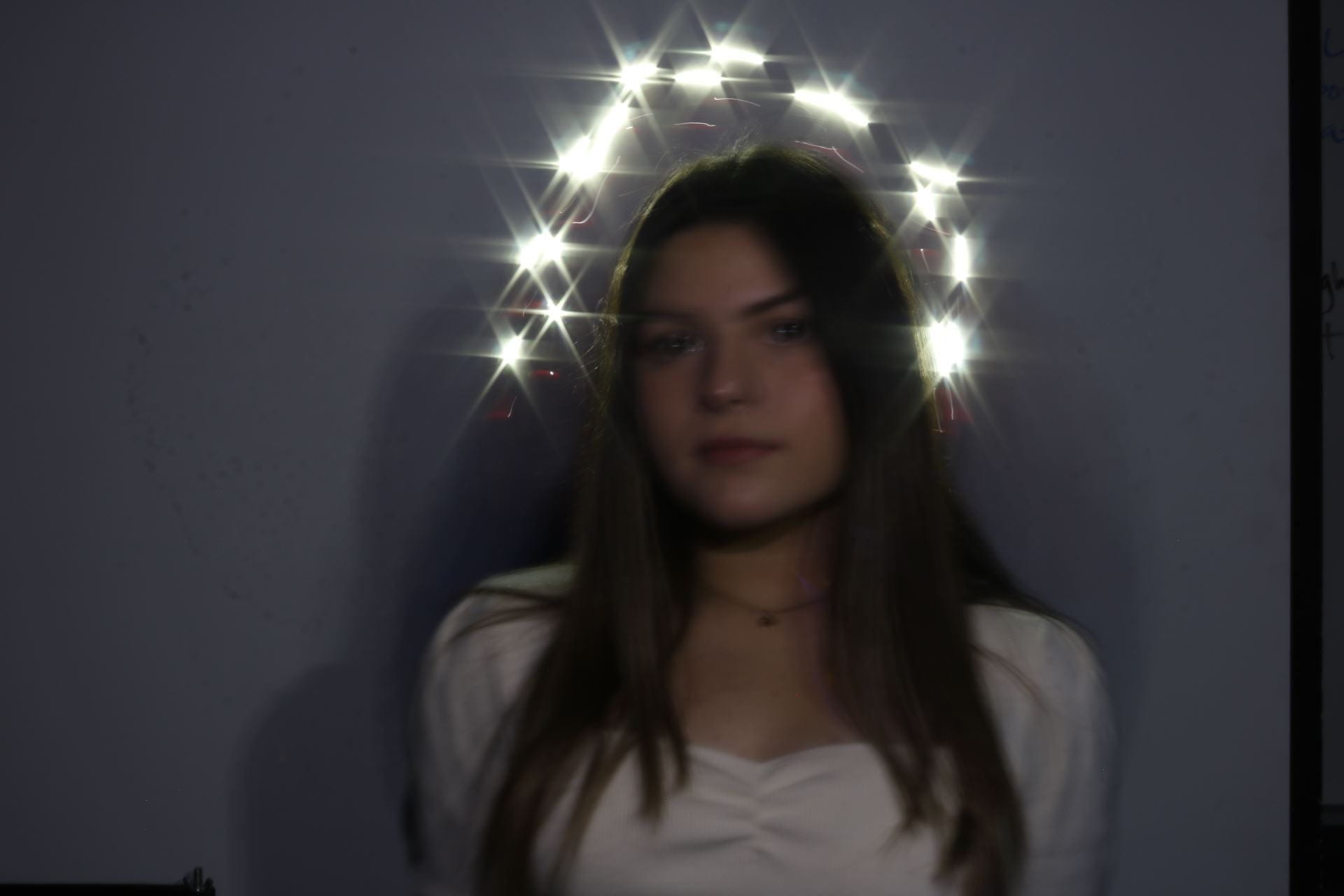
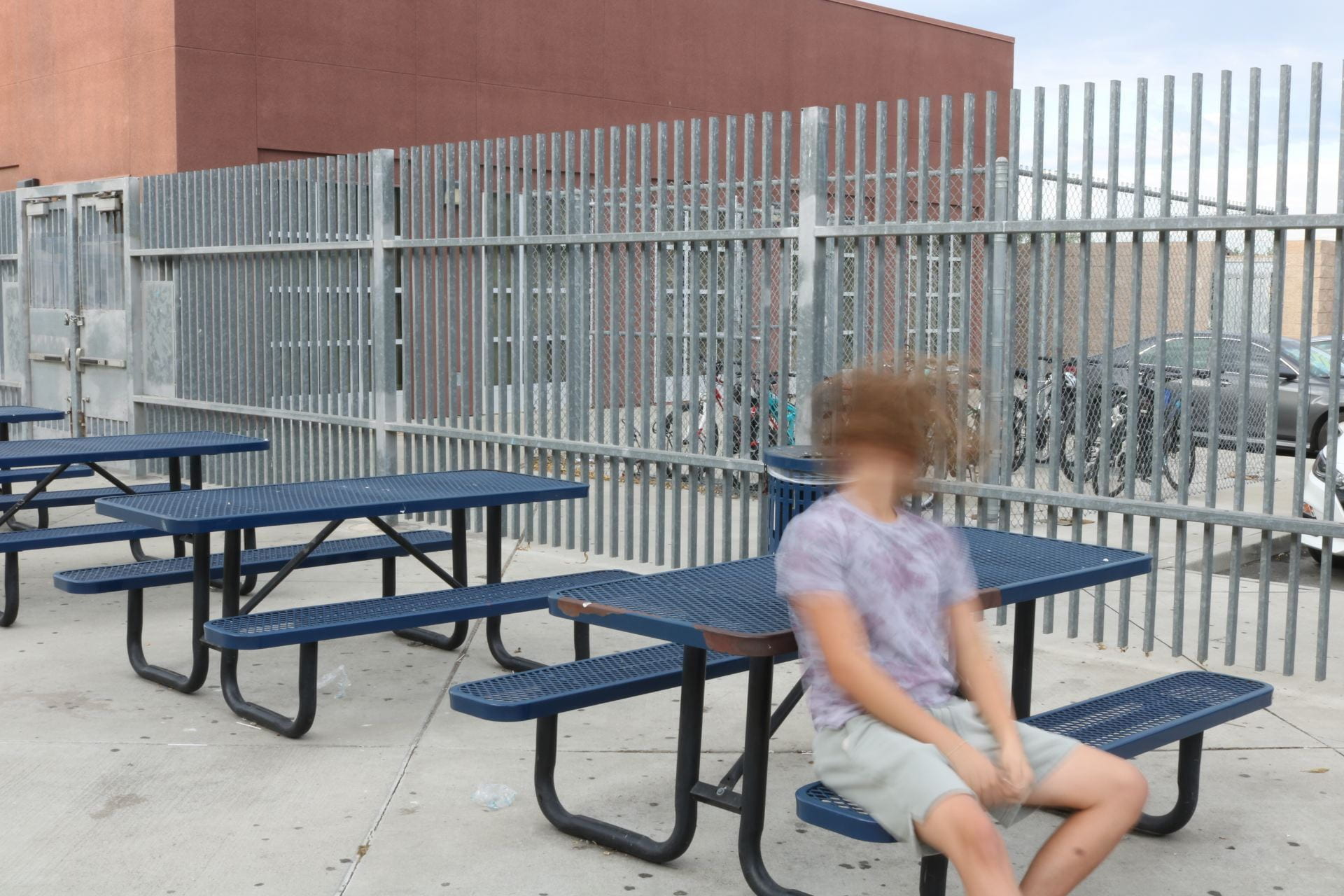
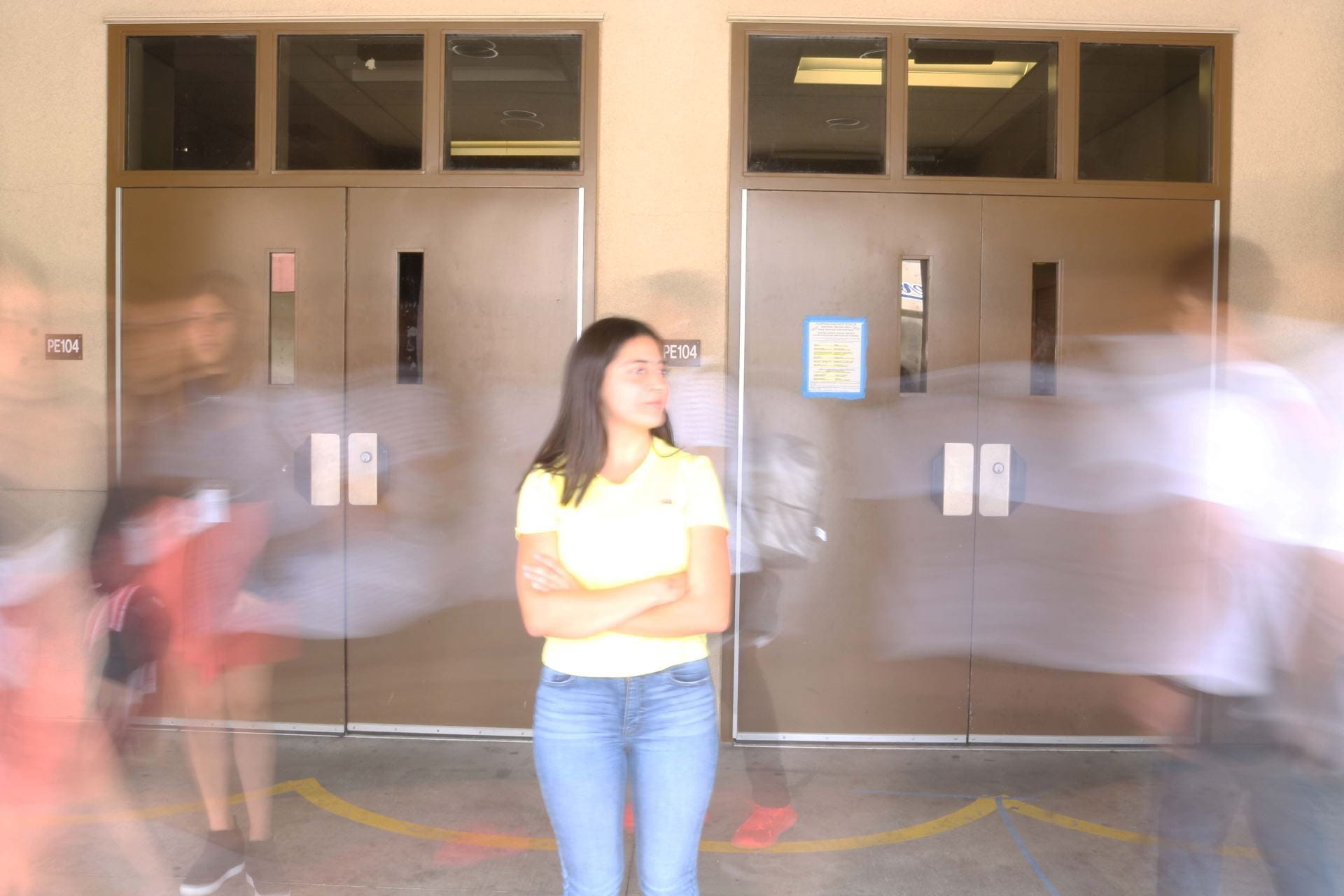
Work with a group of 3 to produce the following together. Make sure you switch off photographers so everyone gets a turn in all aspects of the photos.  You will share the photos to post on your own photo blog (except for one of the shots).

  1. Write a word with 3+ letters
  2. Illuminate a person or object in the dark
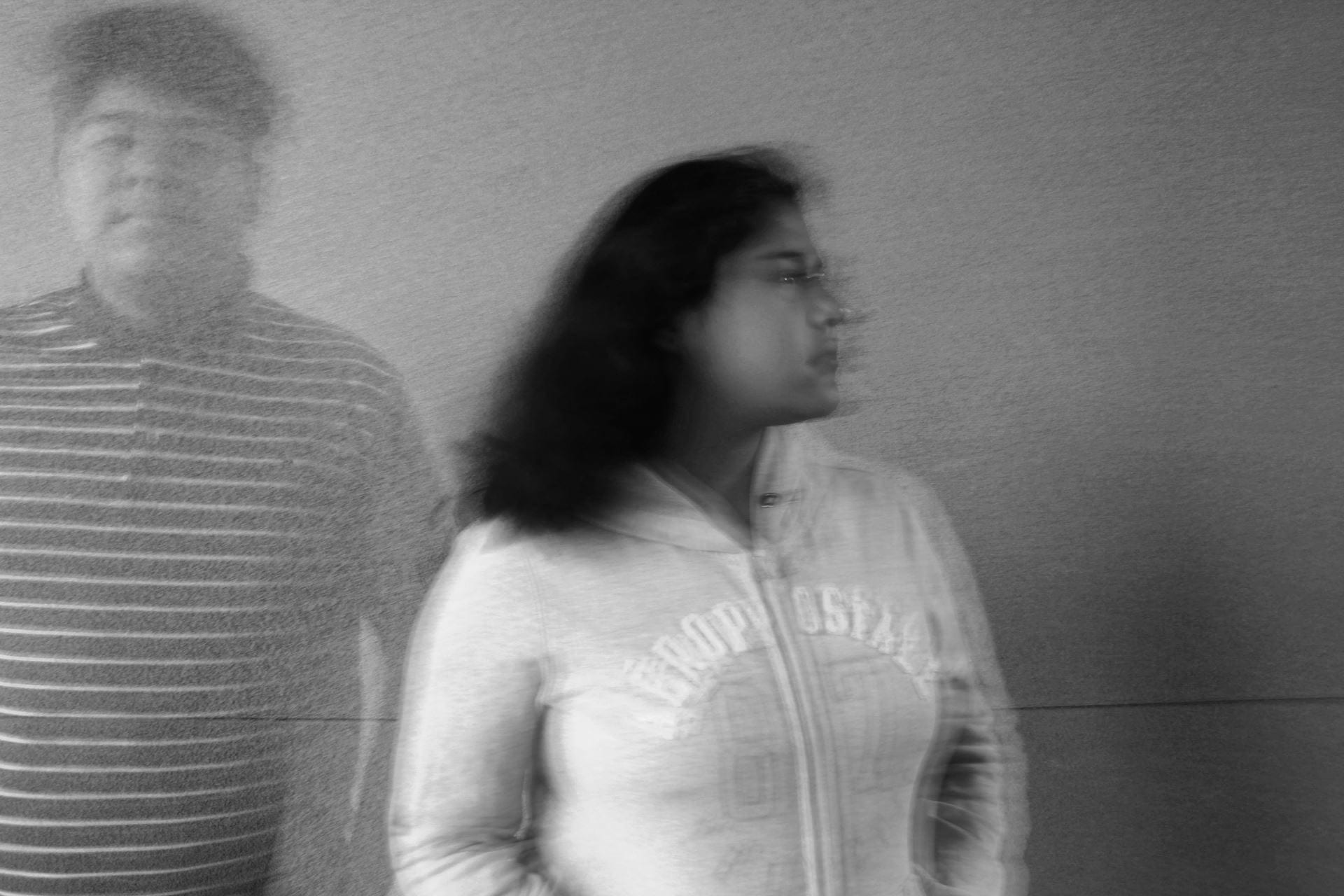
  3. Create a ghost of a person in one shot
  4. Individual Choice (every person should direct their own idea for this one!)


Posted in Photo 1 Assignments

Monday 9/13/21: Understanding Exposure, Aperture, & Depth of Field

Today’s Agenda:

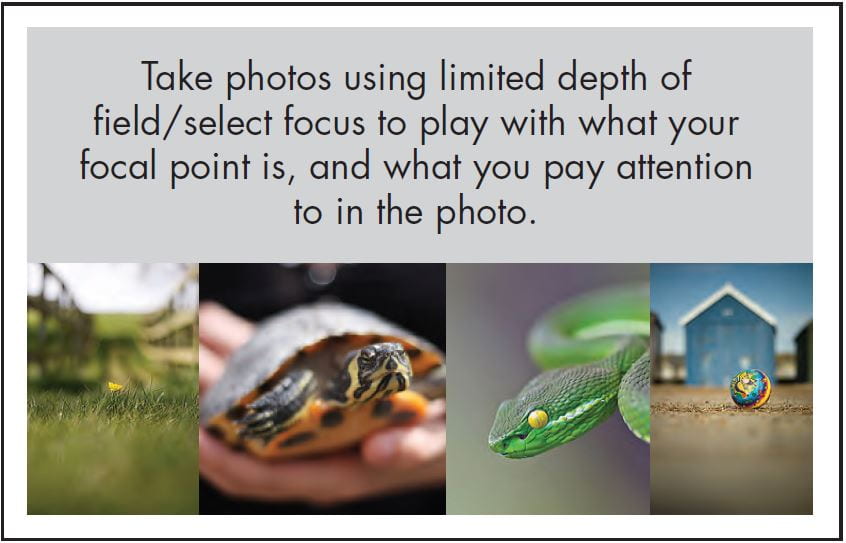
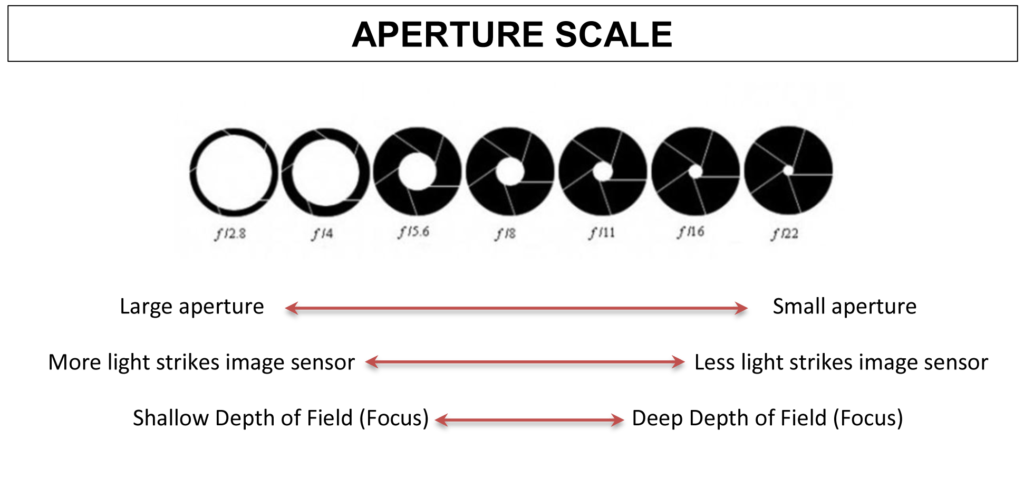
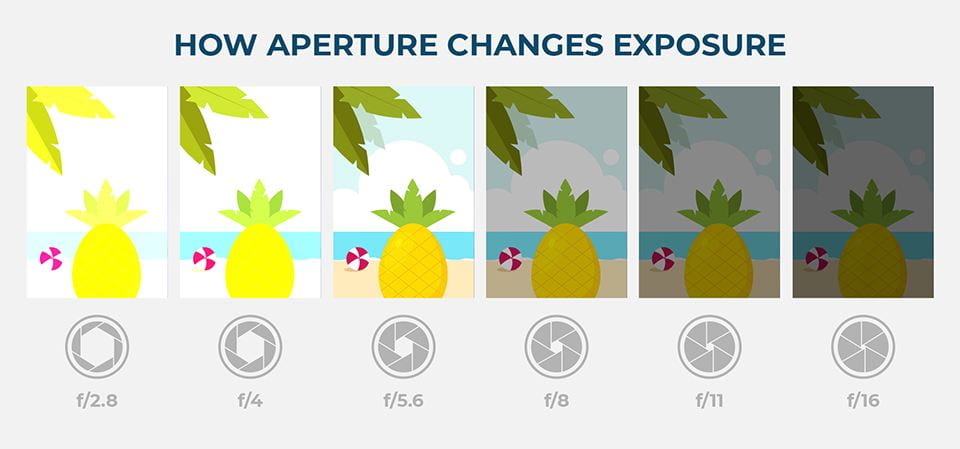
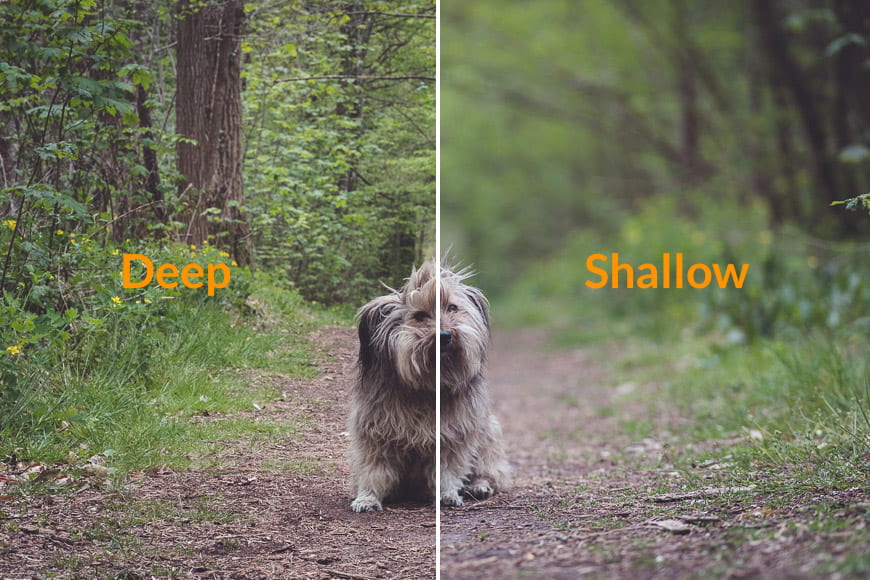
  • Diving deeper into aperture and its effect on exposure and depth of field
  • Upcoming “Shallow to Great Depth of Field Photo Assignment” with  DSLR cameras (Yay!)

Aperture, Exposure, and Depth of Field

Pay attention to the 3 main things that affect depth of field when watching this video.

Depth of Field_YouTube Version

Visual References/Diagrams:


“Shallow to Great” Depth of Field Photo Assignment

Due by Wednesday Thursday 9/16/21

Objective:

Create a series of photos that demonstrate the change in depth of field with various aperture settings.

Criteria:

  • Use Aperture Priority Mode (Av)
  • Set ISO to Automatic (Auto)
  • Use Automatic Focus (AF)
  • Photograph similar or identical subjects to line up diagonally
  • Take photos with the f-stop values assigned  while zoomed all the way out